
- 対象年齢4+
- カテゴリ教育
- 開発元Excelsoft Technologies Ltd
- 言語英語
- サイズ36.7 MB
App Storeの公式ページにリンクしています
Download.orgはSARAS Device Managerのファイルを一切ホストしていません。ボタンを押すと、Excelsoft Technologies Ltdが公開しているApp Storeのアプリページが開きます。ページの最終確認:2026/11/15。
スクリーンショット
概要
開発元はこのテキストをお使いの言語で提供していません。
SARAS Device Manager is a powerful mobile application designed to simplify the setup, management, and monitoring of SARAS Assessment-in-a-Box (SARAS Box) devices. The application provides authorized users with a centralized platform to connect to SARAS Boxes, configure device settings, monitor device health, manage network connectivity, and track assessment data from anywhere.
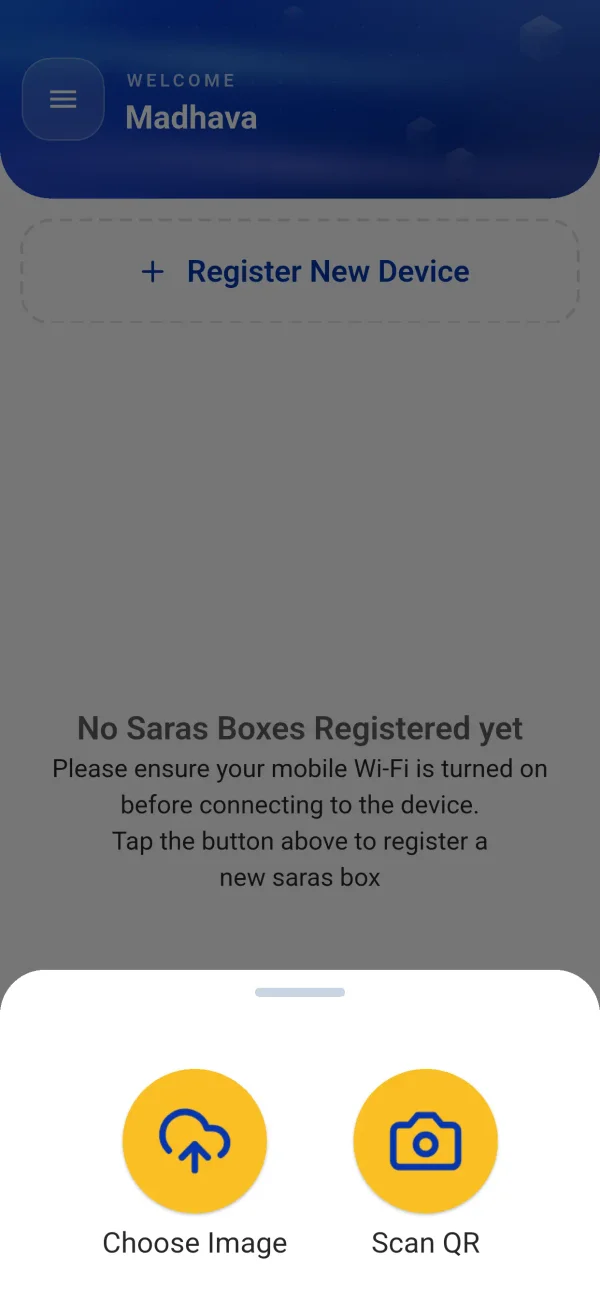
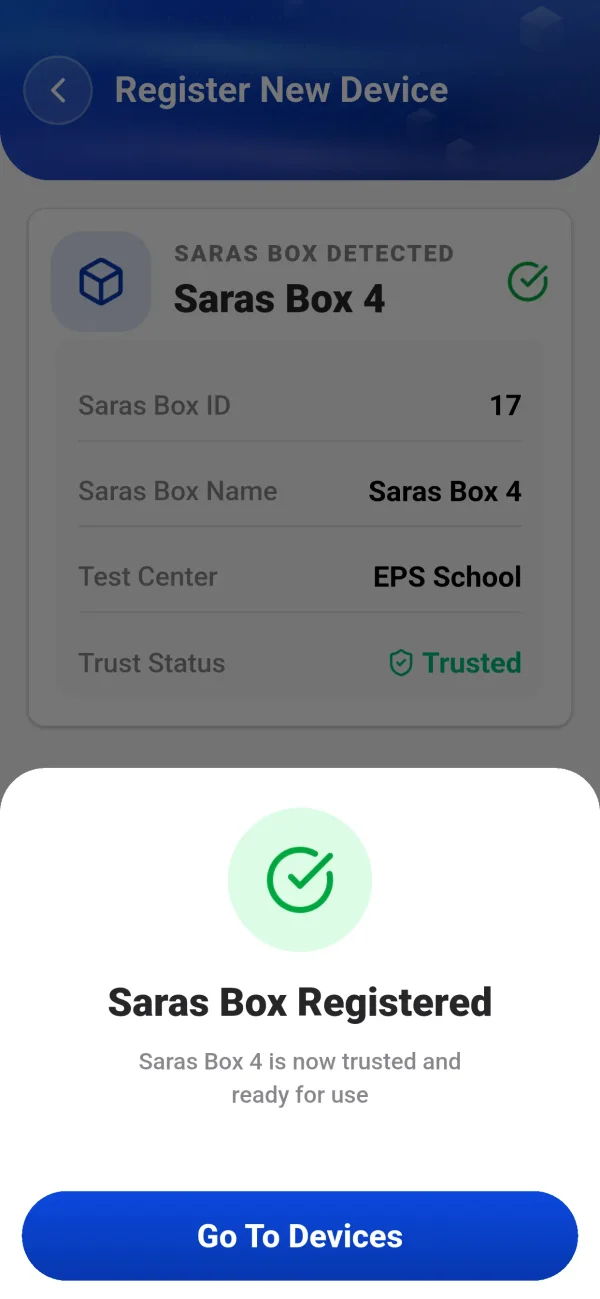
The application enables quick and secure device onboarding through QR code-based registration. Users can easily register new SARAS Boxes, establish device connectivity, and automatically synchronize device date and time with their mobile devices. Once registered, all devices can be accessed and managed from a single interface, making device administration efficient and convenient.
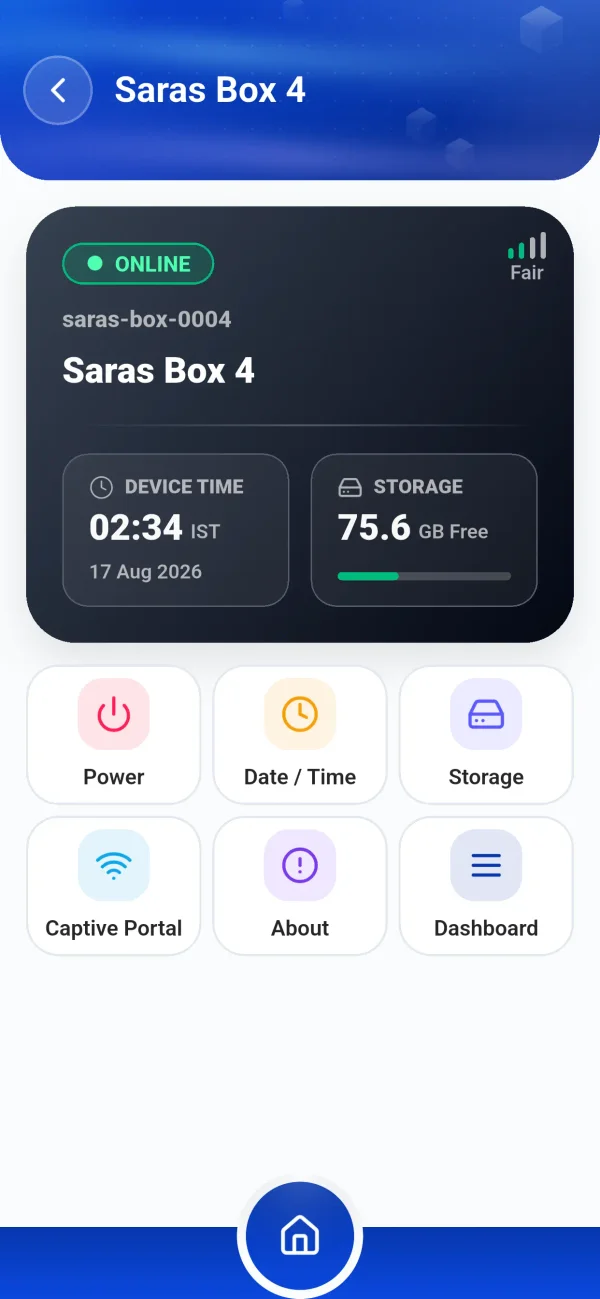
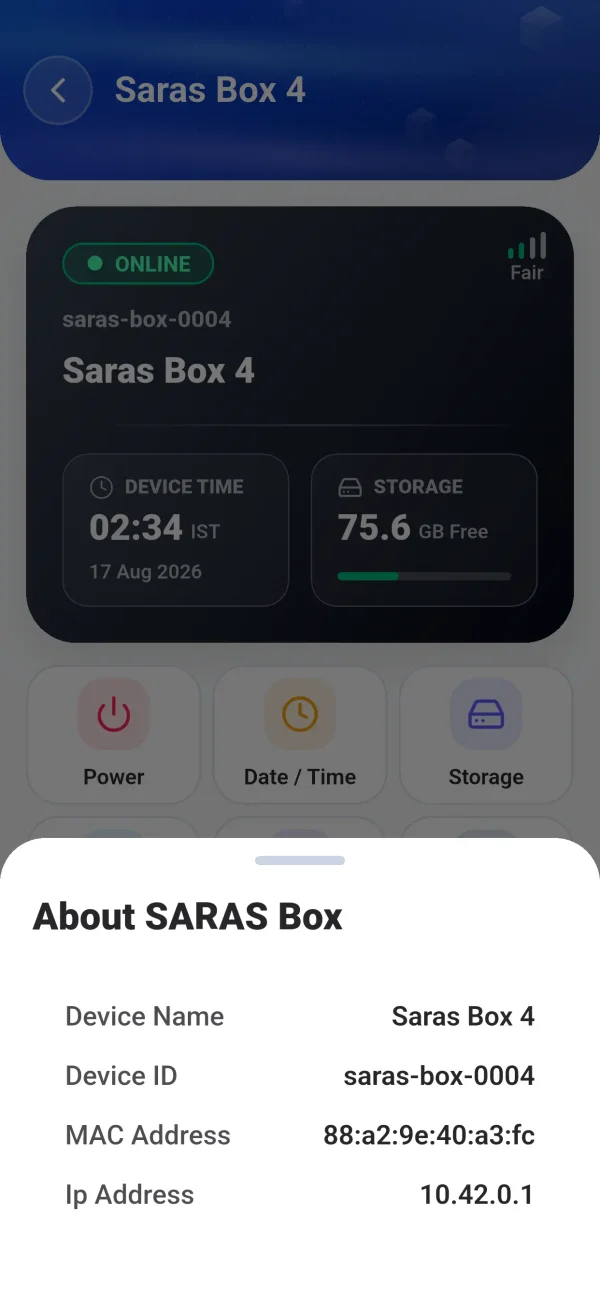
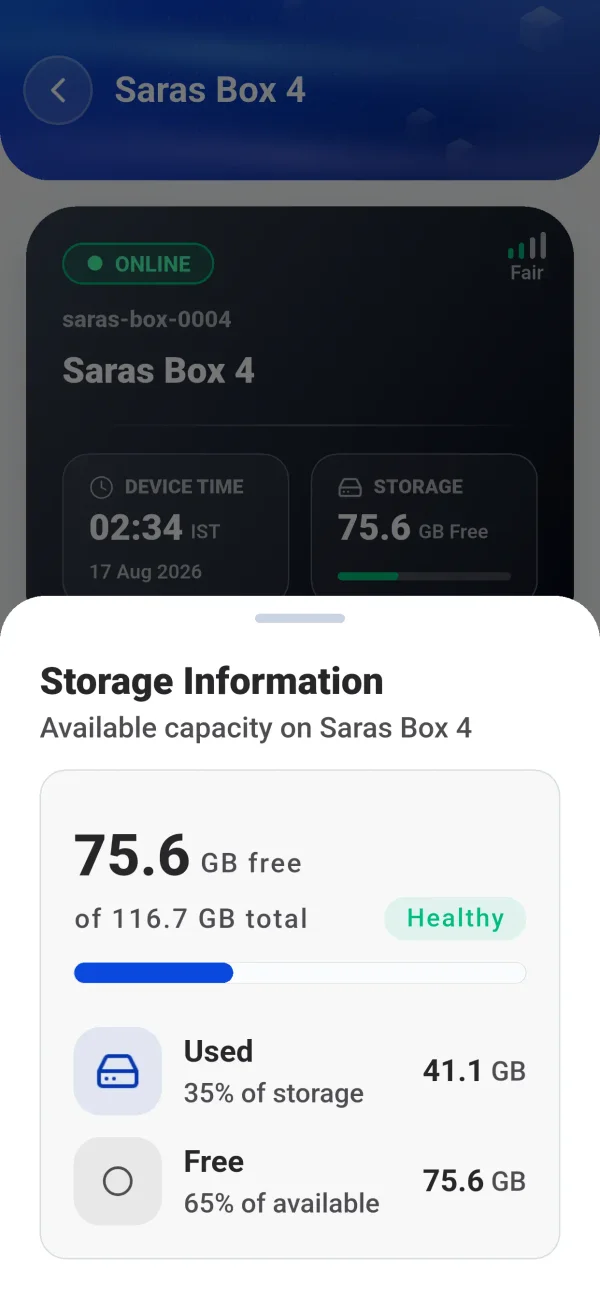
SARAS Device Manager provides real-time visibility into device status, including connection status, signal strength, device name, hostname, storage utilization, and last synchronization details. Users can remotely perform essential device management tasks such as restarting or powering off a SARAS Box, synchronizing device time, checking storage availability, and viewing detailed device identification information.
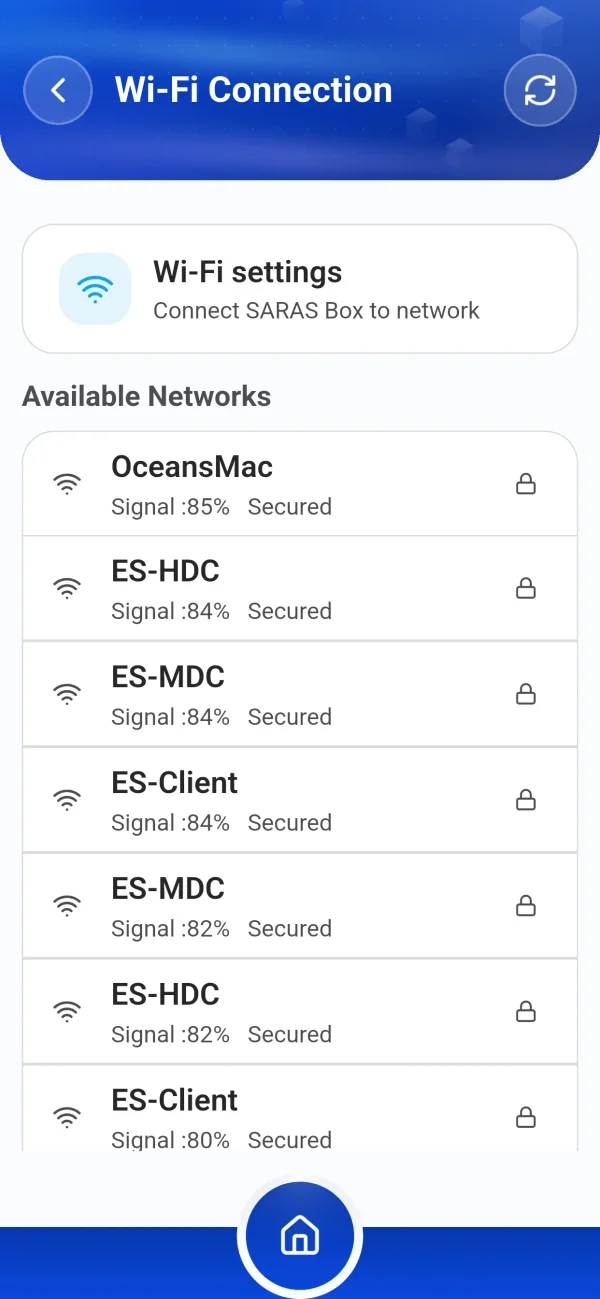
The application also includes an integrated Wi-Fi management feature that allows SARAS Boxes to connect to external wireless networks. Users can scan available networks, refresh Wi-Fi lists, enter network credentials, and establish internet connectivity to support content synchronization and result uploads.
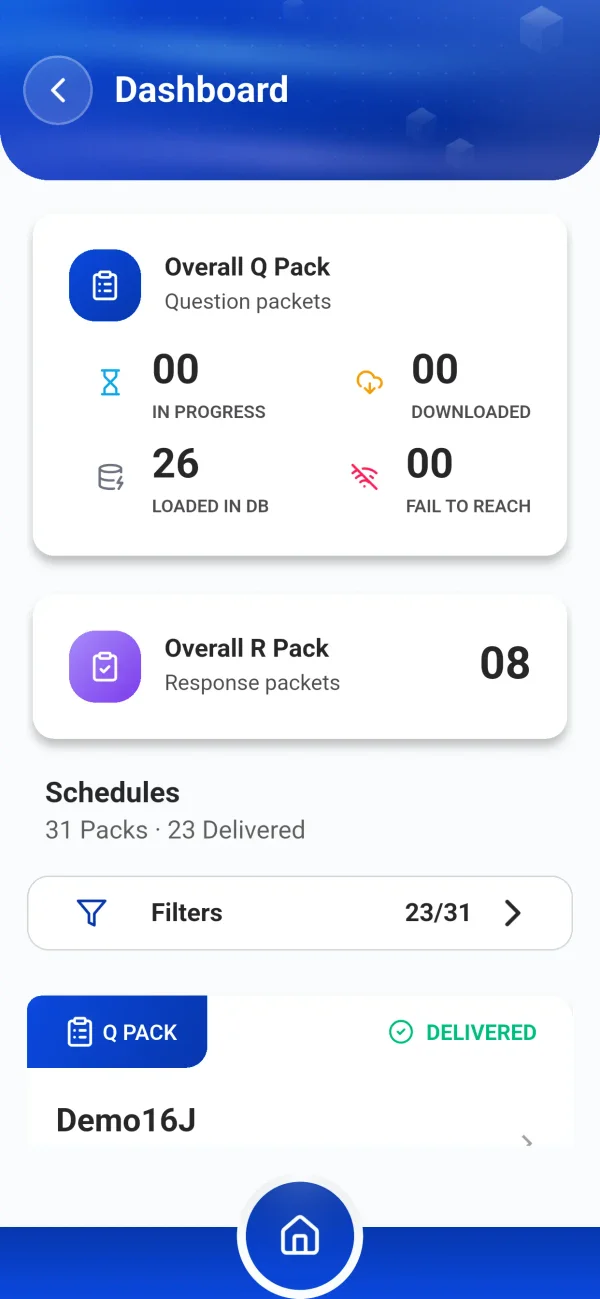
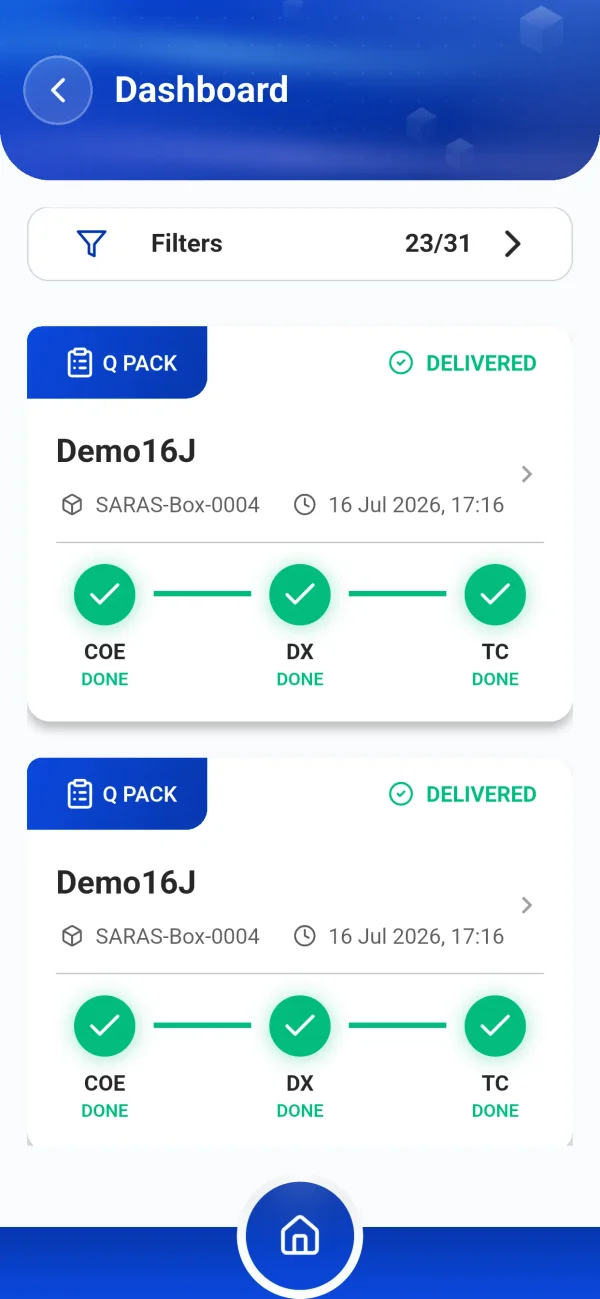
A comprehensive Dashboard provides complete visibility into assessment-related packages. Users can monitor Question Packages (Q Packs) and Result Packages (R Packs), view package summaries, track synchronization status, and monitor package progress across different system layers. Advanced filtering options allow users to search and analyze package information by date range and package type for improved operational visibility.
Key Features:
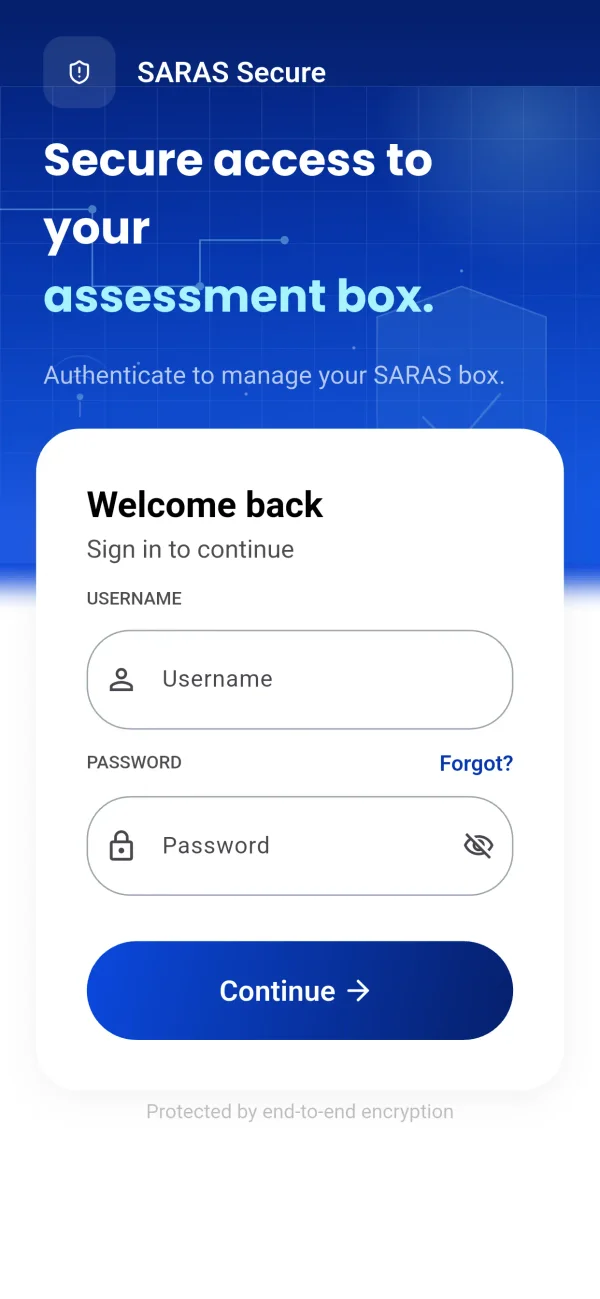
Secure user authentication and access control
QR-code based SARAS Box registration
Real-time device monitoring and status tracking
Centralized management of registered devices
Remote power control and device restart functionality
Automatic date and time synchronization
Storage monitoring and capacity tracking
Wi-Fi configuration and network management
Device information and identification details
Q Pack and R Pack monitoring dashboard
Assessment package status tracking across multiple system layers
Date and package-based filtering capabilities
Benefits:
Simplifies SARAS Box setup and administration
Improves operational efficiency during assessments
Provides real-time device visibility and monitoring
Enables seamless network connectivity management
Supports offline and semi-connected assessment environments
Streamlines assessment package tracking and synchronization
Reduces manual effort in device configuration and maintenance
SARAS Connect is the ideal companion application for assessment administrators and field operators, providing a reliable, secure, and user-friendly solution for managing SARAS Assessment devices and ensuring smooth assessment delivery.
新機能
バージョン 1.0.3 · 2026/11/6
Performance improvements and bug fixes.
アプリのプライバシー
このアプリのデータの取り扱いについて、Excelsoft Technologies LtdがApp Storeで申告している内容です。
-
データの収集なし
開発元はこのアプリからデータを収集しません。
プライバシーの取り扱いは、ご利用の機能やお客様の年齢などに応じて異なる場合があります。
情報
- 販売元
- Excelsoft Technologies Ltd
- カテゴリ
- 教育
- バージョン
- 1.0.3
- 更新日
- 2026/11/6
- リリース
- 2026/8/24
- サイズ
- 36.7 MB
- 必要条件
- iOS 15.6以降
- 対象年齢
- 4+
- 価格
- 無料
- 言語
- 英語
- 著作権
- Copyright © 2026 Excelsoft Technologies Ltd