- 対象年齢4+
- カテゴリ教育
- 開発元Yuhsiu Lai
- 言語英語
- サイズ98.0 MB
App Storeの公式ページにリンクしています
Download.orgはSCADA Visual Simulation Studioのファイルを一切ホストしていません。ボタンを押すと、Yuhsiu Laiが公開しているApp Storeのアプリページが開きます。ページの最終確認:2026/11/17。
スクリーンショット
概要
開発元はこのテキストをお使いの言語で提供していません。
SCADA Visual Simulation Studio is the most comprehensive industrial automation learning platform on iOS — built for engineers, technicians, students, and anyone entering the world of SCADA, process control, and industrial cybersecurity.
Whether you are preparing for your first field assignment, studying for an ISA certification, or deepening expertise in control systems engineering, SCADA Studio combines structured curriculum, live interactive simulations, a certification assessment center, and a professional reference library — all offline, all in one app.
NEW IN VERSION 2.0
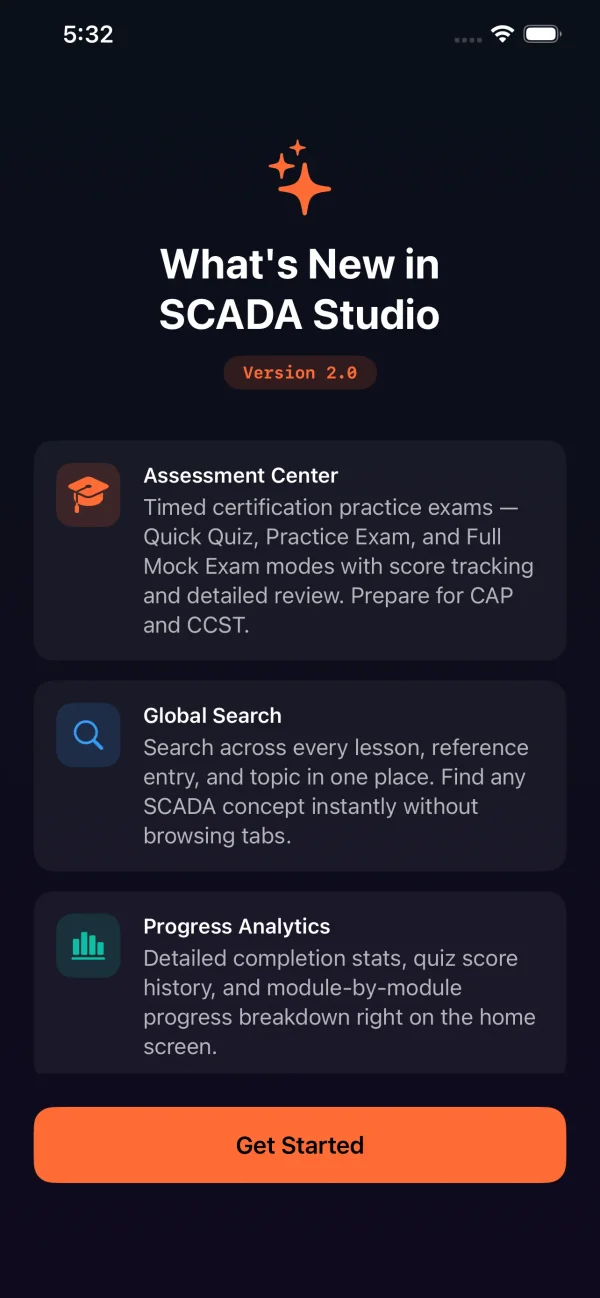
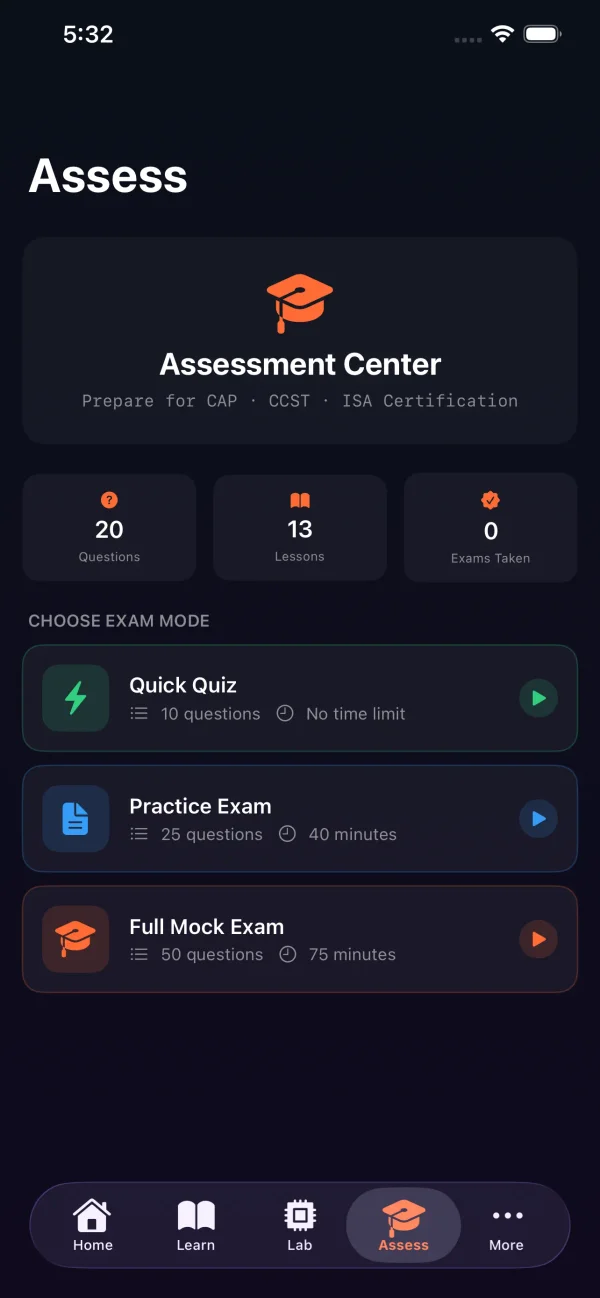
Assessment Center — Prepare for CAP and CCST certification with timed practice exams. Choose from Quick Quiz (10 questions, no time limit), Practice Exam (25 questions, 40 minutes), or Full Mock Exam (50 questions, 75 minutes). Each session includes a scored results screen with grade, pass/fail indicator, and full answer review with explanations.
Global Search — Search instantly across every lesson, reference entry, standard, protocol, and concept in the app. Results are grouped by content type and open directly in context.
Deep Simulator Guides — Every live simulator now includes a full built-in reference panel with overview, engineering purpose, step-by-step instructions, key concepts, industry applications, ISA/IEC standards, and best practices.
Progress Analytics — Detailed completion stats and module-by-module progress tracking on the home screen.
7 LIVE ANIMATED SIMULATORS
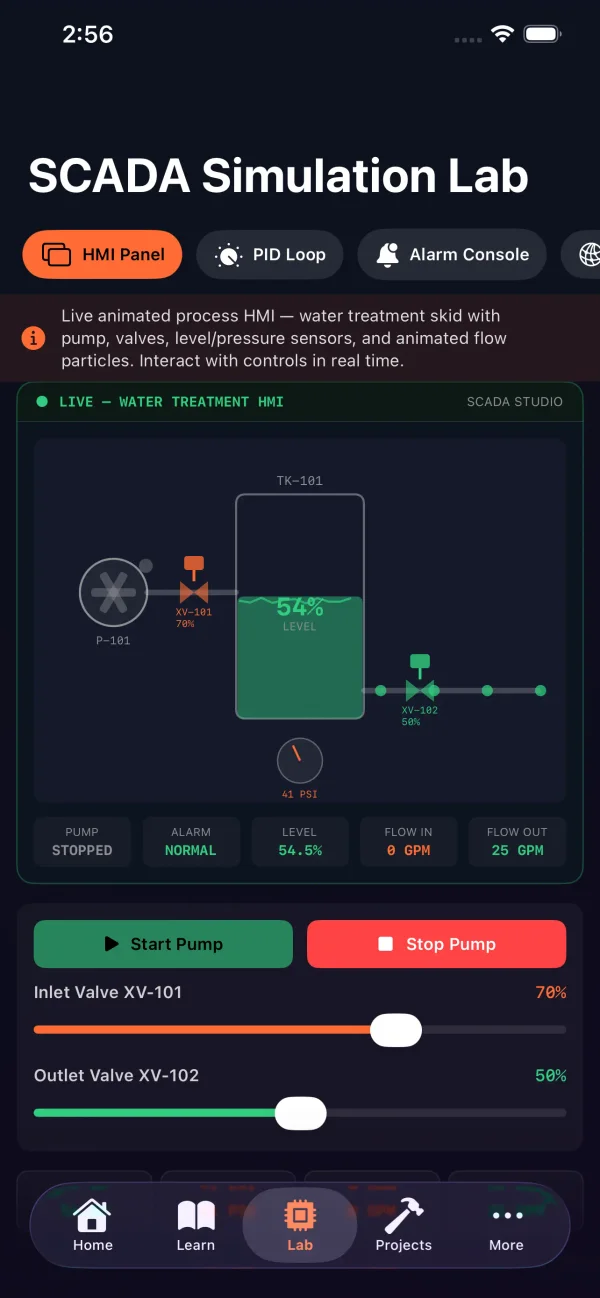
HMI Panel — A live water treatment process with pump, valves, tank level, and pressure sensor. Practice ISA-101 high-performance HMI design with real alarm logic.
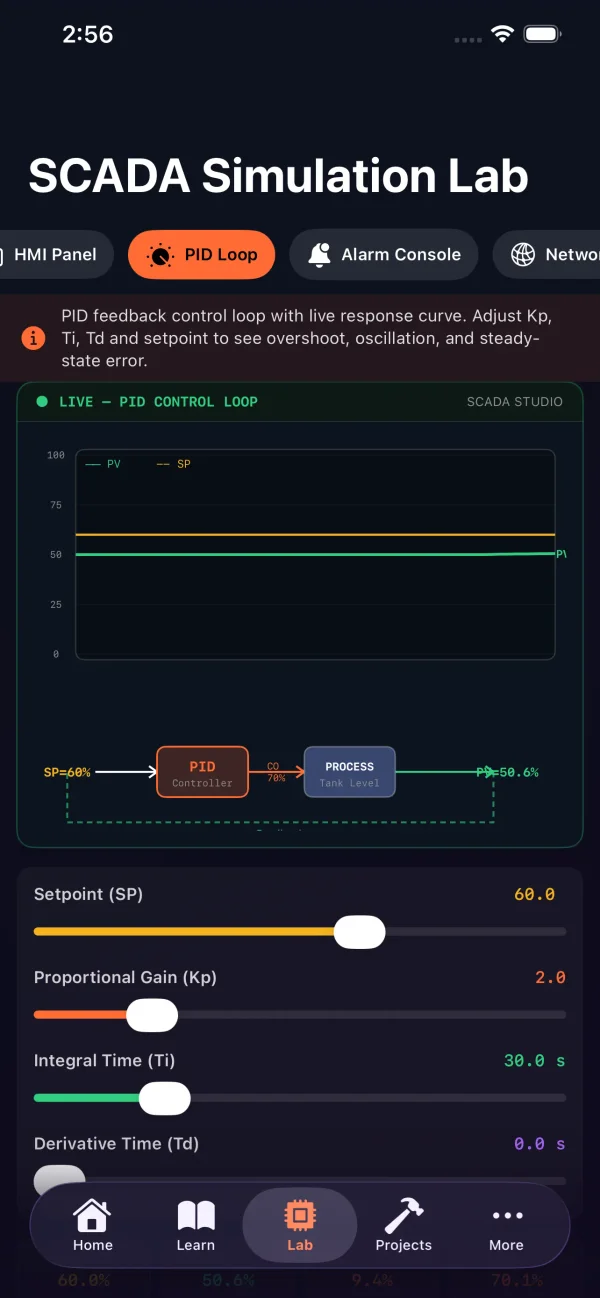
PID Loop — Real-time PID feedback control with a live trend chart. Adjust Kp, Ti, and Td and watch overshoot, oscillation, and settling time respond instantly.
Alarm Console — ISA-18.2 alarm management with live alarm floods, priority tiers, KPI monitoring, and acknowledge workflows.
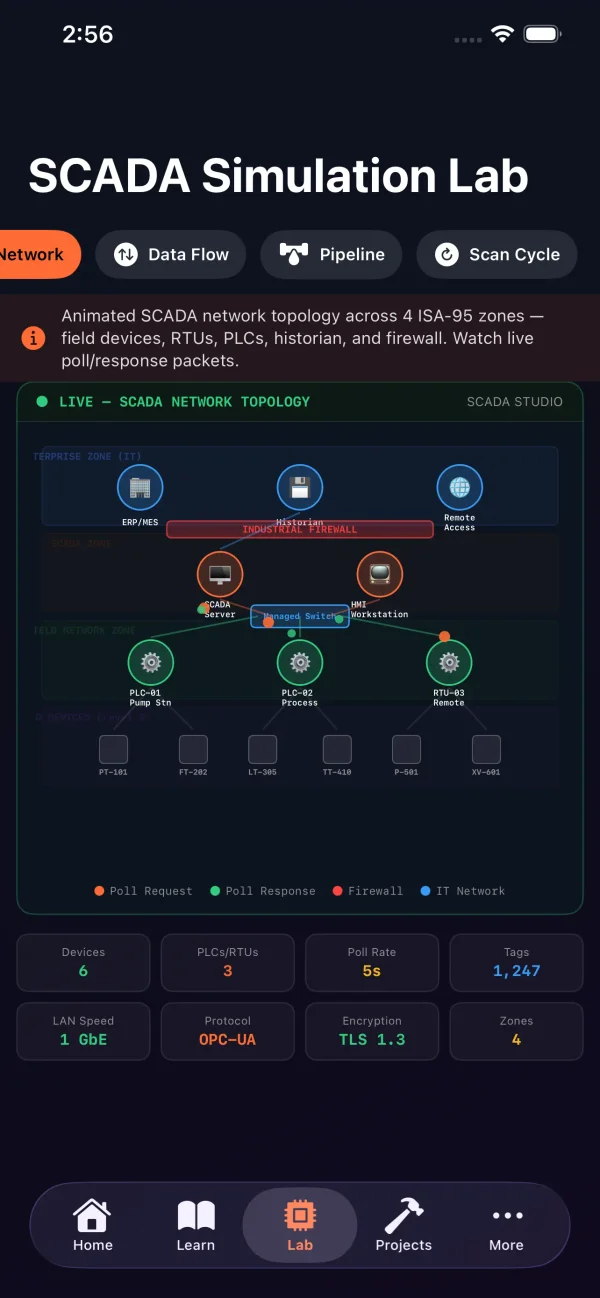
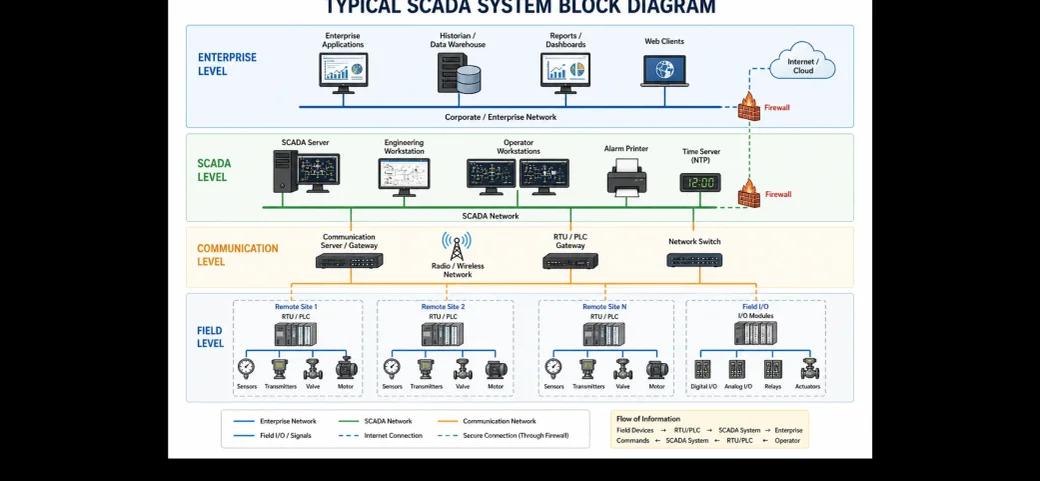
SCADA Network — Animated ISA-95 Purdue Model topology across four security zones with live poll/response packet animations and latency stats.
Data Flow Tracer — Follow a process value end-to-end: from 4-20 mA field instrument through RTU, Modbus framing, SCADA server, HMI display, and historian compression.
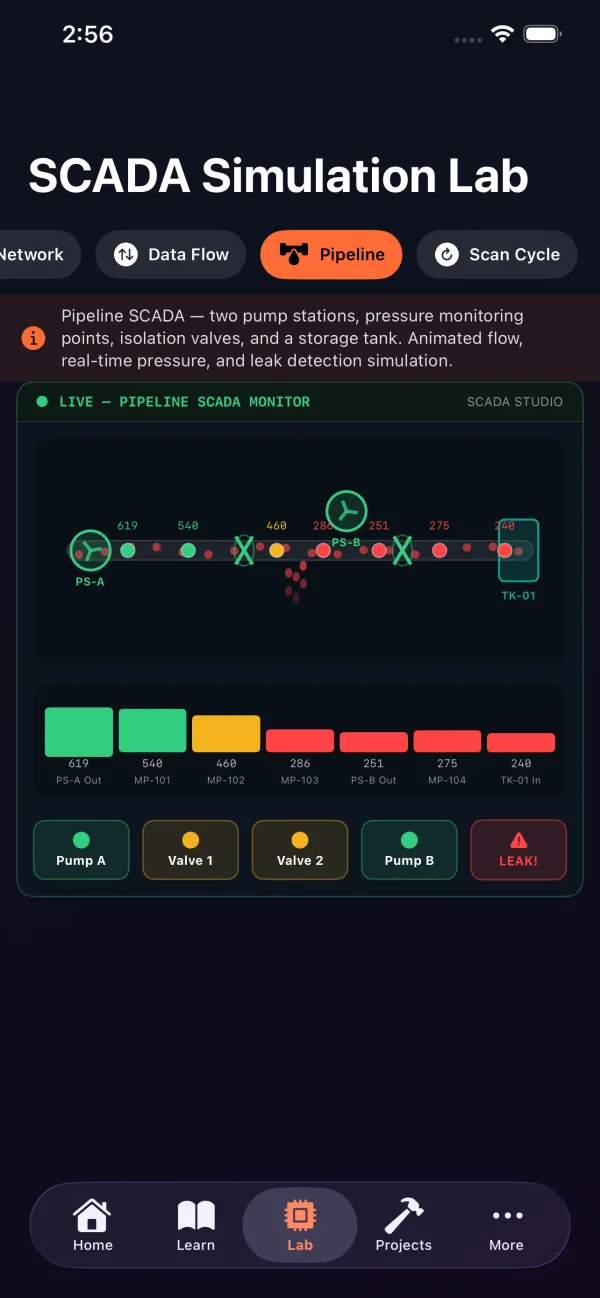
Pipeline Monitor — Two pump stations, seven pressure monitoring points, isolation valves, and leak detection simulation with real hydraulic cause-and-effect.
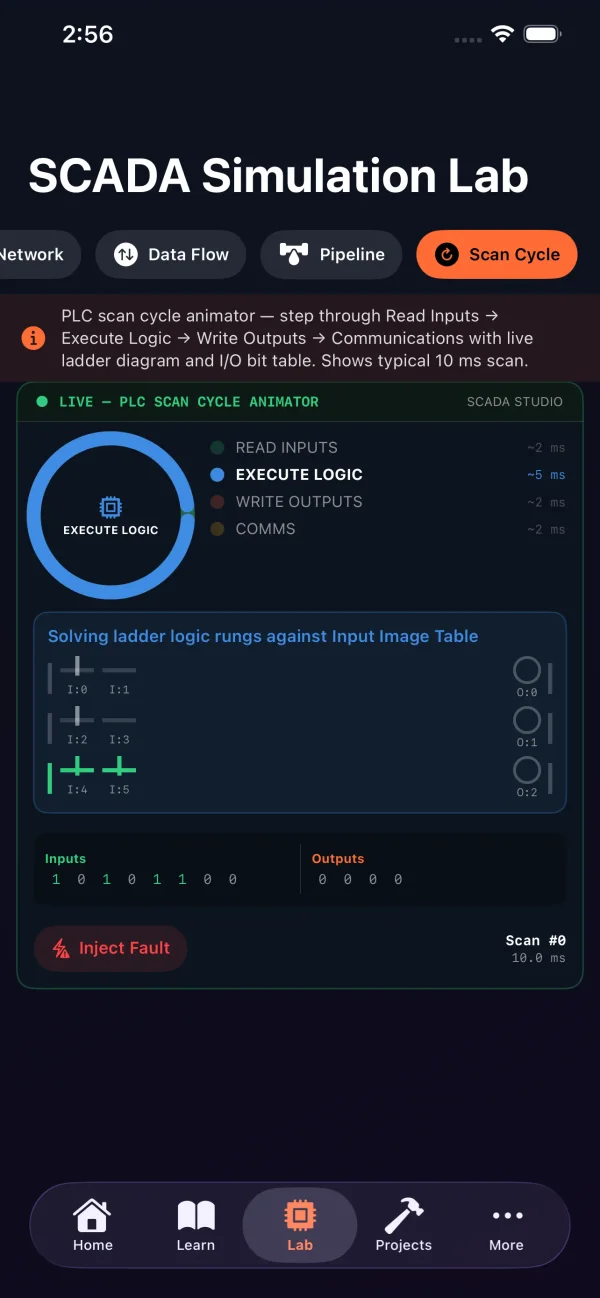
PLC Scan Cycle — Step through Read Inputs, Execute Logic, Write Outputs, and Comms with a live ladder diagram, I/O bit table, and fault injection.
STRUCTURED CURRICULUM
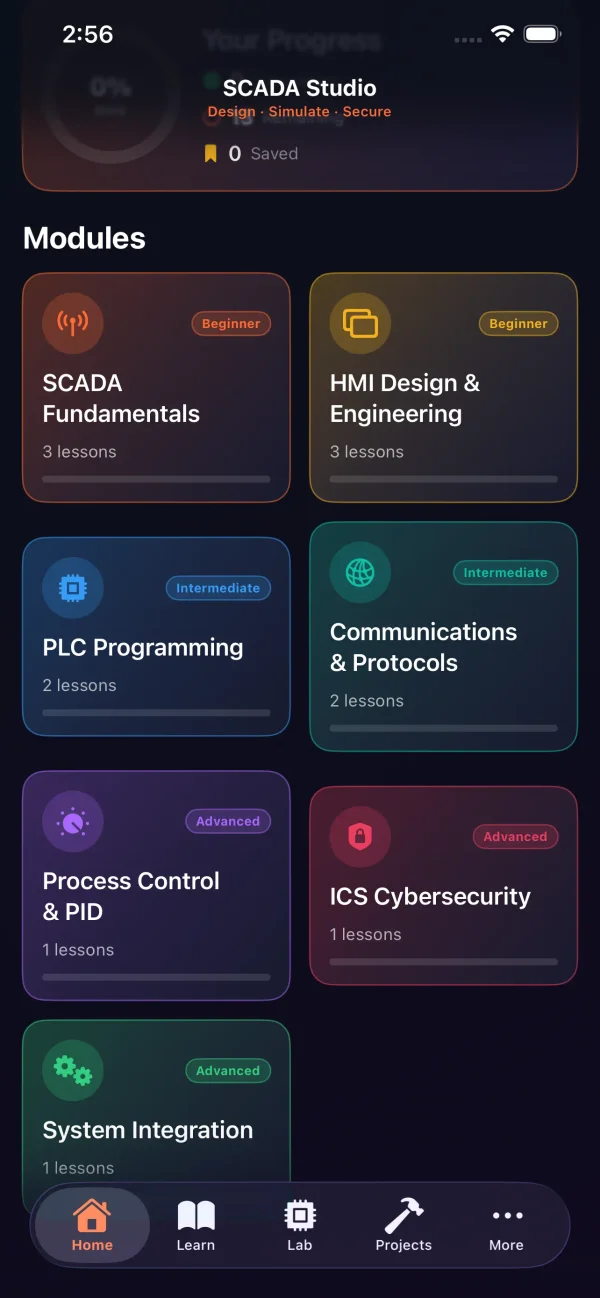
SCADA Fundamentals — Architecture, ISA-95 Purdue Model, field instruments, signal types
HMI Design — ISA-101 hierarchy, ASM colour standards, faceplate design, alarm presentation
PLC Programming — IEC 61131-3: Ladder Diagram, Structured Text, FBD, SFC, Instruction List
Communications — Modbus RTU/TCP, DNP3, OPC-UA, EtherNet/IP, PROFINET, HART
Process Control — PID theory, Ziegler-Nichols tuning, cascade and feedforward control
ICS Cybersecurity — ISA-99/IEC 62443 zones and conduits, NIST CSF, defence-in-depth
System Integration — FAT/SAT protocols, FDS, I/O lists, LOPA/SIL, project lifecycle
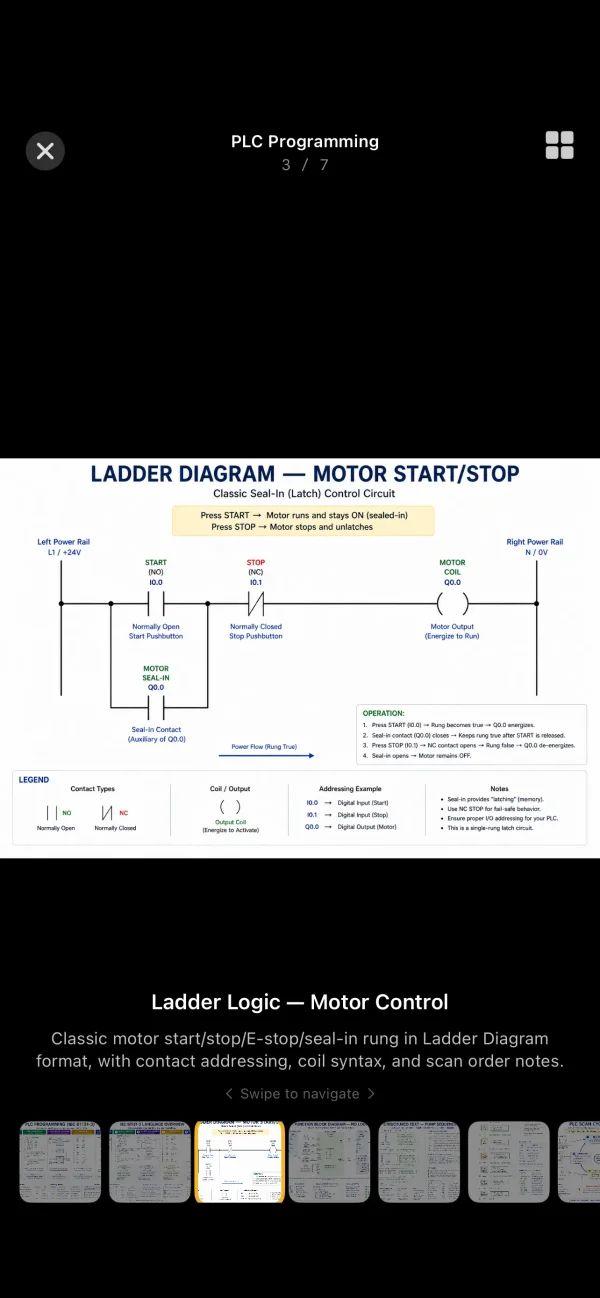
44 TECHNICAL ILLUSTRATIONS
Swipeable full-screen gallery across 8 categories. Pinch to zoom, tap to focus, thumbnail strip navigation.
SEARCHABLE REFERENCE LIBRARY
190+ entries across ISA and IEC standards, industrial protocols, HMI design rules, PLC programming syntax, alarm management KPIs, and a comprehensive SCADA glossary.
GUIDED ENGINEERING PROJECTS
Step-by-step projects from a Water Pump Station HMI to a full ICS Security Assessment.
WHO IT IS FOR
Instrumentation and control engineers and technicians
Electrical and process engineers entering automation
Engineering students and recent graduates
IT/OT cybersecurity professionals transitioning to ICS
ISA certification candidates (CAP, CCST)
Works fully offline. Optimised for iPhone and iPad in portrait and landscape.
新機能
バージョン 2.1 · 2026/6/1
Version 2.1 includes stability improvements, performance optimizations, and minor UI refinements across all tabs.
アプリのプライバシー
このアプリのデータの取り扱いについて、Yuhsiu LaiがApp Storeで申告している内容です。
-
データの収集なし
開発元はこのアプリからデータを収集しません。
プライバシーの取り扱いは、ご利用の機能やお客様の年齢などに応じて異なる場合があります。
情報
- 販売元
- Yuhsiu Lai
- カテゴリ
- 教育
- バージョン
- 2.1
- 更新日
- 2026/6/1
- リリース
- 2026/5/4
- サイズ
- 98.0 MB
- 必要条件
- iOS 17.0以降
- 対象年齢
- 4+
- 価格
- ¥1,500
- 言語
- 英語
- 著作権
- © 2026 iTech Tools
こちらもおすすめ
-
 212-89 ICS SCADA Cyber Prep教育
-
 Car parts for Rolls-Royce ETK辞書/辞典/その他
-
 AAISM AI Security Exam Prep教育
-
 学ぶ クメール語 - LingFastAI会話、語彙、ライブチャット
-
 Car parts for Lexus (EPC)辞書/辞典/その他
-
 Car parts for Nissan (EPC)辞書/辞典/その他
-
 Сar Parts for Ford - diagrams辞書/辞典/その他
-
 AAISM Exam Simulator PRO教育
-
 Car parts for Seat - diagrams辞書/辞典/その他
-
 PI Kit Finder辞書/辞典/その他