Scan PDF-Convert Document
OCR & PDF document scanner
iPhone, iPad, iPod touch向けに設計
無料 · アプリ内課金
- 対象年齢4+
- カテゴリ仕事効率化
- 開発元Ravi chandran M
- 言語英語ほか5言語
- サイズ11.4 MB
App Storeの公式ページにリンクしています
Download.orgはScan PDF-Convert Documentのファイルを一切ホストしていません。ボタンを押すと、Ravi chandran Mが公開しているApp Storeのアプリページが開きます。ページの最終確認:2026/11/12。
スクリーンショット
概要
開発元はこのテキストをお使いの言語で提供していません。
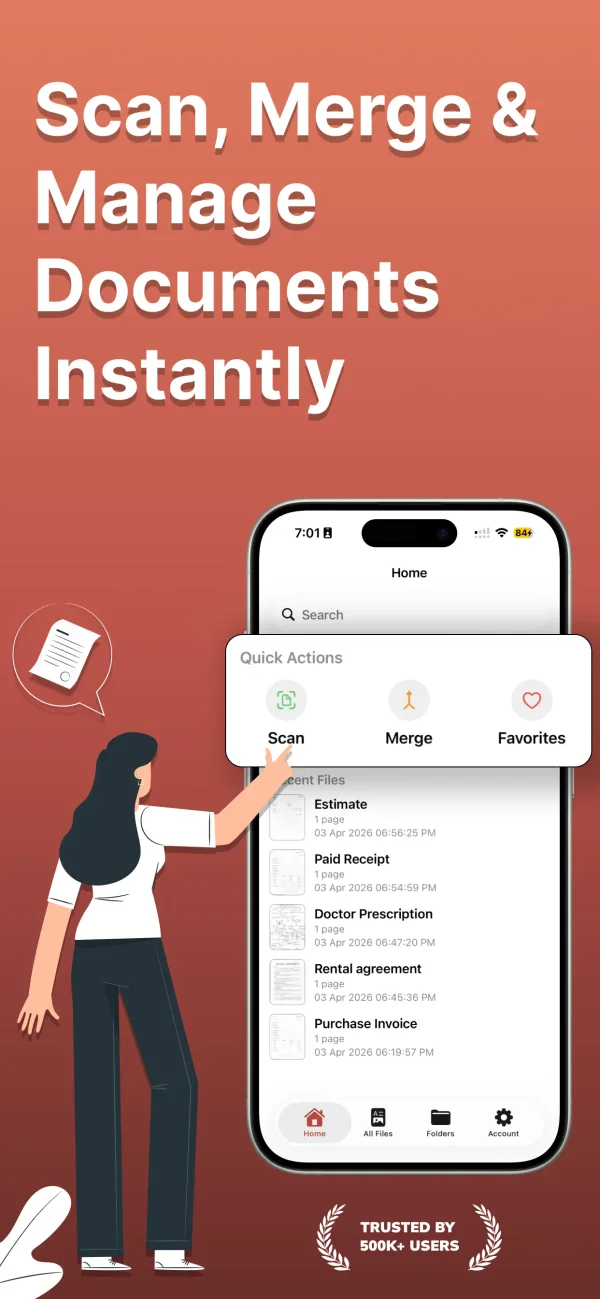
Scan PDF -Convert Document is your ultimate document management tool! Transform your Phone into a powerful scanner app for documents and enjoy seamless scanning, merging, and organizing.
Start with a 3-day free trial and unlock all features for just $29.99 per year after the trial.
Key Features with monthly subscription:
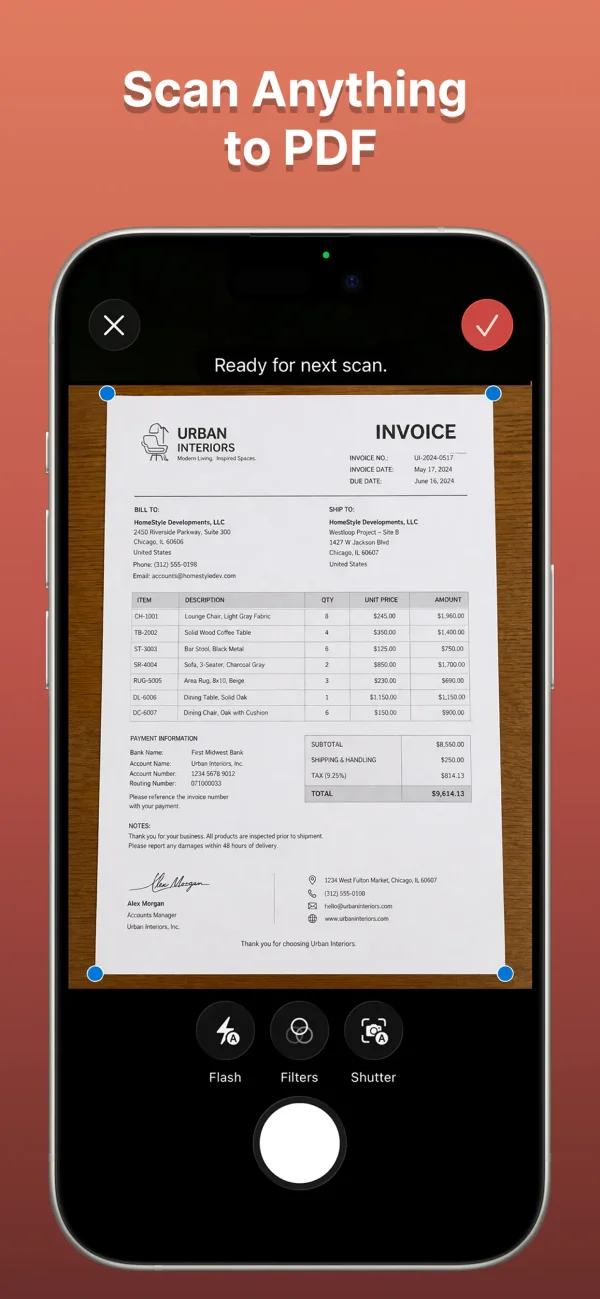
• Scan Documents: Effortlessly scan unlimited documents and convert them into high-quality PDFs with our intuitive mobile scanner.
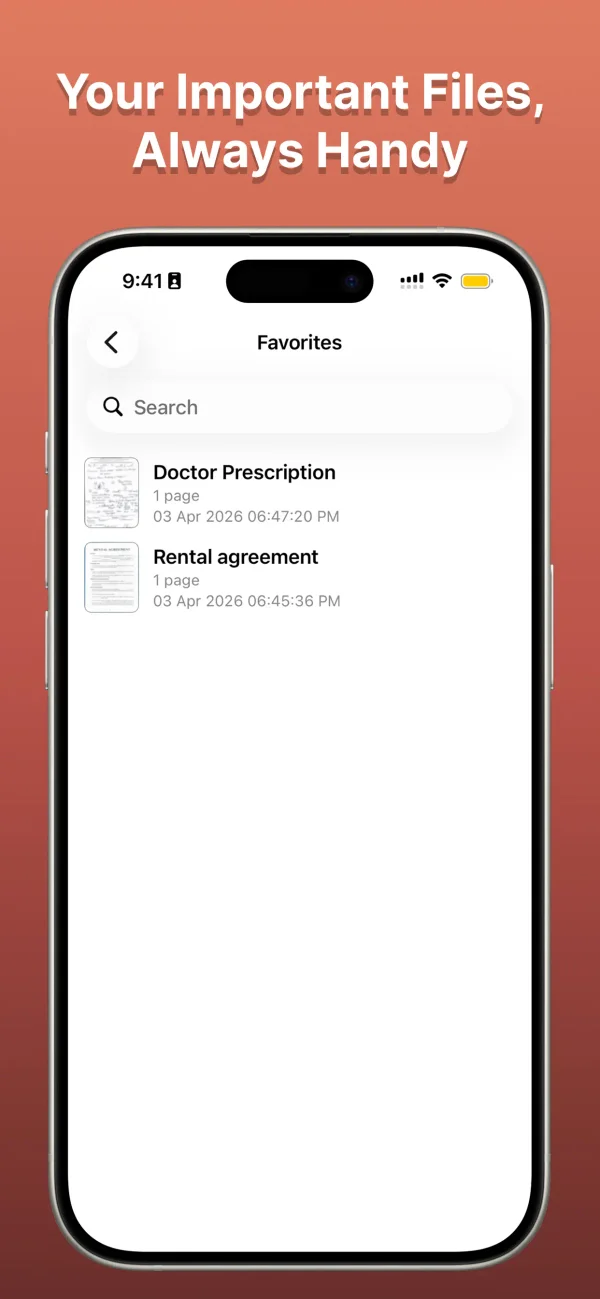
• Document Merging: Combine multiple images into one document and easily add your favorite files for quick access.
• Convert Picture to PDF: Use our picture scanner feature to convert images to PDFs with just a tap.
• PDF Creator: Create PDFs from scanned documents or images using our PDF convert functionality.
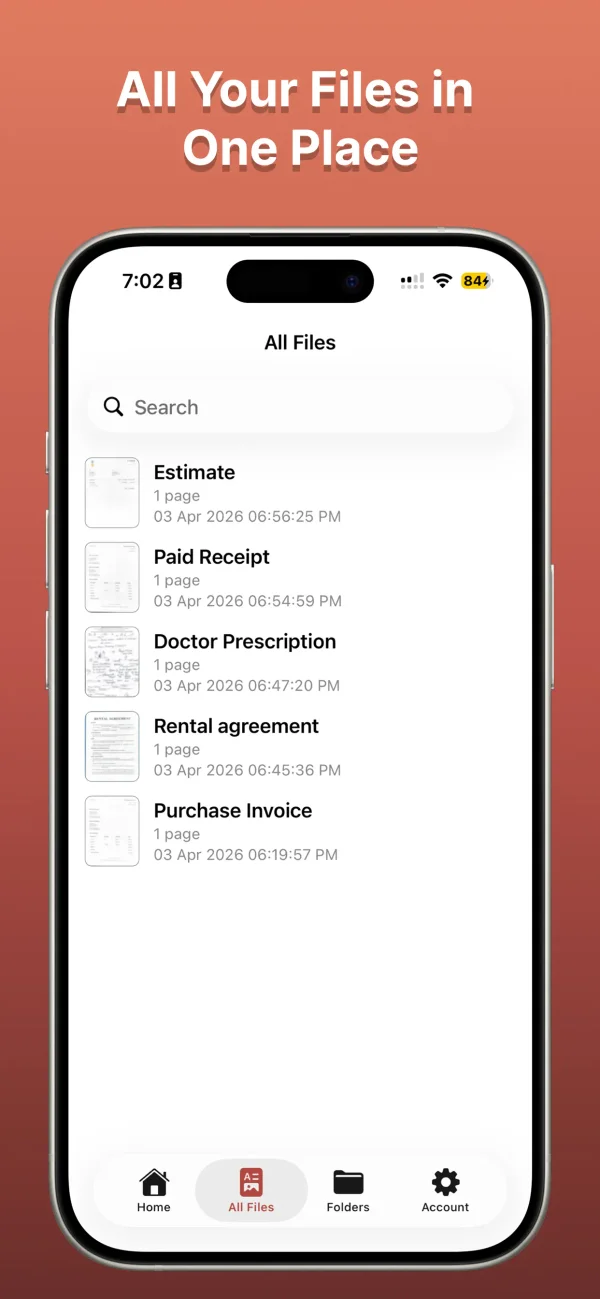
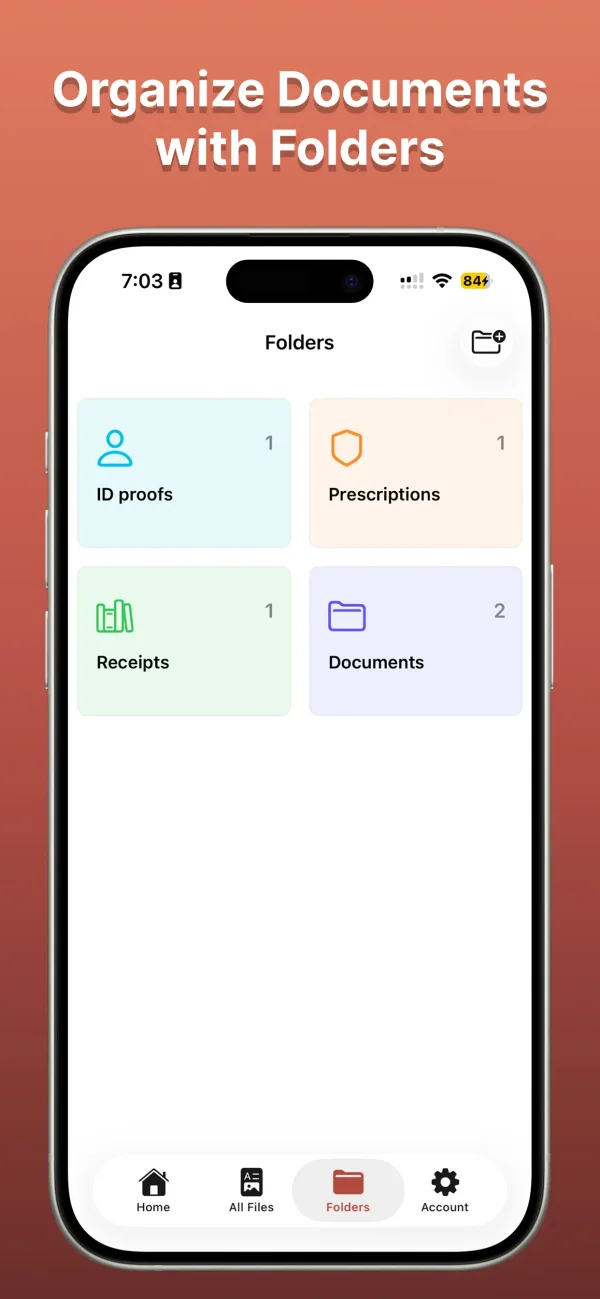
• Folder Organization: Create folders to organize your scanned documents for easy access.
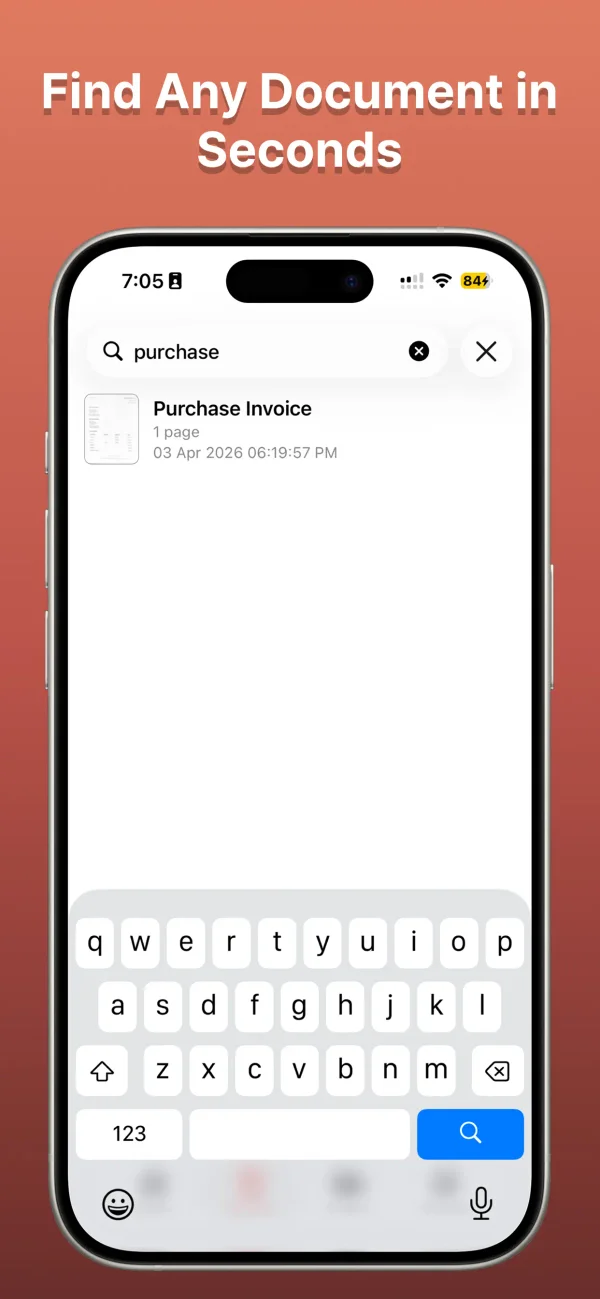
• Fast & Efficient: Experience rapid scanning with support for formats like JPG, PNG, and PDF in our document scanner app.
• Easy Sharing: Quickly share your scanned documents via email or save them to cloud storage with our scan to email feature.
• User-Friendly Interface: Designed for all users, our scanning app makes document management simple and efficient.
• Subscription-Based Access: After your 3-day free trial, enjoy all features for just $29.99 per year, with subscriptions managed by Apple.
Scan PDF -Convert Document for their scanning needs. Download now.
Subscription Information:
• Subscription options currently just monthly, you will be able to scan and share unlimited documents and merge them.
• Your iTunes Account will be charged with the payment after purchase confirmation
• Subscription will be automatically renewed at least 24 hours before the end of the current period. Auto-renewal can be manually turned off in the corresponding settings.
• User can manage the subscriptions. Auto-renewal can be deactivated in the Account Settings after a successful purchase.
Privacy Policy: https://sites.google.com/view/scanpdffreeconvertdocument/privacy-policy
Terms of Use: https://sites.google.com/view/scanpdffreeconvertdocument/terms-of-use
Please refer to EULA here: https://www.apple.com/legal/internet-services/itunes/dev/stdeula/
If you have any questions or suggestions, we are always ready to help: wallpapestudio@gmail.com
新機能
バージョン 1.1.6 · 2026/10/3
• Import PDFs and photos from the Files app
• Choose the quality of your PDF while saving, and see its size before you save
• Scan to Text: turn any printed page into text you can copy or share
• Extract text from any document you've already saved
• Edit your documents anytime: reorder, rotate, add or remove pages
• New Icons view to browse your documents as thumbnails
• Select multiple documents to share, move or delete them at once
• Jump to any page quickly with page thumbnails
• Fixed bugs to improve the overall experience
アプリのプライバシー
このアプリのデータの取り扱いについて、Ravi chandran MがApp Storeで申告している内容です。
-
データの収集なし
開発元はこのアプリからデータを収集しません。
プライバシーの取り扱いは、ご利用の機能やお客様の年齢などに応じて異なる場合があります。
情報
- 販売元
- Ravi chandran M
- カテゴリ
- 仕事効率化
- バージョン
- 1.1.6
- 更新日
- 2026/10/3
- リリース
- 2024/10/2
- サイズ
- 11.4 MB
- 必要条件
- iOS 15.0以降
- 対象年齢
- 4+
- 価格
- 無料
- アプリ内課金
- あり
- 言語
- 英語, アラビア語, ヘブライ, 簡体字中国語, スペイン語, 繁体字中国語
- 著作権
- © R
こちらもおすすめ
-
 Document Signer: SimpleSign仕事効率化
-
 Notezy: AI Meeting Note Taker仕事効率化
-
 iCleaner - Clean My Storage仕事効率化
-
 Aı Note Taker - YapNote仕事効率化
-
 Data Drop: QR File Transfer仕事効率化
-
 Paperless PDF DMS - CaptizePDFとビジネスカードスキャナ
-
 MinuteWise: AI Note Taker仕事効率化
-
 ZEENIA: Teleprompter for video仕事効率化
-
 Vault Calc: 安全な写真ビデオ写真、ビデオ、ファイルを非表示にする
-
 ClipyBoard AutoPaste Clipboard仕事効率化