- 対象年齢4+
- カテゴリ仕事効率化
- 開発元Khoa Nguyen
- 言語英語
- サイズ6.8 MB
App Storeの公式ページにリンクしています
Download.orgはScanDropZのファイルを一切ホストしていません。ボタンを押すと、Khoa Nguyenが公開しているApp Storeのアプリページが開きます。ページの最終確認:2026/11/20。
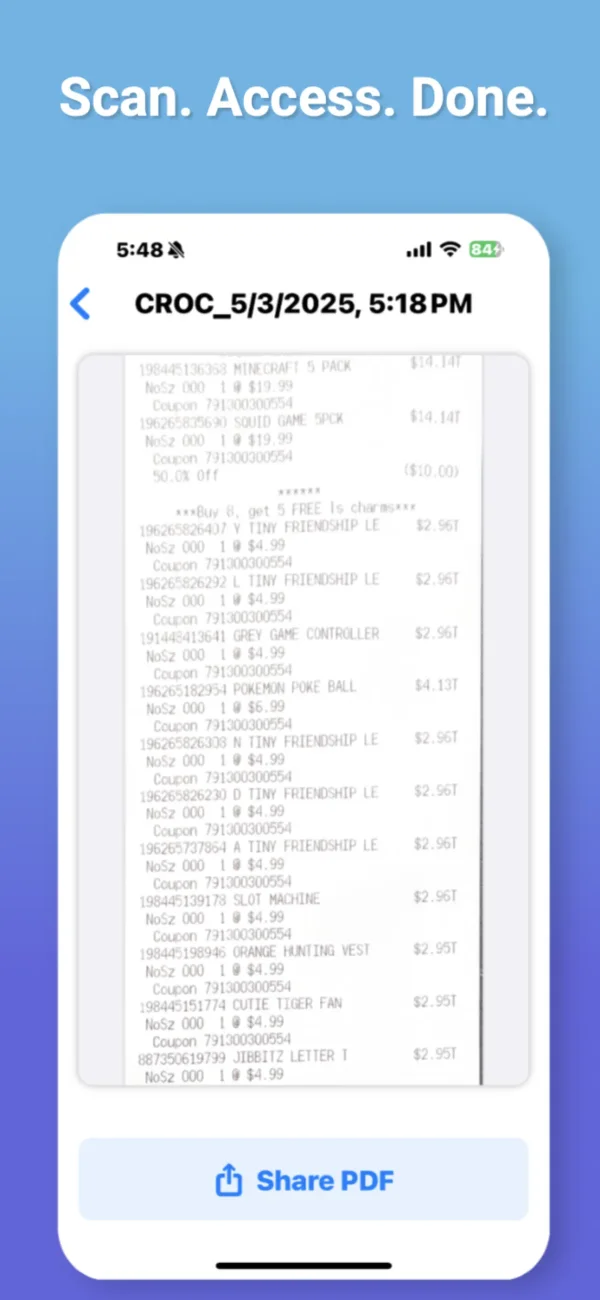
スクリーンショット

概要
開発元はこのテキストをお使いの言語で提供していません。
ScanDrop – Smart Scanner & PDF Organizer
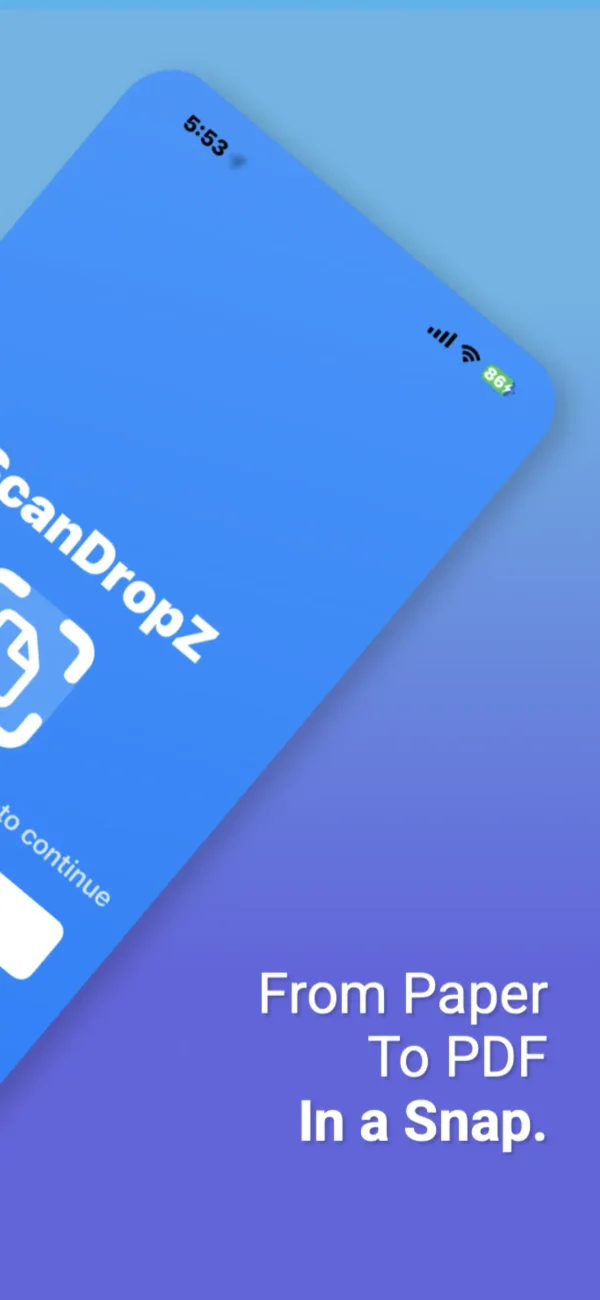
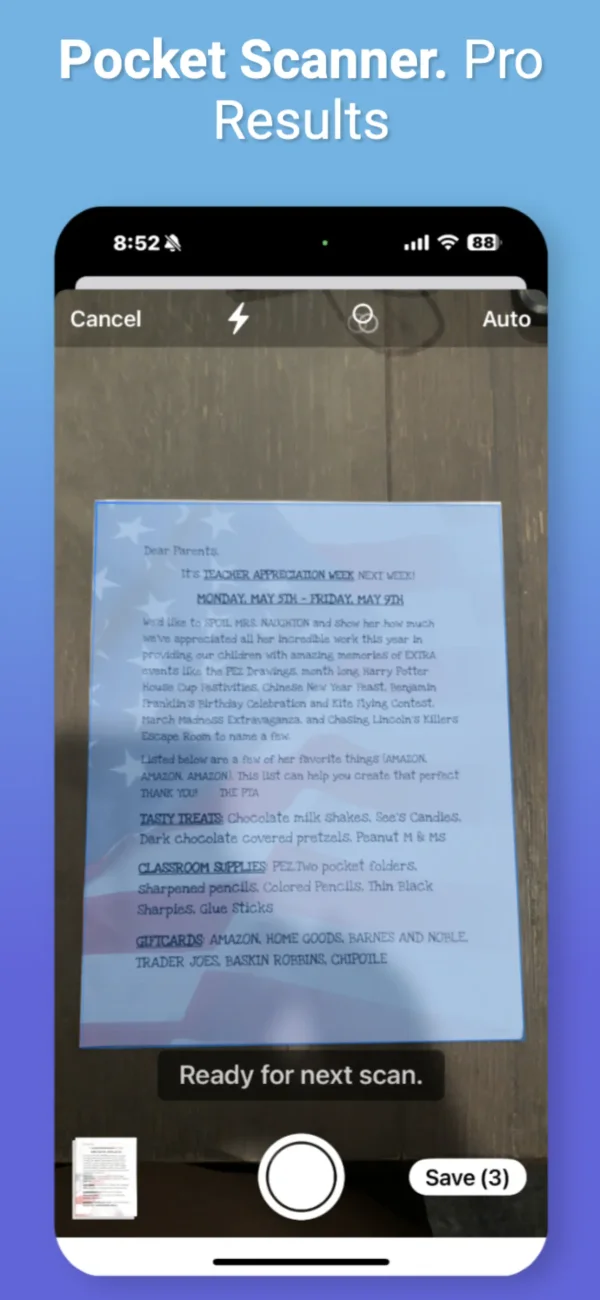
ScanDrop turns your iPhone into a powerful document scanner with sleek folder organization. Instantly scan receipts, notes, forms, or any paper document into high-quality PDFs. Save directly to your device — no sign-ins, no cloud required.
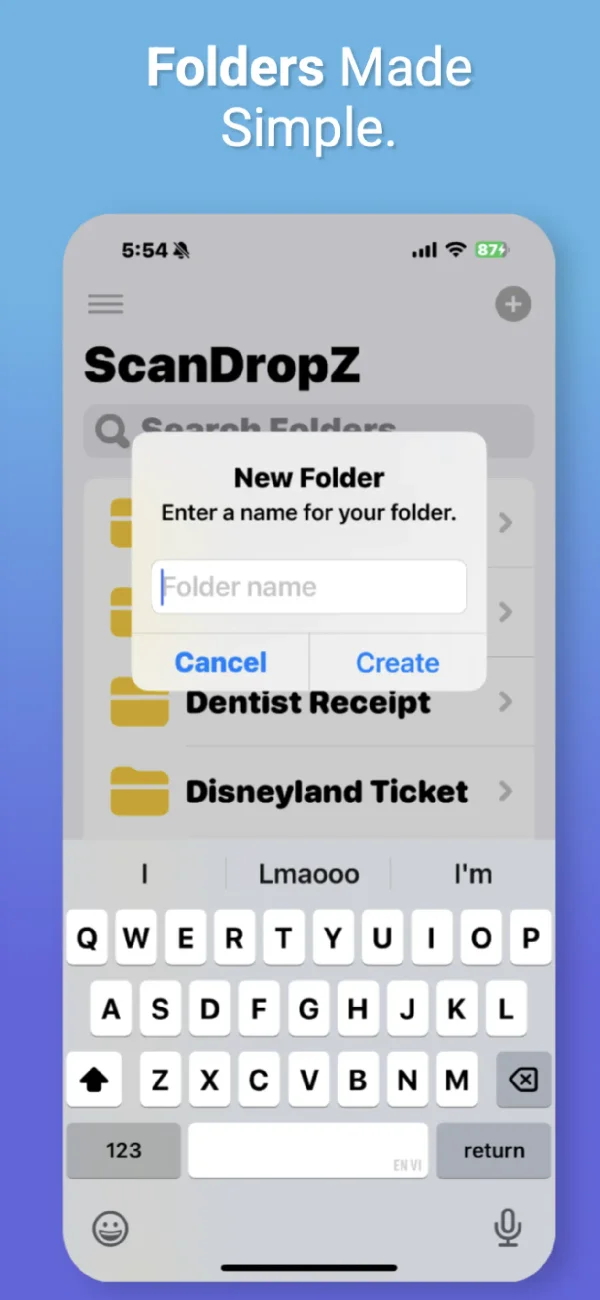
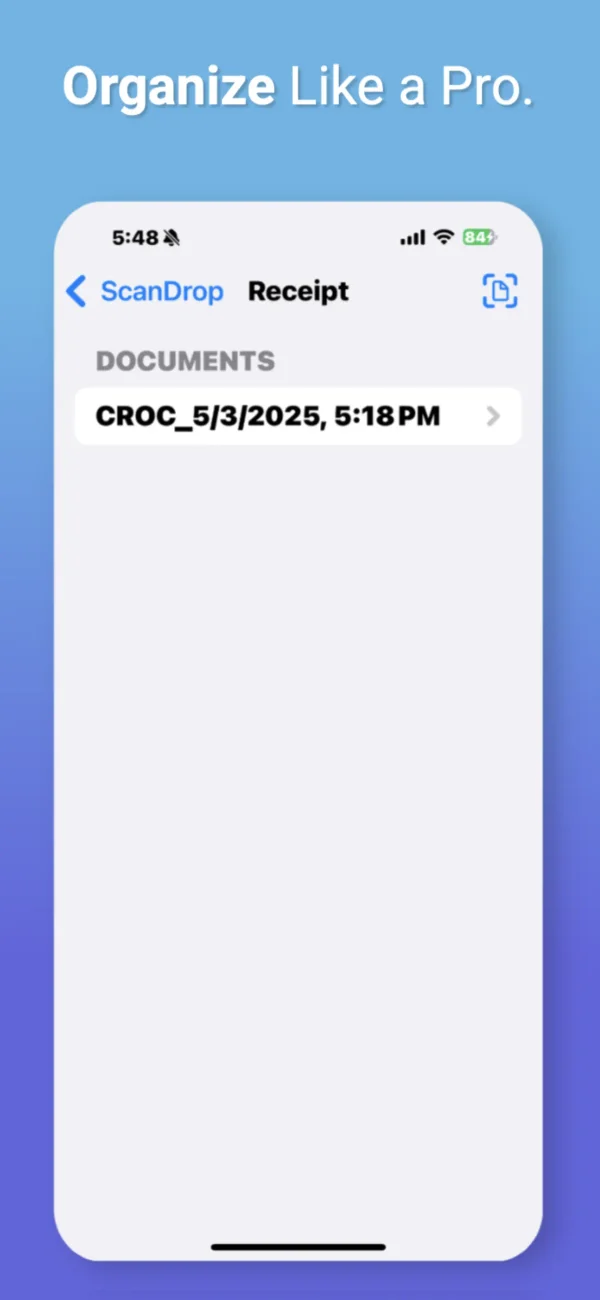
Effortlessly create custom folders to organize scans your way. Whether you're managing personal paperwork, school files, or business receipts, ScanDrop keeps everything sorted, searchable, and secure.
**Key Features:**
* Lightning-fast document scanning with edge detection
* Save scans as PDF with automatic naming
* Create folders to organize documents easily
* All files stored locally for full privacy
* Clean, intuitive iOS-style design
Say goodbye to clutter and hello to simplicity. Download ScanDrop and keep your documents where they belong — at your fingertips.
新機能
バージョン 6.0 · 2026/11/13
ScanDropZ has a refreshed design and a new app icon. Start a scan directly from any folder, see document and subfolder counts at a glance, and find PDFs by name across your library.
Import PDFs from Files and save or share them from the preview. With the one-time unlock, you can move your library to iCloud Drive and open it on your other devices.
アプリのプライバシー
このアプリのデータの取り扱いについて、Khoa NguyenがApp Storeで申告している内容です。
-
データの収集なし
開発元はこのアプリからデータを収集しません。
プライバシーの取り扱いは、ご利用の機能やお客様の年齢などに応じて異なる場合があります。
情報
- 販売元
- Khoa Nguyen
- カテゴリ
- 仕事効率化
- バージョン
- 6.0
- 更新日
- 2026/11/13
- リリース
- 2025/5/4
- サイズ
- 6.8 MB
- 必要条件
- iOS 18.0以降
- 対象年齢
- 4+
- 価格
- 無料
- アプリ内課金
- あり
- 言語
- 英語
- 著作権
- © Appchitec