
Scenery: AR & Spatial Creator
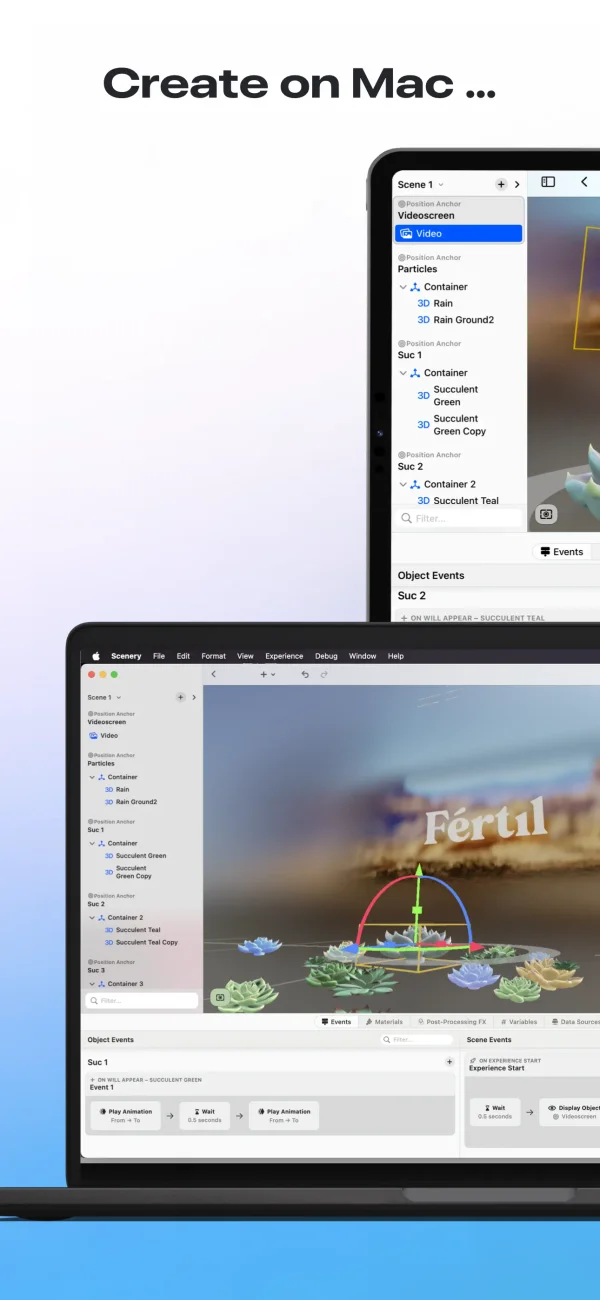
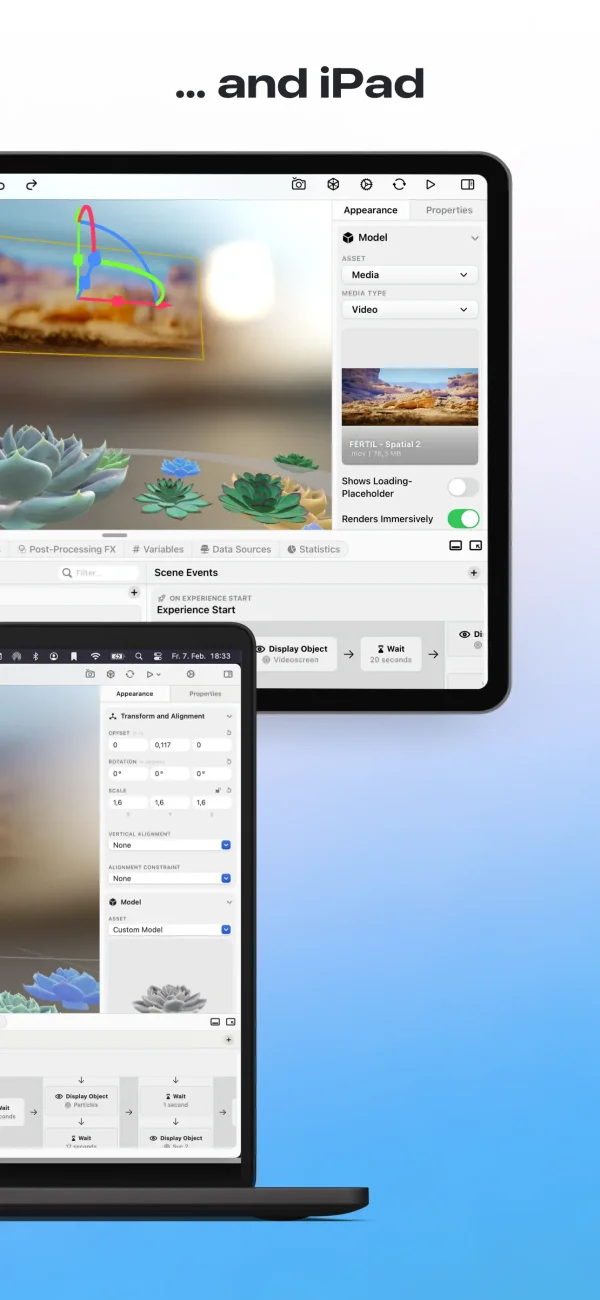
Build on iPad & Mac, no code
iPhone, iPad, Mac向けに設計
無料 · アプリ内課金
- 対象年齢12+
- カテゴリグラフィック/デザイン
- 開発元Amped Labs UG haftungsbeschraenkt
- 言語英語
- サイズ137.4 MB
App Storeの公式ページにリンクしています
Download.orgはScenery: AR & Spatial Creatorのファイルを一切ホストしていません。ボタンを押すと、Amped Labs UG haftungsbeschraenktが公開しているApp Storeのアプリページが開きます。ページの最終確認:2026/11/24。
スクリーンショット
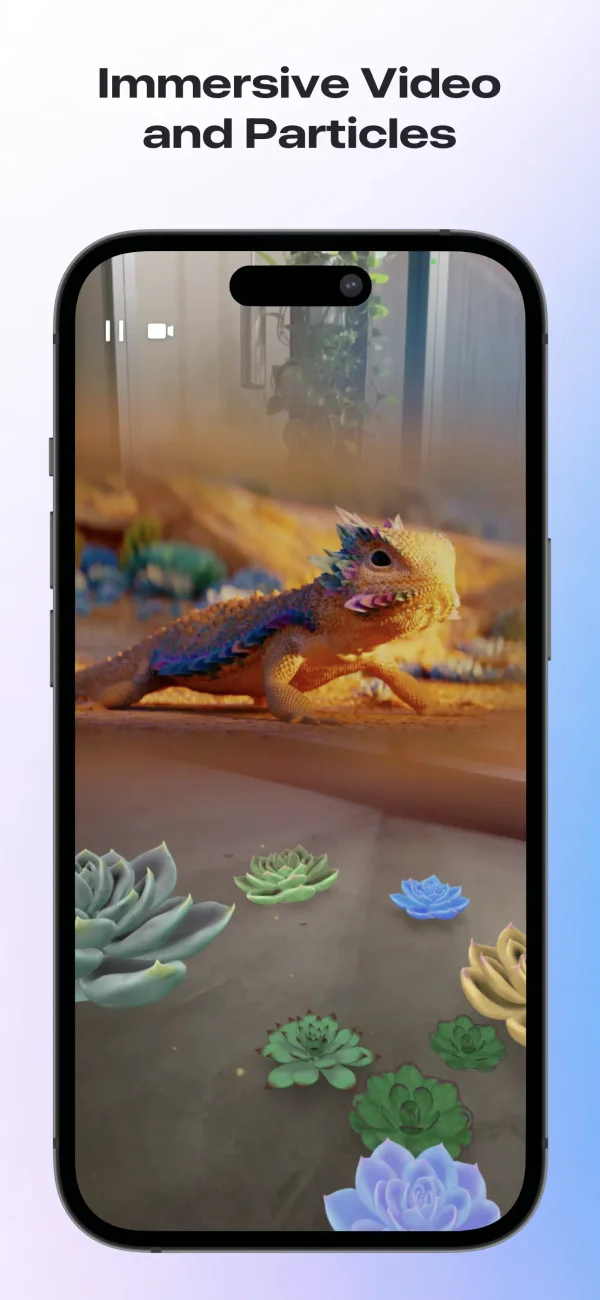
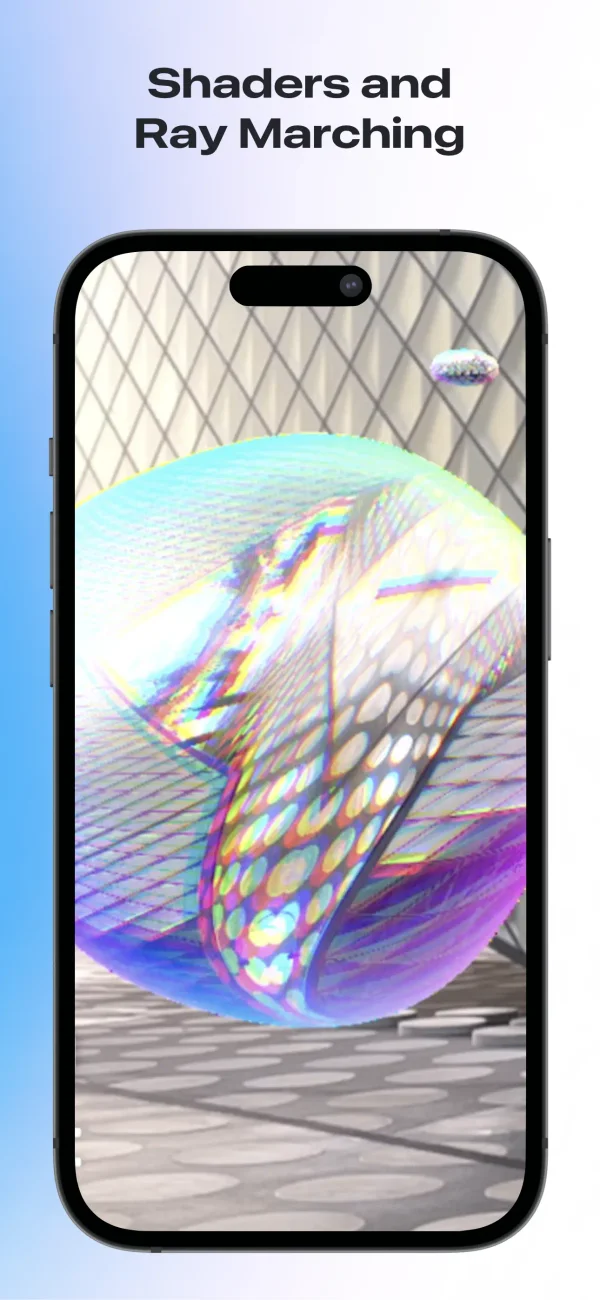
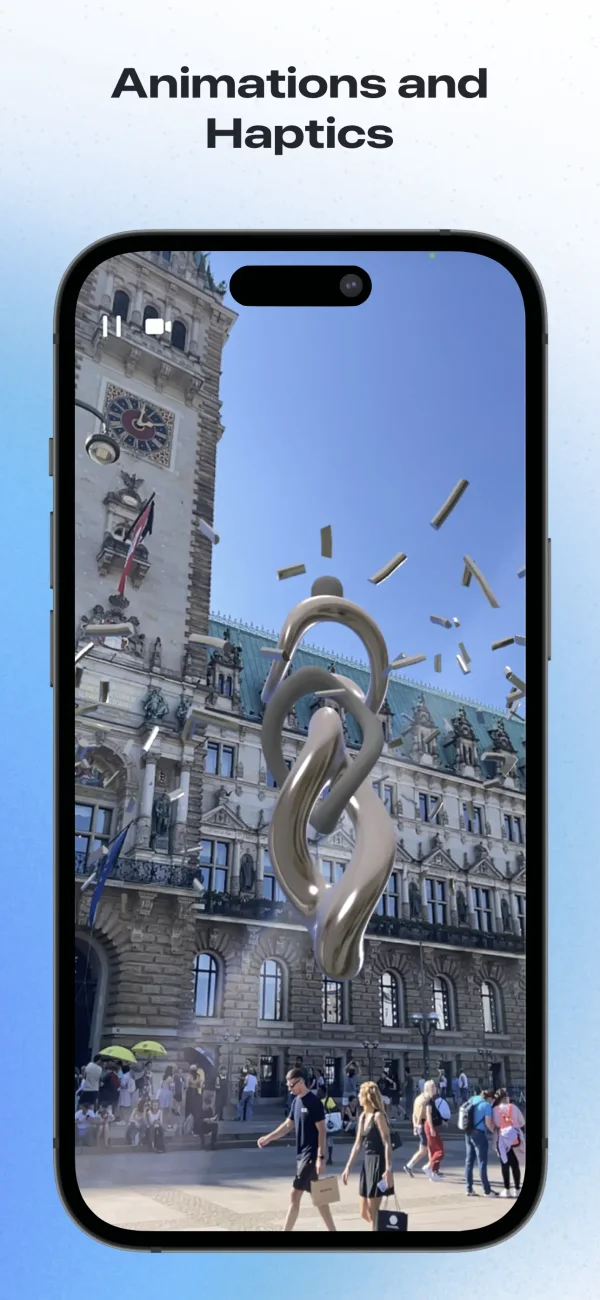
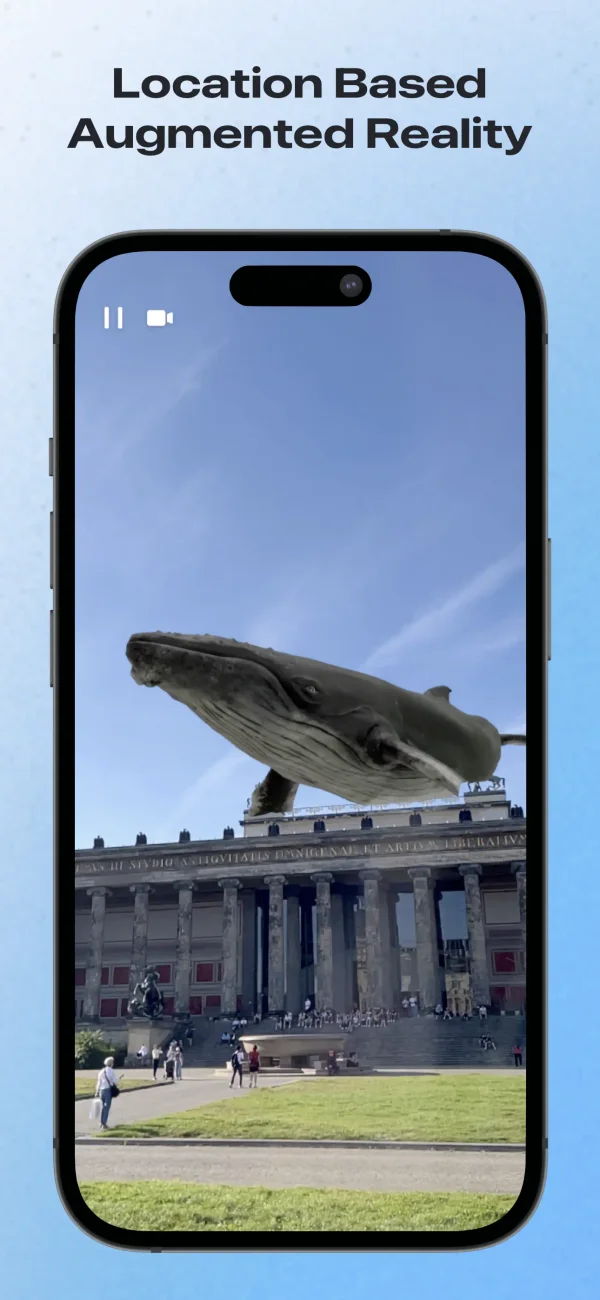
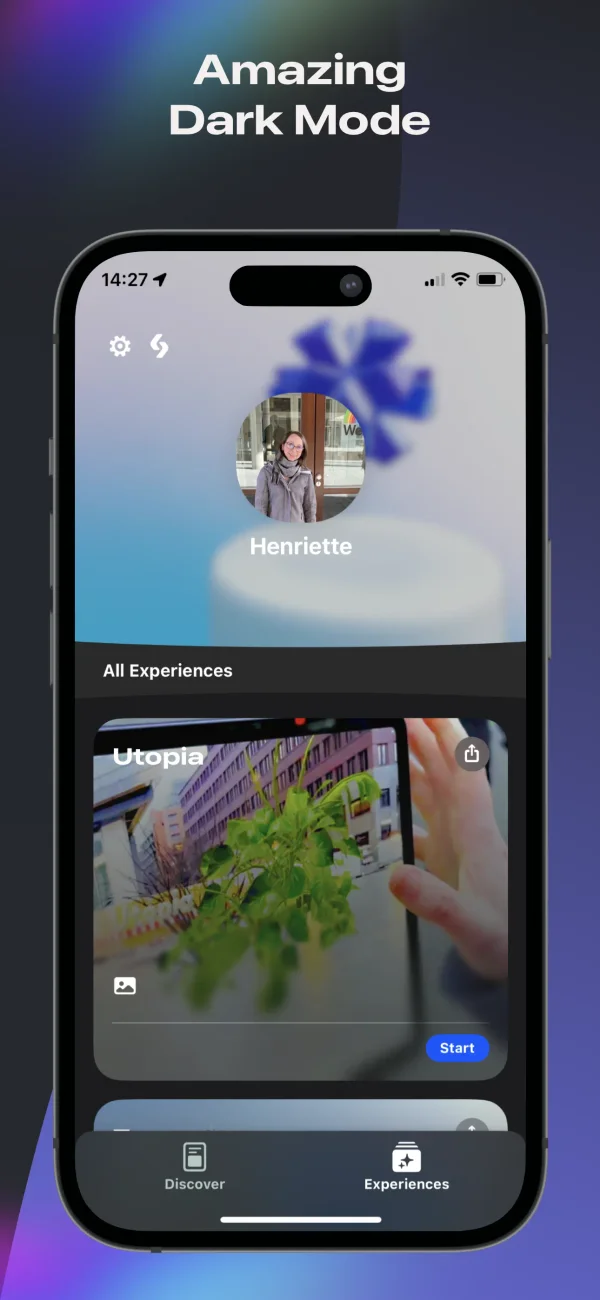
概要
開発元はこのテキストをお使いの言語で提供していません。
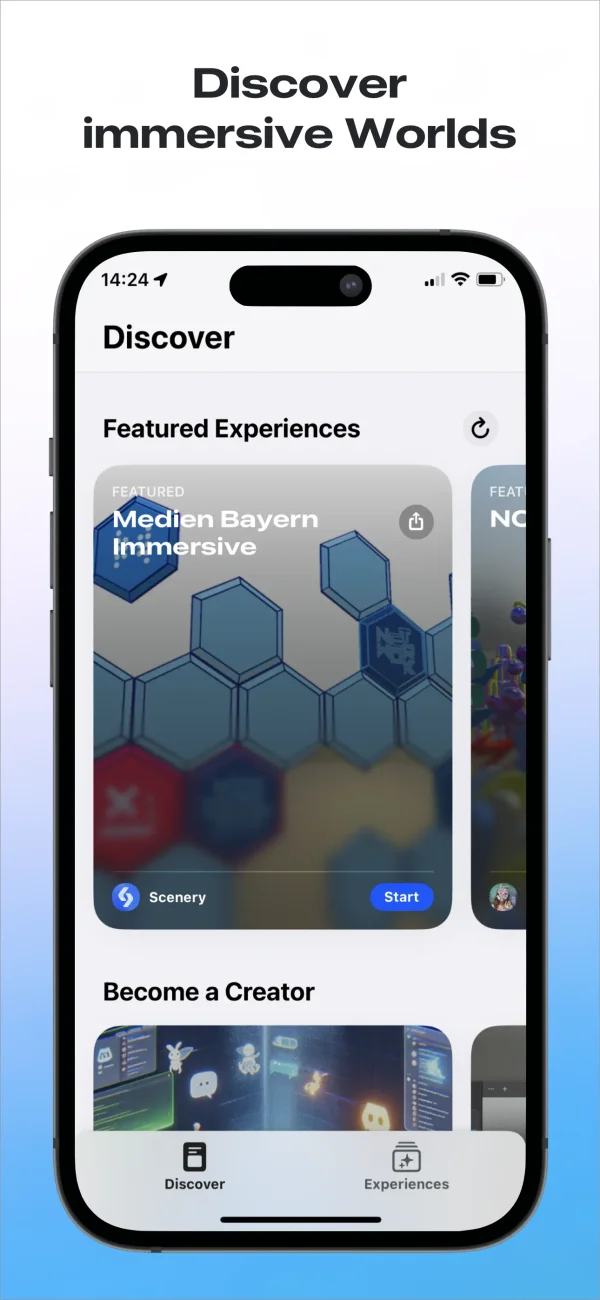
Scenery lets you build augmented reality and mixed reality experiences on iPad and Mac without writing code, then share them with a link, a QR code or an NFC tag.
Every experience runs on iPhone, iPad, Apple Vision Pro and the web.
Got a link or a QR code? Open it on iPhone and you're in. iPhone is for viewing. Building happens on iPad and Mac.
APP QUALITY, THE REACH OF A WEBSITE
Think of it as a website builder for space. People open your experience as an App Clip, with no app download. No store page in the way. They scan, and the AR is running. App Clips come with the paid plans.
NATIVE, UNLIKE WEBAR
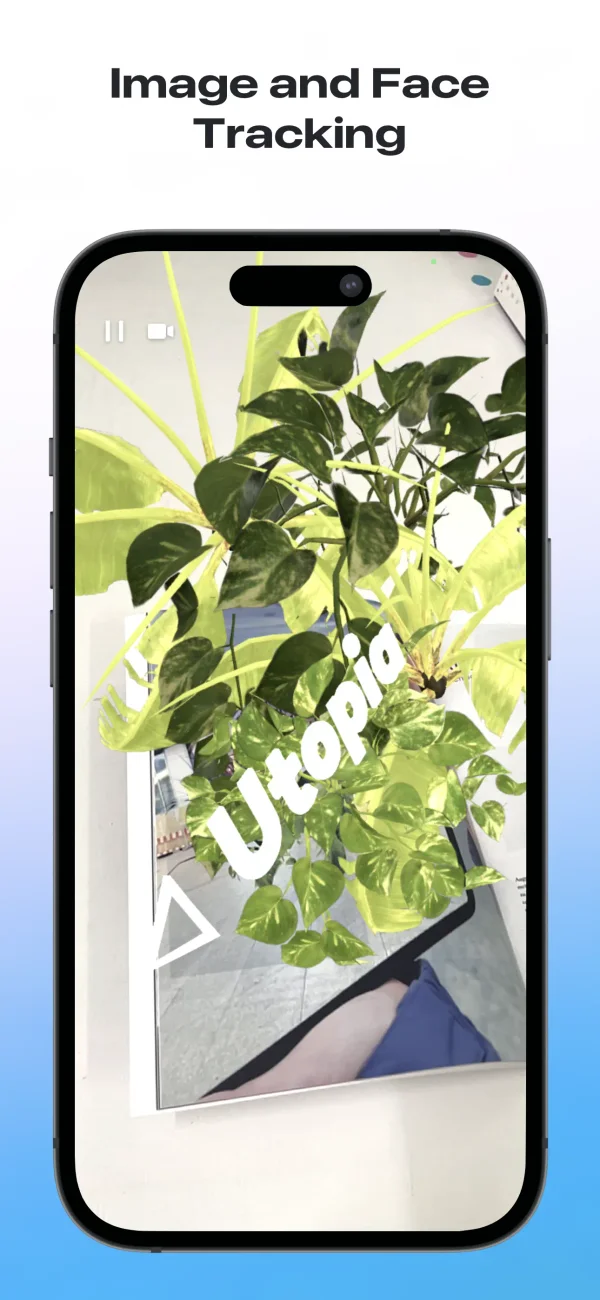
WebAR runs in a browser and reaches only part of the device. On iPhone and iPad, Scenery runs natively on ARKit and RealityKit, even in an App Clip.
- Best-in-class tracking
- People occlusion, plus object occlusion on LiDAR devices
- Real-world lighting and shadows on real surfaces
- Spatial audio and custom haptics
- Shader Graph materials and custom Metal shaders
- Particles from Reality Composer Pro
- Post-processing: bloom, blur, distortion and more
BUILD ON IPAD
Your iPad is the editor and the test device. Build the experience, then preview it in AR in your own space, or in the simulator.
- Hot reloading: edit, and every change shows on your other Apple devices in real time
- 3D models, video and images
- Events, animations and physics, without code
- Interface panels with text, images, buttons and sliders
- Portals
- Start on a floor, a wall, a table or a printed marker
- Pin content to real places with Apple Location Anchors and Google's Geospatial API
- Google 3D tiles: bring a real place into your scene as a 3D model
- Gaussian splats, on iPadOS 27 and iOS 27
- Custom VPS: scan a place, build inside the scan, and anchor content there with centimeter precision
- Scripting in JavaScript, when you want to go further. Build Spatial AI with it: people talk to the experience, and it guides them step by step
WHAT YOU CAN BUILD
- Brand campaigns and activations
- Exhibitions, museums and art installations
- Location-based stories and walks
- Training, work instructions and product walkthroughs
- Digital twins and 3D models, on site
- Spatial prototypes, in days instead of months
- University courses and student projects
WHERE IT RUNS
A few features are exclusive to one platform.
- iPhone and iPad: as an App Clip or in the full app
- Mac: the same editor, with a preview in the simulator
- Apple Vision Pro: open your experience in space
- The web: opens in the browser with the WebXR player, for the experiences you opt in
Experiences can also run offline, and people can view them together over FaceTime with SharePlay in the full app.
WHO USES IT
Used by brands, agencies, studios, museums and universities. Support comes from the team that builds Scenery, on Discord.
PLANS
Free to start. Pro adds App Clip sharing, scripting, the UI editor, custom materials, Send to Devices, portals and unlimited experiences, for non-commercial work. Commercial use needs Agency, which also adds full branding. Pro and Agency both come with a 7-day free trial.
CUSTOM WORK AND ENTERPRISE
Our studio takes on custom feature development and experience design. Organisations can also run a private Enterprise deployment of Scenery. Get in touch at scenery.app.
The world is spatial. Creation should be too.
By subscribing to one of our plans you agree to the End User License Agreement: https://www.apple.com/legal/internet-services/itunes/dev/stdeula/
Privacy Policy: https://scenery.app/privacy
新機能
バージョン 1.3.1 · 2026/11/23
Liquid Glass for screen panels: set a panel's material to Expressive on iOS, iPadOS and macOS 26 and later.
Stability and performance improvements.
アプリのプライバシー
このアプリのデータの取り扱いについて、Amped Labs UG haftungsbeschraenktがApp Storeで申告している内容です。
-
ユーザーに関連付けられたデータ
収集され、ユーザーの識別情報に関連付けられる場合があります。
- ID
- 使用状況データ
-
ユーザーに関連付けられないデータ
収集される場合がありますが、ユーザーの識別情報には関連付けられません。
- 位置情報
- 連絡先情報
- ユーザーコンテンツ
- 診断
- Surroundings
- Body
プライバシーの取り扱いは、ご利用の機能やお客様の年齢などに応じて異なる場合があります。
情報
- 販売元
- Amped Labs UG haftungsbeschraenkt
- カテゴリ
- グラフィック/デザイン
- バージョン
- 1.3.1
- 更新日
- 2026/11/23
- リリース
- 2024/1/27
- サイズ
- 137.4 MB
- 必要条件
- iOS 18.0以降
- 対象年齢
- 12+
- 価格
- 無料
- アプリ内課金
- あり
- 言語
- 英語
- 著作権
- © Amped Labs UG (haftungsbeschränkt)
こちらもおすすめ
-
 Vooseyグラフィック/デザイン
-
 LiveSurface Visionグラフィック/デザイン
-
 Sparlit: 3D Social Mediaグラフィック/デザイン
-
 swatchbook remixグラフィック/デザイン
-
 Figmin XRグラフィック/デザイン
-
 ARki: Room Planner & 3D Designグラフィック/デザイン
-
 Explorer for Sketchfabグラフィック/デザイン
-
 Bento|Craft Creative Workspaceグラフィック/デザイン
-
 Gathered - Design InspirationCollect, organize, inspire
-
 AI Text To Art Generator: Algoグラフィック/デザイン