
- 対象年齢4+
- カテゴリ写真/ビデオ
- 開発元Kartika Ardiani
- 言語英語
- サイズ26.6 MB
App Storeの公式ページにリンクしています
Download.orgはScreen Captureのファイルを一切ホストしていません。ボタンを押すと、Kartika Ardianiが公開しているApp Storeのアプリページが開きます。ページの最終確認:2026/11/15。
スクリーンショット

概要
Capture every moment on your screen in stunning high-quality video.
Record games, apps, and live streams with no watermark. Screen Recorder・Game Capture makes it easy to create high-quality videos on your iPhone or iPad.
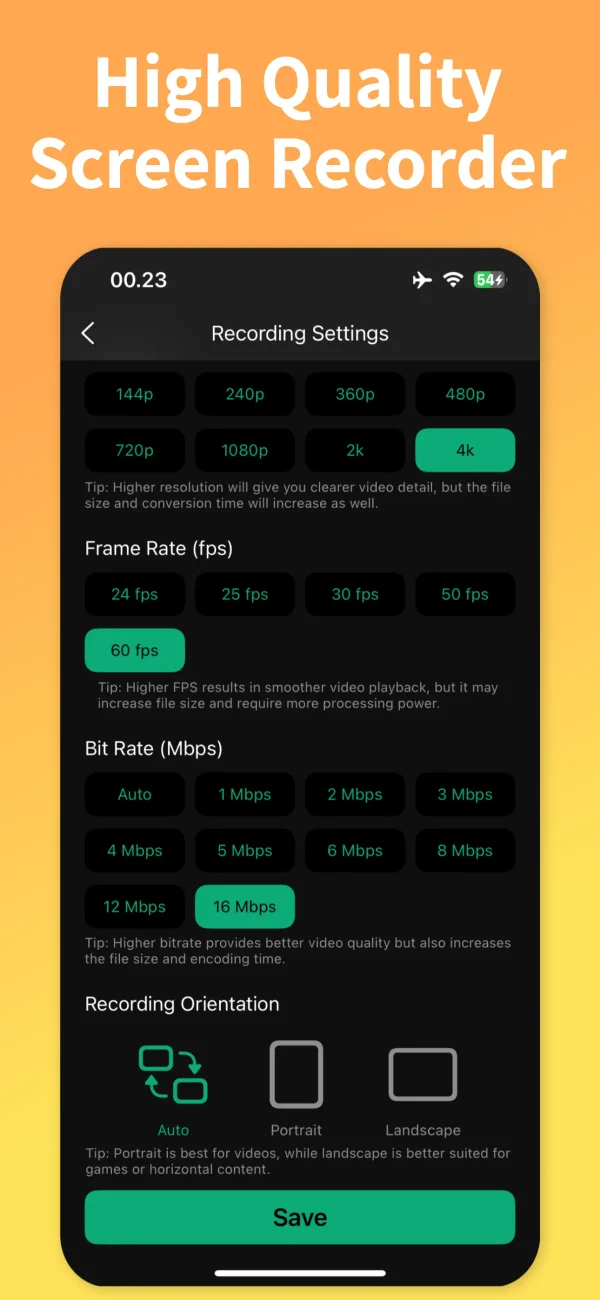
Customize your recording
• High-quality video support
• Adjustable bit rate, frame rate (FPS), resolution, and orientation
• No watermark on your videos
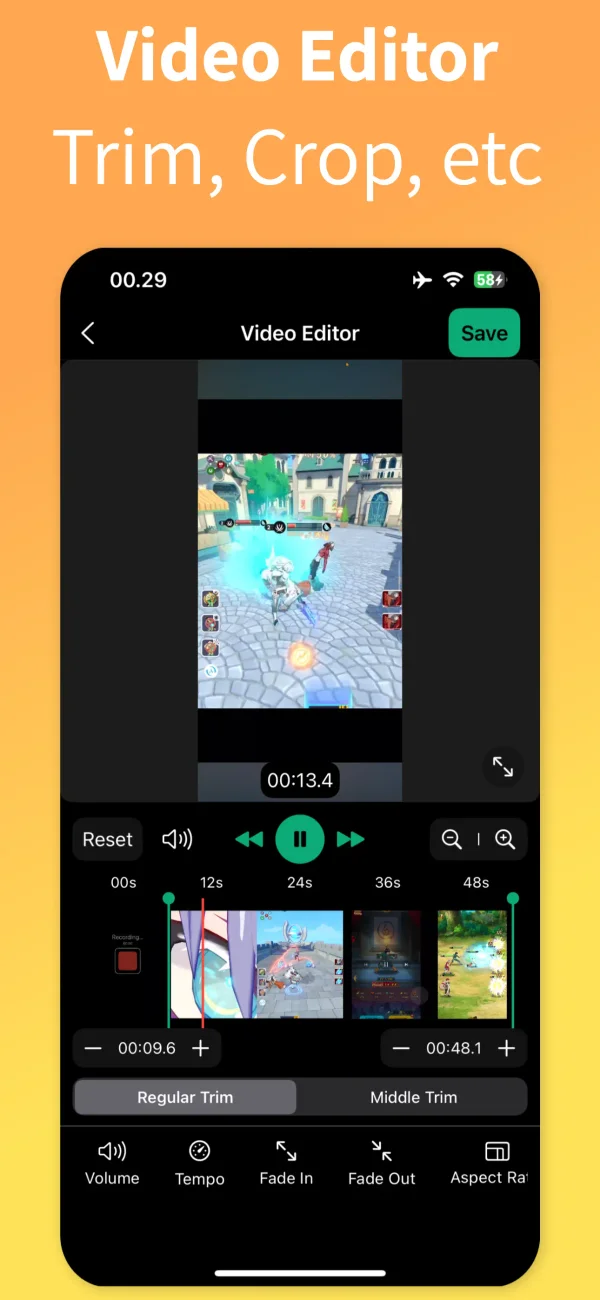
Powerful built-in video editor
• Trim clips to keep only the best parts
• Adjust audio volume
• Add fade-in and fade-out effects
• Change video speed for slow-motion or time-lapse
• Crop and set the perfect aspect ratio
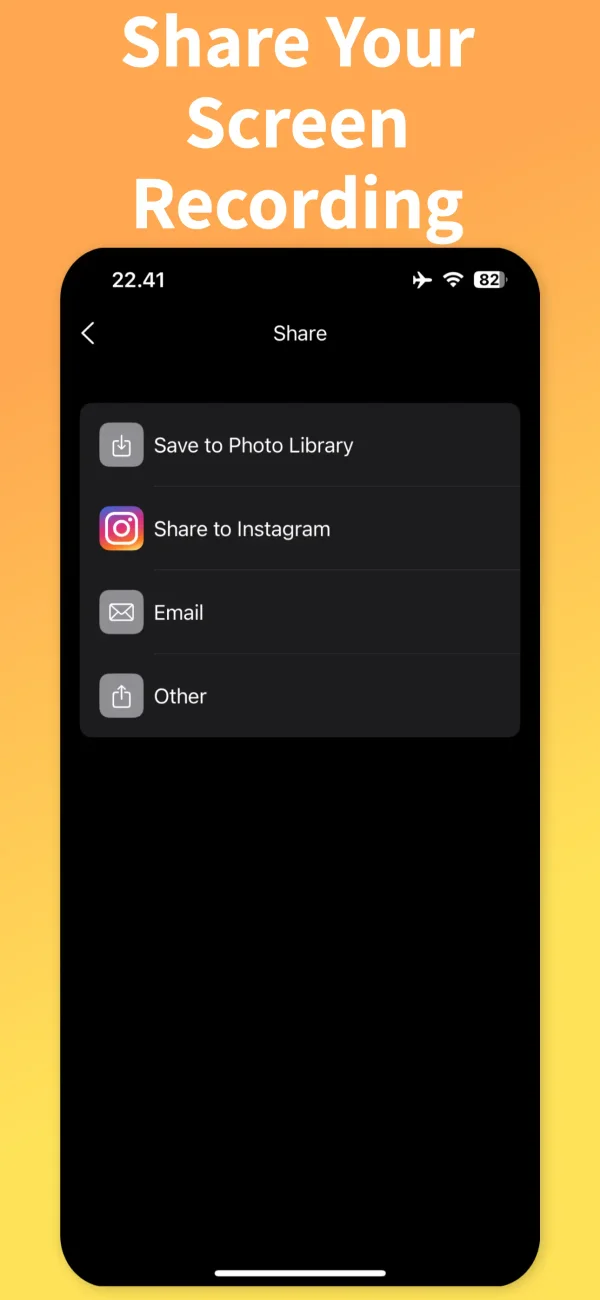
Share and save anywhere
• Save recordings directly to your Photo Library or Files
• Share to social media platforms with one tap
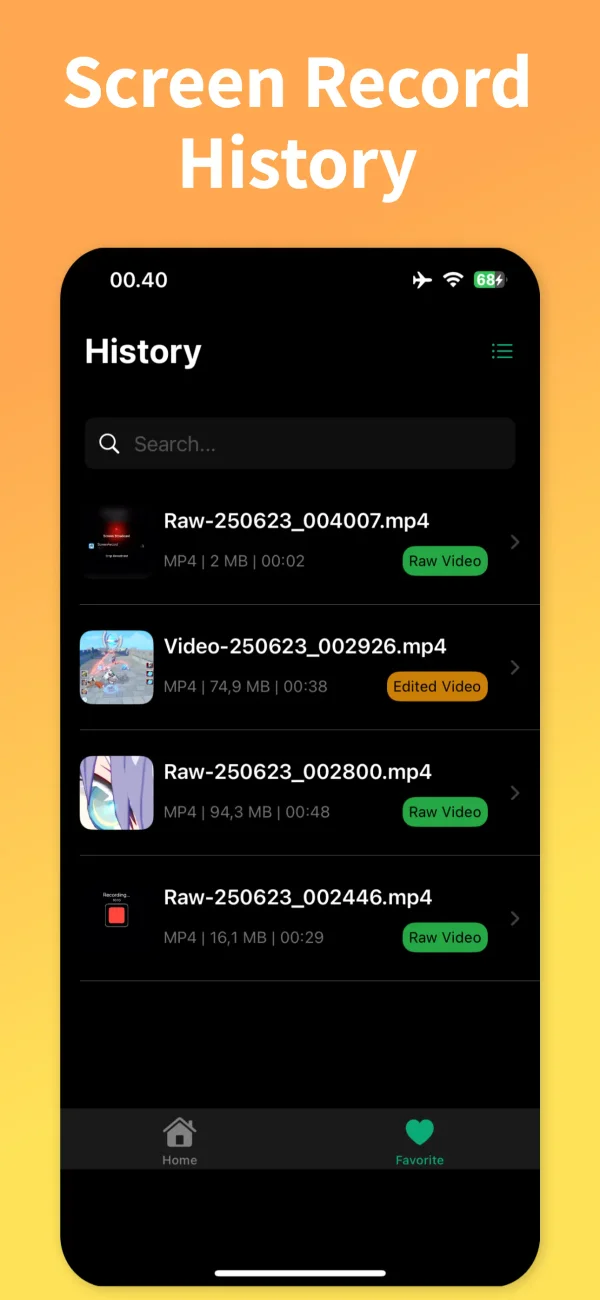
• Review videos in the built-in player
Download now to start capturing your screen like a pro!
Screen Recorder・Game Capture is free to use forever, with optional premium upgrades that unlock additional features.
Terms of Use: https://olivetapp.github.io/Screen-Recorder/term-of-use
Privacy Policy: https://olivetapp.github.io/Screen-Recorder/privacy-policy
新機能
バージョン 1.0.2 · 2025/12/24
Performance improvements
アプリのプライバシー
このアプリのデータの取り扱いについて、Kartika ArdianiがApp Storeで申告している内容です。
-
ユーザーのトラッキングに使用されるデータ
他社のアプリやウェブサイトを横断してユーザーをトラッキングする目的で使用される場合があります。
- 購入
- ID
- 使用状況データ
- 診断
-
ユーザーに関連付けられないデータ
収集される場合がありますが、ユーザーの識別情報には関連付けられません。
- 購入
- ID
- 使用状況データ
- 診断
プライバシーの取り扱いは、ご利用の機能やお客様の年齢などに応じて異なる場合があります。
情報
- 販売元
- Kartika Ardiani
- カテゴリ
- 写真/ビデオ
- バージョン
- 1.0.2
- 更新日
- 2025/12/24
- リリース
- 2025/7/3
- サイズ
- 26.6 MB
- 必要条件
- iOS 16.0以降
- 対象年齢
- 4+
- 価格
- 無料
- アプリ内課金
- あり
- 言語
- 英語
- 著作権
- © 2025 Olivet App
こちらもおすすめ
-
 Screen Recording ™写真/ビデオ
-
 Odays:思い出を振り返り、写真を整理スワイプで不要な写真を整理し空き容量を確保
-
 写真圧縮・画像リサイズ:アルバムのストレージ容量を節約写真データをMBからKBへ縮小して軽量化。アルバムをすっきり
-
 Image & Video File compressorResize Photos & Compress Image
-
 写真と画像を圧縮画像のサイズ変更と圧縮
-
 Loomi: Photo & Video Editor写真/ビデオ
-
 HEIC Converter: JPG, TIFF, PDF写真/ビデオ
-
 Remove Background Easy with AI写真/ビデオ
-
 AIアバター作成プロフィール写真,ヘッドショット
-
 ギャラリー: スワイプ削除, ギャラリー整理スワイプ削除, 写真を削除して容量確保,ギャラリークリーナー