
- 対象年齢4+
- カテゴリ仕事効率化
- 開発元HANSIFY TECHNOLOGIES
- 言語英語
- サイズ4.7 MB
App Storeの公式ページにリンクしています
Download.orgはScreen Time: FocusBlockのファイルを一切ホストしていません。ボタンを押すと、HANSIFY TECHNOLOGIESが公開しているApp Storeのアプリページが開きます。ページの最終確認:2026/11/14。
スクリーンショット

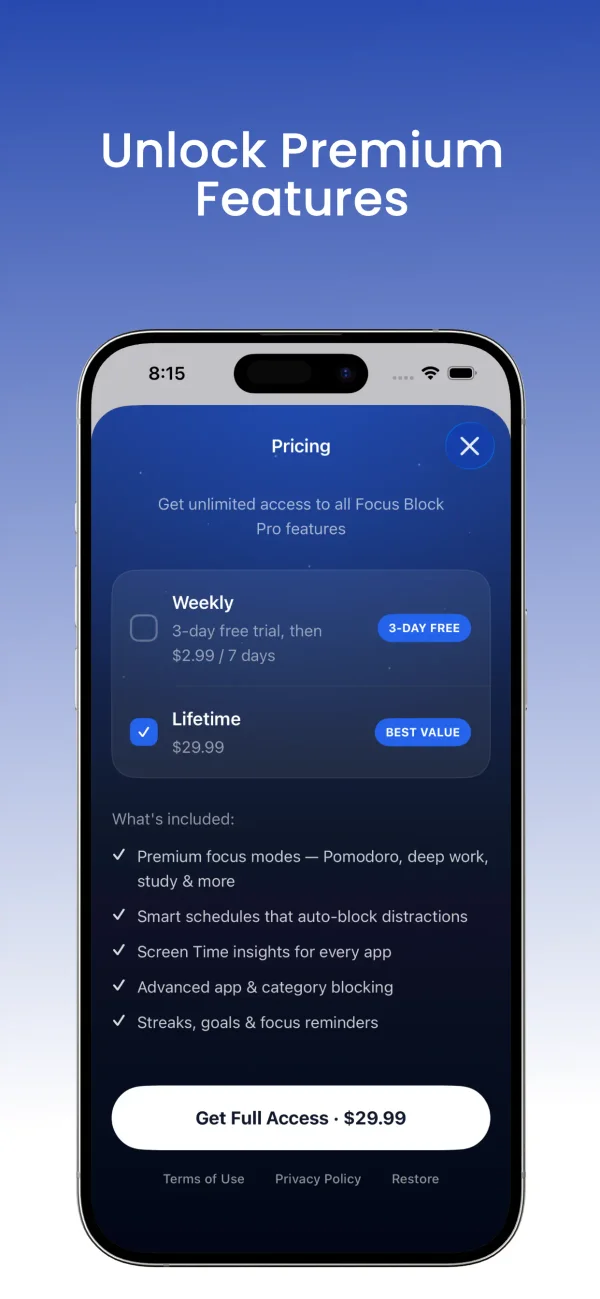
概要
開発元はこのテキストをお使いの言語で提供していません。
**FocusBlock — Real Focus, Not Just Good Intentions**
You don't need another app that hopes you'll behave. You need one that actually blocks the apps pulling you away from what matters — and then gets out of your way.
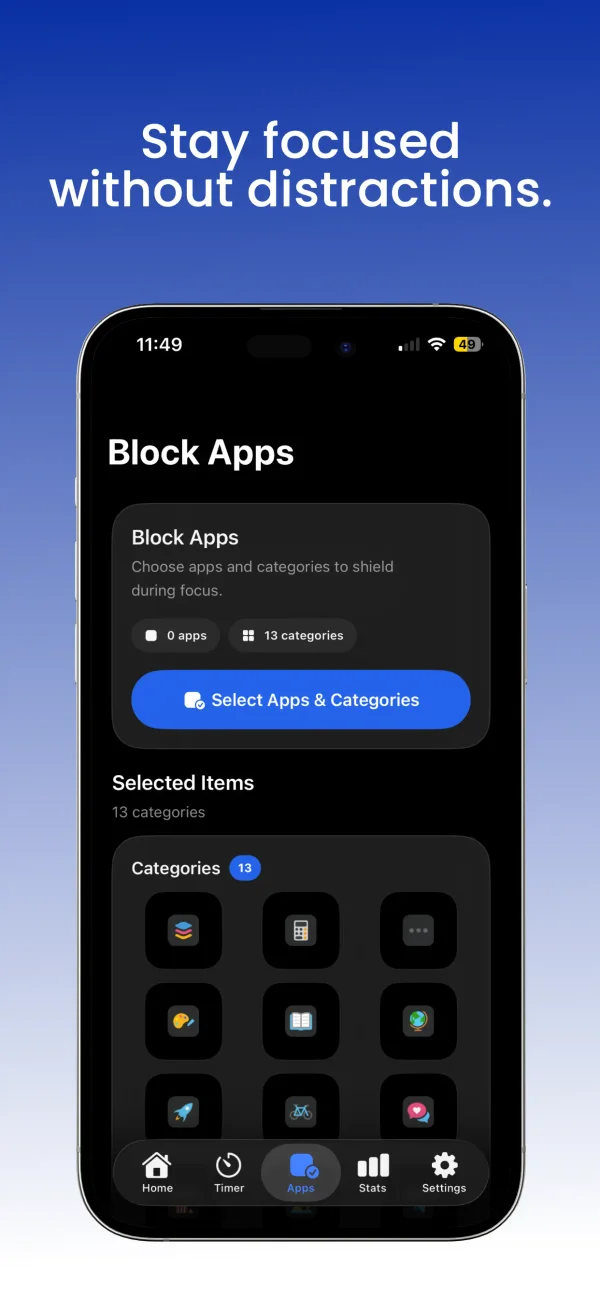
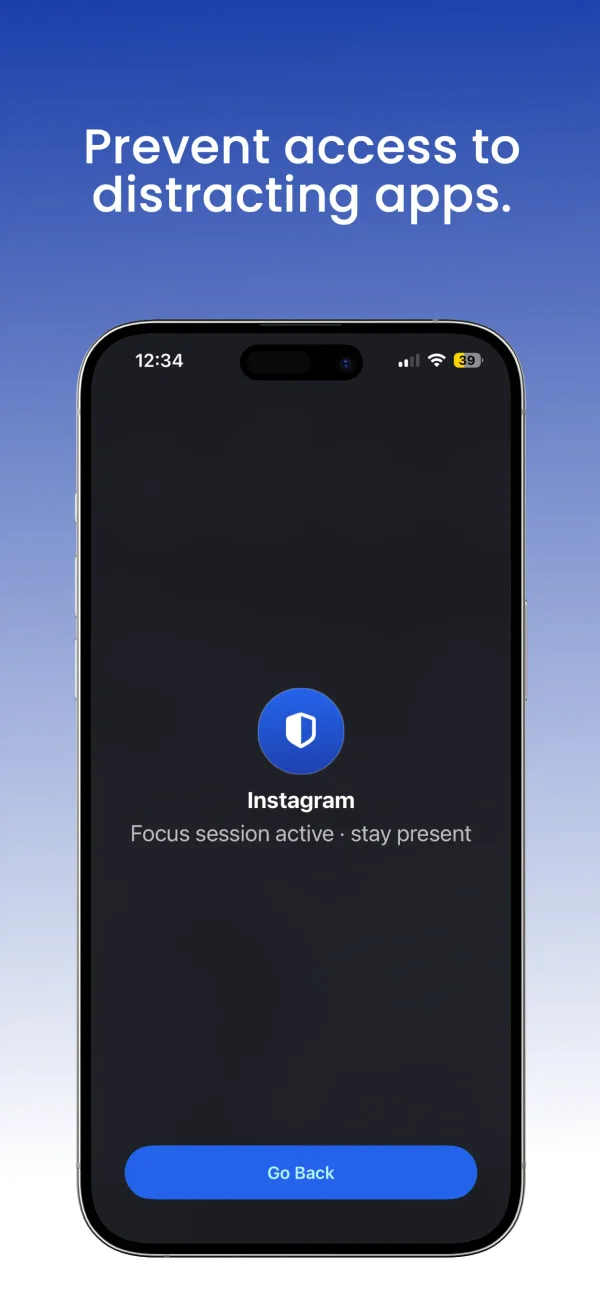
FocusBlock uses Apple's own Screen Time and Family Controls frameworks to lock distracting apps, categories, and websites during the sessions you set. No login. No account. No backend server anywhere. Everything — your schedules, your stats, your streaks — stays on your device.
**Why FocusBlock is different**
Most focus apps fall into two camps: gamified apps that feel fun for a week and then get ignored, or friction apps that just slow you down for a few seconds before you scroll anyway. FocusBlock gives you both a gentle option and a real one:
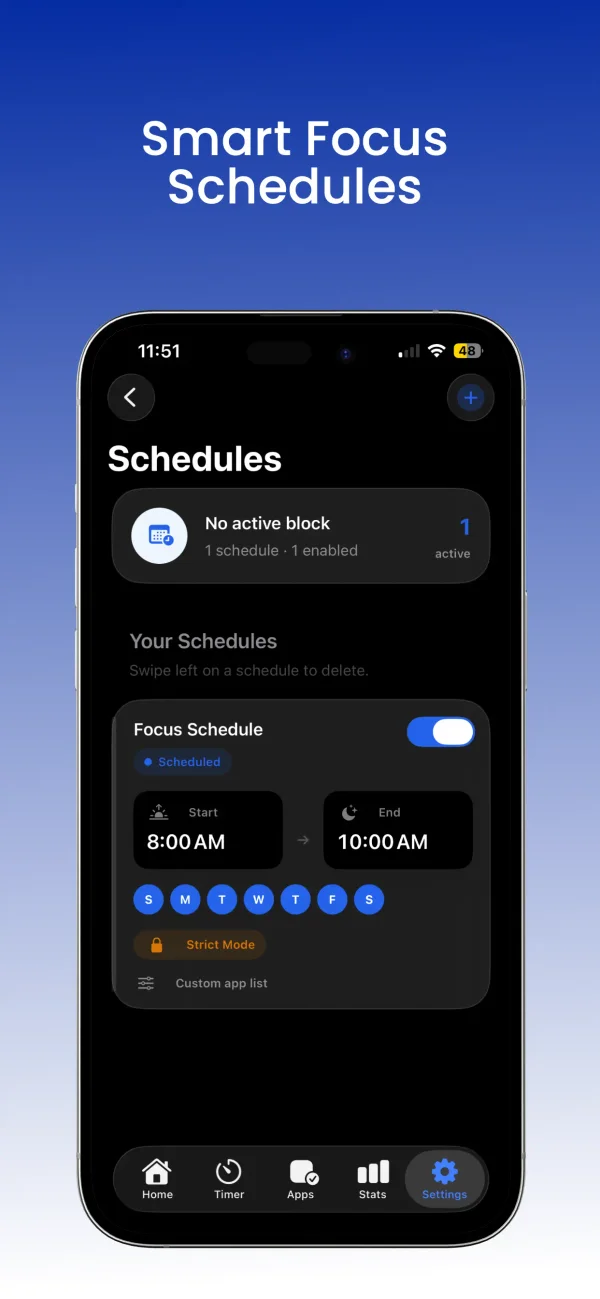
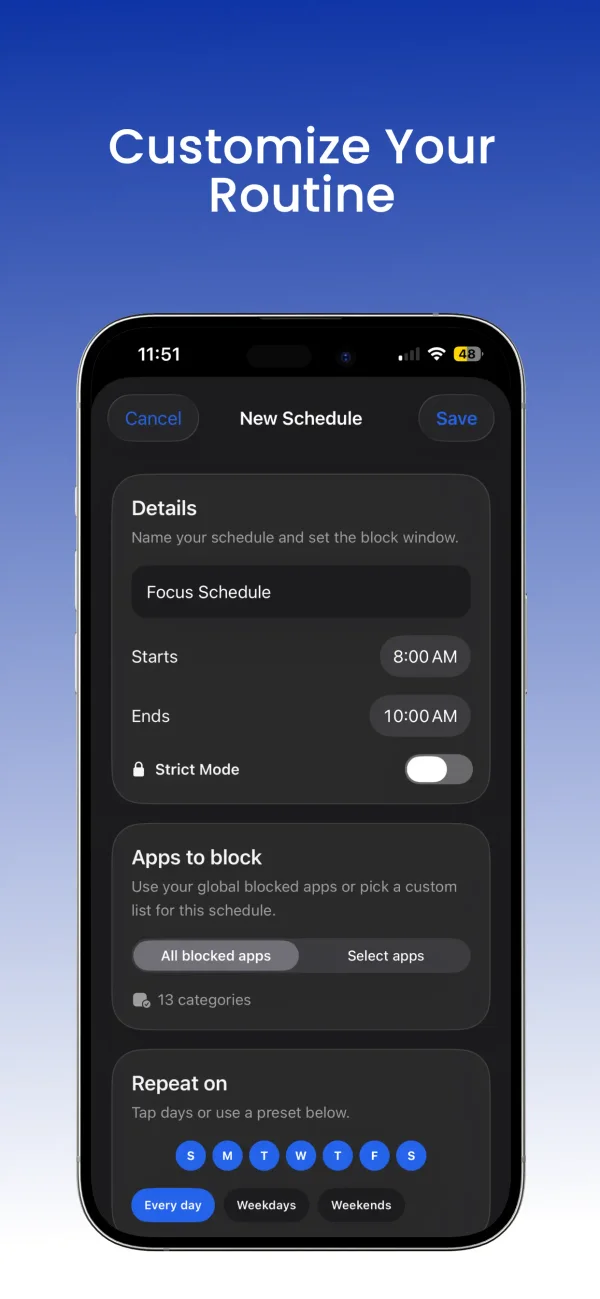
- Start a session with one tap, or build a recurring schedule for Study, Work, Sleep, or Morning routines
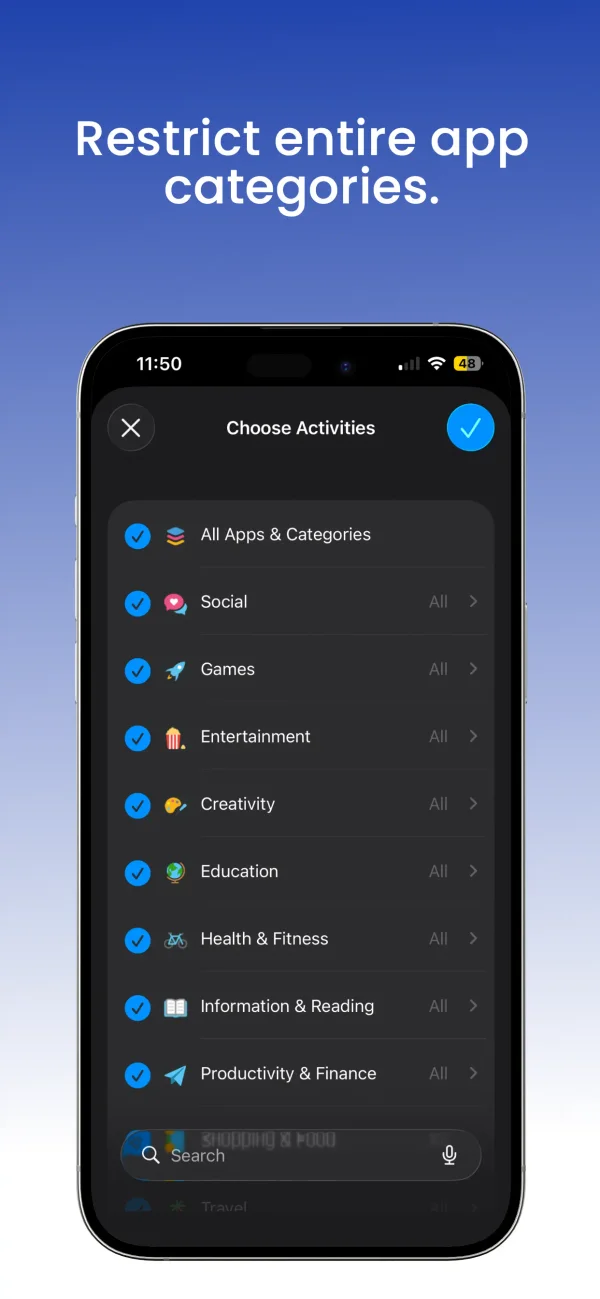
- Block specific apps, entire categories, or distracting websites in Safari
- Whitelist the apps you actually need — calls, messages, docs — so blocking never gets in the way of real work
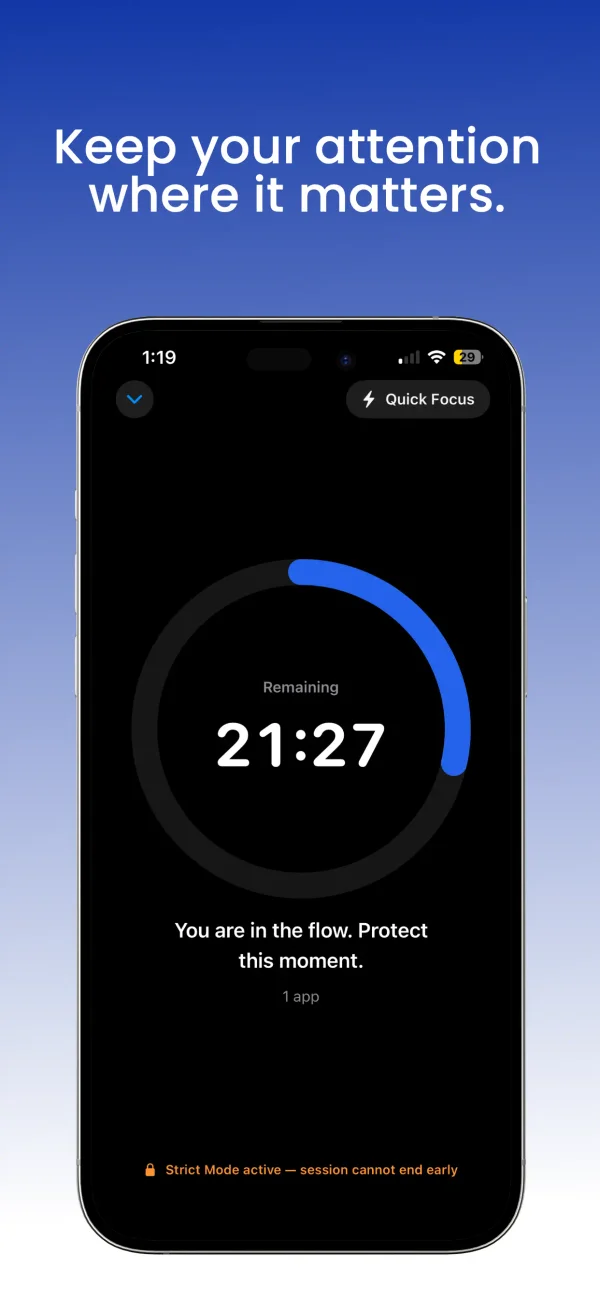
- Turn on **Strict Mode** when you know future-you will try to bail early
- Use **Emergency Unlock** for genuine emergencies, without making it the easy button for every other moment
**Built for how you actually focus**
- Pomodoro timer and Deep Work mode for sustained sessions
- Custom and recurring schedules that run automatically
- Break reminders and focus reminders that nudge without nagging
- Home Screen and Lock Screen widgets, Live Activities, and Shortcuts integration
- Apple Watch support so you can check a session without touching your phone
**See your progress, not just your screen time**
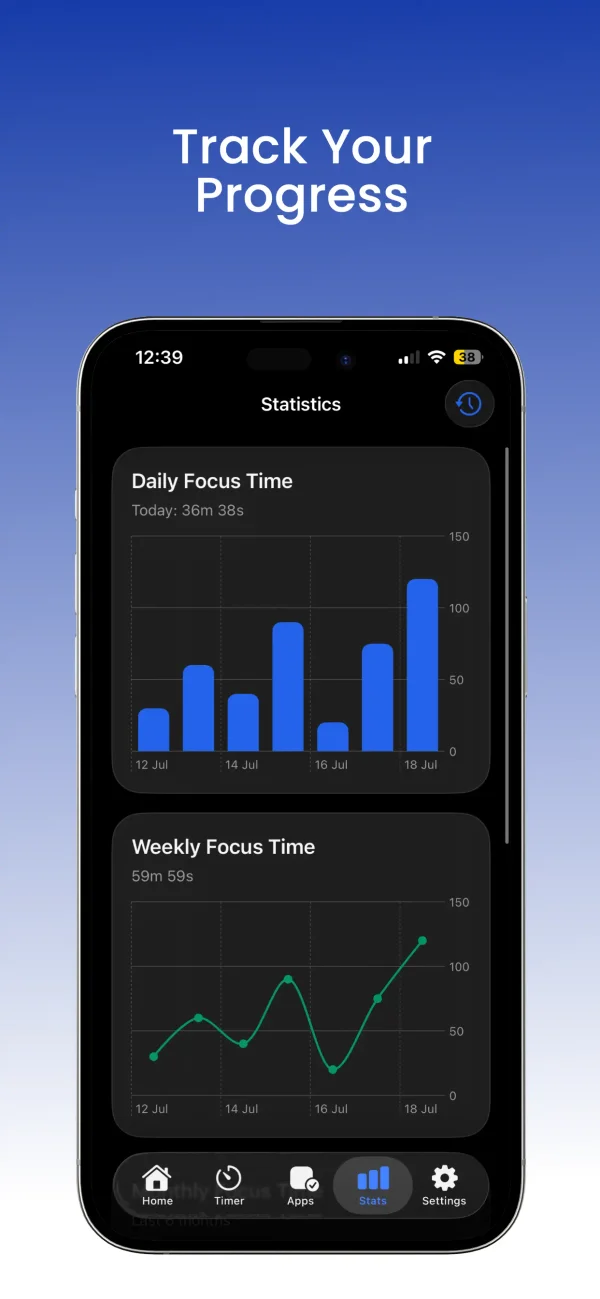
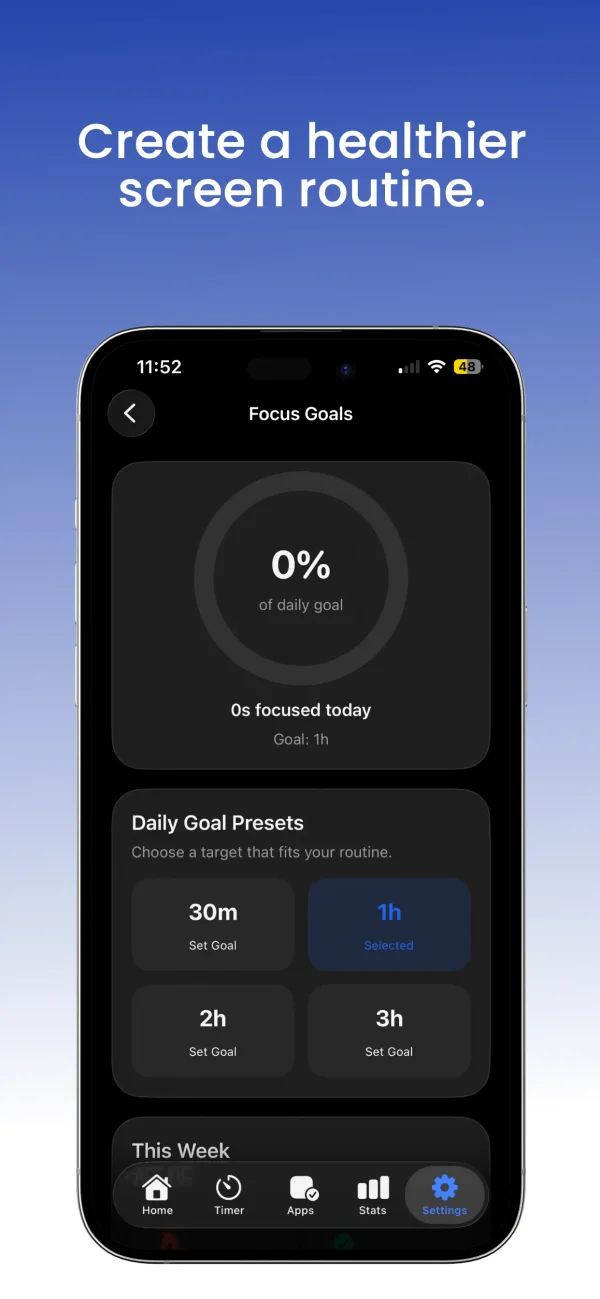
Daily, weekly, and monthly reports show real patterns — not just a number, but where your time actually goes. Build focus streaks, track goals, and watch a productivity score that reflects effort, not gamified busywork.
**Who it's for**
Students cramming for exams. Remote workers guarding deep work blocks. Parents setting healthy limits for the family. Anyone who's tried to quit doomscrolling with willpower alone and needs a system that holds when willpower doesn't.
**Privacy, actually**
No account creation. No data collection. No servers. Your Screen Time data belongs to your device — that's not a slogan, it's the architecture.
**One fair price**
No surprise trial-to-subscription conversion. No feature-creep paywalls added after you've already paid. Just a tool that does what it says.
Download FocusBlock and start your first focus session in under a minute.
Privacy Policy:- https://www.freeprivacypolicy.com/live/de501fa3-782a-48dd-b33f-83d8bc220c5c
Terms of use:- https://www.privacypolicies.com/live/ec0062f6-bde6-4a8d-b665-9df7cf6f5d6e
Feel free to adjust the text according to any additional features or specific highlights you want to promote. Please email us at help.app007@gmail.com.
新機能
バージョン 2.1 · 2026/8/12
Free trials added
UI Improvement and Bug Fix
アプリのプライバシー
このアプリのデータの取り扱いについて、HANSIFY TECHNOLOGIESがApp Storeで申告している内容です。
-
データの収集なし
開発元はこのアプリからデータを収集しません。
プライバシーの取り扱いは、ご利用の機能やお客様の年齢などに応じて異なる場合があります。
情報
- 販売元
- HANSIFY TECHNOLOGIES
- カテゴリ
- 仕事効率化
- バージョン
- 2.1
- 更新日
- 2026/8/12
- リリース
- 2026/7/21
- サイズ
- 4.7 MB
- 必要条件
- iOS 17.0以降
- 対象年齢
- 4+
- 価格
- 無料
- アプリ内課金
- あり
- 言語
- 英語
- 著作権
- © Hansify Technology
こちらもおすすめ
-
 HomeLog: Home Inventory仕事効率化
-
 HOAGuard: HOA Evidence Log仕事効率化
-
 Study Deck: Memory Flashcards仕事効率化
-
 CaseKeep: Legal Case Organizer仕事効率化
-
 Live Level - Habit Tracker仕事効率化
-
 Sequence: Time Block Planner仕事効率化
-
 Podknow - ポッドキャスト&AI文字起こしプレイヤー、要約、チャプター
-
 Countpad: 在庫管理オフライン在庫カウント+PDF
-
 To Do List: Productivity Game仕事効率化
-
 Ego Chat仕事効率化