- 対象年齢4+
- カテゴリ仕事効率化
- 開発元Engram Ltd
- 言語英語
- サイズ170.0 MB
App Storeの公式ページにリンクしています
Download.orgはScript Rehearserのファイルを一切ホストしていません。ボタンを押すと、Engram Ltdが公開しているApp Storeのアプリページが開きます。ページの最終確認:2026/11/17。
スクリーンショット
概要
開発元はこのテキストをお使いの言語で提供していません。
Hit the ground running. Save yourself hours and turn up knowing your lines. Whether it’s a stage script, screenplay, speech or presentation, you can rehearse and memorize on the go in an effective and convenient way. There’s no need to assemble the rest of the cast, or have a rehearsal partner or reader.
Actors, TV personalities, business people, public speakers and students - learn your material more effectively with Script Rehearser. You can even practice English language conversation.
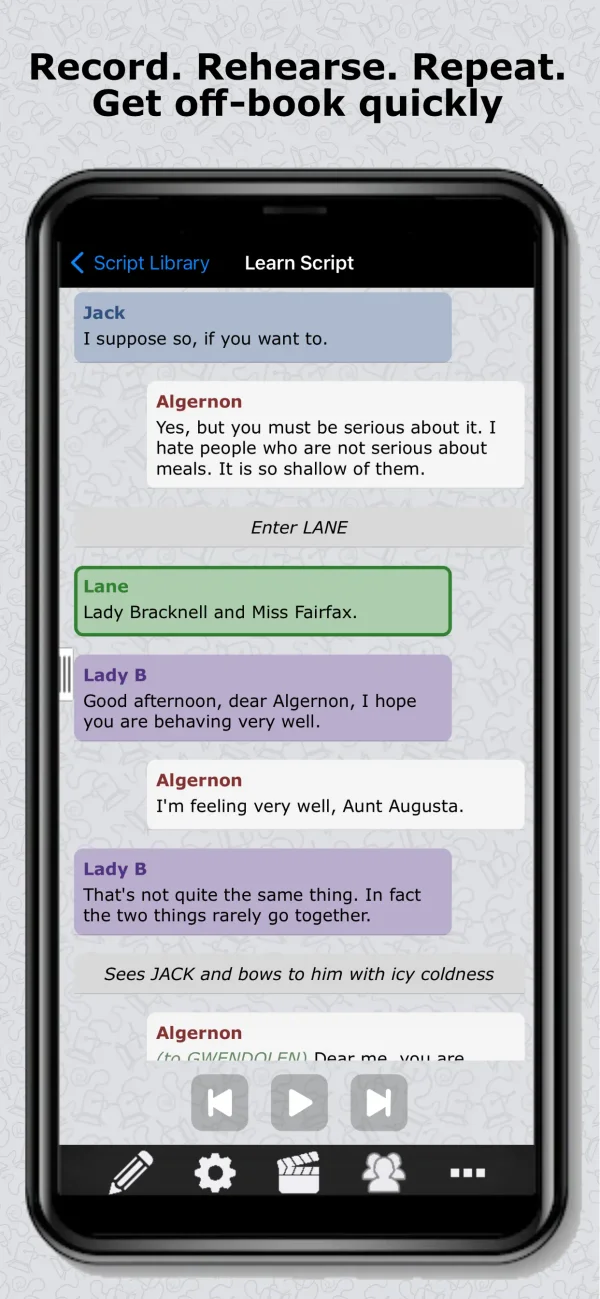
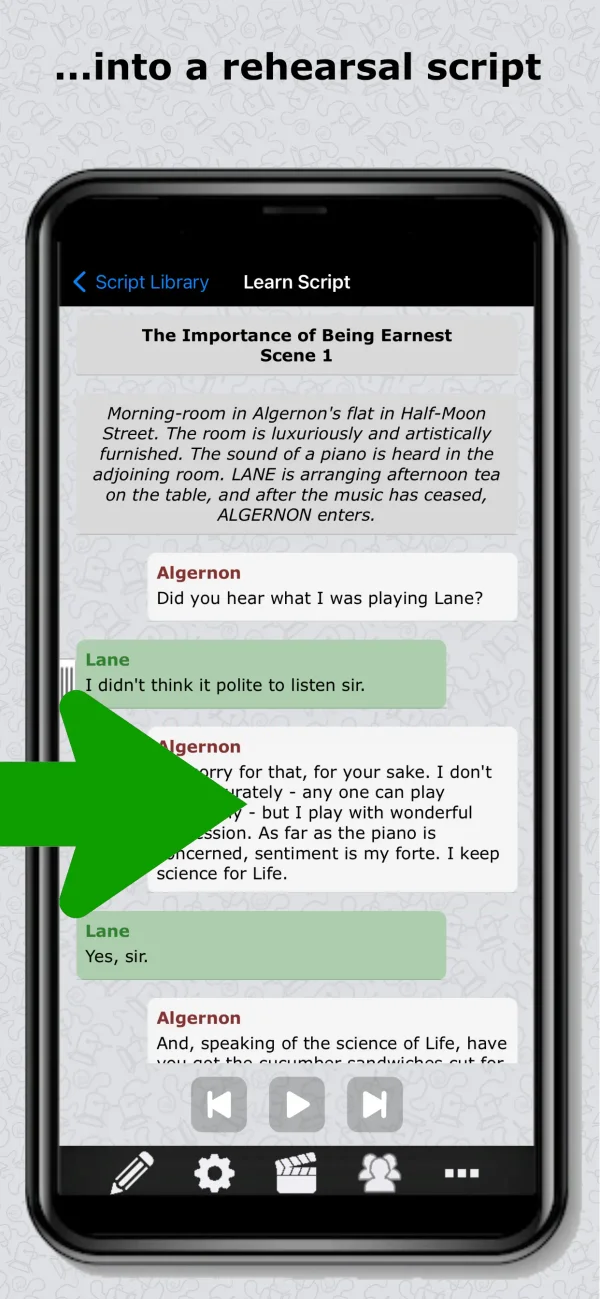
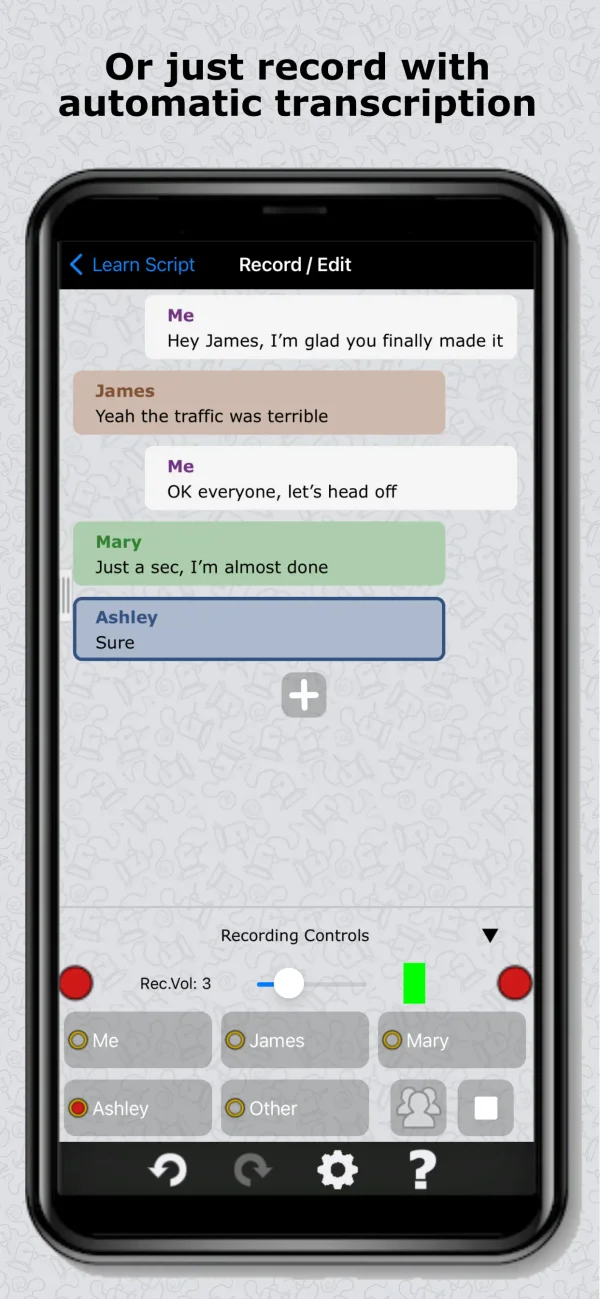
You can just start recording your own voice straight away. Or you can import your theater or movie script* or simply type in your lines. Script Rehearser will read them back to you whenever you want using its customizable options to prompt you. Optimize how you rehearse as you progress.
Features include:
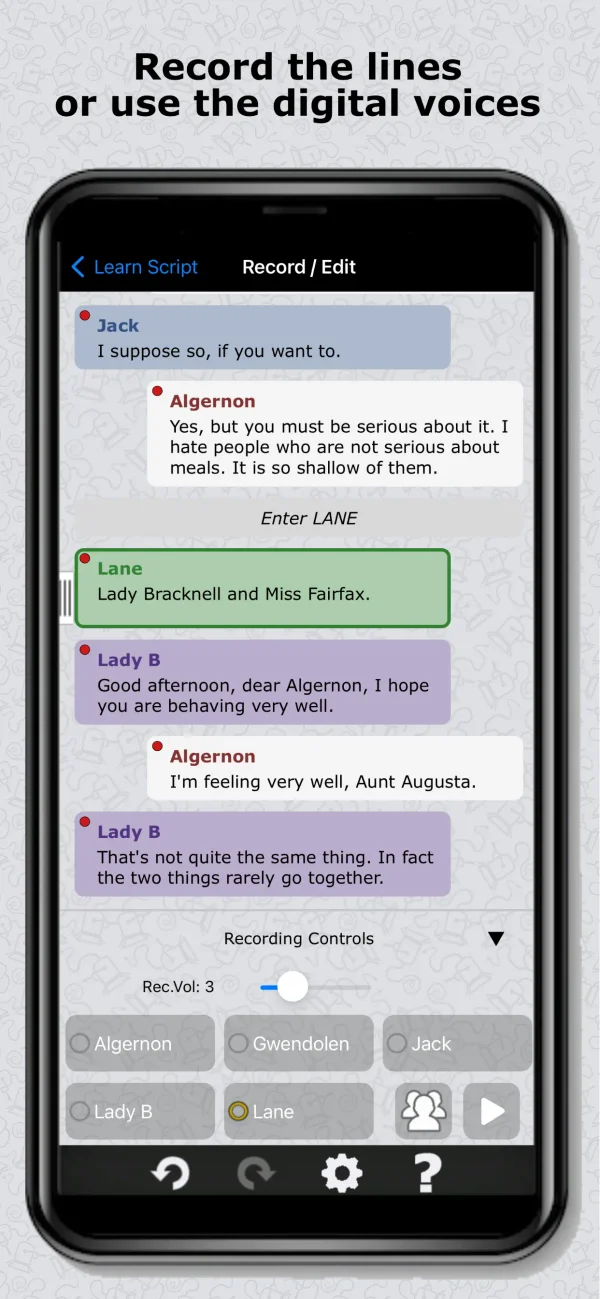
• Record your own voice directly into the app, and have it automatically transcribed †
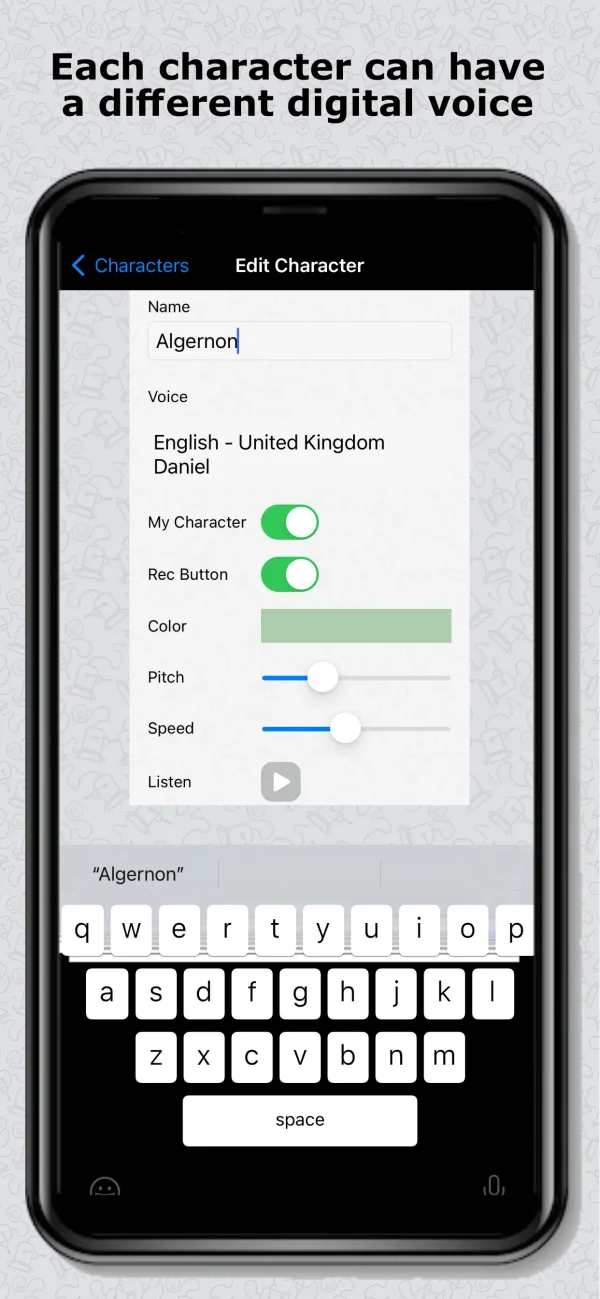
• Use digital voices for the other characters †
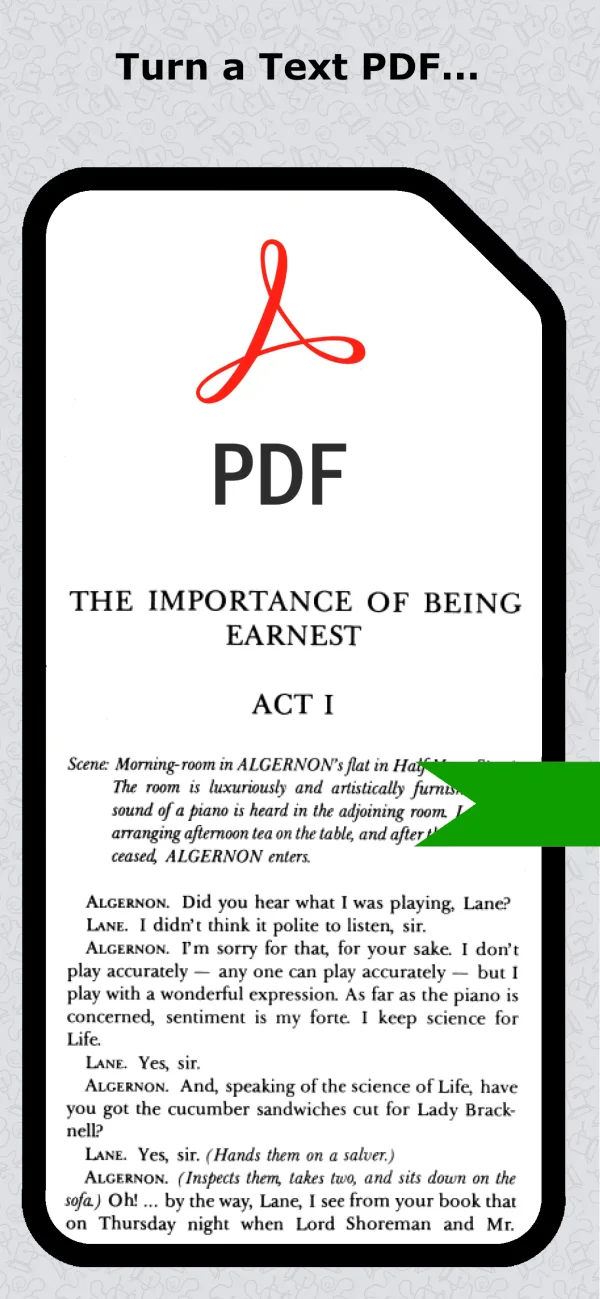
• Import a script from a PDF file ‡
• Import a script you've created on your PC or Mac, or just type it into your device
• Customize scripts with your own notes and stage directions
• Clearly distinguish your lines from others
• Show your lines; hide you lines; show the first letter of each word
• Play the whole script, or skip forward to your next cue
• Play other parts while you self-tape
• Share the recorded script †
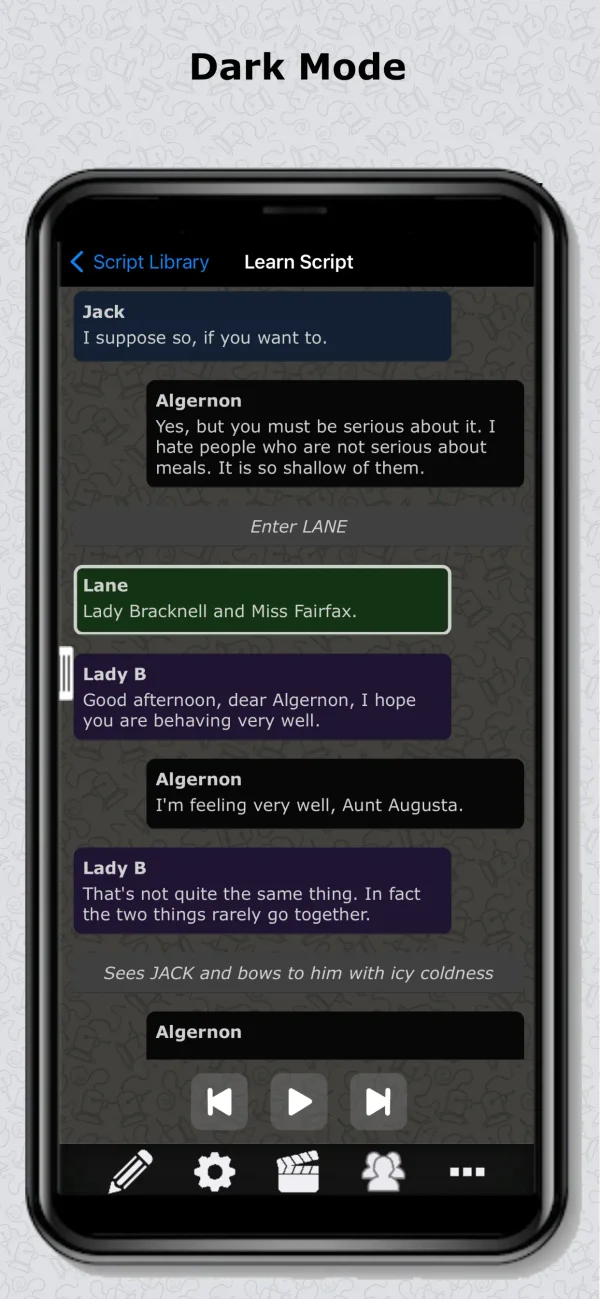
• Choose light or dark color mode
• Designed for phones and tablets
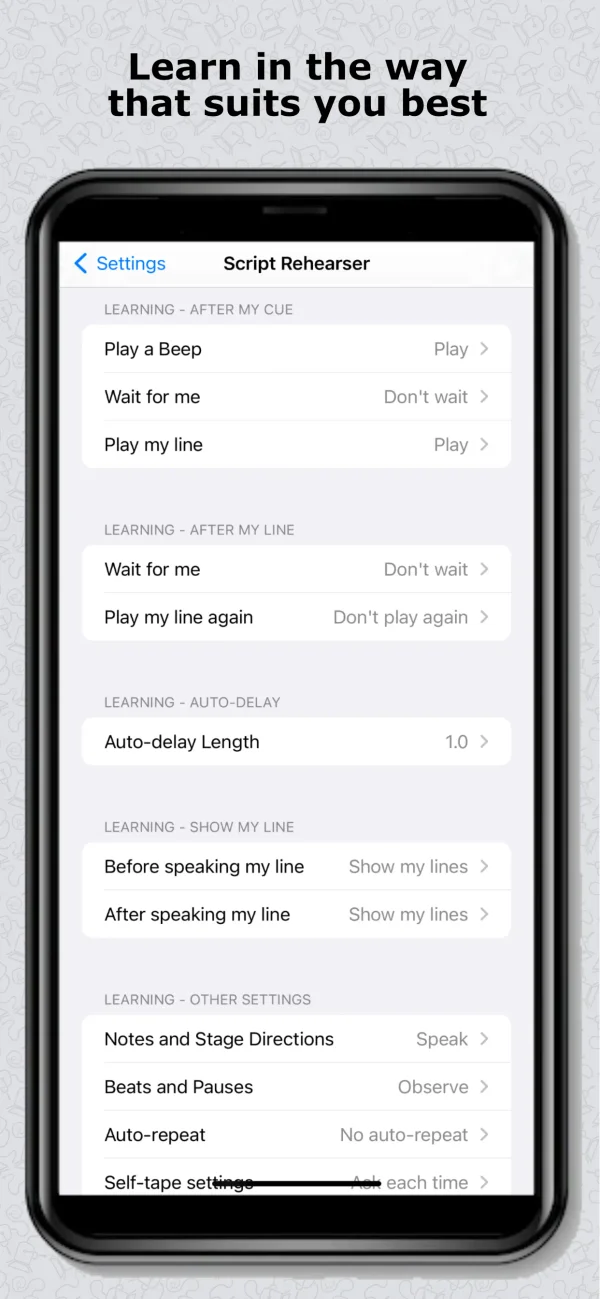
Script Rehearser can be configured to support your personal learning style. For example:
• Listen Along: Script Rehearser speaks, you listen. You can play, pause, and jump forward to your next line or back to your previous one.
• Wait For Me: Script Rehearser pauses for each of your lines until you’re ready to continue
• Repeat for Confirmation: Script Rehearser leaves a gap for you to say the line, then automatically speaks the line for confirmation and carries on
• Run Through: Script Rehearser leaves a gap for you to say your line, then automatically carries on with the next line
† Pro Features
To enable us to continue developing the app, the following are Pro features:
• Recording your own voice
• Choosing which digital voice to use for each character
• Exporting a script
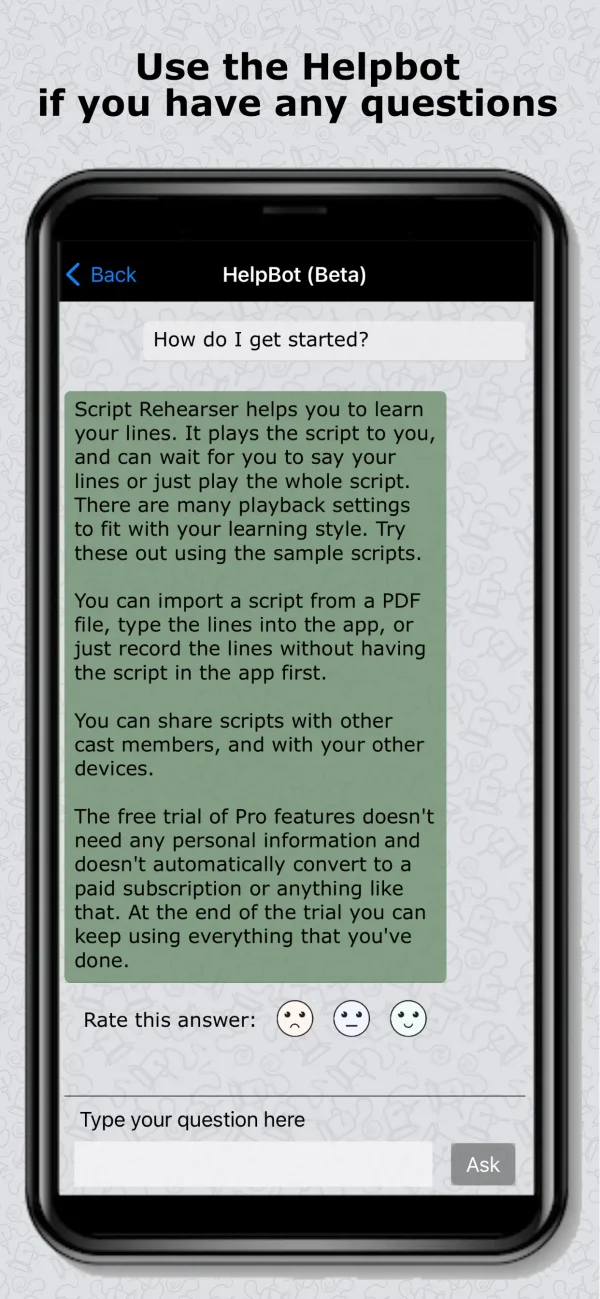
There’s a 30-day free trial of Pro features, with no sign-up required and no automatic conversion to a paid subscription. After this you can keep using everything you’ve done, even if you don’t subscribe.
Keep in contact:
• For news and updates follow us on Twitter: @ScriptRehearser
• Find us on Facebook: www.facebook.com/ScriptRehearser
• Join us on our forum: www.ScriptRehearser.com
‡ Note that for a PDF file to import it must contain the text of the script, not just pictures of the text. Some PDFs contain scanned images of the text rather than the text itself, and the app can't import these files as it needs the actual text to work with.
Terms of use can be found at https://www.apple.com/legal/internet-services/itunes/dev/stdeula/
新機能
バージョン 7.0.221 · 2026/10/13
* The new Rehearser Text-To-Speech engine provides high-quality digital voices in English. Switch to this in the app's Settings.
* Stage directions embedded in dialogue are now spoken using the Stage Directions voice.
* The Script Library now allows sorting of scripts. The default is Most Recent First
* Fixed a bug that could cause the app to freeze when using auto-skip
アプリのプライバシー
このアプリのデータの取り扱いについて、Engram LtdがApp Storeで申告している内容です。
-
ユーザーに関連付けられないデータ
収集される場合がありますが、ユーザーの識別情報には関連付けられません。
- ID
- 使用状況データ
- 診断
プライバシーの取り扱いは、ご利用の機能やお客様の年齢などに応じて異なる場合があります。
情報
- 販売元
- Engram Ltd
- カテゴリ
- 仕事効率化
- バージョン
- 7.0.221
- 更新日
- 2026/10/13
- リリース
- 2019/2/7
- サイズ
- 170.0 MB
- 必要条件
- iOS 16.0以降
- 対象年齢
- 4+
- 価格
- 無料
- アプリ内課金
- あり
- 言語
- 英語
- 著作権
- © 2026 Engram Ltd