
- 対象年齢4+
- カテゴリ仕事効率化
- 開発元笑明 贾
- 言語簡体字中国語ほか1言語
- サイズ4.2 MB
App Storeの公式ページにリンクしています
Download.orgはScriptPace: Voice Prompterのファイルを一切ホストしていません。ボタンを押すと、笑明 贾が公開しているApp Storeのアプリページが開きます。ページの最終確認:2026/11/12。
スクリーンショット

概要
開発元はこのテキストをお使いの言語で提供していません。
You prepared what you want to say. Then recording starts, and the teleprompter becomes part of the problem.
It scrolls too fast, so you chase the words. It scrolls too slowly, so you wait. Pause, lose your place, or start another take, and finding the right line again can break your momentum. Your attention shifts from the message to the screen.
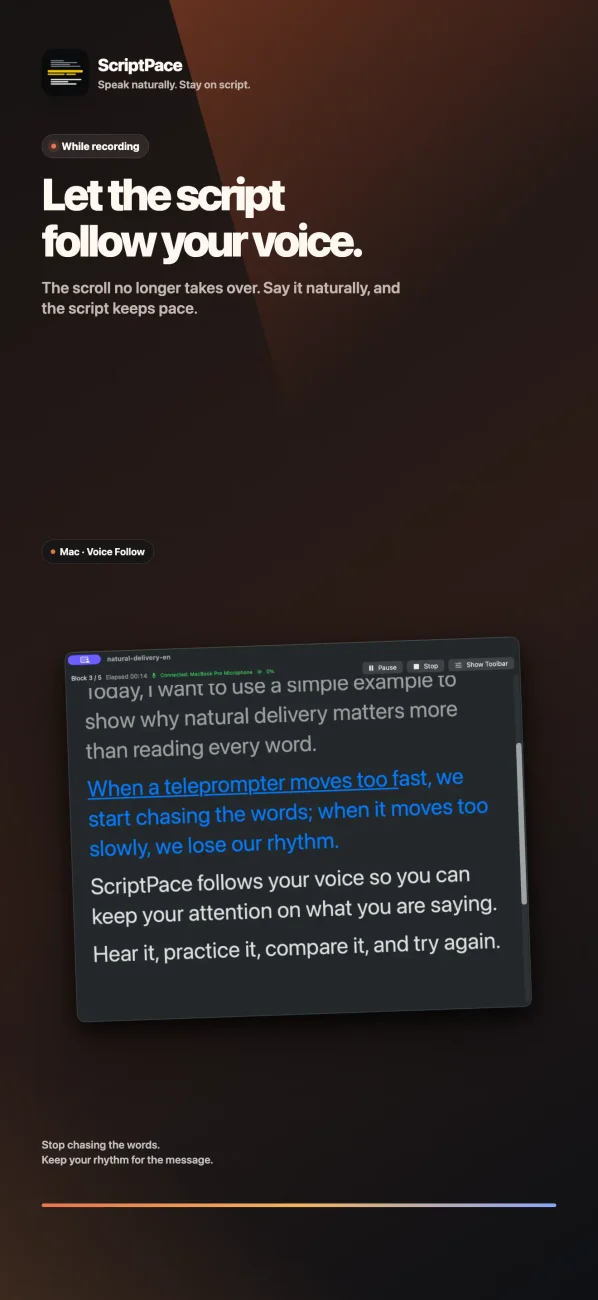
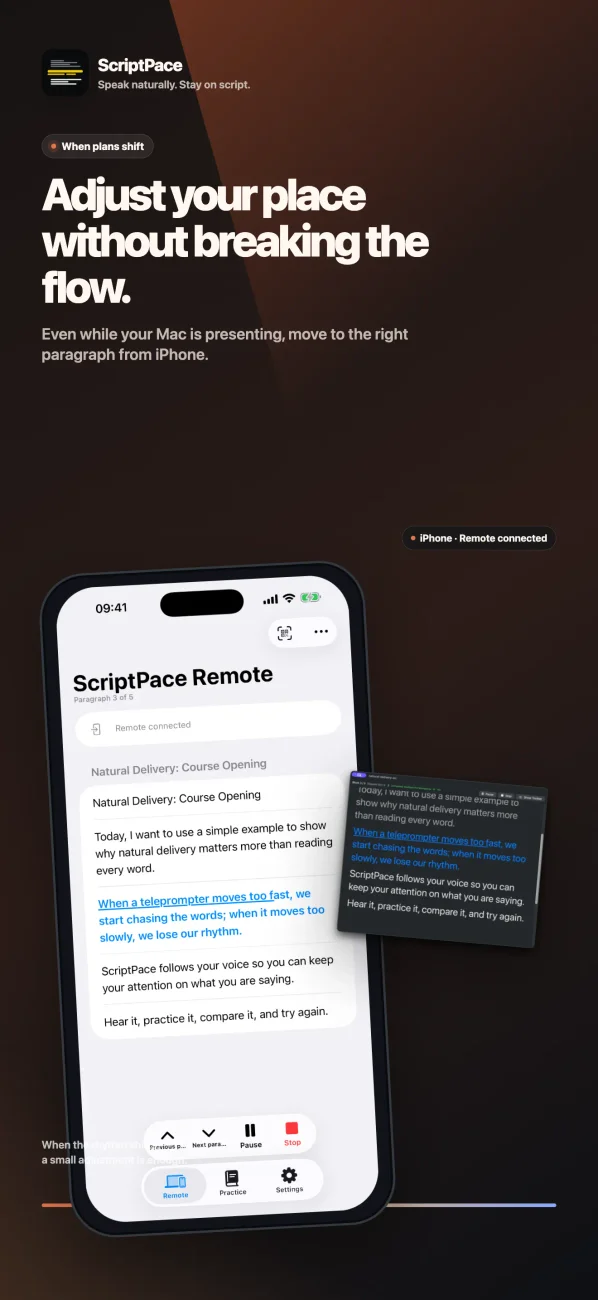
ScriptPace lets your voice move the script forward. Speak at your natural pace instead of chasing a fixed scroll speed. When you need another take, use the rerecord command to move back one sentence. If you add an improvised point or an occasional paragraph mismatch appears, use iPhone Remote to adjust your place without breaking your flow.
Bring your delivery back to a natural rhythm
• Advance the script at your natural pace, with less chasing and waiting
• Follow your speech so you can stay focused on what you are saying
• Find the current paragraph again after a pause or change in delivery
• Use a rerecord command to move back one sentence and try again
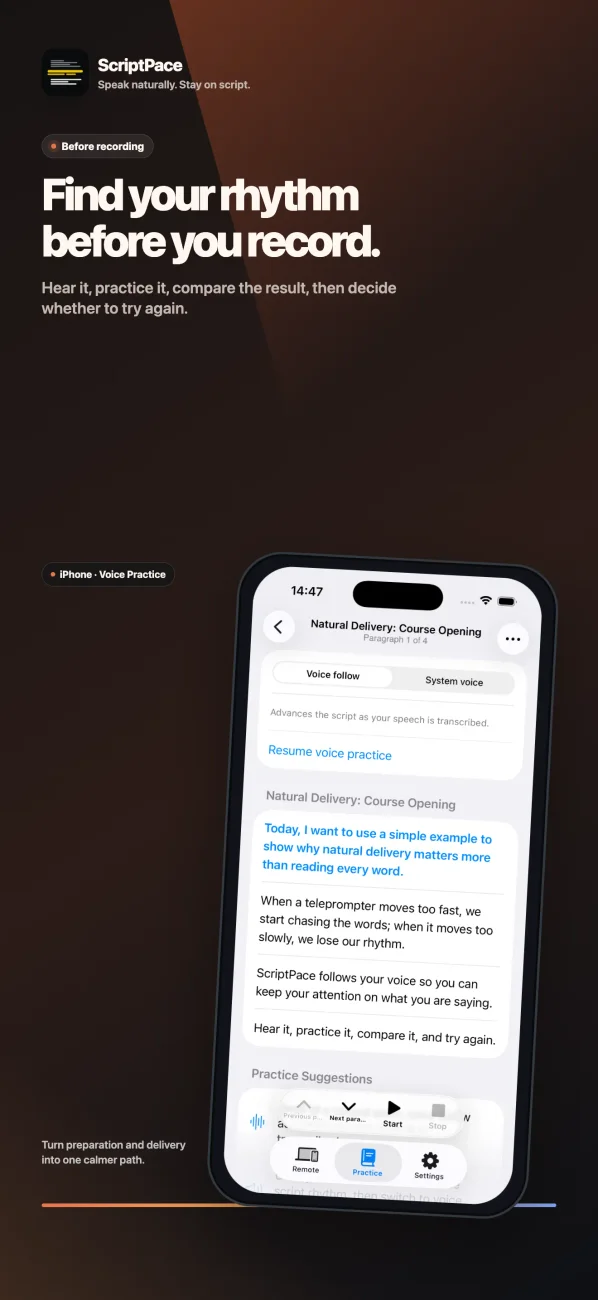
Hear it, practice it, compare it, and try again
• Let Mac read the script aloud so you can hear its rhythm first
• Practice on iPhone before a formal recording and build confidence
• Use Voice Follow on Mac so the script moves with your delivery
• Compare the read-only speech transcript with the script, then refine the paragraph on Mac
• Scan the QR code on Mac to connect iPhone Remote and adjust the prompter
• Nudge to the right paragraph when an occasional mismatch occurs
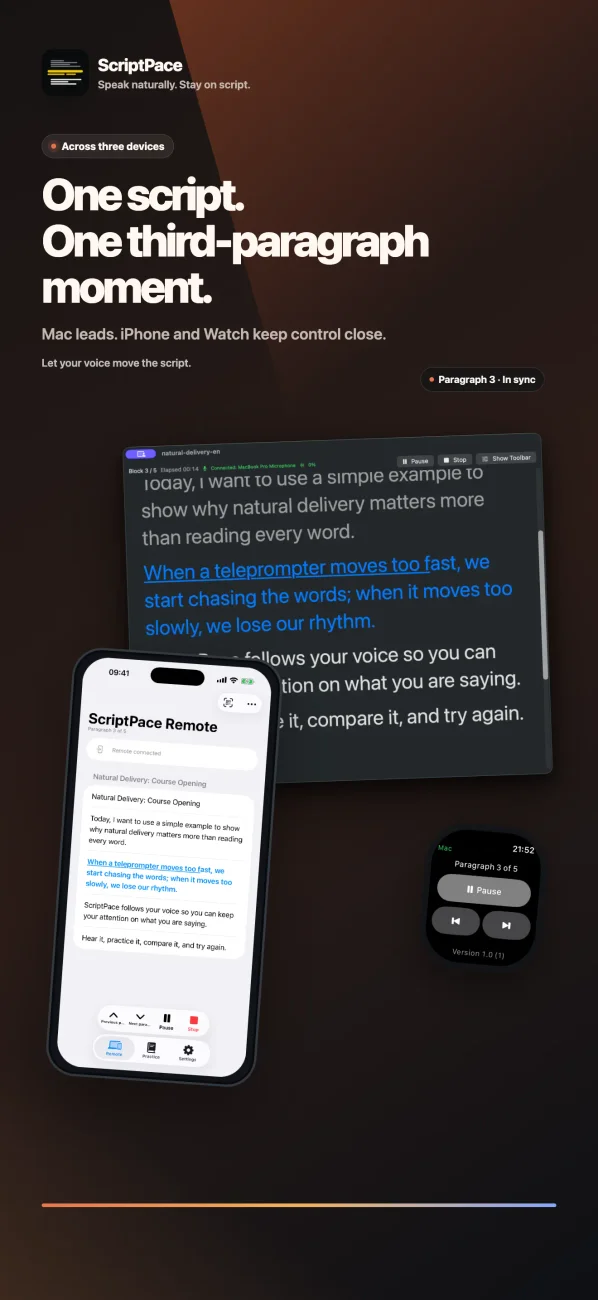
• Use Apple Watch as a free Remote companion when iPhone is out of reach
Designed for focus
• Your scripts and voice practice are processed on device where supported
• You do not need an application account
• We do not store raw microphone audio
ScriptPace Pro
• Choose Monthly Pro or Annual Pro, confirm the purchase, and get a 7-day free trial; after the trial, the selected subscription renews automatically at the displayed price
• Monthly Pro: $1.99/month, for short projects and flexible use
• Annual Pro: $15.99/year, for regular practice, teaching, and creation
• Founder Lifetime: $45.99 one time, permanently unlocking the current ScriptPace Pro product line
Mac, iPhone, and Apple Watch are free to download. Apple Watch is a free companion with no separate purchase. Monthly Pro and Annual Pro are auto-renewable subscriptions; Founder Lifetime is a one-time purchase. One purchase gives you the same Pro entitlement across supported Apple platforms.
For your next recording, stop chasing the words. Let ScriptPace follow your voice.
LEGAL
Terms of Use (EULA): https://scriptpace.github.io/en/terms.html
Privacy Policy: https://scriptpace.github.io/en/privacy.html
新機能
バージョン 1.1.1 · 2026/9/18
Bug fixes and improvements.
アプリのプライバシー
このアプリのデータの取り扱いについて、笑明 贾がApp Storeで申告している内容です。
-
データの収集なし
開発元はこのアプリからデータを収集しません。
プライバシーの取り扱いは、ご利用の機能やお客様の年齢などに応じて異なる場合があります。
情報
- 販売元
- 笑明 贾
- カテゴリ
- 仕事効率化
- バージョン
- 1.1.1
- 更新日
- 2026/9/18
- リリース
- 2026/9/9
- サイズ
- 4.2 MB
- 必要条件
- iOS 26.0以降
- 対象年齢
- 4+
- 価格
- 無料
- アプリ内課金
- あり
- 言語
- 簡体字中国語, 英語
- 著作権
- © 2026 ScriptPace
こちらもおすすめ
-
 1+1 workspace仕事効率化
-
 Memova AI仕事効率化
-
 GrabIt Library ManagerGrabIt Library Manager
-
 テレプロンプター カンペ 音声自動スクロール動画配信 VTuber 台本読み上げ原稿
-
 SpeakerTimer: Stage Clock仕事効率化
-
 Dokitscript: 動画を文字起こし音声と会議の書き起こし・字幕・AI要約
-
 Epyst: Church Sermon Notes App仕事効率化
-
 Markdown Prompt Clipper仕事効率化
-
 Echo: Visual Task with Avatar仕事効率化
-
 Messo: To-Do, Notes, Tasks仕事効率化