
Scrolla: Screenshot Stitcher
Scroll capture & long images
iPhone, iPad向けに設計
無料 · アプリ内課金
- 対象年齢4+
- カテゴリユーティリティ
- 開発元玉春 蔡
- 言語英語ほか13言語
- サイズ102.2 MB
App Storeの公式ページにリンクしています
Download.orgはScrolla: Screenshot Stitcherのファイルを一切ホストしていません。ボタンを押すと、玉春 蔡が公開しているApp Storeのアプリページが開きます。ページの最終確認:2026/11/24。
スクリーンショット
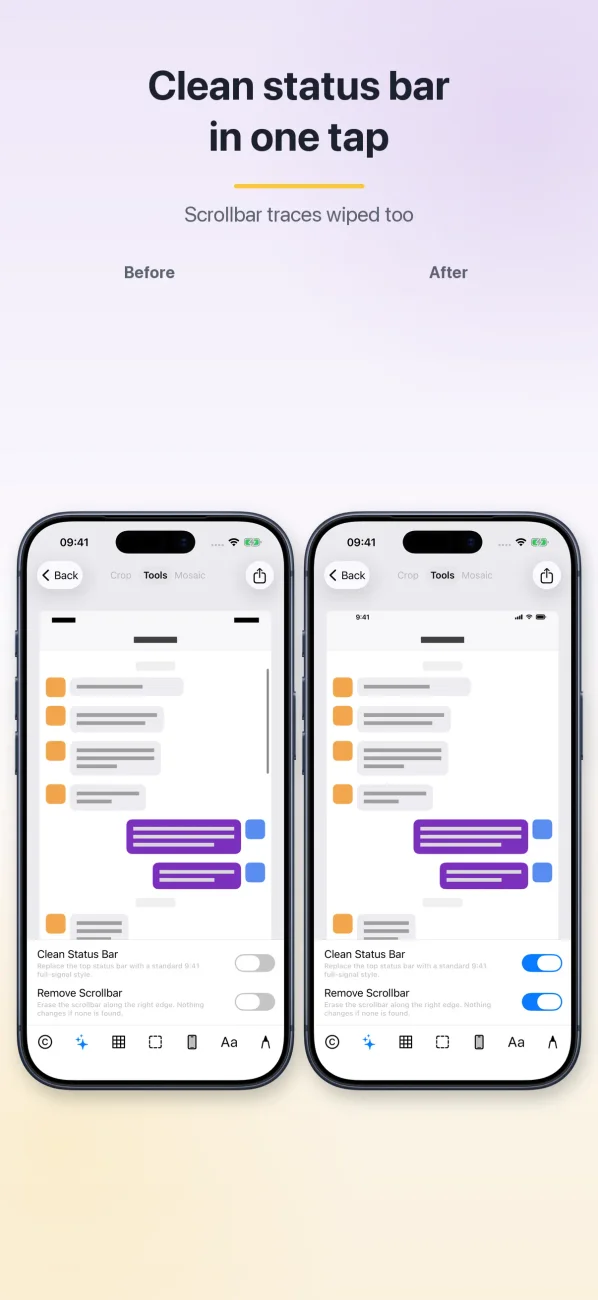
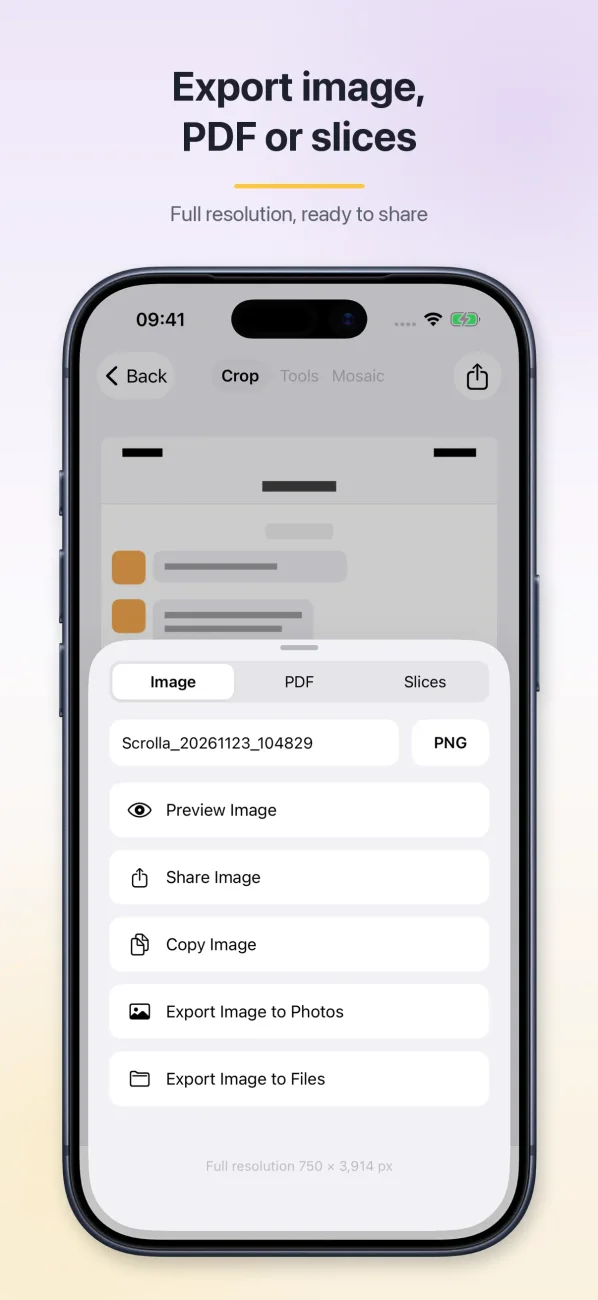
概要
開発元はこのテキストをお使いの言語で提供していません。
Scrolla — Long Screenshot Stitcher & Scroll Capture
Turn any long chat, webpage or document into one clean, complete long image.
【SMART STITCHING】
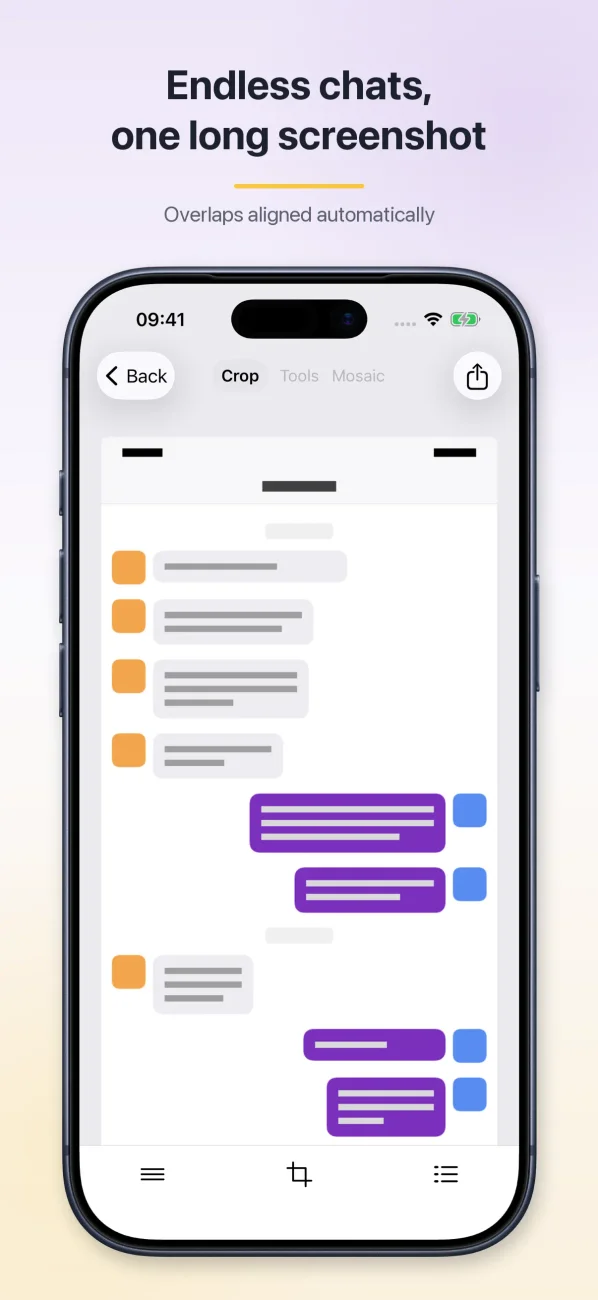
· Automatically detects overlapping areas and merges screenshots seamlessly
· Fine-tune stitch positions manually for pixel-perfect results
· Perfect for chat history, articles, receipts and documents
【SCROLL CAPTURE】
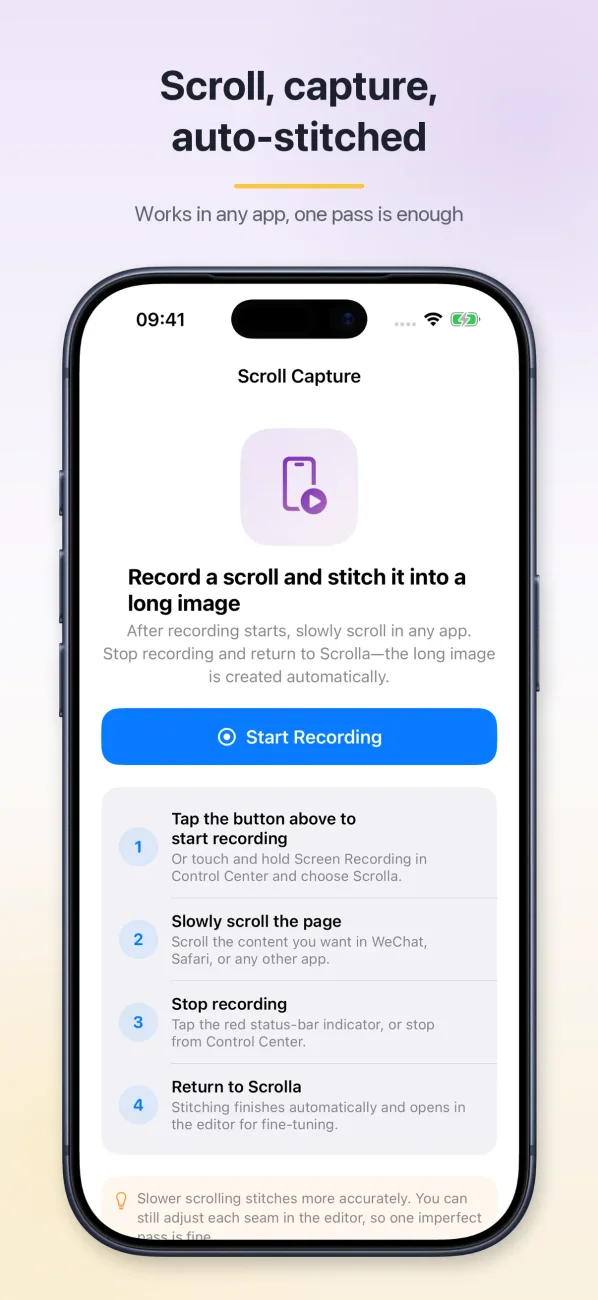
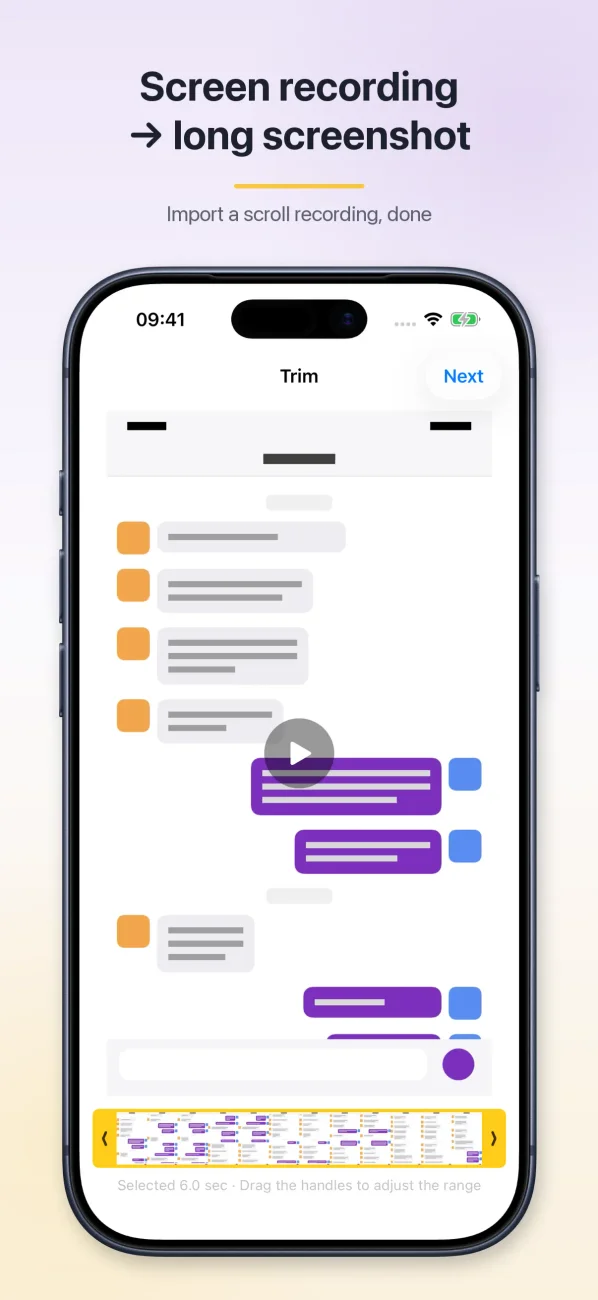
· Start screen recording, scroll through the content, and stop
· Scrolla automatically turns the recording into one full-length screenshot
· No more taking screenshots one by one
【WEBPAGE SNAPSHOT】
· Paste or share a link to capture the entire webpage as a long image
【EDITING TOOLS】
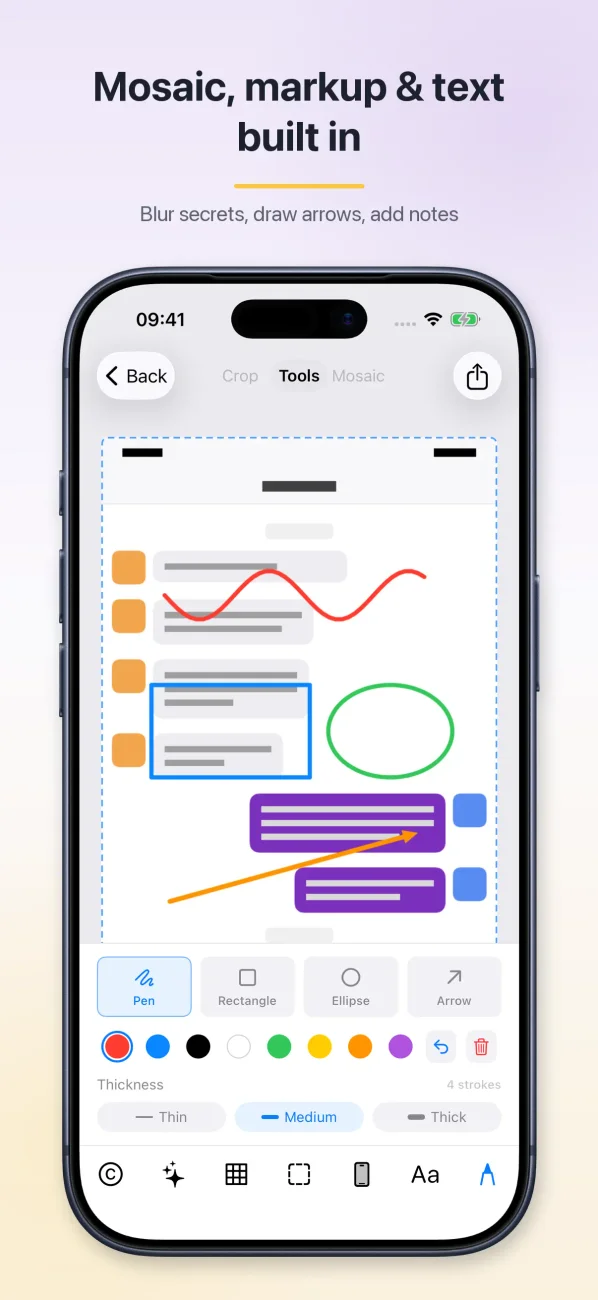
· Crop: trim away anything you don't need
· Mosaic: swipe to hide sensitive information
· Border: add elegant frames and rounded corners
· Watermark: protect your content with custom text watermarks
【EXPORT & SHARE】
· Export high-resolution images with adjustable quality
· Export as PDF documents
· Save to Photos or share directly to any app
【PRIVACY FIRST】
· All images and recordings are processed entirely on your device
· No servers, no third-party ads or analytics SDKs
GREAT FOR
Saving chat conversations / archiving articles / keeping order receipts / creating tutorials / sharing long posts on social media / work reports
MEMBERSHIP
Upgrade to Scrolla Pro to unlock watermark removal, HD export and all premium features. Subscriptions auto-renew: payment is charged to your Apple ID account at purchase confirmation, and renews within 24 hours before the current period ends. Manage or cancel anytime in Settings > Apple ID > Subscriptions. A one-time lifetime purchase is also available.
Privacy Policy: https://mcnzv1vkrtox.feishu.cn/wiki/EQpCwXxbKi3FJdkXY6UcbTdpnnb
Terms of Use: https://mcnzv1vkrtox.feishu.cn/wiki/OjJHwAxdEiUvDKk0xjfcj5Xtnzg
新機能
バージョン 1.2.2 · 2026/11/23
Improved users experience.
アプリのプライバシー
このアプリのデータの取り扱いについて、玉春 蔡がApp Storeで申告している内容です。
-
データの収集なし
開発元はこのアプリからデータを収集しません。
プライバシーの取り扱いは、ご利用の機能やお客様の年齢などに応じて異なる場合があります。
情報
- 販売元
- 玉春 蔡
- カテゴリ
- ユーティリティ
- バージョン
- 1.2.2
- 更新日
- 2026/11/23
- リリース
- 2026/8/19
- サイズ
- 102.2 MB
- 必要条件
- iOS 16.0以降
- 対象年齢
- 4+
- 価格
- 無料
- アプリ内課金
- あり
- 言語
- 英語, アラビア語, フランス語, ドイツ語, インドネシア語, 日本語, 韓国語, マレー語, ロシア語, 簡体字中国語, スペイン語, タイ語 ほか2言語
- 著作権
- © 2026蔡玉春