- 対象年齢17+
- カテゴリビジネス
- 開発元virtual solution AG
- 言語英語ほか4言語
- サイズ304.8 MB
App Storeの公式ページにリンクしています
Download.orgはSecurePIMのファイルを一切ホストしていません。ボタンを押すと、virtual solution AGが公開しているApp Storeのアプリページが開きます。ページの最終確認:2026/11/16。
スクリーンショット

概要
開発元はこのテキストをお使いの言語で提供していません。
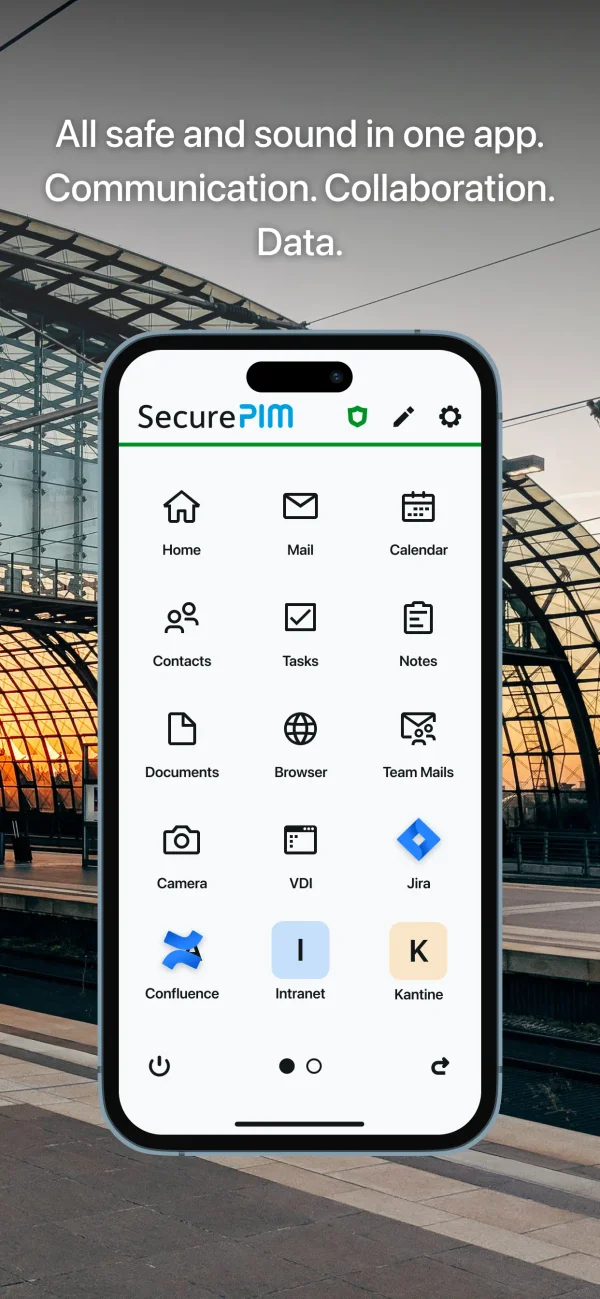
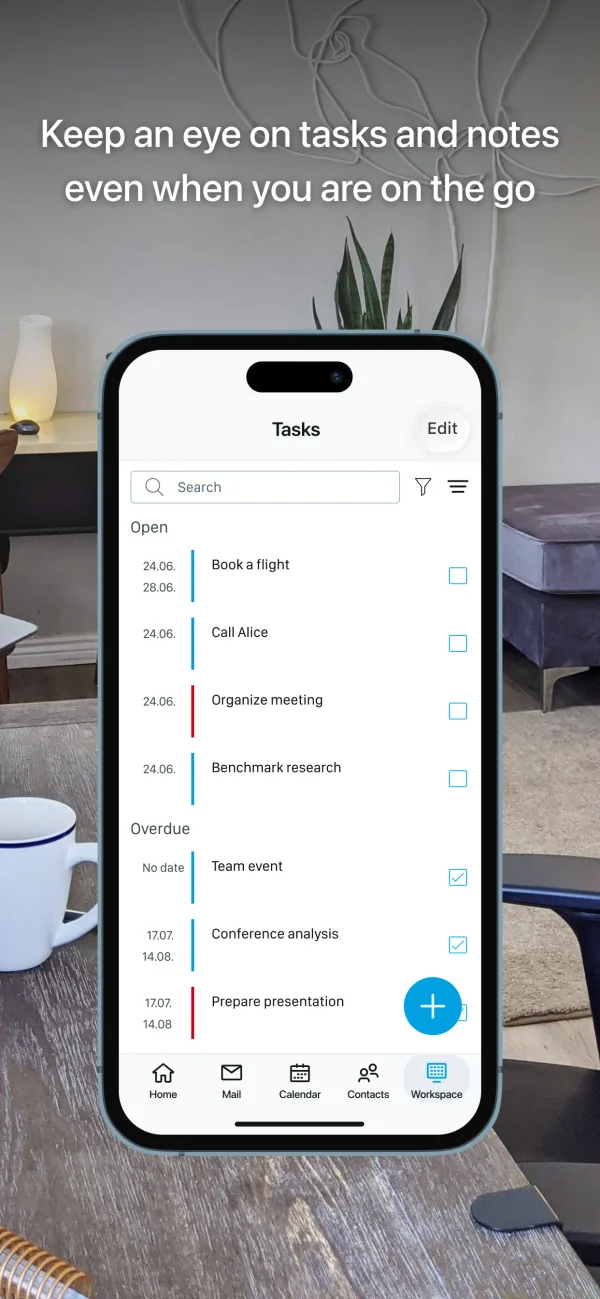
SecurePIM – Secure mobile work for authorities and organizations. Make use of all the essential business features securely combined into one single app: emails, messenger, contacts, calendar, tasks, notes, web browser, documents, and camera. Intuitive usability meets the highest security – all "made in Germany".
***
The ideal corporate security solution for COPE and BYOD:
With SecurePIM, employees can use their mobile devices in both business and private environments. All corporate data is encrypted and stored in the so-called secure container separated from private data.
With SecurePIM, you meet all the requirements of the EU’s General Data Protection Regulation (GDPR) with regard to mobile working.
Infrastructure:
- Central app configuration and administration with SecurePIM Management Portal, e.g., allowed and blocked domain lists, file upload, Touch ID/Face ID
- Administration also possible via MDM solutions (e.g., MobileIron, Workspace ONE)
- MS Exchange (Outlook), HCL Domino (Notes), and HCL Traveler support (Notes)
- Integration of existing public key infrastructures (PKI) and document management systems (e.g., SharePoint) as well as Active Directory (AD) integration
- Full-screen mode for external displays with Stage Manager
***
Home:
- Always stay up to date: plan and organize your day with the Home module
- Choose yourself which information you’d like to see immediately when starting the app, e.g., unread emails, upcoming events and the time left until the next meeting
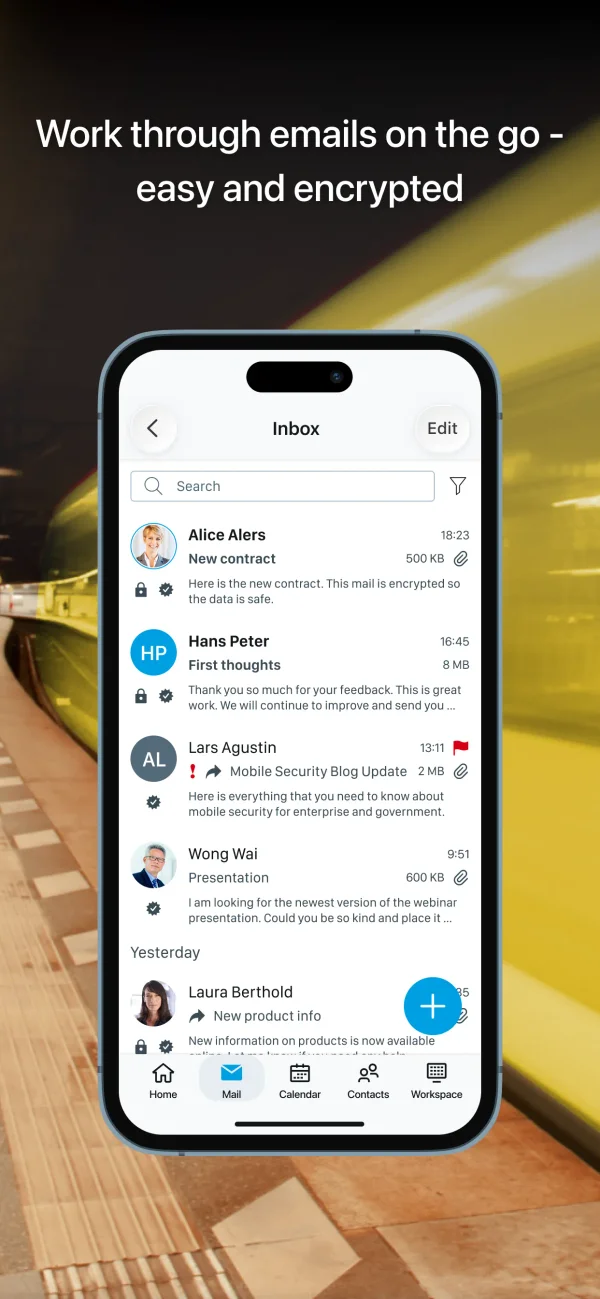
Email:
- Automatically sign and encrypt sent and received emails according to the S/MIME encryption standard
- Make full use of all common email features
- Manage up to 3 email accounts with S/MIME encryption in one single app
- Scan documents and add them directly to an email
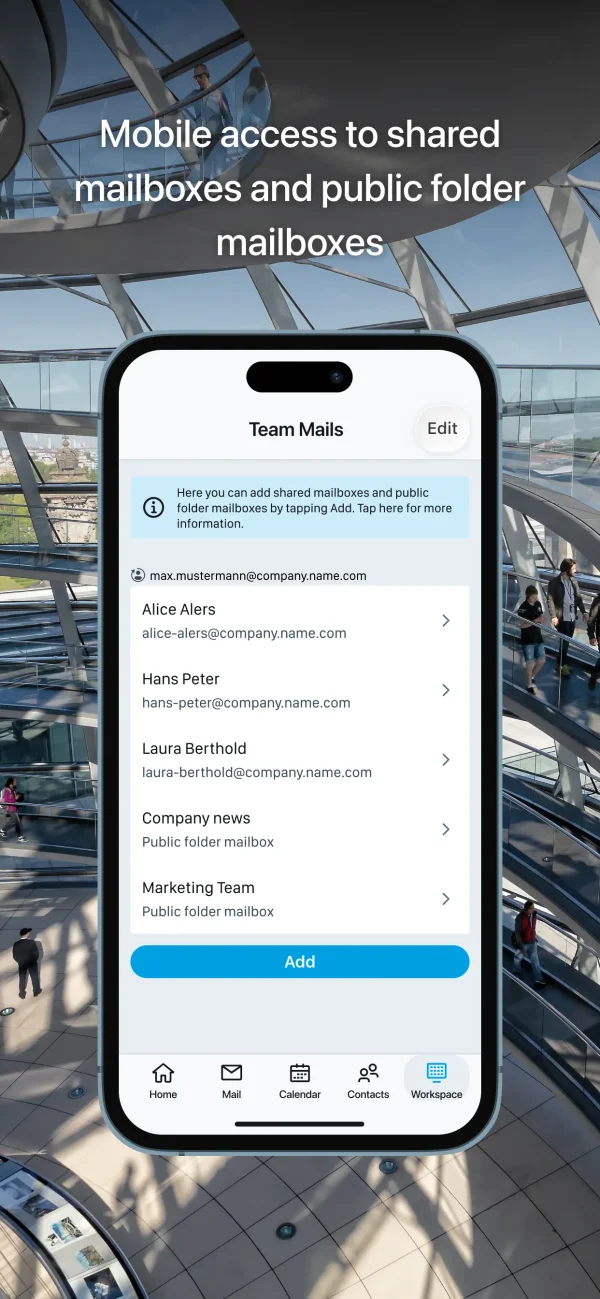
Team Mails:
- Add Team Mailboxes as well as Delegate Mailboxes
- Use public folders to access information
- Write and manage emails securely in SecurePIM
- Navigate in the folder structure
- Use filter and search options
Messenger:
- Securely share and exchange information in single and group chats
- Have audio and video conferences via channels
- Mention someone in a chat
- Send voice messages
- Make audio and video calls
- Share your (live) location
- Share pictures and documents
- Create a backup to transfer your contents to another device
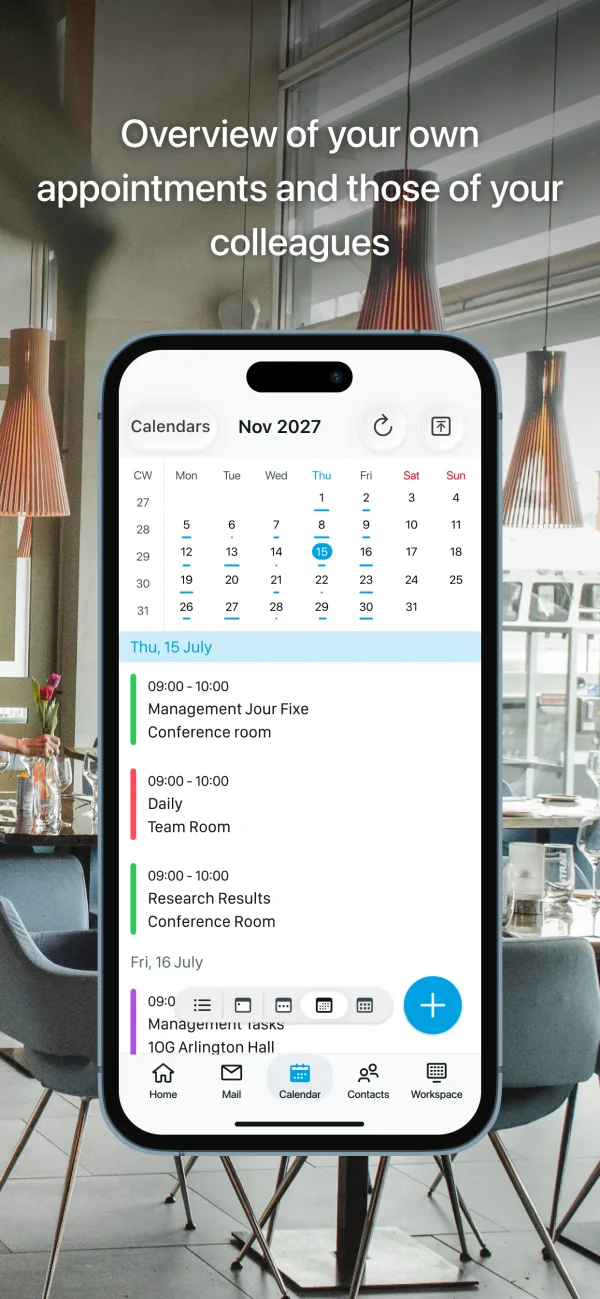
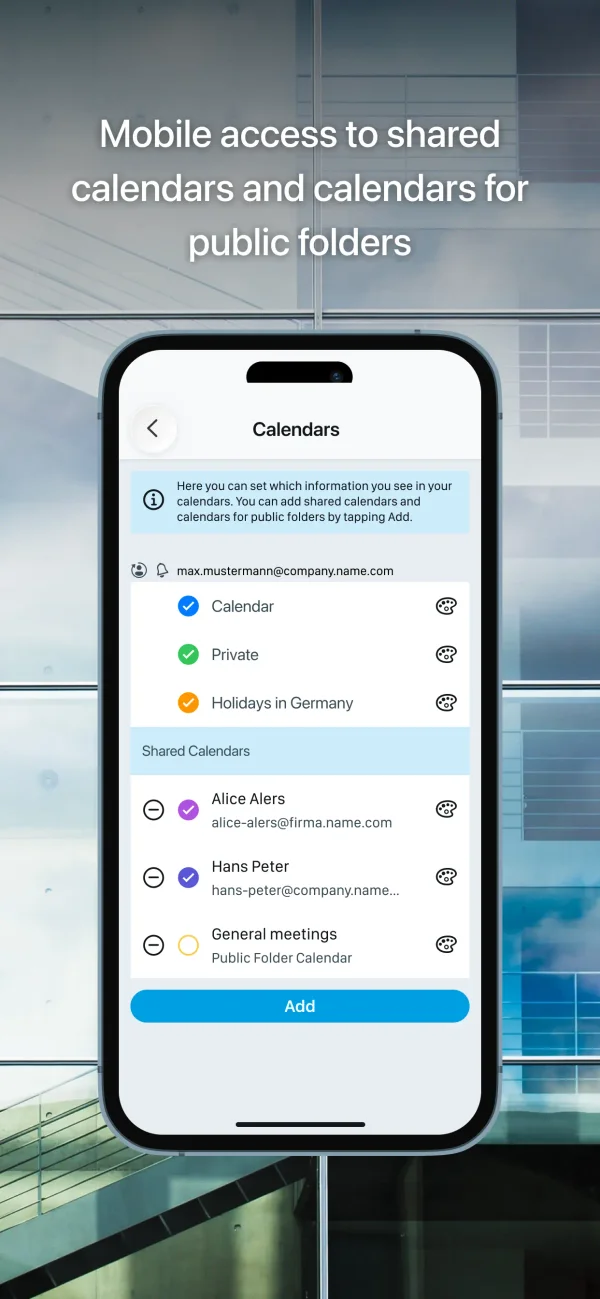
Calendar:
- Easily manage your appointments
- Schedule meetings and invite participants
- Display your private appointments from your device's calendar and other email accounts
- Add public folder calendars with read-only access
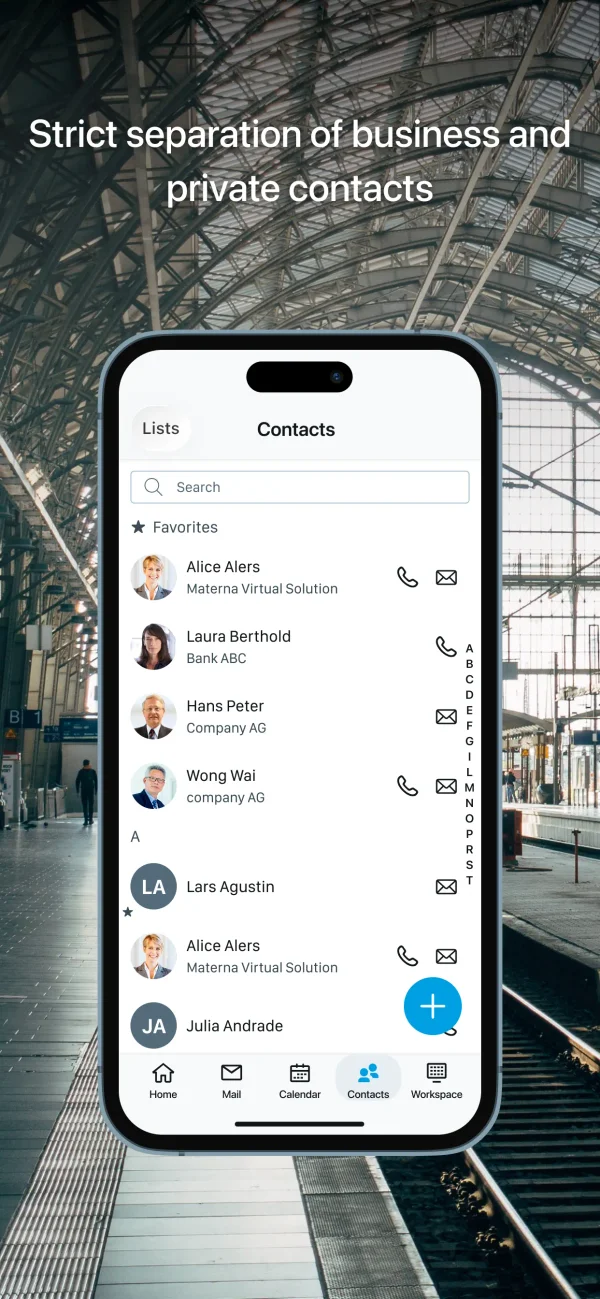
Contacts:
- Easily manage your business contacts
- Access your global address book
- Create, edit and delete shared contacts and contacts
for public folders
- Benefit from caller identification – thanks to CallKit integration without having to export contacts
- Stay on the safe side: other messenger apps (WhatsApp, Facebook, etc.) can’t access contact details in SecurePIM
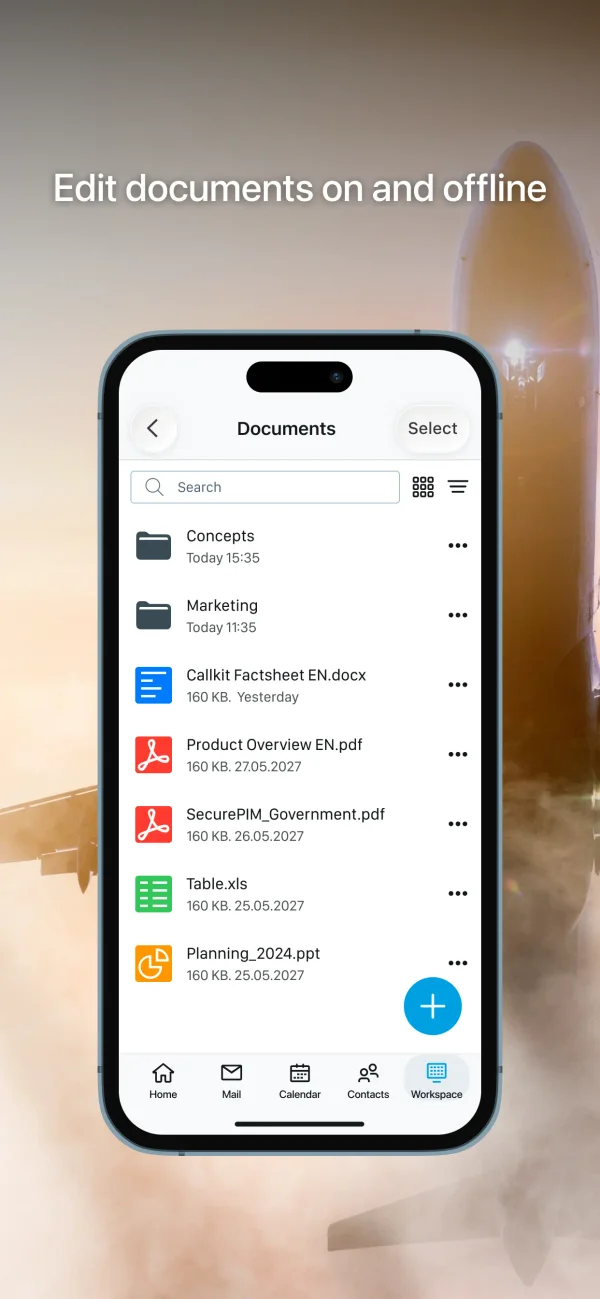
Documents:
- Securely access data on your fileshare (e.g., via MS SharePoint)
- Securely store confidential documents and attachments (like contracts and reports)
- Open and edit documents
- Send documents encrypted
- Add notes and comments to PDF documents
- Edit MS Office documents as you would on the desktop
- Scan printed or handwritten documents with up to 30 pages
Browser:
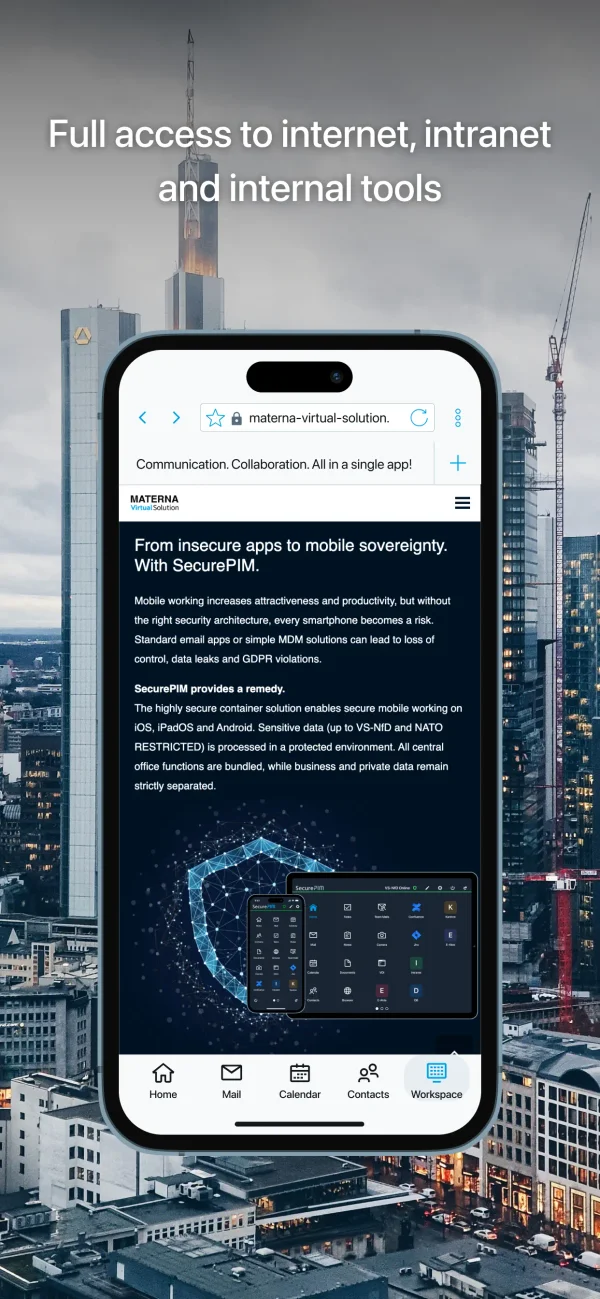
- Surf securely in SecurePIM Browser
- Access intranet sites
- Use common browser features, such as opening multiple tabs, (corporate) bookmarks, desktop mode
- Use VDI access (e.g. via Citrix) on iPads
Camera:
- Take photos and store them encrypted in the Documents module
- Send photos encrypted with the SecurePIM Email module
***
Curious about SecurePIM? Visit our website to learn more.
新機能
バージョン 9.54.6 · 2026/9/14
Release Highlights:
- Mail, Team Mail, Calendar & Documents: Support for MSG and EML files
- Accessibility: Dynamic font sizes in edit mode in the Calendar module
- Accessibility: Adaptive user interface when editing and creating events on the iPad
- Calendar: Retaining the current time after editing a calendar event
- Calendar: Zooming in the day and week view
- Calendar: Display of the event location in the calendar
- Browser: Improved detection of login credentials on websites
What's new:
+++ Support for MSG and EML Files +++
SecurePIM now supports EML and MSG files and can process them in the Mail, Team Mail, and Calendar modules, as well as when accessing local documents or file repositories (e.g., FileShare).
This means you can now attach entire emails – including any attached files – to another email and then open them directly in SecurePIM, as well as include them as attachments when replying to an email. You can also open attachments contained within an MSG or EML file. Even opening EML and MSG files that are attached within another MSG or EML file is supported. Furthermore, the Reply and Forward functions are now also available directly from the view of an open MSG or EML file.
+++ Dynamic Font Sizes in Edit Mode in the Calendar Module +++
The event edit and event creation views for individual calendar events in the Calendar module now support dynamic font sizes.
+++ Adaptive User Interface When Editing and Creating Events on the iPad +++
With this release, we’ve switched the view for creating and editing events in the Calendar module to an adaptive user interface.
+++ Retaining the Current Time Position After Editing a Calendar Event +++
With this release, the calendar now remembers the exact point in the event where you were editing it, even after you’ve opened and edited a single event.
This makes it easier to edit all your events and plan your day without interruptions.
+++ Zooming in the Day and Week View +++
You can now use the pinch-to-zoom gesture in the daily and weekly views of calendar events to enlarge the view. To do this, simply use two fingers to make a spreading motion on the screen (“pinch & zoom”).
+++ Displaying the Event Location in the Calendar +++
In the daily and weekly views, as well as in the event details view, an additional icon is now shown next to the event location to make the location information easier to identify.
In addition, the event location is now shown in the event details view even if the event is an online meeting – for example, if part of your team is participating in person.
+++ Improved Detection of Login Credentials on Websites +++
We’ve improved the detection of login credentials on websites in SecurePIM. SecurePIM now recognizes your login credentials (e.g., email address and password) more reliably when you log in to websites with different configurations.
Go and check it out for yourself!
+++
How do you like our app? We're happy to receive your feedback and your review on the App Store.
See you next release…
Your SecurePIM Team
アプリのプライバシー
このアプリのデータの取り扱いについて、virtual solution AGがApp Storeで申告している内容です。
-
ユーザーに関連付けられたデータ
収集され、ユーザーの識別情報に関連付けられる場合があります。
- 連絡先情報
- ID
-
ユーザーに関連付けられないデータ
収集される場合がありますが、ユーザーの識別情報には関連付けられません。
- 診断
プライバシーの取り扱いは、ご利用の機能やお客様の年齢などに応じて異なる場合があります。
情報
- 販売元
- Materna Virtual Solution GmbH
- カテゴリ
- ビジネス
- バージョン
- 9.54.6
- 更新日
- 2026/9/14
- リリース
- 2015/5/20
- サイズ
- 304.8 MB
- 必要条件
- iOS 26.0以降
- 対象年齢
- 17+
- 価格
- 無料
- 言語
- 英語, アラビア語, ドイツ語, 日本語, 簡体字中国語
- 著作権
- © Materna Virtual Solution GmbH