SecureScan : Camera Scanner
All Documents & PDF Scanner
iPhone, iPad, iPod touch向けに設計
無料
- 対象年齢4+
- カテゴリユーティリティ
- 開発元Rakesh Bhadani
- 言語英語
- サイズ43.7 MB
App Storeの公式ページにリンクしています
Download.orgはSecureScan : Camera Scannerのファイルを一切ホストしていません。ボタンを押すと、Rakesh Bhadaniが公開しているApp Storeのアプリページが開きます。ページの最終確認:2026/11/15。
スクリーンショット
概要
開発元はこのテキストをお使いの言語で提供していません。
SecureScan - Camera Scanner for iOS and iPad
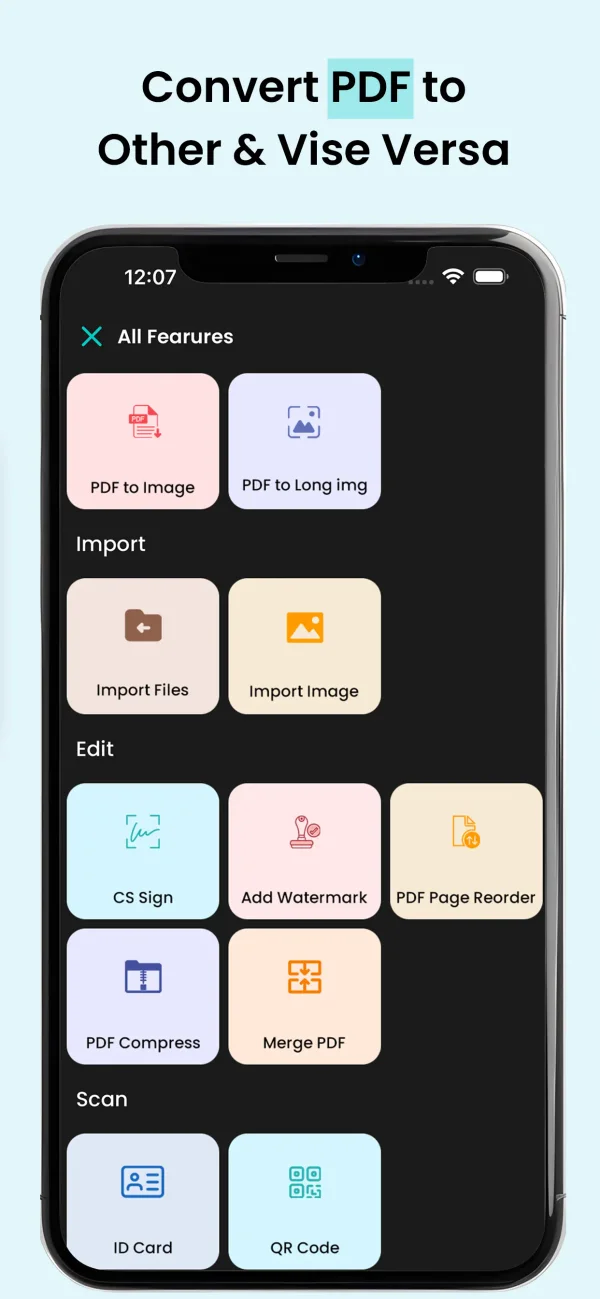
SecureScan transforms your iPhone and iPad into a multifunctional scanning tool that combines the power of document digitization, advanced PDF editing, and seamless text translation. Whether you need to scan, edit, annotate, or share important documents, SecureScan has you covered with its comprehensive set of features, all designed for ease of use and professional results.
Key Features:
● Fast Document Scanning
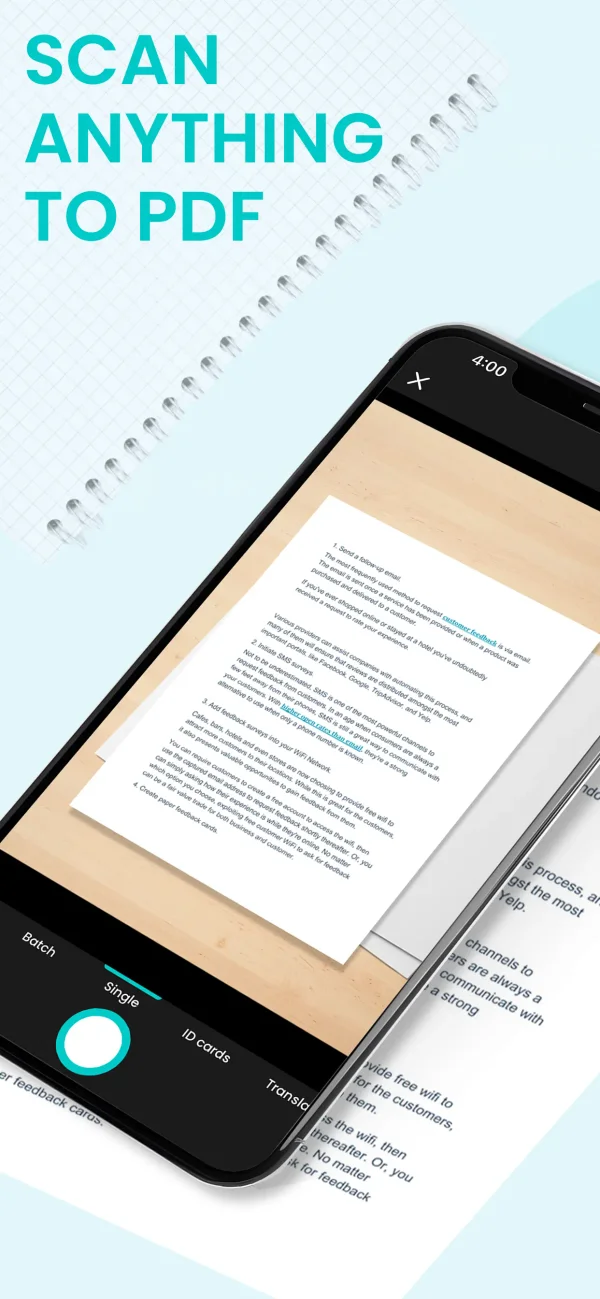
Capture any type of document—whether it’s a contract, receipt, business card, or handwritten notes—quickly and accurately. Using your device’s camera, SecureScan automatically detects document edges and adjusts the scan for the best possible quality, eliminating the need for manual adjustments.
●Automatic Edge Detection & Smart Cropping
SecureScan’s intelligent edge detection technology identifies the borders of your document in real time. It crops and aligns the scan perfectly, giving you a polished result without effort, regardless of the angle you capture the document from.
● High-Quality PDF Conversion
Convert your scanned documents into high-quality PDFs with just a tap. Whether it’s black-and-white text or full-color images, SecureScan ensures that your PDF retains all the necessary detail and clarity for professional use.
● Advanced PDF Editing Tools
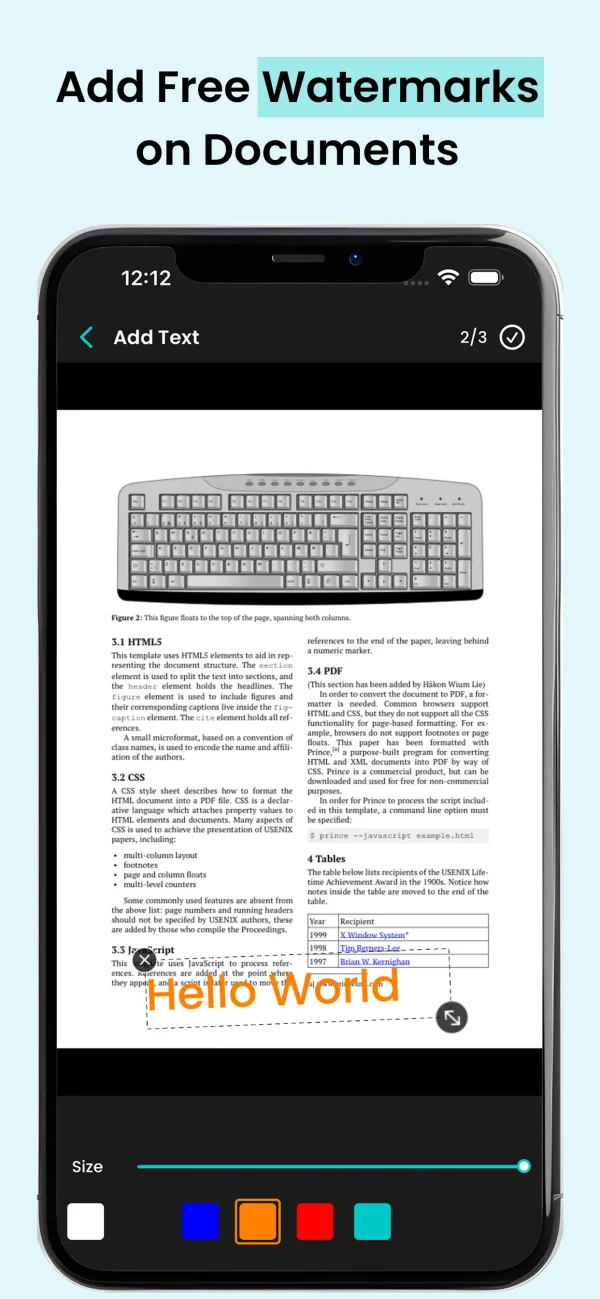
Enhance and personalize your PDFs with a wide range of editing features:
○ Watermarking: Add custom watermarks to protect your documents or establish ownership.
○ Stamps: Insert professional-looking stamps to mark documents as approved, confidential, or for any specific purpose.
○ Annotations: Annotate your PDF with text notes, highlights, or drawings to emphasize important sections.
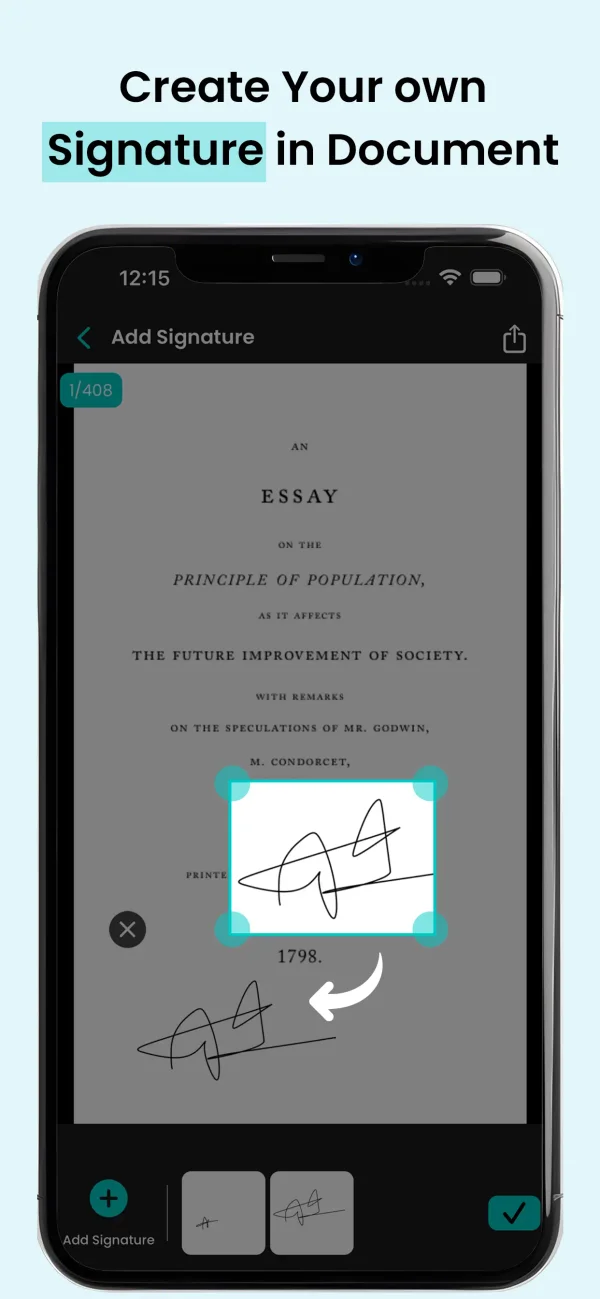
○ Signatures: Sign documents electronically with a digital signature tool, allowing you to complete and submit forms from anywhere.
● OCR Support (Optical Character Recognition)
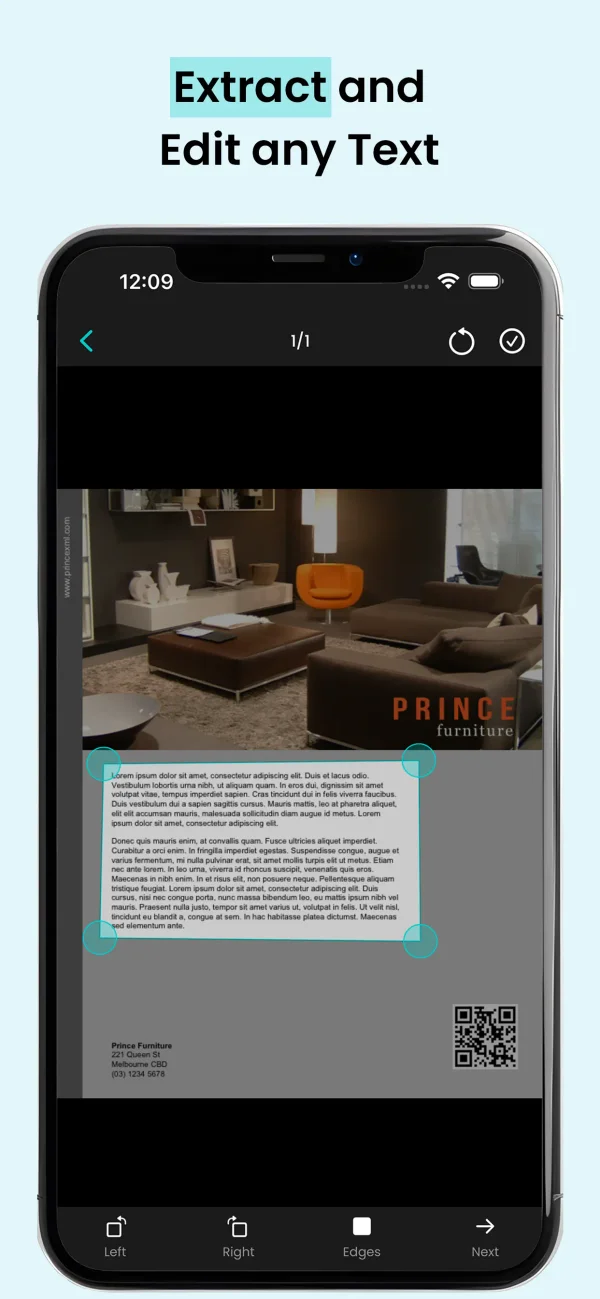
SecureScan comes equipped with powerful OCR technology that can recognize and extract text from your scanned images. This feature is perfect for turning printed documents into editable text, making it easy to copy, search, and repurpose content without retyping.
● Text Translation in Any Language
Break language barriers by translating extracted text into any language with just a few taps. After scanning and extracting text with OCR, SecureScan offers built-in translation functionality. Whether you're dealing with foreign documents or need to share content in different languages, this feature makes global communication seamless.
● Organize & Share with Ease
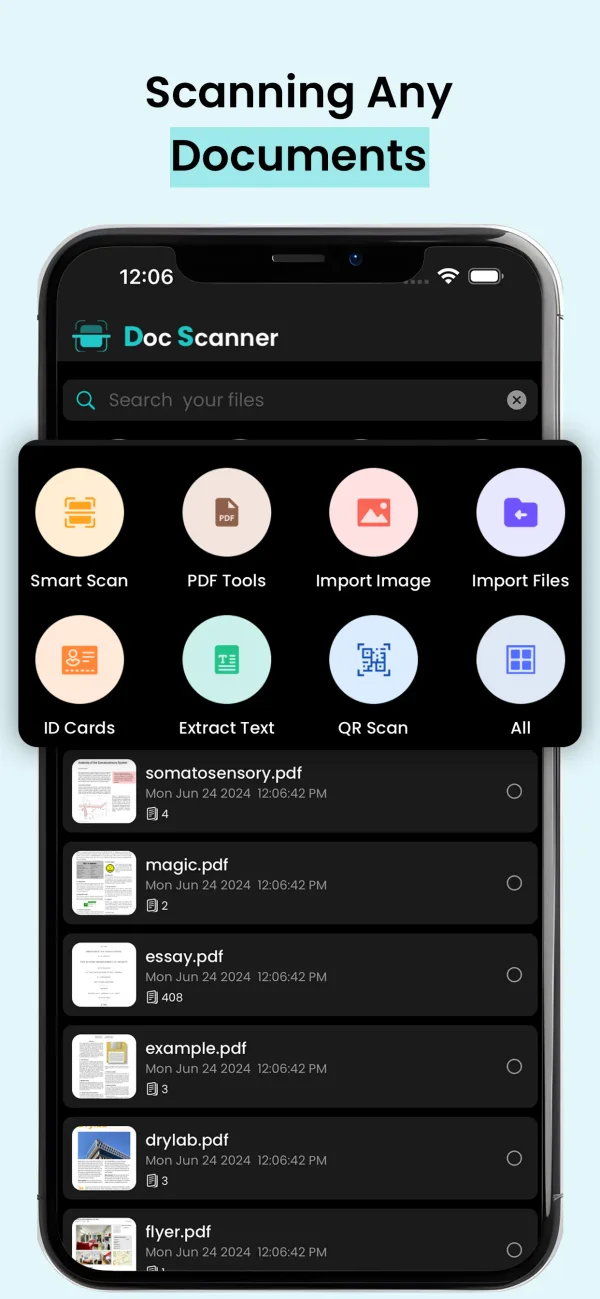
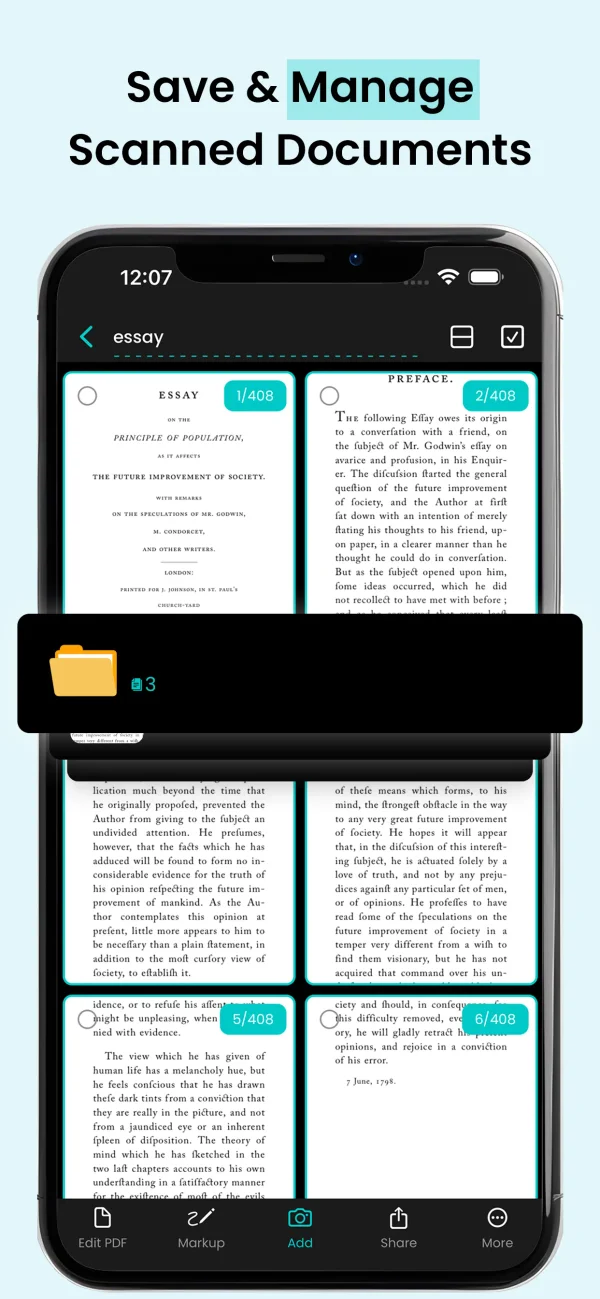
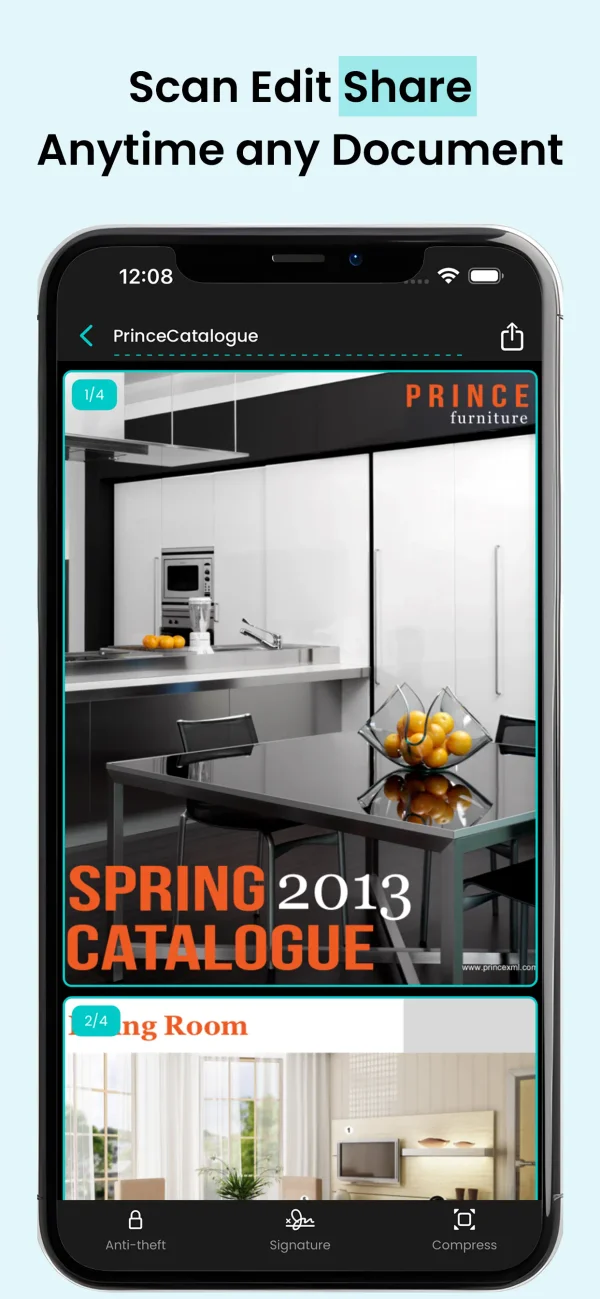
Managing your scans is simple with SecureScan’s intuitive file management system. Sort, rename, and categorize your documents to keep everything organized. Once your documents are ready, easily share them via email, cloud storage, messaging apps, or export them as PDF or image files.
Why SecureScan?
SecureScan is designed to be your all-in-one solution for digitizing, editing, and managing documents. Whether you’re a student, professional, or home user, SecureScan offers the flexibility and tools you need to stay organized and efficient in your digital document workflow.
新機能
バージョン 1.2 · 2025/4/23
- app name and icon changed.
- some UI changes.
- minor bugs fixes.
アプリのプライバシー
このアプリのデータの取り扱いについて、Rakesh BhadaniがApp Storeで申告している内容です。
-
ユーザーのトラッキングに使用されるデータ
他社のアプリやウェブサイトを横断してユーザーをトラッキングする目的で使用される場合があります。
- ID
- 使用状況データ
-
ユーザーに関連付けられないデータ
収集される場合がありますが、ユーザーの識別情報には関連付けられません。
- ID
- 使用状況データ
プライバシーの取り扱いは、ご利用の機能やお客様の年齢などに応じて異なる場合があります。
情報
- 販売元
- Rakesh Bhadani
- カテゴリ
- ユーティリティ
- バージョン
- 1.2
- 更新日
- 2025/4/23
- リリース
- 2024/6/25
- サイズ
- 43.7 MB
- 必要条件
- iOS 15.0以降
- 対象年齢
- 4+
- 価格
- 無料
- 言語
- 英語
- 著作権
- © rk