- 対象年齢4+
- カテゴリ辞書/辞典/その他
- 開発元Nikola Milovanovic
- 言語英語ほか1言語
- サイズ14.2 MB
App Storeの公式ページにリンクしています
Download.orgはSets Collectorのファイルを一切ホストしていません。ボタンを押すと、Nikola Milovanovicが公開しているApp Storeのアプリページが開きます。ページの最終確認:2026/11/12。
スクリーンショット

概要
開発元はこのテキストをお使いの言語で提供していません。
Easily Collect and Organize Your LEGO® Sets, Parts, and Minifigures!
Whether you're sorting mixed parts from different sets, completing sets from partial collections, or just keeping track of your growing inventory — Sets Collector is the perfect companion for every LEGO® enthusiast.
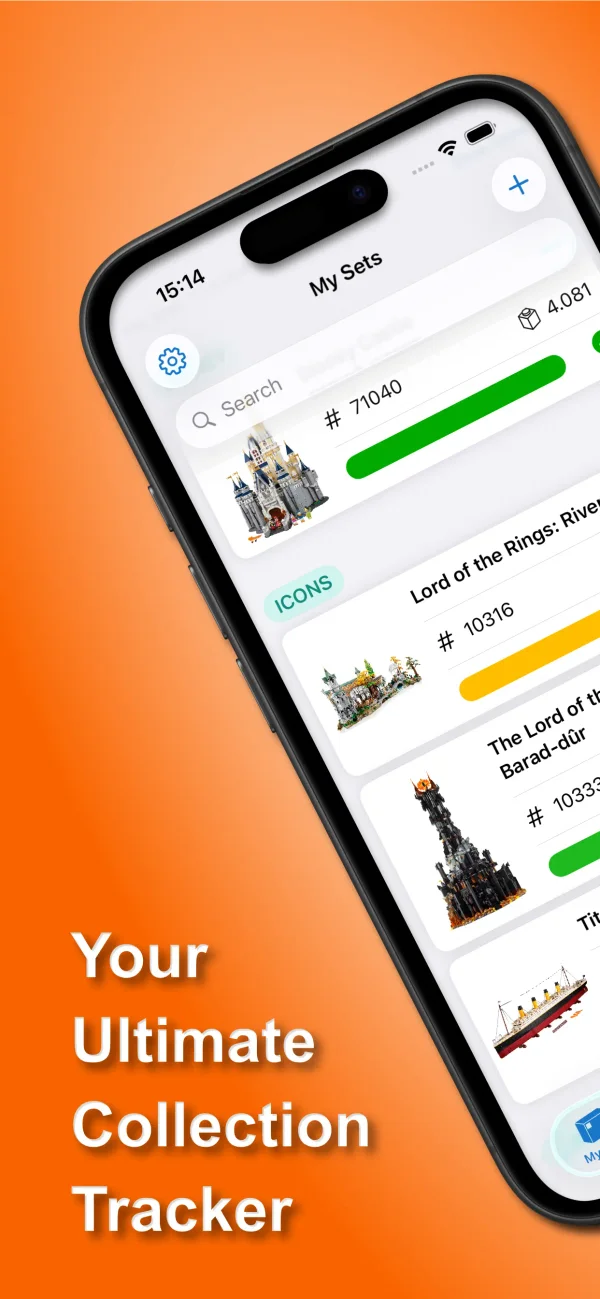
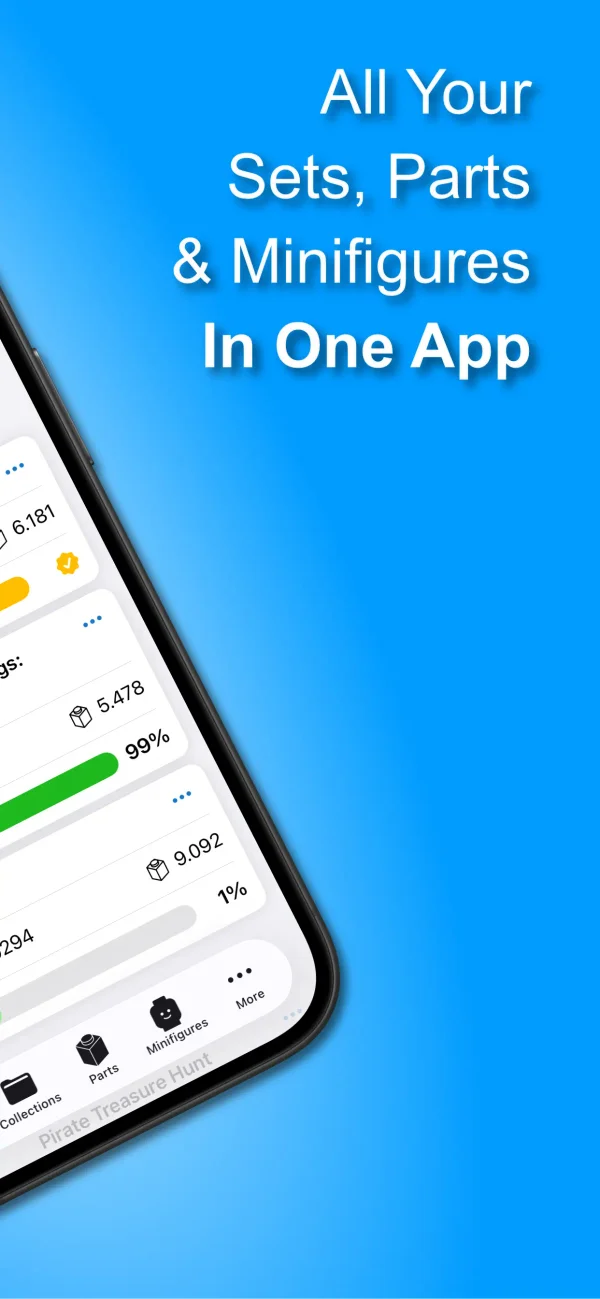
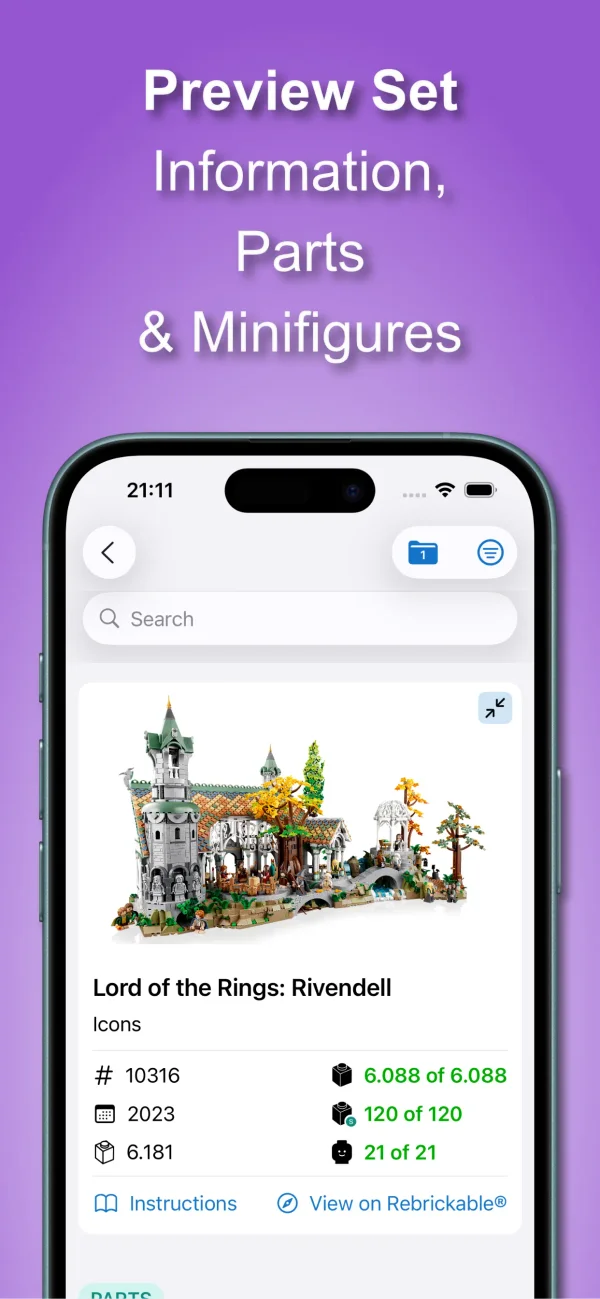
Sets Collector lets you add LEGO® sets along with all their parts and minifigures. You can mark individual parts and minifigures as collected or missing, and export them in various formats compatible with popular LEGO® platforms like Rebrickable and BrickLink.
And with iCloud support, your entire collection stays seamlessly up-to-date across all your devices.
Key Features
• Add Sets with Ease
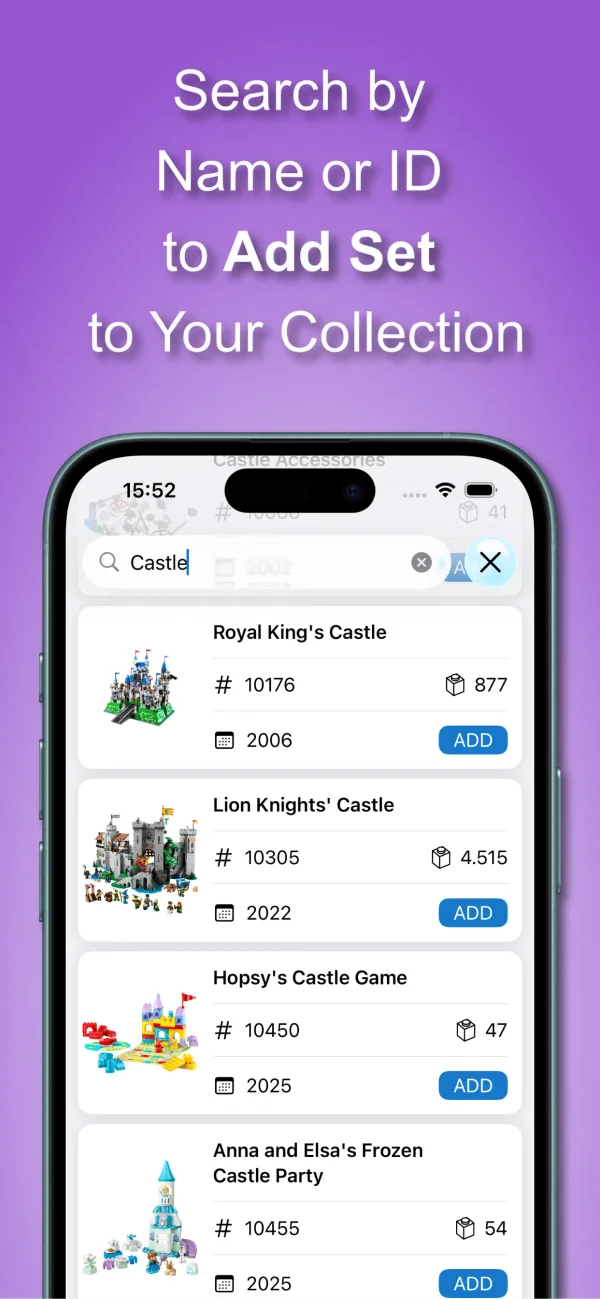
Quickly search by set number or name to add LEGO® sets, including all their parts and minifigures.
• Track Collected and Missing Items
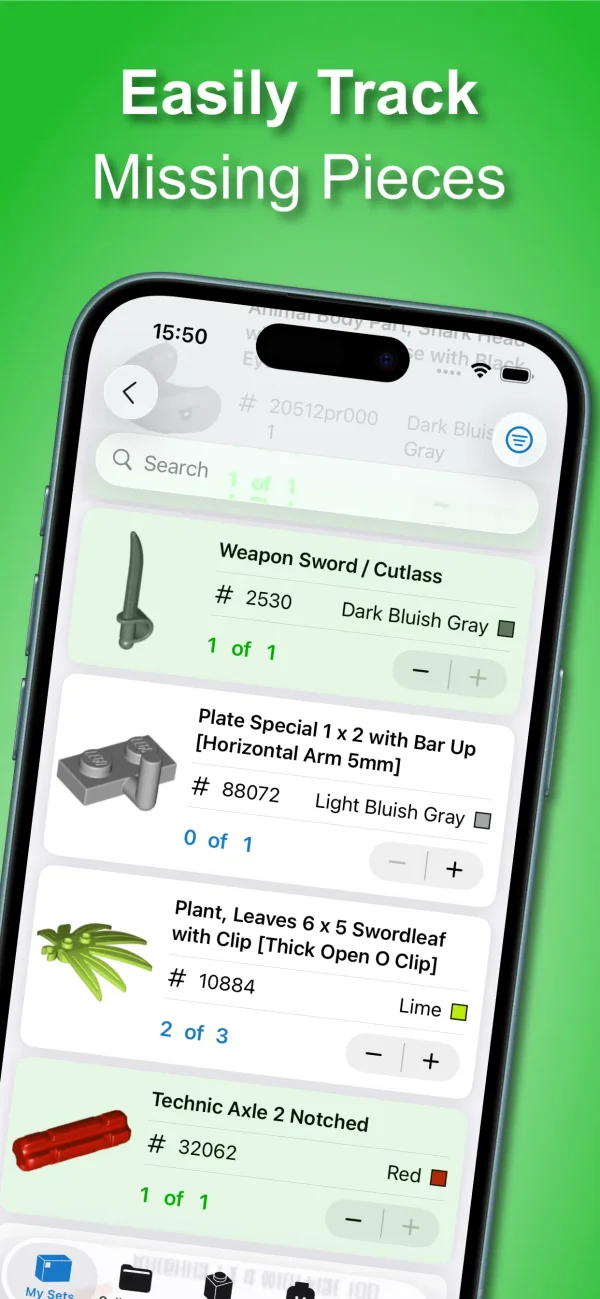
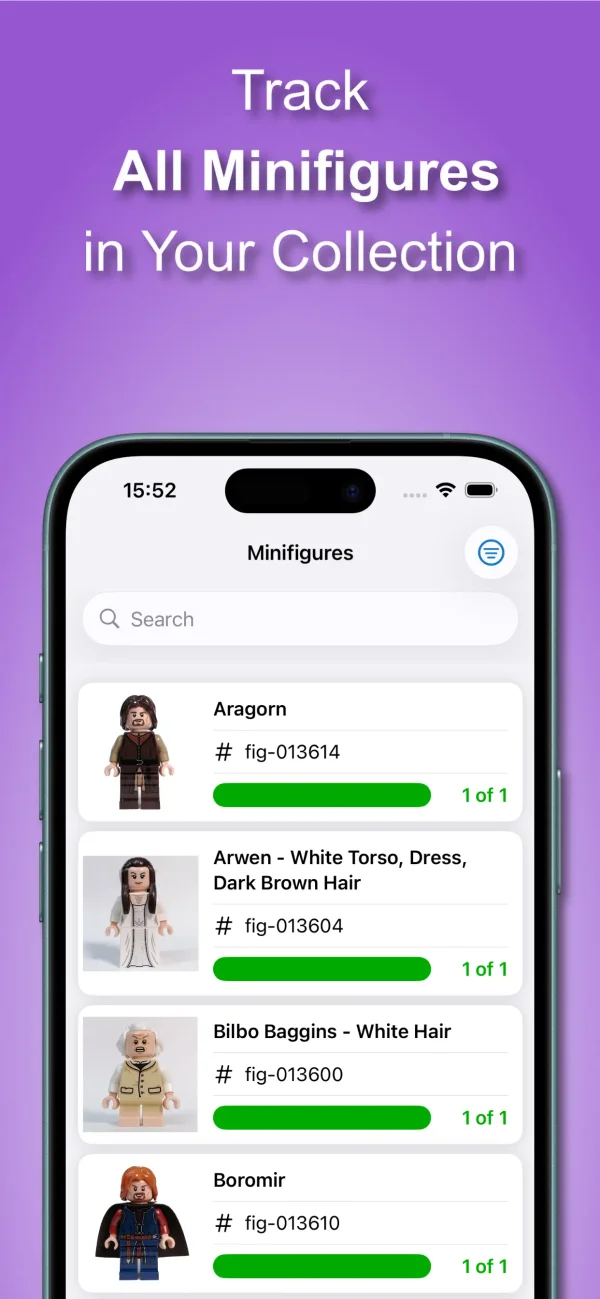
Mark parts and minifigures as collected or missing per set — ideal for rebuilding from mixed collections or completing partial sets.
• iCloud Sync
Your collection automatically syncs across all your devices using iCloud, so your latest updates are always with you.
• Share Your Collection with Other LEGO® Platforms
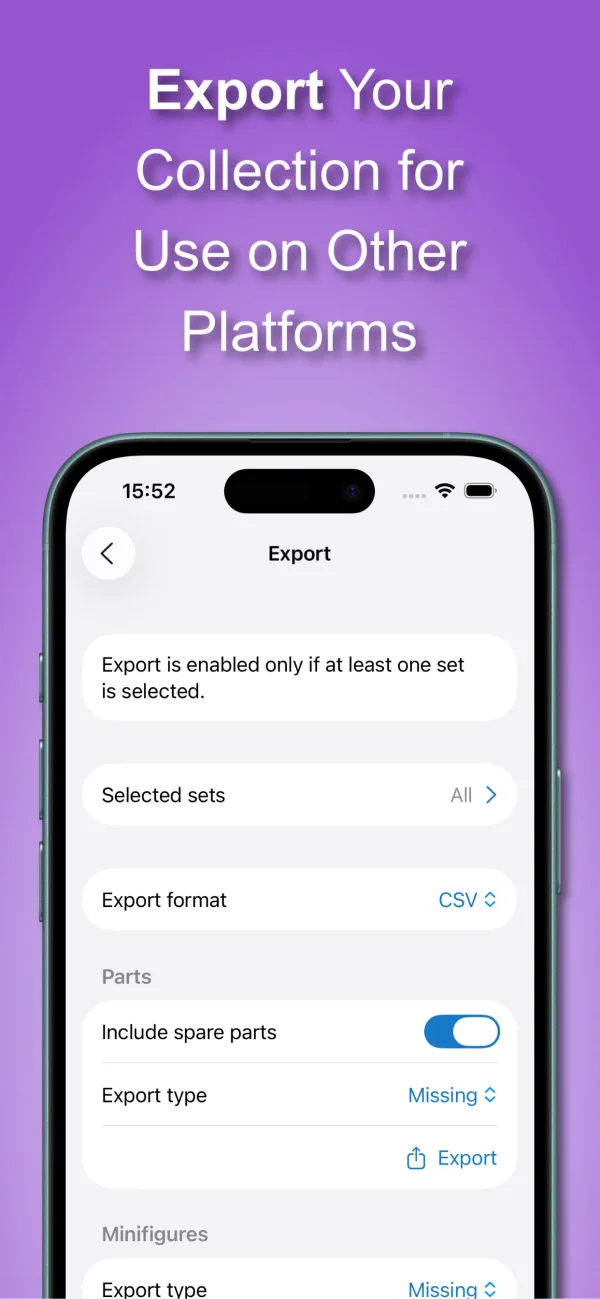
Export collected or missing parts and minifigures in multiple formats (CSV, Rebrickable CSV, BrickLink XML) for use with other LEGO® tools or marketplaces.
More Features You’ll Love
• Add Fully Collected Sets
Track your existing sets as fully collected for easy inventory management.
• Split & Rebuild Minifigures
Break minifigures into parts for detailed tracking — and revert them back anytime.
• Organize Your Collection
Sort sets by name, LEGO® number, or date added. Group by theme or production year.
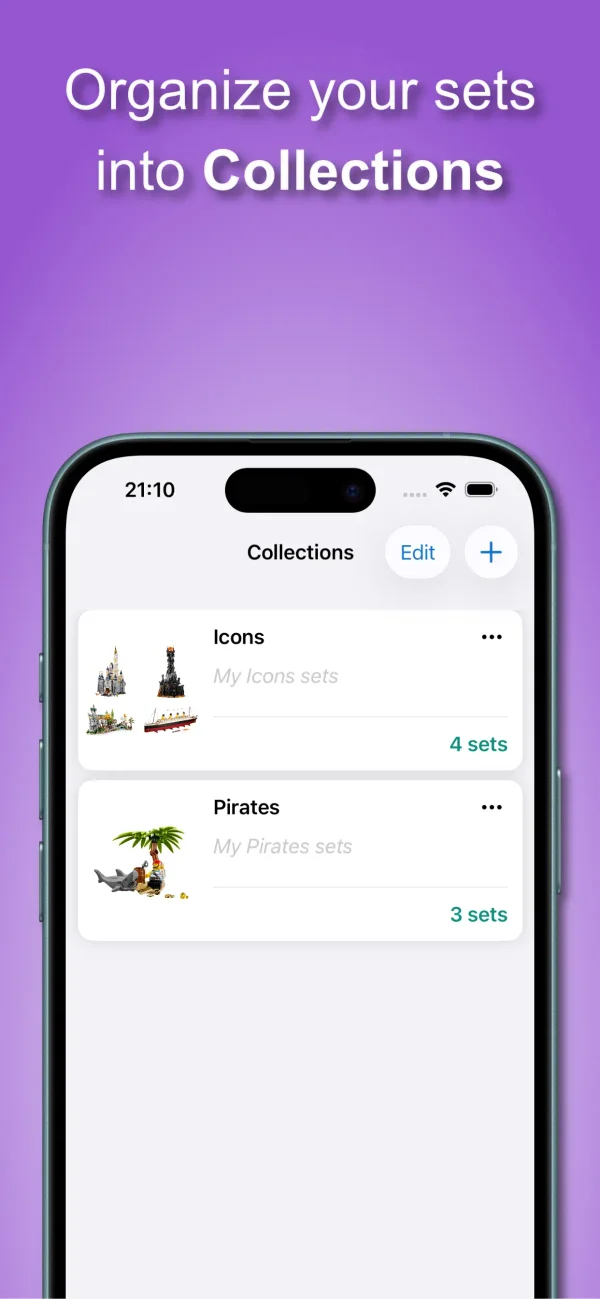
Create custom collections of sets — perfect for organizing by project, display, or personal favorites.
• Track Boxes, Instructions & Sealed Sets
Keep detailed records of your physical collection by marking sets as sealed and tracking boxes and instruction manuals. Ideal for collectors who care about completeness and condition.
• Multiple Screens for Marking
Switch between screens to mark parts and minifigures as collected or missing—however it best fits your workflow.
• Preview Your Collection
Use dedicated screens showing all your parts or minifigures, with clear information about what you have and what’s missing.
• Flexible Export Options
Select which sets to include, choose whether to export parts or minifigures, and decide if you want collected or missing items — all in your preferred format, including CSV, Rebrickable CSV, and BrickLink XML.
• Personalize the App
Adjust the interface and functionality in the Settings to fit your preferences.
Disclaimer: This is an independent app, not authorised or sponsored by the LEGO® Group.
Application uses Rebrickable® API for retrieving all LEGO® sets, parts and minifigures data. This is independent app, not authorised or sponsored by Rebrickable®.
LEGO® is a trademark of the LEGO Group of companies which does not sponsor, authorize or endorse this app.
新機能
バージョン 8.1.0 · 2026/10/20
• Reduced the size of collapsed information views for sets, parts, and minifigures
• Added data backup and sync information to the More tab
アプリのプライバシー
このアプリのデータの取り扱いについて、Nikola MilovanovicがApp Storeで申告している内容です。
-
ユーザーに関連付けられないデータ
収集される場合がありますが、ユーザーの識別情報には関連付けられません。
- 位置情報
- 使用状況データ
- 診断
プライバシーの取り扱いは、ご利用の機能やお客様の年齢などに応じて異なる場合があります。
情報
- 販売元
- Nikola Milovanovic
- カテゴリ
- 辞書/辞典/その他
- バージョン
- 8.1.0
- 更新日
- 2026/10/20
- リリース
- 2024/3/27
- サイズ
- 14.2 MB
- 必要条件
- iOS 16.4以降
- 対象年齢
- 4+
- 価格
- 無料
- アプリ内課金
- あり
- 言語
- 英語, ドイツ語
- 著作権
- © 2024 Nikola Milovanovic
こちらもおすすめ
-
 Brick Collector Appセットと不足パーツを管理
-
 BrickBin辞書/辞典/その他
-
 Tracker for LEGO®Set Collection Tracker
-
 Value8: Collectibles Tracker辞書/辞典/その他
-
 Brick Set Collection Tracker辞書/辞典/その他
-
 BrickStats: Lego Price Tracker辞書/辞典/その他
-
 Star Ships Instructions簡単なステップバイステップの辞書
-
 Collector's Case辞書/辞典/その他
-
 Brickify: Collection Tracker辞書/辞典/その他
-
 Coleka: Collection Tracker辞書/辞典/その他