
Sidechain Compressor Plugin
AUv3 Compatible Audio Plugin
iPhone, iPad, iPod touch向けに設計
¥1,000
- 対象年齢4+
- カテゴリミュージック
- 開発元4Pockets.com
- 言語英語
- サイズ12.4 MB
App Storeの公式ページにリンクしています
Download.orgはSidechain Compressor Pluginのファイルを一切ホストしていません。ボタンを押すと、4Pockets.comが公開しているApp Storeのアプリページが開きます。ページの最終確認:2026/11/17。
スクリーンショット
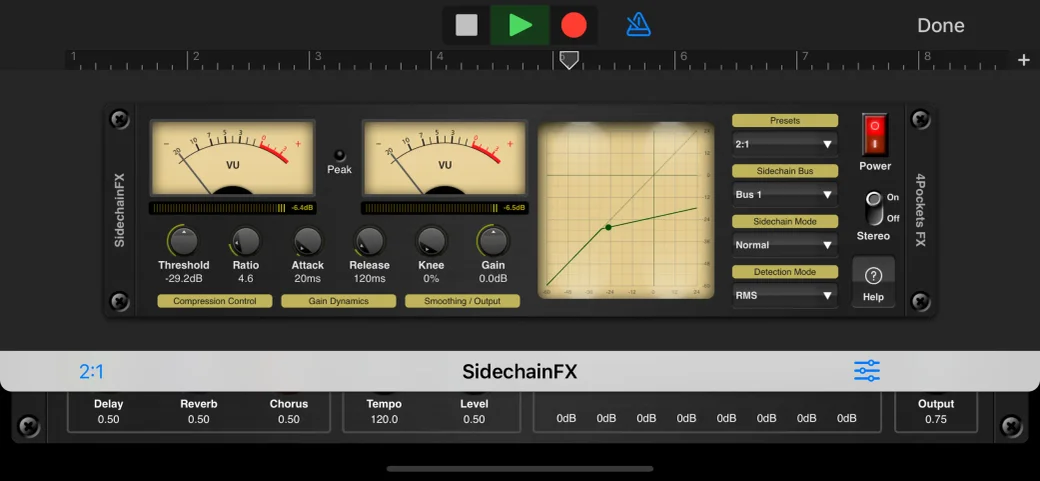
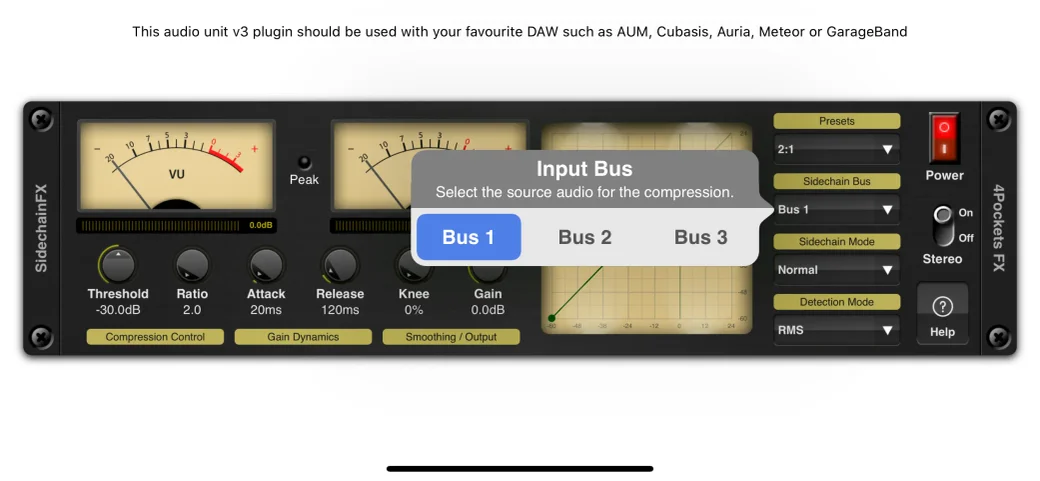
概要
開発元はこのテキストをお使いの言語で提供していません。
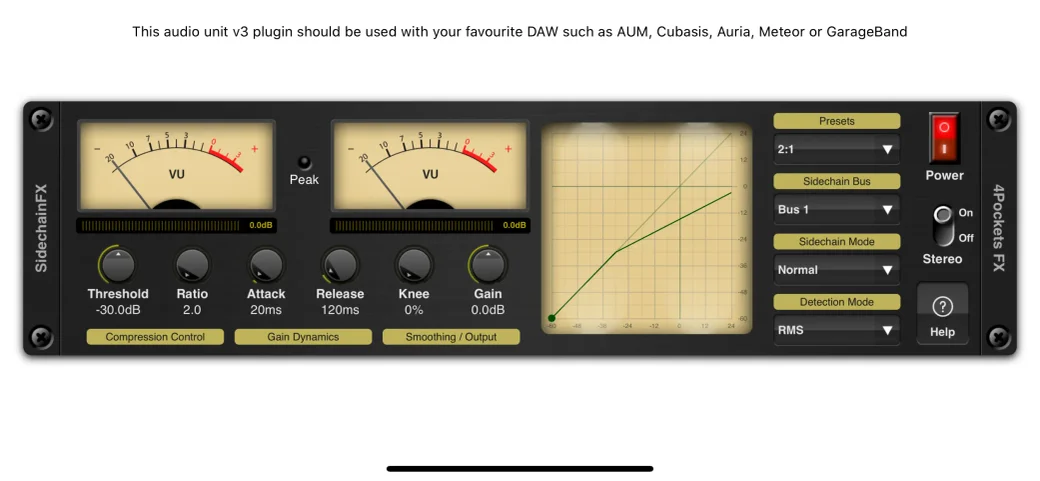
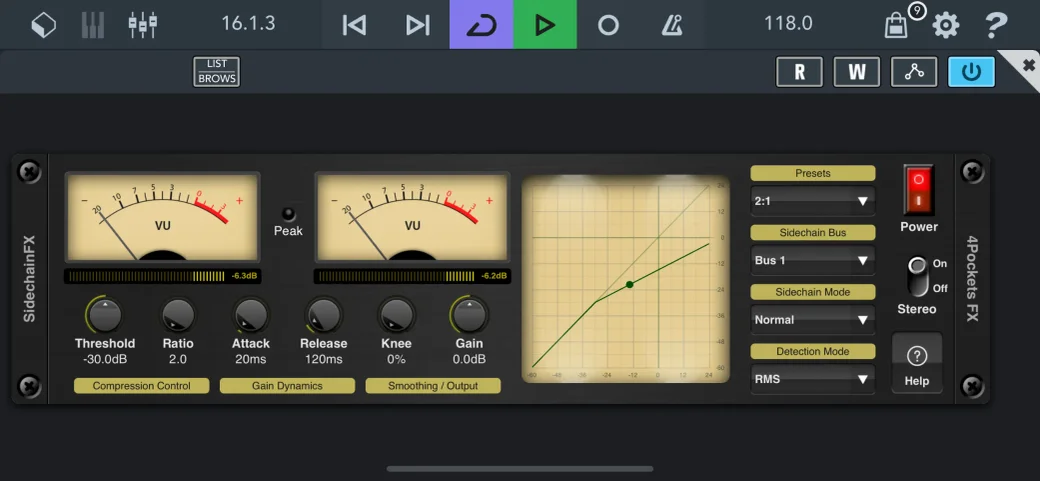
This is an AUv3 compatible stereo compressor plugin which is intended for use inside your favourite DAW/HOST such as AUM, Cubasis, Auria, Meteor, AUM or GarageBand etc.
So lets start by answering the question what is side chaining?
Side chaining is a technique used in a lot of modern dance music which involves using the volume level of one sound source to control another. You can hear plenty of examples of this in modern Trance/Dubstep music where sound engineers use the impact of a bass drum to duck a sustained string sound, creating space in the mix. This can be heard as a rythmic pumping sound which gives your music drive and energy.
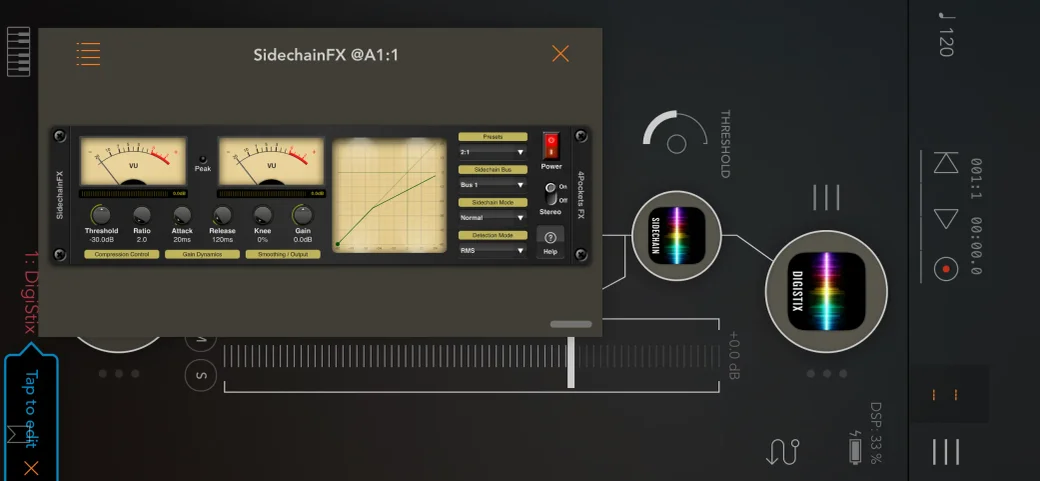
This compressor is quite unique since it was designed to get around the limitations of AUv3 plugins on iOS and the lack of multi-audio routing inside DAW apps. Until recently it wasn't possible to do true side chaining using AUv3, but now AUM has recently integrated support for multiple inputs and outputs per AUv3 plugin, it opens up a whole new world of possibilities.
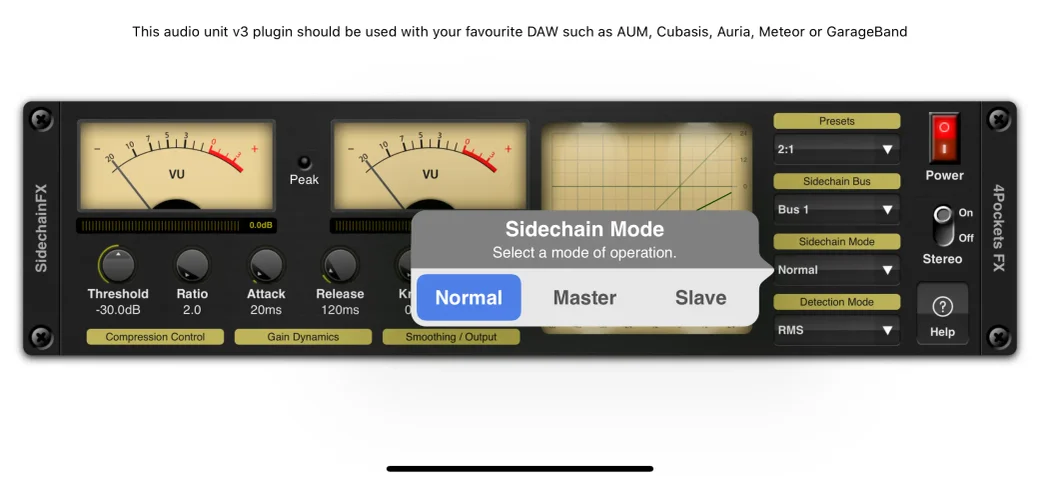
This is great for AUM users, but this still leaves users of other DAW's in the dark. This is where this app has you covered as it provides a method of sudo side-chaining by allowing you to attach two instances of this plugin to multiple sources and route audio between them to achieve a sudo sidechain. This works by ensuring two instances of the plugin are loaded as insert effects, one being the MASTER and the other a SLAVE. The slave sends audio to the master by means of one of 3 available busses.
True side chaining can be achieved in AUM. Simple set the SideChain Mode to 'Normal' and install an instance of the plugin on the channel you want to control. Then using the new 'Multiple Audio Unit Instances' option in AUM you can add a redirection of the controlling source to send to the same bus the plugin is listening to. It's that simple. In this case you need to set both instances to either Bus 2 or 3, since Bus 1 is the original audio.
Features:
○ Standard Compressor features.
○ Real calibrated VU and reduction meters
○ Real-time visual graphing of parameters.
○ Real sidechain in AUM.
○ Sudo side chain using MASTER and SLAVE for others.
○ 3 available busses.
○ Mono / Stereo modes.
○ Integrated help.
新機能
バージョン 1.01 · 2025/9/4
v1.01 B3
Updated for compatibility with future versions of iOS.
アプリのプライバシー
このアプリのデータの取り扱いについて、4Pockets.comがApp Storeで申告している内容です。
-
データの収集なし
開発元はこのアプリからデータを収集しません。
プライバシーの取り扱いは、ご利用の機能やお客様の年齢などに応じて異なる場合があります。
情報
- 販売元
- Limelight Software
- カテゴリ
- ミュージック
- バージョン
- 1.01
- 更新日
- 2025/9/4
- リリース
- 2020/3/2
- サイズ
- 12.4 MB
- 必要条件
- iOS 11.0以降
- 対象年齢
- 4+
- 価格
- ¥1,000
- 言語
- 英語
- 著作権
- Copyright © 2019 - 4Pockets.com