- 対象年齢4+
- カテゴリ教育
- 開発元Jinwan Kim
- 言語英語
- サイズ4.6 MB
App Storeの公式ページにリンクしています
Download.orgはSight Reading: Note Trainer!のファイルを一切ホストしていません。ボタンを押すと、Jinwan Kimが公開しているApp Storeのアプリページが開きます。ページの最終確認:2026/11/13。
スクリーンショット

概要
開発元はこのテキストをお使いの言語で提供していません。
One note. Name it. Next.
Most note trainers show you half a staff. Put a low note on a treble staff and it
floats away on ledger lines that you never see in real music. This app draws the
grand staff by default, both clefs together, with the ledger lines actually there.
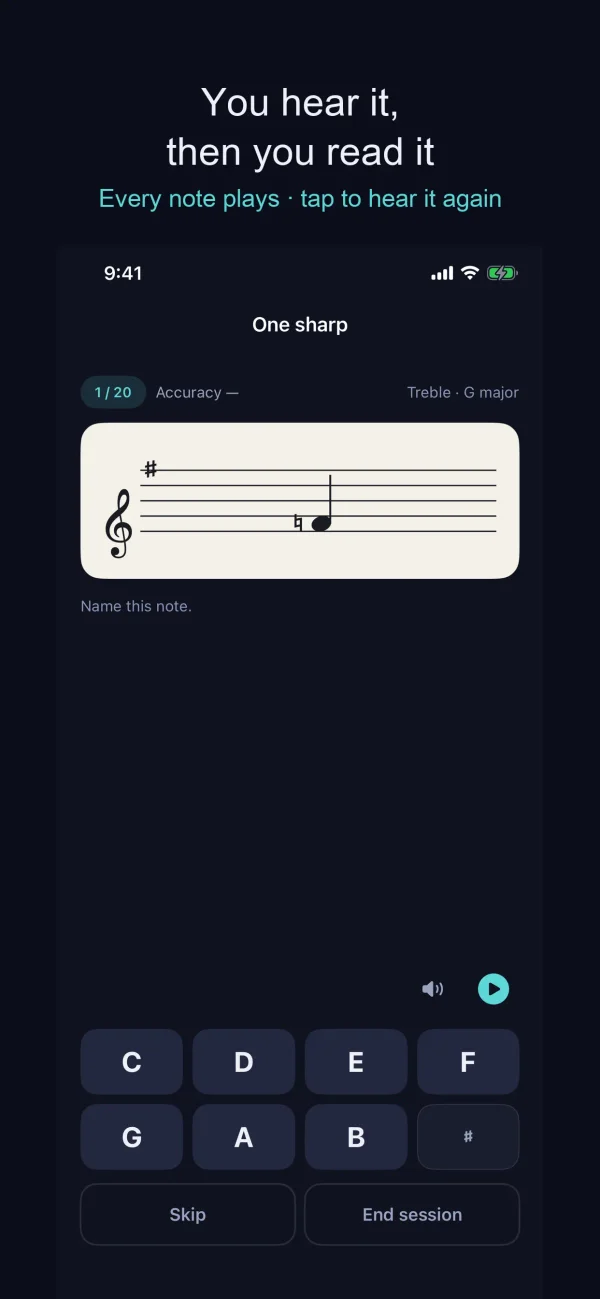
You hear every note.
The note sounds as it appears, and a play button repeats it as many times as you
want. Miss one and you hear the correct note too, so the answer arrives through your
eyes and your ears at the same time. The tone is synthesised, not a recording, and it
plays even with the ringer switch off. Turn it off with the speaker button and
everything still works — the play button keeps working when you ask for it.
Miss one and it tells you.
Get a note wrong and the correct note appears on the staff next to your answer, in
green, before the next question comes. At the end of the session you get the list of
what you missed. Some apps just skip past an error and leave you guessing.
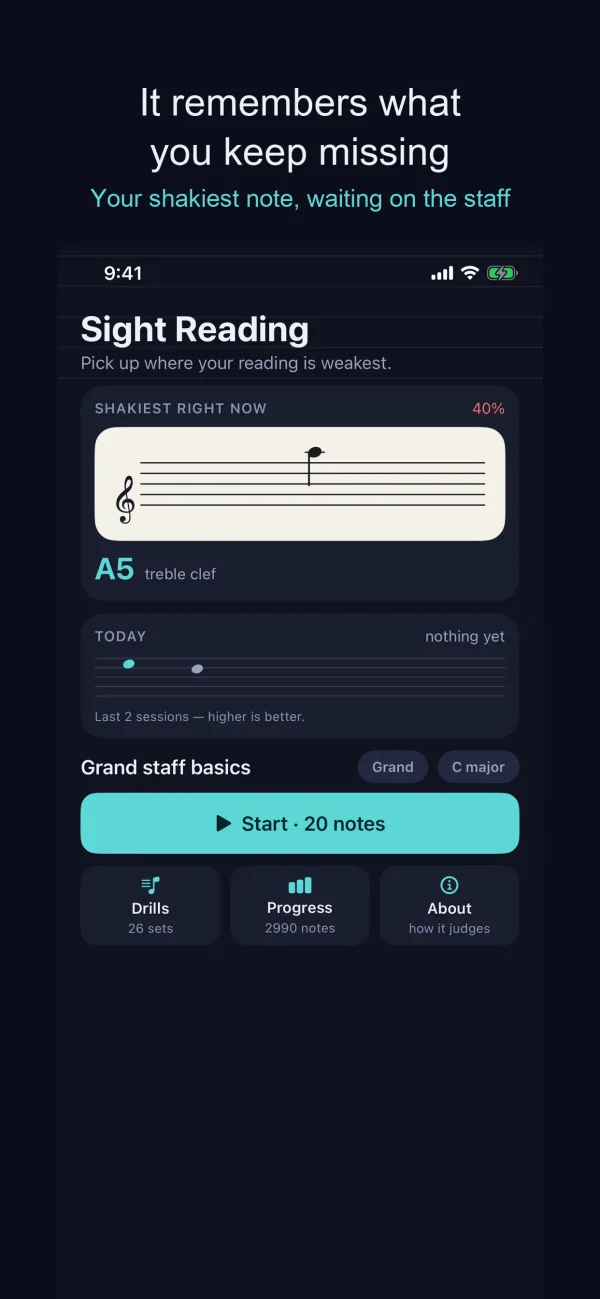
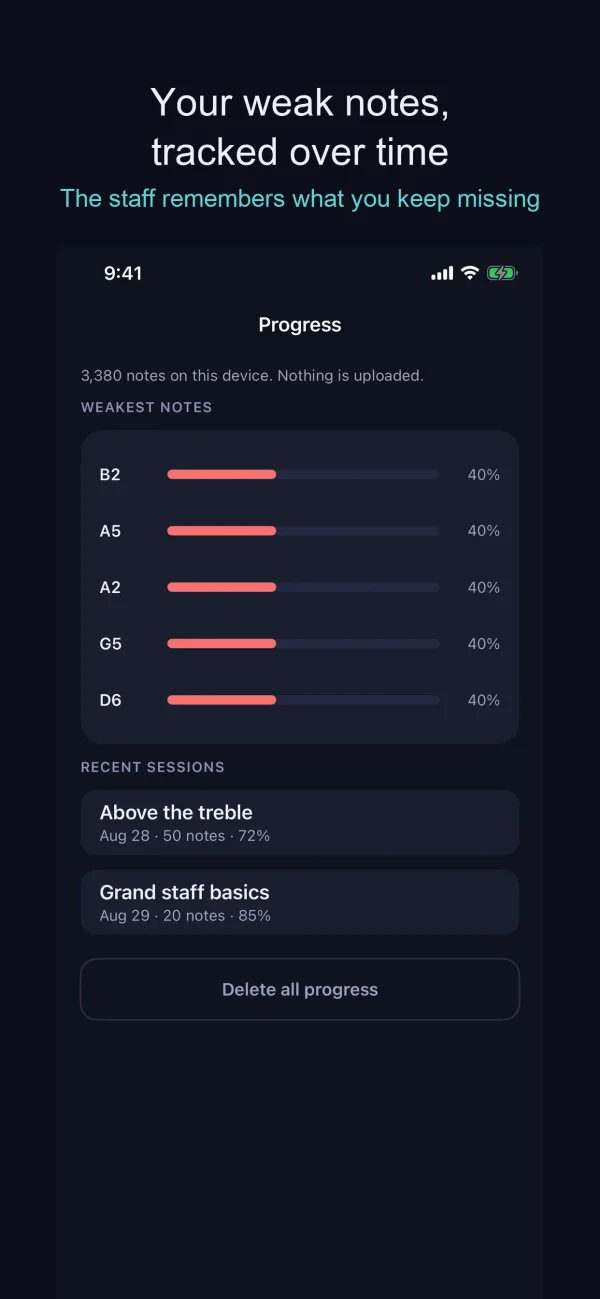
The notes you miss come back.
Every answer updates that note's accuracy. Notes you get wrong show up more often,
and the same note never appears twice in a row. Two people running the same drill
see different orders, because the app is following each of them.
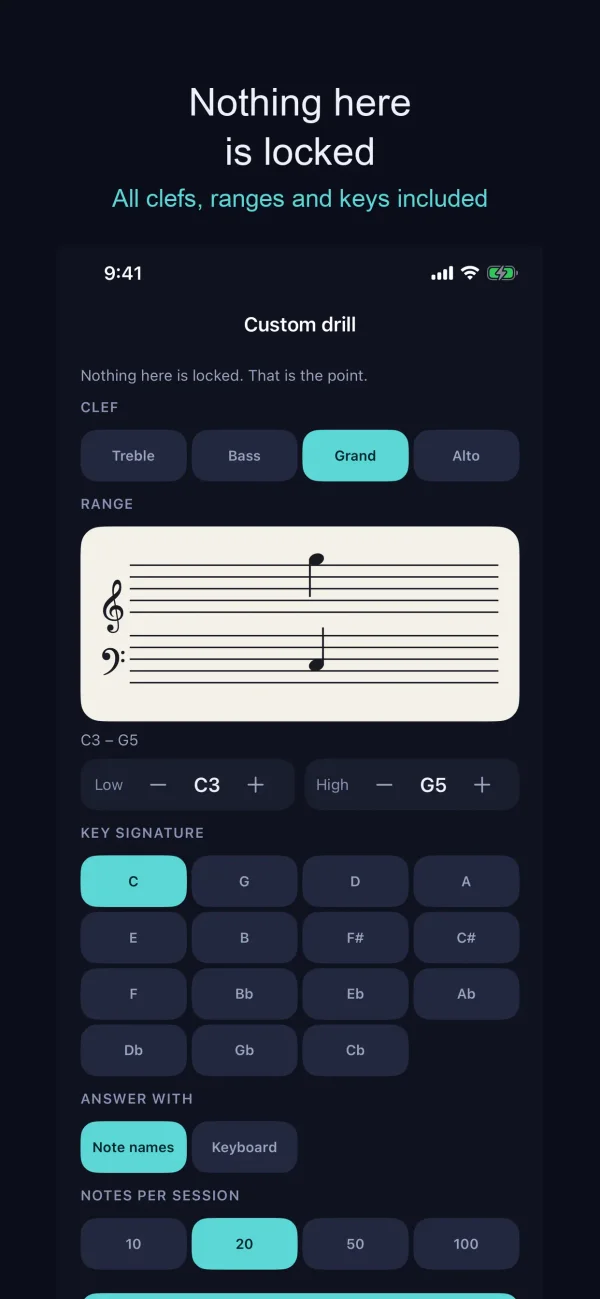
26 drills, and nothing is locked.
Treble and bass basics. The grand staff. Around middle C, where readers guess. Three
ledger lines above the treble and below the bass. Six key signature drills from one
sharp to three flats. Or build your own: pick the clef, drag the range note by note,
choose any of the fifteen key signatures, answer by note name or on a keyboard, and
set the session length. None of it is behind a payment.
No microphone. No MIDI. No account.
It plays sound but never listens, and it never connects to an instrument, so there is
nothing to fail to detect. It declares no permissions at all. It works on a plane and
in a practice room with no signal.
Sharps and flats are handled properly. F sharp and G flat are the same key, so
answering with the other spelling counts as correct — and the app tells you which
spelling this key signature uses.
Your progress is stored on this device only. Nothing is uploaded and nothing is
collected. Deleting the app deletes it.
アプリのプライバシー
このアプリのデータの取り扱いについて、Jinwan KimがApp Storeで申告している内容です。
-
データの収集なし
開発元はこのアプリからデータを収集しません。
プライバシーの取り扱いは、ご利用の機能やお客様の年齢などに応じて異なる場合があります。
情報
- 販売元
- Jinwan Kim
- カテゴリ
- 教育
- バージョン
- 1.0
- 更新日
- 2026/9/11
- リリース
- 2026/9/11
- サイズ
- 4.6 MB
- 必要条件
- iOS 17.0以降
- 対象年齢
- 4+
- 価格
- 無料
- 言語
- 英語
- 著作権
- © Kein Chronicle