- 対象年齢4+
- カテゴリユーティリティ
- 開発元Jie Tian
- 言語英語ほか1言語
- サイズ12.3 MB
App Storeの公式ページにリンクしています
Download.orgはSimple Interceptorのファイルを一切ホストしていません。ボタンを押すと、Jie Tianが公開しているApp Storeのアプリページが開きます。ページの最終確認:2026/11/23。
スクリーンショット


概要
開発元はこのテキストをお使いの言語で提供していません。
Simple Interceptor = Postman + Charles, on your mobile device.
Capture, inspect, and replay HTTP/HTTPS traffic — anywhere, anytime, without a desktop. Whether you're debugging an API on the go, reverse-engineering a third-party SDK, or verifying your app's network behavior in the field, Simple Interceptor gives you the power of professional desktop tools in a single mobile app.
— CAPTURE & DECRYPT HTTPS TRAFFIC —
• Real-time interception of all HTTP and HTTPS connections
• Built-in MITM proxy with automatic CA certificate generation
• View full request & response headers, bodies, and timing
• Decode gzip, deflate, and Brotli compressed responses automatically
• Filter by domain, HTTP method, status code, or full-text search
• Domain whitelist/blacklist rules for focused capture sessions
— BUILD & SEND REQUESTS (like Postman) —
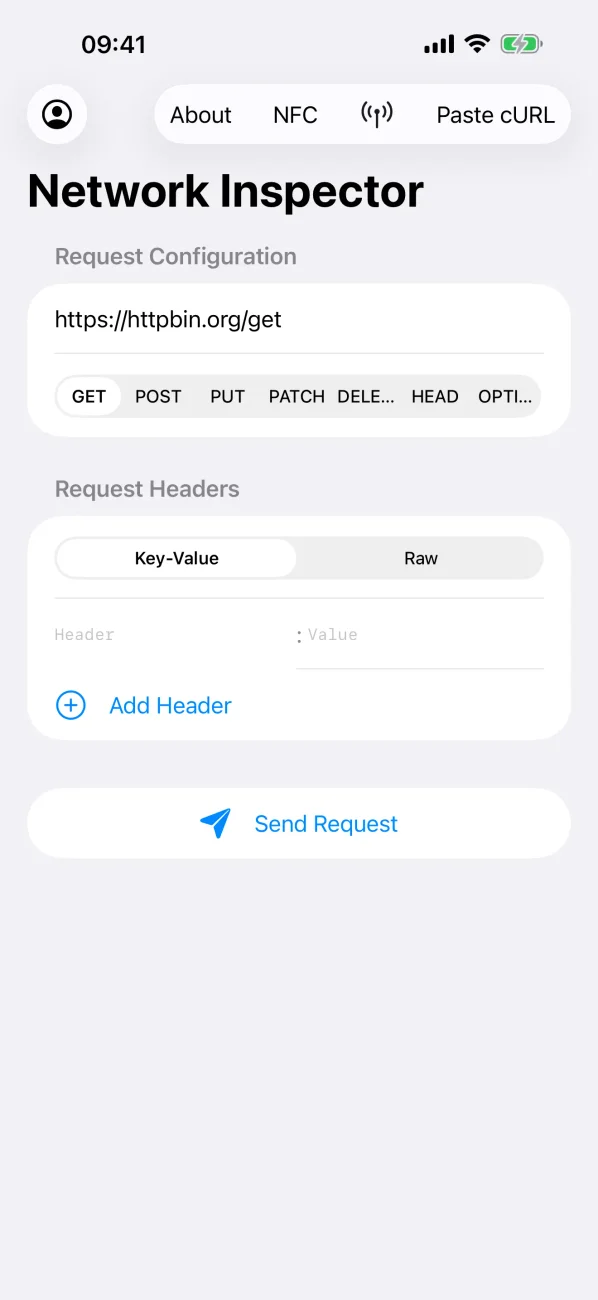
• Craft custom HTTP requests with any method, headers, and body
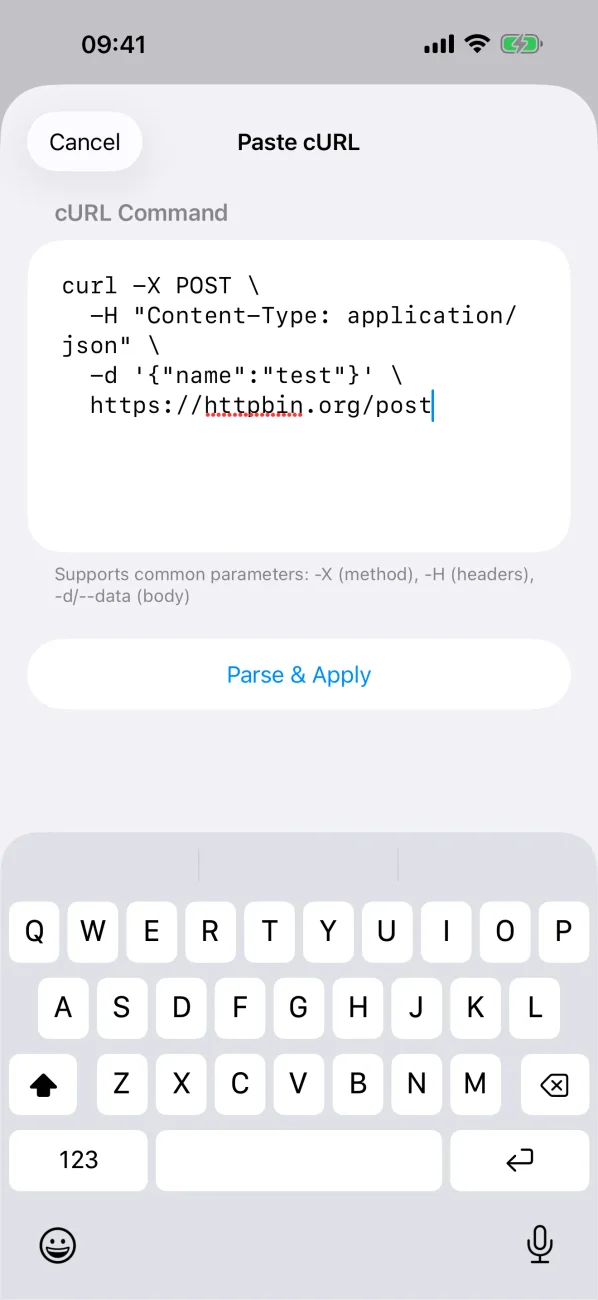
• Import cURL commands directly — paste from docs, Slack, or terminal
• Inspect full responses with syntax-highlighted body preview
• Re-send captured traffic to reproduce or modify requests instantly
• Request history with iCloud sync across all your devices
— EXPORT & SHARE —
• Convert any captured request to a ready-to-run cURL command
• Copy headers, bodies, or full responses to clipboard
• Share diagnostic logs for team collaboration
— EXTRAS —
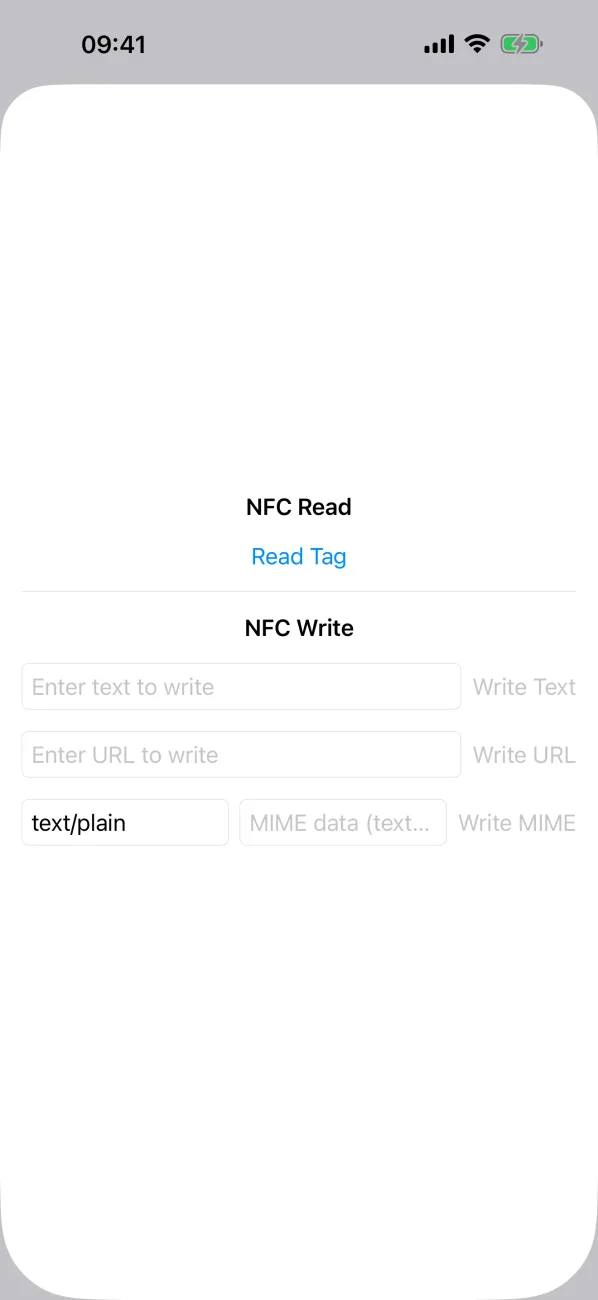
• NFC tag reading and writing (text, URL, custom MIME)
• Apple Sign-In with iCloud profile sync
• Unified log viewer with source and severity filtering
• Step-by-step certificate installation guide
— WHO IS IT FOR? —
• Mobile developers testing APIs without a laptop
• QA engineers verifying network behavior on real devices
• Security researchers analyzing HTTPS traffic
• Backend developers debugging webhooks and callbacks
• Anyone who needs Charles or Postman while working on a mobile device
No Mac required. No USB cable. No complicated setup. Just install, tap Capture, and start inspecting.
Privacy first — your traffic data stays on your device unless you choose to sync via iCloud.
新機能
バージョン 1.1.21 · 2026/11/18
- Optimized NFC page
アプリのプライバシー
このアプリのデータの取り扱いについて、Jie TianがApp Storeで申告している内容です。
-
データの収集なし
開発元はこのアプリからデータを収集しません。
プライバシーの取り扱いは、ご利用の機能やお客様の年齢などに応じて異なる場合があります。
情報
- 販売元
- Jie Tian
- カテゴリ
- ユーティリティ
- バージョン
- 1.1.21
- 更新日
- 2026/11/18
- リリース
- 2025/12/2
- サイズ
- 12.3 MB
- 必要条件
- iOS 18.5以降
- 対象年齢
- 4+
- 価格
- ¥150
- 言語
- 英語, 簡体字中国語
- 著作権
- © 2026 Jeff Tian. 保留所有权利。
こちらもおすすめ
-
 Calioo - シンプルな習慣・記録ダブルタップで瞬間を記録
-
 ElevenLabsTTS-iOSユーティリティ
-
 Timestamps - Calendar AIユーティリティ
-
 AI Planner: Room Design Planユーティリティ
-
 Falconkey (developer keyboard)ユーティリティ
-
 KartBalance – Kart Setup Toolユーティリティ
-
 PeopleNoteユーティリティ
-
 Loked - Avoid Photo Swipingユーティリティ
-
 Photonoterユーティリティ
-
 ExportContacts バックアップ Pro連絡先をExcelとCSVへ