
- 対象年齢17+
- カテゴリグラフィック/デザイン
- 開発元Victor Ng
- 言語英語ほか3言語
- サイズ187.5 MB
App Storeの公式ページにリンクしています
Download.orgはSketch 3Dのファイルを一切ホストしていません。ボタンを押すと、Victor Ngが公開しているApp Storeのアプリページが開きます。ページの最終確認:2026/11/14。
スクリーンショット
概要
開発元はこのテキストをお使いの言語で提供していません。
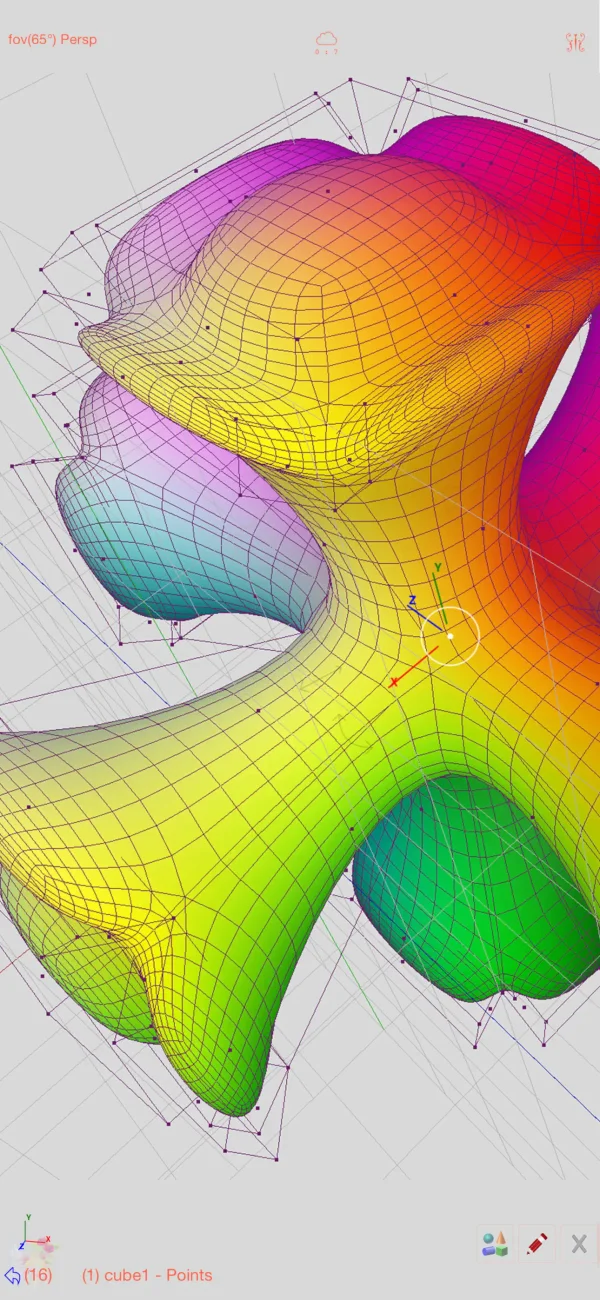
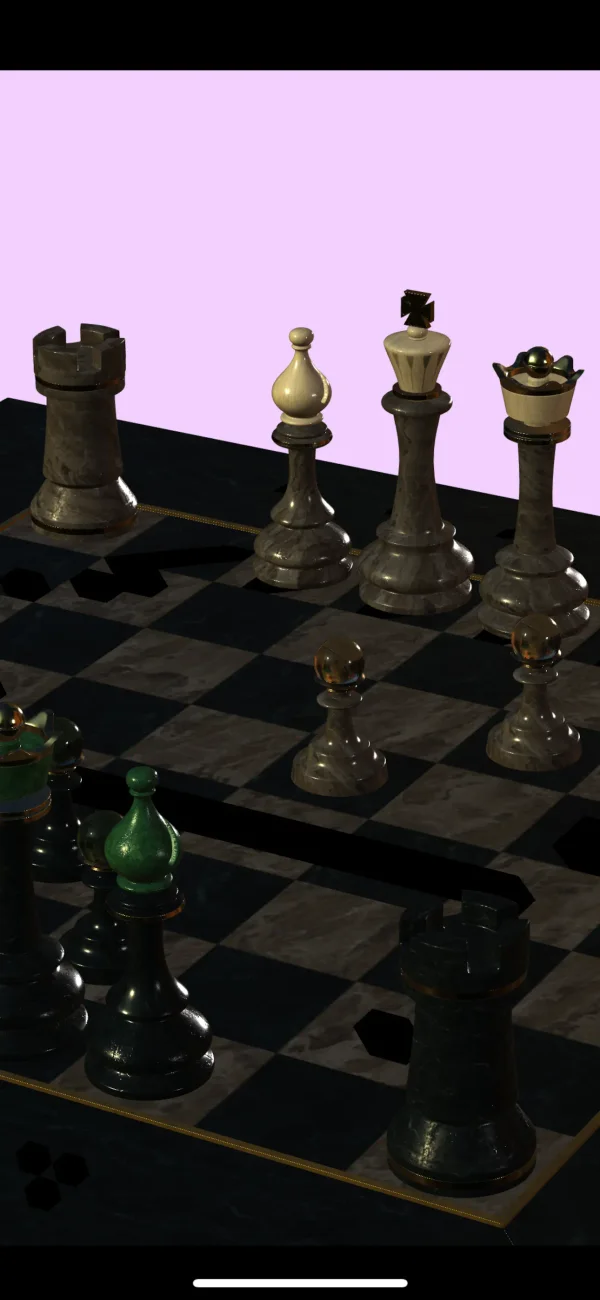
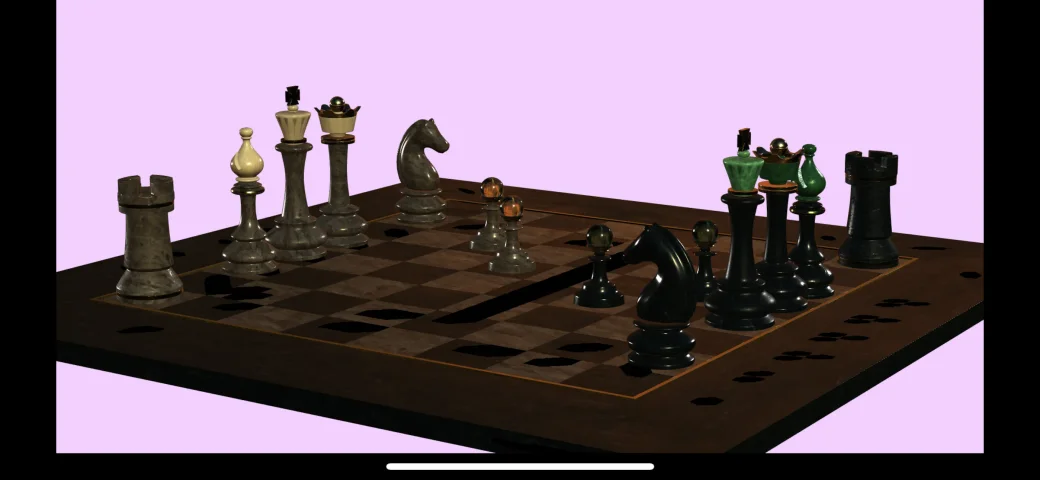
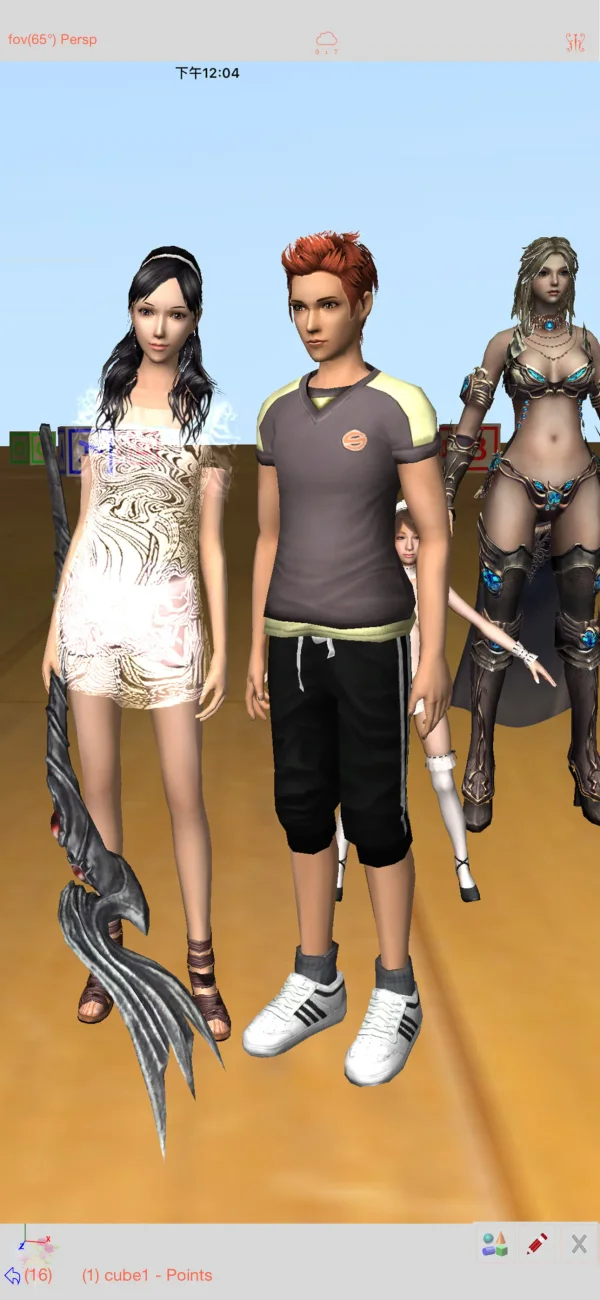
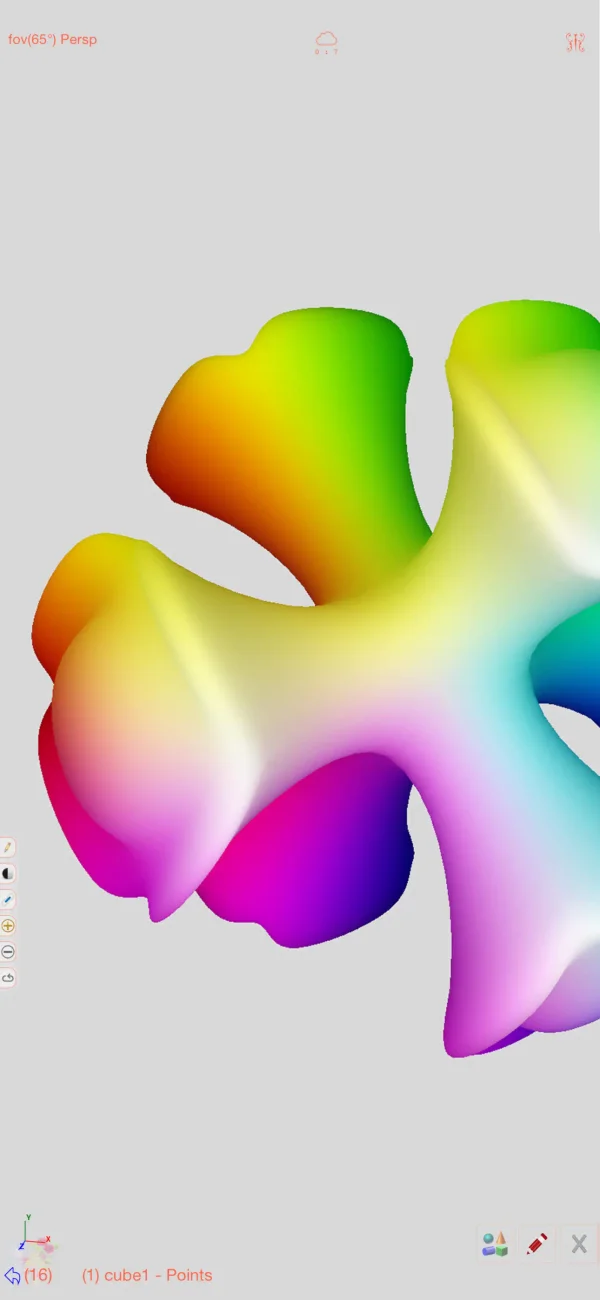
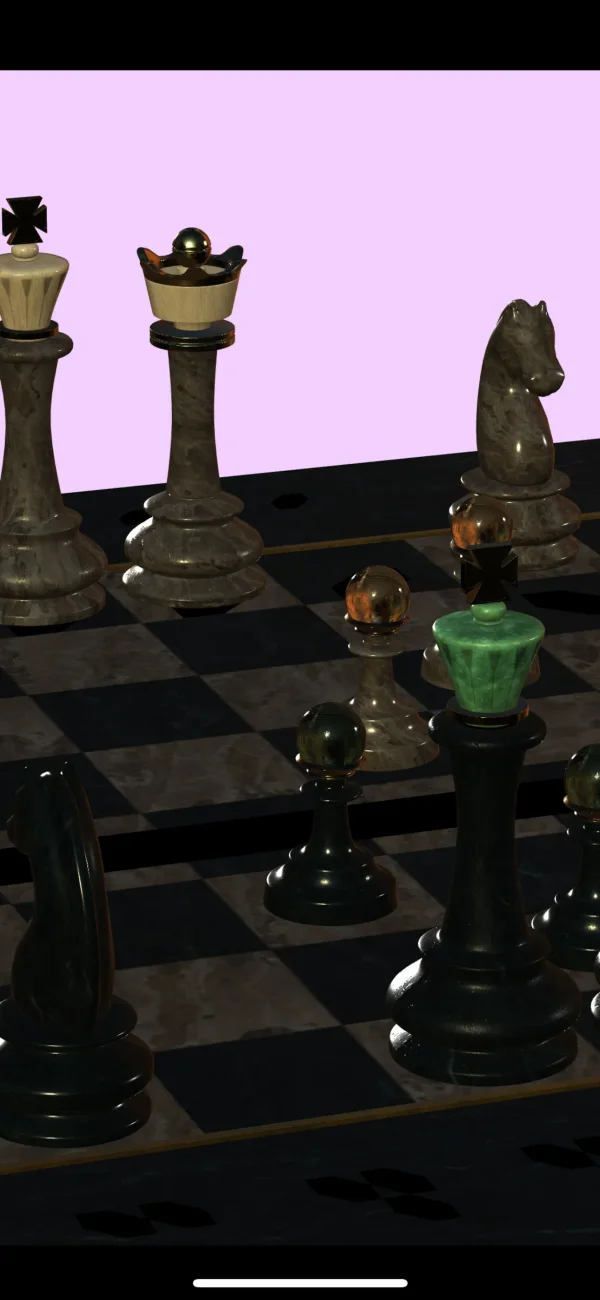
Sketch 3D is a tool for designing 3D models from your fingertips. You could download models from others, and could also share your great designs with other users by saving models in Public space.
New Feature: Integrated MaterialX library into the app.
Mesh object can be applied with materialx documents. When Saving and Loading with material, the document relative path is stored as a diffuse map entry, similar to the way of handling movie textures. Other features like material adjustment and graph editing are not supported yet. User could download free material documents from public websites and import those zip files with this app, using ShareTo or AirDrop.
Feature: Use True Depth Camera to capture face model.
Feature: Support using video as model texture.
You could use video clips from Photo Album, or from Internet URL (YouTube URL not supported), and then apply it onto a model as texture map.
Feature: Capture movie from the 3D scene.
Note! If your device could not capture movie, then, could try out a smaller output resolution (by tapping the control pane). However, arbitrary output size may stop capturing prematurely.
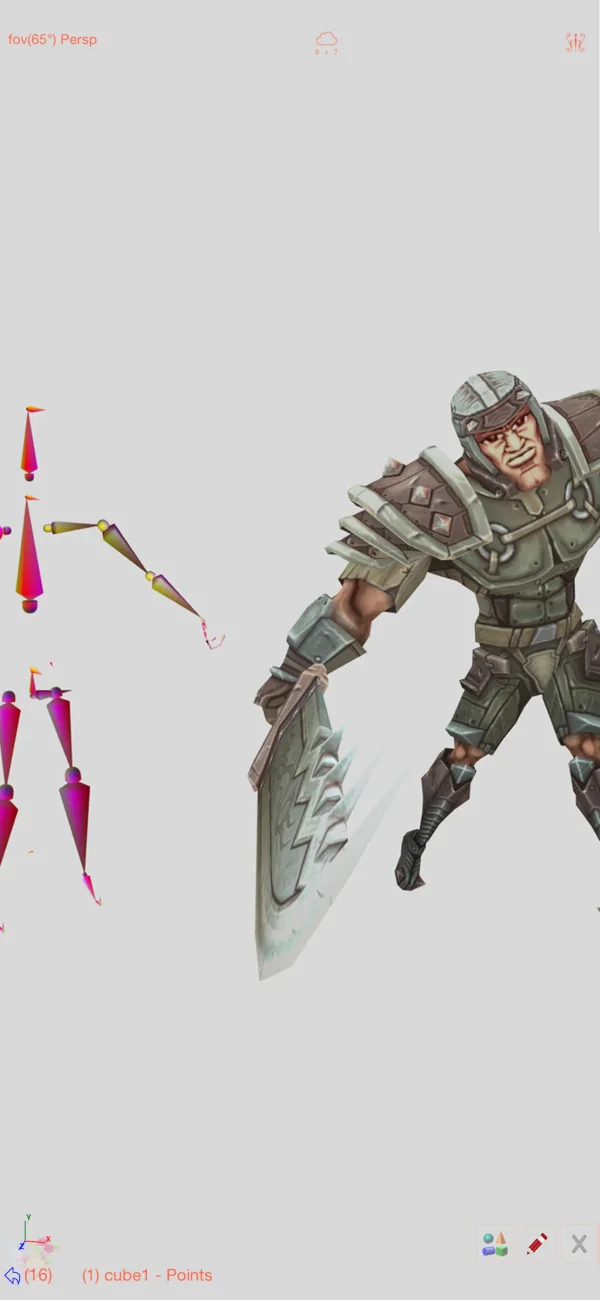
Feature: Design 3D model animation with skeleton structure.
You could design a skeleton structure by placing bones in hierarchical relation. Attach model to the skeleton, and then moving the bones to define different poses. Each pose represented as a keyframe in the timeline view. And animation sequence is produced by playing interpolation between the keyframes.
Features:
- Import 3D content directly from browser or email, either in .zip, .rar, .7z.
- Support formats: Collada DAE, OBJ, 3DS, STL(for 3D printing), and others.
- Import/export to iCloud drive, via iTune File Sharing, or to Public area via Apple CloudKit Service.
- Supports AirDrop.
- Support Quad faces.
- Smooth surfaces using Subdivision.
- Mirroring editing.
- 2-fingers vertex movement, 3 or 4-fingers planar shape creation.
- Versatile multi-touches drag-through-space gestures to support editing and changing viewing angle at the same time.
- Flexible face strip drawing.
- Stitching boundary faces. Stitch triangle soap into connected faces. Stitch over edge or vertex to form a larger face.
- Stitching Triangles to Quads.
- Loop Cut faces.
- Bevel edges.
- Extrude faces or edges.
- Revolve (Spin).
- Vertex Smoothing.
- Vertex Slide along edges.
- Crease Editing after mesh subdivision.
- Split mesh from, or Join mesh to the editing one.
- Support hierarchical mesh node structure.
- Direct vertex color editing when texture map is not used.
- Edit texture map UV coordinates, include atlas generation.
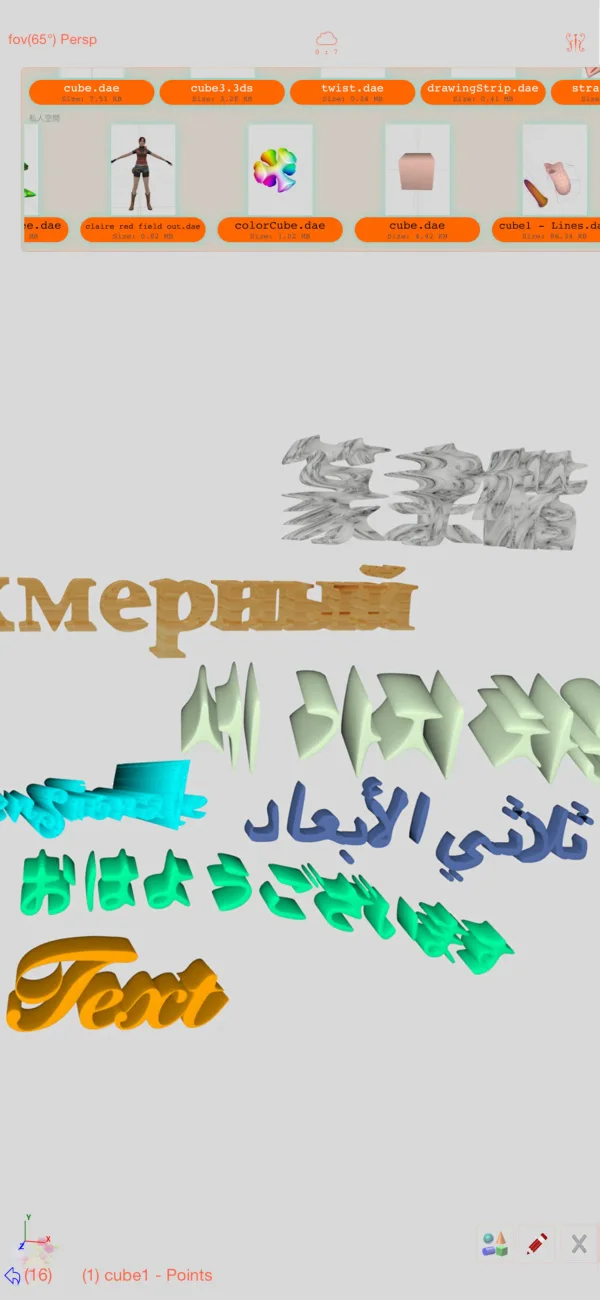
- 3D Text generation.
- Scene interaction with your created shape.
- Design Animation with skeleton structure.
- Capture movie from the 3D scene.
- Support using video as model texture map.
新機能
バージョン 1.55 · 2026/10/13
- Support one more prefix definition, “p2=URL prefix”.
- Add button to preview cached resources.
- UI enhancement and bug fixes.
アプリのプライバシー
このアプリのデータの取り扱いについて、Victor NgがApp Storeで申告している内容です。
-
ユーザーに関連付けられないデータ
収集される場合がありますが、ユーザーの識別情報には関連付けられません。
- 閲覧履歴
プライバシーの取り扱いは、ご利用の機能やお客様の年齢などに応じて異なる場合があります。
情報
- 販売元
- Victor Ng
- カテゴリ
- グラフィック/デザイン
- バージョン
- 1.55
- 更新日
- 2026/10/13
- リリース
- 2015/8/22
- サイズ
- 187.5 MB
- 必要条件
- iOS 14.0以降
- 対象年齢
- 17+
- 価格
- ¥500
- アプリ内課金
- あり
- 言語
- 英語, ロシア語, 簡体字中国語, 繁体字中国語
- 著作権
- © 2015 - 2025 nurbs-g.com
こちらもおすすめ
-
 Charcoal Studioグラフィック/デザイン
-
 Plastic - 3D Modelingグラフィック/デザイン
-
 Local 3D - Image to 3D Modelグラフィック/デザイン
-
 Deco: Wallpaper & Stickersグラフィック/デザイン
-
 Photo Collage Studioグラフィック/デザイン
-
 Morphinグラフィック/デザイン
-
 Piiikaお気に入りの色の写真を撮ります
-
 Valence 3Dグラフィック/デザイン
-
 Voxel Max: 3D Modelingグラフィック/デザイン
-
 PhotoFramify: Photo Borderグラフィック/デザイン