- 対象年齢4+
- カテゴリ仕事効率化
- 開発元Johannes Vlasblom
- 言語英語
- サイズ73.4 MB
App Storeの公式ページにリンクしています
Download.orgはSkillQuest - Skill Trackerのファイルを一切ホストしていません。ボタンを押すと、Johannes Vlasblomが公開しているApp Storeのアプリページが開きます。ページの最終確認:2026/11/18。
スクリーンショット
概要
開発元はこのテキストをお使いの言語で提供していません。
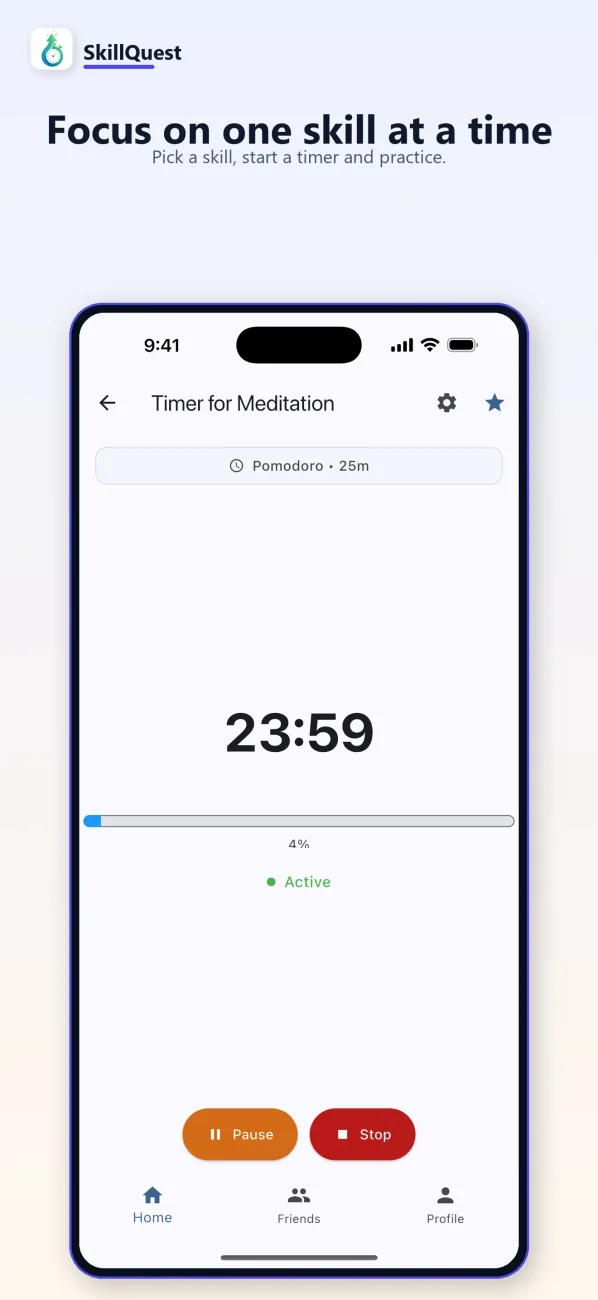
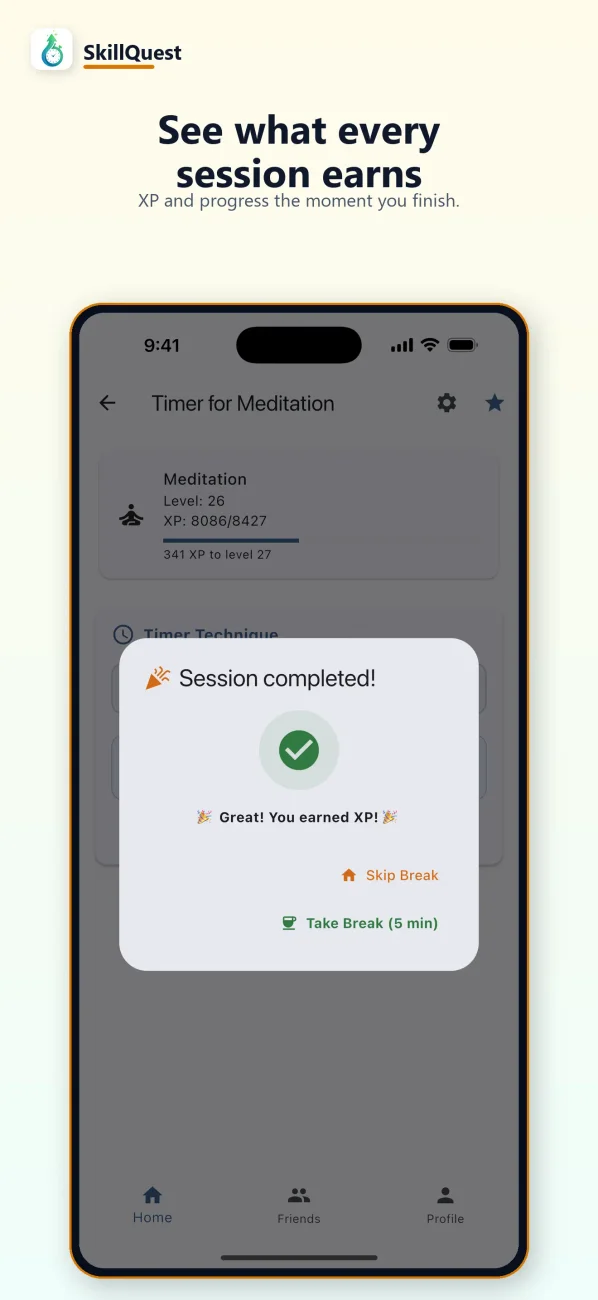
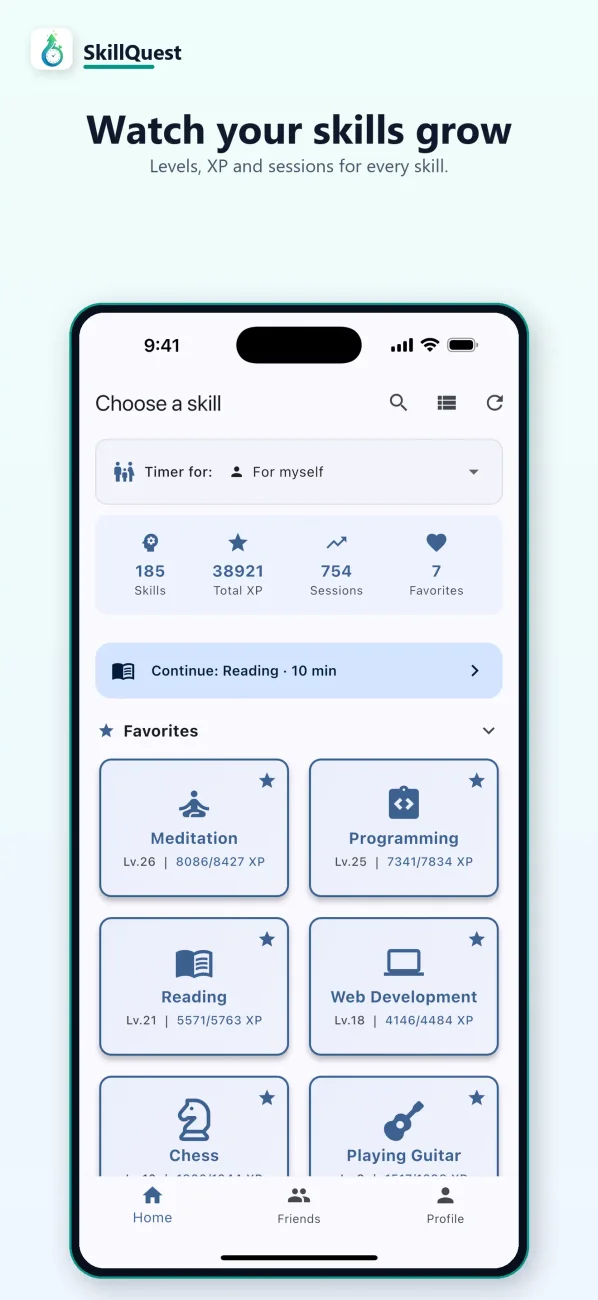
SkillQuest helps you build skills with focus timers, XP, levels, statistics and motivating social progress.
Start a timer for any skill and see your progress after every session. Use SkillQuest for studying, programming, music practice, reading, writing, sports or any routine you want to strengthen.
Key features:
- Focus timers for your skills
- XP, levels and streaks
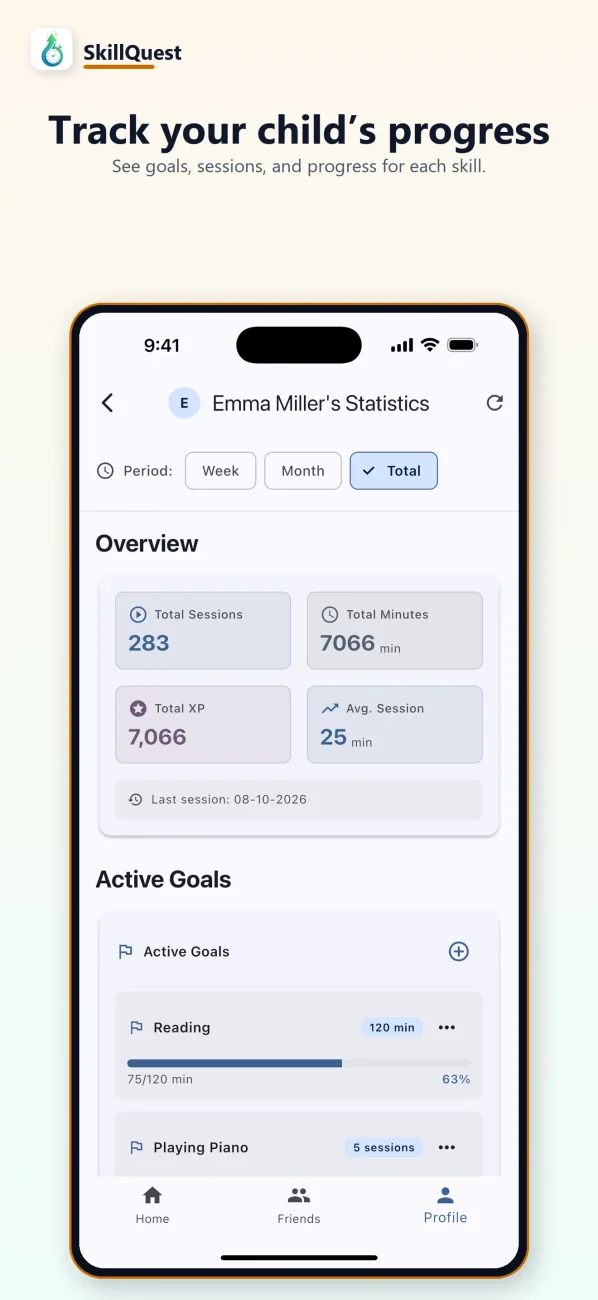
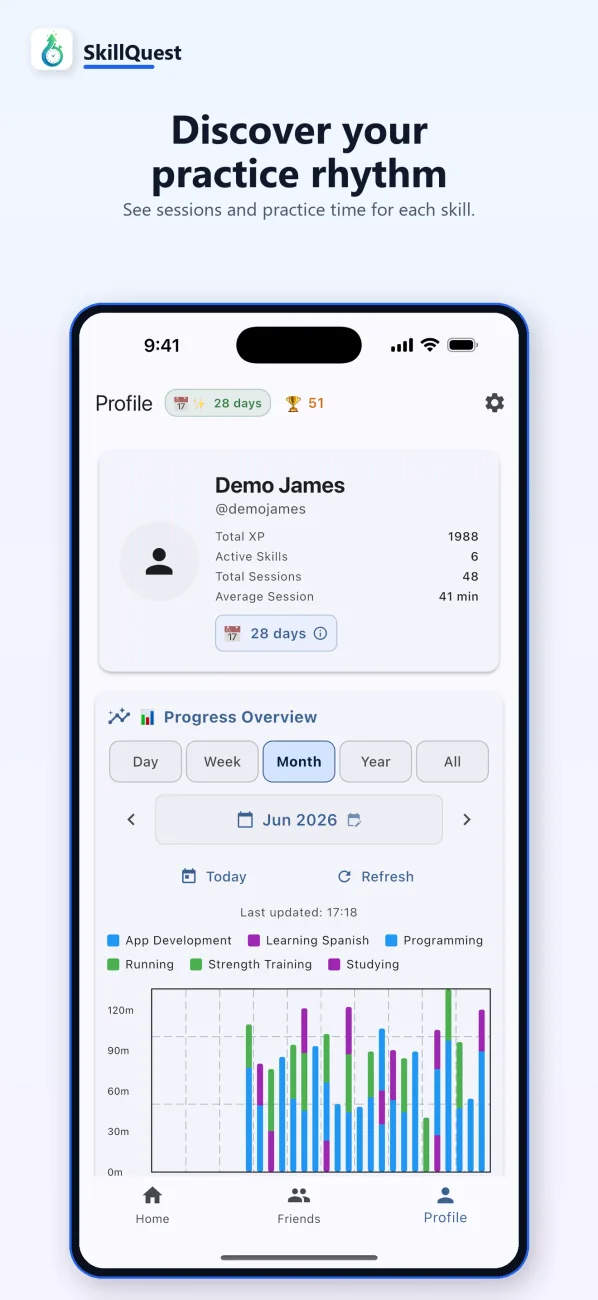
- Statistics by day, week, month and year
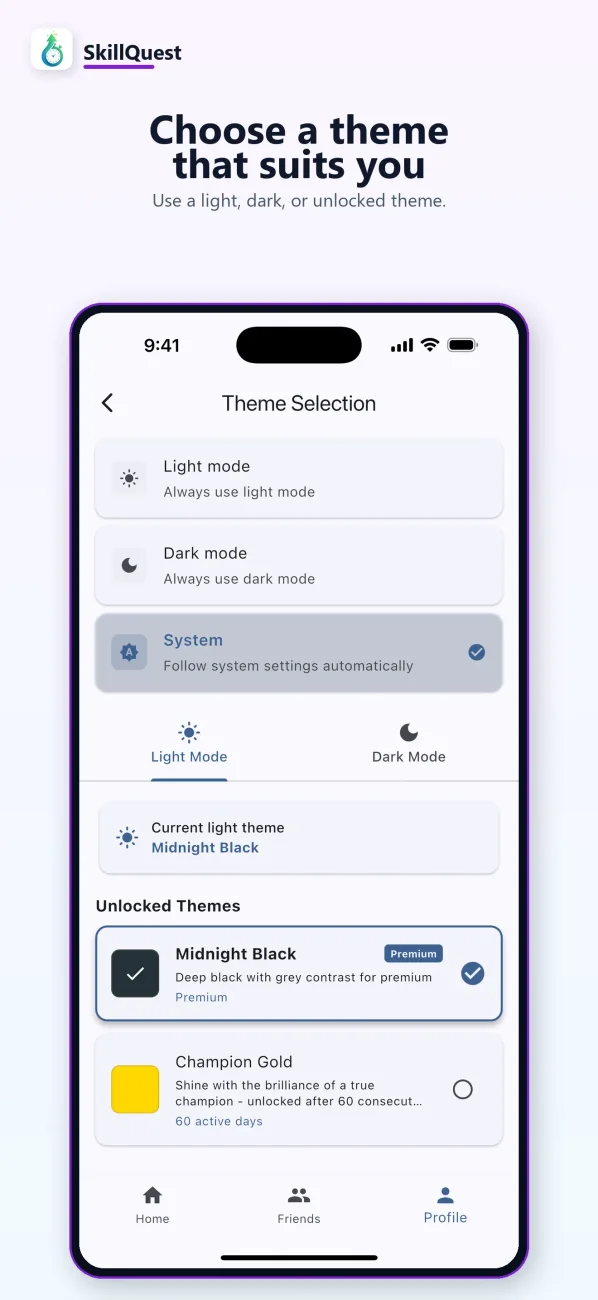
- Themes and personalization
- Friends and challenges
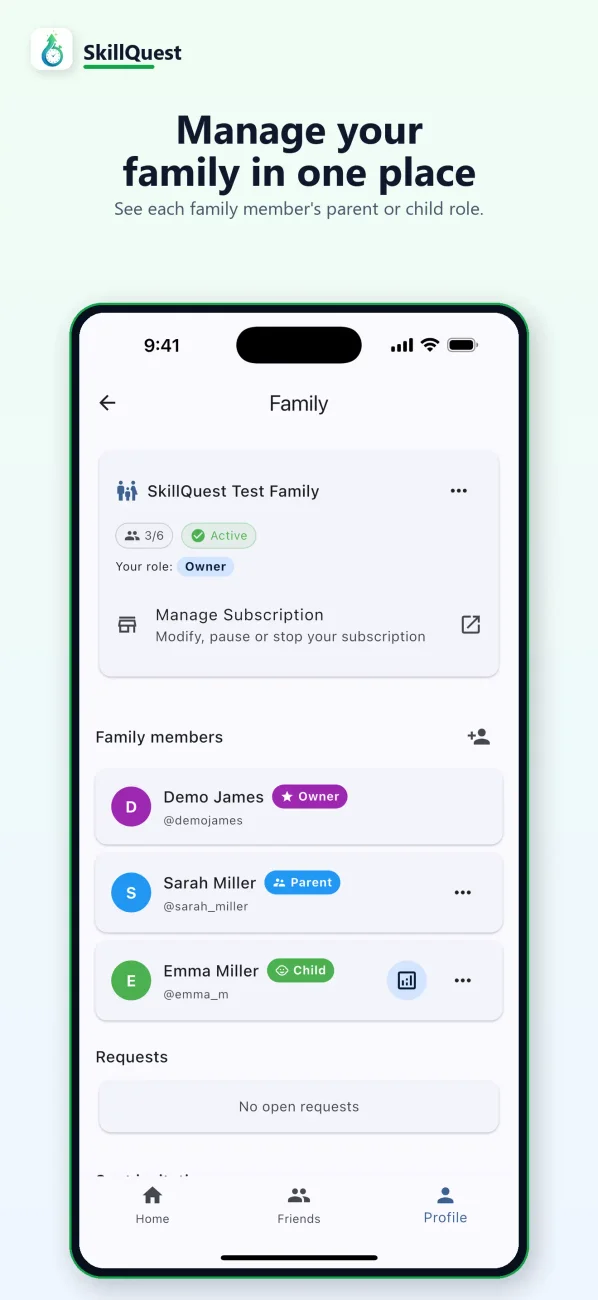
- Family groups for guidance and motivation
- Guest mode to start immediately
SkillQuest makes your time visible. You do not just track what you did; you see how your skills grow over time.
Premium unlocks more freedom, including expanded features, more personalization and family management. SkillQuest is ad-free and built with privacy in mind.
Support: hello@skill-quest.app
Privacy: https://skill-quest.app/privacy
Terms of Service: https://www.skill-quest.app/en/terms
Terms of Use (Apple EULA): https://www.apple.com/legal/internet-services/itunes/dev/stdeula/
新機能
バージョン 1.0.6 · 2026/11/17
This update makes SkillQuest work better without an account and shows error messages in your own language:
• Without an account you now see all skills, timer displays and languages, even offline. Searching for skills works without internet too.
• As a guest you can choose your own language. If you create an account later, that choice comes with you.
• Timer displays have a name and description in your language. You can preview a display that is still locked.
• Error messages match the app language and fit the screen you are on, for example when you sign in, sign up or reset your password.
• Lists of timer displays and themes are in the right order.
アプリのプライバシー
このアプリのデータの取り扱いについて、Johannes VlasblomがApp Storeで申告している内容です。
-
ユーザーに関連付けられたデータ
収集され、ユーザーの識別情報に関連付けられる場合があります。
- 購入
- 連絡先情報
- ユーザーコンテンツ
- ID
- 使用状況データ
- その他のデータ
-
ユーザーに関連付けられないデータ
収集される場合がありますが、ユーザーの識別情報には関連付けられません。
- 診断
プライバシーの取り扱いは、ご利用の機能やお客様の年齢などに応じて異なる場合があります。
情報
- 販売元
- Johannes Vlasblom
- カテゴリ
- 仕事効率化
- バージョン
- 1.0.6
- 更新日
- 2026/11/17
- リリース
- 2026/7/3
- サイズ
- 73.4 MB
- 必要条件
- iOS 16.2以降
- 対象年齢
- 4+
- 価格
- 無料
- アプリ内課金
- あり
- 言語
- 英語
- 著作権
- © 2026 Zenith Reborn
こちらもおすすめ
-
 Levely: Focused Practice仕事効率化
-
 DeepFocus: Session Tracker仕事効率化
-
 My Levels: Skill Tracker仕事効率化
-
 Sol: Skill Practice Tracker仕事効率化
-
 コツコツ - 集中タイマーと習慣勉強タイマー・習慣化・ポモドーロ
-
 FocusFlow: screen time仕事効率化
-
 Tempo - 習慣トラッカー継続記録・ルーティン・集中タイマー
-
 RPG Tasks: 集中タイマー & XP習慣トラッカー&スキル成長
-
 Evolution: 10,000 Hour Tracker仕事効率化
-
 Focus Tracker仕事効率化