Smart Printer App ゜
For Canon, HP, Epson, Brother
iPhone, iPad, iPod touch向けに設計
無料 · アプリ内課金
- 対象年齢4+
- カテゴリ仕事効率化
- 開発元Free PDF Inc
- 言語英語ほか33言語
- サイズ46.8 MB
App Storeの公式ページにリンクしています
Download.orgはSmart Printer App ゜のファイルを一切ホストしていません。ボタンを押すと、Free PDF Incが公開しているApp Storeのアプリページが開きます。ページの最終確認:2026/11/14。
スクリーンショット


概要
開発元はこのテキストをお使いの言語で提供していません。
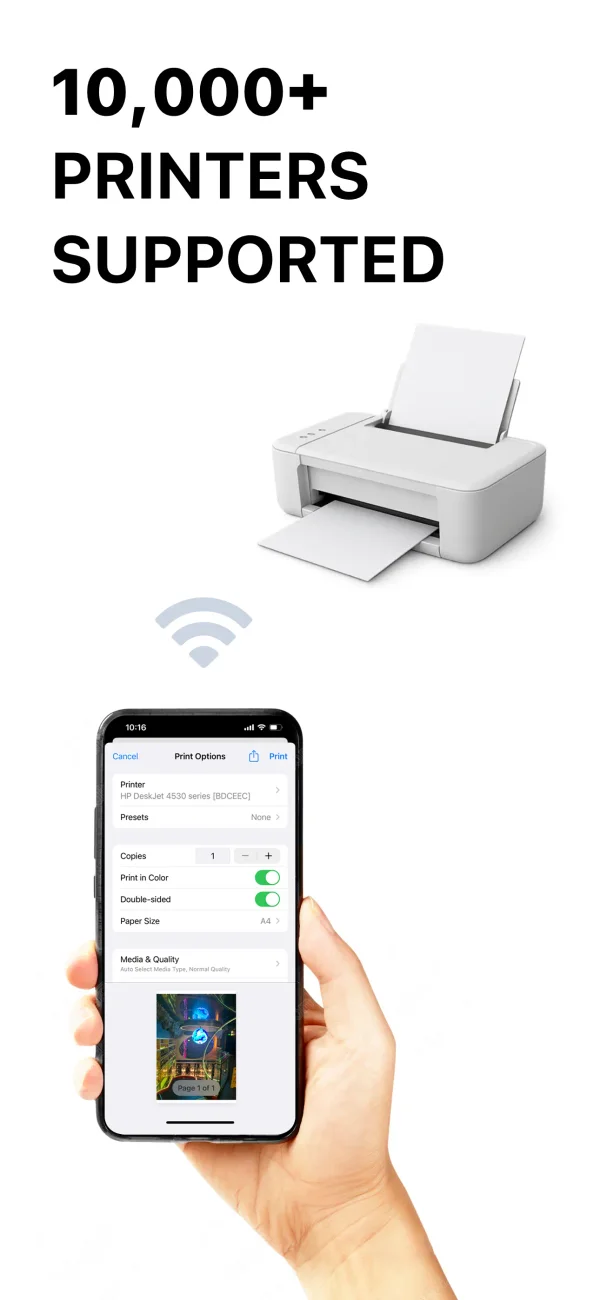
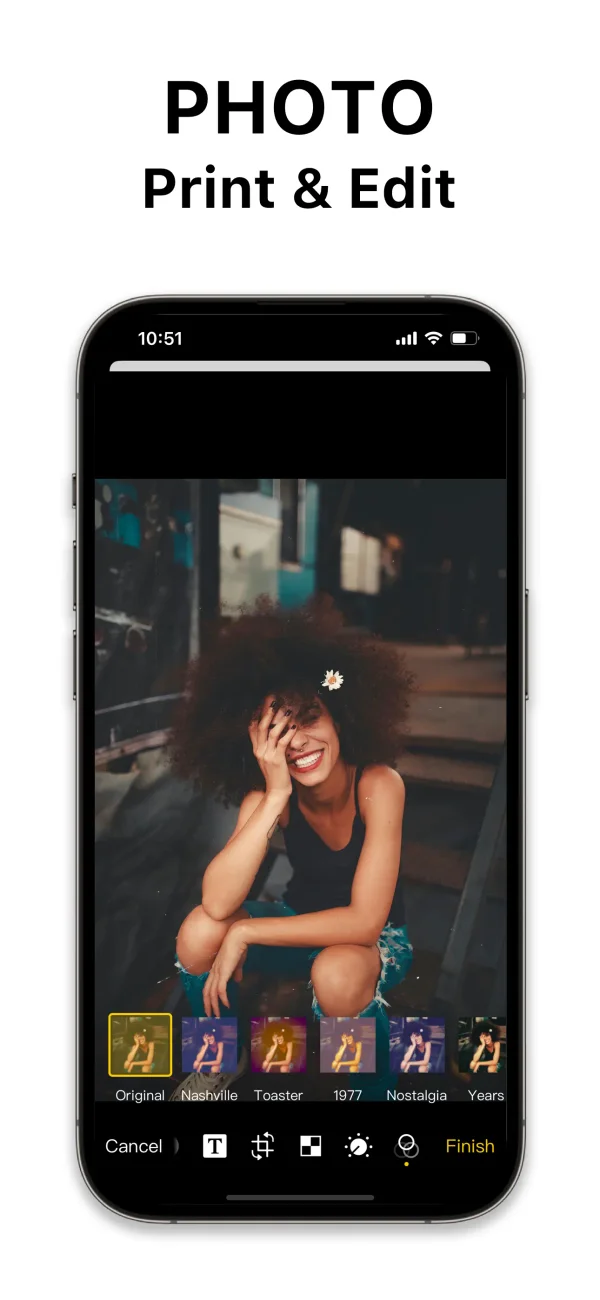
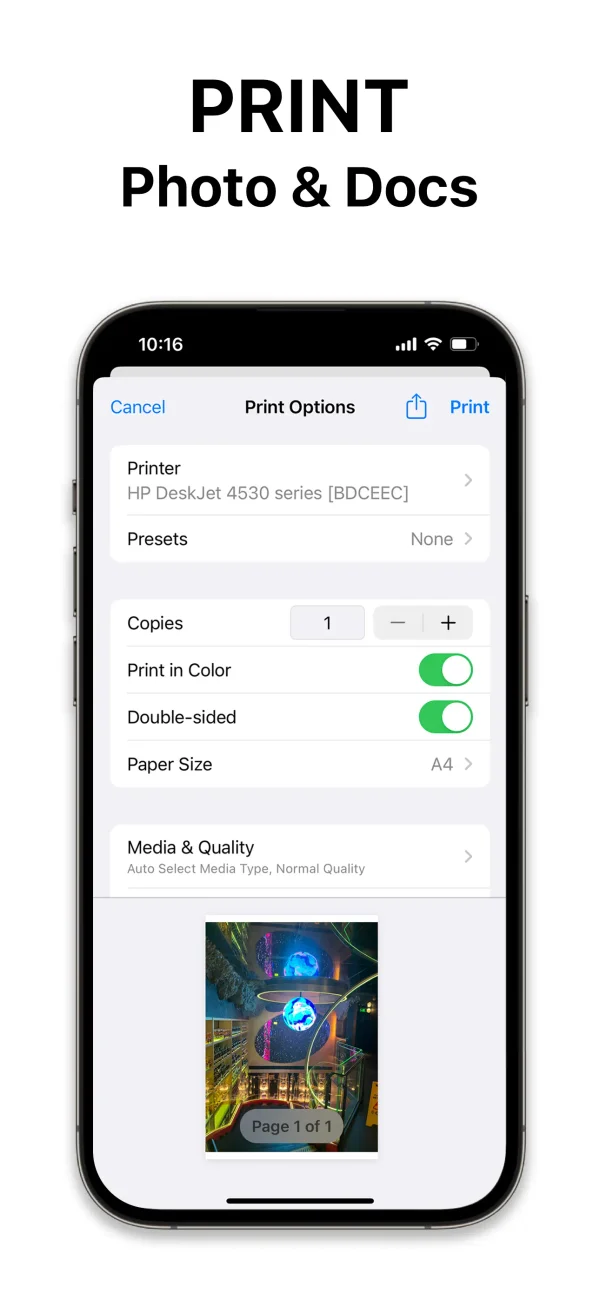
Printer App is a multifunctional printing software that combines printing, document management, document creation and document editing in one, providing users with a convenient one-stop solution.Printer is committed to providing users with a full range of document processing capabilities to help users work more efficiently manage and handle all types of document tasks.
Features:
Flexible Printing Options
Printer App offers a variety of convenient printing methods, including:
- Select File: Select the file you want to print from your Mac computer and print it quickly;
- Select Pictures: Select pictures from the gallery and print them directly;
- Print Web Pages: Save time by logging in to a website and printing the contents of the web page directly;
- Select iCloud files: Easily select files from iCloud for printing, realizing cloud printing;
- Create Text: Support creating text content and printing to meet various text needs;
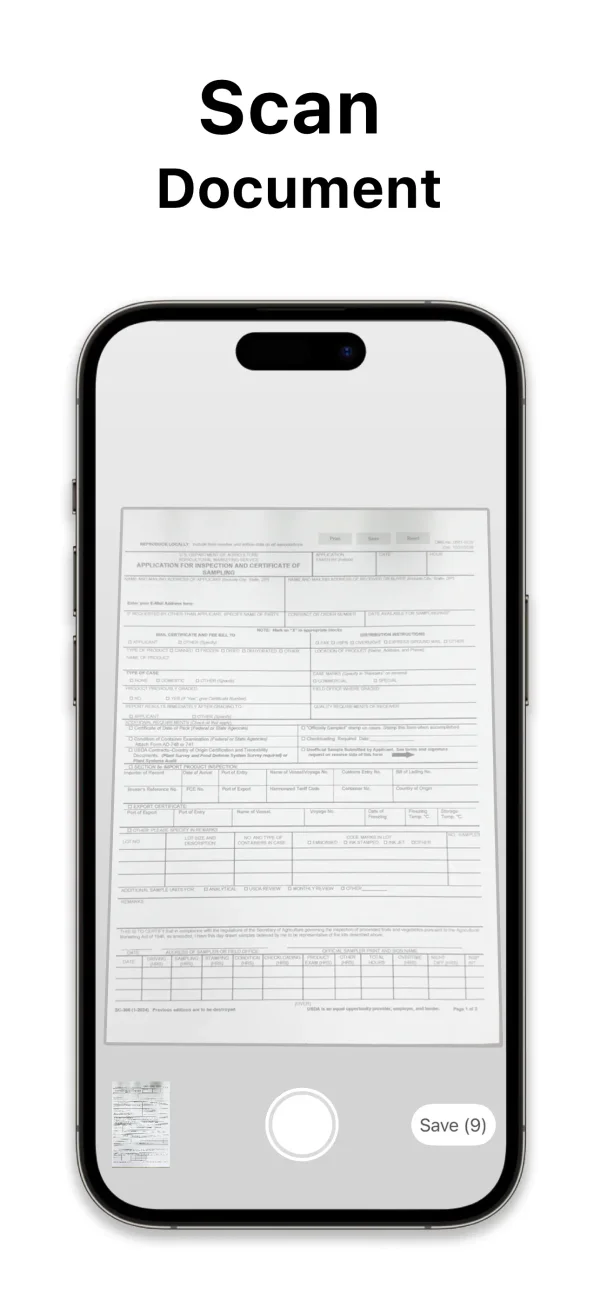
- OCR Scanning: OCR scanning function converts the content of the document into a printable format to improve printing efficiency.
Convenient Document Editing and Printing
Users can edit documents through the Printer App software, add text, labels, stamps, signatures and other elements, printing operations at any time to meet the personalized needs of document processing more flexible and convenient.
Convenient document saving and management
Printer App supports users to save the edited document, to ensure that the work results are effectively retained, convenient for users to access and use in the future, improve work efficiency and document management convenience.
Printer App provides convenient document printing, editing and management functions, allowing you to work on documents with less effort. Whether it's fast printing, flexible editing, or convenient management, Printer can meet your needs, improve work efficiency, and make it easy for you to meet all kinds of document processing challenges. Let Printer App become your right-hand man for document tasks, making work more efficient and convenient.
License information:
One-Time purchase for the best offer of $49.99
We offer one auto-renewing subscription option with 3 day free trial
- Yearly: as low as $39.99
Subscription Information
· Payment will be charged to your iTunes account at confirmation of purchase.
· Subscription automatically renews unless auto-renew is turned off at least 24 hours before the end of the current period.
· The account will be charged for renewal within 24 hours of the end of the current period, and the renewal cost will be provided.
· The user may manage subscriptions. After purchase, auto-renewal can be turned off by going to the user's Account Settings.
· Cancellations and refunds are managed by the store directly.
Privacy Policy: https://freepdftechnologies.com/privacy-policy.html
Terms of Use: https://freepdftechnologies.com/terms-of-service.html
新機能
バージョン 1.2 · 2025/6/24
- Minor Bug Fixes and Performance Improvements.
アプリのプライバシー
このアプリのデータの取り扱いについて、Free PDF IncがApp Storeで申告している内容です。
-
データの収集なし
開発元はこのアプリからデータを収集しません。
プライバシーの取り扱いは、ご利用の機能やお客様の年齢などに応じて異なる場合があります。
情報
- 販売元
- FREE PDF TECHNOLOGIES INC
- カテゴリ
- 仕事効率化
- バージョン
- 1.2
- 更新日
- 2025/6/24
- リリース
- 2025/3/31
- サイズ
- 46.8 MB
- 必要条件
- iOS 15.0以降
- 対象年齢
- 4+
- 価格
- 無料
- アプリ内課金
- あり
- 言語
- 英語, アラビア語, カタロニア語, クロアチア語, チェコ語, デンマーク語, オランダ語, フィンランド語, フランス語, ドイツ語, ギリシャ語, ヘブライ ほか22言語
- 著作権
- © FREE PDF TECHNOLOGIES INC.