
- 対象年齢17+
- カテゴリユーティリティ
- 開発元Raghvendra Bhargava
- 言語英語ほか72言語
- サイズ13.0 MB
App Storeの公式ページにリンクしています
Download.orgはSnap Markup - 注釈ツールのファイルを一切ホストしていません。ボタンを押すと、Raghvendra Bhargavaが公開しているApp Storeのアプリページが開きます。ページの最終確認:2026/11/25。
スクリーンショット


概要
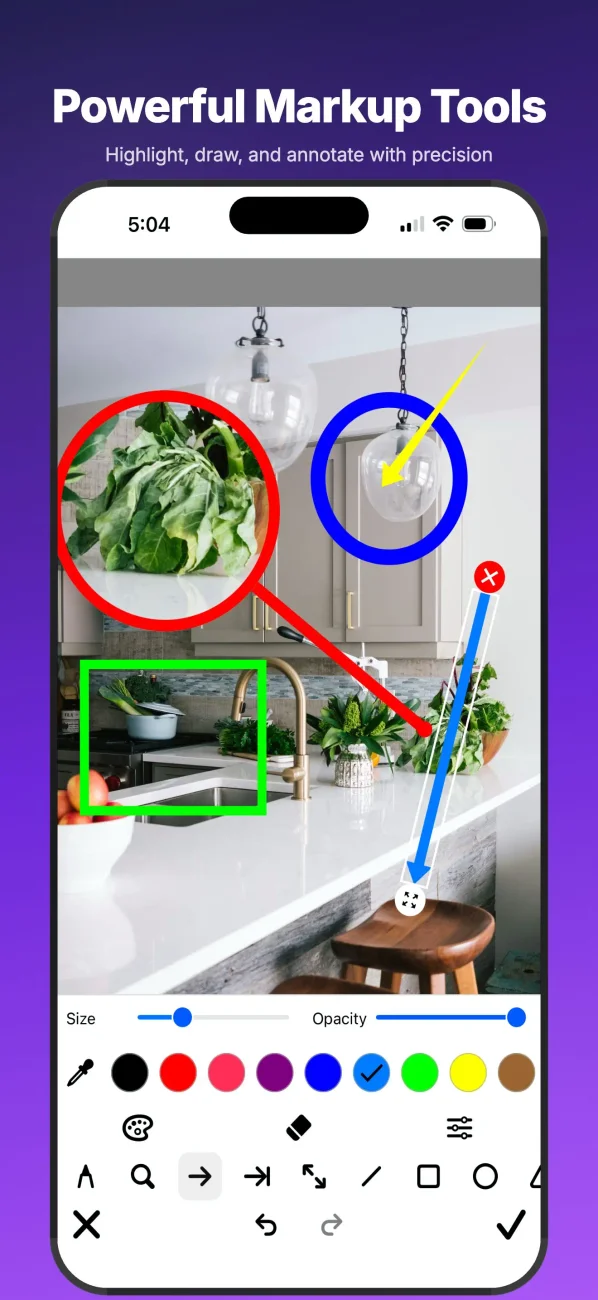
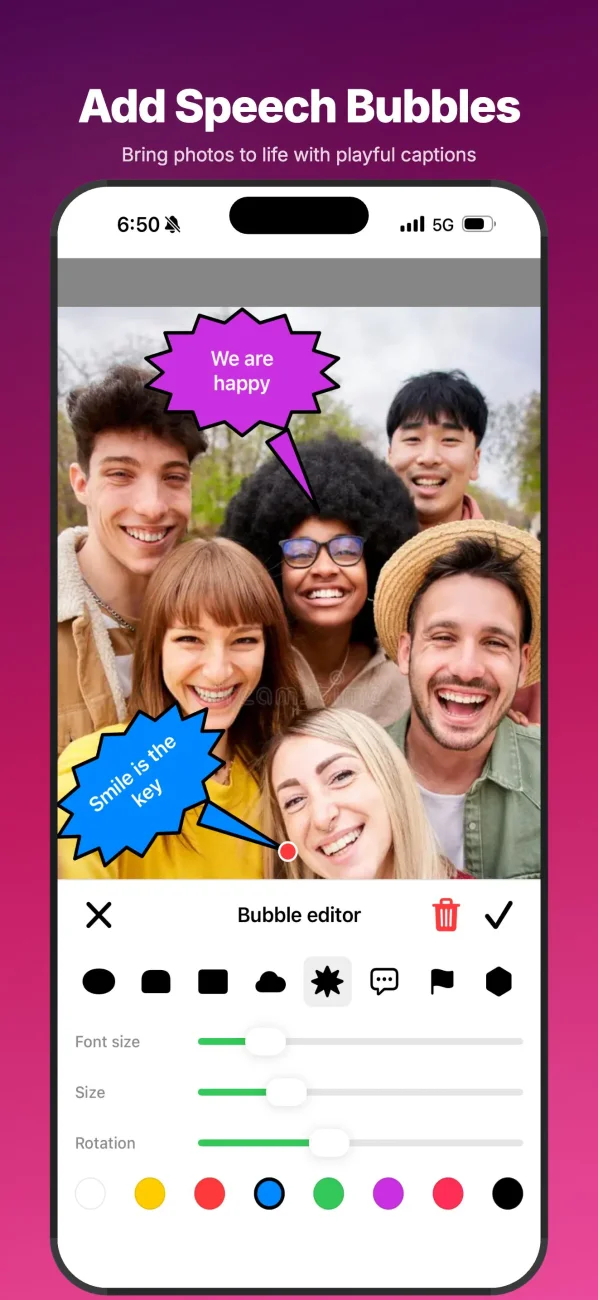
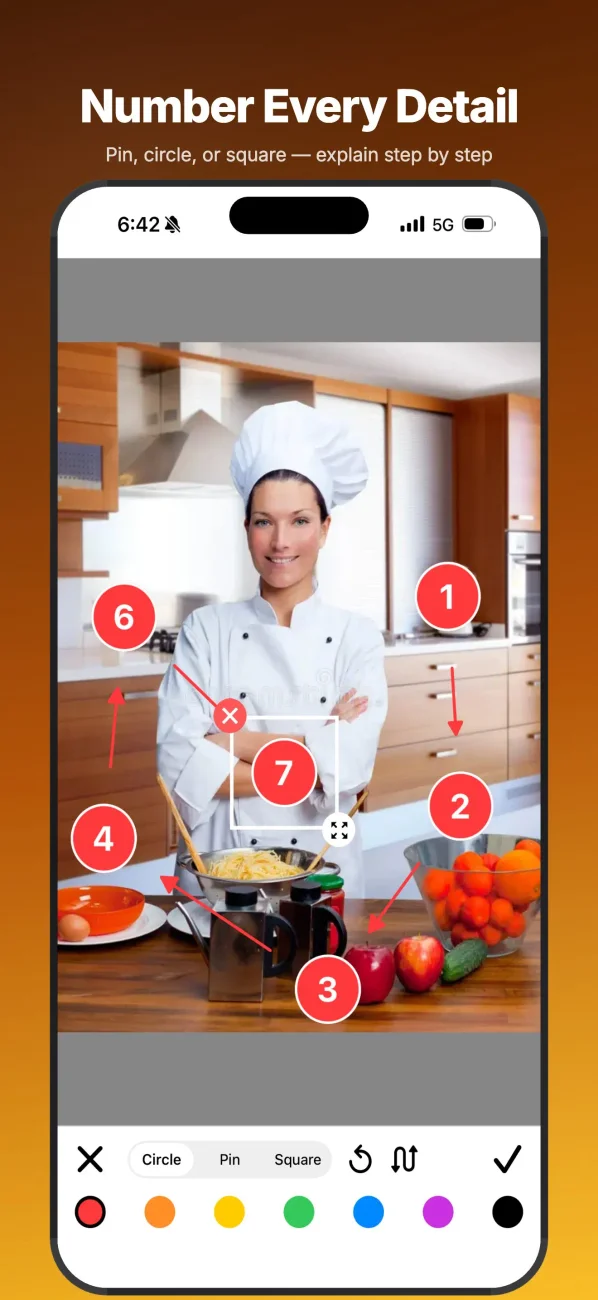
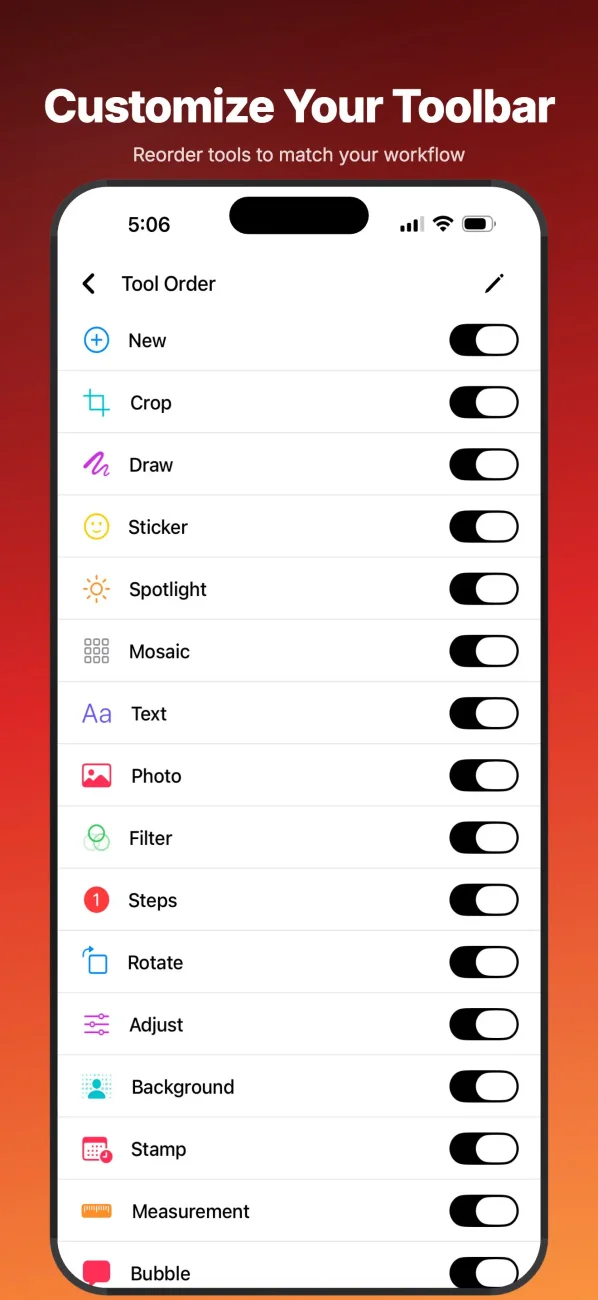
Snap Markup は、使いやすく強力な写真マークアップ ツールです。切り抜き、テキストの追加、画像のピクセル化、矢印、四角形、円、線、フリーハンド描画、曲線、三角形などの描画など、さまざまな注釈機能を提供します。写真を簡単に編集してマークアップし、友人とすばやく共有できます。
主な機能:
- 画像の切り取りと回転: 長方形、円形、星型、三角形などの形状に切り取ることができます
- 重要な情報の強調表示: 重要な詳細にスポットライトを当てます
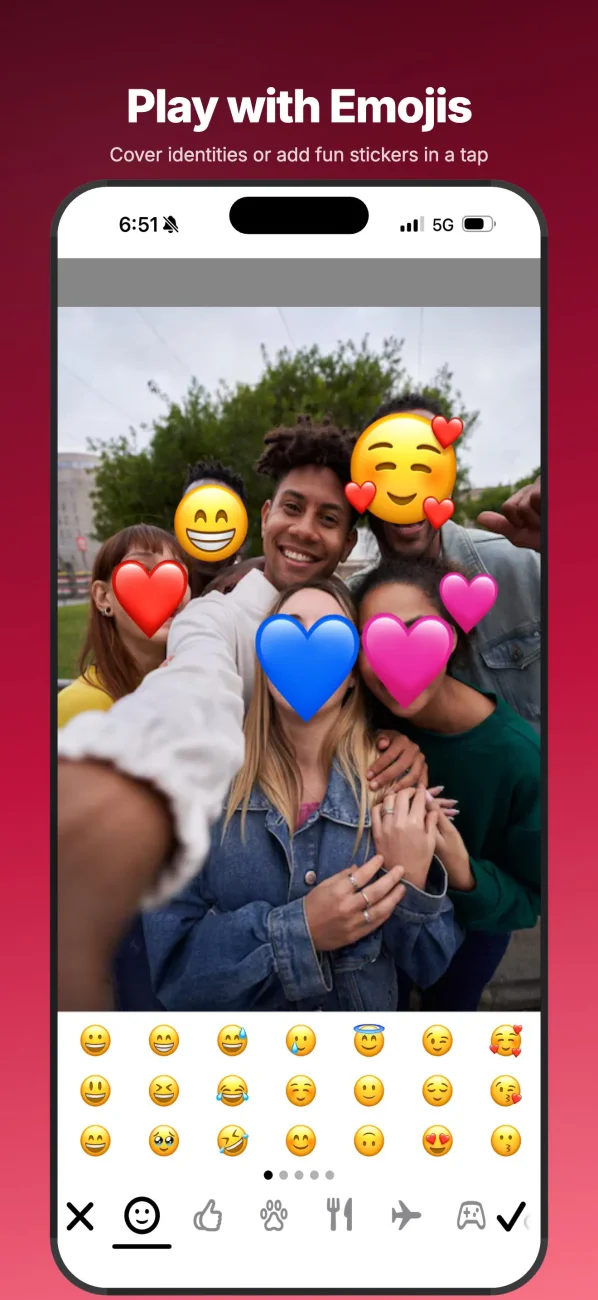
- 画像のぼかし: 表示したくない領域をピクセル化して隠します
- 画像の拡大: ルーペを使用して選択したセクションを拡大します
- 絵文字ステッカーを追加: 写真を生き生きと面白くします
- 写真にテキストを追加: テキストの色、背景、影、ストローク、スタイル、サイズなどをカスタマイズします
- 必要なすべてのツールを使用して写真に注釈を付けます: 矢印、長方形、円、ペン
- 最初に切り取る必要なしに大きな写真に直接注釈を付けます
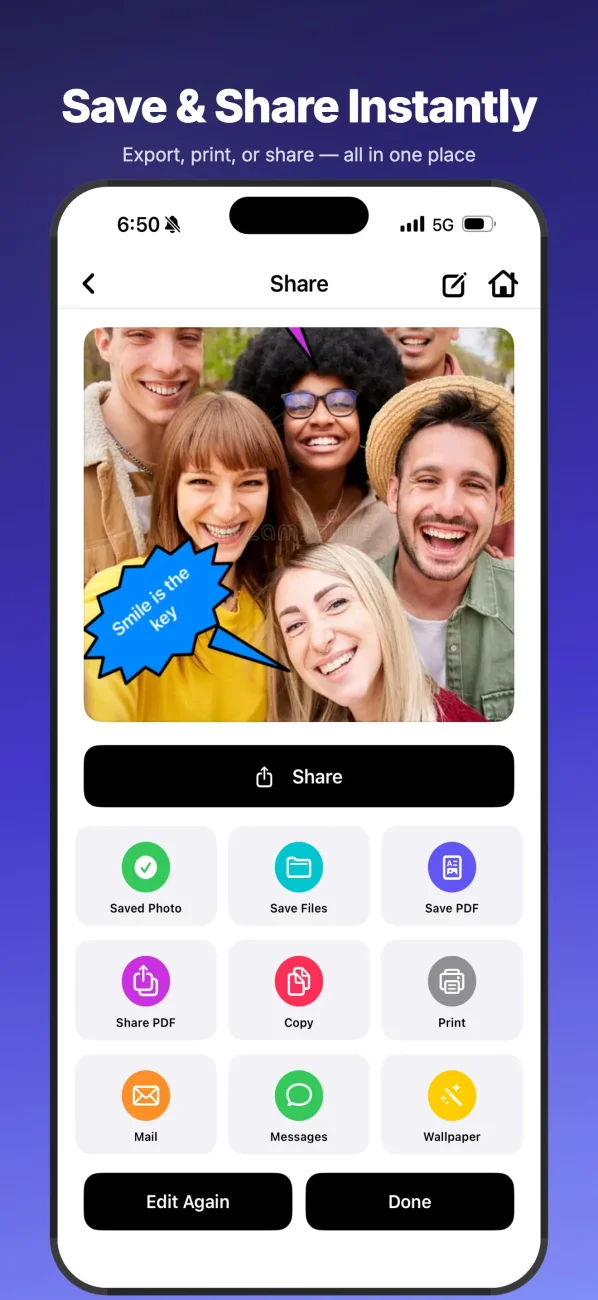
- ギャラリーから写真をインポートし、HD で保存して友人と共有します
- PNG および JPG 形式で高品質でロスレスに保存します
- 複数の言語をサポートします
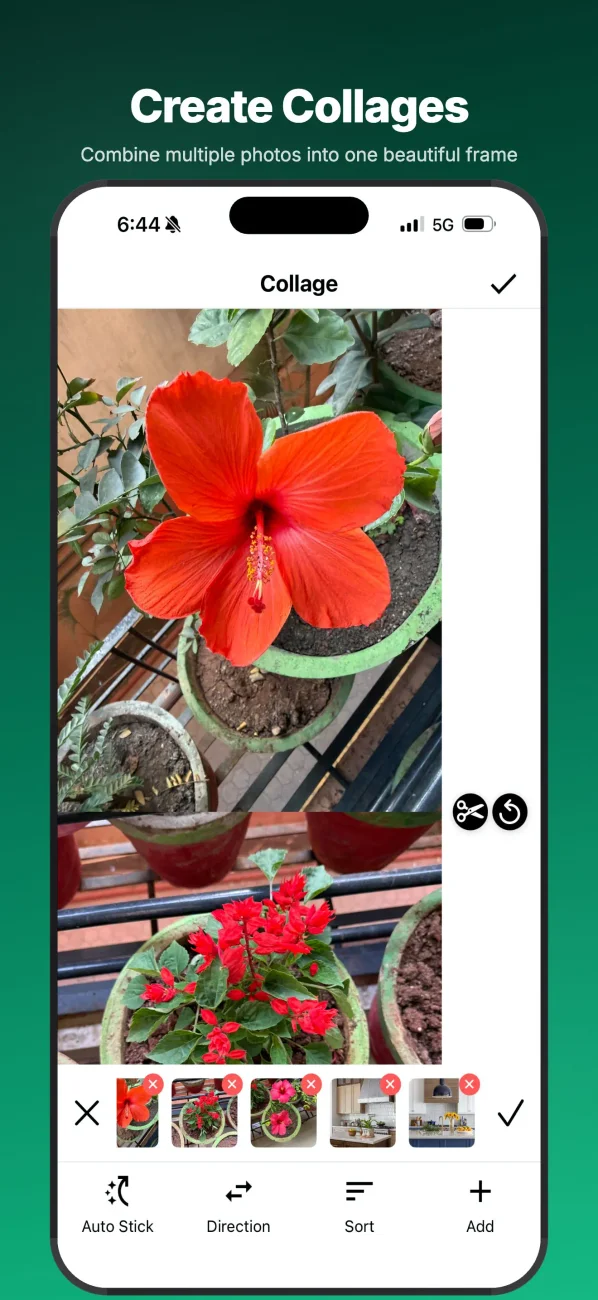
写真のステッチ:
複数の写真を簡単に水平方向と垂直方向にステッチしてパノラマ画像にします。
Web ページとマップの注釈:
Web ページとマップを簡単にマークアップして、友人とアイデアを共有します。
空白画像の作成:
空白画像を作成し、必要に応じて描画します。
Snap Markup に関するコメントや提案については、support@appculus.com までご連絡ください。フィードバックをお待ちしています。
新機能
バージョン 4.2 · 2026/6/13
This release is all about creating and sharing more — with powerful new tools and a faster, cleaner Snap Markup.
New creative tools
• GIF Maker — turn your photos into animated GIFs with transitions (fade, slide, push, zoom, rotate, blur & more), 14 filters, custom background colors,
boomerang, and a live preview as you build
• Photo Splitter — slice any photo into a grid for Instagram carousels and giant grids, with quick presets or custom rows & columns (1–6)
• Batch Resize — resize many photos at once and save to Photos, share, or export as files
More powerful export
• HEIC export, DPI control & custom resolution — choose the exact format, print DPI, and width × height for your images
• Format-preserving sharing — what you pick is what you get: HEIC stays HEIC, no surprise JPEGs when you share or save
Better text & markup
• Smarter text editing — see your chosen font, color, and background right in the editor as you type, and pick up any existing text to keep styling it
• Fixed text color & styling — colors now apply instantly and reliably
• Improved keyboard support — typing in Chinese, Japanese & Korean (Zhuyin/Pinyin) no longer drops the first character
Polish
• A refreshed, black-and-white themed interface across the new tools and a cleaner Create menu
• Many UI and alignment refinements throughout
アプリのプライバシー
このアプリのデータの取り扱いについて、Raghvendra BhargavaがApp Storeで申告している内容です。
-
データの収集なし
開発元はこのアプリからデータを収集しません。
プライバシーの取り扱いは、ご利用の機能やお客様の年齢などに応じて異なる場合があります。
情報
- 販売元
- Raghvendra Bhargava
- カテゴリ
- ユーティリティ
- バージョン
- 4.2
- 更新日
- 2026/6/13
- リリース
- 2015/9/9
- サイズ
- 13.0 MB
- 必要条件
- iOS 15.0以降
- 対象年齢
- 17+
- 価格
- ¥300
- 言語
- 英語, アフリカーンス語, アルバニア語, アムハラ語, アラビア語, アルメニア語, アゼルバイジャン語, バスク語, Belarusian, ベンガル語, ボスニア語, ブルガリア語 ほか61言語
- 著作権
- Appculus Technologies © 2018
こちらもおすすめ
-
 File Explorer & Player [Pro]ユーティリティ
-
 Scrollit 2X: Visual messengerユーティリティ
-
 Video Voice Changer Proユーティリティ
-
 Phone Storage Cleaner: Broomユーティリティ
-
 波形ビジュアライザー • Audiom音声でリール&日記作成
-
 Photo Cleaner - Clean Cutユーティリティ
-
 DayCircle - カウントダウン美しいデザインのデイカウンター
-
 Ad Block Multiユーティリティ
-
 FilePiP: PDF, Timer, Photos …ユーティリティ
-
 Remote, Mouse & Keyboard Procontrol computer, tv or tablet