- 対象年齢4+
- カテゴリ仕事効率化
- 開発元Elidron LLC
- 言語英語
- サイズ63.7 MB
App Storeの公式ページにリンクしています
Download.orgはSnapCabinetのファイルを一切ホストしていません。ボタンを押すと、Elidron LLCが公開しているApp Storeのアプリページが開きます。ページの最終確認:2026/11/28。
スクリーンショット






概要
開発元はこのテキストをお使いの言語で提供していません。
Your next renewal. The password you need. Your car’s last service. The size that fits.
SnapCabinet gives life’s important details a home. Bring documents, passwords, commitments, vehicle records, and sizes into one personal organizer for iPhone and iPad.
KEEP PRIVATE DETAILS IN YOUR VAULT
Save logins, passkeys, cards, secure notes, and other private records. Generate passwords when you need a new one. Use Password AutoFill after enabling in Settings.
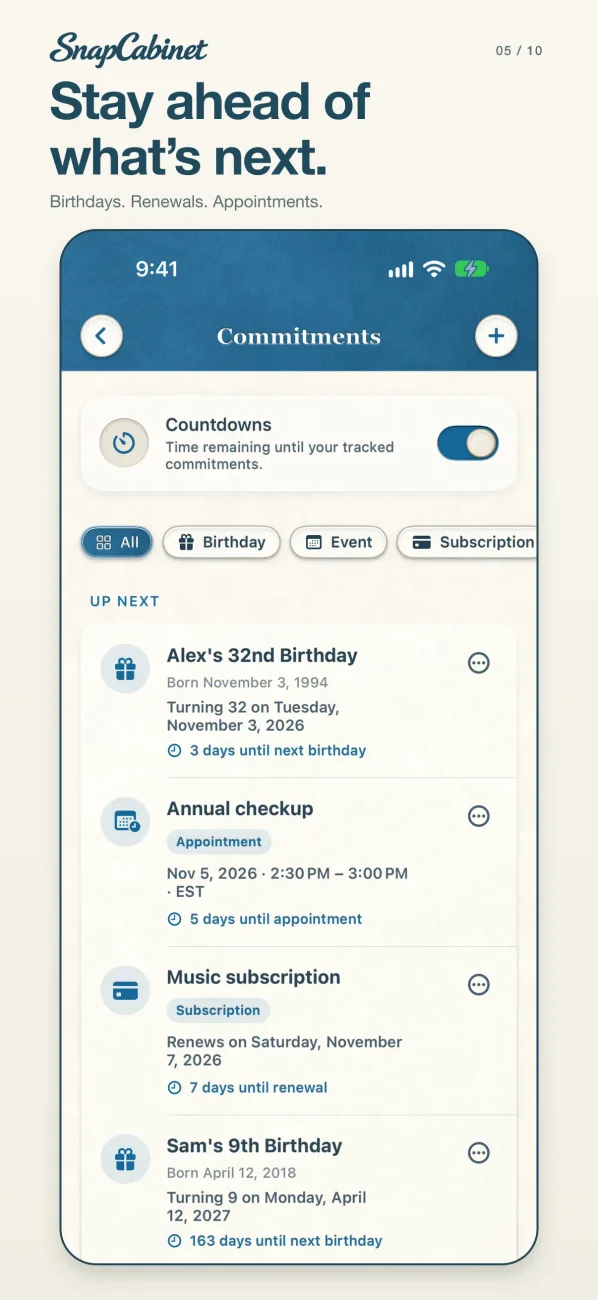
STAY AHEAD OF WHAT’S NEXT
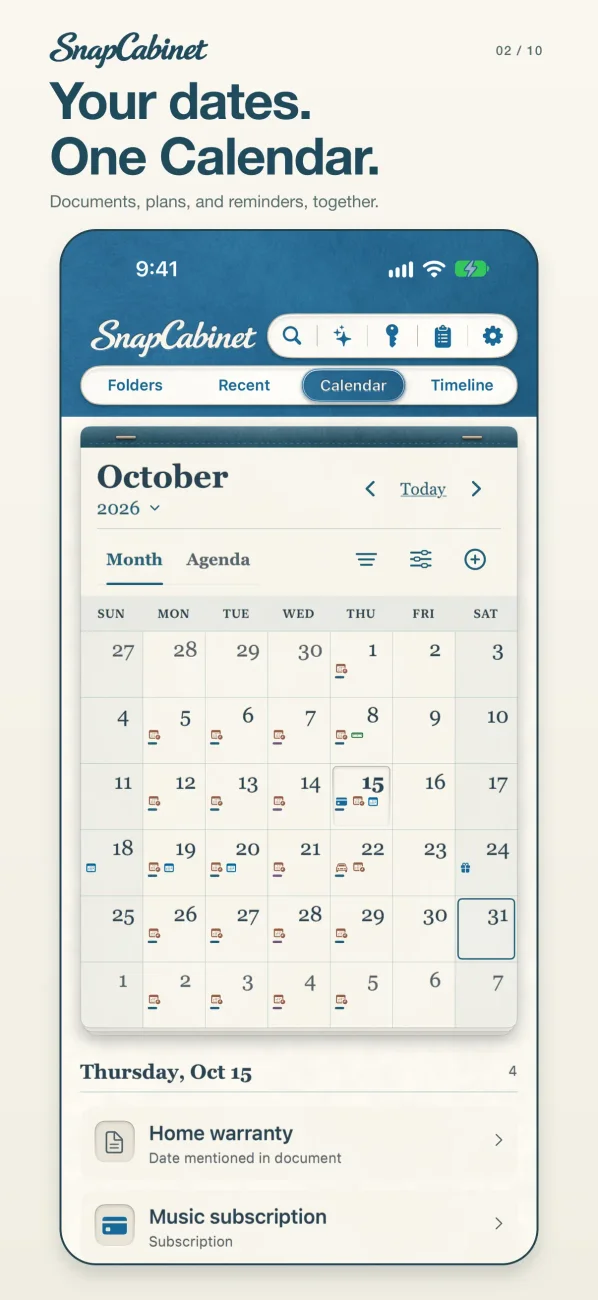
Birthdays, appointments, subscriptions, trials, bills, renewals, and warranties all have a place in Commitments. Set reminders and see what’s coming up.
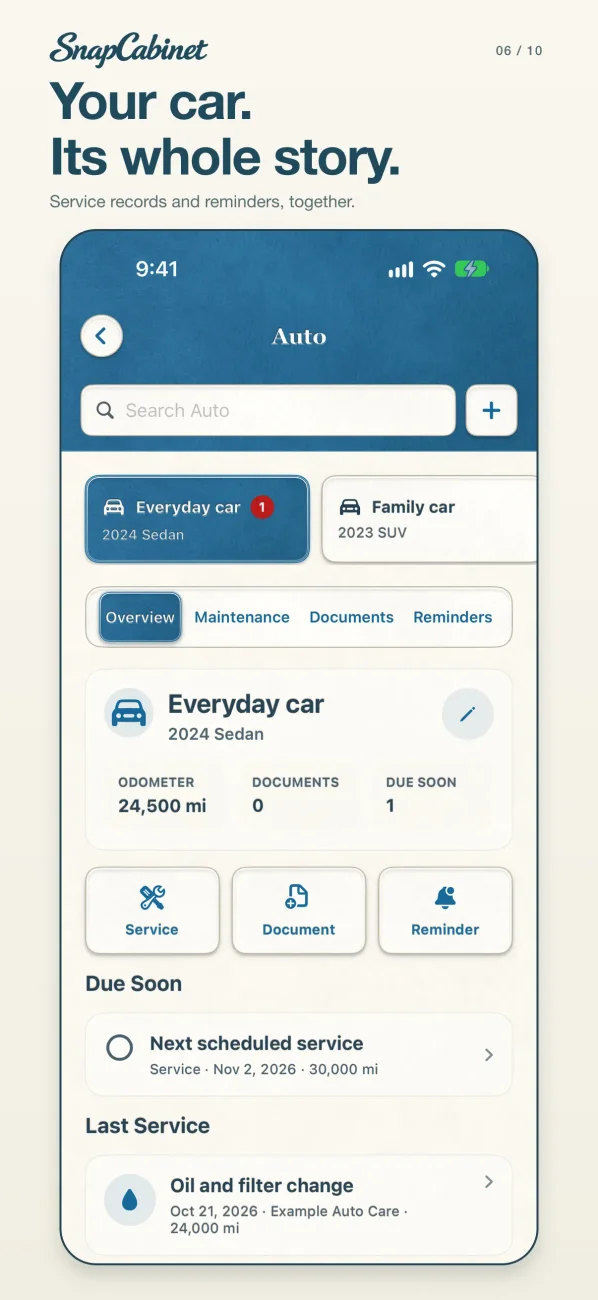
KEEP YOUR VEHICLE’S HISTORY TOGETHER
Organize vehicle details, service records, documents, and maintenance reminders by vehicle. Find the last service or the next renewal without piecing it together again.
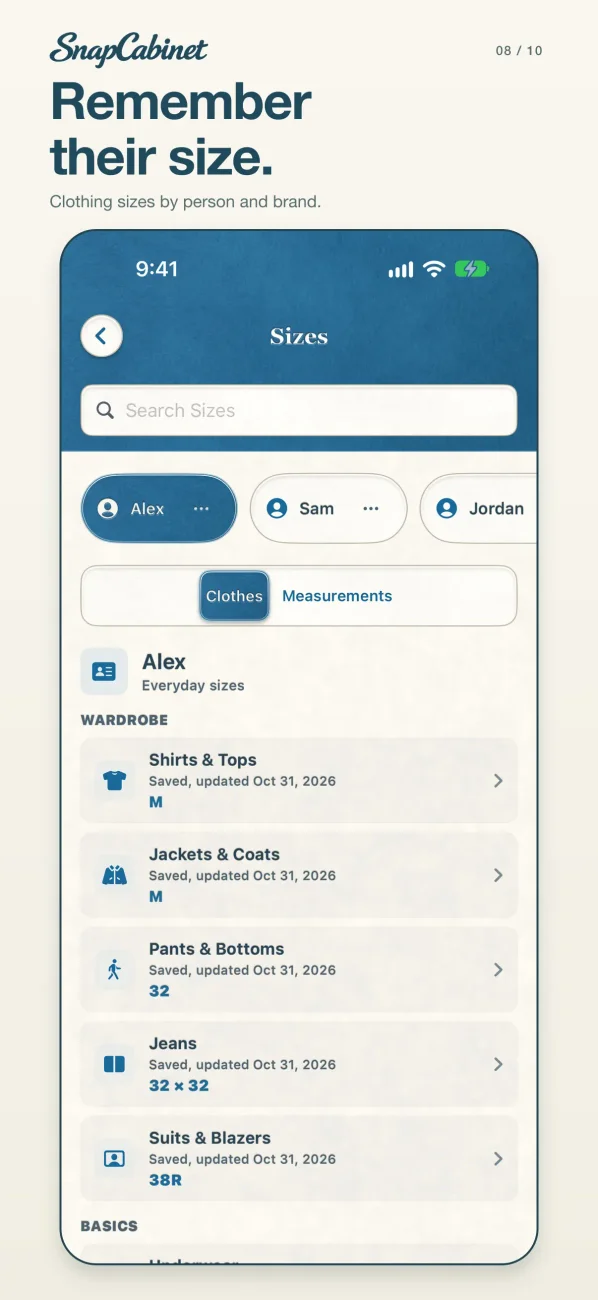
REMEMBER THE RIGHT SIZE
Save clothing sizes for each person, with category and brand details. Keep body measurements too, so useful sizing information is there when you’re shopping.
GIVE DOCUMENTS A HOME
Scan paper with your camera, or import PDFs and images. Organize folders and subfolders, change their colors, and reuse recent custom colors. Search recognized document text and browse dates in Timeline. Review phone numbers, addresses, and websites found in your documents, and share a document when you need to.
MAKE IT FEEL LIKE YOURS
Choose a coordinated palette or custom color, pick a paper shade, and enjoy textured folders and surfaces in light or dark mode. Hide optional features to keep your workspace focused on what you use.
CHOOSE HOW YOU SYNC
Keep your library on your device, or turn on optional iCloud sync across iPhone, iPad, and Mac. Nearby Sync and sync files give you additional ways to transfer your library. Sync your palette and paper colors through iCloud or Nearby Sync, while choosing light or dark mode for each device.
新機能
バージョン 2.6.0 · 2026/11/26
• Storage Usage Breakdown: View how much space your SnapCabinet library uses locally on your iPhone or iPad—plus your iCloud Drive footprint when iCloud sync is active—right in Settings > Storage & Sync.
• Refined Materials & Sharper Typography: Unified recessed warm-ivory wells with theme-matched ink across Vault, Commitments, and forms, plus crisper lettering on the Home tab switcher in both Light and Dark Mode.
• Vault UX Improvements: Streamlined Vault browsing, item details, and credential management.
• Faster Sync & Smoothness: Under-the-hood performance optimizations across storage, iCloud and local peer sync, and UI rendering.
アプリのプライバシー
このアプリのデータの取り扱いについて、Elidron LLCがApp Storeで申告している内容です。
-
データの収集なし
開発元はこのアプリからデータを収集しません。
プライバシーの取り扱いは、ご利用の機能やお客様の年齢などに応じて異なる場合があります。
情報
- 販売元
- ELIDRON LLC
- カテゴリ
- 仕事効率化
- バージョン
- 2.6.0
- 更新日
- 2026/11/26
- リリース
- 2026/2/4
- サイズ
- 63.7 MB
- 必要条件
- iOS 26.0以降
- 対象年齢
- 4+
- 価格
- 無料
- 言語
- 英語
- 著作権
- © Elidron LLC