- 対象年齢4+
- カテゴリユーティリティ
- 開発元Diego Estrada
- 言語英語
- サイズ29.9 MB
App Storeの公式ページにリンクしています
Download.orgはSnippetCueのファイルを一切ホストしていません。ボタンを押すと、Diego Estradaが公開しているApp Storeのアプリページが開きます。ページの最終確認:2026/11/25。
スクリーンショット




概要
開発元はこのテキストをお使いの言語で提供していません。
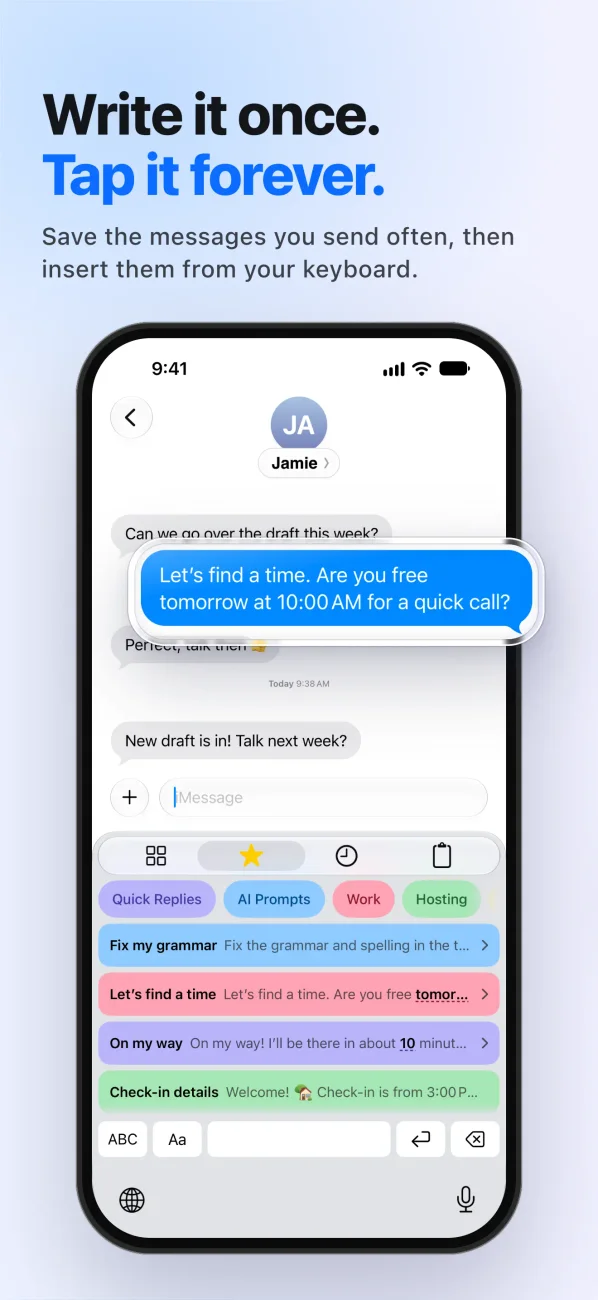
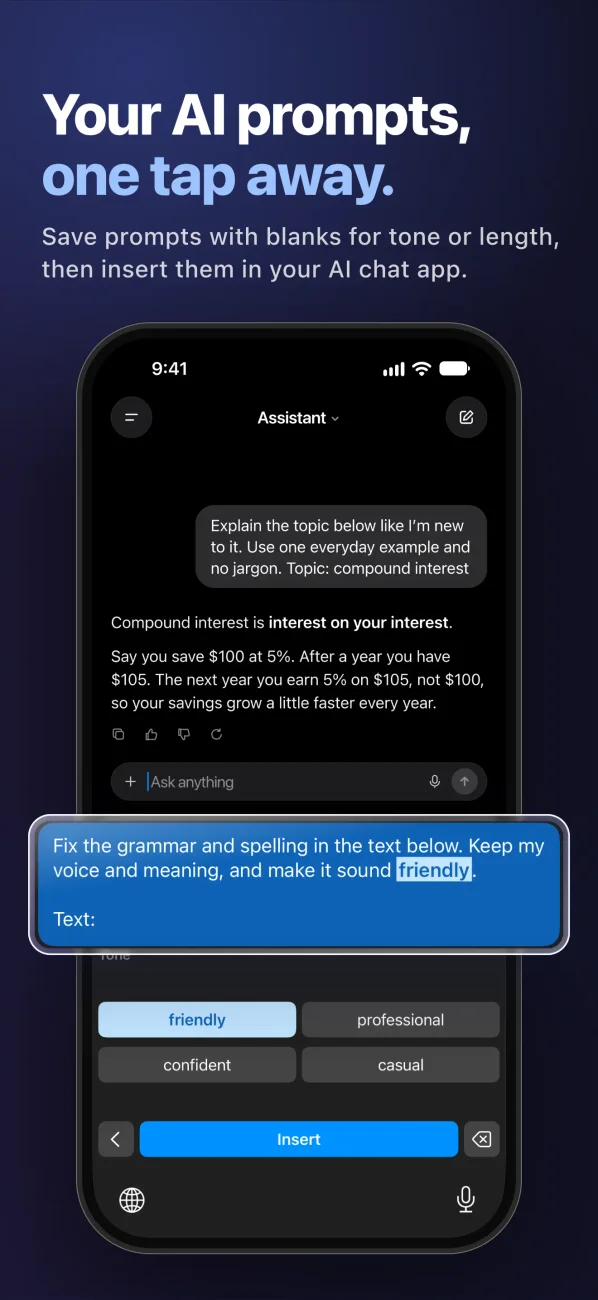
Save text you type often and insert it with the SnippetCue keyboard.
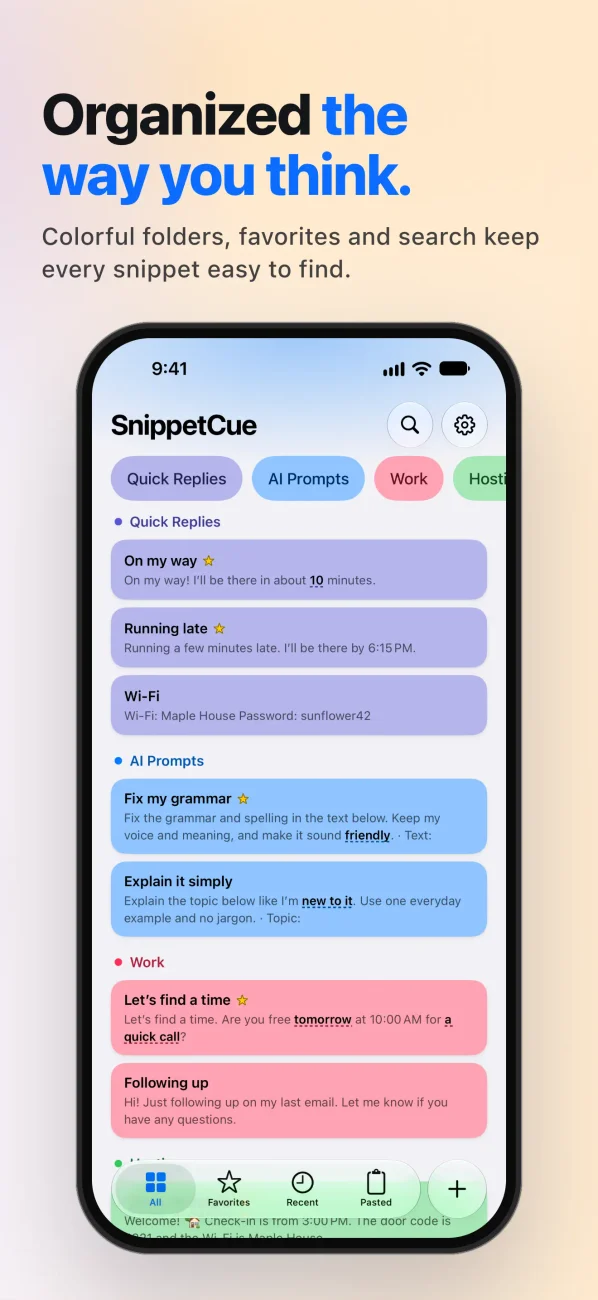
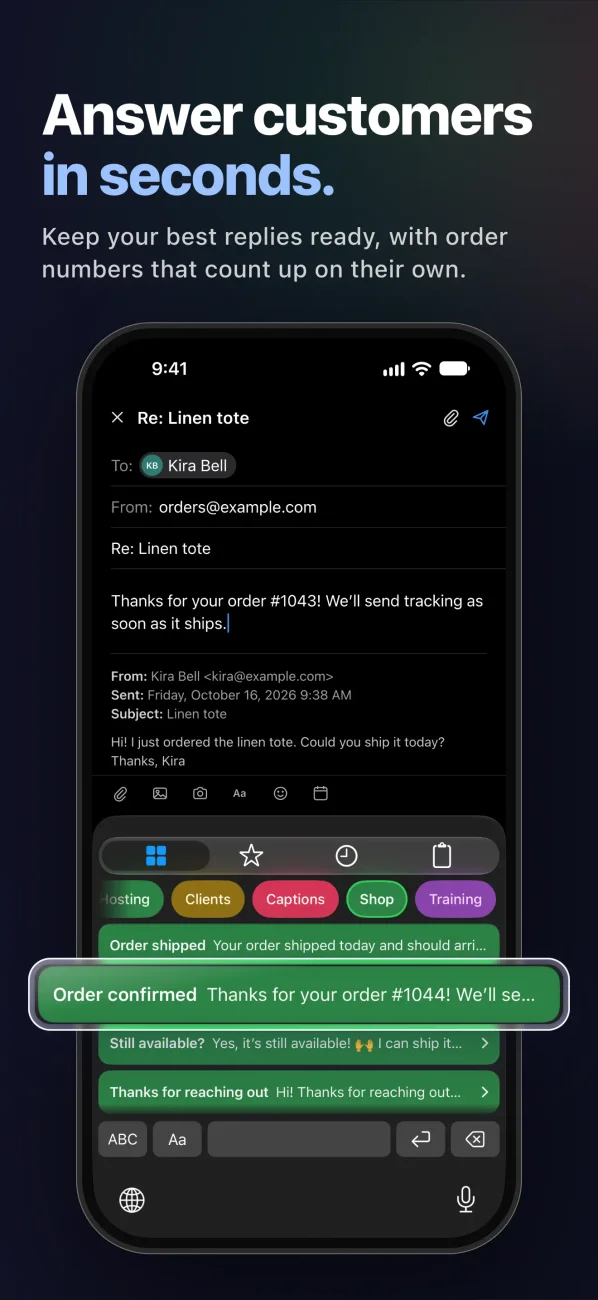
Keep replies, reminders, and other reusable text in one place. Use it for quick replies, AI prompts, customer answers, captions and more. Organize snippets with folders, favorites, pins, search, and recents. Browse them directly in the keyboard and insert your text into a compatible field. Tap ABC to type with letters, numbers and symbols without switching keyboards.
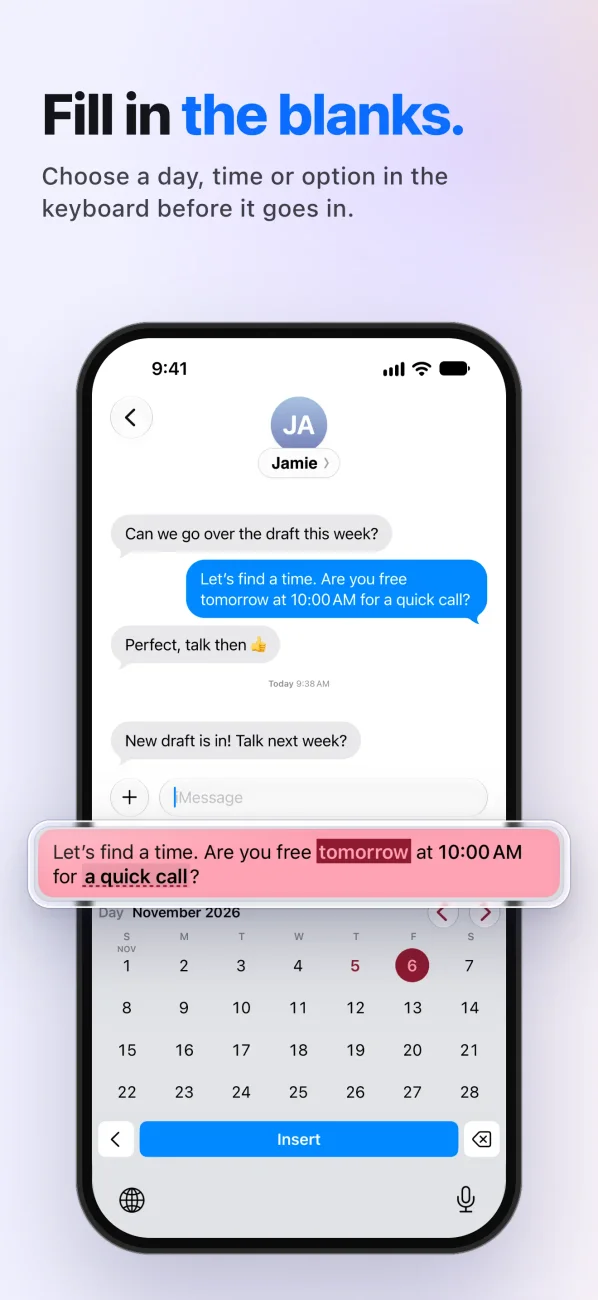
Make a snippet your own with fill-in fields for numbers, dates, times, durations, choices, counters, and your saved contact details. Choose values in the keyboard before inserting. Ten editable starter snippets help you get going.
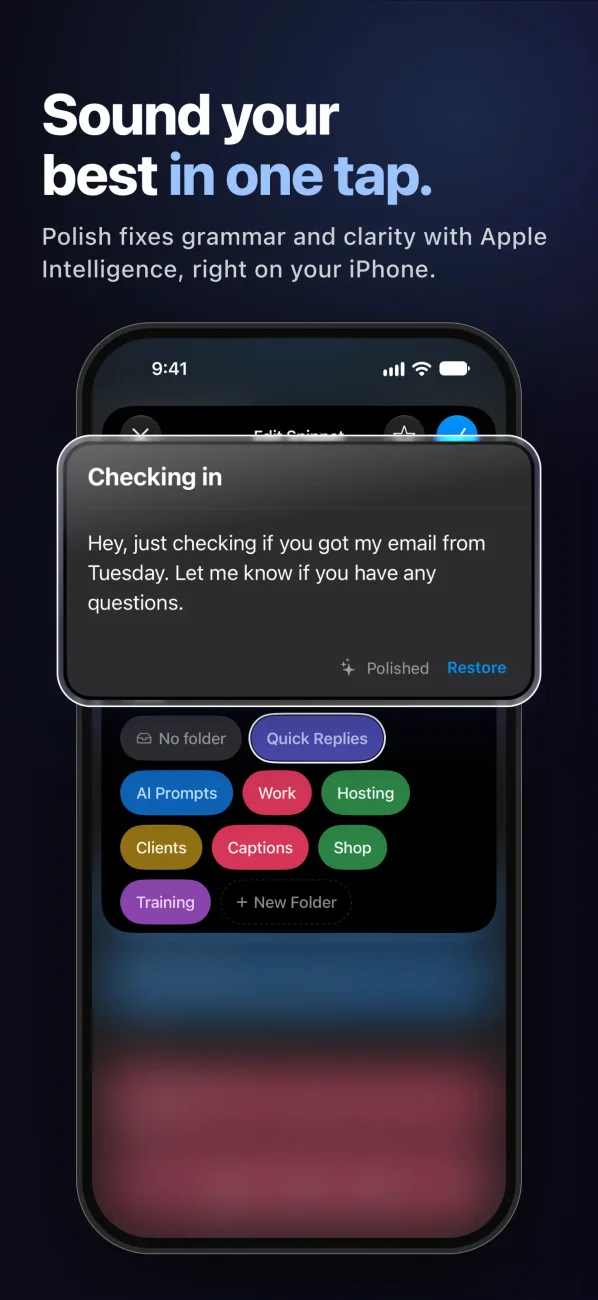
Polish a snippet's text for grammar and clarity with Apple Intelligence, right on your iPhone. Your fill-in fields stay in place, and you can restore the original. Polish is free on iPhones where Apple Intelligence is available.
Pull down in the keyboard's snippet list to reveal Paste from clipboard. One tap on Apple's native Paste control inserts the copied text and saves it in Pasted, using the first nonempty line as its title. Each capture uses a snippet slot and joins the app library when SnippetCue next opens. You can also save text or a web link through the system share sheet.
Choose which keyboard tabs appear and how many preview lines to show, and how strong your card colors look: Vivid, Standard or Soft. Use Trash to recover deleted items for 30 days, and import or export readable JSON backups through Files.
SnippetCue is designed for local use:
• No account, ads, analytics, or tracking
• No app-operated backend
• Snippets, keystrokes, and surrounding text are not sent to the developer
• Full Access enables access to your local library and user-triggered native Paste
• No background clipboard monitoring
• Polish runs on your iPhone; nothing is sent to a server
Free includes up to 10 active snippets, plus the unmodified starter snippets. An optional one-time SnippetCue Pro purchase gives you unlimited snippets and unlocks three alternate app icons. Everyone can create up to 100 folders. Technical storage and body-size limits apply on both plans.
Some secure or restricted text fields use the system keyboard. Host apps control the final destination text and may reject or modify insertions.
新機能
バージョン 1.1.1 · 2026/11/9
• Make a folder right from Home with the + at the end of your folders.
• Start a snippet in a folder from the folder’s hold menu.
• New Folder shows your folder as you type its name.
• Move to Folder opens right by the snippet.
• My Info hides your email, phone and address until you tap them, and can lock with Face ID.
• The keyboard’s keys are now the same size as Apple’s, with a number row.
• With Pro, Home says SnippetCue Pro.
アプリのプライバシー
このアプリのデータの取り扱いについて、Diego EstradaがApp Storeで申告している内容です。
-
データの収集なし
開発元はこのアプリからデータを収集しません。
プライバシーの取り扱いは、ご利用の機能やお客様の年齢などに応じて異なる場合があります。
情報
- 販売元
- Diego Estrada
- カテゴリ
- ユーティリティ
- バージョン
- 1.1.1
- 更新日
- 2026/11/9
- リリース
- 2026/11/6
- サイズ
- 29.9 MB
- 必要条件
- iOS 26.0以降
- 対象年齢
- 4+
- 価格
- 無料
- アプリ内課金
- あり
- 言語
- 英語
- 著作権
- © 2026 Diego Estrada