
- 対象年齢4+
- カテゴリ写真/ビデオ
- 開発元Colin Boykin
- 言語英語
- サイズ4.0 MB
App Storeの公式ページにリンクしています
Download.orgはSnipShotのファイルを一切ホストしていません。ボタンを押すと、Colin Boykinが公開しているApp Storeのアプリページが開きます。ページの最終確認:2026/11/15。
スクリーンショット


概要
開発元はこのテキストをお使いの言語で提供していません。
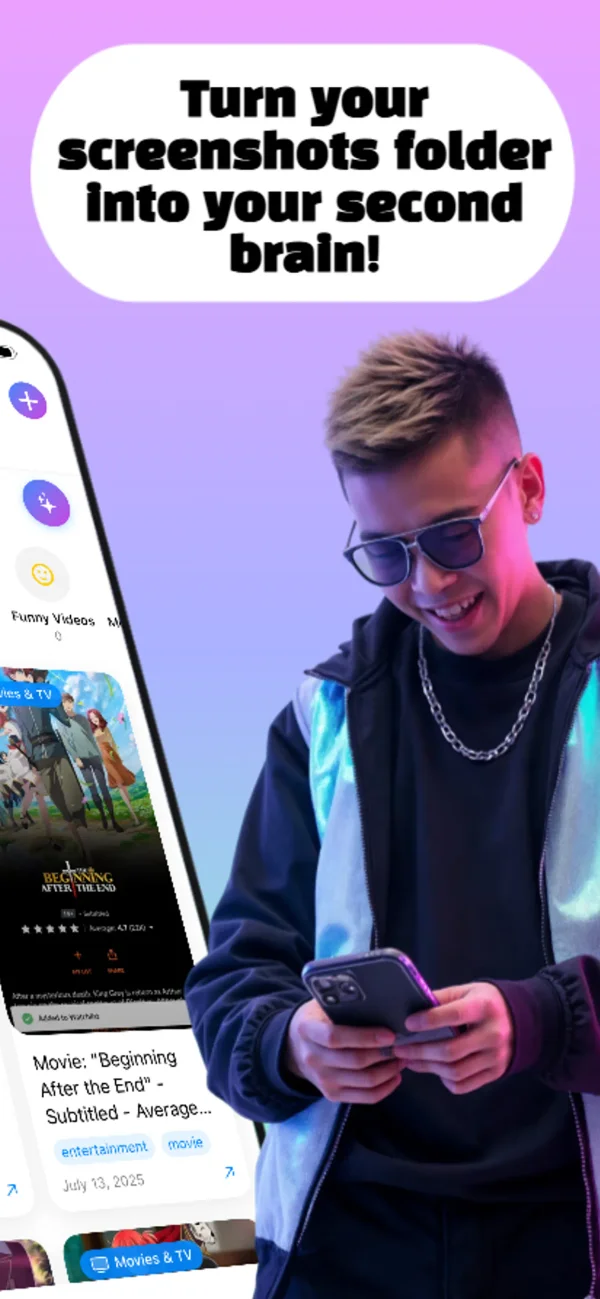
Everyone takes screenshots—something funny, a recipe, a movie to watch later, a product that caught your eye. But more often than not, these things you want to come back to vanish into a cluttered camera roll. Snipshot solves that.
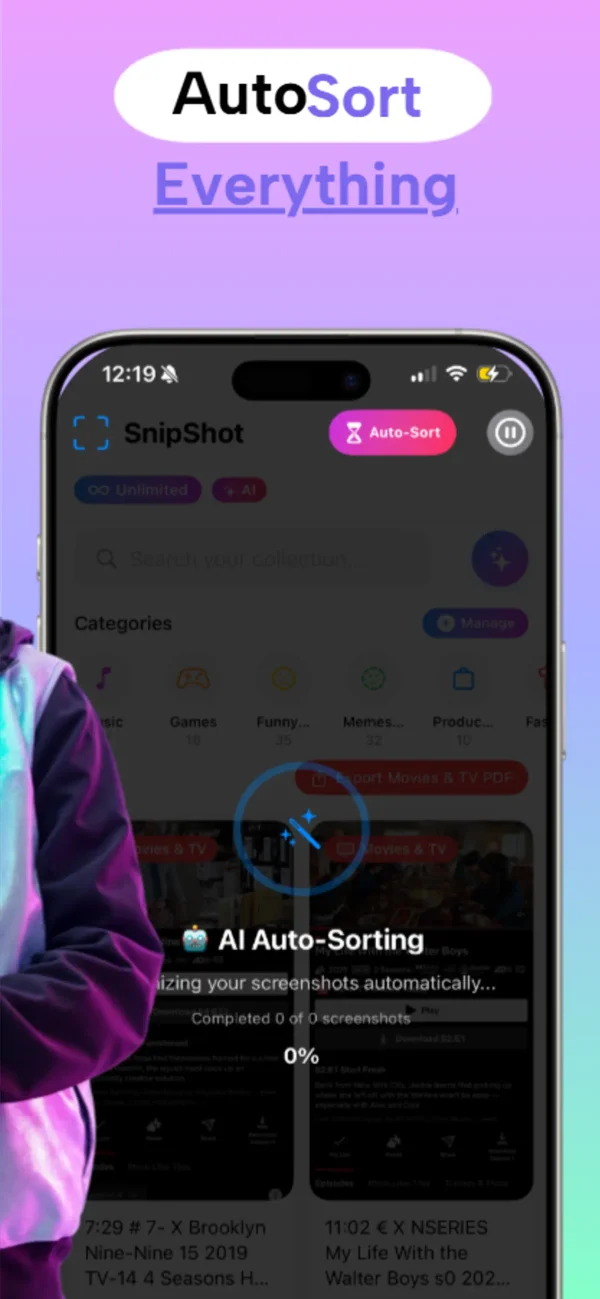
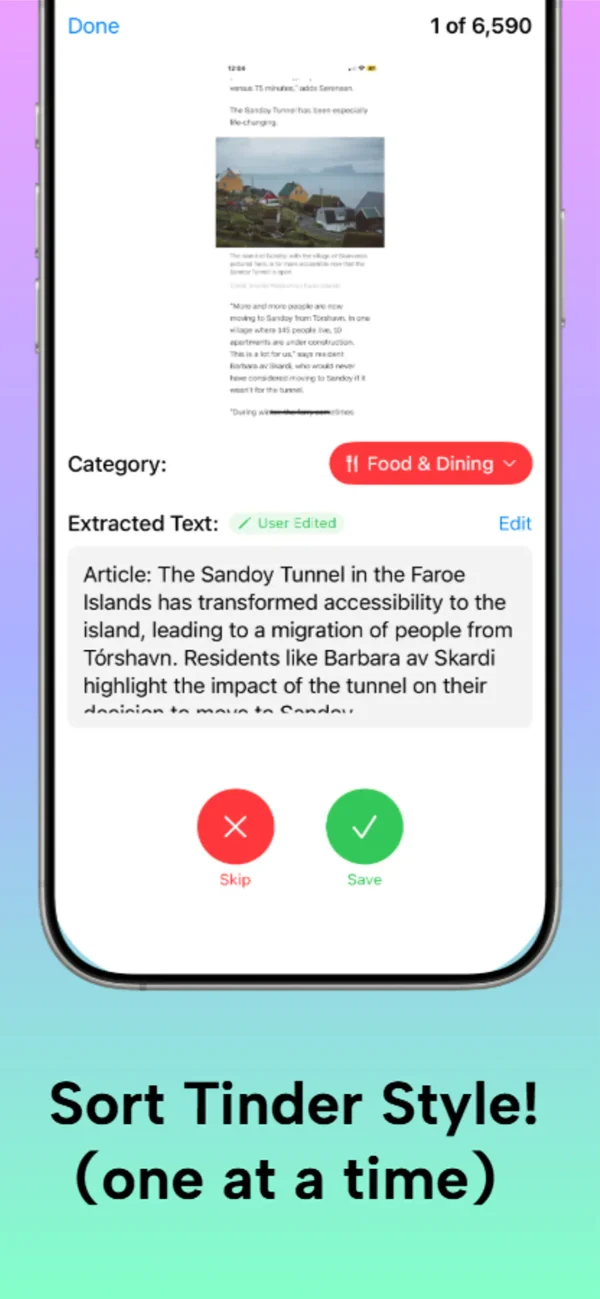
Using AI, Snipshot automatically extracts text from your screenshots and, with your approval, neatly sorts them into smart categories like Watchlist, Quotes, Recipes, Brands, and much more. You can also create your own categories for things like fashion inspo, date night ideas, or anything else that matters to you.
Looking for something? Just search by keyword or ask Snappy, your built-in chatbot, to find what you need in seconds. You can even ask questions like “What should I watch tonight?” and Snipshot will suggest ideas based on your saved content.
Want to share your finds? Instantly export the summarized images anywhere.
Most importantly, everything is stored on your device—Snipshot puts privacy first. Your screenshots are yours, always.
This isn’t a notes app. It’s your second brain for screenshots. Try SnipShot today!
Terms of Use: https://oinkinb.github.io/snipshot.github.io/terms.html
新機能
バージョン 6.0 · 2025/9/4
Fixed initial auto sort done button.
アプリのプライバシー
このアプリのデータの取り扱いについて、Colin BoykinがApp Storeで申告している内容です。
-
ユーザーに関連付けられないデータ
収集される場合がありますが、ユーザーの識別情報には関連付けられません。
- 使用状況データ
- その他のデータ
プライバシーの取り扱いは、ご利用の機能やお客様の年齢などに応じて異なる場合があります。
情報
- 販売元
- Colin Boykin
- カテゴリ
- 写真/ビデオ
- バージョン
- 6.0
- 更新日
- 2025/9/4
- リリース
- 2025/7/17
- サイズ
- 4.0 MB
- 必要条件
- iOS 18.4以降
- 対象年齢
- 4+
- 価格
- 無料
- アプリ内課金
- あり
- 言語
- 英語
- 著作権
- © Colin Boykin
こちらもおすすめ
-
 Teleprompter Video Studio写真/ビデオ
-
 AI Screenshot Organizer写真/ビデオ
-
 Uncluttr - Gallery Organizer写真/ビデオ
-
 Retouchly: AI Photo Editor写真/ビデオ
-
 Photo Sifter写真/ビデオ
-
 SelfieCut: 髪型シミュレーションヘアカラー 顔型診断 服試着 メイク ひげ
-
 iSIMILAR: Similar Photo Finder写真/ビデオ
-
 SnapSort: Screenshot Organizer写真/ビデオ
-
 Aurax - AI Video Generator写真/ビデオ
-
 PromptNest: Image To Prompt写真/ビデオ