- 対象年齢17+
- カテゴリ仕事効率化
- 開発元SoluM
- 言語英語
- サイズ61.3 MB
App Storeの公式ページにリンクしています
Download.orgはSoluM LCD Setupのファイルを一切ホストしていません。ボタンを押すと、SoluMが公開しているApp Storeのアプリページが開きます。ページの最終確認:2026/11/12。
スクリーンショット
概要
開発元はこのテキストをお使いの言語で提供していません。
SoluM LCD Setup App
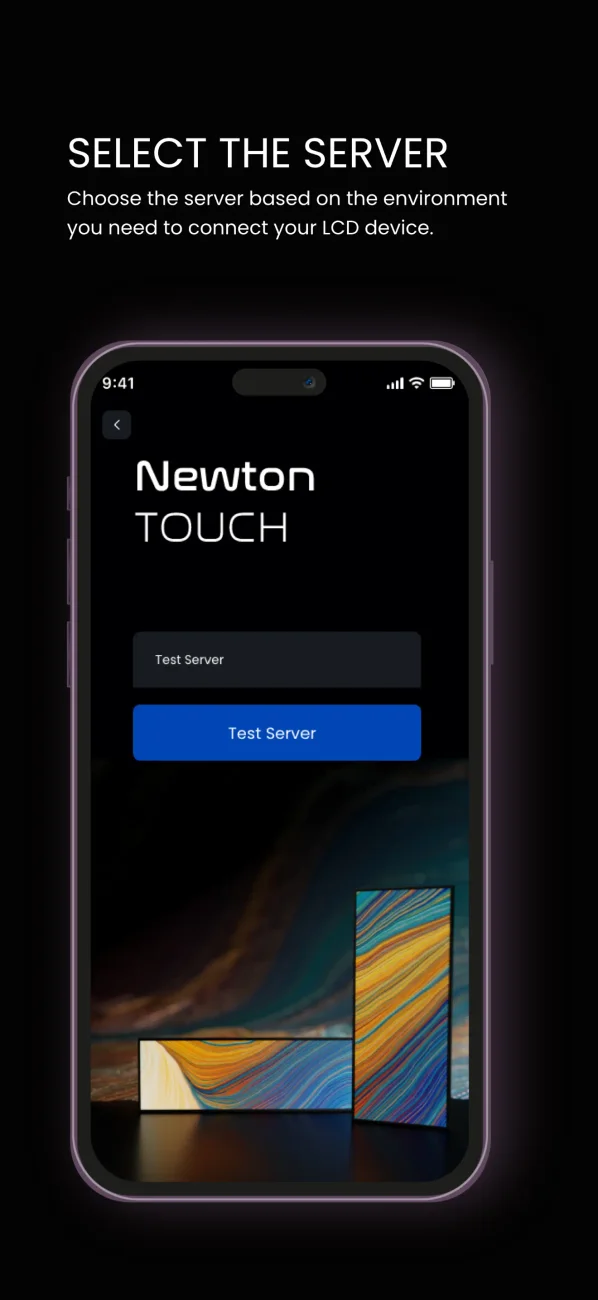
Configure and manage your SoluM LCD device settings with the SoluM LCD Setup app. This intuitive app simplifies the process with just a few simple steps:
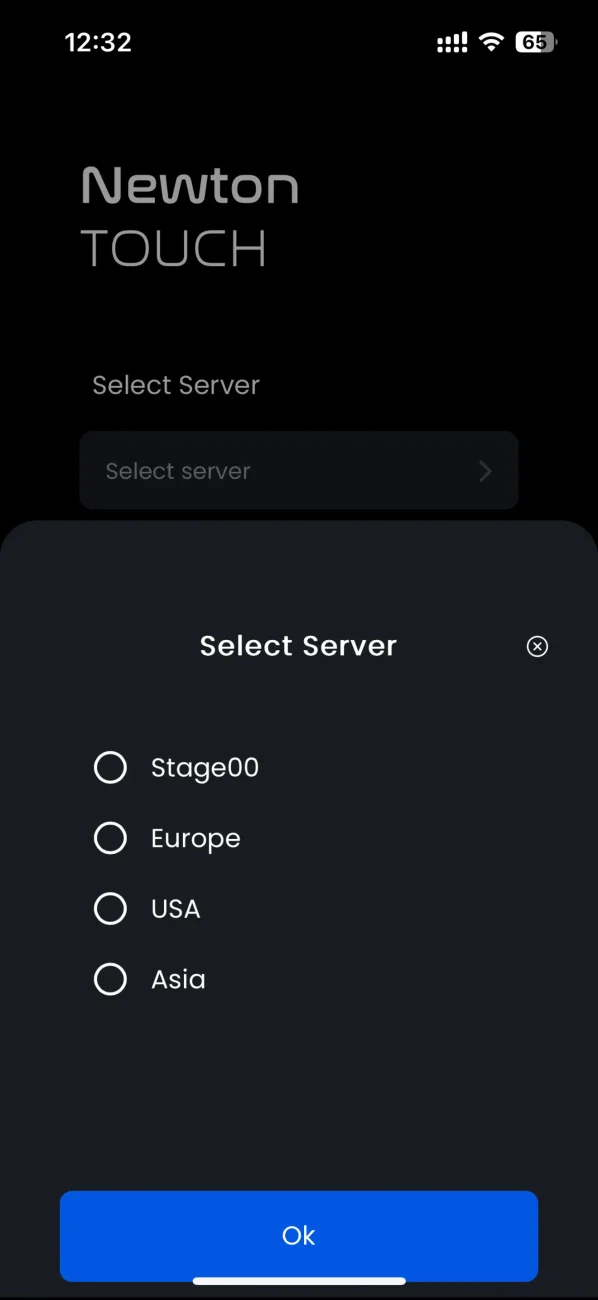
1. Login: Begin by logging in with your SoluM SaaS credentials for secure access.
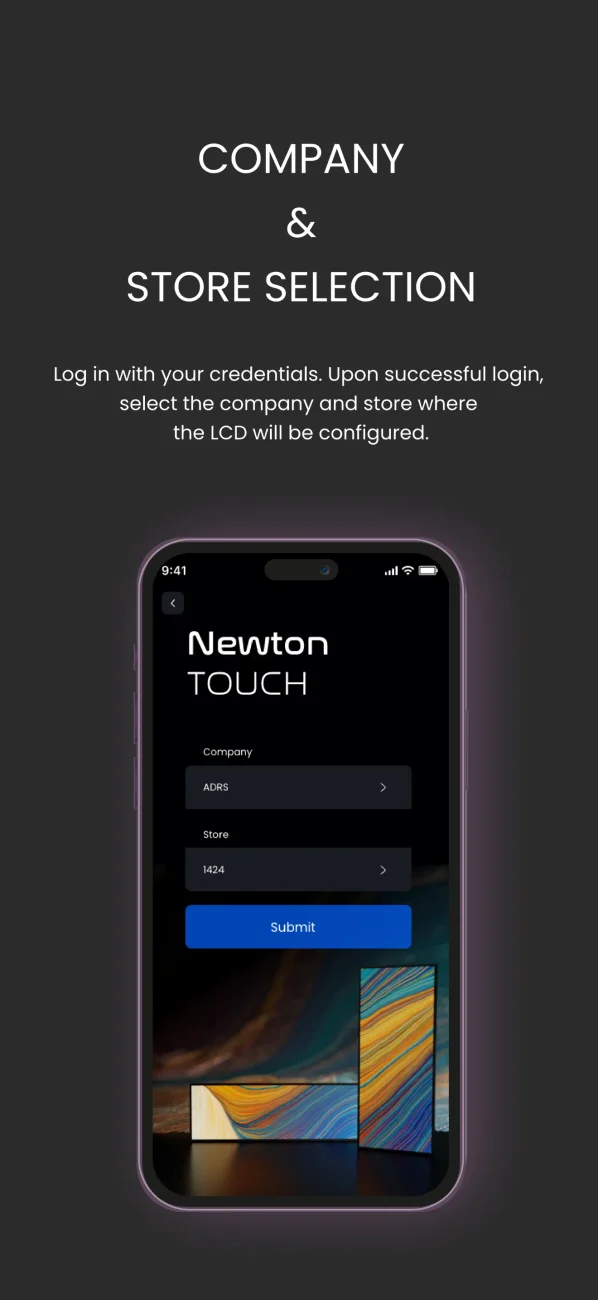
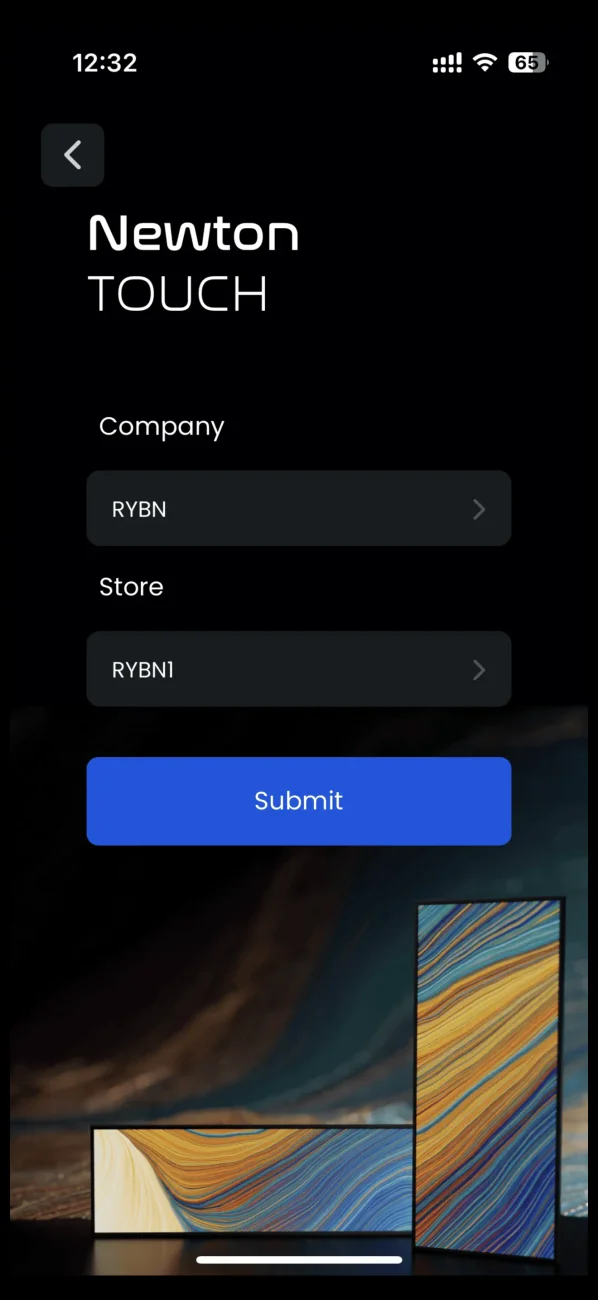
2. Select Company & Store: Choose the relevant company and store to ensure accurate device settings are applied.
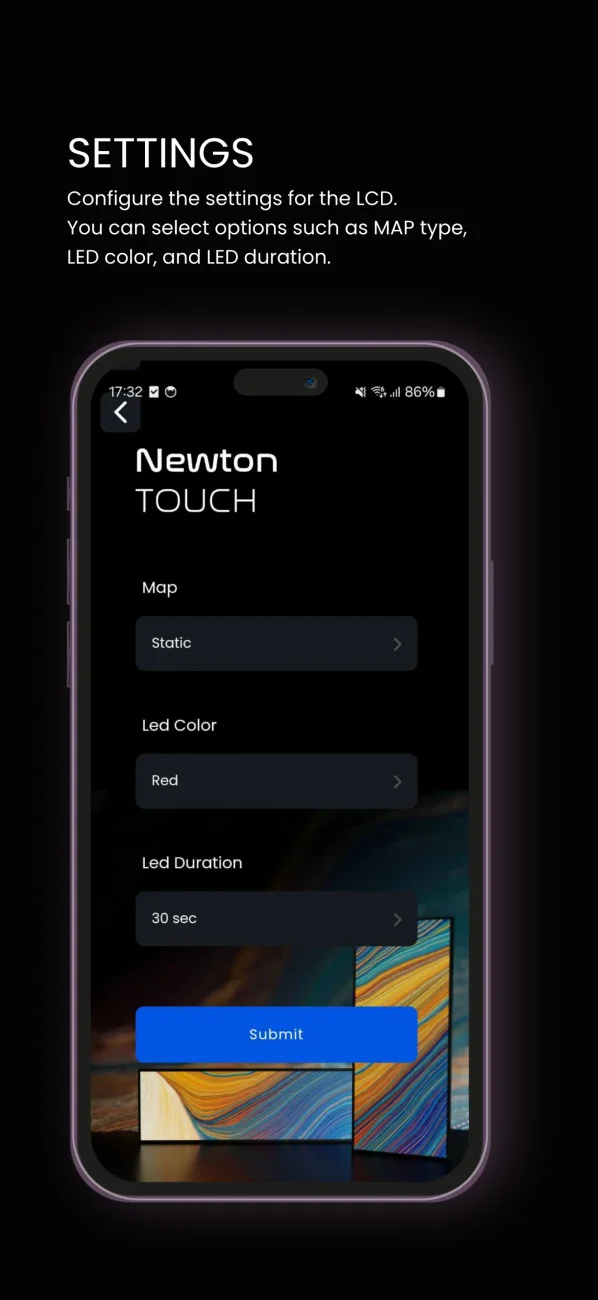
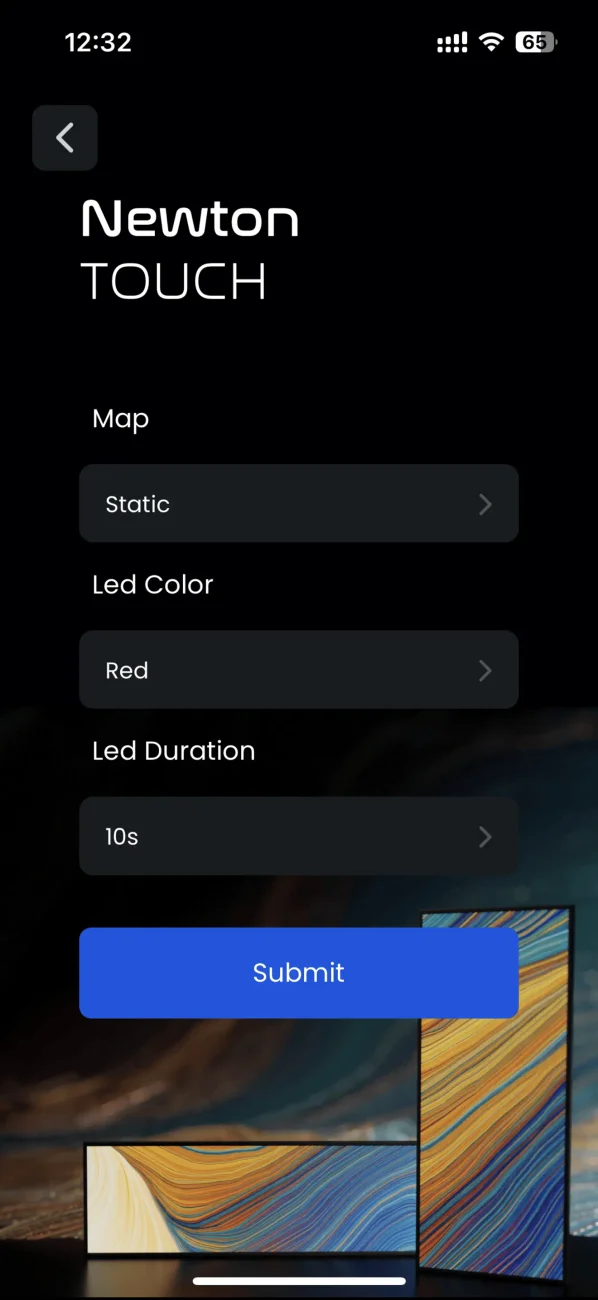
3. Customize Settings: Configure essential settings, including MAP selection, LED color, duration, and more for your SoluM LCD devices.
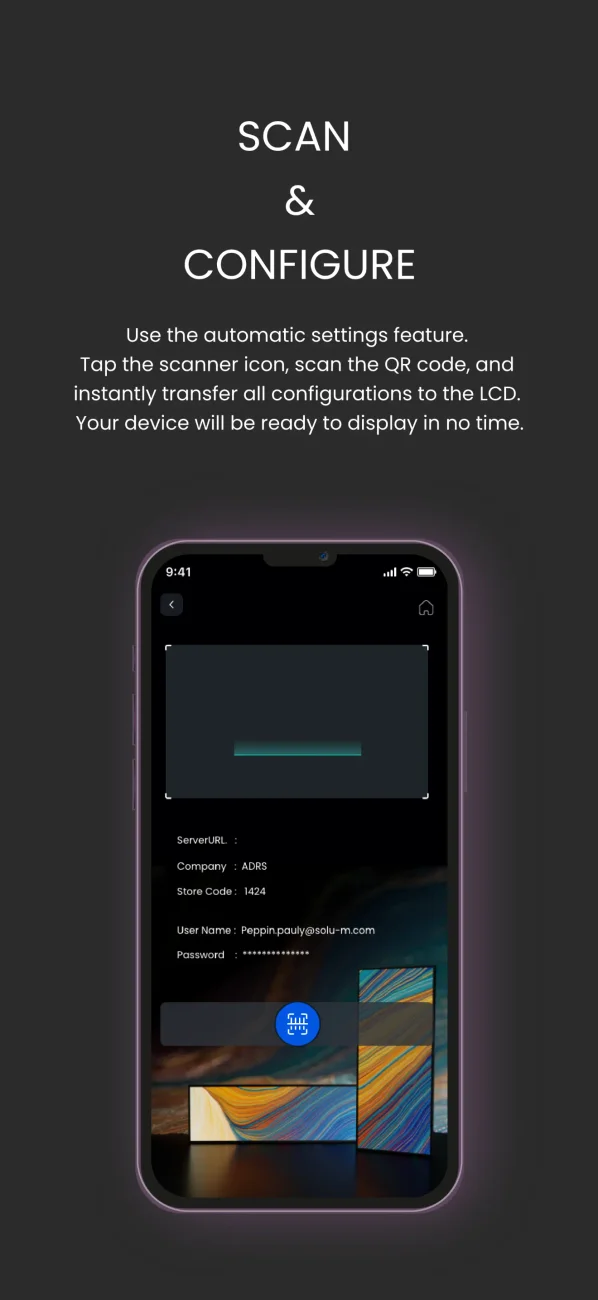
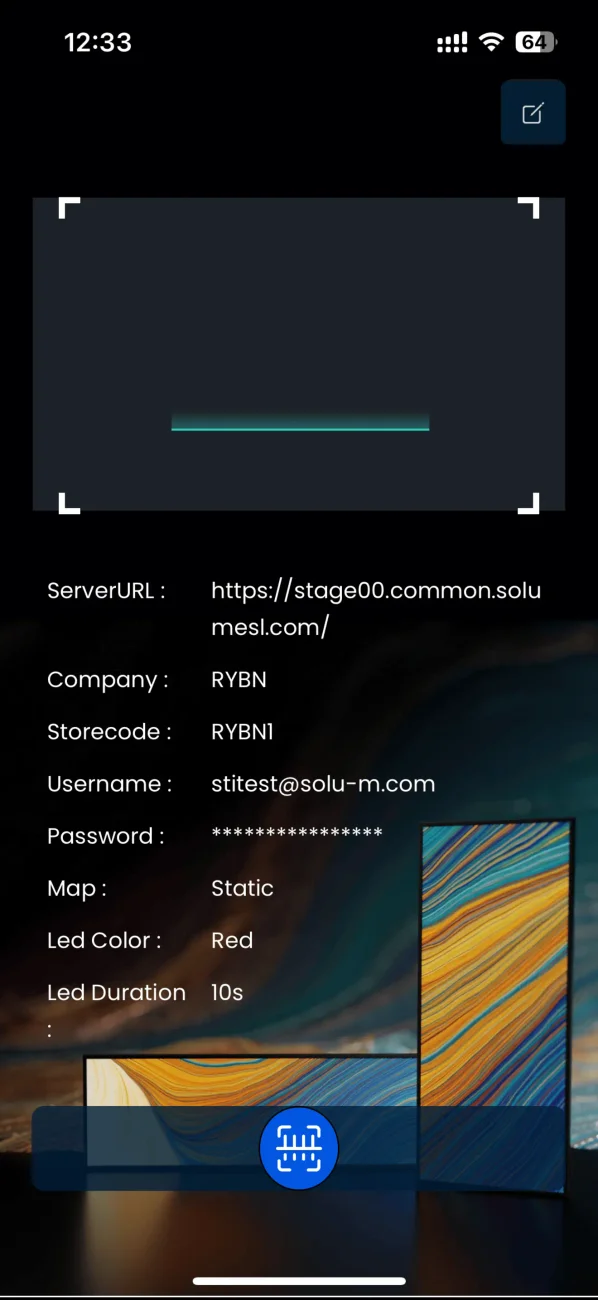
4. Scan QR Code: Use the app’s built-in QR code scanner to scan the code displayed on your SoluM LCD device, instantly syncing your settings.
5. Ready to Go: After scanning the QR code, your SoluM LCD device is fully configured and ready for use.
The SoluM LCD Setup app streamlines the setup process, making it faster and more efficient to get your devices up and running. Download the app today to enhance your SoluM LCD experience!
新機能
バージョン 2.0 · 2025/4/15
New Feature: Integrated on-premises along with SaaS.
Bug Fixes: Resolved issues to enhance app performance and stability.
アプリのプライバシー
このアプリのデータの取り扱いについて、SoluMがApp Storeで申告している内容です。
-
データの収集なし
開発元はこのアプリからデータを収集しません。
プライバシーの取り扱いは、ご利用の機能やお客様の年齢などに応じて異なる場合があります。
情報
- 販売元
- SOLUM CO., LTD.
- カテゴリ
- 仕事効率化
- バージョン
- 2.0
- 更新日
- 2025/4/15
- リリース
- 2024/10/30
- サイズ
- 61.3 MB
- 必要条件
- iOS 15.6以降
- 対象年齢
- 17+
- 価格
- 無料
- 言語
- 英語
- 著作権
- © SOLUM. all rights reserved.