
SongBook+
Lyrics, scores, playback, MIDI
iPhone, iPad, Mac, iPod touch向けに設計
無料 · アプリ内課金
- 対象年齢4+
- カテゴリミュージック
- 開発元BauM-Software Matthias Bauer
- 言語英語ほか8言語
- サイズ42.6 MB
App Storeの公式ページにリンクしています
Download.orgはSongBook+のファイルを一切ホストしていません。ボタンを押すと、BauM-Software Matthias Bauerが公開しているApp Storeのアプリページが開きます。ページの最終確認:2026/11/27。
スクリーンショット

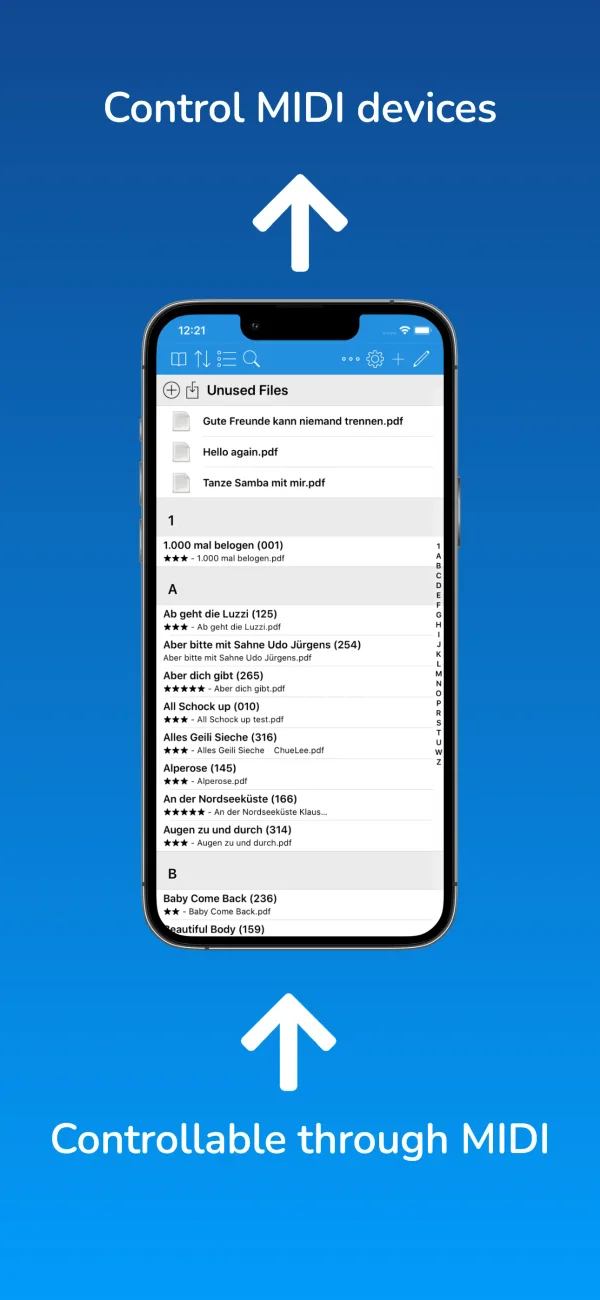


概要
開発元はこのテキストをお使いの言語で提供していません。
SongBook+ is the digital songbook for musicians who want their repertoire firmly under control, especially live on stage. Lyrics and sheet music are on screen instead of in a binder, each song keeps its own backing track, and with a MIDI-capable keyboard, SongBook+ recalls the matching registration as you open the song. No changing settings by hand, no searching between songs.
SongBook+ works with your own material: lyrics, sheet music, backing tracks, videos, and MIDI files in common formats such as PDF, ChordPro, and MP3. No songs, lyrics, sheet music, backing tracks, or other files are included. Import your files via the Files app, Finder, Wi-Fi, or “Open in”, guided by an illustrated online manual.
For solo performers with a keyboard, singers with backing tracks, cover bands, hobby musicians, and anyone with a large repertoire. For practice, rehearsals, lessons, the studio, and the stage. On iPad, iPhone, and Mac, on the App Store since 2011, continuously expanded with new features and updated for new iOS versions and devices.
Use up to 15 of your own songs for free and set them up for your next gig. When your repertoire grows, unlock the full version in the app, either as a subscription or as a purchase with five years of updates. After those five years, your installed version keeps working; newer versions require a new purchase. The sponsoring subscriptions in the list of in-app purchases are a voluntary way to support development, not needed for the full version. To try out the features, load sample songs directly in the app.
Keyboard and MIDI, matched to every song:
• Recall keyboard registrations when you open a song
• Send MIDI commands when opening, starting, stopping, or closing a song
• Trigger MIDI commands with assignable buttons in the document
• Play MIDI files through external sound modules
• MIDI monitor, macros, routing, and THRU
On stage, without searching:
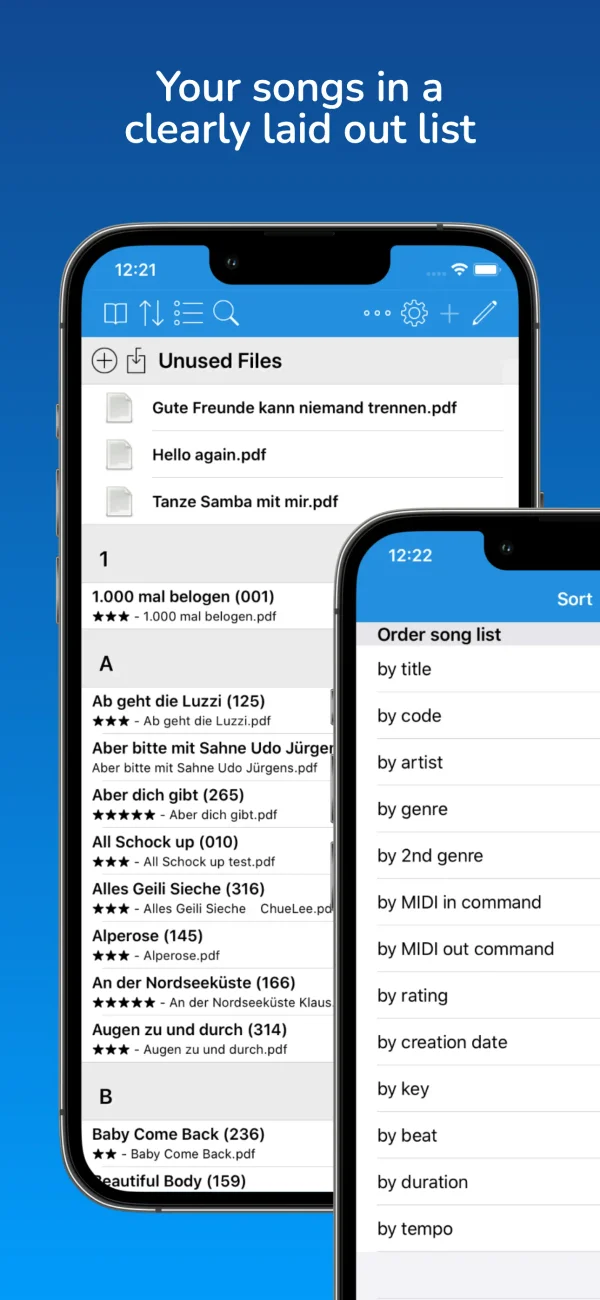
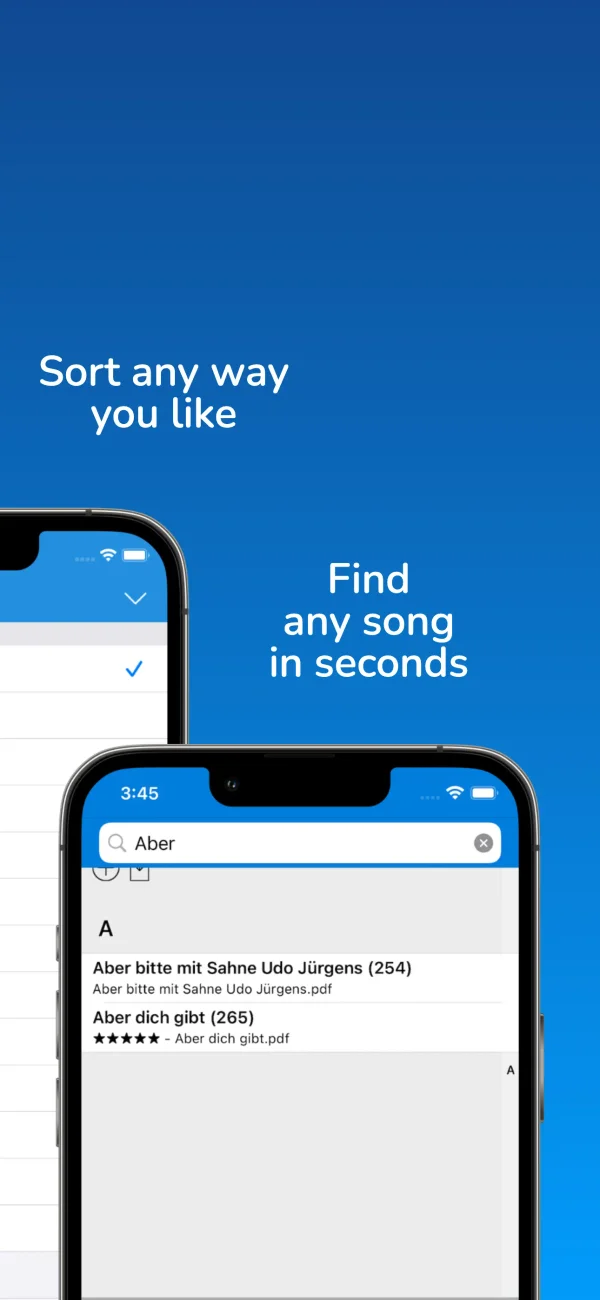
• Find any song in seconds, even on the fly: search, filters, tags, sorting
• As many playlists as you like, for example one setlist per gig
• Live playlist: add songs for the next set during a break, played songs can disappear automatically
• Preselect the next song while the current one plays
• Turn full pages or scroll smoothly, also automatically
• Control SongBook+ by foot pedal or MIDI, your hands stay on the instrument
• Night mode with inverted colors for dark stages
• Visual and/or audible metronome
• Portrait or landscape orientation
Backing tracks, click, and video, every track where it belongs:
• Play MP3, WAV, AIFF, and M4A
• Up to 5 stereo audio files in sync
• Mixer with volume, EQ for audio files, global and per song
• Click and backing track on separate outputs (external hardware required)
• Global balance, pan, channel assignment to external outputs
• Loop audio, MIDI, and video files
• Play jingles
• Fade out songs: audio, video, and MIDI
• Play your own karaoke videos directly on the iPad
• External monitor or projector, rotatable image, also for song videos
With the band, everyone on the same song:
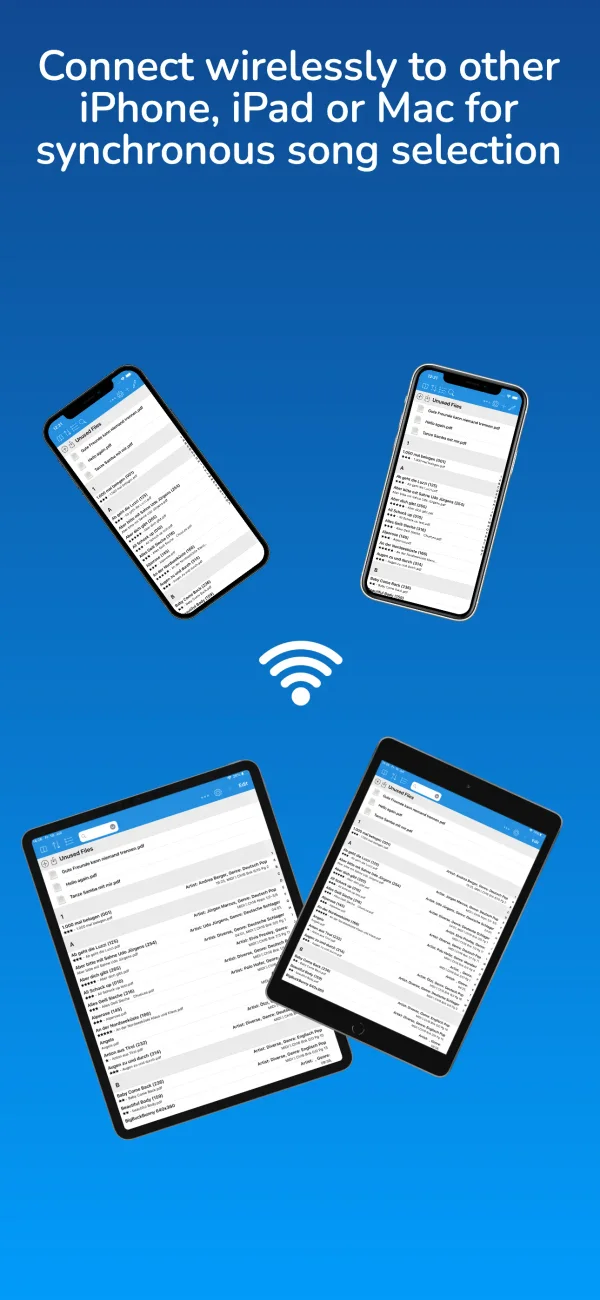
• Connect multiple iPads wirelessly and open songs in sync
• Sync the live playlist with your band's devices, everyone sees the same set
• Only the song number is sent, so each musician keeps their own view and notes
• Separate books, for example one per band or project
Prepare and practice, set up once, open anytime:
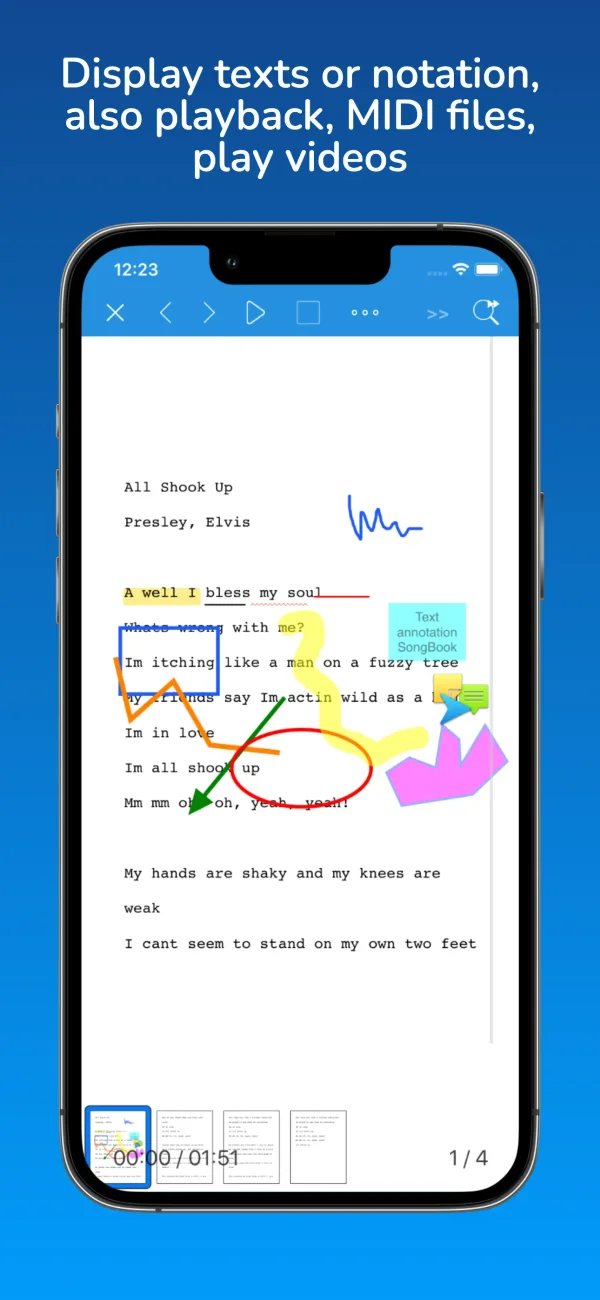
• Display PDF, TXT, images, LRC, and ChordPro
• Scan lyrics and sheet music to PDF with the camera
• Import lyrics from MIDI and MP3 files
• Add notes, chords, symbols, highlights, and handwriting
• Record the song position with your finger and play it back karaoke-style
After the gig:
• Music log for reporting to ASCAP, BMI, PRS, and others
• Back up, restore, export, and share data
See how other musicians use SongBook+ with their keyboards and sound modules in the customer videos on songbookplus.com.
Terms of Use (EULA) and Privacy Policy: https://www.songbookplus.com/privacy-terms-conditions
新機能
バージョン 6.6.3 · 2026/10/25
**********
IMPORTANT!
If you bought the full version of SongBook+ more than 5 years ago and you want to keep using it free of charge, then DO NOT INSTALL THIS UPDATE (6.5.x)!
Otherwise, the update will turn SongBook+ back into a demo version, and you will have to reactivate the full version by means of in-app purchasing or a monthly or yearly subscription.
(The cut-off point is a purchase date prior to July 1, 2021. If you have a sponsoring subscription, you will not be affected.)
**********
Changes in version 6.6.3:
- New “Add tag to filter” action for foot pedal and gesture control
- New “Remove all tags from filter” action for foot pedal and gesture control
- Improved toolbar button icon when multiple items are selected
- Actions for switching status LEDs now also available in function buttons
- Various minor bug fixes
Changes in version 6.6.2:
- Bug fix for formatting in ChordPro files (chorus, verse, ...)
Changes in version 6.6.1:
- Improved offline license verification
- Further performance optimizations for external displays, automatic image quality, and an adjustable refresh rate of up to 30 FPS
Changes in version 6.6.0:
- Lyrics import with chords and syllable positions now also with proportional font
- Mixer with balance controls for audio files
- Mixer can restore original volumes of MIDI channels
- Extended function button actions for keyboard control, MIDI Bank Select/Program Change, MIDI NRPN and links
- MIDI Program Change values can be displayed as either 0-127 or 1-128
- Status LEDs in the toolbar, controllable via MIDI or foot pedal
- SongBook to SongBook connection now also synchronizes tag filters and status LEDs
- Tags with special functions for full-screen video and exceptions from numbering in playlists
- Easier insertion of MIDI macros when recording actions during playback
- External monitor display with adjustable quality and refresh rate
- In scroll mode, the spacing between pages can be disabled
- List view with icons for linked audio, MIDI and video files
- New list view variants with large title, optionally with tempo or book
- Song tempo and metronome tempo are shown together
- Page turns optionally work even when the song preselection list is open
- Actions in MIDI macros, function buttons and action lists can be sorted by drag and drop
- Improved autocomplete for artist and genres
- Wireless MIDI client can connect by device name instead of IP address
- MIDI import with a choice between XF and ChordPro chords
- Improved list printing function
アプリのプライバシー
このアプリのデータの取り扱いについて、BauM-Software Matthias BauerがApp Storeで申告している内容です。
-
ユーザーに関連付けられないデータ
収集される場合がありますが、ユーザーの識別情報には関連付けられません。
- ID
- 使用状況データ
- 診断
プライバシーの取り扱いは、ご利用の機能やお客様の年齢などに応じて異なる場合があります。
情報
- 販売元
- BauM-Software Matthias Bauer
- カテゴリ
- ミュージック
- バージョン
- 6.6.3
- 更新日
- 2026/10/25
- リリース
- 2011/7/20
- サイズ
- 42.6 MB
- 必要条件
- iOS 15.0以降
- 対象年齢
- 4+
- 価格
- 無料
- アプリ内課金
- あり
- 言語
- 英語, チェコ語, フランス語, ドイツ語, イタリア語, ポルトガル語, 簡体字中国語, スロベニア語, スペイン語
- 著作権
- © 2026, BauM Software