
- 対象年齢17+
- カテゴリユーティリティ
- 開発元Eli Linden
- 言語英語
- サイズ7.0 MB
App Storeの公式ページにリンクしています
Download.orgはSourceExtractのファイルを一切ホストしていません。ボタンを押すと、Eli Lindenが公開しているApp Storeのアプリページが開きます。ページの最終確認:2026/11/18。
スクリーンショット


概要
開発元はこのテキストをお使いの言語で提供していません。
Browse any website. Extract every image and video. Save them all.
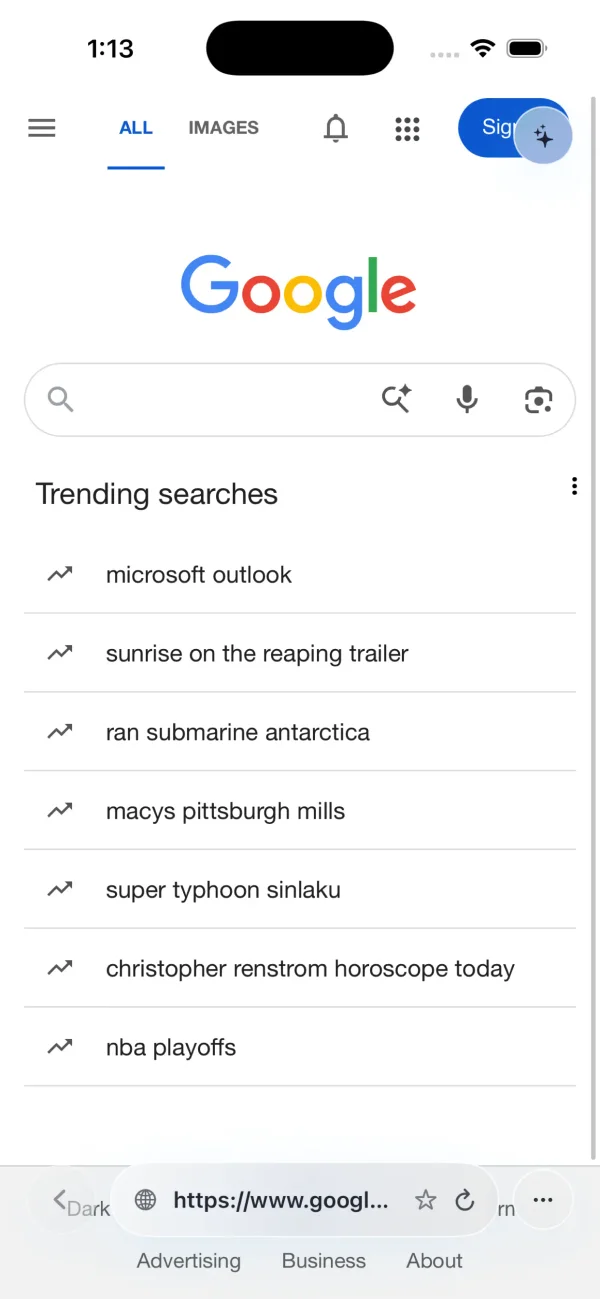
SourceExtract is the only browser that finds media other tools miss. Open a page, tap the sparkle button, and within seconds you'll see every image and video on that page — including ones hidden in stylesheets, loaded dynamically, or tucked inside shadow DOM elements.
Four Ways to Find Media
Most download tools only see what's visible on the surface. SourceExtract goes deeper with four independent discovery methods:
* IMG & picture tags — standard images, srcset variants, SVG files, and picture elements
* Video tags — embedded video elements and all associated source files
* CSS backgrounds — images applied through stylesheets, scanning up to 2,500 page elements
* Network resources — media loaded during the page lifecycle, captured via the Performance API
The scanner also penetrates Shadow DOM, traverses same-origin iframes, and resolves blob and data URLs — so nothing slips through.
Preview, Filter & Sort
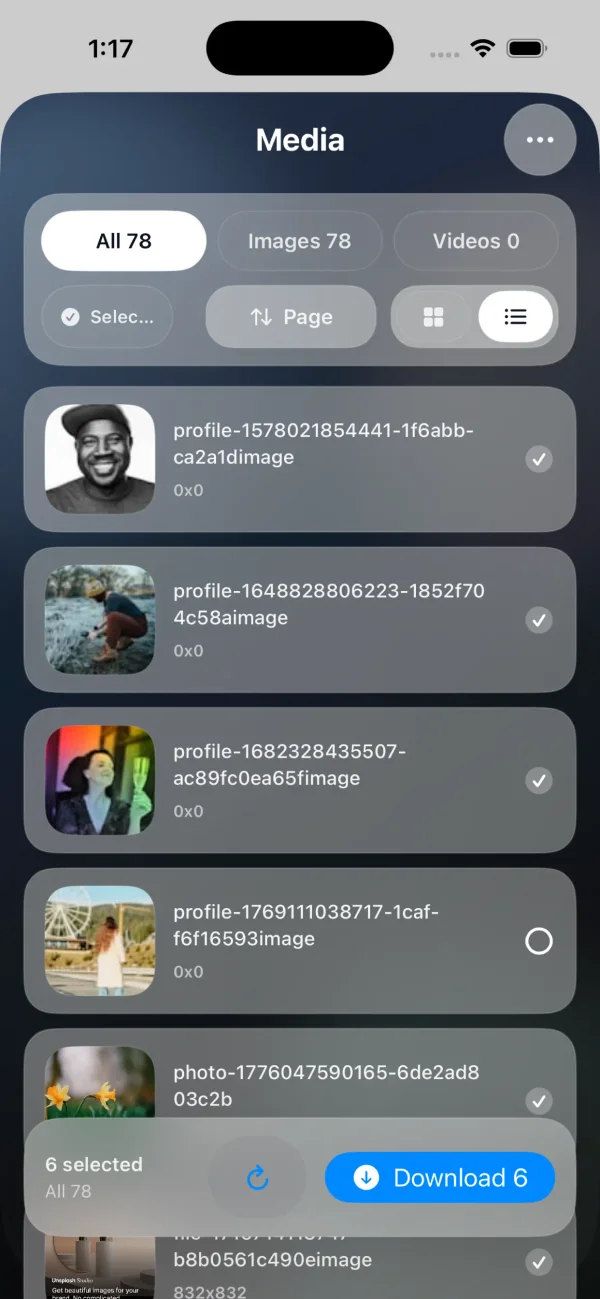
Once the scan completes, browse results in a clean grid or list view. Filter by images, videos, or all media. Sort by page order, largest first, or smallest first. Each item shows its dimensions, file size, and a badge indicating how it was discovered.
Tap any result for a full-size preview with pinch-to-zoom, swipe navigation between items, and one-tap options to share or copy the URL.
Download Everything at Once
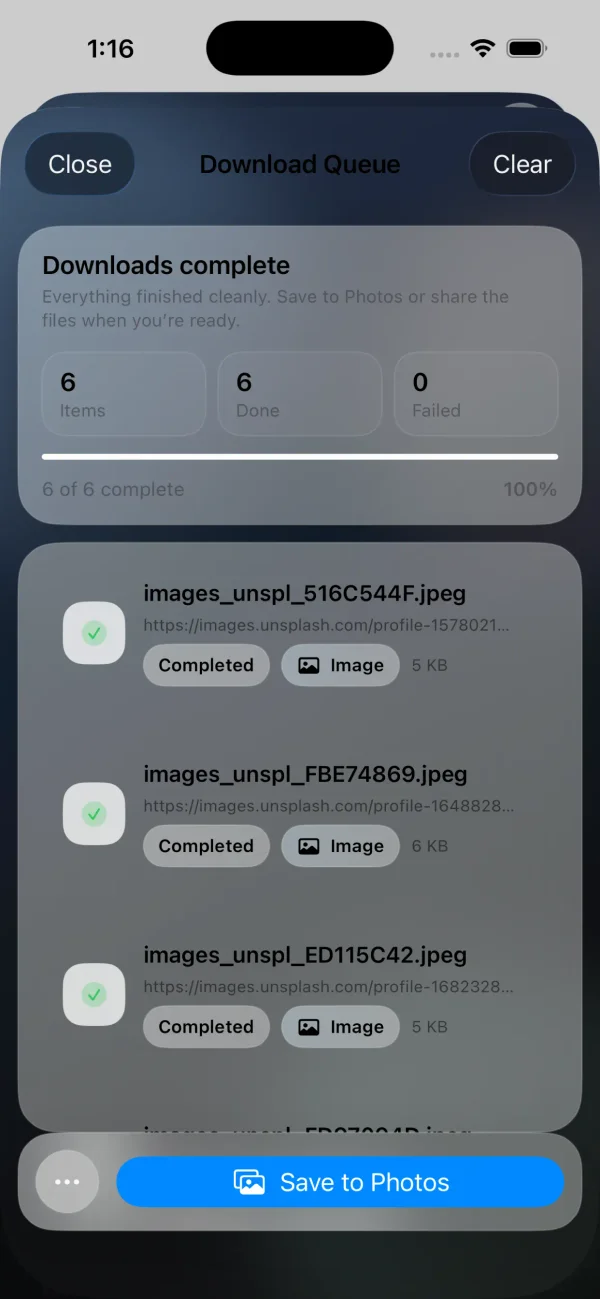
Select the items you want — or select all — and download in a single tap. The built-in download manager runs concurrent downloads, shows real-time progress, and validates every file to ensure you're saving actual media and not error pages. Any failed downloads can be retried individually.
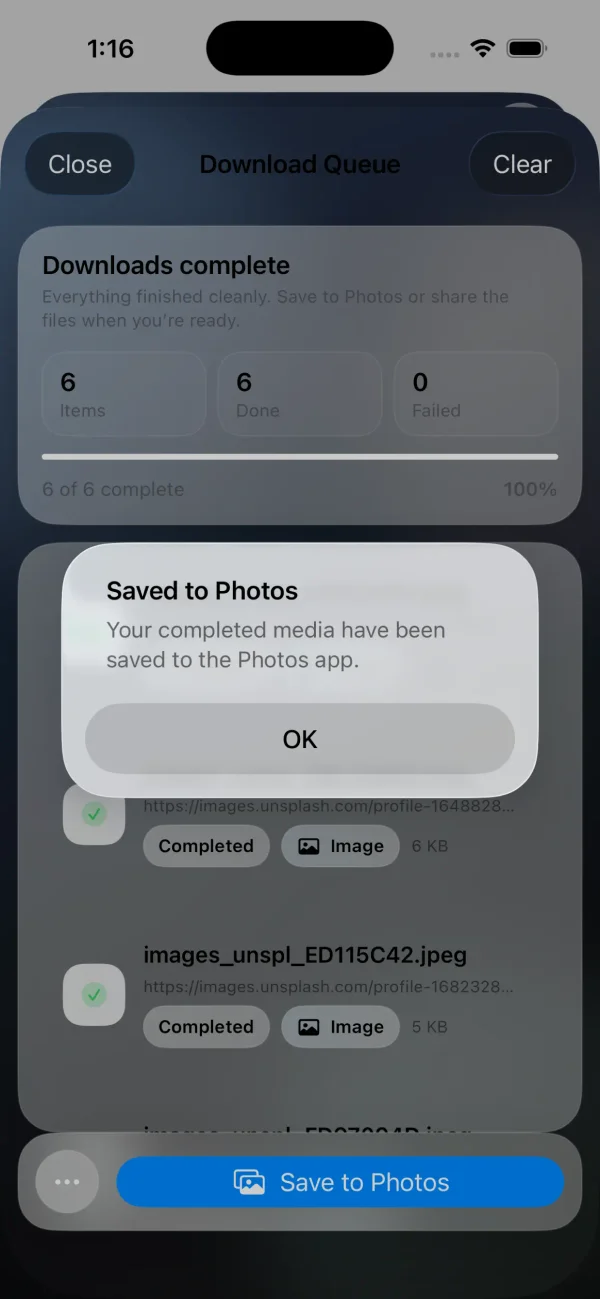
When your downloads finish, save directly to your Photos library or share through the system share sheet. Your files, your choice.
Bookmarks & Collection History
Bookmark pages you return to often for instant access. SourceExtract also keeps a history of every scan, including a snapshot of what was found — so you can revisit results from any page you've previously scanned without having to browse back to it.
Customize Your Scan
Toggle each discovery method on or off independently. Enable auto-rescan to automatically re-collect media after a page reload. Adjust deduplication settings to control how the app handles matching results across methods.
Built for iPhone and iPad
A glass-morphism interface with smooth animations and collapsible browser chrome that stays out of your way while you're browsing. Tab overview shows live visual previews of every open tab.
Supported Formats PNG, JPG, GIF, WebP, AVIF, SVG, BMP, ICO, TIFF, HEIC, MP4, MOV, WebM, and more.
No accounts. No subscriptions. No tracking. Just a fast, private tool for getting the media you want off the web.
アプリのプライバシー
このアプリのデータの取り扱いについて、Eli LindenがApp Storeで申告している内容です。
-
データの収集なし
開発元はこのアプリからデータを収集しません。
プライバシーの取り扱いは、ご利用の機能やお客様の年齢などに応じて異なる場合があります。
情報
- 販売元
- Eli Linden
- カテゴリ
- ユーティリティ
- バージョン
- 1.0
- 更新日
- 2026/4/15
- リリース
- 2026/4/15
- サイズ
- 7.0 MB
- 必要条件
- iOS 26.0以降
- 対象年齢
- 17+
- 価格
- ¥300
- 言語
- 英語
- 著作権
- © 2026 SourceExtract. All rights reserved.