- 対象年齢4+
- カテゴリ教育
- 開発元Sam Woolf
- 言語英語ほか1言語
- サイズ355.7 MB
App Storeの公式ページにリンクしています
Download.orgはSpaced: Language Learningのファイルを一切ホストしていません。ボタンを押すと、Sam Woolfが公開しているApp Storeのアプリページが開きます。ページの最終確認:2026/11/13。
スクリーンショット

概要
開発元はこのテキストをお使いの言語で提供していません。
Spaced is a simple, effective vocabulary trainer language learning, built around spaced repetition. Review words and characters at the right moment—before you forget them—and build long-term memory with just a few minutes a day.
Originally created to help our daughters learn Simplified Chinese characters (汉字 / Hanzi), Spaced has grown into a flexible tool designed especially for learning Chinese vocabulary, phrases, and characters in a structured way.
WHY SPACED
Spaced began as a physical Leitner box full of flashcards—useful for memorization, but not very portable. We turned that system into a lightweight app focused on efficient, long-term learning, especially for Chinese vocabulary and Hanzi.
HOW IT WORKS
Spaced is built around the forgetting curve: review information at increasing intervals to retain it longer.
• Create a WordList for what you want to learn (such as Chinese vocabulary or Hanzi sets)
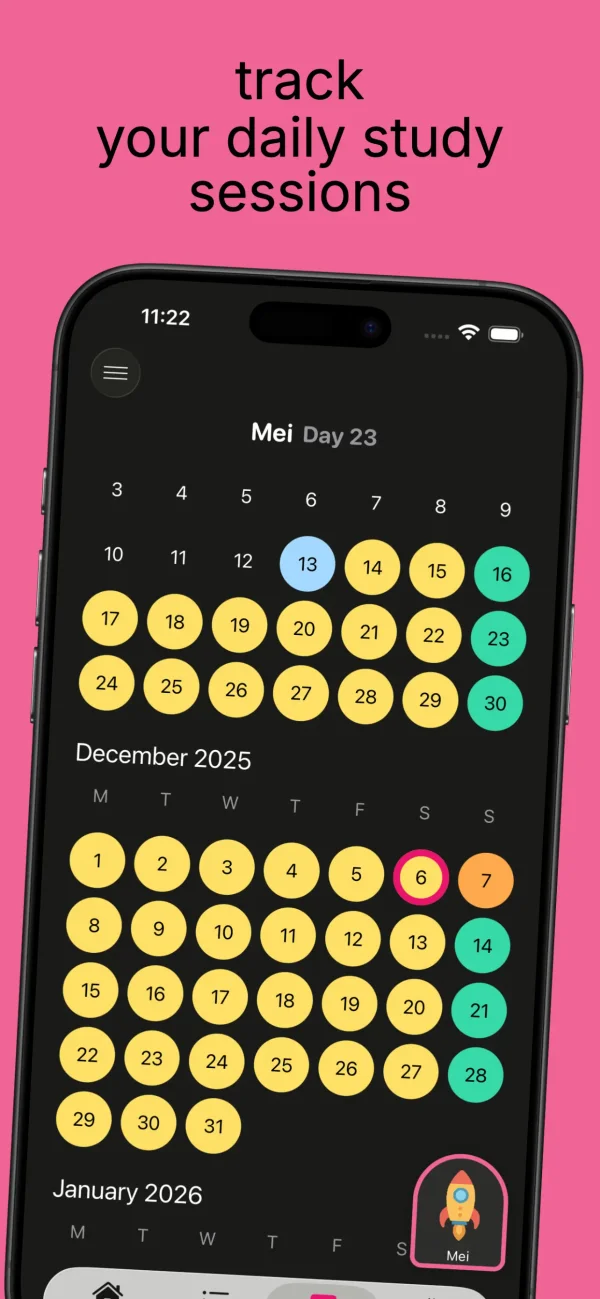
• Study briefly each day
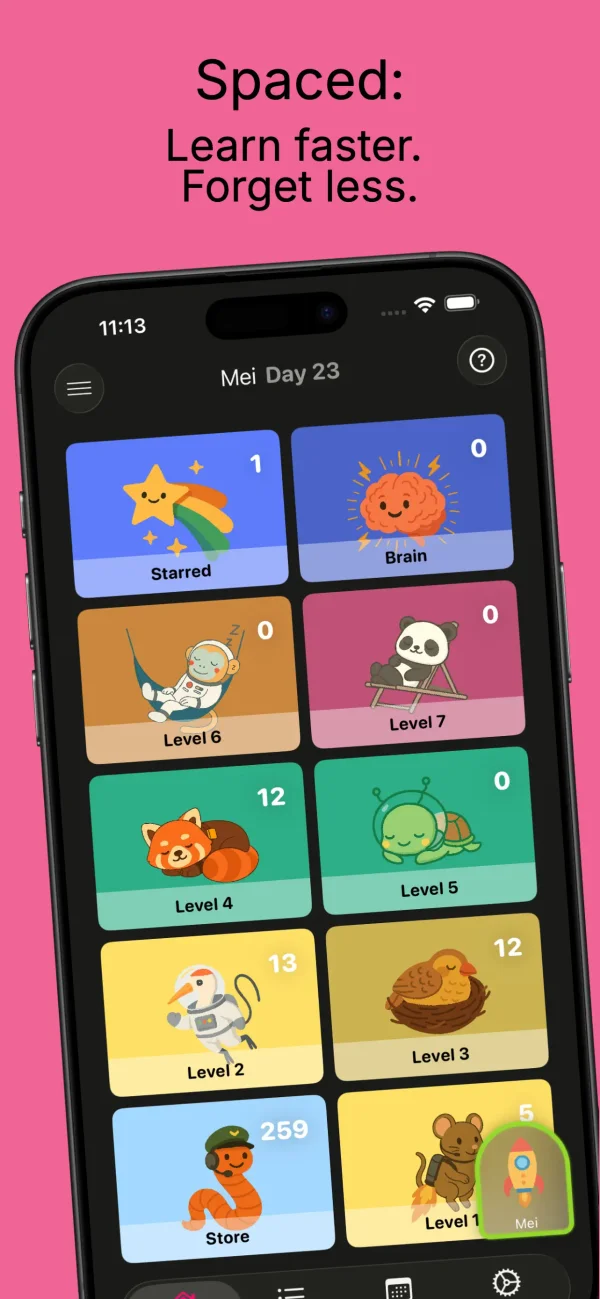
• Remembered items move up through levels
• Forgotten items return for reinforcement
The app automatically schedules reviews using a 56-day spaced repetition cycle.
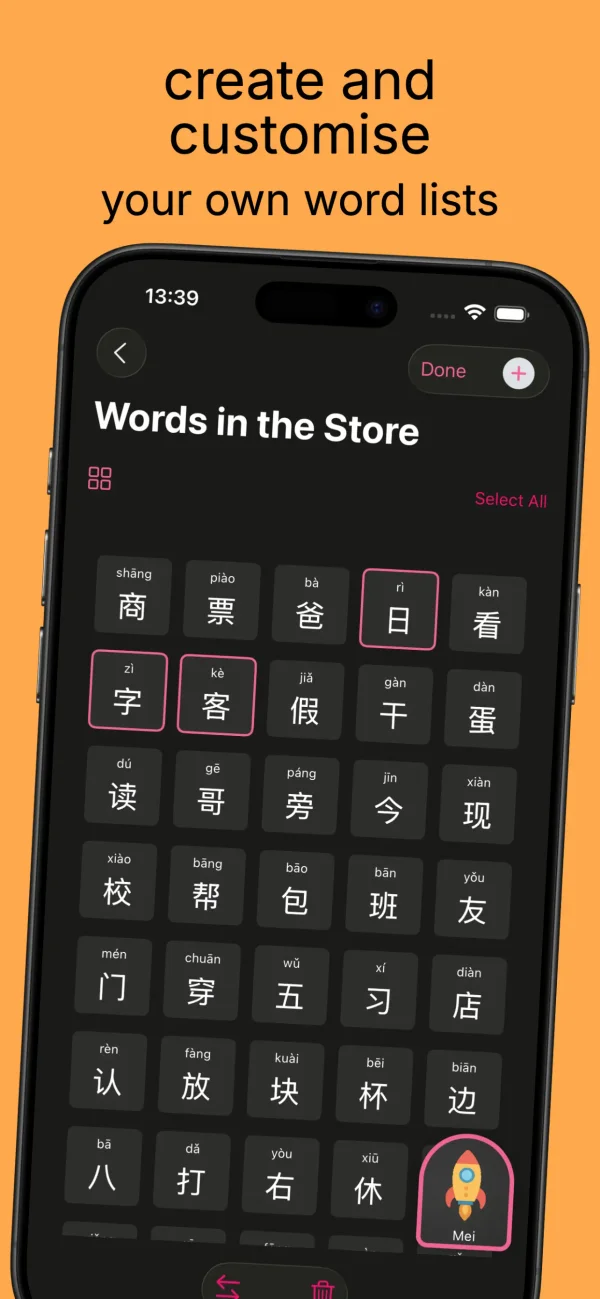
CREATE YOUR WORDLISTS
Create WordLists for anything you’re learning—commonly Chinese HSK levels, Hanzi character sets, vocabulary themes, or textbook content. Add words manually or use built-in Simplified Chinese lists. Each item supports notes, example sentences, and optional hints.
STUDY
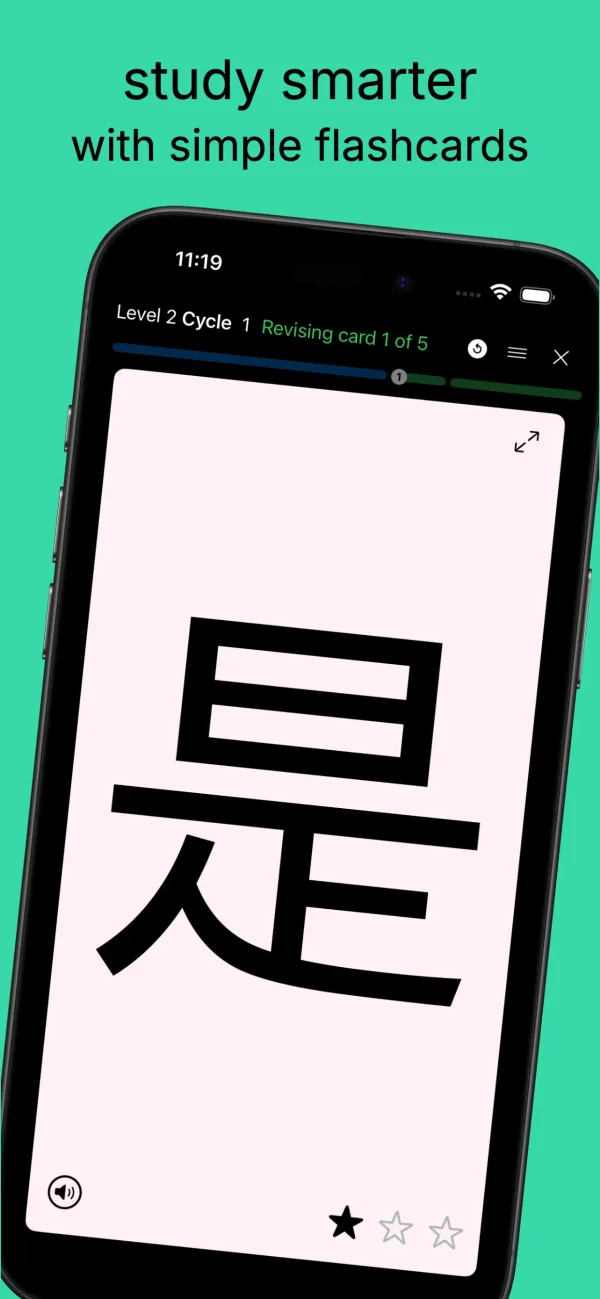
Tap Start to begin a session. If you take a break, Spaced resumes where you left off. The Home screen shows your next scheduled review.
To make learning more engaging, Spaced also includes voice recognition for pronunciation practice and fun learning games to reinforce recall in a more interactive way.
STARRED WORDS
Mark difficult items for extra practice. Filter by starred words, star levels, or use weighted mode to surface harder items more often.
REVISION AND TESTING
Spaced includes two study modes:
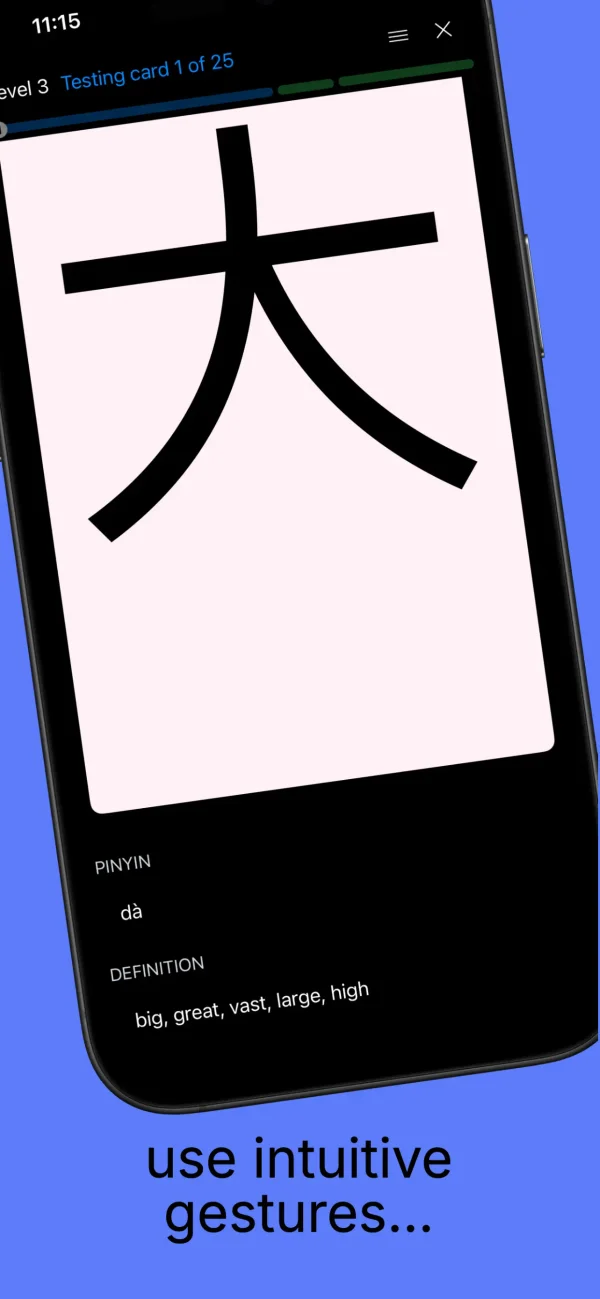
• Revision (Levels 1–2): Build familiarity with new material
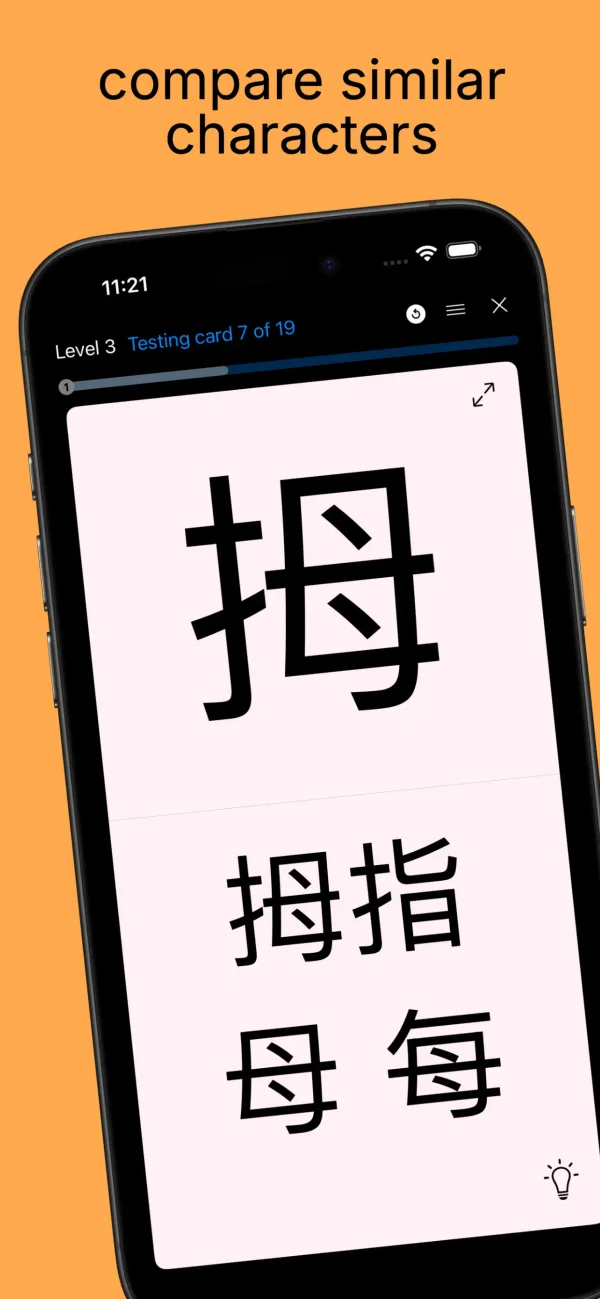
• Test (Levels 3–7): Check what you know through recall
Correct answers advance; incorrect ones return for reinforcement. External keyboard controls are supported.
ICLOUD SYNC
Your progress stays up to date across devices. Spaced uses iCloud and CloudKit to automatically sync WordLists, progress, and starred items.
STAY CONSISTENT
A few minutes a day can make a big difference. Keep going, trust the process, and build lasting vocabulary step by step.
Happy studying with Spaced.
Terms of Use (EULA): https://www.apple.com/legal/internet-services/itunes/dev/stdeula/
新機能
バージョン 1.12.16 · 2026/9/14
bug-fixes and small feature improvements.
アプリのプライバシー
このアプリのデータの取り扱いについて、Sam WoolfがApp Storeで申告している内容です。
-
データの収集なし
開発元はこのアプリからデータを収集しません。
プライバシーの取り扱いは、ご利用の機能やお客様の年齢などに応じて異なる場合があります。
情報
- 販売元
- Sam Woolf
- カテゴリ
- 教育
- バージョン
- 1.12.16
- 更新日
- 2026/9/14
- リリース
- 2025/12/11
- サイズ
- 355.7 MB
- 必要条件
- iOS 18.0以降
- 対象年齢
- 4+
- 価格
- 無料
- アプリ内課金
- あり
- 言語
- 英語, 簡体字中国語
- 著作権
- © 2025 Sam Woolf