- 対象年齢4+
- カテゴリナビゲーション
- 開発元Sreelakshmi Chintapalli
- 言語英語
- サイズ18.8 MB
Speedioは現在App Storeで入手できない可能性があります
前回の確認時、ストアのページにアクセスできませんでした。リンク先は引き続きApp Storeの公式ページです。
スクリーンショット


概要
開発元はこのテキストをお使いの言語で提供していません。
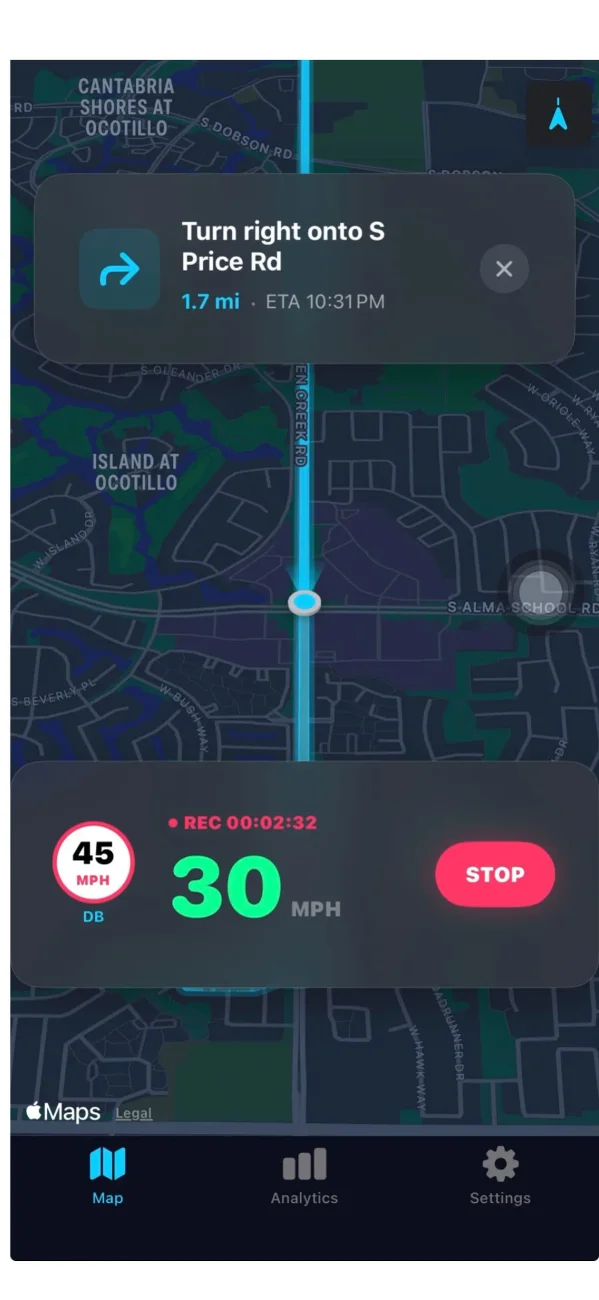
Speedio is your precision driving dashboard for iPhone and CarPlay — built to keep you aware of your speed, the posted limit, and what’s ahead on the road.
WHAT YOU GET
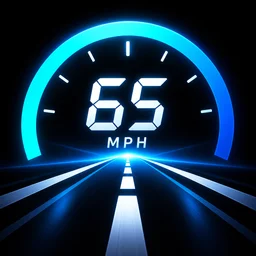
• Real-time speed display powered by high-accuracy GPS
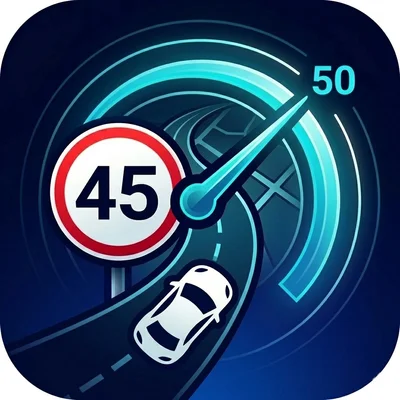
• Live posted speed limits from multiple map sources, including cached limit data so the app can keep working when your connection is spotty
• Smart overspeed alerts — choose audio, haptic, or both, and set a personal buffer so alerts fire when you actually want them to
• Custom haptics: pick from built-in vibration styles or record your own pattern
• Background alerts: if you’re over the limit while the app is in the background, Speedio can buzz you through a silent notification
• Crash/sudden-stop detection on supported devices, with an instant alert when it matters
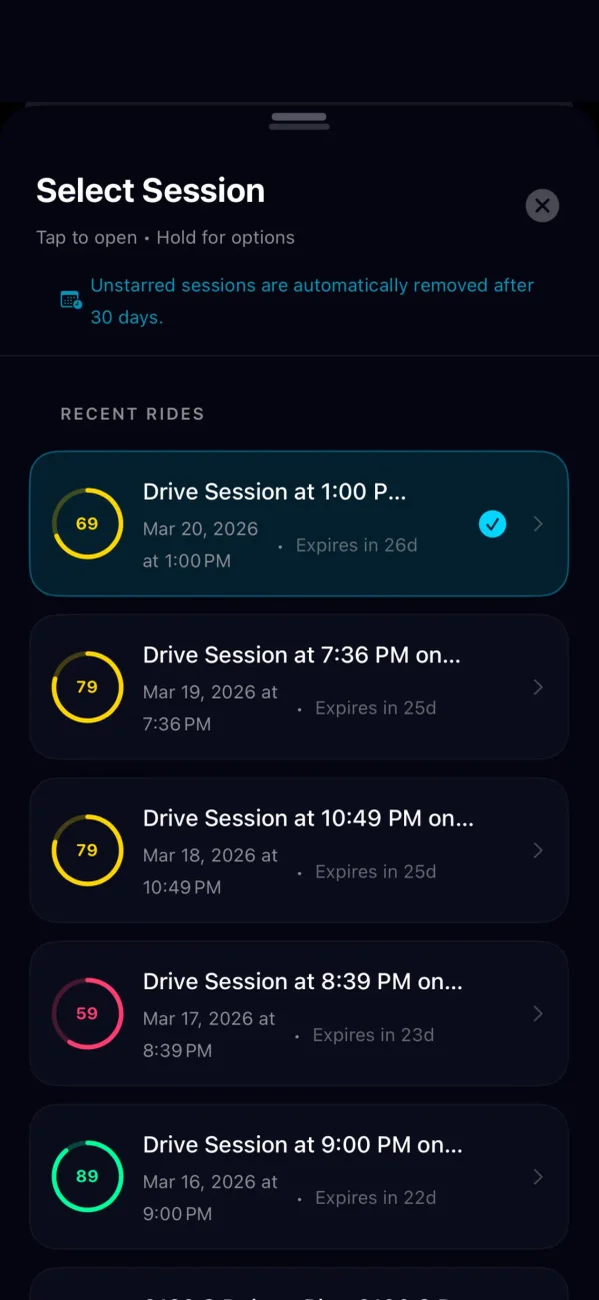
• Driving analytics: review each session with a driving score, time-in-limit breakdown, overspeed heat map, and session stats
• Siri and Apple Intelligence: start and end drives, check your speed and limit, ask for your ETA, next-turn distance, distance to destination, and your latest or today’s drive summary — hands-free
• Live Activities and Home Screen widgets so your current speed and limit are visible at a glance
• CarPlay support for driving navigation and alerts
• StandBy mode display when your iPhone is resting on a charger or dock
• Map styles, unit choices (mph / km/h), GPS accuracy modes, voice navigation, and route settings
• Offline speed-limit downloads for supported areas
• Privacy-focused design: location and motion data are used for real-time driving features
Drive smarter. Stay aware. Master the road.
新機能
バージョン 2.3.0 · 2026/9/11
WHAT'S NEW
Live map that behaves like a map
The drive map now tracks and frames the road with far less jitter, especially at low speed, during turns, and while navigation is active. Route guidance, zoom behavior, and camera framing have been reworked so the map feels calmer instead of twitchy.
Turn-by-turn navigation that's easier to hear and trust
Navigation has a cleaner voice pipeline, more reliable turn guidance, tighter rerouting, and a better sense of where you are on the route. ETAs and remaining-distance estimates are more grounded, and direction cards stay synchronized with the route instead of drifting out of step.
CarPlay is now a real driving experience
CarPlay has been rebuilt from a placeholder into a full driving surface with a destination flow, route stop support, clearer session actions, and better handling of the common TestFlight-reported glitches around buttons, search, alerts, and navigation handoff between iPhone and CarPlay.
Faster, smarter speed limit lookups
Speed limits no longer come from a single thin pipeline. The app now chains multiple map and road-source lookups, caches results more aggressively, and is much pickier about rejecting stale or cross-street answers. The practical result: fewer ghost limits, fewer wrong-route surprises, and a limit badge that's more likely to be right where you're actually driving.
Alerts that fit how you drive
The alert system got a serious overhaul. You can choose your alert style, fine-tune when alerts fire, and record a custom vibration pattern. There's a snooze/"I Know" option for when you already know you're over, and alerts are much better at not firing for unknown, buffered, or irrelevant limits. Background vibration fallback is also in for when the app isn't in the foreground.
Better session history
Past drives are easier to review, rename, and manage, with a more stable sessions experience and fewer crashes when you interact with history.
Siri and voice-driven session queries
The app now exposes more of its driving state for voice interaction, including session-aware queries so you can ask about recent or today's drives. The app-intent and semantic-search plumbing has been expanded so future Siri and Apple Intelligence questions have something real to talk to.
Design and first-run polish
The interface has had a lot of iterative polish: glass-style surfaces where appropriate, tighter HUD layout, refined buttons and spacing, easier onboarding flow, and a cleaner first-run path into the app. Focus Mode is also more complete, with a more immersive driving screen and landscape support.
BUG FIXES AND STABILITY
This version includes a long tail of fixes across the map, navigation, CarPlay, alerts, audio, haptics, speed-limit resolution, onboarding, search, and session handling. The high-level themes:
- fewer map jitter and tracking glitches
- fewer audio and voice glitches during navigation and alerts
- fewer CarPlay crashes, unresponsive buttons, and stale-state issues
- better behavior when limits are unknown, stale, or mismatched to the road
- more reliable session recording and session-list behavior
- smoother startup, search, and in-drive interactions
- more consistent alert behavior so it's less likely to fire for the wrong thing
- a number of build, signing, and distribution fixes that unblock testing and release
If a previous version felt like it worked "most of the time," this one is aimed at making it feel dependable most of the time, every time.
Drive smarter. Stay aware. Master the road.
アプリのプライバシー
このアプリのデータの取り扱いについて、Sreelakshmi ChintapalliがApp Storeで申告している内容です。
-
データの収集なし
開発元はこのアプリからデータを収集しません。
プライバシーの取り扱いは、ご利用の機能やお客様の年齢などに応じて異なる場合があります。
情報
- 販売元
- Sreelakshmi Chintapalli
- カテゴリ
- ナビゲーション
- バージョン
- 2.3.0
- 更新日
- 2026/9/11
- リリース
- 2026/7/14
- サイズ
- 18.8 MB
- 必要条件
- iOS 18.4以降
- 対象年齢
- 4+
- 言語
- 英語
- 著作権
- © Srihan Yeleswarapu