- 対象年齢4+
- カテゴリファイナンス
- 開発元MANIKANDAN CHELLAPPAN NADAR
- 言語英語
- サイズ3.1 MB
App Storeの公式ページにリンクしています
Download.orgはSpendCheck: Expense Trackerのファイルを一切ホストしていません。ボタンを押すと、MANIKANDAN CHELLAPPAN NADARが公開しているApp Storeのアプリページが開きます。ページの最終確認:2026/11/17。
スクリーンショット
概要
開発元はこのテキストをお使いの言語で提供していません。
SpendCheck is the expense tracker for people who just want to see where their money goes — without accounts, ads, subscriptions, or a single byte leaving their phone unless they choose otherwise.
Everything you log lives only on your device by default. There's no sign-up, no ads, and no analytics — and no company, including us, that can see your spending. You can explicitly turn on encrypted backup to your own cloud storage. Open the app and start tracking in seconds.
WHY YOU'LL LIKE IT
• Purchases that log themselves — Set up a Shortcuts automation once (a guided setup screen in Settings shows the exact steps) and alerts from recognized bank and card apps, plus Apple Pay, are added to your list for you, marked Auto, with Undo if anything looks wrong. Prefer to confirm everything? Turn Auto-log off and every detected purchase waits for you instead.
• One purchase, one entry — An Apple Pay tap, a wallet notification and a bank alert for the same purchase are matched into a single entry, while two real purchases a few minutes apart are both kept. A small orange label flags anything that looks logged twice, so you can compare and keep the one you want.
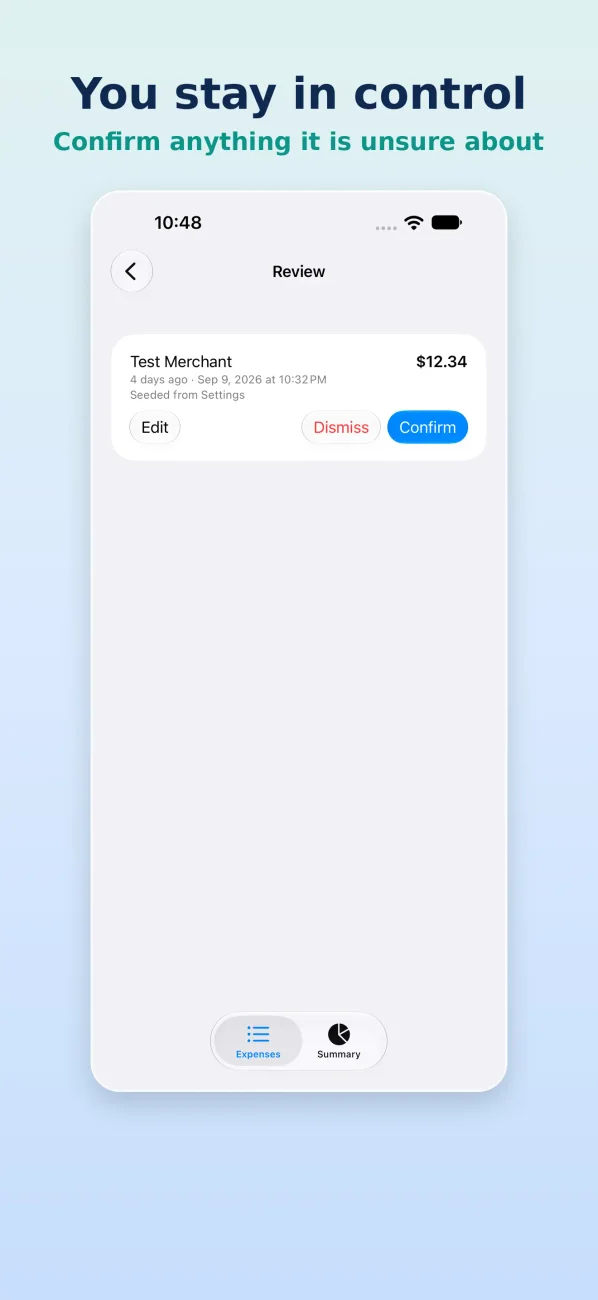
• Review before it counts — Anything unclear, unusually large or possibly doubled waits in a Review screen. Confirm, edit or dismiss it in a tap.
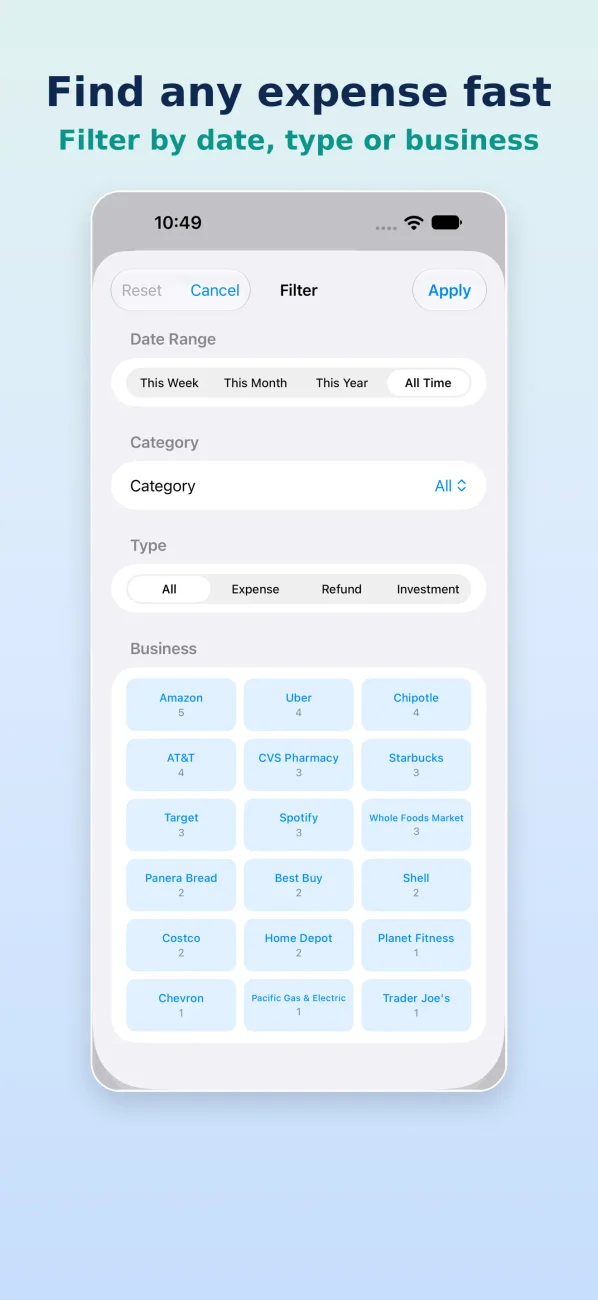
• Merchants, your way — Rename a business once and see it everywhere, merge duplicates, or split entries off. SpendCheck learns the different names a bank uses for the same place, so future purchases land in the right spot.
• Fast entry — A bank-app-style keypad lets you punch in an amount and save an expense in a couple of taps. No fiddly decimal typing.
• Expenses, refunds, and investments — Track money going out, money coming back, and money you've moved into brokerage or crypto platforms. Investments are kept separate so they never inflate what you "spent."
• Receipt photos, made searchable — Scan a receipt with an auto-detecting document scanner (multi-page in one go), crop it anytime, and search for anything printed on it later, even if you never typed it in. All text recognition happens right on your device.
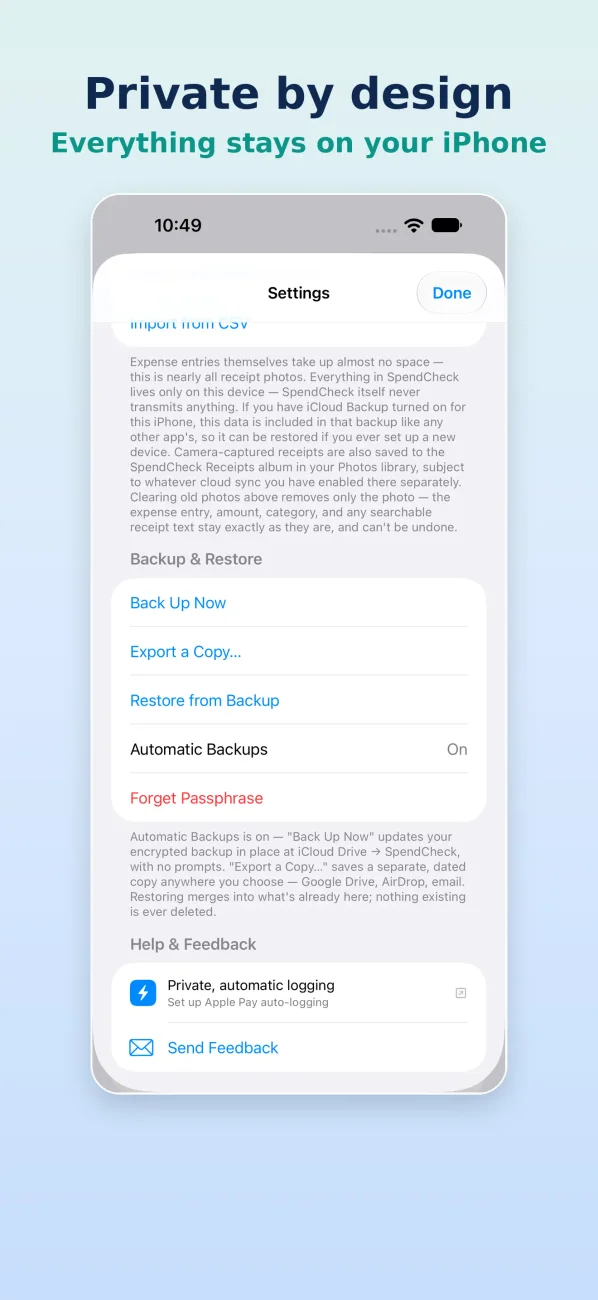
• Encrypted Backup & Restore — Back up your expenses and receipts to your own cloud storage — iCloud by default, or anywhere you choose — protected by a passphrase only you know. Nobody but you, not even SpendCheck, can read it. Fully optional, and off by default. Restoring brings back every entry and never deletes what's already on your phone.
• Recently Deleted — Delete something by mistake? It's recoverable for 14 days, not gone the moment you swipe.
• Smart categories — As you type a business name, SpendCheck pre-fills the category you last used there. Less thinking, faster logging.
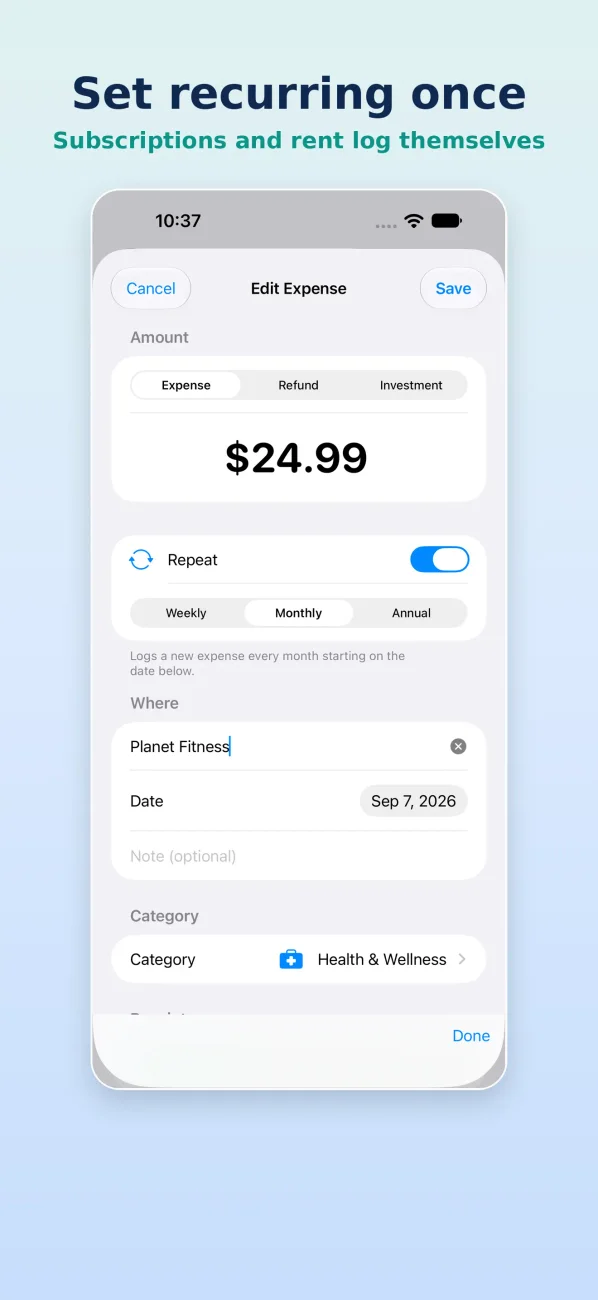
• Recurring expenses — Mark something as weekly, monthly, or annual and it logs itself automatically — perfect for subscriptions, rent, and yearly renewals.
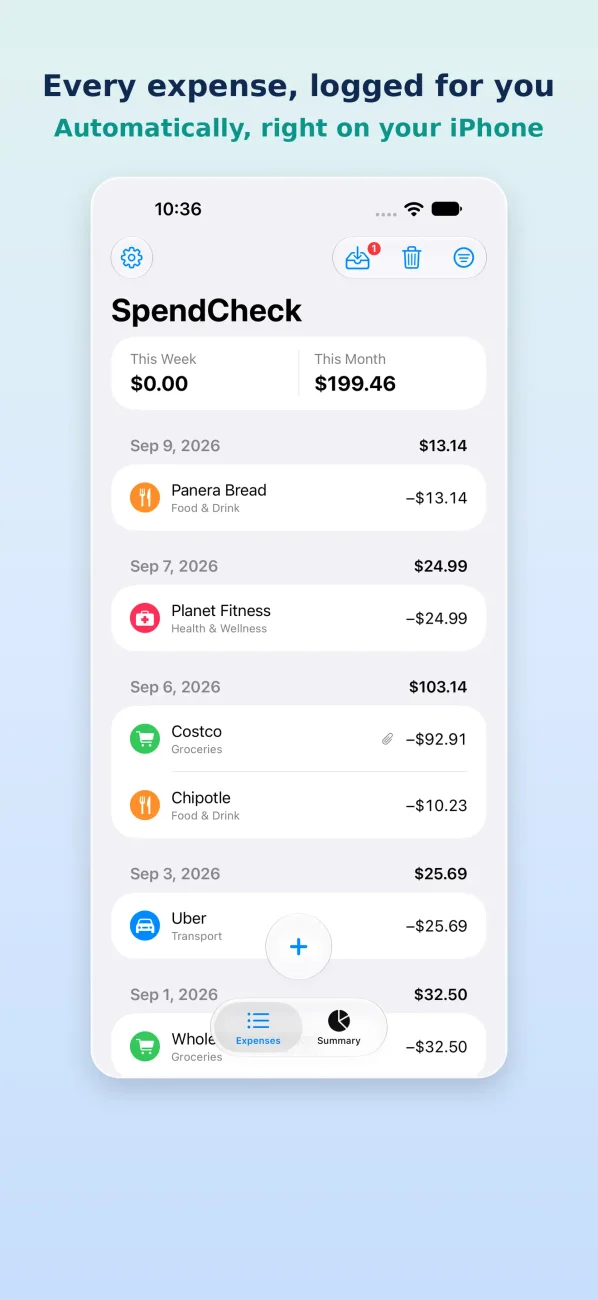
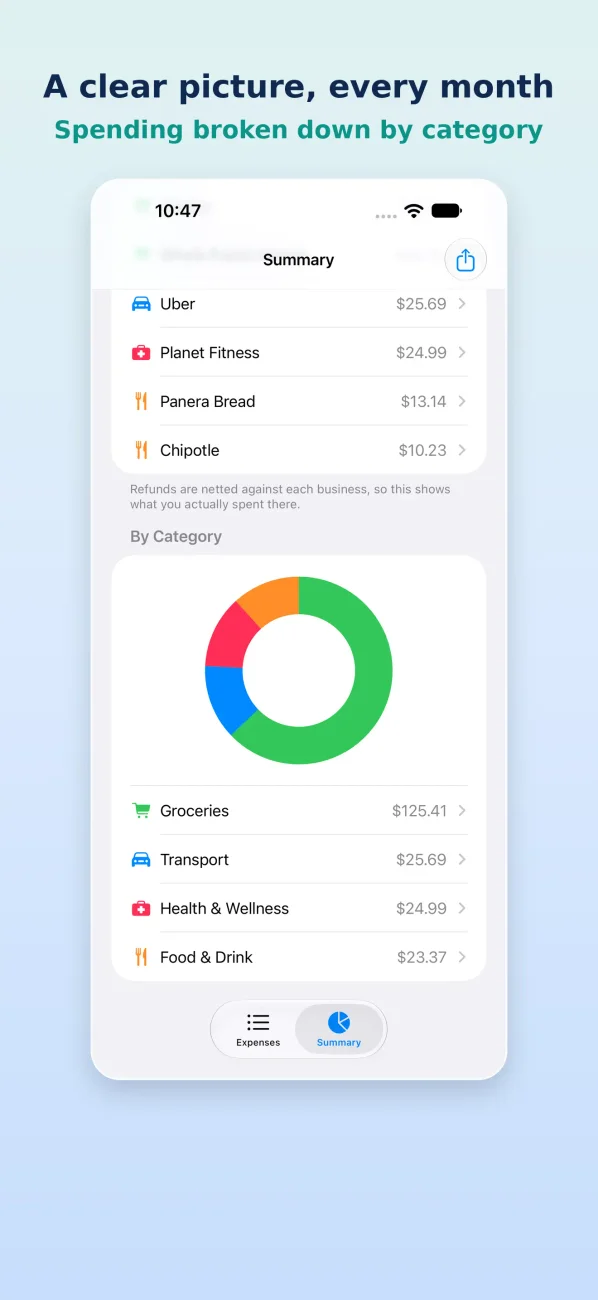
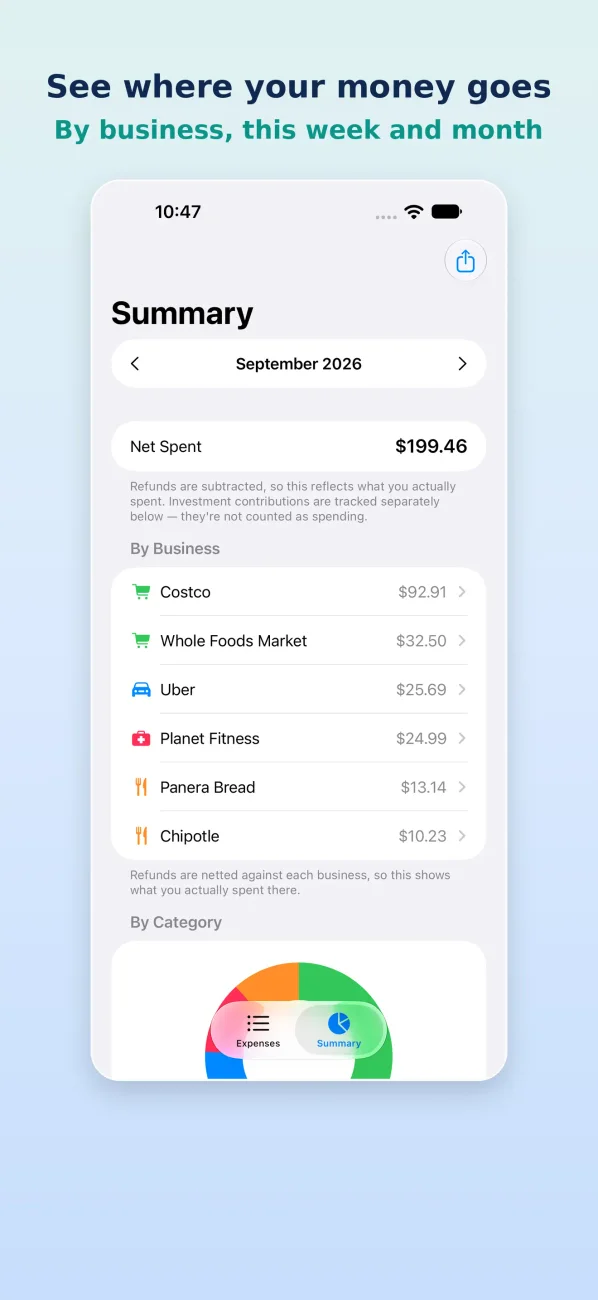
• Clear summaries — See what you spent this week and this month, a breakdown by business and by category, and a simple chart — all for any month you pick.
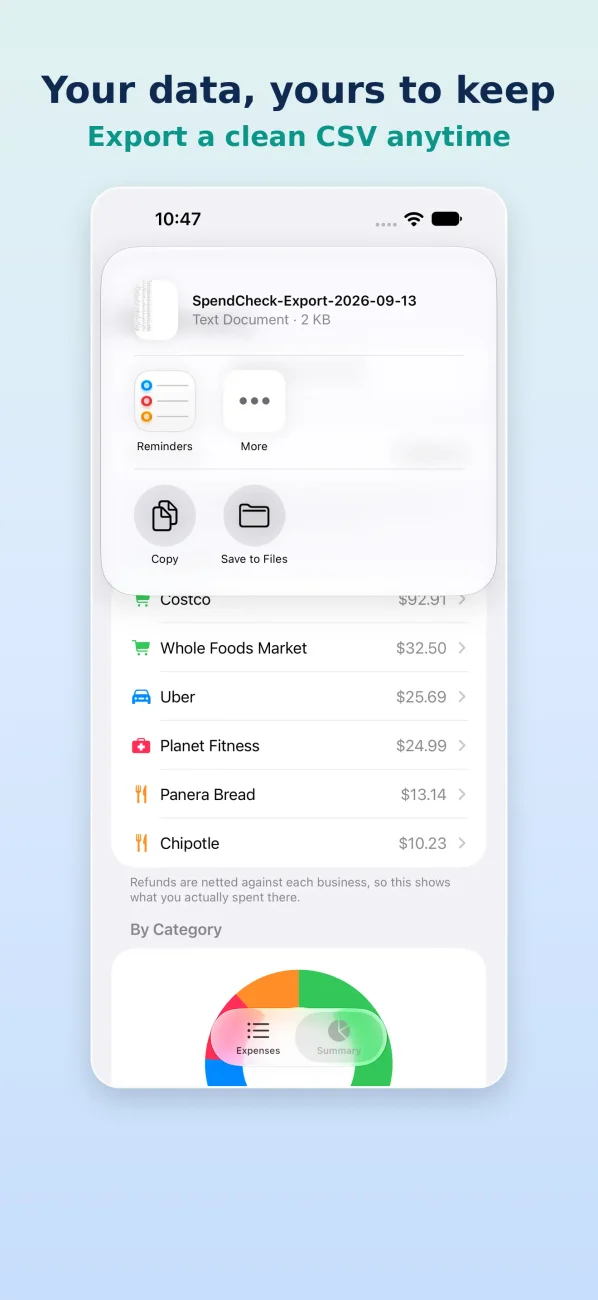
• Export anytime — Send a clean CSV of your full history to Files, Numbers, Excel, or Google Sheets whenever you want a copy.
• Make it yours — Pick an accent color to match your style.
PRIVATE BY DESIGN
SpendCheck stores everything locally using Apple's on-device database. There is no server, no login, and no tracking. Automatic logging runs through Shortcuts on your own phone: SpendCheck only sees the alert text your automation hands to it, and nothing is sent anywhere. Your financial life is nobody's business but yours. If you ever turn on Backup & Restore, that backup is encrypted on your device before it ever leaves it — your passphrase, your cloud storage, and no way for anyone (including us) to read it without that passphrase.
FREE
SpendCheck is free to use. No ads, no data selling, no catch.
Questions or feedback? Reach us in one tap from Settings → Send Feedback, or through the contact link on our website.
新機能
バージョン 2.7.2 · 2026/11/2
Set up automatic logging in two taps. Settings now opens with Automatic Logging Setup: tap Get Shortcut, add it, switch the automation on, and your Apple Pay purchases log themselves. On iOS 27 or later there is a ready-made shortcut for bank and card alerts too.
A gentle reminder. Until automatic logging is on, Home shows a short reminder a few times, at least two weeks apart. Close it any time.
Merchants, easier to browse. Sort by A to Z, Most entries, Recently used or Highest total, and find Merchants right below Automatic Logging Setup in Settings.
Plus a tidier setup screen and under-the-hood cleanups.
アプリのプライバシー
このアプリのデータの取り扱いについて、MANIKANDAN CHELLAPPAN NADARがApp Storeで申告している内容です。
-
データの収集なし
開発元はこのアプリからデータを収集しません。
プライバシーの取り扱いは、ご利用の機能やお客様の年齢などに応じて異なる場合があります。
情報
- 販売元
- MANIKANDAN CHELLAPPAN NADAR
- カテゴリ
- ファイナンス
- バージョン
- 2.7.2
- 更新日
- 2026/11/2
- リリース
- 2026/7/22
- サイズ
- 3.1 MB
- 必要条件
- iOS 17.6以降
- 対象年齢
- 4+
- 価格
- 無料
- 言語
- 英語
- 著作権
- © 2026 MyiLabs