
- 対象年齢4+
- カテゴリヘルスケア/フィットネス
- 開発元태하메카트로닉스(주)
- 言語英語ほか1言語
- サイズ18.1 MB
App Storeの公式ページにリンクしています
Download.orgはSTEX Syncのファイルを一切ホストしていません。ボタンを押すと、태하메카트로닉스(주)が公開しているApp Storeのアプリページが開きます。ページの最終確認:2026/11/15。
スクリーンショット

概要
開発元はこのテキストをお使いの言語で提供していません。
STEX Sync is a pairing app that manages and records personal workout info.
1. STEX Machine & Smartphone Paring
* Record personal workout information in STEX Sync by pairing a smartphone with STEX machine.
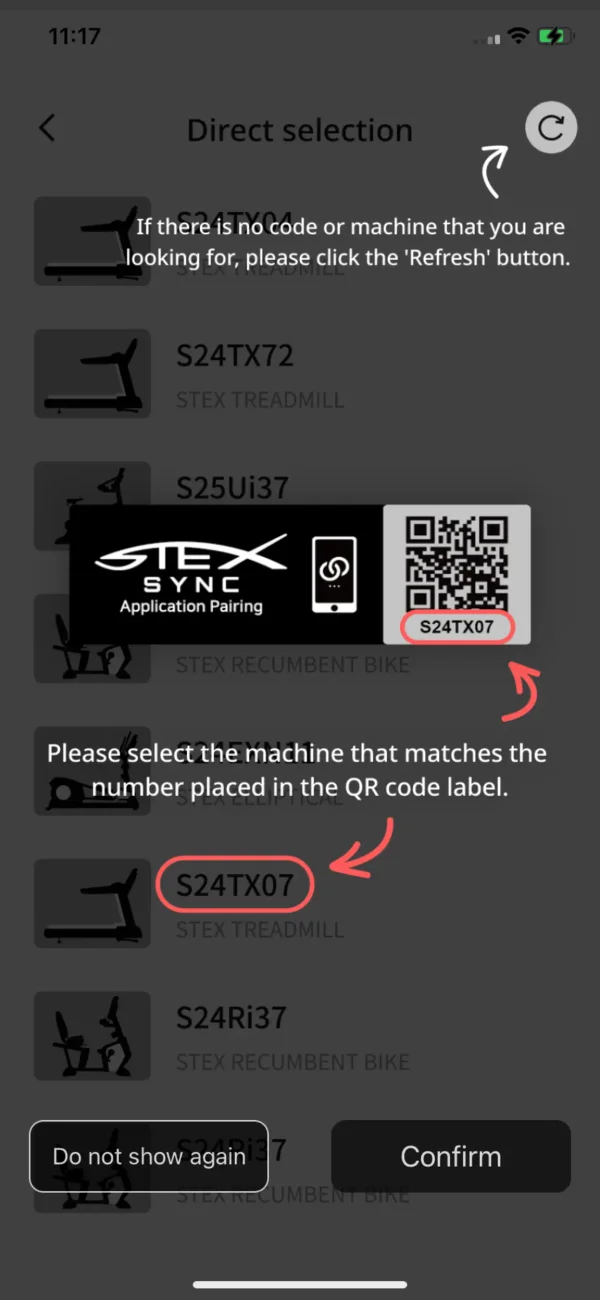
- Enjoy an easy pairing system through the QR code scan.
- User can be pairing STEX Sync by selecting STEX machine directly from the list.
▷ After pairing with the STEX machine, set up your workout plan.
2. Workout Setting Menu
* Set up and start a workout plan that suits the user’s workout ability and taste.
- Select the ‘Quick start’ when the user wants a ‘Free workout’ (non-target setting)
- Select the ‘Goal setting’ when the user wants a target setting workout.
- Enjoy an exercise program suitable for today's feeling through 'Recommendation'.
▷ Practice your exercise plan consistently through the free workout and goal setting workout.
3. Synchronizing of Set Values and STEX Machine
* Set workout goals remotely onto the STEX machine.
- Synchronize the workout goal type and 'set value' onto the STEX machine.
- Synchronize the 'Cooldown‘ (on/off) setting onto the STEX machine.
▷ After synchronizing the STEX Sync and STEX machine, press the ‘Start button’ to start the workout.
4. Workout Info Indicator
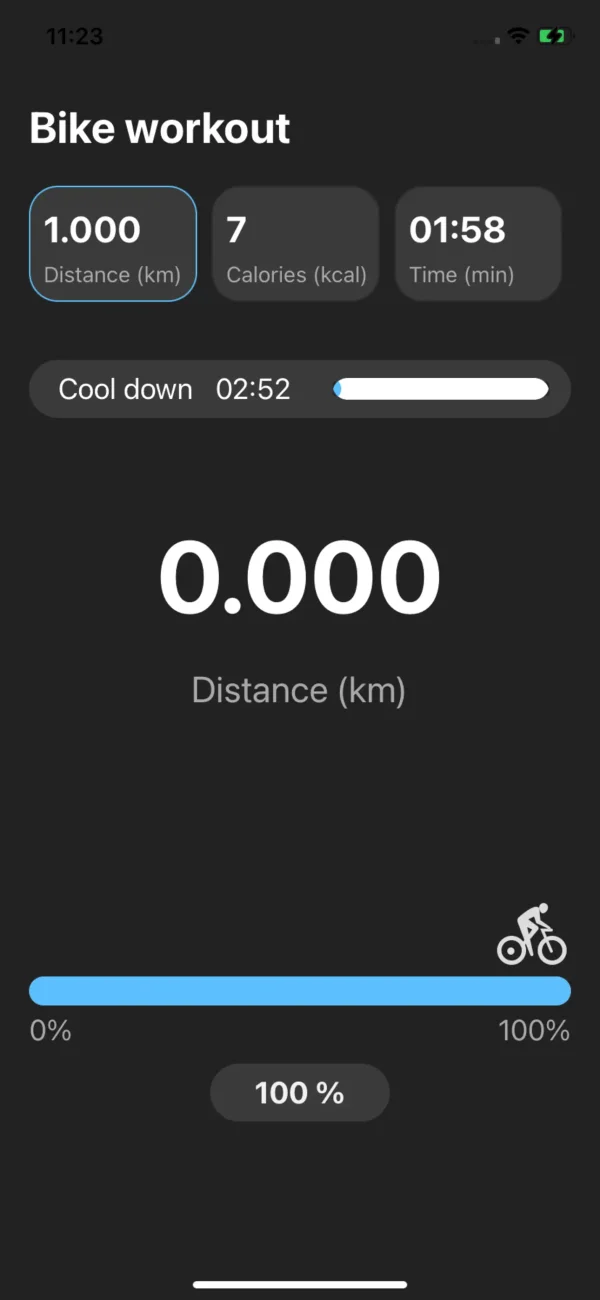
* Motivate user by providing workout performance and goal achievement rate.
- Check the workout performance(Km/mile, Kcal, min) in real-time.
- Check the goal achievement rate in real-time.
- Check the cooldown progress in real-time.
▷ Record the workout information performed and achieved.
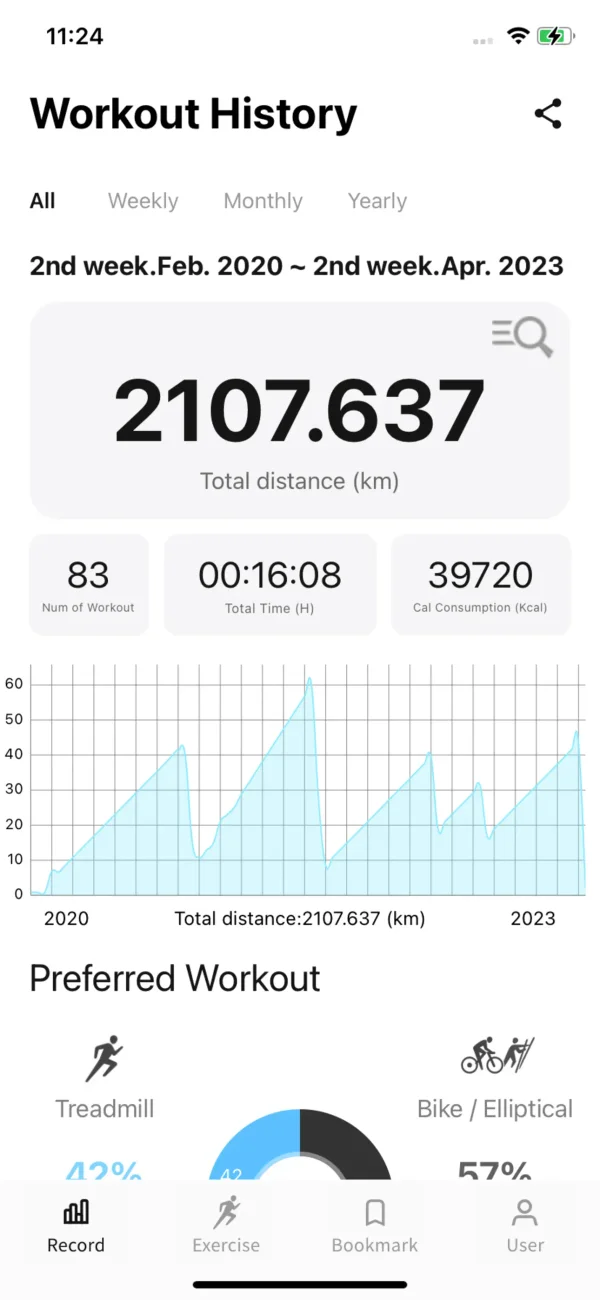
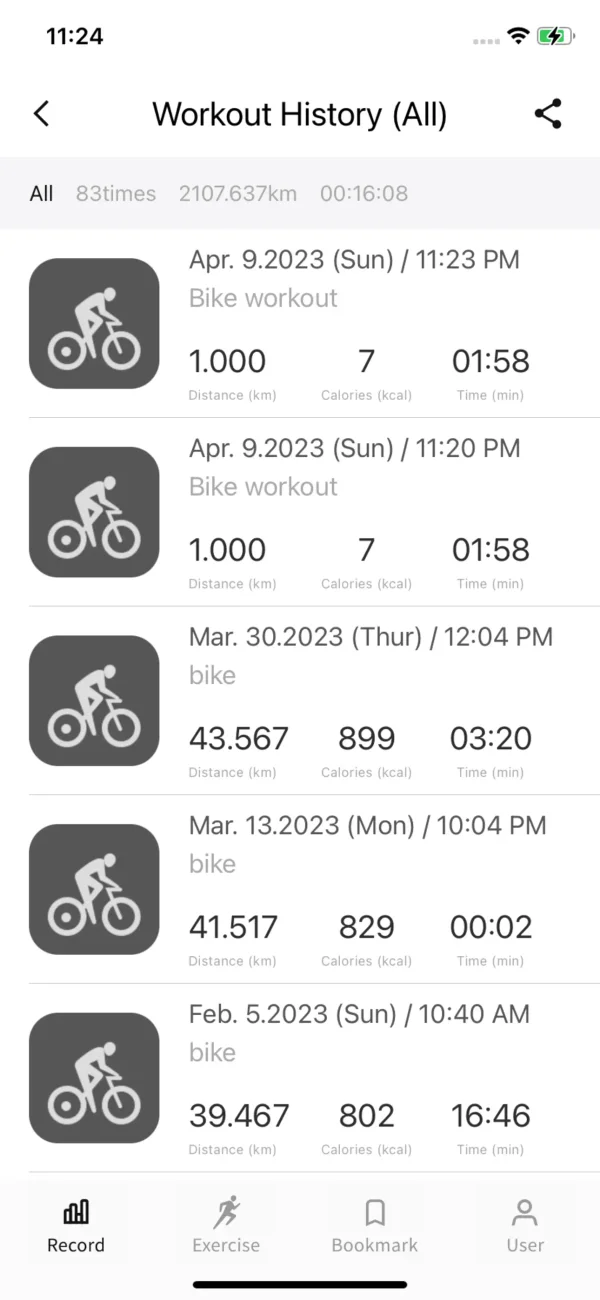
5. Workout History
* Analyze workout performed history to manage correct workout habits.
- Visualize(graph) workout history.
- Check the records(all, yearly, monthly, weekly) from the start date of workout to the present.
- Check the user's preferred (treadmill/bike/elliptical) workout.
- Check the workout name and workout location registered in the record. (Modification & change available)
- Share the user’s workout history (image or Excel document) with friends.
▷ Establish and practice a more beneficial workout plan by examining the workout history.
6. Bookmark
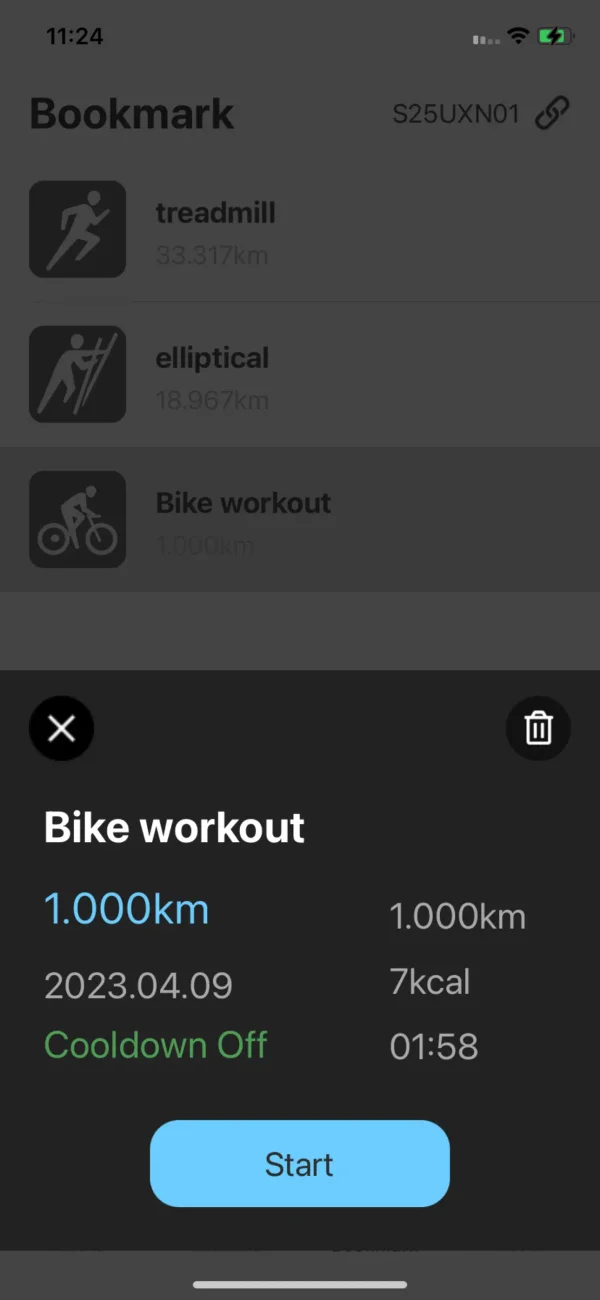
* User can reuse the workout settings satisfied with through the bookmark function.
- The user can save the goal types, set values, and cooldown settings in the goal setting workout.
- User can save up to 50 settings as bookmarks.
▷ Take advantage of the workout settings bookmark function.
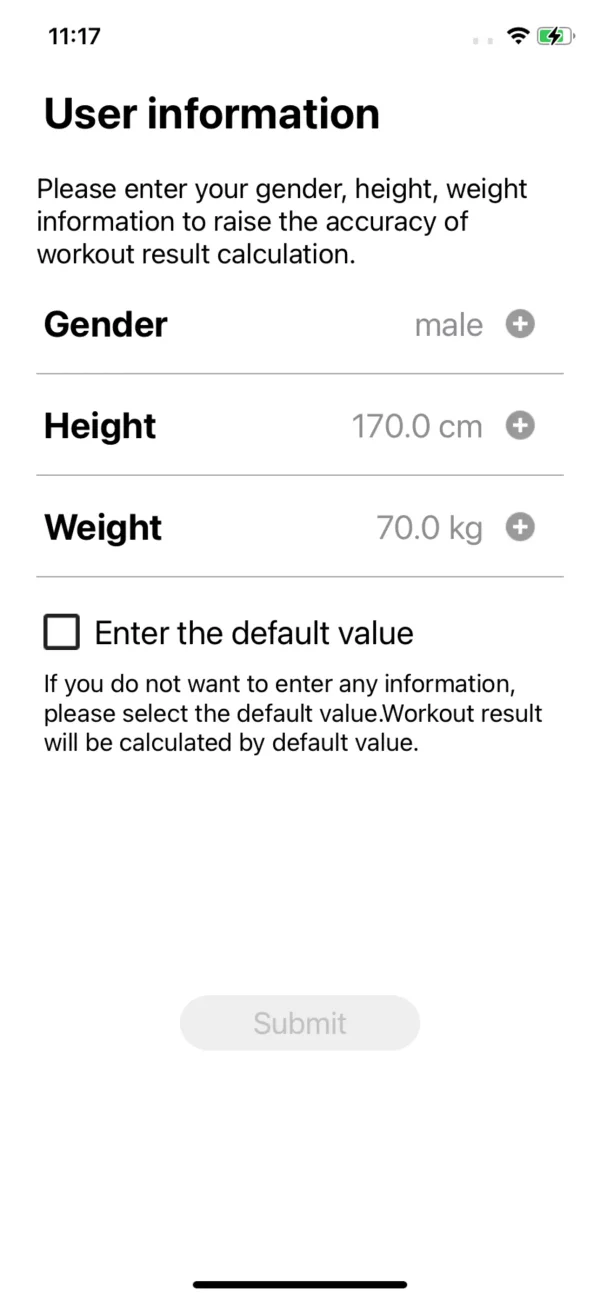
7. Personal information & Setting.
* Manage the workout records, bookmark data, Etc, and receive customer support services.
- If there are any questions while using STEX Sync, please use the Help & feedback tab.
- User can back up and restore workout history and bookmark data to the smartphone's internal storage.
- User can reset STEX Sync. (workout history, bookmarks, user information)
▷ If there are any questions, please contact us through the ‘Help & feedback’ menu.
We will do our best to provide a better user environment and experience.
[Permission required]
- Location access permission
→ required to scan a pairable STEX machine while using the app.
- Camera access permission
→ required to scan the QR code affixed to the STEX machine.
新機能
バージョン 2.1 · 2025/6/8
- Fix bugs and improve features
アプリのプライバシー
このアプリのデータの取り扱いについて、태하메카트로닉스(주)がApp Storeで申告している内容です。
-
データの収集なし
開発元はこのアプリからデータを収集しません。
プライバシーの取り扱いは、ご利用の機能やお客様の年齢などに応じて異なる場合があります。
情報
- 販売元
- Taeha Mechatronics Co., Ltd.
- カテゴリ
- ヘルスケア/フィットネス
- バージョン
- 2.1
- 更新日
- 2025/6/8
- リリース
- 2023/4/9
- サイズ
- 18.1 MB
- 必要条件
- iOS 12.0以降
- 対象年齢
- 4+
- 価格
- 無料
- 言語
- 英語, 韓国語
- 著作権
- © Taeha Mechatronics Co., Ltd