- 対象年齢4+
- カテゴリユーティリティ
- 開発元Dentagram
- 言語英語ほか1言語
- サイズ1.3 MB
App Storeの公式ページにリンクしています
Download.orgはSTL Workshopのファイルを一切ホストしていません。ボタンを押すと、Dentagramが公開しているApp Storeのアプリページが開きます。ページの最終確認:2026/11/12。
スクリーンショット
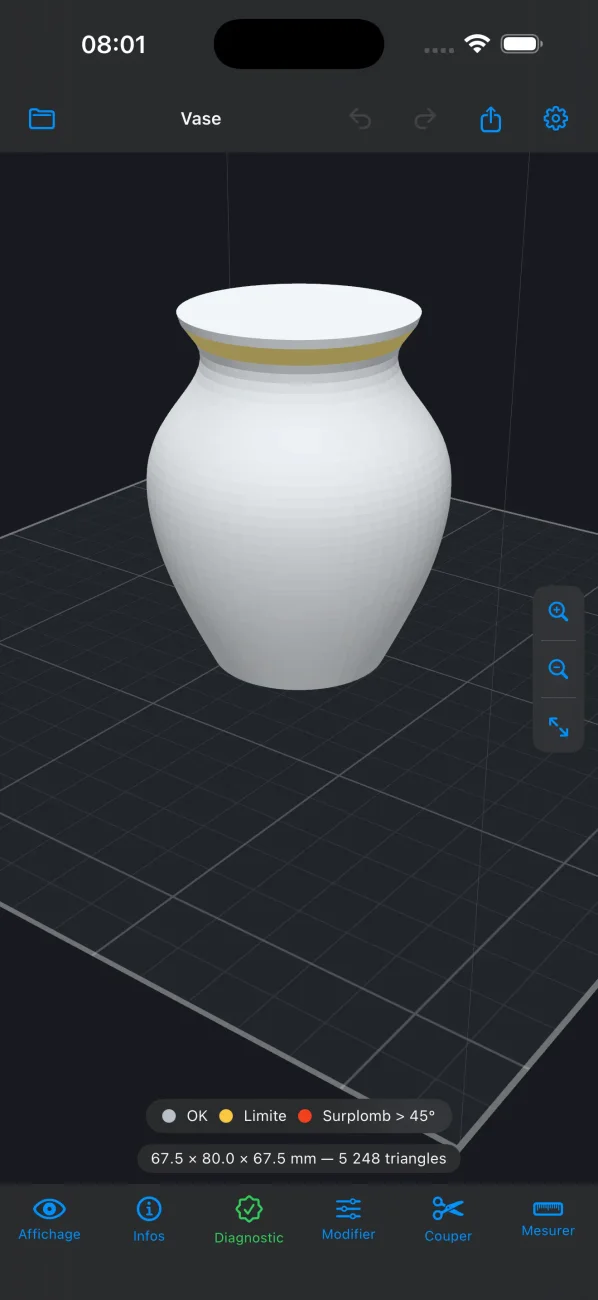
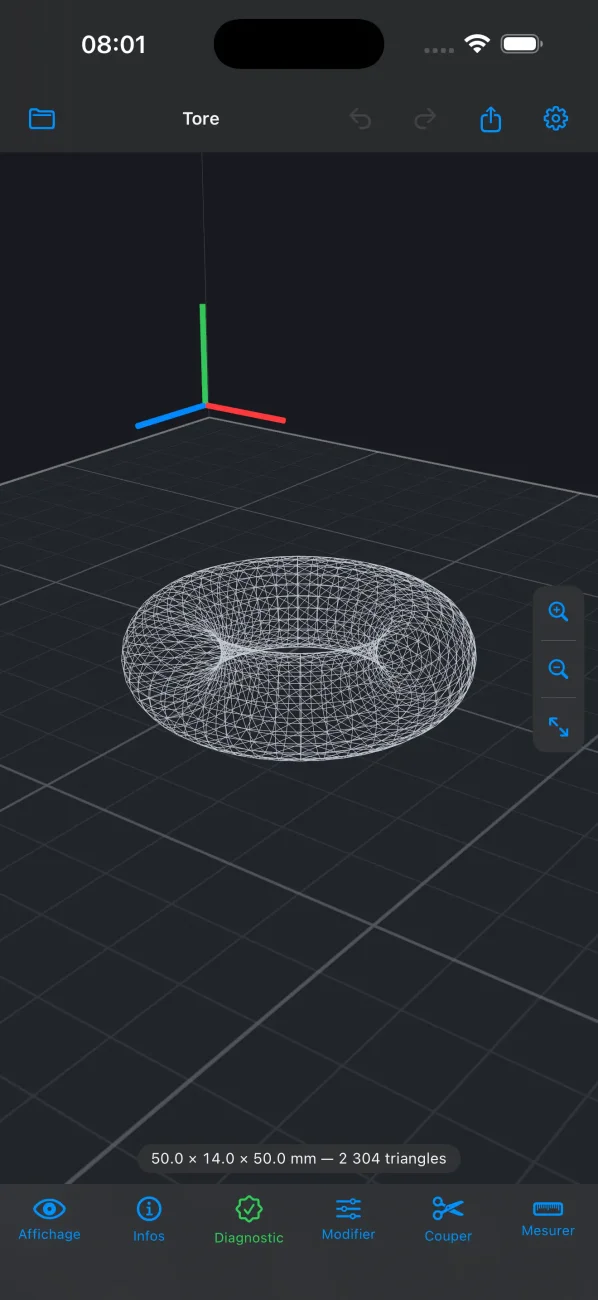


概要
開発元はこのテキストをお使いの言語で提供していません。
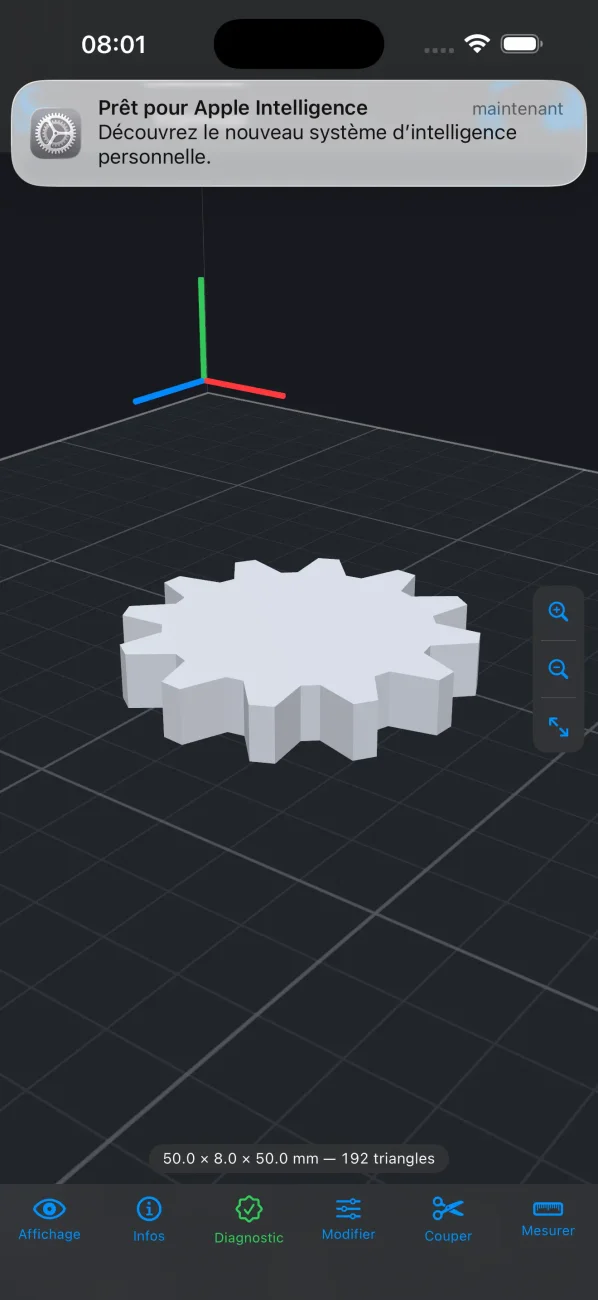
STL Workshop is a 3D model viewer and editor built for 3D printing.
IMPORT
• STL (binary, ASCII, colors), OBJ, PLY, 3MF, USDZ
• From Files, Mail, AirDrop — open any model in seconds
VIEW
• 7 render modes: shaded, edges, wireframe, x-ray, normals, overhangs, wall thickness
• Interactive section cut, layer preview, exploded view
• Studio and HDR lighting, realistic materials
ANALYZE
• Full diagnostics: watertightness, manifold topology, normals, shells
• Dimensions, volume, surface, weight and cost by material and infill
• Estimated print time, bed stability, center of gravity
• Precise measurements: distance, angle, diameter
PREPARE
• Automatic repair: filled holes, fixed normals, removed debris
• Auto-orientation minimizing overhangs on import
• Scale, rotate, mirror, lay flat, automatic base
• Hollowing with drain holes (resin), drilling and booleans, embossed or engraved 3D text
• Grid duplication, predefined printer beds
EXPORT
• STL, OBJ, USDZ and augmented reality (AR Quick Look)
• HD transparent captures, 360° GIF
• Direct upload to OctoPrint or WebDAV servers
• Siri Shortcuts: convert to USDZ, repair an STL
Units in millimeters. No ads, no data collection.
アプリのプライバシー
このアプリのデータの取り扱いについて、DentagramがApp Storeで申告している内容です。
-
データの収集なし
開発元はこのアプリからデータを収集しません。
プライバシーの取り扱いは、ご利用の機能やお客様の年齢などに応じて異なる場合があります。
情報
- 販売元
- Dentagram
- カテゴリ
- ユーティリティ
- バージョン
- 1.0
- 更新日
- 2026/7/23
- リリース
- 2026/7/23
- サイズ
- 1.3 MB
- 必要条件
- iOS 16.0以降
- 対象年齢
- 4+
- 価格
- 無料
- 言語
- 英語, フランス語
- 著作権
- © 2026 Etienne Boulenger