- 対象年齢17+
- カテゴリユーティリティ
- 開発元Alexander Clauss
- 言語英語ほか1言語
- サイズ7.7 MB
App Storeの公式ページにリンクしています
Download.orgはStrikodoのファイルを一切ホストしていません。ボタンを押すと、Alexander Claussが公開しているApp Storeのアプリページが開きます。ページの最終確認:2026/11/17。
スクリーンショット




概要
開発元はこのテキストをお使いの言語で提供していません。
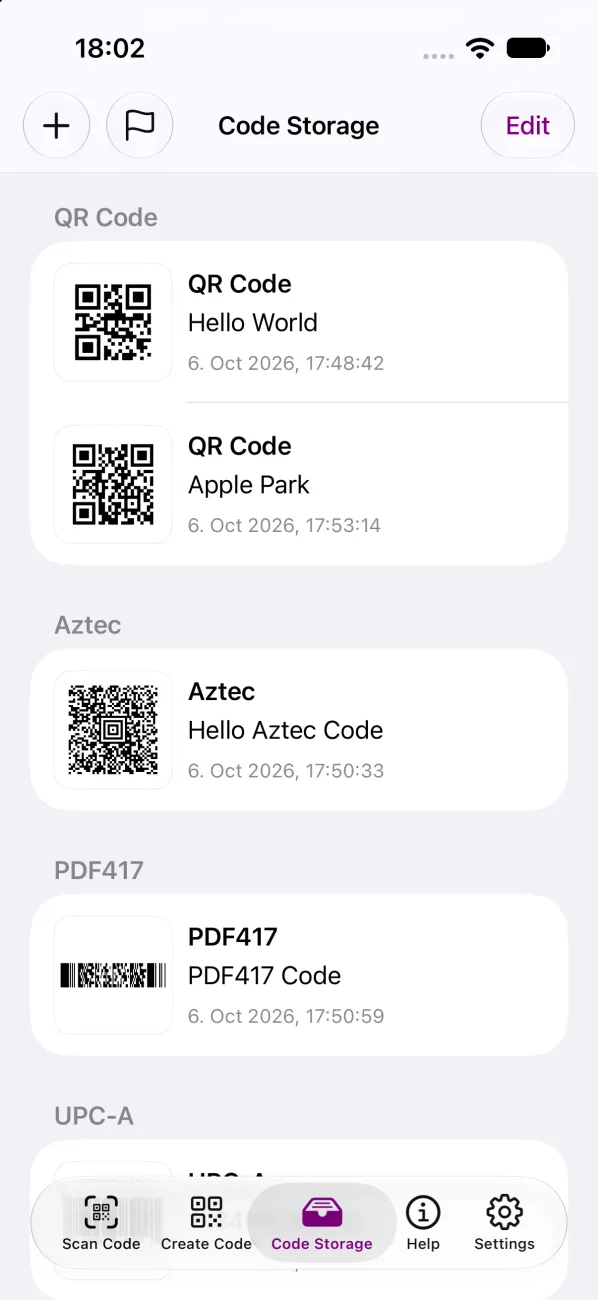
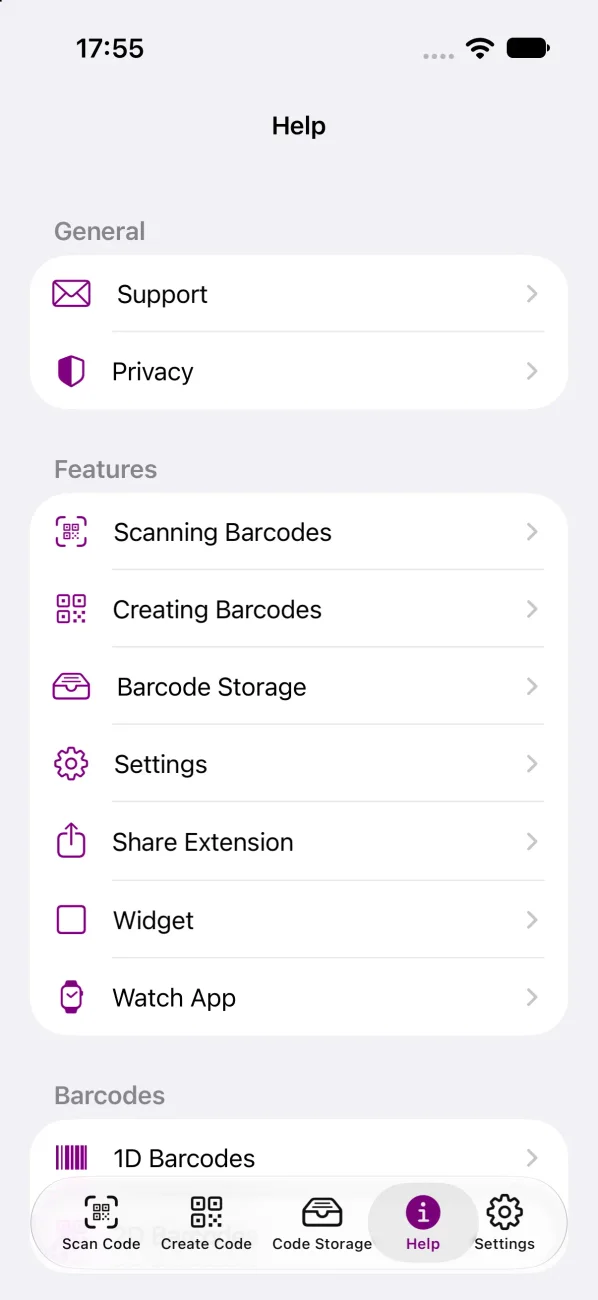
Strikodo is an App to scan barcodes and to create those. It supports a large number of barcode types and supports a large variety of content types that can be encoded within these barcodes.
SCAN BARCODES
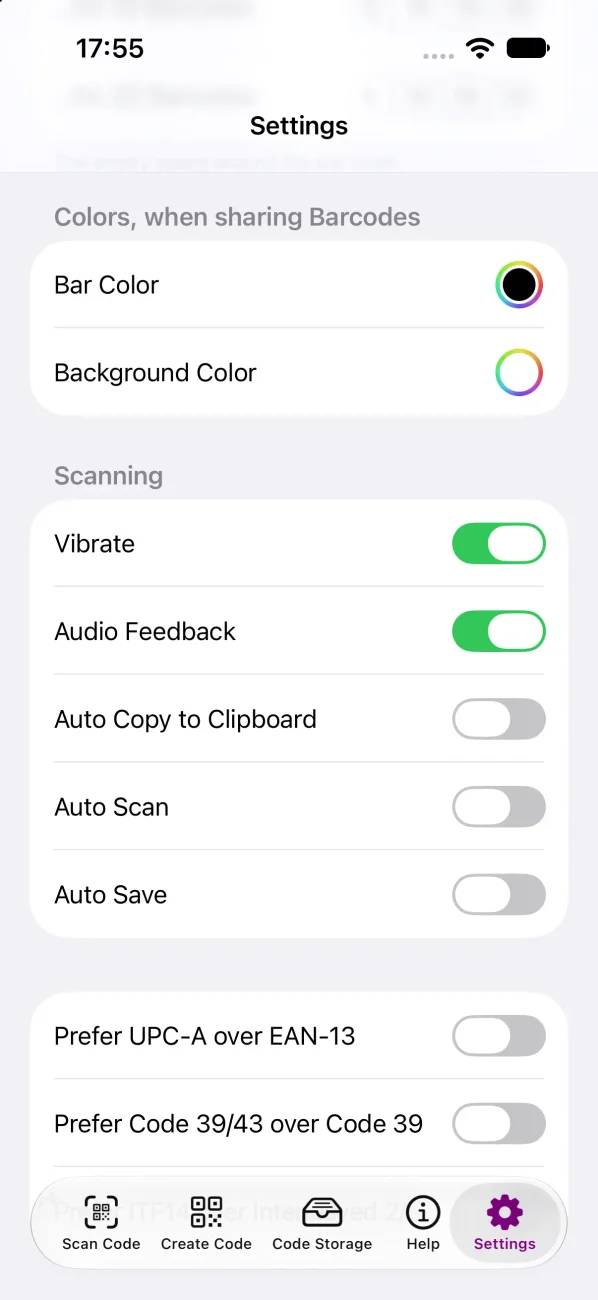
Scanning barcodes can be done using the built-in camera (torch and the different lenses are supported as well), but you can also scan photos for barcodes. The App supports manual scanning but also automatic scanning to scan a large number of barcodes very fast.
Scanned barcodes can be saved within the App, so you can open them anytime later again, edit them, share its content, process its content etc.
CREATE BARCODES
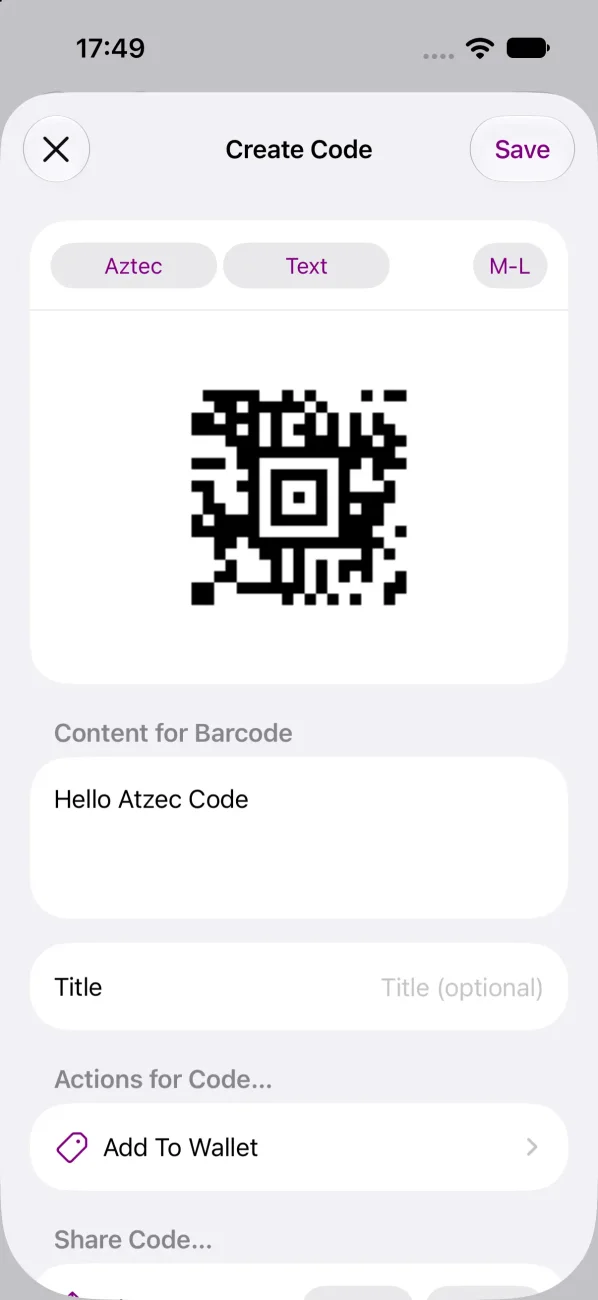
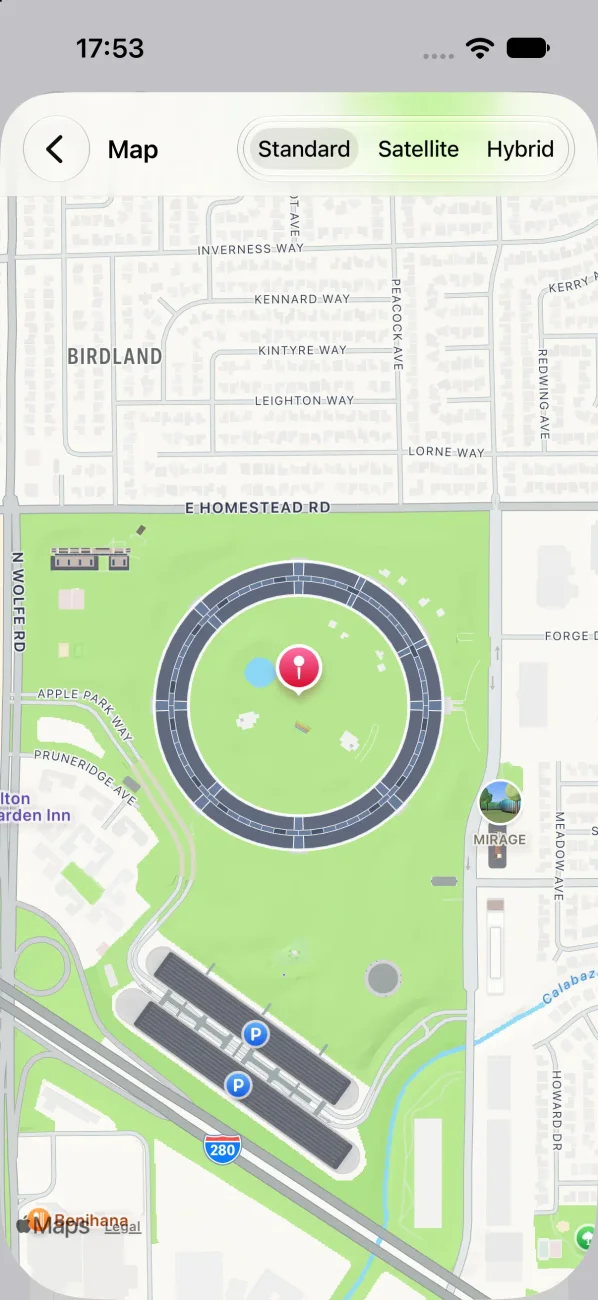
Creating barcodes is very intuitive, easy and fast. You just pick the type of barcode you want to create, its type of content and then either enter the content or pick it from other sources (like the Contacts, a Map, etc). The barcode is updated "live" while entering or editing the content, so there're no additional steps required to actually get the resulting barcode.
The App makes it also possible to create barcodes from within other Apps, without leaving these Apps. All that is required would be to use the "Sharing" feature of these other Apps and then pick "Strikodo" from the Sharesheet. This will directly create a barcode from the shared data (for example any text, a web link, a location from the Maps Apps, a contact from the Contacts App, etc.), which then can be saved within Strikodo and shared again.
Depending of the content that is encoded in the barcodes, Strikodo provides a large number of actions you can apply on this content. This can be a simple product search, but also opening a link in a browser, sending E-Mails or messages, making a phone call, show a location on a Map and much more.
APPLE WATCH
The saved barcodes can be also made available on the Apple Watch, so you can have access to these barcodes even if you don't have the iPhone with you. Even the watch is able to execute certain actions based on the content of the barcodes (like making phone calls, sending messages, show a location on a map)
WIDGET
The saved barcodes can be also added to the home screen as Widget, so these are accessible immediately without the need to launch the App first (iOS 14 and later).
PRIVACY
The App respects your privacy. Scanning and creating barcodes happens on the device itself, no data is leaving the device, no internet connection is required. There's no tracking, no ads, no hidden costs, no subscription.
DETAILS
The following bar code types are support (both for scanning and creating):
- QR Code
- Aztec Code
- Data Matrix
- PDF-417
- UPC-A
- UPC-E
- EAN-8
- EAN-13
- ITF-14
- Interleaved 2/5
- Code 39
- Code 39/43
- Code 93
- Code 128
The following content types are supported (depending of the barcode type):
- Sequence of digits (simple Barcodes)
- Text
- WLAN Hotspots
- Web addresses
- Contacts (VCard, MeCard)
- Events
- Phone numbers
- SMS numbers
- E-Mail adresses
- Geo coordinates
The following actions can be applied (depending of the barcode content):
- Product search
- Display a location or address on a map
- Save addresses in the Contacts
- Save events on the Calendar
- Make phone calls
- Send Messages/SMS
- Send E-Mails
- Join WLAN networks
- Open Web sites
The following sharing options are available (for the barcode graphic and the content):
- Share via ShareSheet
- Send by E-Mail
- Send via Message/SMS
- Copy to Clipboard
- Save in Album
- Print the Barcode
新機能
バージョン 2.0.1 · 2026/10/17
Fixes an issue where the scanner mistreated a few QR codes as "binary" data
アプリのプライバシー
このアプリのデータの取り扱いについて、Alexander ClaussがApp Storeで申告している内容です。
-
データの収集なし
開発元はこのアプリからデータを収集しません。
プライバシーの取り扱いは、ご利用の機能やお客様の年齢などに応じて異なる場合があります。
情報
- 販売元
- Alexander Clauss
- カテゴリ
- ユーティリティ
- バージョン
- 2.0.1
- 更新日
- 2026/10/17
- リリース
- 2021/6/8
- サイズ
- 7.7 MB
- 必要条件
- iOS 15.0以降
- 対象年齢
- 17+
- 価格
- ¥300
- 言語
- 英語, ドイツ語
- 著作権
- © (c) 2026, Alexander Clauss