- 対象年齢4+
- カテゴリスポーツ
- 開発元David Hedden
- 言語英語
- サイズ1.9 MB
App Storeの公式ページにリンクしています
Download.orgはStroke Rate Stopwatchのファイルを一切ホストしていません。ボタンを押すと、David Heddenが公開しているApp Storeのアプリページが開きます。ページの最終確認:2026/11/15。
スクリーンショット

概要
開発元はこのテキストをお使いの言語で提供していません。
The stopwatch built for swim coaches. Time every lap, count every stroke and take stroke rates, all from big buttons that forgive your terrible thumb aim. No account, no ads and no tracking.
TIMING
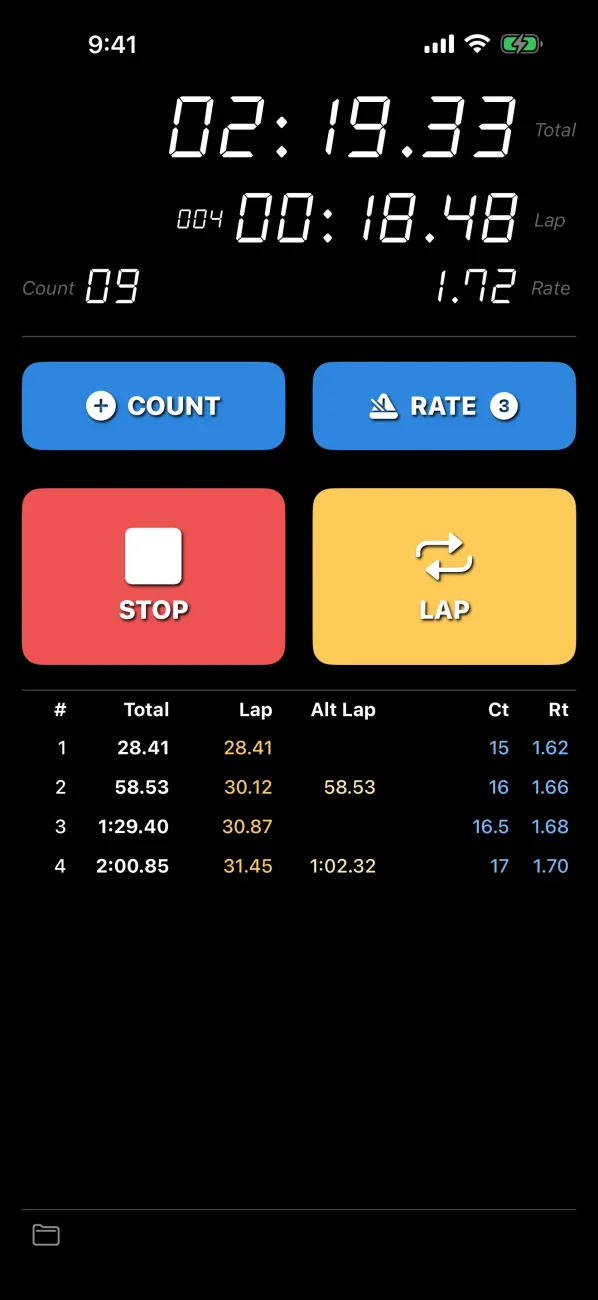
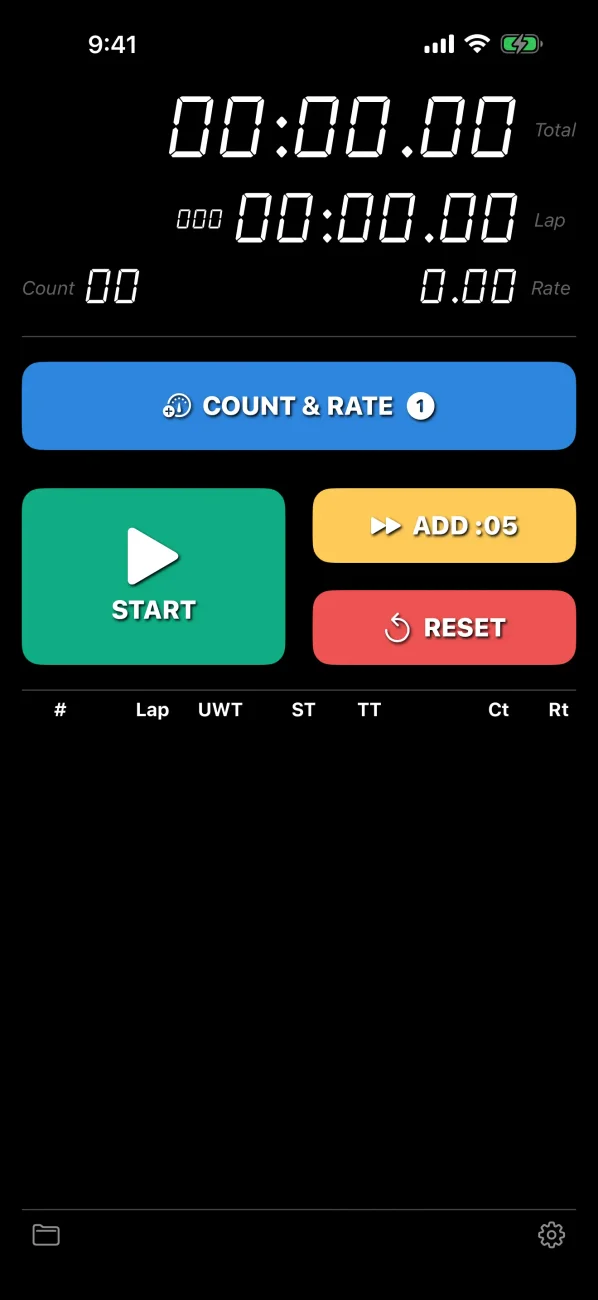
- Big buttons you can hit without looking, with haptics you choose button by button.
- Count Button for stroke counts on each lap, nudge by half strokes or enter half stroke mode with quick taps.
- Rate Button for stroke rate. The median rate of each lap shows in the lap list; tap a lap to see every rate taken. Count 1, 2 or 3 cycles, and see seconds per cycle or cycles per minute.
- Alt Lap adds the last two splits for you: take 50s and see the 100s, or take 25s and see the 50s.
- Miss the start? Tap Add :05 a couple times, then start in sync with the scoreboard clock.
ADVANCED STATS MODE
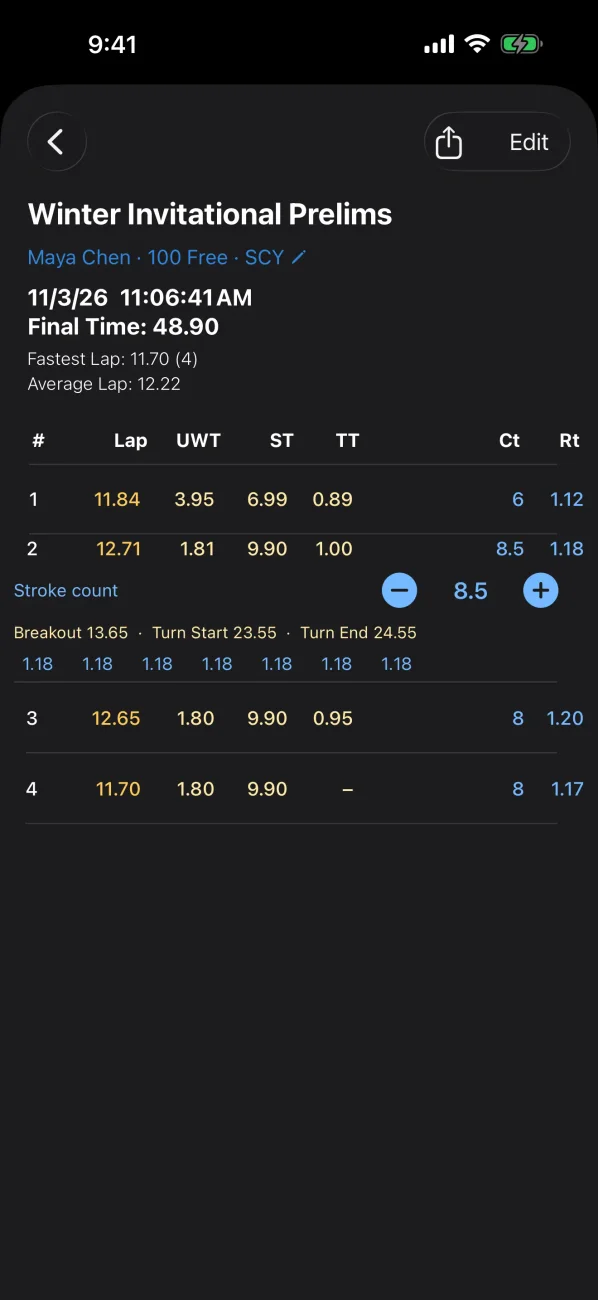
Using one button, mark the breakout, turn start and turn end to capture underwater time, swim time and turn times for each lap, in addition to the stroke count/stroke rate button. Missed a mark? Hold to skip it, or fix it afterwards.
SAVED RACES
- Save a race, then add the swimmer, event and course (SCY, SCM, LCM).
- Search by swimmer, event, course or name. Several words work together, like "jane 100 free".
- Change any lap's stroke count in half-stroke steps, before or after saving.
- Backed up to your private iCloud account when you are signed in.
SHARE AND EXPORT
- Share a race as a PDF or a spreadsheet (CSV).
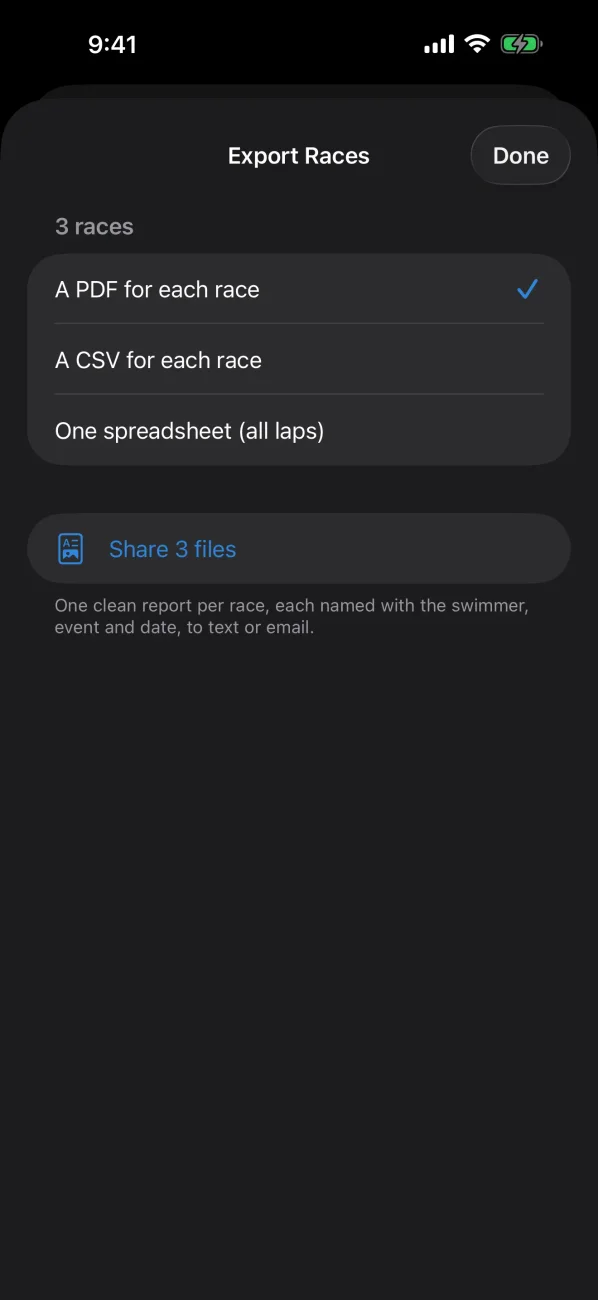
- Export several races at once: a PDF for each, a CSV for each, or one spreadsheet with every lap of every race.
NEVER LOSE A RACE
- If the app closes before you save, it offers to resume your race, and a running clock keeps counting.
- If you accidentally stop the watch, you can press resume and never skip a beat.
- The screen stays on while you time.
START FAST
- A Live Activity shows your time on the Lock Screen and in the Dynamic Island.
- Start the stopwatch from Control Center, the Lock Screen or the Action Button, or say "Start the stopwatch in Rate Watch" to Siri.
Questions or ideas? Email the developer from the support page.
新機能
バージョン 2.4 · 2026/11/7
New in 2.4
- RESUME: tapped STOP too soon, or the swimmer touched the wall and kept swimming? STOP now turns into RESUME, and the clock carries on as if it was never stopped. You choose whether to keep the lap that STOP recorded or remove it.
- Refreshed Settings and Saved Races screens, with built-in search and a clearer race list that shows each race's final time.
- A plain black launch screen so the app opens faster-feeling.
- Cycles to Count now defaults to 1 for new installs.
アプリのプライバシー
このアプリのデータの取り扱いについて、David HeddenがApp Storeで申告している内容です。
-
データの収集なし
開発元はこのアプリからデータを収集しません。
プライバシーの取り扱いは、ご利用の機能やお客様の年齢などに応じて異なる場合があります。
情報
- 販売元
- David Hedden
- カテゴリ
- スポーツ
- バージョン
- 2.4
- 更新日
- 2026/11/7
- リリース
- 2021/4/18
- サイズ
- 1.9 MB
- 必要条件
- iOS 18.0以降
- 対象年齢
- 4+
- 価格
- 無料
- 言語
- 英語
- 著作権
- © 2020 David Hedden