
- 対象年齢4+
- カテゴリ仕事効率化
- 開発元Dipen Patel
- 言語英語
- サイズ24.5 MB
App Storeの公式ページにリンクしています
Download.orgはStudioDBのファイルを一切ホストしていません。ボタンを押すと、Dipen Patelが公開しているApp Storeのアプリページが開きます。ページの最終確認:2026/11/15。
スクリーンショット

概要
開発元はこのテキストをお使いの言語で提供していません。
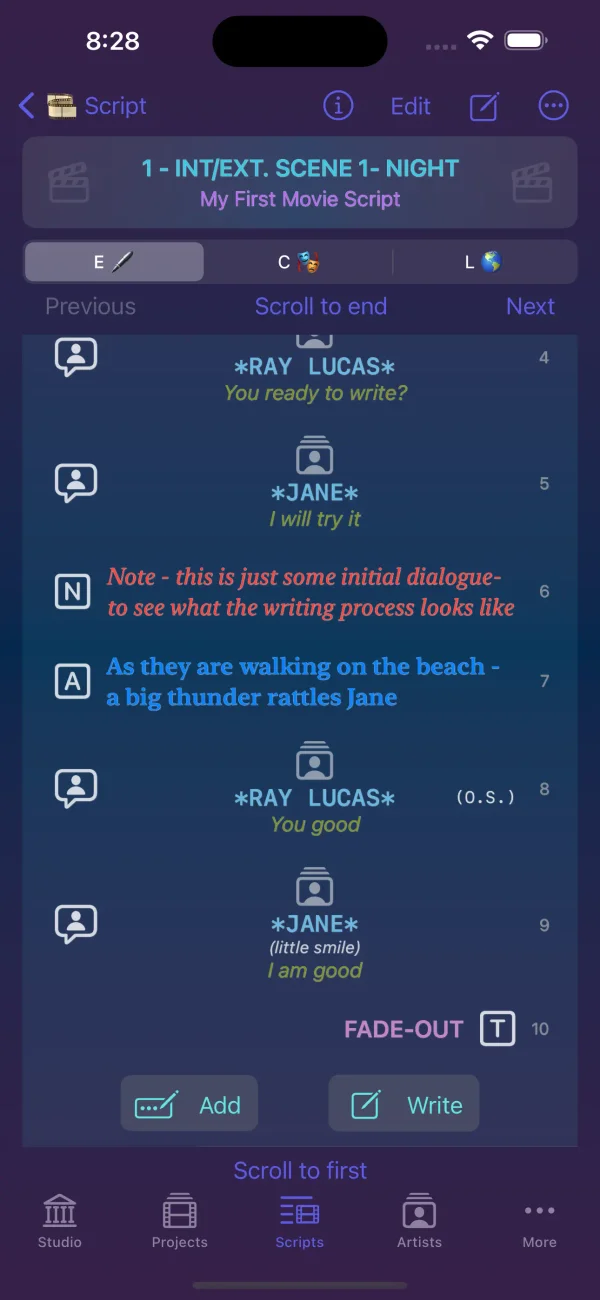
With StudioDB app you can create, edit or read your Scripts anywhere anytime on the palms of your hands.
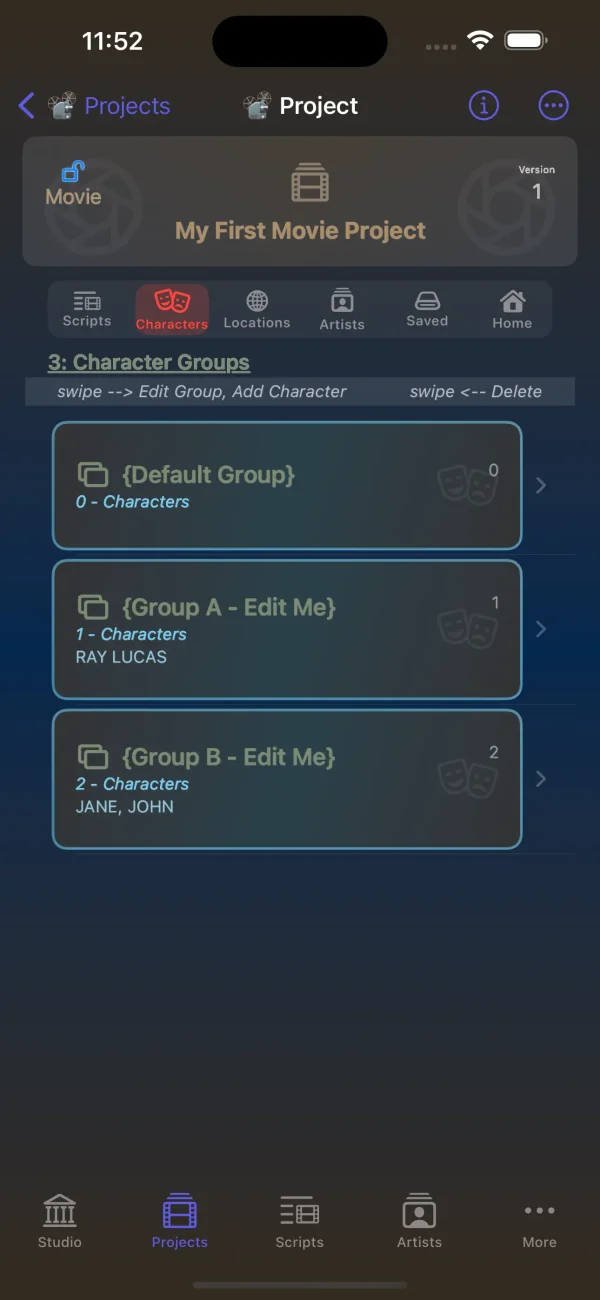
Will allow you to cast your Characters , define Locations for your Scenes - give you a unique point of view of your characters – where you will be able to read/control/edit Scenes for Scripts where an individual Character can exist from the Project and Scripts Character Options.
It has an Object Oriented concept in writing Scripts that gives you a new and fresh interface in writing Scripts. Every aspect of writing a Script is considered an Object from the highest level (Projects) to the lowest level (Elements - Action, Dialogue, etc..)
Objects that can be analyzed, copied, moved, imported, exported, etc…
Example:
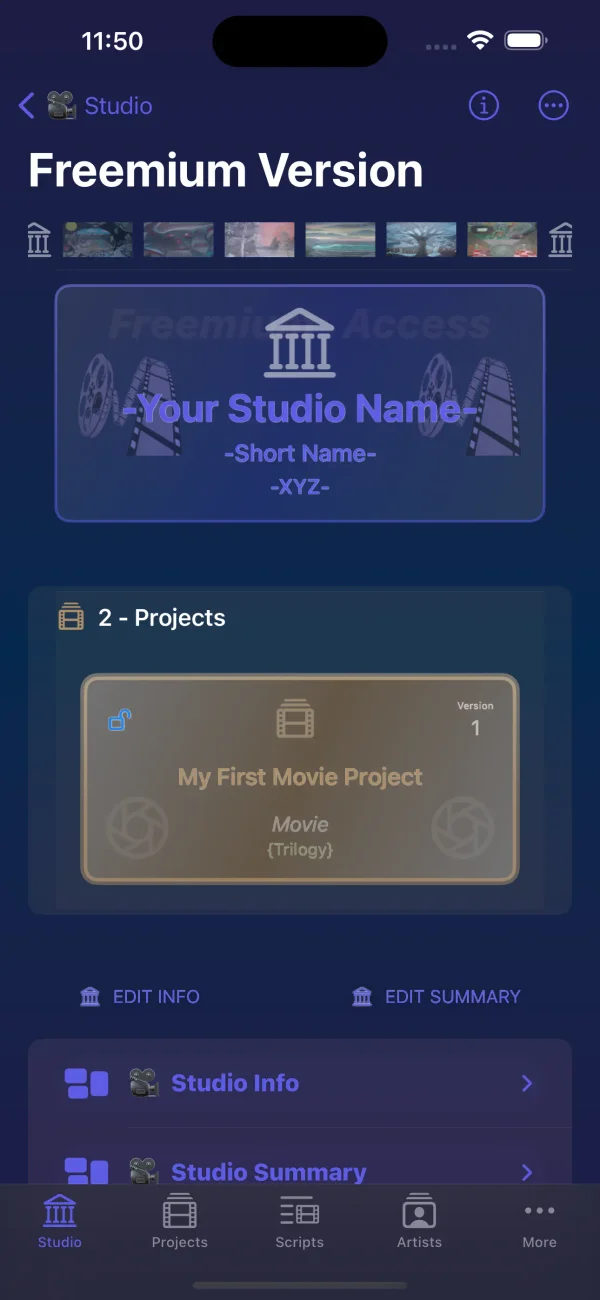
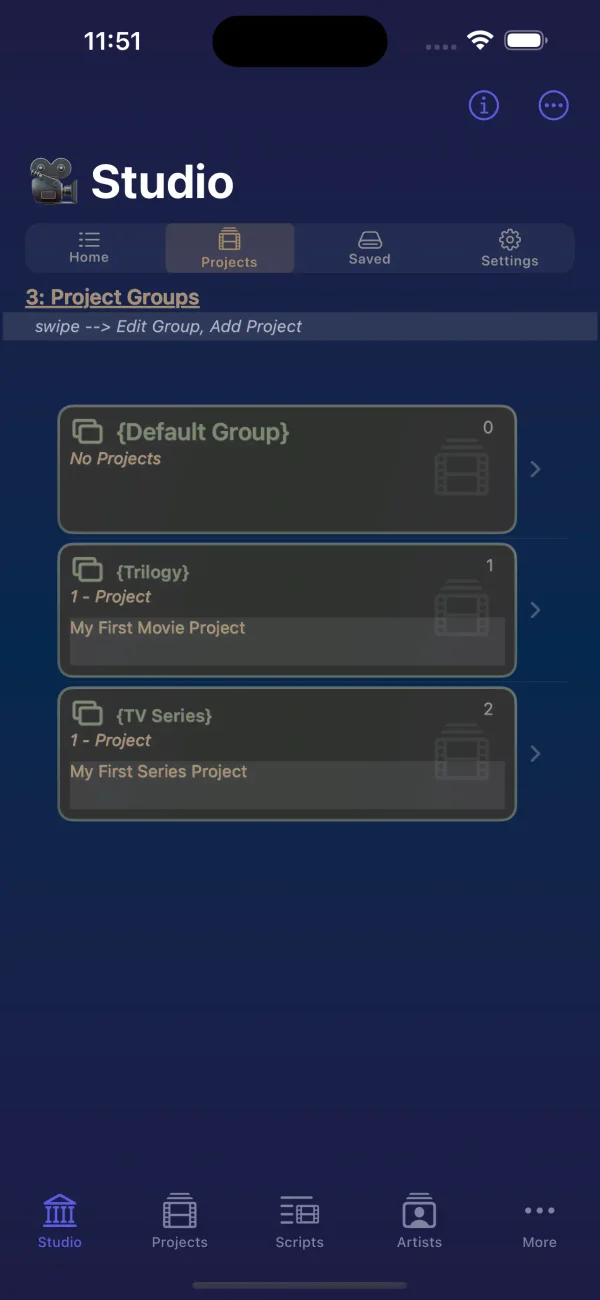
Project Object – contains Scripts, Characters, Locations, Artists, etc… Objects
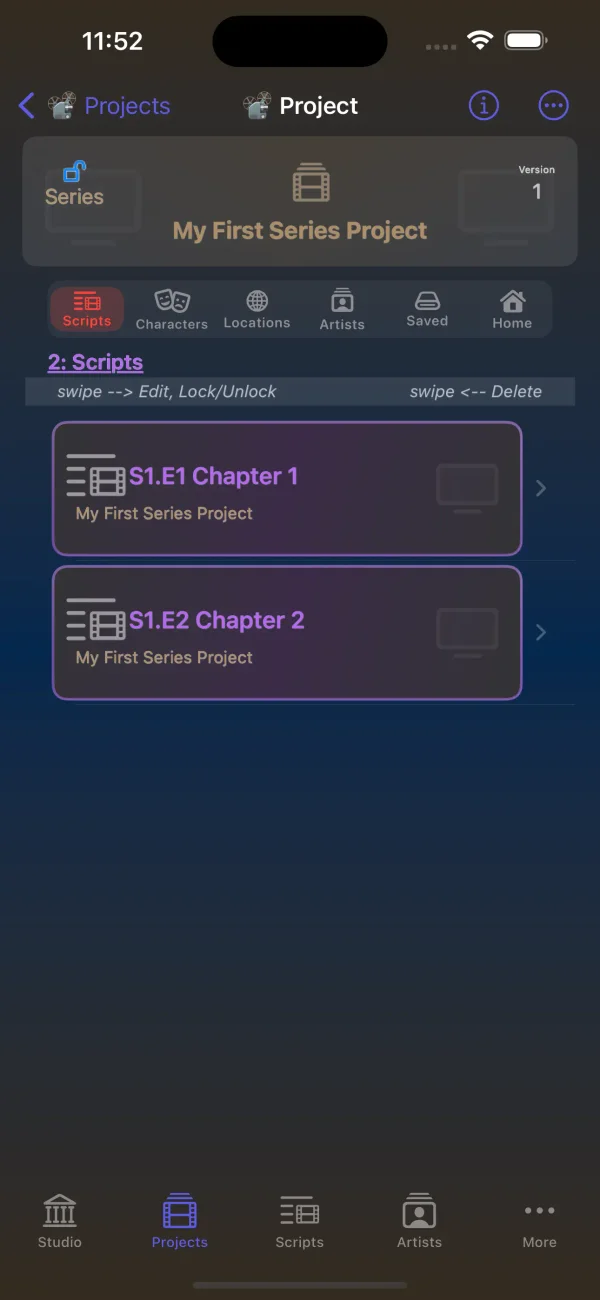
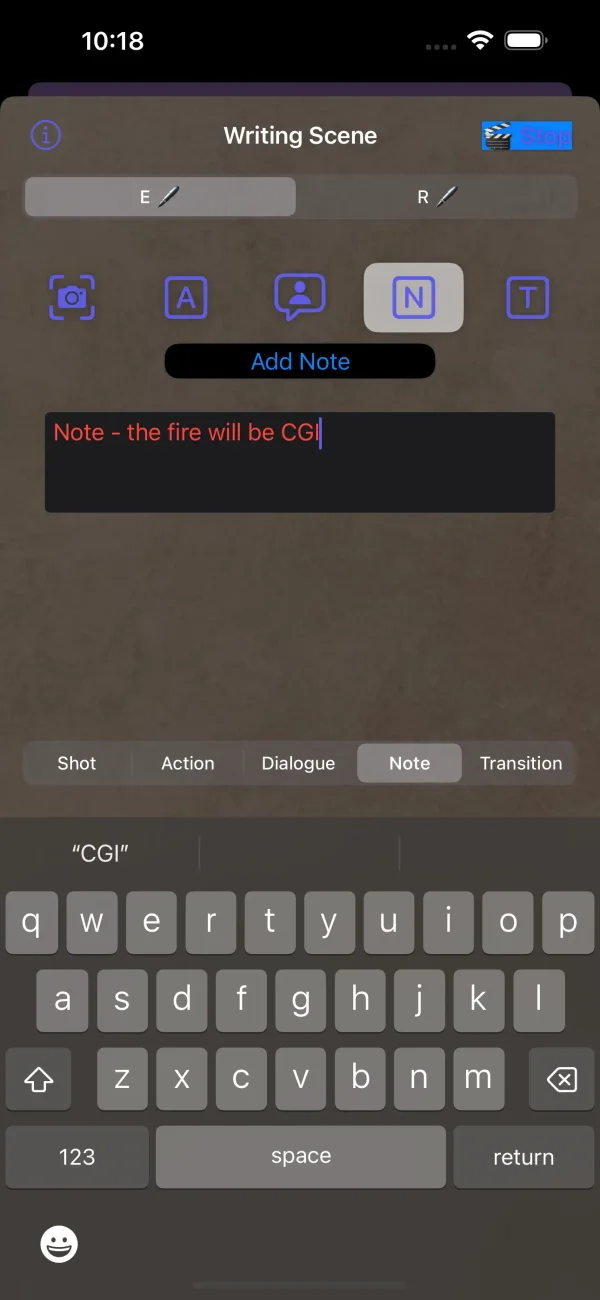
Script Object – contains Scenes, Elements (Action-Dialogue-Shot-Transition-Note), Characters, XScript, etc… Objects
This concept in writing Scripts – creates a unique interface in bringing your imagination/Story to your Scripts. StudioDB will let you cast your Characters– and as you read and write your story – the image of your Actor will be connected to your Characters.
You will be able to select an Image that identifies your Object (Project, Script or Artist)
Features:
* Projects/Scripts are stored in Apps Core Database - where all aspect of writing Scripts exist as an Object
* StudioDB Artist Data is fully user controlled on the content - which allows you to control what Artist (Actors) are available for your Projects which can be used to cast your Character
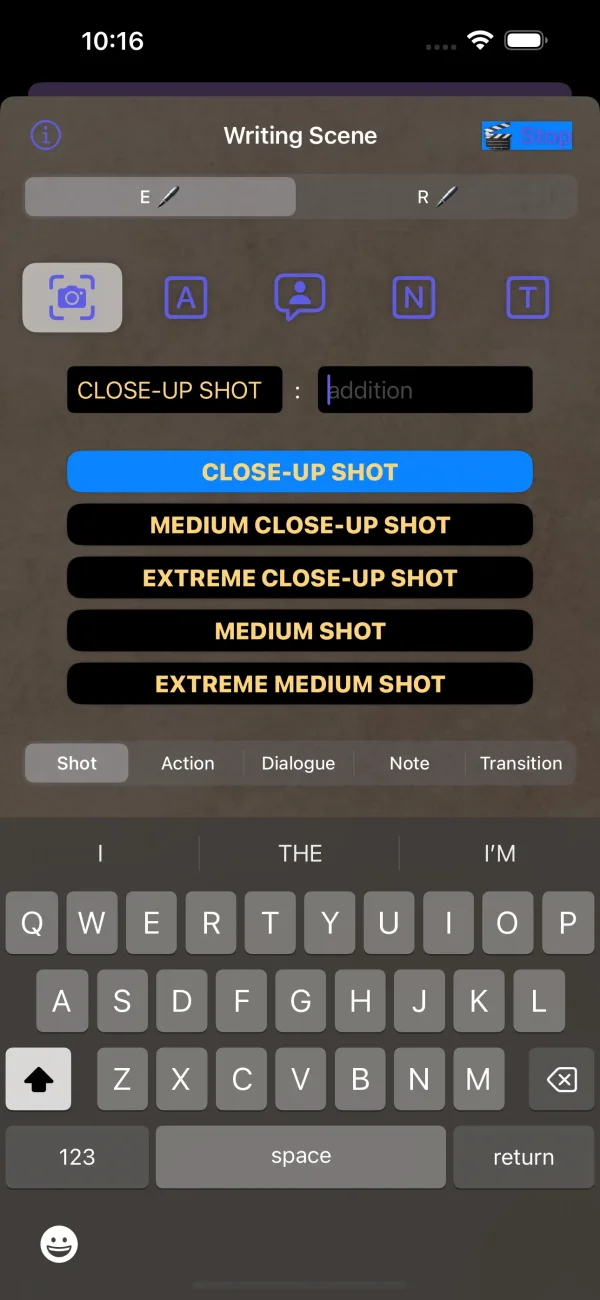
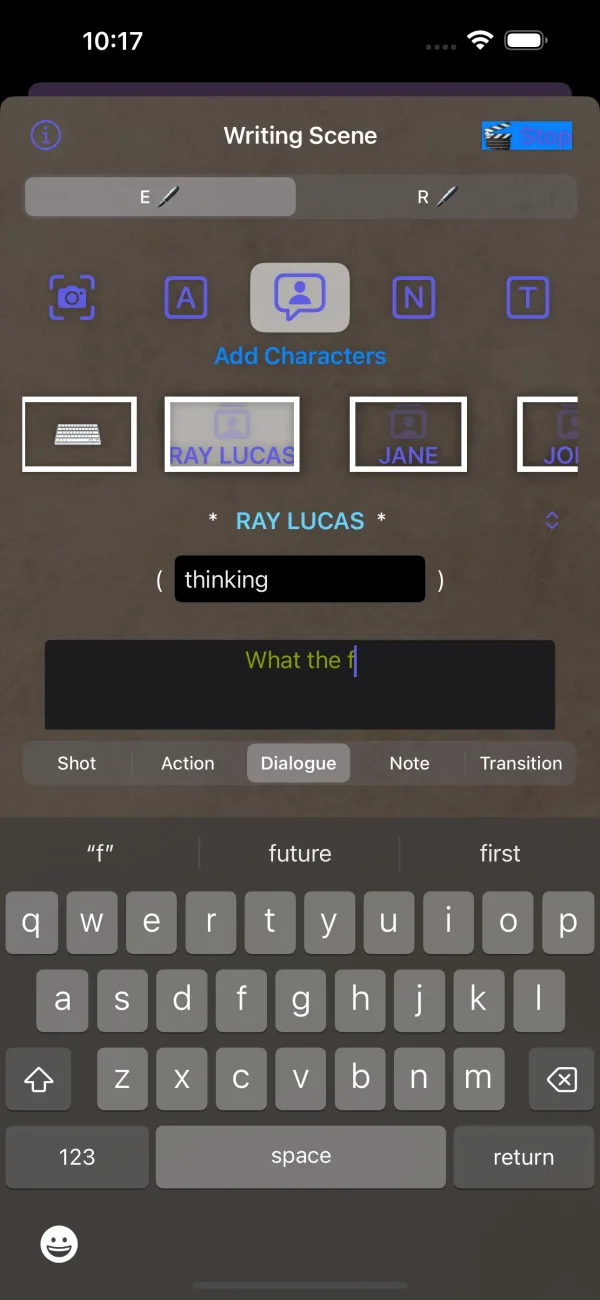
* Intelligent Element Options - When writing the Scenes
- Character Button to pick the Characters in the Dialogue & Scenes
- Auto check - typed Character name to see if they exist in Script Characters list - and linking it to the Scene and Dialogue
- Shot Button - to Select predefined/user customizable Shot options
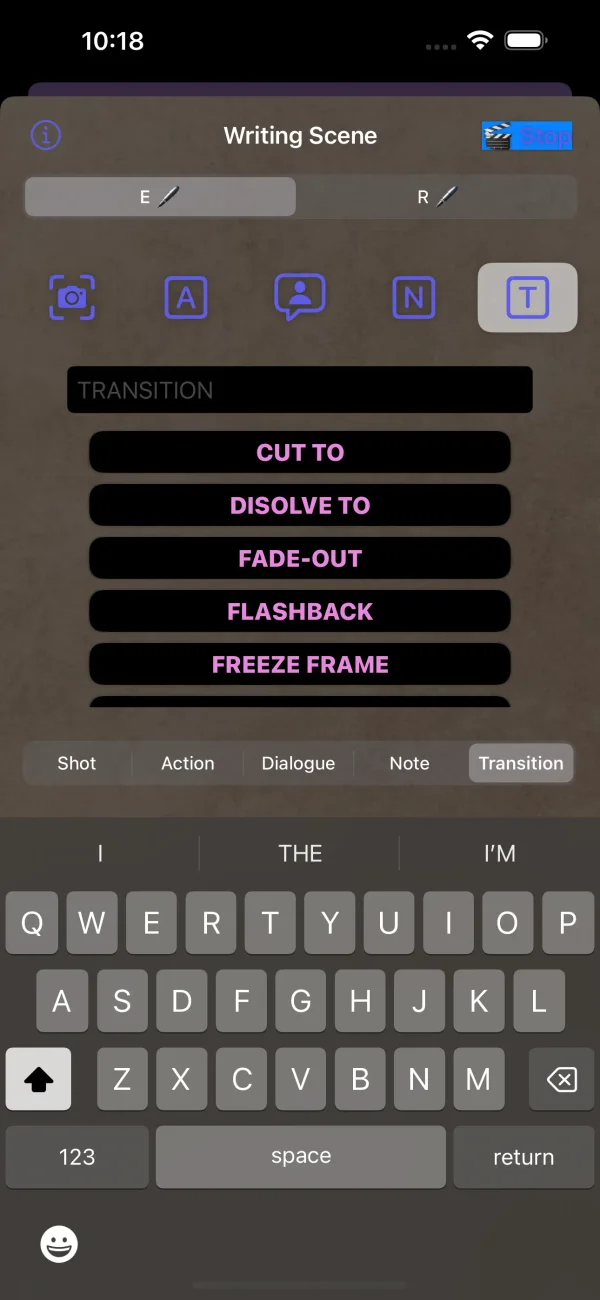
- Transition Button - to Select predefined/user customizable Transition Options
* Character Segment in Project Detail - allow you to view & edit all the Scripts the Character is associated within that Project
* Copy/Cut/Paste functionality on you Script Writing Objects (Characters, Scenes & Elements)
* Internal Clipboard for Characters, Locations, Scenes, Elements and saved XScripts - User Controlled and Maintained
* Import/Export your Projects, Scripts, Characters, Locations, Artists, etc.. by creating the Objects JSON file.
* Options to Generate Report, Color rtf PDF, B&W rtf PDF and JSON Files depending on the Object (Project, Script, Scene, Character, Location, etc..)
* Studio, Project, Script, Character, Location, Artist, Site Report File and Option to Share once File is generated.
* Create Read Only files to send to other App Users to import in their Read tab as Read Only Script
Version 2.0.0+. App will be Free to use. Full Access to all Functionality.
Privacy policy: https://www.x23apps.com/studiodb-privacypolicy
Terms of Use: https://www.apple.com/legal/internet-services/itunes/dev/stdeula/
新機能
バージョン 2.0.1 · 2026/6/5
2.0.1. Free Premium Version. Full Access. Minor fix to 2.0.0
Note - If downloaded Version 1.1 in iOS 26 - Please Delete old Version and Reload Version 2.0.1 Free Premium Version.
アプリのプライバシー
このアプリのデータの取り扱いについて、Dipen PatelがApp Storeで申告している内容です。
-
ユーザーに関連付けられたデータ
収集され、ユーザーの識別情報に関連付けられる場合があります。
- 購入
プライバシーの取り扱いは、ご利用の機能やお客様の年齢などに応じて異なる場合があります。
情報
- 販売元
- Dipen Patel
- カテゴリ
- 仕事効率化
- バージョン
- 2.0.1
- 更新日
- 2026/6/5
- リリース
- 2023/12/23
- サイズ
- 24.5 MB
- 必要条件
- iOS 17.0以降
- 対象年齢
- 4+
- 価格
- 無料
- アプリ内課金
- あり
- 言語
- 英語
- 著作権
- © 2012 Dipen Patel