- 対象年齢4+
- カテゴリ写真/ビデオ
- 開発元Kevin Manka
- 言語英語
- サイズ65.0 MB
App Storeの公式ページにリンクしています
Download.orgはSunbeam Editorのファイルを一切ホストしていません。ボタンを押すと、Kevin Mankaが公開しているApp Storeのアプリページが開きます。ページの最終確認:2026/11/18。
スクリーンショット




概要
開発元はこのテキストをお使いの言語で提供していません。
Create photos the world should see. Sunbeam is a mobile photo editor built to be intuitive, tactile, and private.
—
POWERFUL TOOLS IN THUMB'S REACH
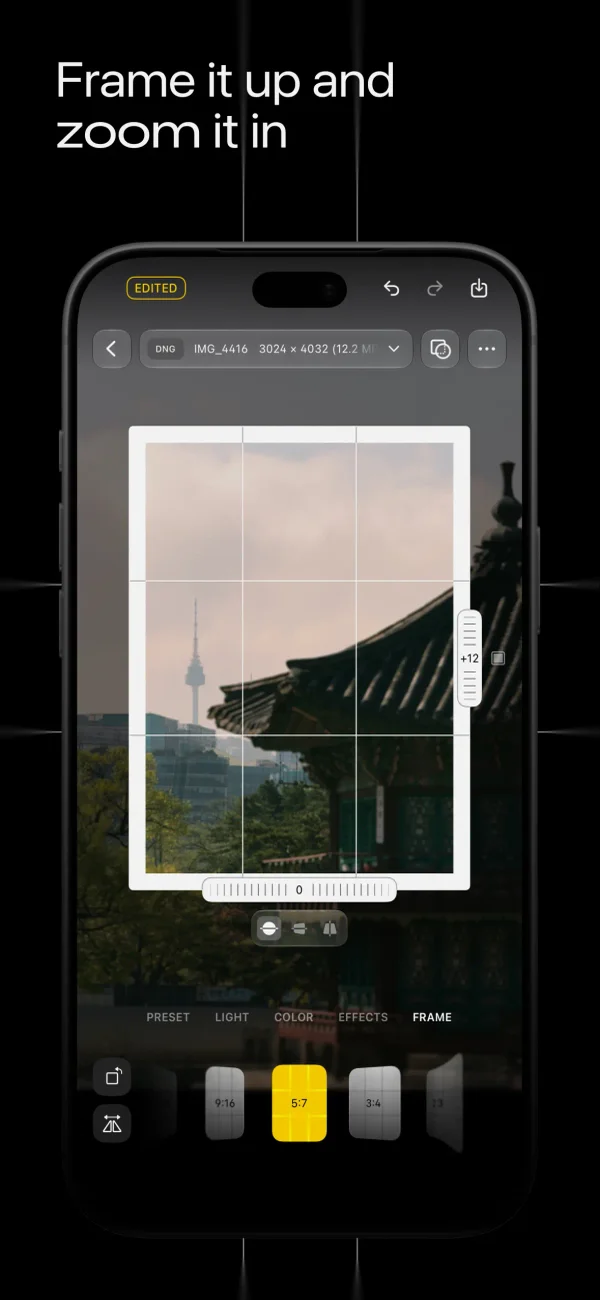
A fleet of tactile sliders lets you make refinements without needing to shift around or burrow into menus.
ADVANCED CAPABILITIES
Color grade, mix individual colors, apply film-like effects like grain and halation, adjust tone, and more.
REFOCUS
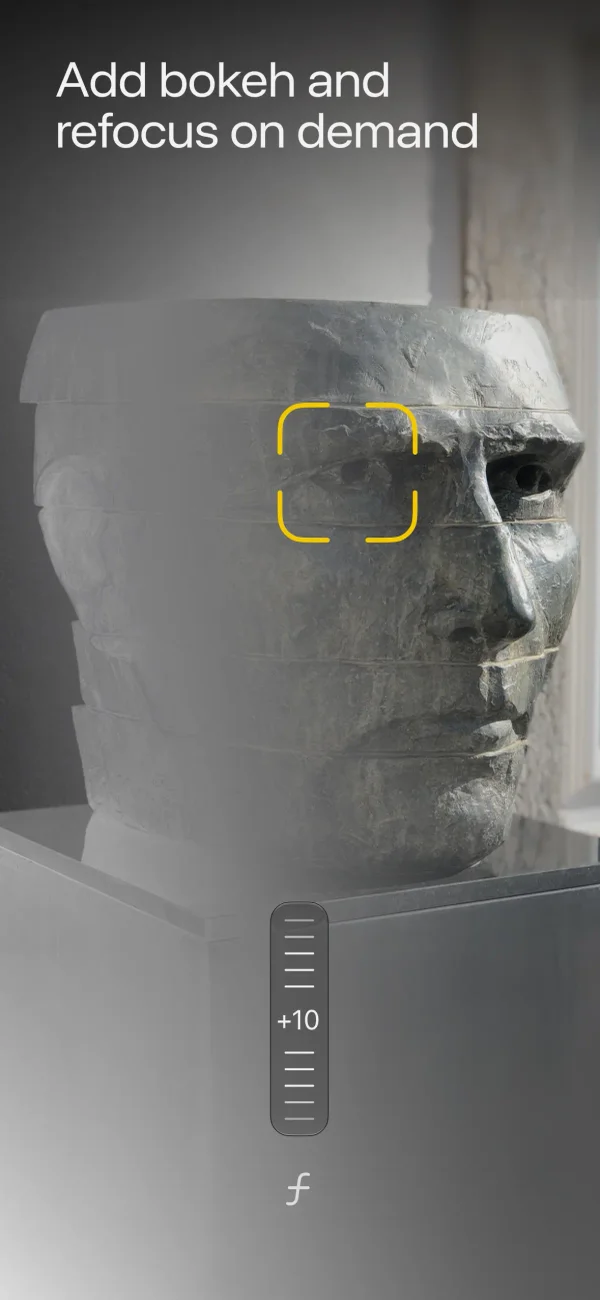
A powerful on-device depth model allows you to tap a subject and adjust focus and bokeh intensity on the fly for any photo in your library.
MAKE IT YOUR OWN
Save your own edits or import cinema-grade 3D LUTs as customizable presets.
PRESET CAROUSEL
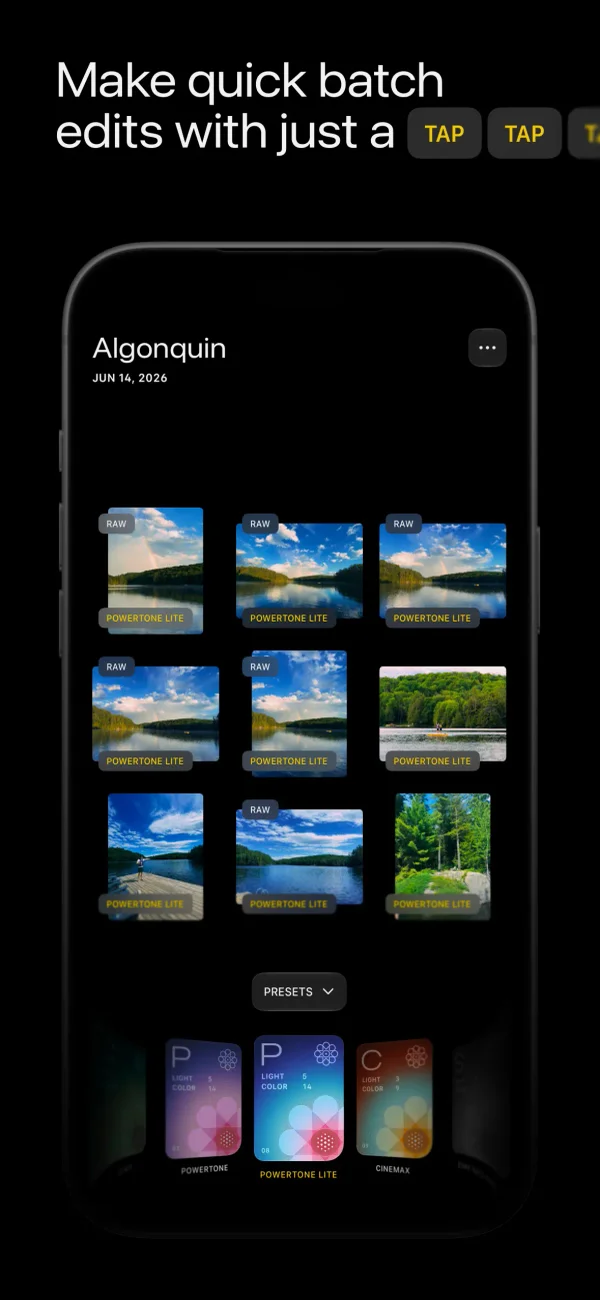
Find the right look by browsing presets that apply in real time as you scroll, and freely dial in the intensity once you've found the right one.
BATCH EDITS MADE EASY
Effortlessly apply presets across your library for quicker edits.
SMART MASKS
Automatically select a subject or region to make local adjustments.
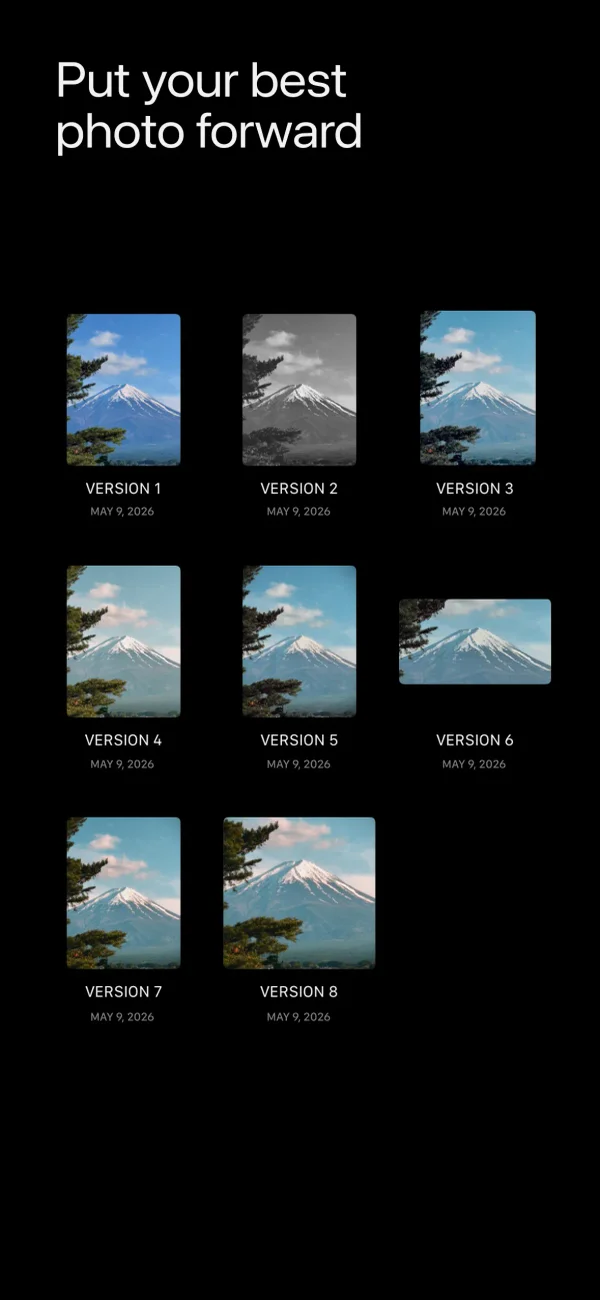
PUT YOUR BEST PHOTO FORWARD
Toggle between edited and original views. Undo up to 50 times, or completely revert changes non-destructively at any time. Explore parallel edits with separate versions of a photo.
EXPORT CONTROL
Independently manage the format, scale, and included metadata of each export in a batch, or apply all settings globally.
CLICKS, TICKS, THUMPS, AND POPS
Sunbeam takes cues from the physicality of hardware. These small details make the editing process feel deliberate and close at hand.
PRIVATE BY DESIGN
Editing and rendering happen on your device. Sunbeam requires no account and uses no analytics, advertising, or tracking. Your photos are never uploaded to any servers operated by Sunbeam.
GO INFINITE
Sunbeam's core editing tools are entirely free to use. An optional one-time Sunbeam Infinite purchase unlocks unlimited saved presets and 3D LUT imports, alternate versions, complete undo history, and full export controls.
新機能
バージョン 1.2.1 · 2026/10/30
Sunbeam v1.2 brings iPhone Duo support, among various other fixes and improvements.
_
[NEW] MADE FOR DUO
Bring your edits to the big screen with dynamic layouts that make the most of iPhone Duo.
[NEW] QUICK SAVE
Save edited photos directly to Photos with a single tap.
[NEW] IN-EDITOR NAVIGATION
Swipe between photos without ever leaving the editor.
[NEW] UPDATED PRESET CARDS
Preset cards now have a refined color palette with sunset-inspired radial gradients and at-a-glance information about the preset.
FIXES AND IMPROVEMENTS
- Faster library loading, smoother scrolling, and more responsive pinch gestures.
- Refined editor layouts, transitions, text sizing, and haptic feedback.
- Added an option to invert adjustment slider direction.
- Fixed rare library crashes and photo navigation issues.
アプリのプライバシー
このアプリのデータの取り扱いについて、Kevin MankaがApp Storeで申告している内容です。
-
データの収集なし
開発元はこのアプリからデータを収集しません。
プライバシーの取り扱いは、ご利用の機能やお客様の年齢などに応じて異なる場合があります。
情報
- 販売元
- Kevin Manka
- カテゴリ
- 写真/ビデオ
- バージョン
- 1.2.1
- 更新日
- 2026/10/30
- リリース
- 2026/8/11
- サイズ
- 65.0 MB
- 必要条件
- iOS 26.2以降
- 対象年齢
- 4+
- 価格
- 無料
- アプリ内課金
- あり
- 言語
- 英語
- 著作権
- © Kevin Manka
こちらもおすすめ
-
 CineCube: カラーグレーディング & LUTプロ動画・写真の映画風カラーマッチ
-
 NostaLens - Vintage Camera写真/ビデオ
-
 Sephalight写真/ビデオ
-
 Curtesi: Edit Photos & Retouch写真/ビデオ
-
 Umber - Film video camera写真/ビデオ
-
 Filmsera: 使い捨てカメラ・フィルムカメラ結婚式・二次会・パーティーの写真共有アルバム
-
 サイバーカメラAIが映画風に撮影
-
 CMRA - A Camera, Kept Simple写真/ビデオ
-
 EMST Camera写真/ビデオ
-
 Eightstop: RAW 現像・画質良くするアプリ画像修正・明るさ調整・人消す・背景ぼかし加工