- 対象年齢4+
- カテゴリライフスタイル
- 開発元Clusia LLC
- 言語英語
- サイズ94.7 MB
App Storeの公式ページにリンクしています
Download.orgはSunsyncのファイルを一切ホストしていません。ボタンを押すと、Clusia LLCが公開しているApp Storeのアプリページが開きます。ページの最終確認:2026/11/18。
スクリーンショット


概要
開発元はこのテキストをお使いの言語で提供していません。
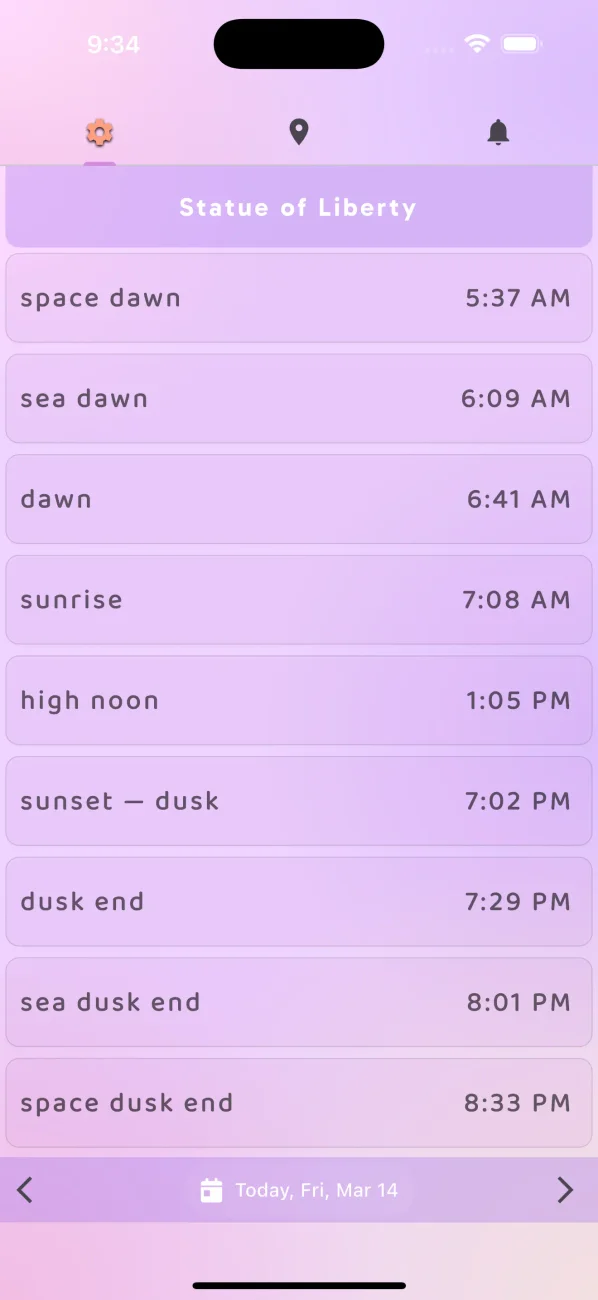
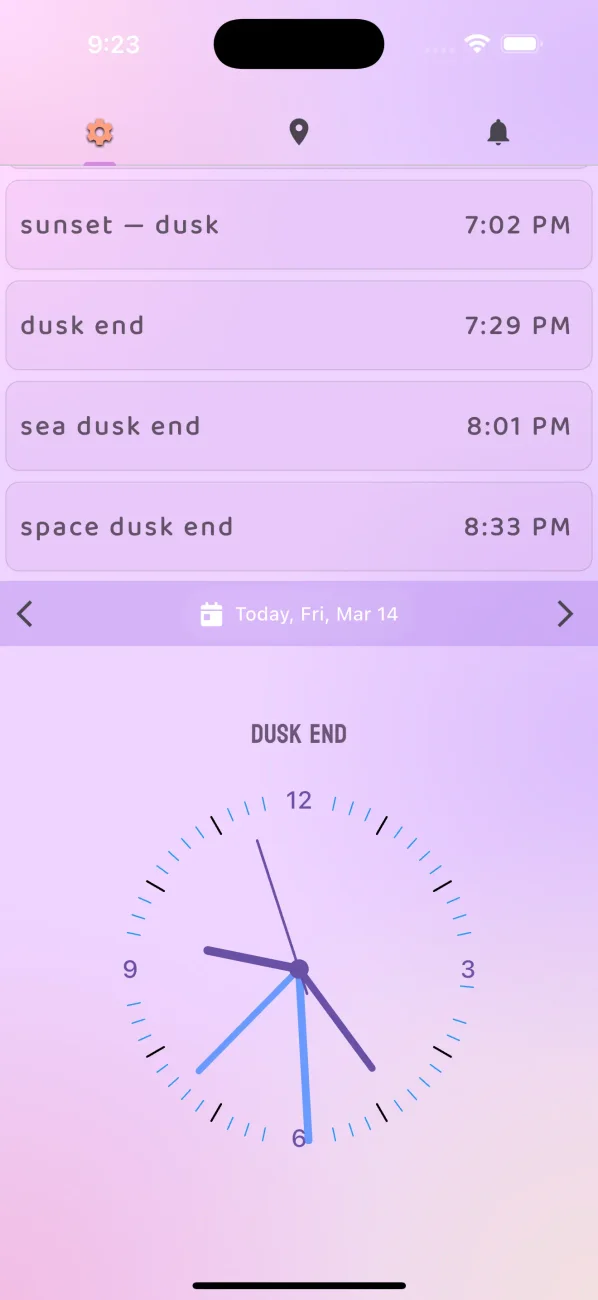
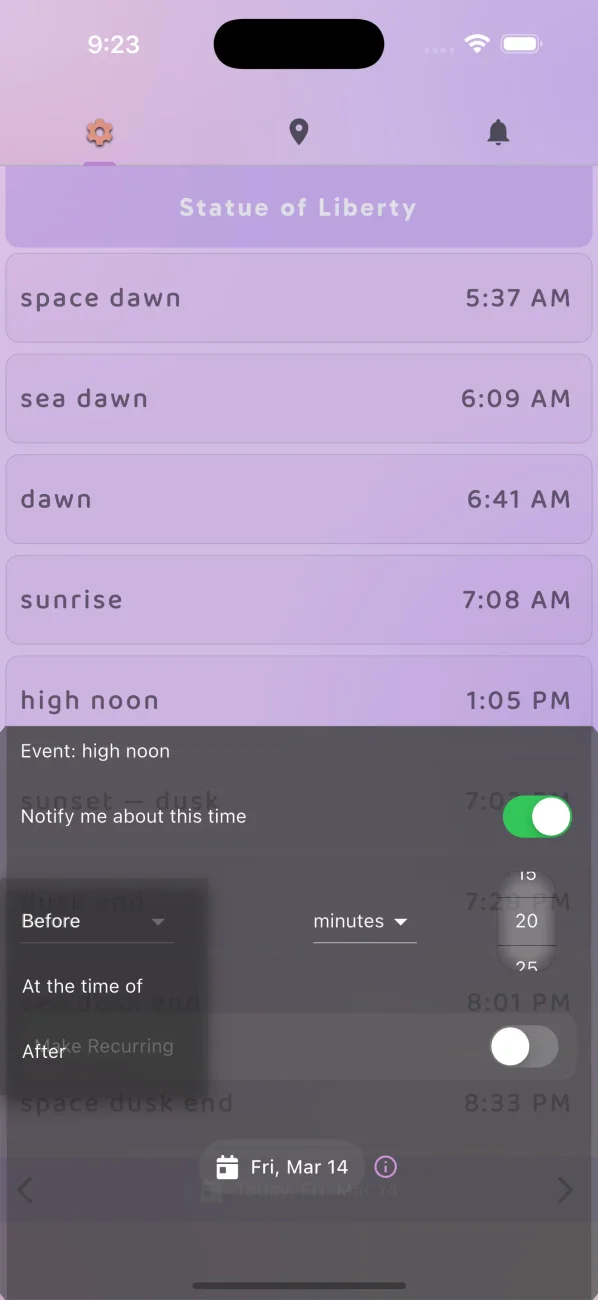
View and be notified of solar times--dawn, sunrise, sunset, and more! Have the accuracy of NOAA in your pocket--the times are as accurate as NOAA's online calculator with some modest improvements for solar noon and match timeanddate.com to within 1-2s. Keep your day in sync with the sun!
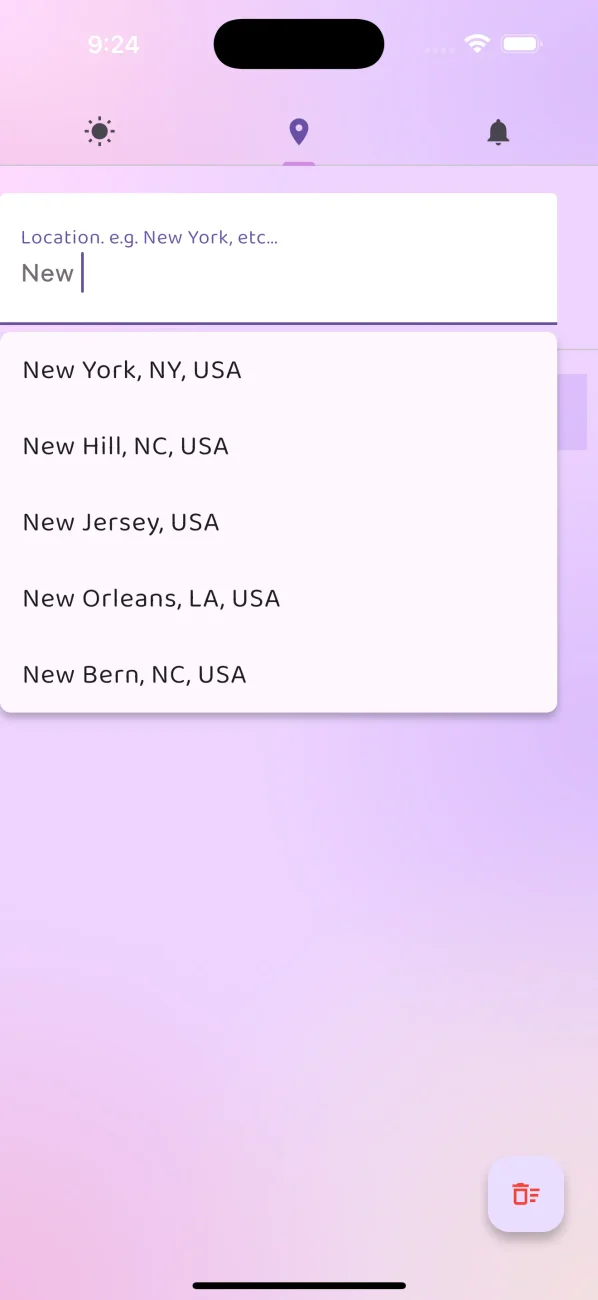
- See times from all over the world and on any date!
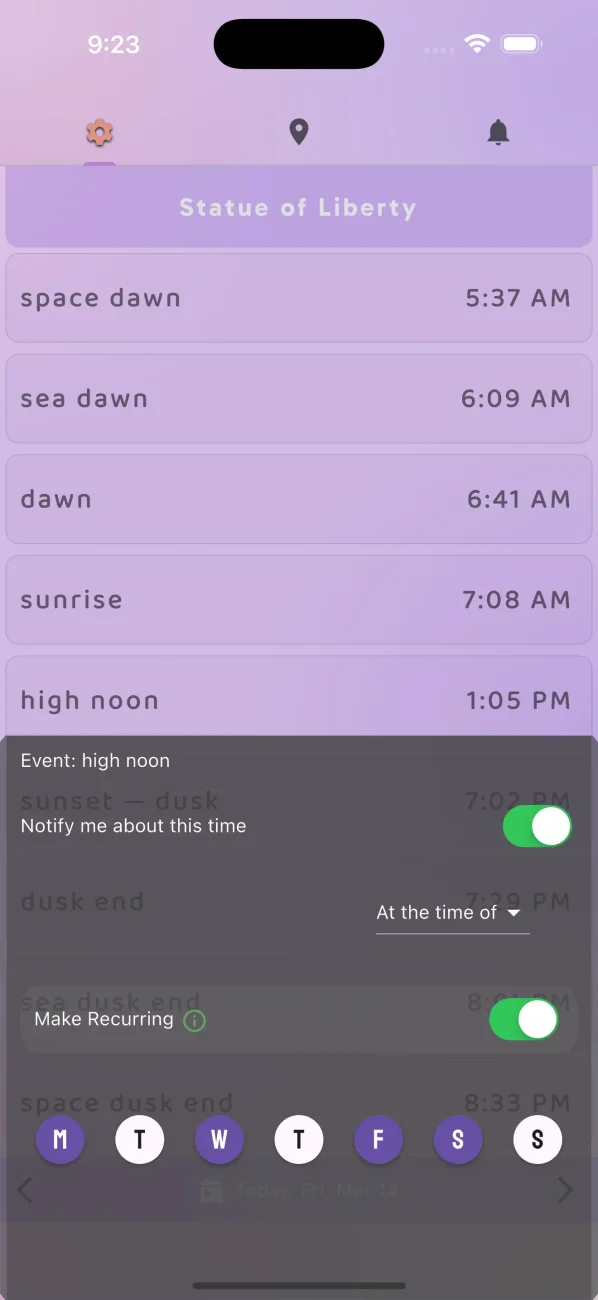
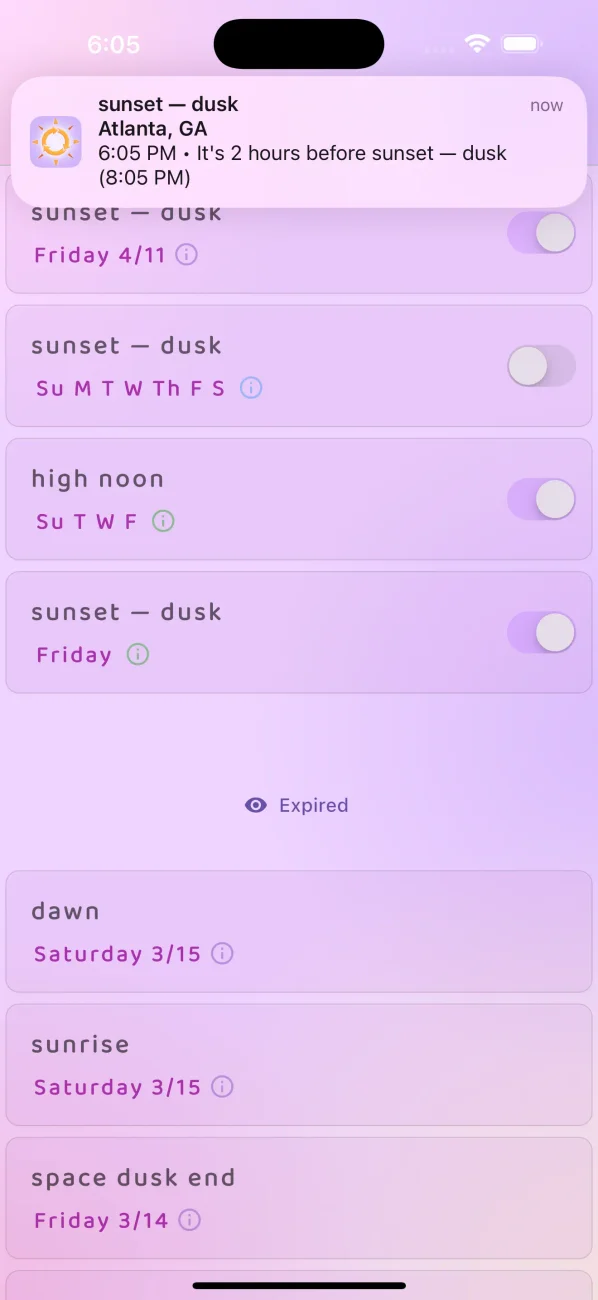
- Schedule a notification just once or be notified on a recurring schedule
- Display a clock to visually see how near a solar time is
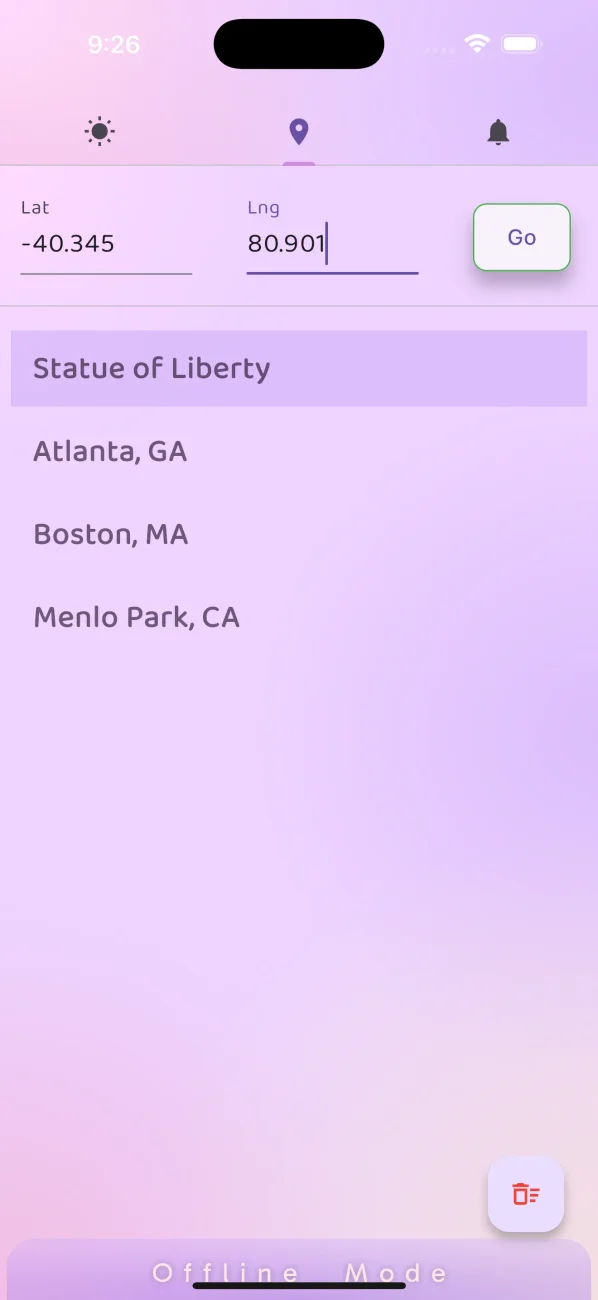
- No or spotty internet connection? No problem. The app still functions.
Offline Mode Features and Caveats
With no internet connection, the app will still work, but it will need to be connected to the internet again every few days for recurring notifications to continue working automatically. If that is not possible, the user can manually make them continue to work by flicking the switch to turn them off and then on again every few days.
If a user wants to create a new location while lacking an internet connection, the user can create a location using latitude and longitude coordinates, using the convention that negative values are South of the equator and West of the Prime Meridian. The location created while offline will lack timezone information to display the times to the user in the local time of that location, but otherwise, everything works as expected. When the user comes back online, the app will automatically attempt to update the location with a name (if a match can be found) and timezone. If multiple locations match to the same place, the app automatically deletes all but one of them--no duplicate locations are permitted.
Clock View
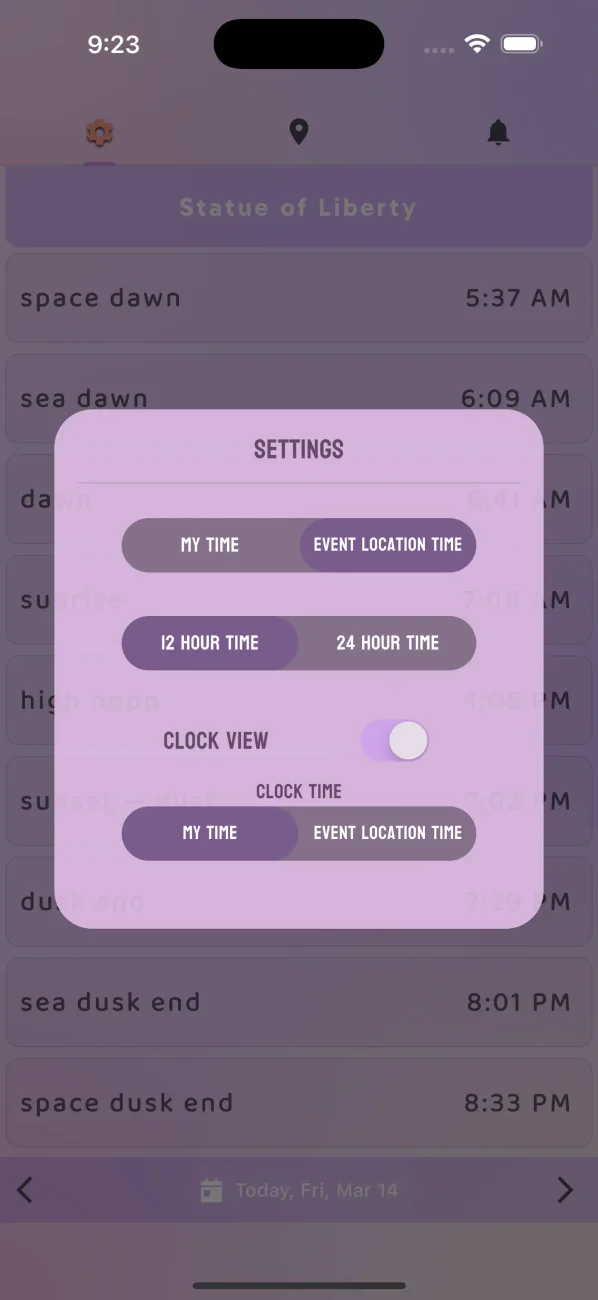
The user can turn on the clock view from time settings. The clock view will display the time of the event that is selected and the user's current time on the hands of a clock and will update as the user taps more events. Tap and hold one of the time events to make the clock view display that event's time without popping up the notification creation form. The color of the event's clock hand changes depending on whether the event time is AM or PM.
Limitations
The algorithm used comes from Jean Meeus' Astronomical Algorithms and will be accurate to within a minute for most latitudes (+/- 72 degrees, i.e., up to around the Polar Circles) and within 10 minutes otherwise. Due to atmospheric refraction and other conditions, the calculated times may be different from what is observed. The algorithm is very good from the years 1800-2100 with still reasonable but decreasing accuracy from the years -1000 to 3000. The algorithm has a higher risk of error outside that range.
新機能
バージョン 0.9.4 · 2026/11/11
theme bug fix
アプリのプライバシー
このアプリのデータの取り扱いについて、Clusia LLCがApp Storeで申告している内容です。
-
ユーザーに関連付けられないデータ
収集される場合がありますが、ユーザーの識別情報には関連付けられません。
- 使用状況データ
- 診断
- その他のデータ
プライバシーの取り扱いは、ご利用の機能やお客様の年齢などに応じて異なる場合があります。
情報
- 販売元
- Clusia LLC
- カテゴリ
- ライフスタイル
- バージョン
- 0.9.4
- 更新日
- 2026/11/11
- リリース
- 2025/4/21
- サイズ
- 94.7 MB
- 必要条件
- iOS 15.6以降
- 対象年齢
- 4+
- 価格
- 無料
- 言語
- 英語
- 著作権
- © 2025 Sunsync. All rights reserved.