- 対象年齢4+
- カテゴリ教育
- 開発元William Wilborn
- 言語英語
- サイズ29.3 MB
App Storeの公式ページにリンクしています
Download.orgはSuper Calc Plusのファイルを一切ホストしていません。ボタンを押すと、William Wilbornが公開しているApp Storeのアプリページが開きます。ページの最終確認:2026/11/20。
スクリーンショット


概要
開発元はこのテキストをお使いの言語で提供していません。
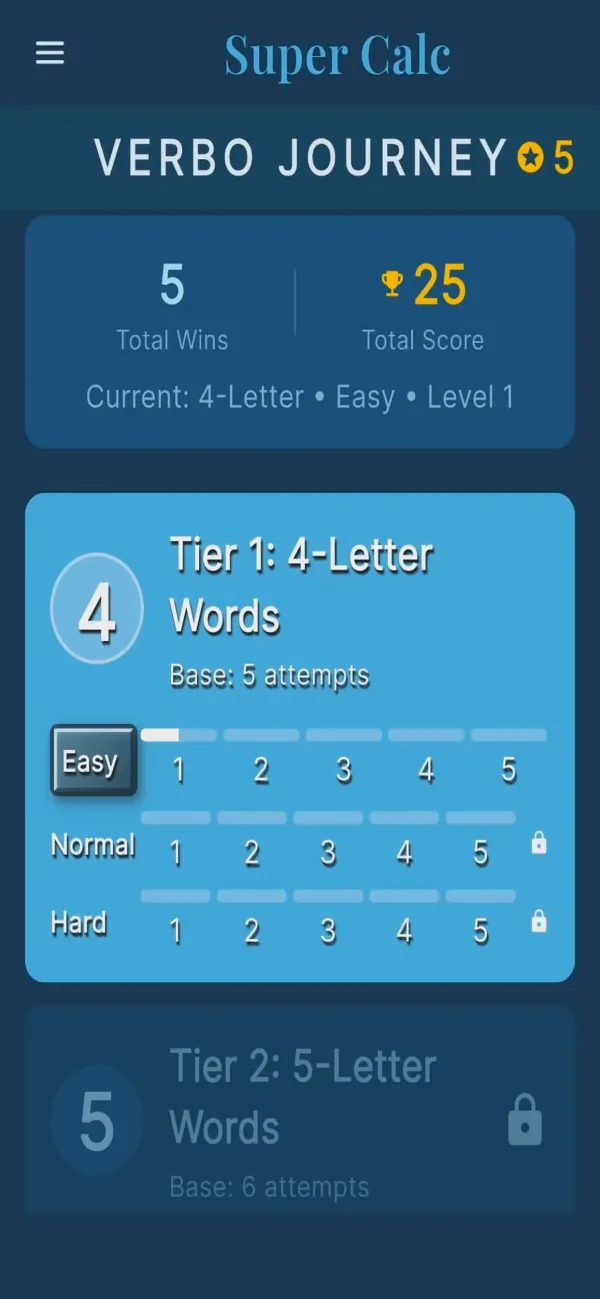
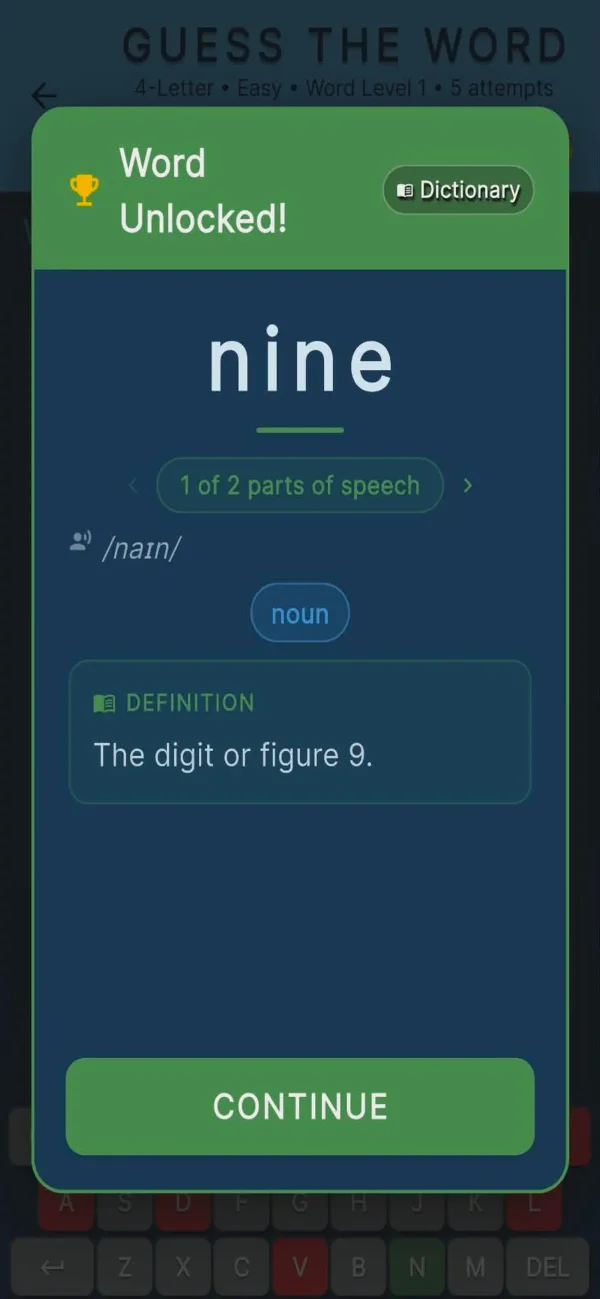
Welcome to Super Calc Plus - your educational toolbox, is a comprehensive, feature-rich calculator app designed to meet all your computational needs—from everyday arithmetic to advanced scientific calculations, financial planning, geometry, unit conversions, date calculations, and the Verbo Journey word game as an added bonus to enhance your vocabulary after your calculations are done.
Key Features
Multiple Calculator Modules
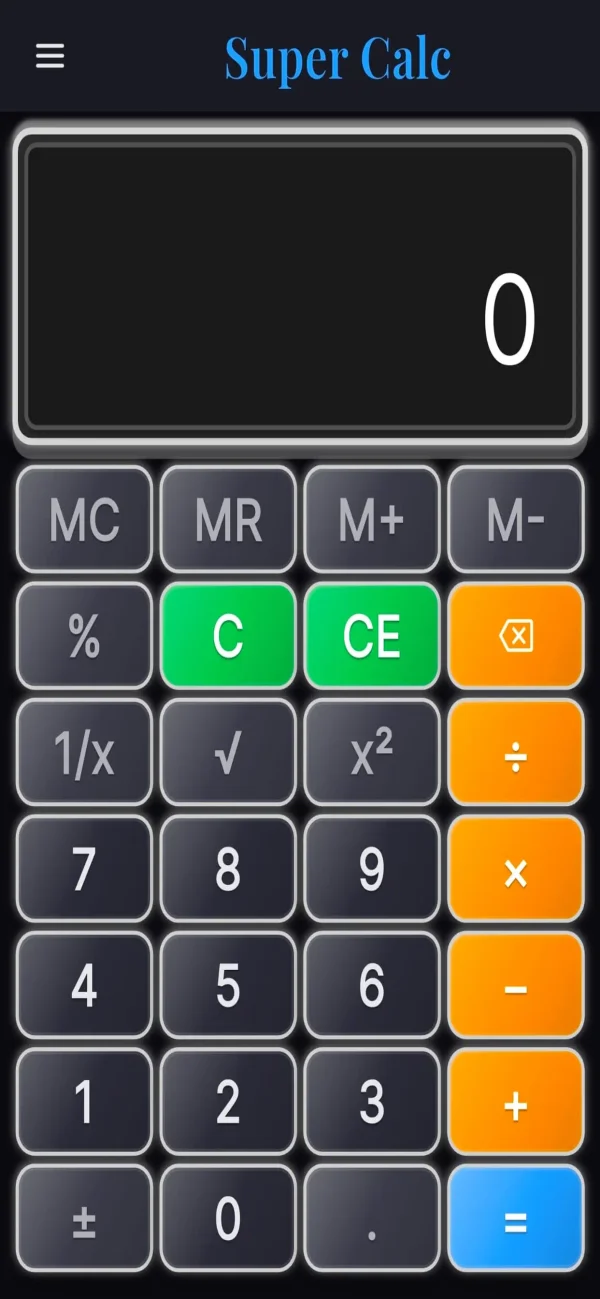
Standard Calculator – Basic arithmetic operations with a clean, intuitive interface
Scientific Calculator – Advanced mathematical functions including trigonometry, logarithms, exponentials, and more
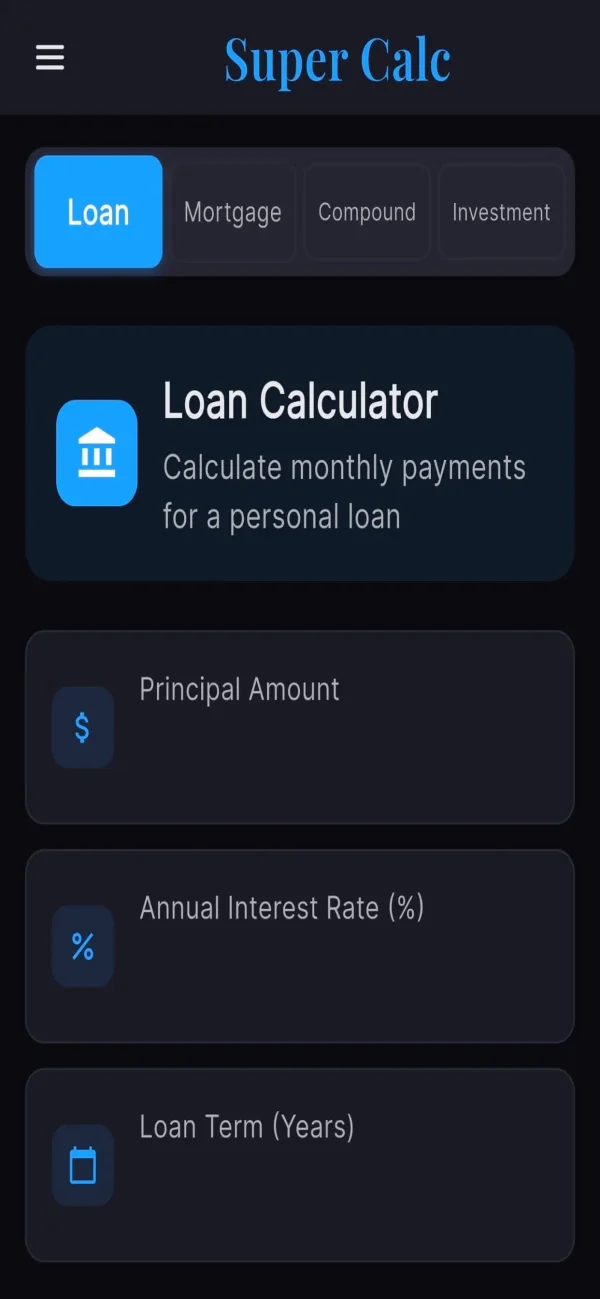
Financial Calculator – Comprehensive tools for:
Loan calculations (principal, rate, term, payment)
Mortgage calculations with amortization
Compound interest calculations
Investment growth projections
Geometry Calculator – Geometric calculations for 2D and 3D shapes. Calculated areas, perimeters, volumes, other geometric properties and view the formula for each calculation.
Graphing Calculator – Visualize mathematical functions with interactive, beautiful graphs
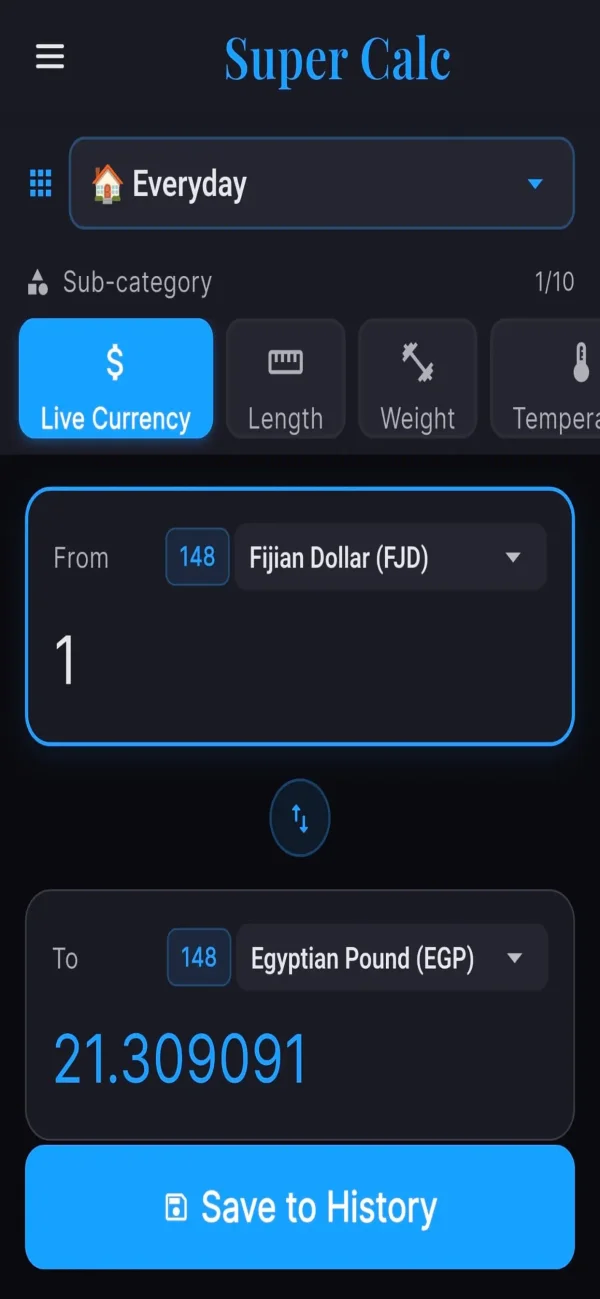
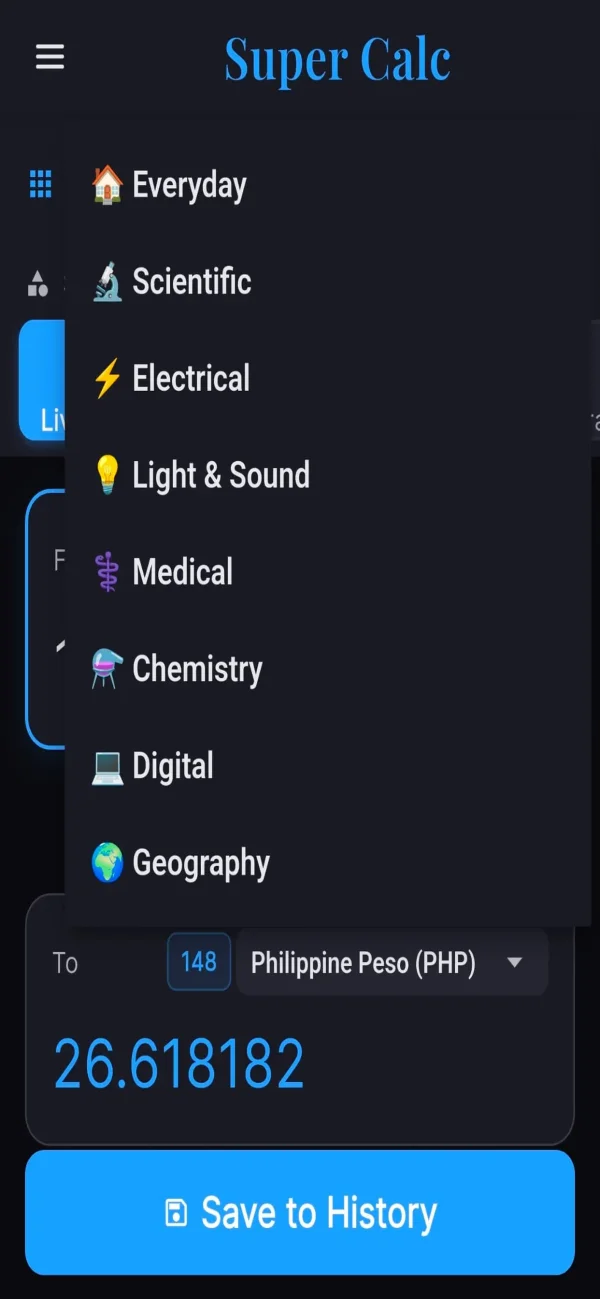
Unit Converter – Massive number of unit conversion categories
Convert between lot's of units across multiple categories:
Length, weight, volume, temperature
Speed, time, energy, power
Pressure, density, and more
Live currency exchange rates, and many more...
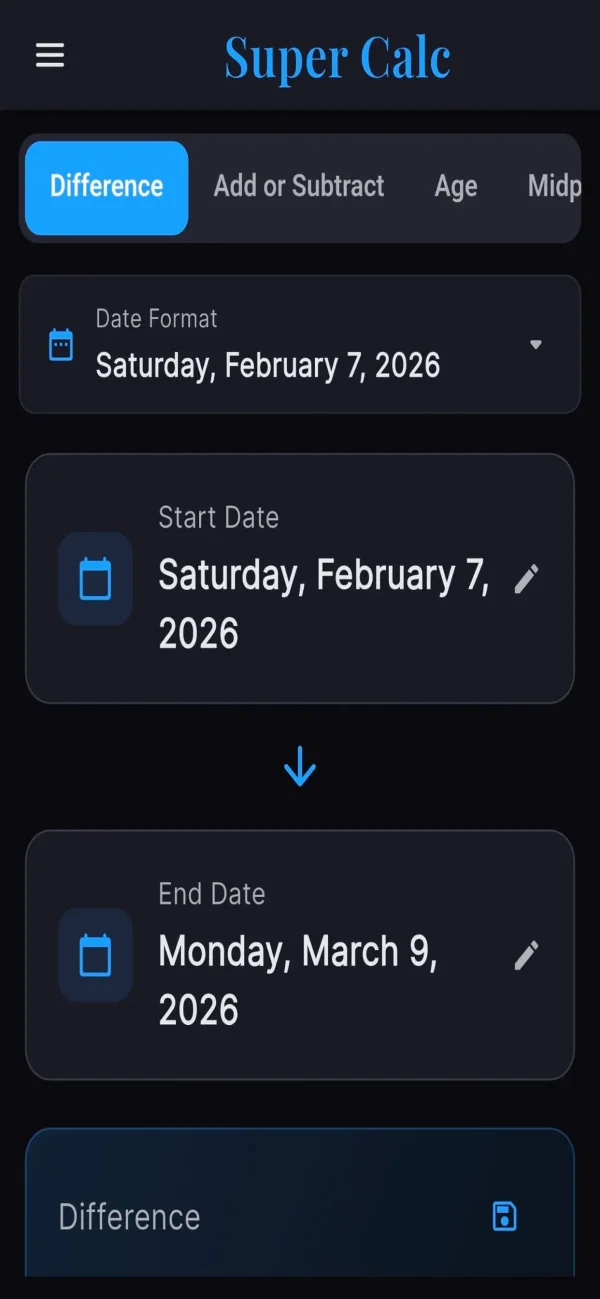
Date Calculator – Perform date arithmetic, calculate time differences, and plan schedules
Calculation History
Automatic tracking of all calculations
Search and filter history by date range or calculation type
Export history to CSV for external analysis
Clear history with a single tap
Customizable Theme System: Many Distinct Color Schemes:
Dark (sleek and modern)
Light (clean and bright)
Ocean (cool blues and teals)
Sunset (warm oranges and reds)
Forest (natural greens)
Midnight (deep purples and blacks)
& many other unique themes.
Haptic Feedback – Configurable tactile feedback for button presses (Off, Light, Medium, Strong)
Persistent Settings – Your theme preferences are saved automatically
Getting Started
Launch the App – Select the Super Calc icon to open Super Calc
Choose a Calculator – Tap the menu icon to select from 7 calculator modules
Perform Calculations – Enter your expression and tap the equals button
View History – Access your calculation history from the menu
Customize Settings – Adjust theme, font size, and haptic feedback in Settings
Optimized For:
Standard smartphones (narrow and wide)
Tablets and large-screen devices
High-DPI displays
Privacy & Security
Local Data Storage: All calculation history and preferences are stored securely on your device
No Cloud Sync: Your data remains private.
Transparent Permissions: Only essential permissions are requested.
Legal
Terms of Service: [https://www.signaturecomputerservices.com/services/apps/terms]
Privacy Policy: [https://www.signaturecomputerservices.com/services/apps/privacy]
Thank You
Thank you for choosing Super Calc Plus!
Your comprehensive educational calculation companion.
We're committed to providing a reliable, feature-rich calculator experience.
Your feedback and suggestions help us improve.
Contact us by email at: info@signaturecomputerservices.com.
新機能
バージョン 2.1.5 · 2026/7/14
On / Off toggles for Auto-Start Music and Keep Screen Alive were added to the settings menu.
アプリのプライバシー
このアプリのデータの取り扱いについて、William WilbornがApp Storeで申告している内容です。
-
データの収集なし
開発元はこのアプリからデータを収集しません。
プライバシーの取り扱いは、ご利用の機能やお客様の年齢などに応じて異なる場合があります。
情報
- 販売元
- William Wilborn
- カテゴリ
- 教育
- バージョン
- 2.1.5
- 更新日
- 2026/7/14
- リリース
- 2026/4/29
- サイズ
- 29.3 MB
- 必要条件
- iOS 15.0以降
- 対象年齢
- 4+
- 価格
- 無料
- 言語
- 英語
- 著作権
- © Signature Computer Services 2026