- 対象年齢4+
- カテゴリナビゲーション
- 開発元David Jolley
- 言語英語
- サイズ16.3 MB
App Storeの公式ページにリンクしています
Download.orgはSyncDashのファイルを一切ホストしていません。ボタンを押すと、David Jolleyが公開しているApp Storeのアプリページが開きます。ページの最終確認:2026/11/17。
スクリーンショット


概要
開発元はこのテキストをお使いの言語で提供していません。
Ride the route you planned.
You spent an evening at your desk drawing a canyon loop in your favorite web-based route planner — such as REVER, Scenic or Furkot — and exported it as a GPX. Then every navigation app asks you for a destination and picks its own way there — usually the fast way, on exactly the roads you were trying to avoid.
SyncDash imports your GPX and follows the line you drew.
FOLLOW YOUR OWN ROUTE
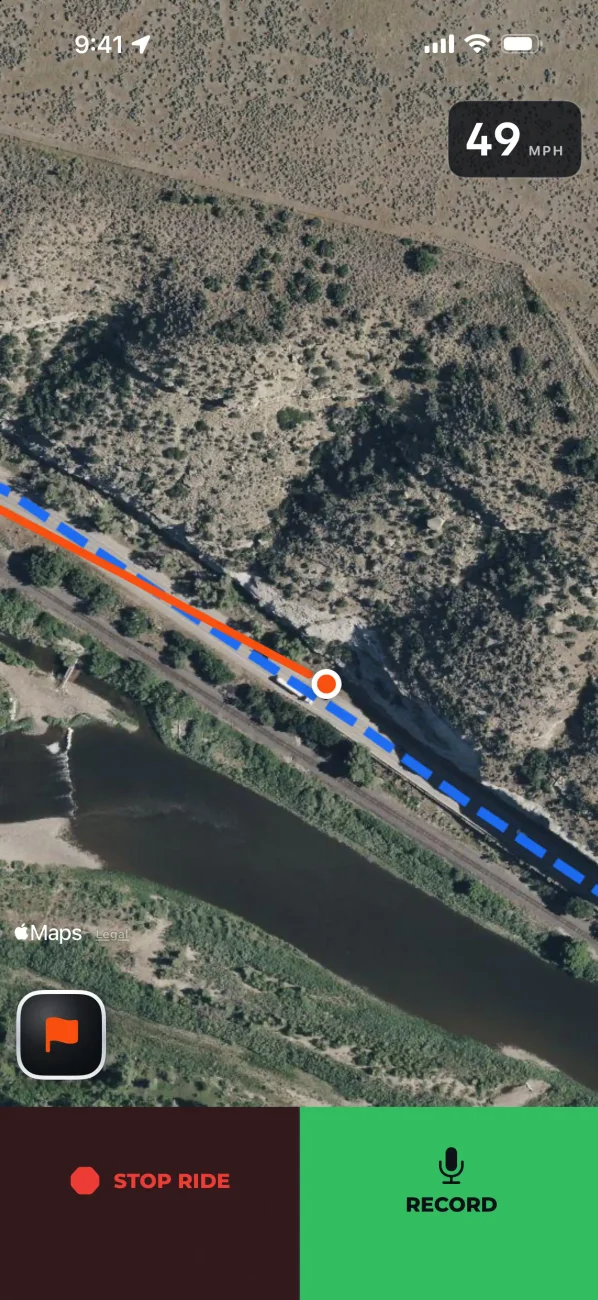
Import a GPX from any planner. SyncDash reads the via points you chose while planning and builds turn-by-turn guidance along your intended route, using Apple's own street names and distances. Announcements come at a mile, a quarter mile, and at the turn. Ride off the route and guidance goes quiet rather than reading you a stale instruction — one tap puts you back on it.
WHEN THE ROAD ISN'T ON THE MAP
Dirt, forest road, BDR track. If a road can't be routed, SyncDash draws your planned line and gives no turn guidance at all, rather than inventing turns from the shape of the track. It never claims to know more than it does.
VOICE NOTES THAT KNOW WHERE THEY WERE
Push record and talk. Every take is stamped with the exact wall clock and the GPS fix at that moment, so the thought you had at mile 40 stays attached to mile 40. Drop a marker with the Action Button or by asking Siri, without taking a hand off the bar.
WORKS WITH YOUR HELMET
Any Bluetooth headset, or the phone's own microphone. The app shows which one it is actually recording from, and warns you when that's the wrong one — before you lose an hour of narration to wind noise.
YOUR ACTION CAMERA, ON CUE
Register a GoPro or Insta360 once and SyncDash starts and stops it with your ride over Bluetooth, shows its battery and storage, and records exactly when each clip began — as the camera confirms it.
CARPLAY
A moving map on the head unit showing your route, your track and your position, with controls sized for gloves: start a ride, record, drop a marker, and rejoin the route when you've left it.
AFTER THE RIDE
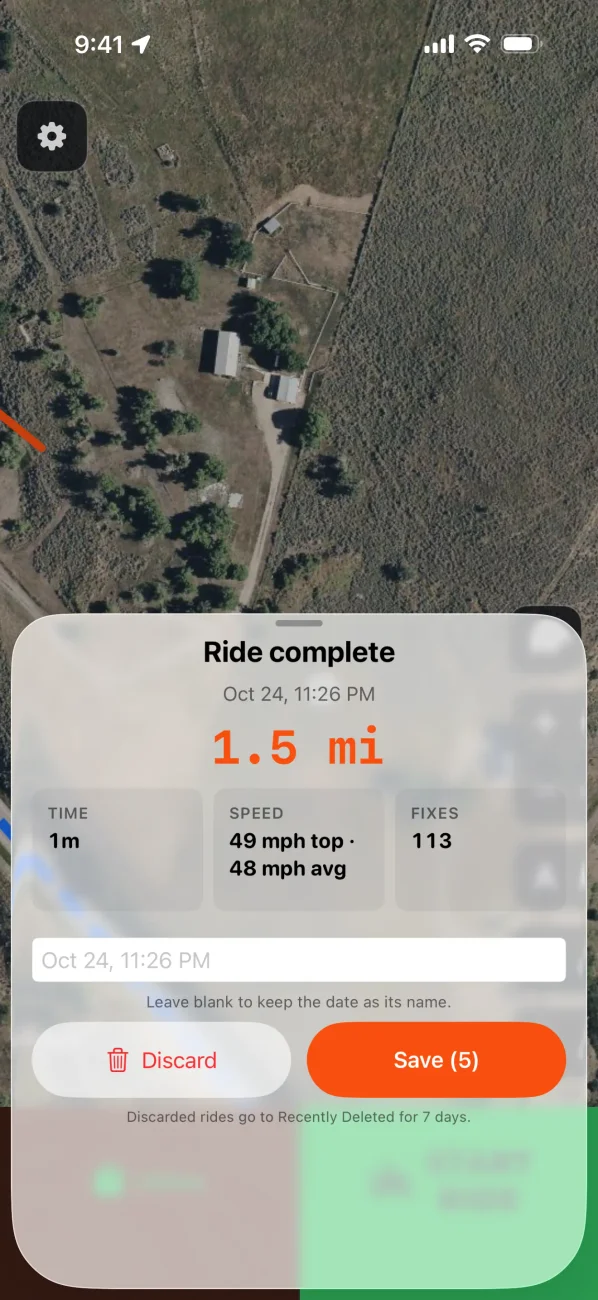
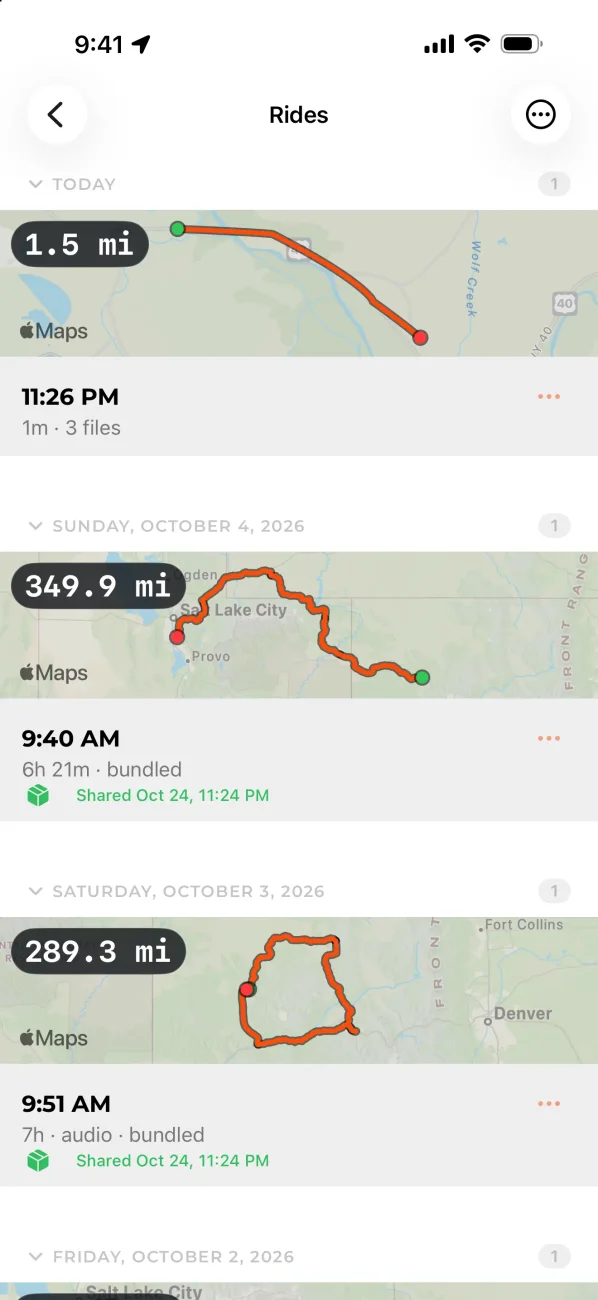
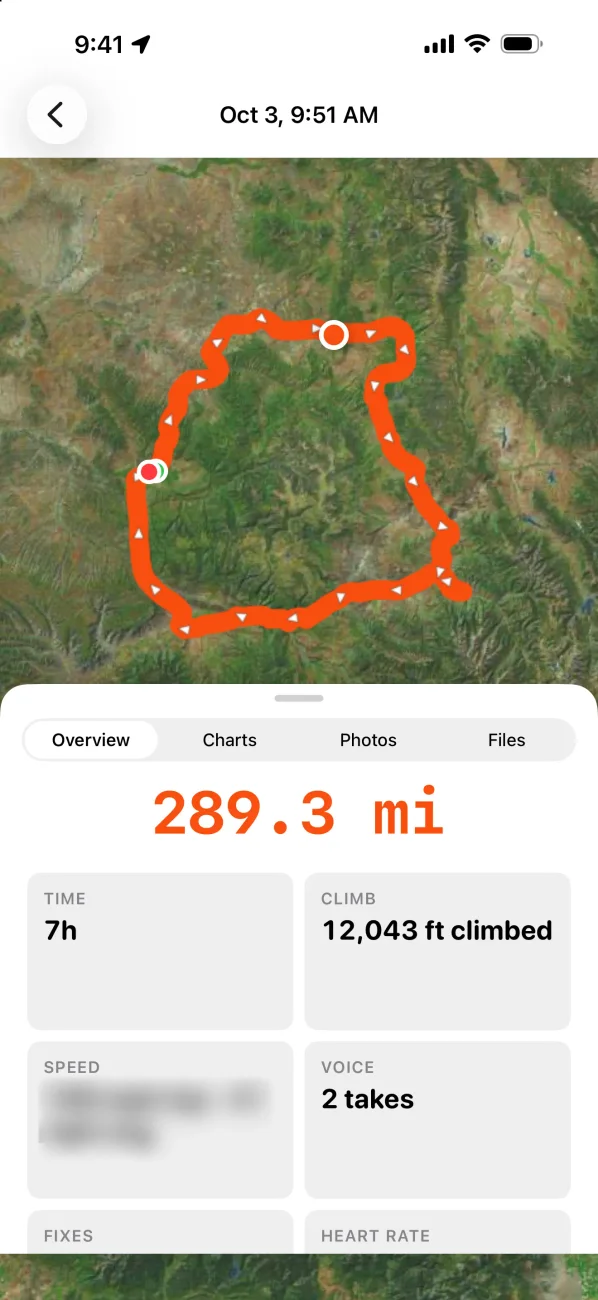
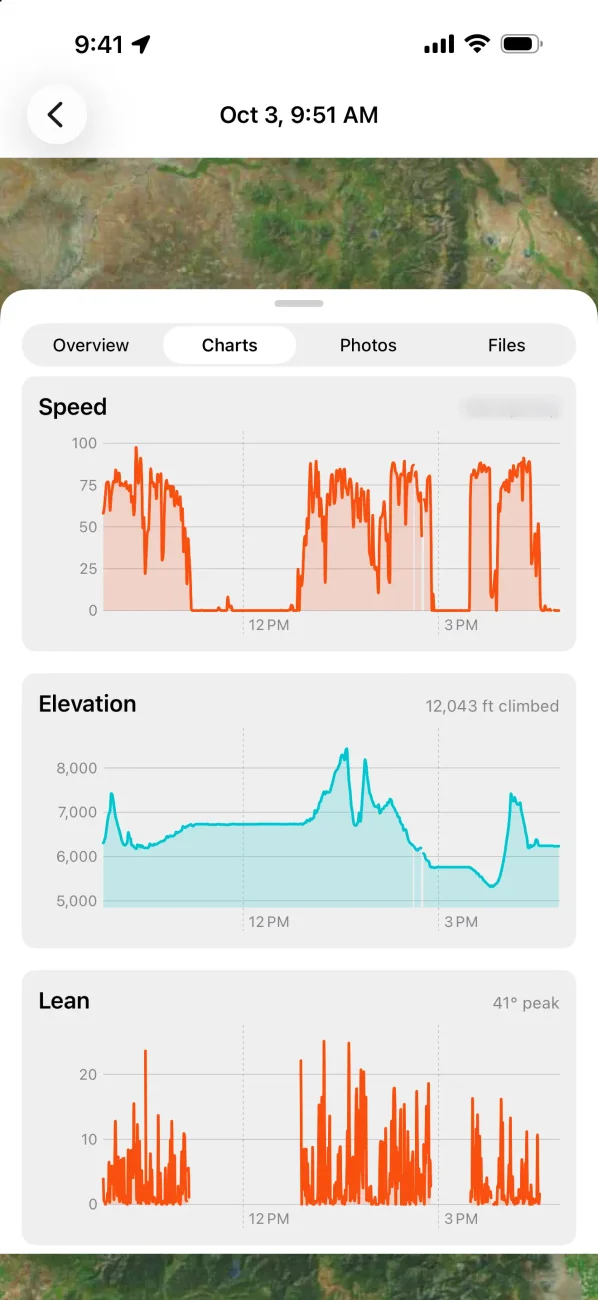
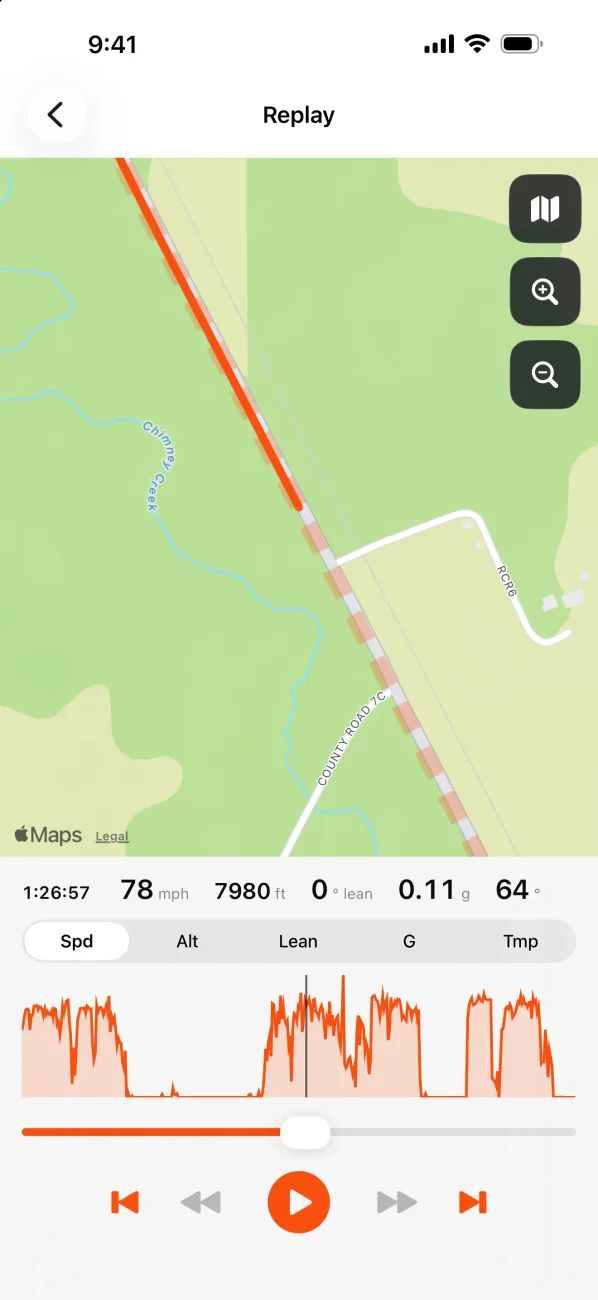
Replay the ride with your own voice playing over the moving map. Distance, climb, top speed, and speed and elevation charts. Photos and videos you shot along the way are matched to the ride by time and place, straight from your library — nothing is copied.
YOUR DATA STAYS ON YOUR PHONE
No account, no sign-in, no server. A ride leaves your phone only when you share it, or when you set up backup to a cloud folder you choose — as a standard GPX anyone can open, or as a single-file Ride package. Heart rate never goes into an automatic backup.
HEART RATE FROM YOUR APPLE WATCH
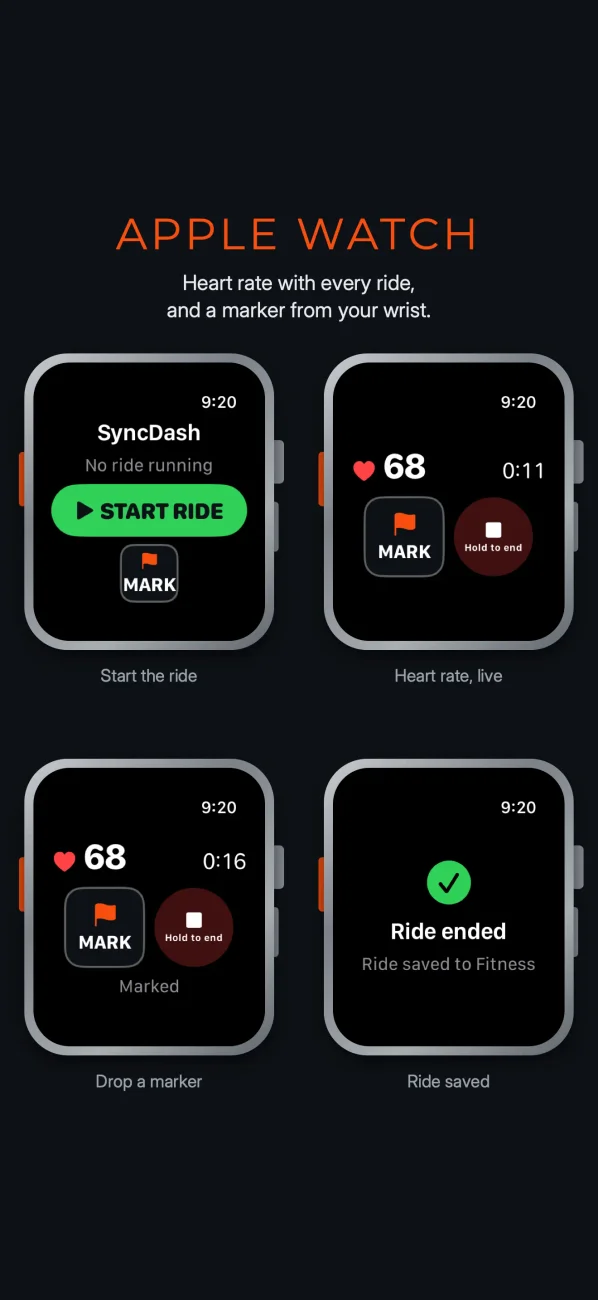
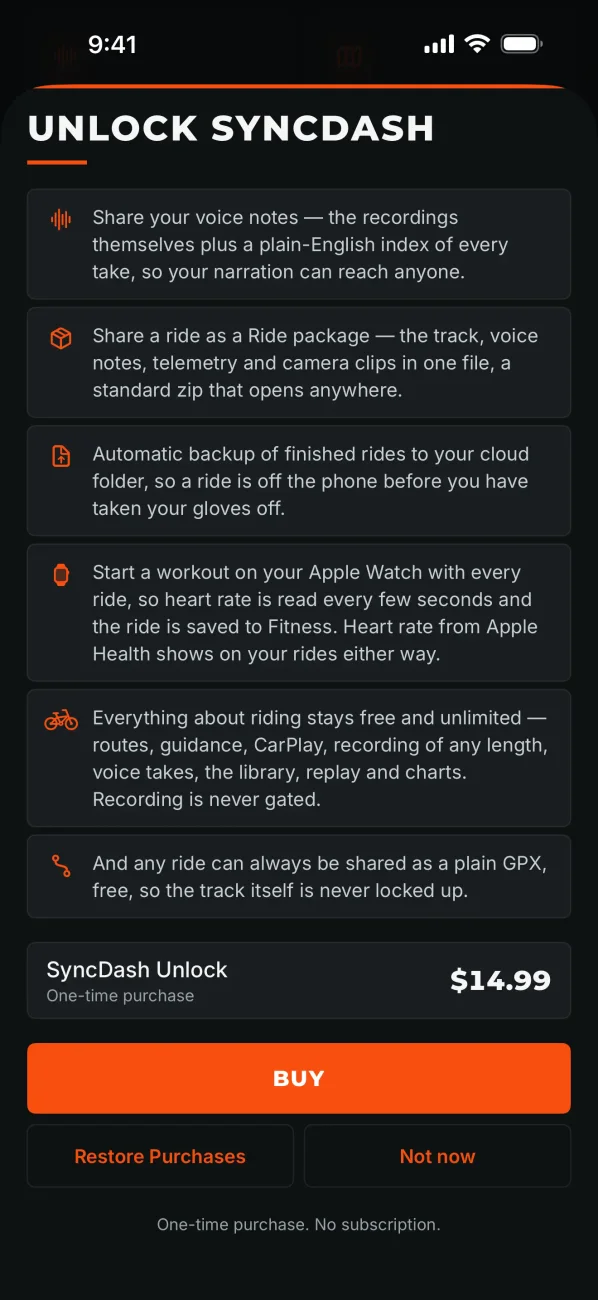
Wear an Apple Watch and your heart rate appears on the ride afterwards, charted beside your speed and climb, straight from Apple Health. With the unlock, starting a ride also starts a workout on the Watch, so heart rate is read every few seconds and the ride is saved to Fitness — and MARK and End Ride are on your wrist.
FREE TO RIDE
Everything about riding is free and unlimited: import your route, follow it, use CarPlay, record a ride of any length, narrate it, replay it, and share the track as a plain GPX with anyone. A one-time purchase adds sharing your voice notes, sharing a whole ride as a single-file Ride package, automatic backup of finished rides to your own cloud folder, and a workout on your Apple Watch with every ride. No subscription.
新機能
バージョン 1.0.1 · 2026/10/26
New in 1.0.1
• New control layout, the same on every screen: the bottom or side panel is now large full-width bands (START RIDE, RECORD, STOP RIDE, cameras, Library), easy to hit with gloves.
• iPhone Duo: the app now uses both displays, closed and open, in either orientation, with replay and ride details split at the hinge.
• Replay now shows heart rate and temperature, lets you switch the map to satellite, and pops up the photos you took along the way, for five seconds each.
• Route pins. The named stops in a route file (fuel, viewpoints, a place to meet) now show on the map. Tap one for its name and the planner's notes. Turn them off in Settings › Navigation.
• Apple Watch: if a workout doesn't start, SyncDash now says why, and a workout left over from an earlier ride no longer blocks the next one.
• CarPlay: End Ride asks before ending the ride, the same as on the phone.
• Help now links to the online user guide, explains setting up the Action Button, and has a Send feedback button.
• The planned route line is thinner, so the roads under it stay readable.
• Clearer wording throughout: the parked-ride reminder, sound cues, stationary captures and the microphone warnings now say exactly what the app does.
• Fixed: after "start the cameras" with Siri, the confirming tone could play later, on an unrelated camera start.
アプリのプライバシー
このアプリのデータの取り扱いについて、David JolleyがApp Storeで申告している内容です。
-
データの収集なし
開発元はこのアプリからデータを収集しません。
プライバシーの取り扱いは、ご利用の機能やお客様の年齢などに応じて異なる場合があります。
情報
- 販売元
- David Jolley
- カテゴリ
- ナビゲーション
- バージョン
- 1.0.1
- 更新日
- 2026/10/26
- リリース
- 2026/9/22
- サイズ
- 16.3 MB
- 必要条件
- iOS 17.0以降
- 対象年齢
- 4+
- 価格
- 無料
- アプリ内課金
- あり
- 言語
- 英語
- 著作権
- © 2026 David Jolley