
- 対象年齢4+
- カテゴリ仕事効率化
- 開発元Faviers Lighthouse
- 言語英語
- サイズ25.3 MB
Table: Small Groupsは現在App Storeで入手できない可能性があります
前回の確認時、ストアのページにアクセスできませんでした。リンク先は引き続きApp Storeの公式ページです。
スクリーンショット
概要
開発元はこのテキストをお使いの言語で提供していません。
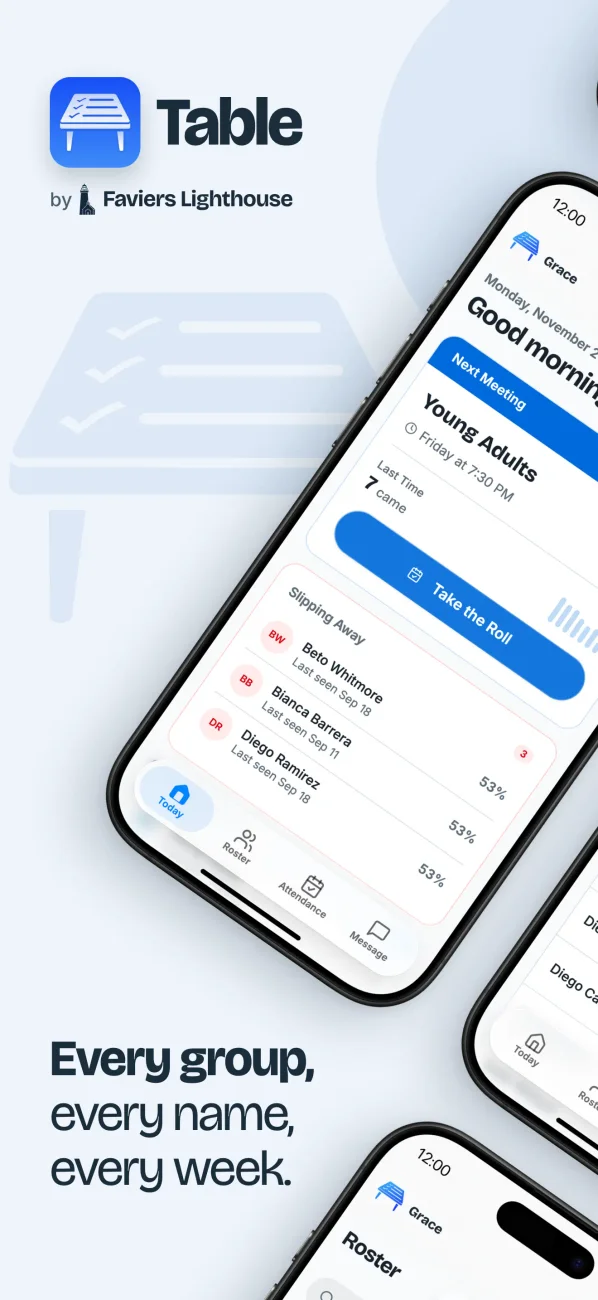
Table is the roll book for church small groups.
It answers the questions a leader actually has: who is in my group, when do we meet, who
came last time, and who has quietly stopped. Nothing else.
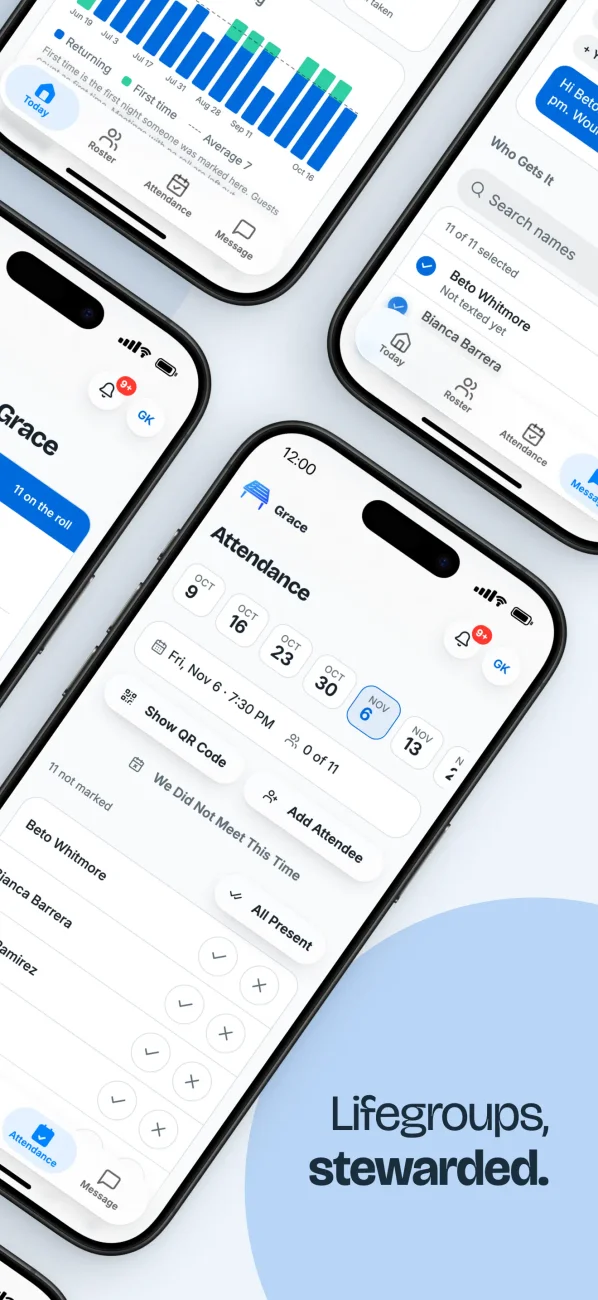
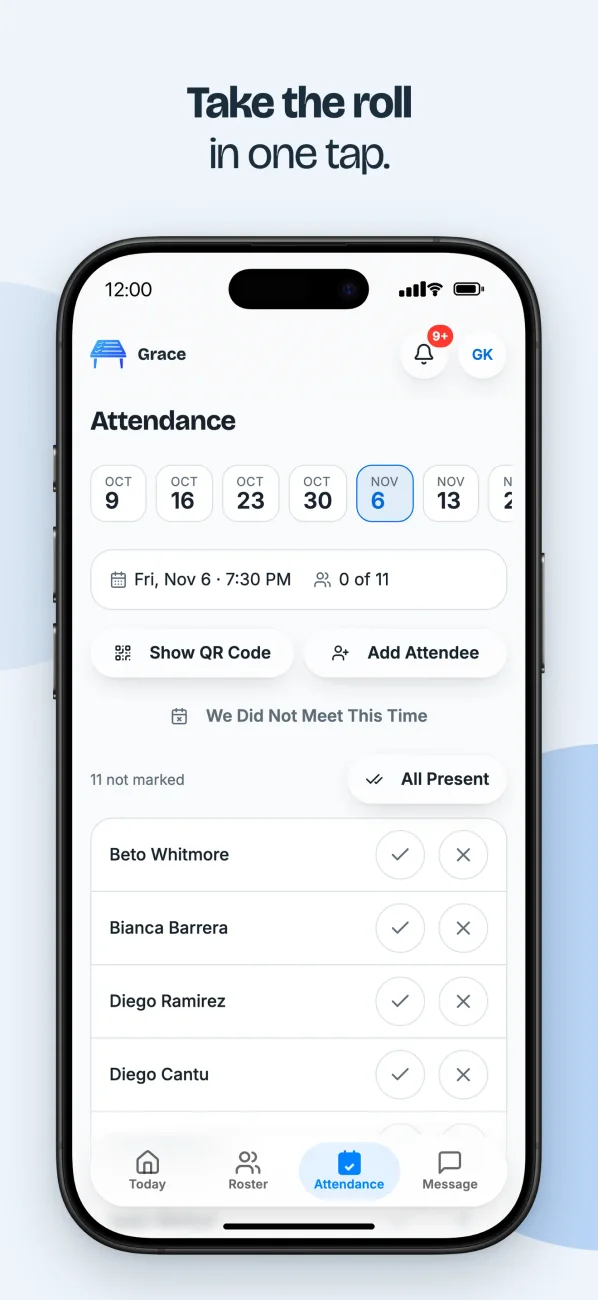
TAKE THE ROLL IN SECONDS
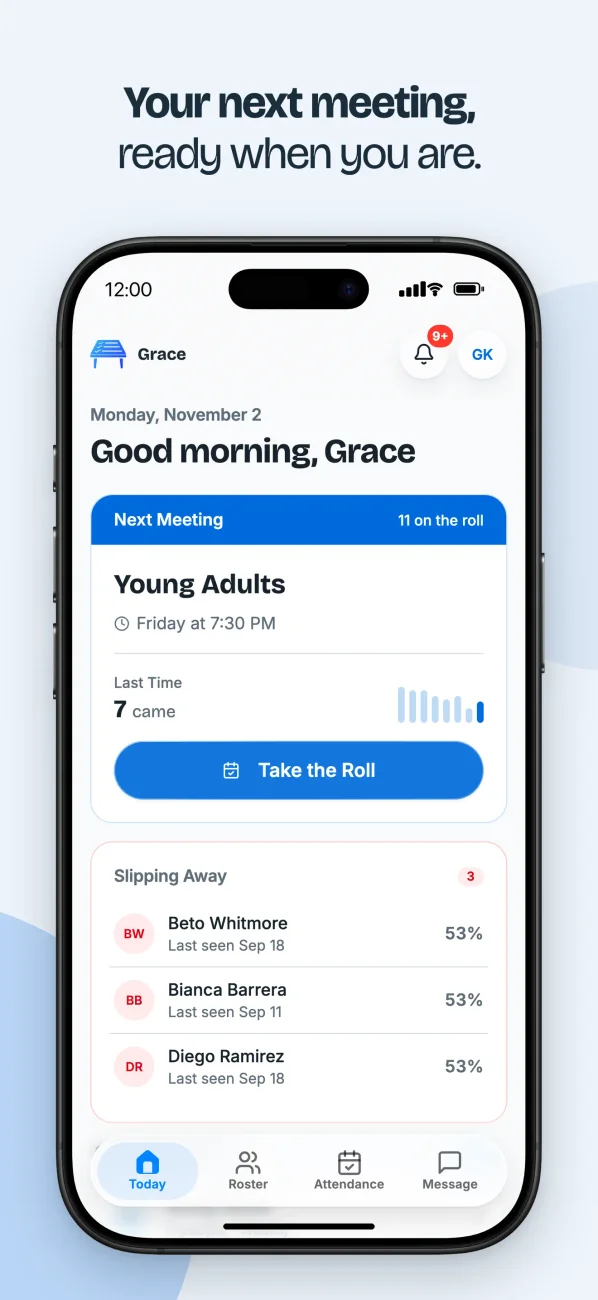
Open the app and tonight's meeting is already there, with your group's roster ready to
mark. Tap present or absent, or mark that the group did not meet at all. A night you
did not gather is never counted as a night nobody came.
MEETINGS THAT CREATE THEMSELVES
Set when a group meets (weekly, every other week, or monthly) and the calendar fills
itself in. Change the day and future meetings move with it, while the ones you have
already taken a roll for stay exactly as they were.
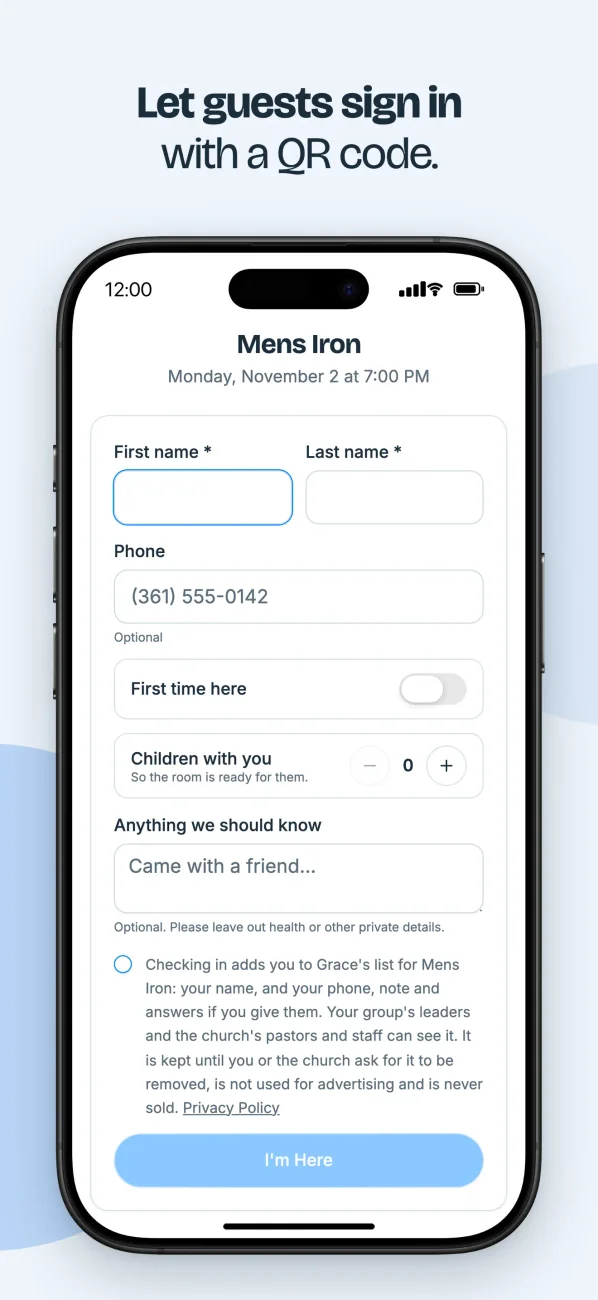
QR CHECK-IN
Hold up a code and the room checks itself in. People who are new get added to the
roster as they do it, so the list stays current without anyone typing. Check-in is for
ages 13 and over, and each person agrees to how their details are used.
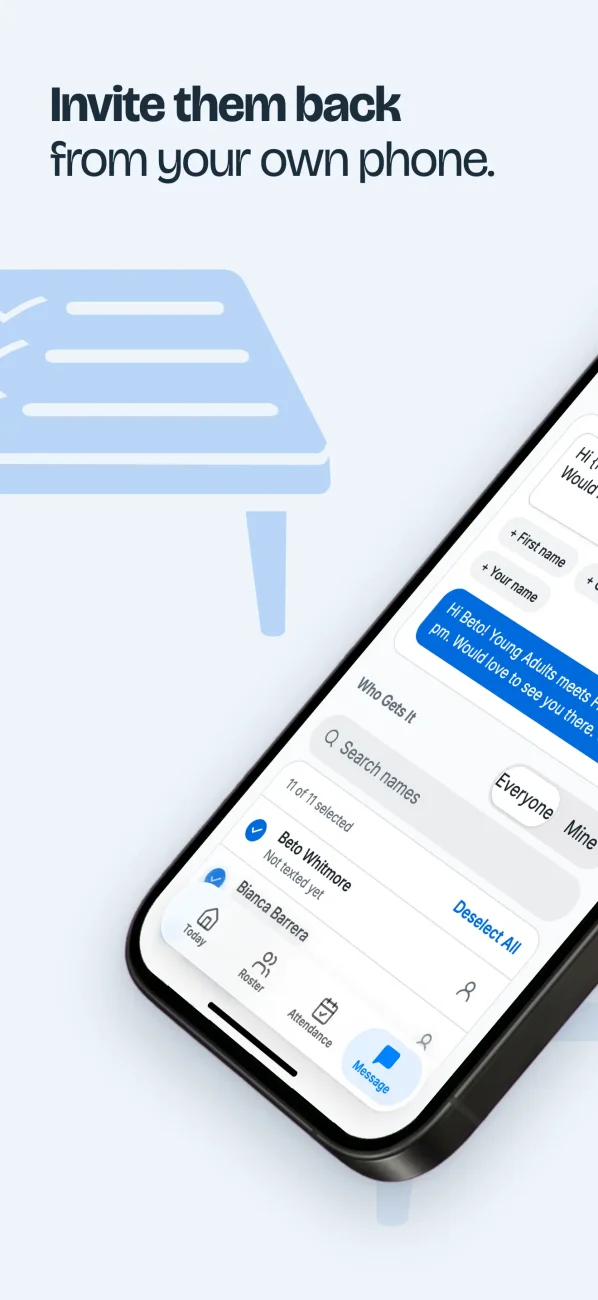
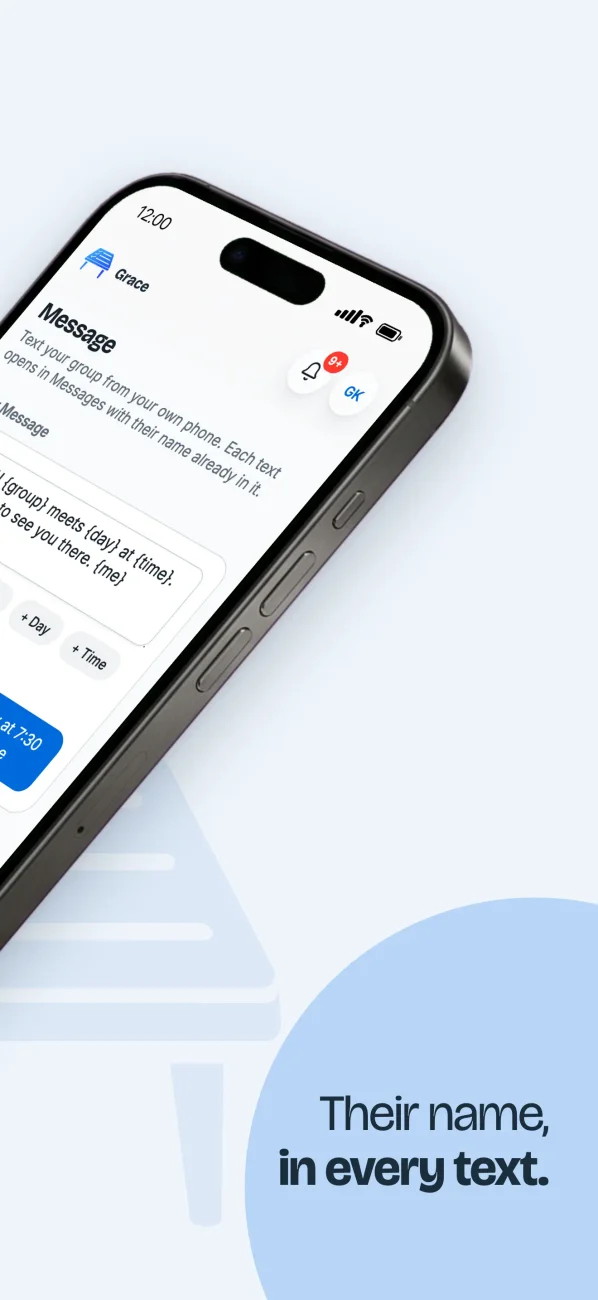
TEXT YOUR GROUP FROM YOUR OWN PHONE
Pick people on the Message tab and each invite opens in Messages with their name already
in it, sent from your own number. Table never sends a text itself. Leaders can split the
list between them and see who has already been texted, so nobody gets two.
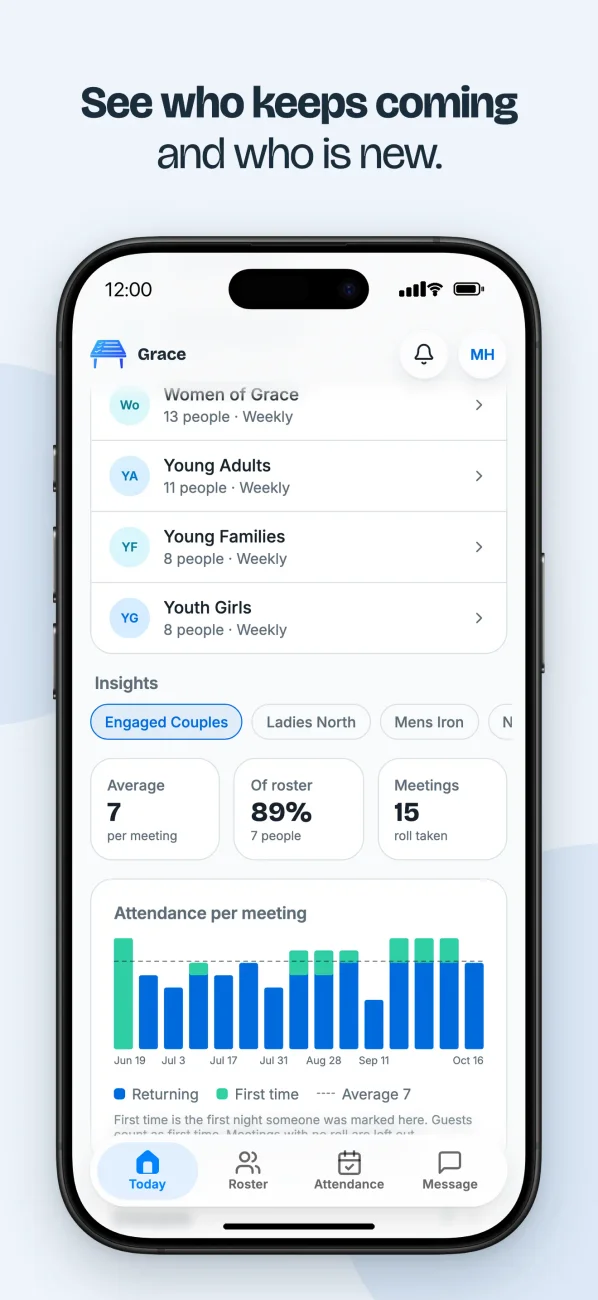
SEE WHO IS SLIPPING AWAY
The app quietly surfaces anyone who has missed three meetings in a row, which is the
moment a pastoral phone call still matters. Further down Today, Insights shows
attendance for every meeting and every person.
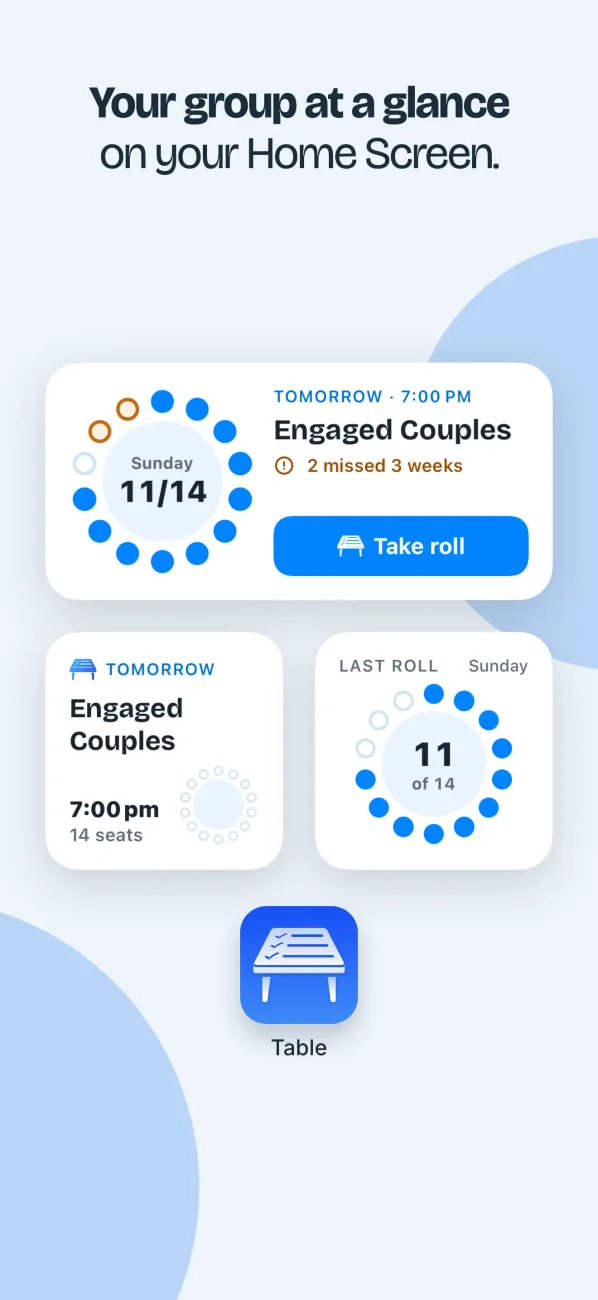
ON YOUR HOME SCREEN
Widgets show your next meeting, how the last roll went and your church's week, and the
Take roll widget opens that meeting's roll in one tap. They show group names, times and
counts, never a roster member's name, because a Home Screen is seen by anyone holding
the phone (a group named after its hosts shows that name). On the Lock Screen they stay
hidden until the phone is unlocked. Widgets need iOS 17 or later.
ONE PERSON, ONE RECORD
Add someone who is already on file and Table offers that person instead of a second
record. When two records or two groups slip through anyway, pastors see them side by
side in Church settings and merge them, history and all.
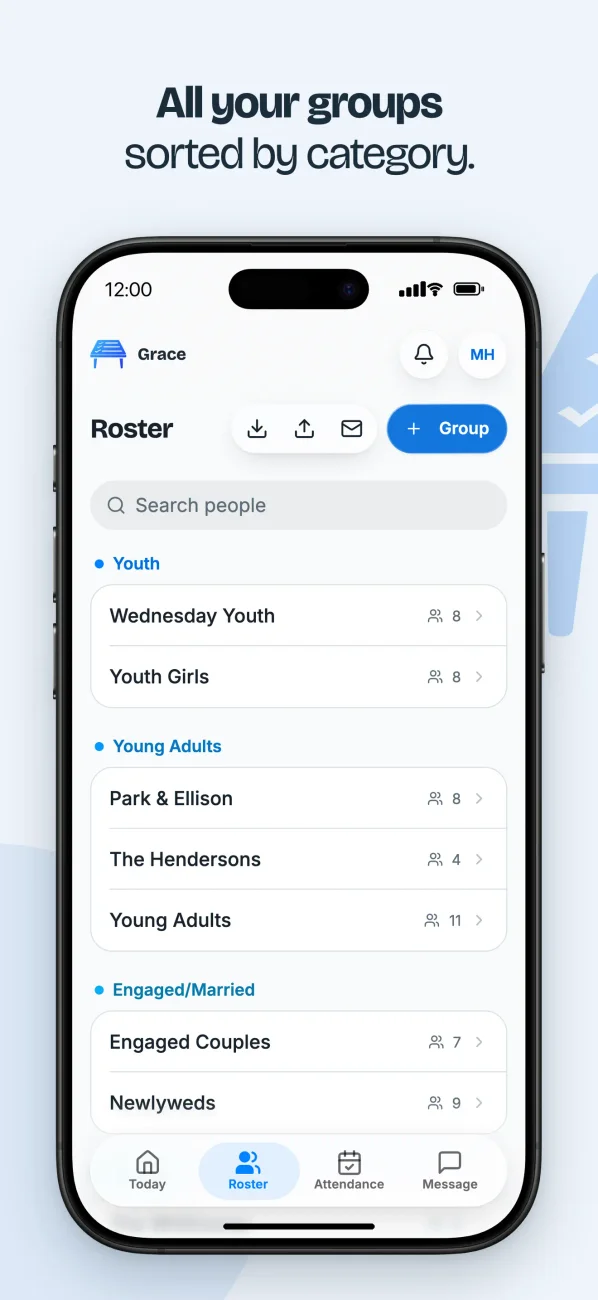
THREE KINDS OF LEADER
A group leader sees the groups they lead and nobody else. A ministry leader sees every
group inside their ministry and decides who leads one. A pastor or administrator sees
the whole church. Each boundary is enforced in the database, not merely hidden in the
interface. In a Youth ministry, students aged 13 to 17 can lead too, once a pastor
approves them, with an adult leader overseeing and a parent told by email.
SENSITIVE GROUPS STAY CLOSED
Leaders join their group with the code their church gives them. A pastor can mark a
group restricted, such as a recovery or youth group, and then joining it waits for a
pastor's or the ministry leader's approval.
PERMISSION ON RECORD
Most people on a roster never use the app, so Table asks leaders to confirm the church
has their permission before adding anyone, needs a parent's or guardian's agreement for
anyone under 18, and records how every person was added and by whom.
A REMINDER BEFORE IT MATTERS
Two days before a group meets, every one of its leaders finds a reminder waiting in the
app: send your invites, check your roster. The day before, a last call.
FOR THE WHOLE CHURCH
Pastors and administrators get a master sheet: a summary, then a page for every ministry
with each of its lifegroups. Export it, or have it emailed to yourself.
FINDING YOUR CHURCH
Leaders sign up with the code their church gave them, then sign in with Apple,
Google, or an email and password. There is nothing for the congregation to install:
Table is for the handful of people who carry the groups.
Table holds names and phone numbers of real people, most of whom never signed up
for an app. It is built accordingly: no adverts, no analytics of its own, no tracking, and
nothing ever sold.
新機能
バージョン 1.4.6 · 2026/11/20
- Texting your group stays in Table: each text opens in Messages right over the app, and when you tap send the next person comes up on their own.
- Message has its own blue button beside the tab bar, one tap from anywhere.
- Head count: on a big night, type how many were in the room. It counts as that meeting's attendance, even if you only checked a few names.
- Young Adults groups are no longer asked how many kids came.
- Creating or resetting a password now shows what it needs as you type: 8 characters, a capital, a lowercase letter and a number.
- A check mark above the keyboard puts it away when you are done typing.
アプリのプライバシー
このアプリのデータの取り扱いについて、Faviers LighthouseがApp Storeで申告している内容です。
-
ユーザーに関連付けられたデータ
収集され、ユーザーの識別情報に関連付けられる場合があります。
- 連絡先情報
- ユーザーコンテンツ
- ID
- 使用状況データ
- 診断
- その他のデータ
-
ユーザーに関連付けられないデータ
収集される場合がありますが、ユーザーの識別情報には関連付けられません。
- ID
プライバシーの取り扱いは、ご利用の機能やお客様の年齢などに応じて異なる場合があります。
情報
- 販売元
- FAVIERS LIGHTHOUSE LLC
- カテゴリ
- 仕事効率化
- バージョン
- 1.4.6
- 更新日
- 2026/11/20
- リリース
- 2026/10/1
- サイズ
- 25.3 MB
- 必要条件
- iOS 15.0以降
- 対象年齢
- 4+
- 言語
- 英語
- 著作権
- © 2026 Favier's Lighthouse
こちらもおすすめ
-
 Group Attendance Tracker仕事効率化
-
 Prentus: Job Search Platform仕事効率化
-
 Unity Intercom仕事効率化
-
 ViewSonic Projector仕事効率化
-
 Attendable - 出席簿、出欠管理学校・塾・教会の点呼、出席チェック、名簿管理
-
 習慣トラッカー - ルーティン管理毎日の記録・リマインダー
-
 SocialFocus: Hide DistractionsBlock shorts, reels, feed...
-
 Noteflow: AI Notes Taking仕事効率化
-
 Tables. Just tables.仕事効率化
-
 Bento for Creators仕事効率化