- 対象年齢4+
- カテゴリビジネス
- 開発元Traction Software, Inc.
- 言語英語
- サイズ1.6 MB
App Storeの公式ページにリンクしています
Download.orgはTeamPageのファイルを一切ホストしていません。ボタンを押すと、Traction Software, Inc.が公開しているApp Storeのアプリページが開きます。ページの最終確認:2026/11/17。
スクリーンショット
概要
開発元はこのテキストをお使いの言語で提供していません。
The Traction® TeamPage App connects to your TeamPage server and makes it easy to stay up-to-date with discussions, notifications, and work across your organization — now with a redesigned experience.
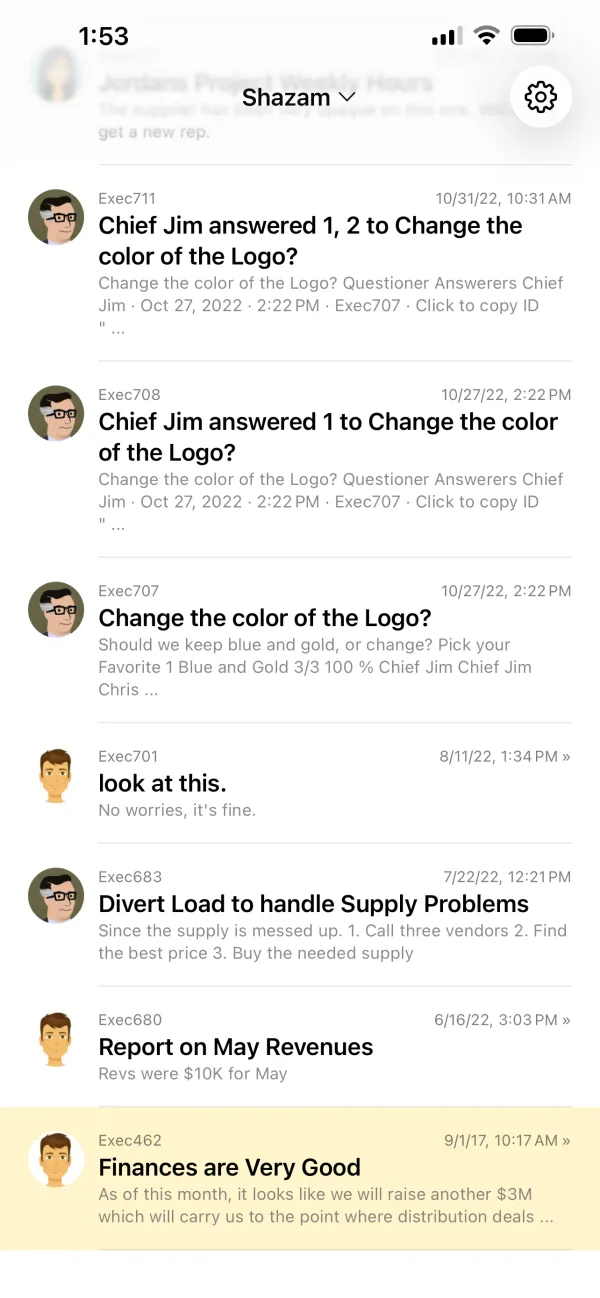
You can quickly scroll through notifications and recent discussions in a clean, mobile-optimized layout designed to help you focus on what matters most.
Articles that you read in the app are marked read in your notifications list, making it easy to manage notifications when switching between devices or servers.
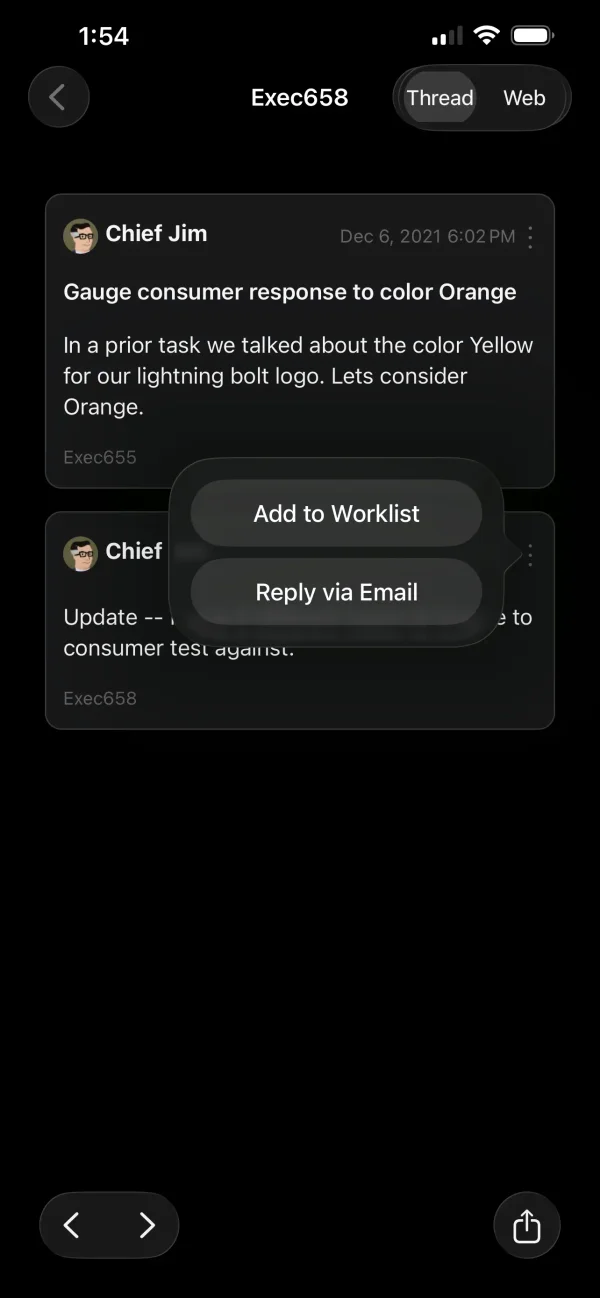
Using the context menu, you can add any article to your worklist or reply via email directly from within the app.
You can read, reply to, and manage your worklist even when offline; when you reconnect, your changes sync automatically back to your TeamPage server.
FEATURES
The TeamPage iOS App lets you interact with your TeamPage servers wherever you are.
• New in 2.2: Search using Solr on your TeamPage 7.1+ server with Solr installed
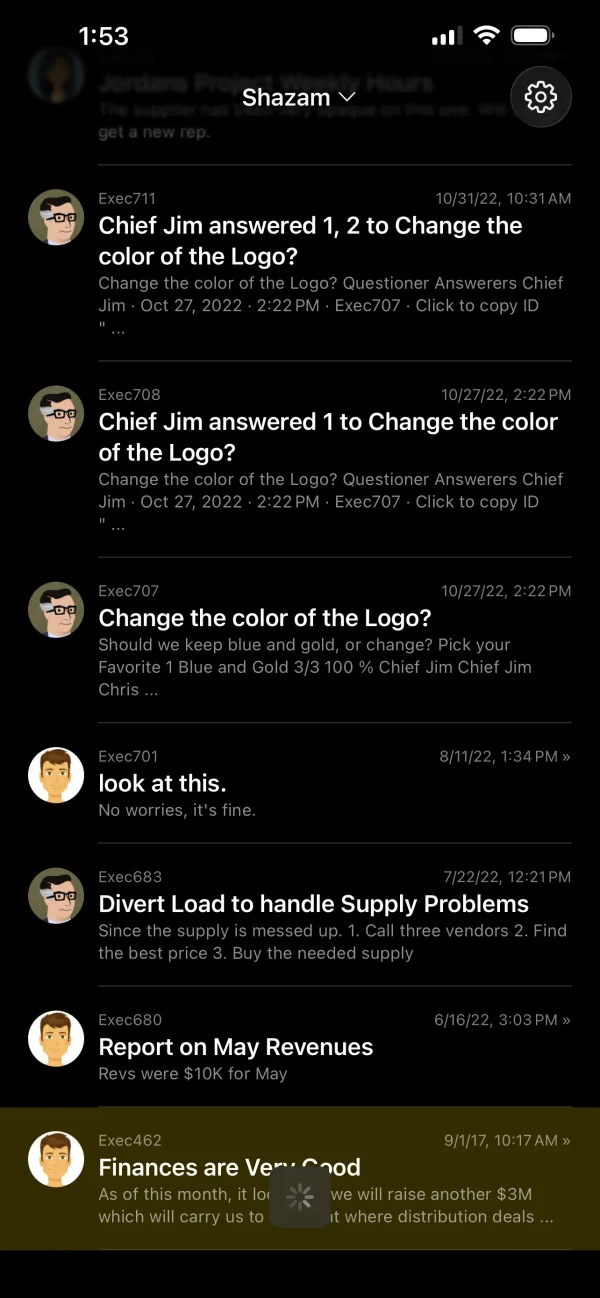
• New in 2.0: Modern glass interface with full dark mode support
• New in 2.0: Connect to and switch between multiple TeamPage servers
• New in 2.0: OpenID Connect login with support for Microsoft Entra authentication
• Unread tracking synchronized with TeamPage
• Add any entry to your worklist
• Reply via email to any entry
• Offline reading and syncing
Discussions View
• This view lists all activity that you are allowed to see across your server.
• The most recently commented discussions appear first.
• The author, time, ID, and a snippet of the first unread comment are displayed in the list.
• When you open a discussion, the view scrolls directly to the first unread entry so you can catch up quickly.
Notifications View
• Articles you are subscribed to or receive notifications for appear in the notifications list.
• Notifications you read or delete in the mobile app are synchronized with TeamPage.
• Quickly review updates and stay on top of conversations from anywhere.
Search
• Live, interactive search as you type text in the search box
• Support advanced Solr operators like AND, AND NOT, e.g. "policy AND NOT privacy"
• Sort by rank, newest first, oldest first
• Infinite scroll through search results
• Show detail review of any search result
Note: Search in the TeamPage App is automatically enabled when communicating with TeamPage 7.1+ servers with Solr Search support installed.
Detail View
• A toggle switch lets you move between the native discussion view and the full live TeamPage web interface. The app remembers your preference so you can stay in your preferred view as you navigate.
• Context menu lets you add an entry to your worklist or reply via email (incoming email support must be configured on your TeamPage server).
• Swipe left or right to move to the next or previous discussion.
About TeamPage
Traction TeamPage is a powerful hypertext-based collaboration platform used worldwide by organizations in Consulting, Manufacturing, Education, and Government for Product Management, Business Process Management, Compliance Management, Knowledge Management, and collaboration.
新機能
バージョン 2.2 · 2026/4/20
Version 2.2 introduces interactive Solr Search for TeamPage 7.1+ servers with Solr installed.
アプリのプライバシー
このアプリのデータの取り扱いについて、Traction Software, Inc.がApp Storeで申告している内容です。
-
データの収集なし
開発元はこのアプリからデータを収集しません。
プライバシーの取り扱いは、ご利用の機能やお客様の年齢などに応じて異なる場合があります。
情報
- 販売元
- Traction Software, Inc.
- カテゴリ
- ビジネス
- バージョン
- 2.2
- 更新日
- 2026/4/20
- リリース
- 2016/5/12
- サイズ
- 1.6 MB
- 必要条件
- iOS 16.0以降
- 対象年齢
- 4+
- 価格
- 無料
- 言語
- 英語
- 著作権
- © 2026 Traction Software, Inc.