
Teleprompter for Video Script^
Record & Read with Prompter
iPhone, iPad向けに設計
無料 · アプリ内課金
- 対象年齢4+
- カテゴリ仕事効率化
- 開発元Usman wali
- 言語英語
- サイズ19.6 MB
App Storeの公式ページにリンクしています
Download.orgはTeleprompter for Video Script^のファイルを一切ホストしていません。ボタンを押すと、Usman waliが公開しているApp Storeのアプリページが開きます。ページの最終確認:2026/11/6。
スクリーンショット
概要
開発元はこのテキストをお使いの言語で提供していません。
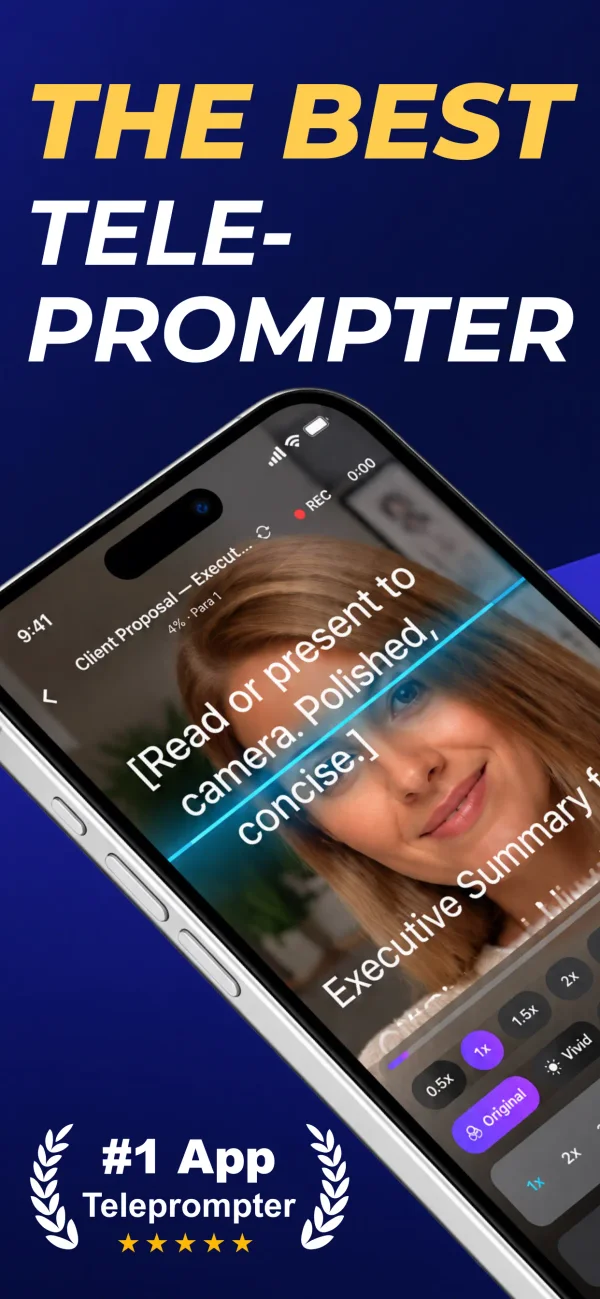
TeleCue App makes it easy to prepare, follow, and deliver video scripts naturally on your iPhone or iPad. Add your script, customize the display, and follow your words at a comfortable pace.
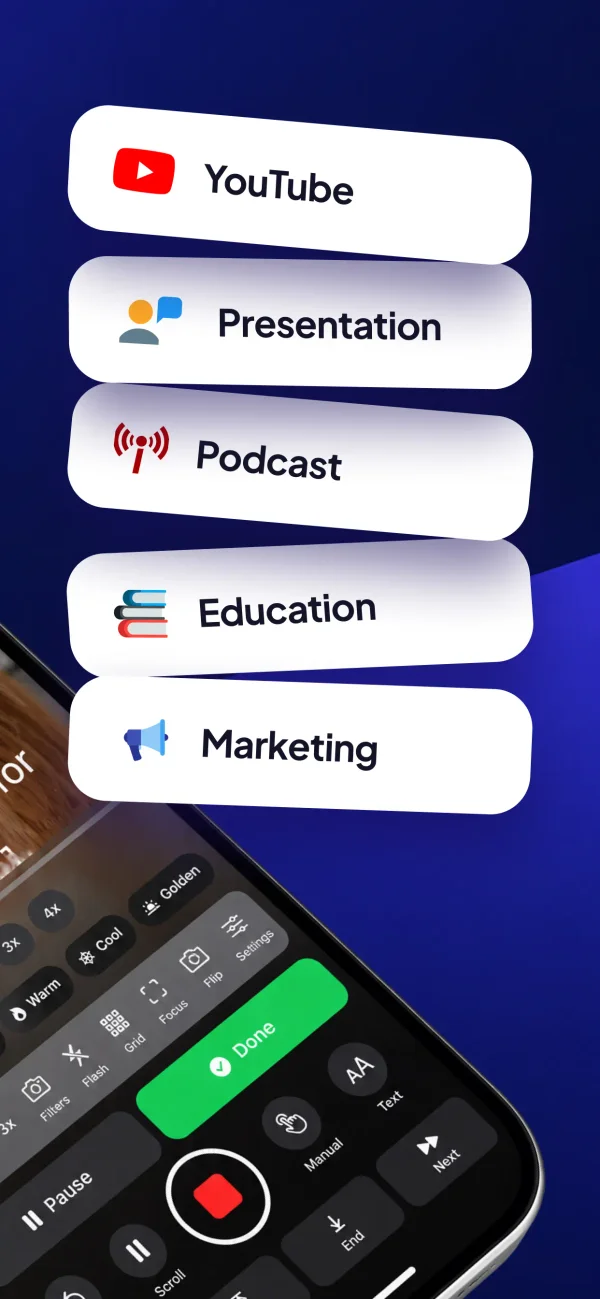
Whether you create YouTube videos, social media content, tutorials, presentations, product demonstrations, or short-form videos, the app keeps your script clear and easy to follow.
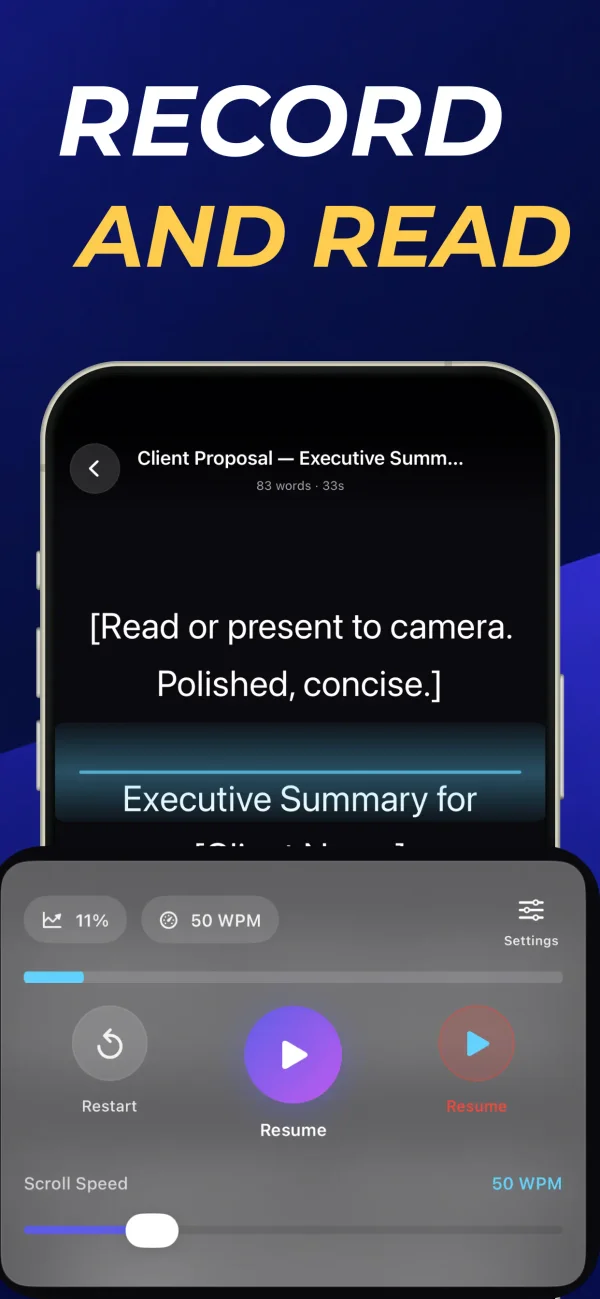
Create or import a script, adjust the text, and start scrolling when ready. Control the speed manually or use voice-assisted scrolling to help the script follow your speaking pace.
CREATE AND ORGANIZE VIDEO SCRIPTS:
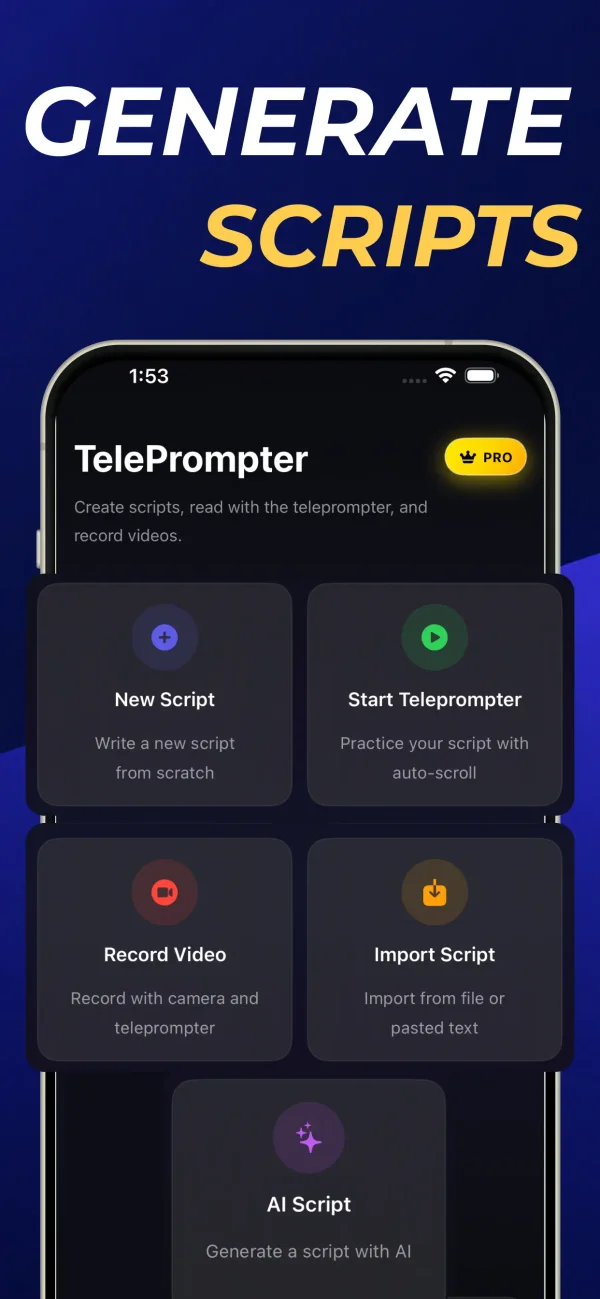
- Script Editor
- Write and edit video scripts directly in the app.
- Import Scripts
- Bring existing scripts and written content into the app.
- Script Library
- Keep your scripts organized and easy to access.
FOLLOW YOUR SCRIPT NATURALLY:
- Auto Scrolling
- Move through your script smoothly while speaking.
- Voice-Assisted Scrolling
- Use speech recognition to help match scrolling with your voice.
- Scroll Speed Control
- Adjust the speed to match your delivery.
- Play & Pause
- Start, pause, and resume scrolling anytime.
- Quick Navigation
- Jump between sections of your script easily.
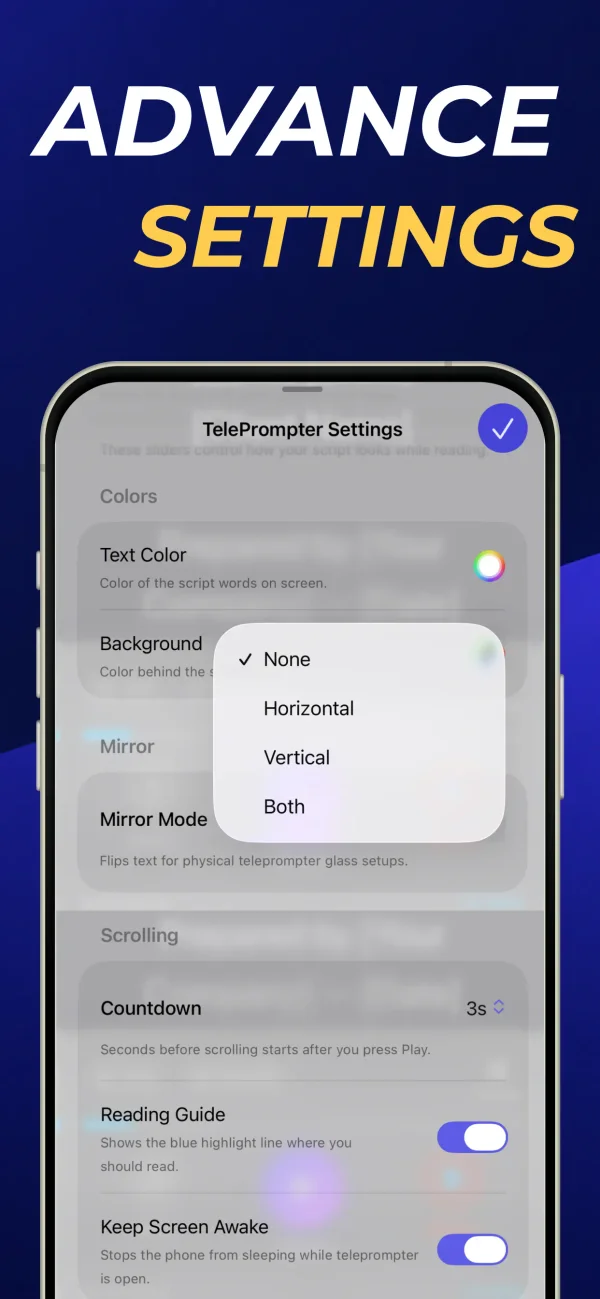
- Countdown
- Get a few moments to prepare before scrolling begins.
CUSTOMIZE YOUR READING EXPERIENCE:
- Text Customization
- Adjust font size, style, spacing, and margins.
- Background Settings
- Customize the script display to your preference.
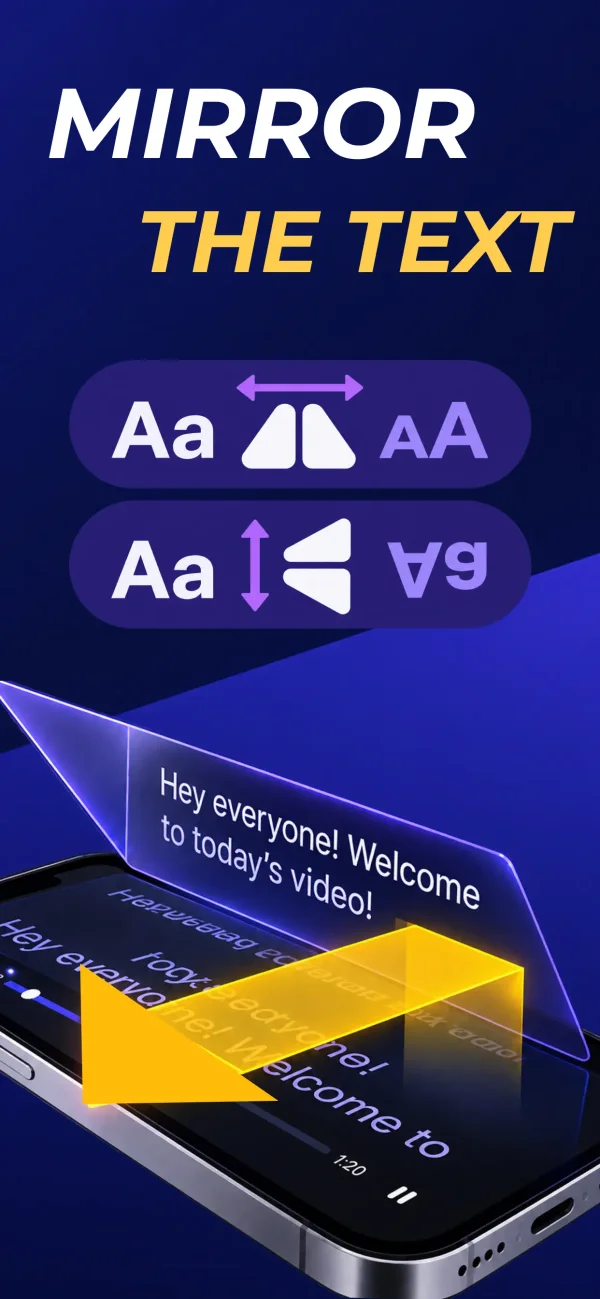
- Mirror Mode
- Flip text horizontally for compatible setups.
- Full-Screen Reading
- Keep your script clear and focused.
- Portrait & Landscape
- Use the orientation that suits your setup.
- Reading Progress
- Track your position and remaining content.
- Estimated Reading Time
- See the approximate time needed to read your script.
CONVENIENT CONTROLS:
- Floating Script
- Keep your script accessible while using supported apps.
- Remote Controls
- Manage scrolling with compatible Bluetooth devices or keyboards.
BUILT FOR:
- YouTube creators
- TikTok and short-form creators
- Instagram creators
- Educators and teachers
- Coaches and trainers
- Business professionals
- Public speakers
- Anyone creating videos with prepared scripts
WHY USERS LOVE TeleCue App:
- Easy script preparation and organization
- Smooth automatic scrolling
- Voice-assisted scrolling
- Adjustable reading speed
- Customizable text and display
- Mirror mode and full-screen reading
- Countdown and navigation controls
- Portrait and landscape support
- Floating script and remote controls
From short social media clips to presentations and tutorials, TeleCue App helps you prepare your words, follow your script comfortably, and stay focused on your delivery.
To access all features, the user needs to purchase the subscription.
SUBSCRIPTION PLANS:
- Weekly Plan $3.99
- Monthly Plan $6.99
- Yearly Plan $19.99
After purchasing a subscription, users can access the premium features included in their selected plan.
NOTE:
Payment will be charged to your iTunes account at confirmation of purchase. Your subscription automatically renews unless auto-renew is turned off at least 24 hours before the current period ends. Your account will be charged for renewal within 24 hours before the end of the current period. You can manage subscriptions and turn off auto-renewal in your App Store Account Settings.
- TERMS & PRIVACY
By using this app, you agree to our terms and policies. For information about how we handle your information, please review our Privacy Policy.
Terms of Use: https://sites.google.com/view/appvanta/terms-and-conditions
Privacy Policy: https://sites.google.com/view/appvanta/privacy-policy
新機能
バージョン 1.2 · 2026/9/29
- Bug fixes and performance improvements
- Improved app stability
アプリのプライバシー
このアプリのデータの取り扱いについて、Usman waliがApp Storeで申告している内容です。
-
データの収集なし
開発元はこのアプリからデータを収集しません。
プライバシーの取り扱いは、ご利用の機能やお客様の年齢などに応じて異なる場合があります。
情報
- 販売元
- Usman wali
- カテゴリ
- 仕事効率化
- バージョン
- 1.2
- 更新日
- 2026/9/29
- リリース
- 2026/10/23
- サイズ
- 19.6 MB
- 必要条件
- iOS 17.6以降
- 対象年齢
- 4+
- 価格
- 無料
- アプリ内課金
- あり
- 言語
- 英語
- 著作権
- Copyright © 2026 Usman. All right Reserved.
こちらもおすすめ
-
 ボイスクローン&読み上げ - Voicifyテキスト読み上げ・AI音声合成
-
 Teleprompter — Read Scripts仕事効率化
-
 動画用テレプロンプター ⁺プロンプターとスクリプトリーダー
-
 Kalpa: AI Memory & Voice Notes仕事効率化
-
 Screen Recorder: Video Rec仕事効率化
-
 PromptLume - AI Prompts仕事効率化
-
 Notebooks - Your Digital Notes仕事効率化
-
 MyTax Signature Pad仕事効率化
-
 ZeusVPN - Fast & Secure Proxy仕事効率化
-
 AI Note Taker - Benote仕事効率化