- 対象年齢4+
- カテゴリ仕事効率化
- 開発元KELVIN SENANU WALLACE
- 言語英語
- サイズ20.7 MB
App Storeの公式ページにリンクしています
Download.orgはTeleprompter Pro: Read Scriptのファイルを一切ホストしていません。ボタンを押すと、KELVIN SENANU WALLACEが公開しているApp Storeのアプリページが開きます。ページの最終確認:2026/11/14。
スクリーンショット

概要
開発元はこのテキストをお使いの言語で提供していません。
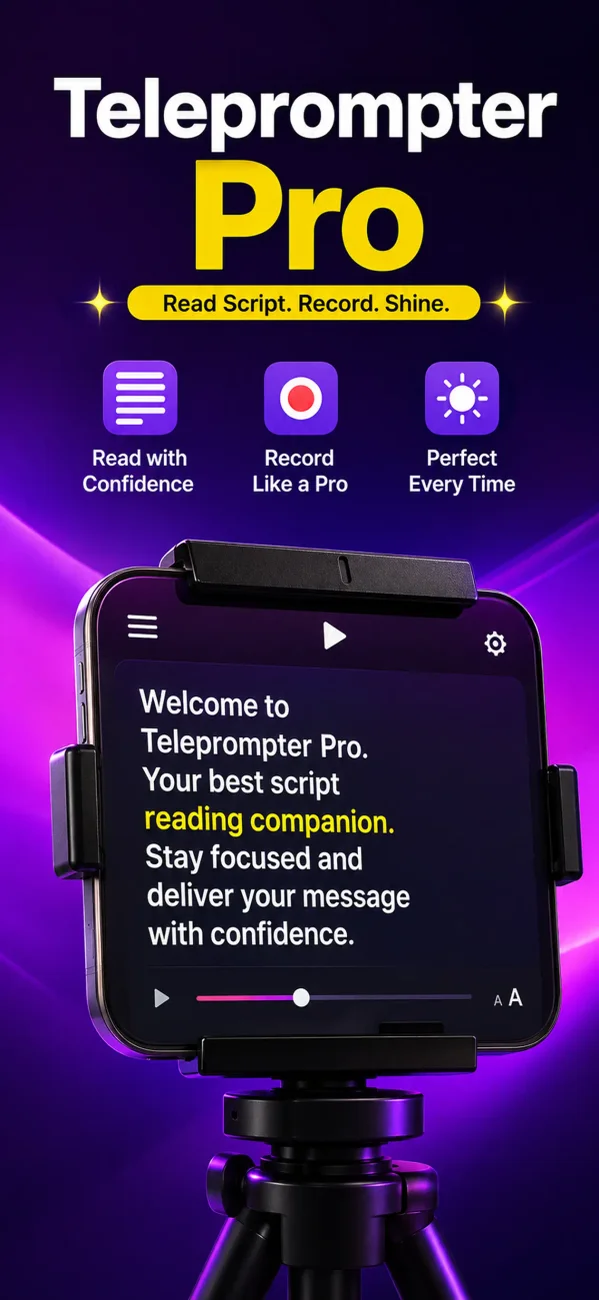
Teleprompter Pro: Read Script
Speak naturally, stay on track, and keep your script exactly where you need it.
Whether you're preparing a presentation, practicing a speech, recording a talk, or delivering a script, Teleprompter Pro: Read Script helps you turn your words into a smoother speaking experience.
WRITE OR IMPORT YOUR SCRIPTS
Create a new script directly in the app or bring in content you already have.
Import supported documents and get your material ready to read without starting from scratch.
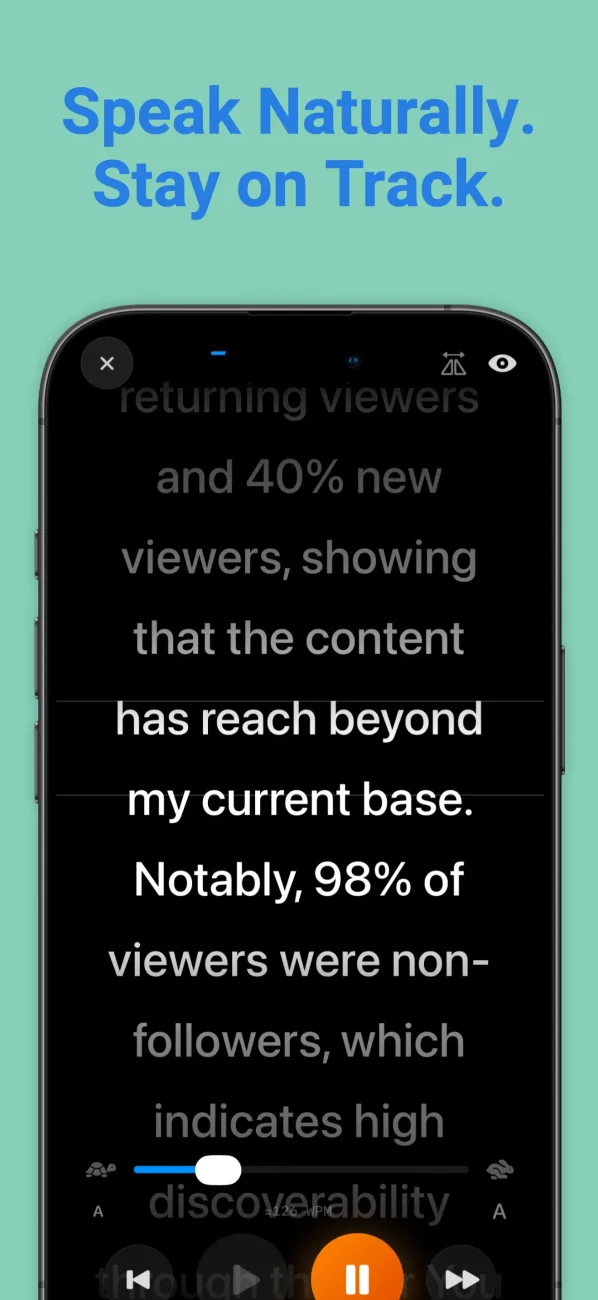
SPEAK WITHOUT LOSING YOUR PLACE
Read your script while keeping your attention on your delivery.
Adjust the scrolling experience to match your preferred speaking pace and keep your script moving at a comfortable speed.
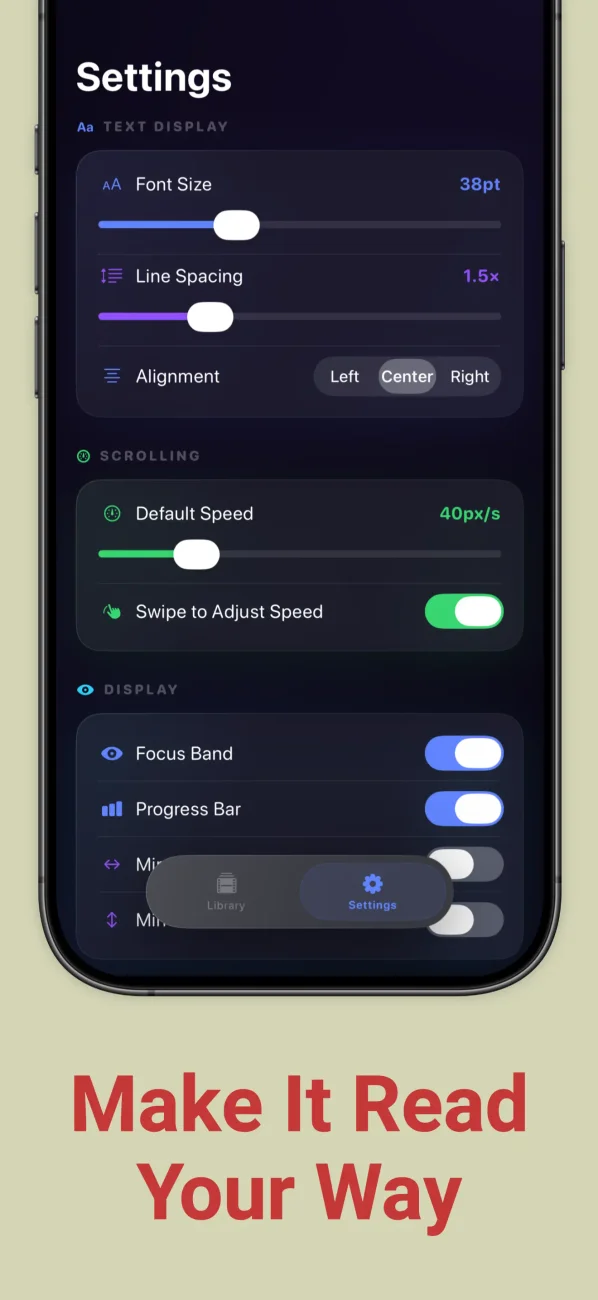
CUSTOMIZE YOUR READING EXPERIENCE
Make your script easier to read with controls for:
• Font size
• Line spacing
• Text alignment
• Scrolling speed
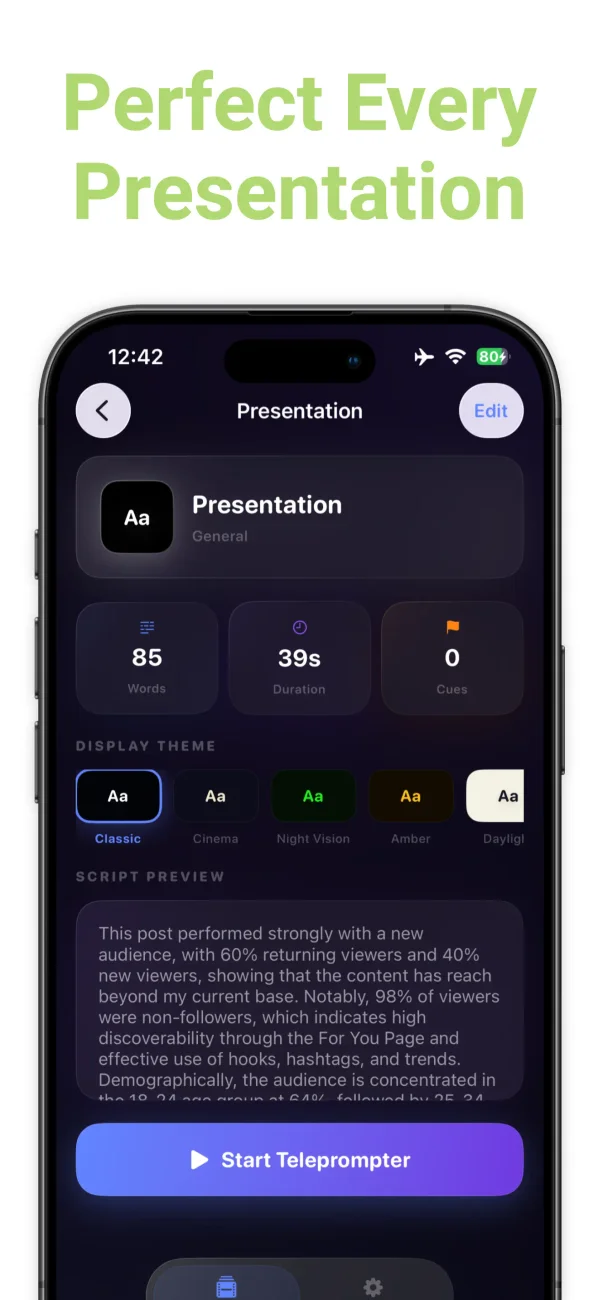
• Display themes
• Focus controls
• Progress indicators
Set up the display around the way you prefer to read and speak.
PREPARE BEFORE YOU PRESENT
Review your script before starting your teleprompter session.
See useful script information and adjust your presentation settings before you begin, so you can focus on delivering your message.
BUILT FOR DIFFERENT SPEAKING MOMENTS
Use Teleprompter Pro: Read Script for:
• Presentations
• Speeches
• Script practice
• Talks
• Content preparation
• Public speaking
• Rehearsals
• On-stage speaking
MAKE EVERY SCRIPT EASIER TO FOLLOW
A teleprompter should work around your delivery, not get in the way.
Choose the text size, spacing, alignment, theme, and scrolling experience that feels most comfortable for you.
Create your script, prepare your settings, start the teleprompter, and stay focused on what you want to say.
Download Teleprompter Pro: Read Script today and make every presentation, speech, and recording easier.
Subscription Details:
• Title: Savory All Access
• Length: 1 year & Lifetime.
• Price: $49.99 per year, $5.99 per week (auto-renews) and $69.99 Lifetime
• Terms of Use: https://www.apple.com/legal/internet-services/itunes/dev/stdeula/
• Privacy Policy: https://docs.google.com/document/d/1IysoItFPBXxdxDkkTJ6FRT1Of8qXqAwwB0op5coC1nU/edit?usp=sharing
新機能
バージョン 1.2 · 2026/9/4
• Improved app performance and overall stability
• Refined the user interface for a smoother experience
• Fixed bugs and addressed minor issues
• Improved reliability across key features
Thanks for using the app. More improvements are on the way.
アプリのプライバシー
このアプリのデータの取り扱いについて、KELVIN SENANU WALLACEがApp Storeで申告している内容です。
-
データの収集なし
開発元はこのアプリからデータを収集しません。
プライバシーの取り扱いは、ご利用の機能やお客様の年齢などに応じて異なる場合があります。
情報
- 販売元
- KELVIN SENANU WALLACE
- カテゴリ
- 仕事効率化
- バージョン
- 1.2
- 更新日
- 2026/9/4
- リリース
- 2026/6/3
- サイズ
- 20.7 MB
- 必要条件
- iOS 17.6以降
- 対象年齢
- 4+
- 価格
- 無料
- アプリ内課金
- あり
- 言語
- 英語
- 著作権
- © Kelvin 2026
こちらもおすすめ
-
 講義録音・文字起こし・AI要約議事録もすぐ作成できるAIノート
-
 Kinty: Stay in Touch仕事効率化
-
 Jetrise SnapPDF: PDFスキャナースキャン・署名・圧縮・PDF変換
-
 Freaks: Habit Tracker, Streaks仕事効率化
-
 PDF Master: All-in-One Tools仕事効率化
-
 Oasa - 穏やかな生産性穏やかなToDoと集中タイマー
-
 SageMind AI Assistant端末上のAIとスキル
-
 PDFix: PDF編集、署名と変換書類スキャン・画像PDF化・結合と圧縮
-
 Rosetta: AIメモ、リンク、TodoすべてのAIアプリのためのひとつのメモリ
-
 Fuego: Streak & Habit Tracker仕事効率化