TextSnapper–OCR Text Scanner
Scan, Extract & Convert Text
iPhone, iPad, iPod touch向けに設計
無料 · アプリ内課金
- 対象年齢4+
- カテゴリ仕事効率化
- 開発元Rohini Wankhade
- 言語英語
- サイズ86.6 MB
App Storeの公式ページにリンクしています
Download.orgはTextSnapper–OCR Text Scannerのファイルを一切ホストしていません。ボタンを押すと、Rohini Wankhadeが公開しているApp Storeのアプリページが開きます。ページの最終確認:2026/11/15。
スクリーンショット


概要
開発元はこのテキストをお使いの言語で提供していません。
Some of the most important information you save is locked inside images—screenshots, photos, slides, and receipts.
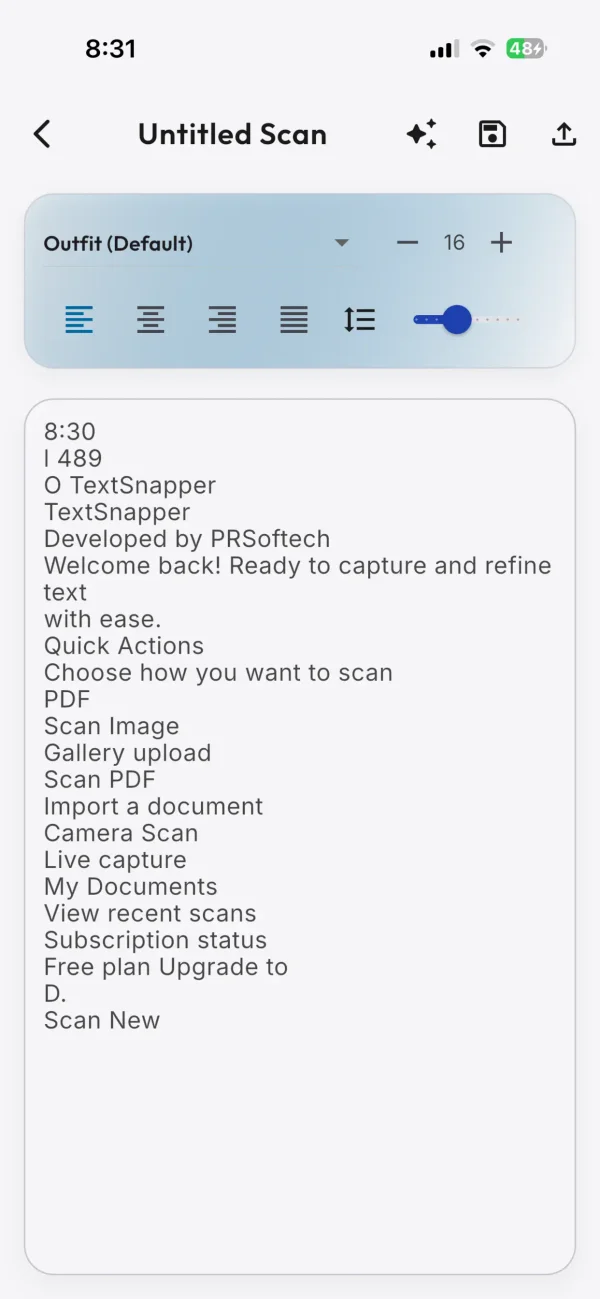
**TextSnapper** turns that “read‑only” text into clean, editable text in seconds using OCR—so you can copy, paste, and share without retyping.
#### Benefits
- Save time and avoid manual typing
- Reduce mistakes from copying by hand
- Move faster from capture to action
#### Feature highlights
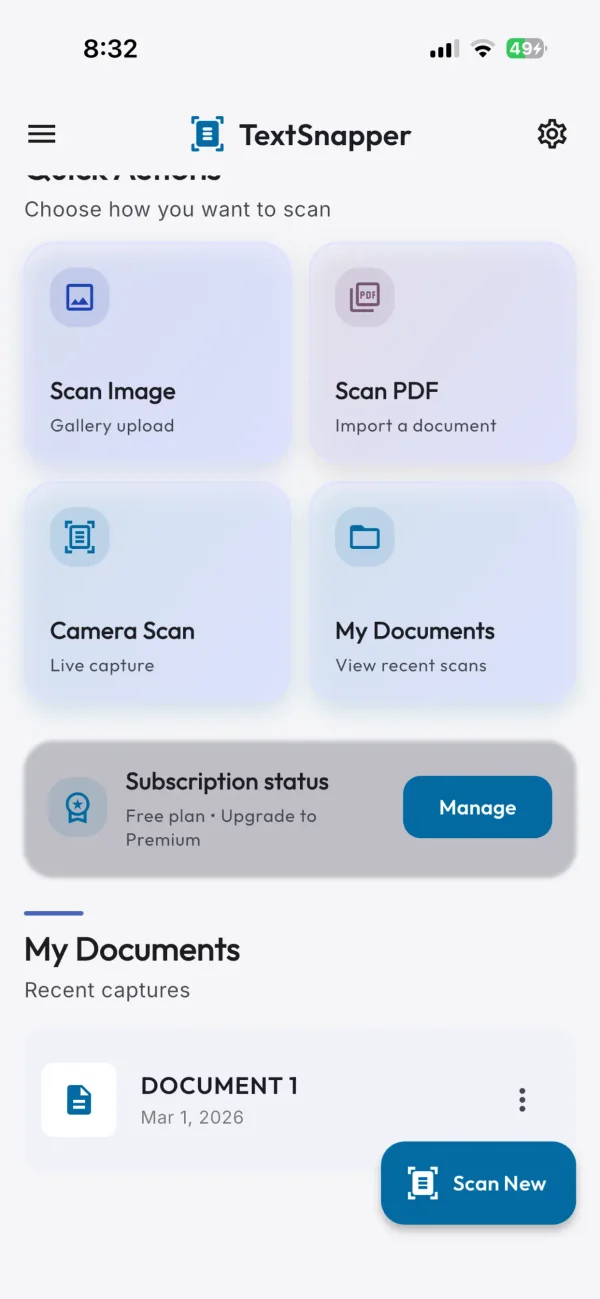
- OCR for screenshots & photos (image to text)
- One‑tap copy to clipboard
- Smart cleanup for line breaks and spacing
- Share extracted text to notes, email, chat, and documents
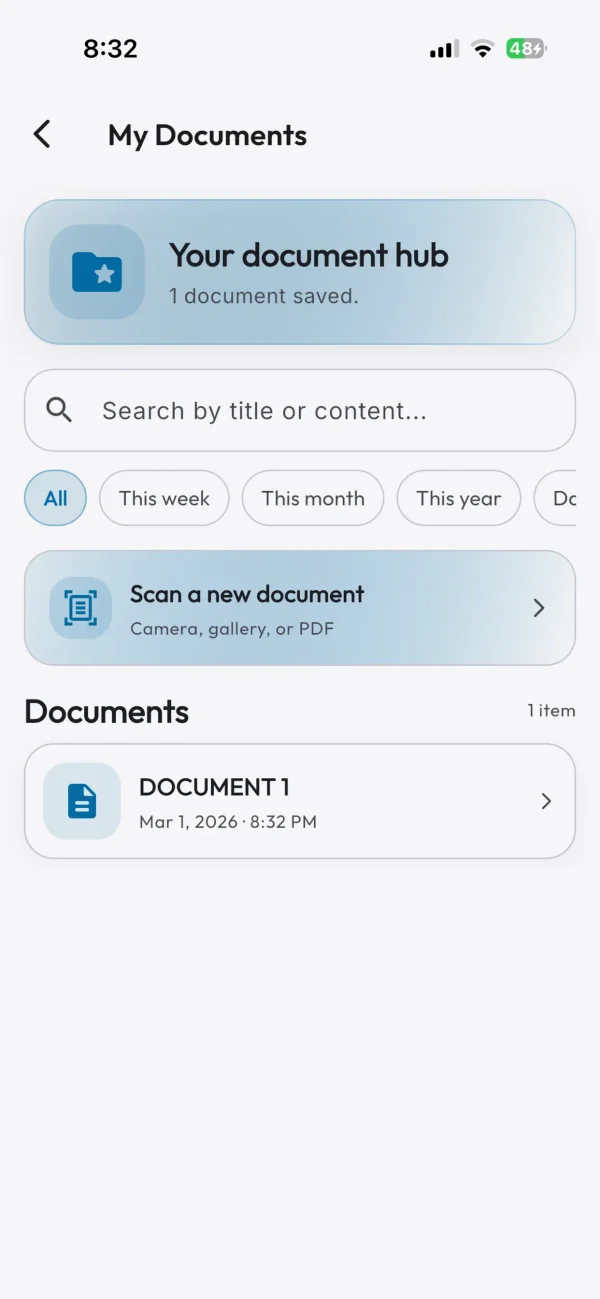
- History to revisit your previous extractions
#### Built for real workflows
Students use it for lecture slides. Professionals use it for receipts and details in screenshots. Creators use it to capture references fast. If you keep screenshots “for later,” TextSnapper helps you use them right away.
#### Privacy & control
TextSnapper is designed to be permission-aware. You choose what to import, what to extract, and where to share.
Download **TextSnapper** and make every screenshot instantly usable.
TextSnapper offers auto-renewable subscription plans for accessing premium features.
• Payment will be charged to your Apple ID account at confirmation of purchase.
• Subscription automatically renews unless auto-renew is turned off at least 24 hours before the end of the current period.
• Your account will be charged for renewal within 24 hours prior to the end of the current period.
• You can manage or cancel your subscription in your App Store account settings after purchase.
• Any unused portion of a free trial period, if offered, will be forfeited when the user purchases a subscription.
Terms of Use (EULA)
https://www.apple.com/legal/internet-services/itunes/dev/stdeula/
Privacy Policy
https://www.prsoftech.in/privacy-policy.html
アプリのプライバシー
このアプリのデータの取り扱いについて、Rohini WankhadeがApp Storeで申告している内容です。
-
ユーザーのトラッキングに使用されるデータ
他社のアプリやウェブサイトを横断してユーザーをトラッキングする目的で使用される場合があります。
- ID
- 使用状況データ
-
ユーザーに関連付けられたデータ
収集され、ユーザーの識別情報に関連付けられる場合があります。
- ID
- 使用状況データ
プライバシーの取り扱いは、ご利用の機能やお客様の年齢などに応じて異なる場合があります。
情報
- 販売元
- Rohini Wankhade
- カテゴリ
- 仕事効率化
- バージョン
- 1.0
- 更新日
- 2026/3/4
- リリース
- 2026/3/4
- サイズ
- 86.6 MB
- 必要条件
- iOS 15.5以降
- 対象年齢
- 4+
- 価格
- 無料
- アプリ内課金
- あり
- 言語
- 英語
- 著作権
- Copyright © 2024 PRSoftech, All rights reserved.
こちらもおすすめ
-
 Scanner PDF: Image to Text仕事効率化
-
 KOLO : Mandats & Prospection仕事効率化
-
 Shade Analyzer仕事効率化
-
 Pasty定型文とハッシュタグを1タップでコピー
-
 Convert Text to PDF: Foliant仕事効率化
-
 Tree House Academy仕事効率化
-
 Expressify: Speech Stimulation仕事効率化
-
 文字認識 文字スキャン Ocr文字読み取り 写真文字起こし
-
 SmartOCR: Image Text Scanner仕事効率化
-
 Document : Text & Ink Remover仕事効率化