- 対象年齢4+
- カテゴリユーティリティ
- 開発元NICHOLAS EDWARD WHITE
- 言語英語
- サイズ2.7 MB
App Storeの公式ページにリンクしています
Download.orgはTGTimerのファイルを一切ホストしていません。ボタンを押すと、NICHOLAS EDWARD WHITEが公開しているApp Storeのアプリページが開きます。ページの最終確認:2026/11/14。
スクリーンショット

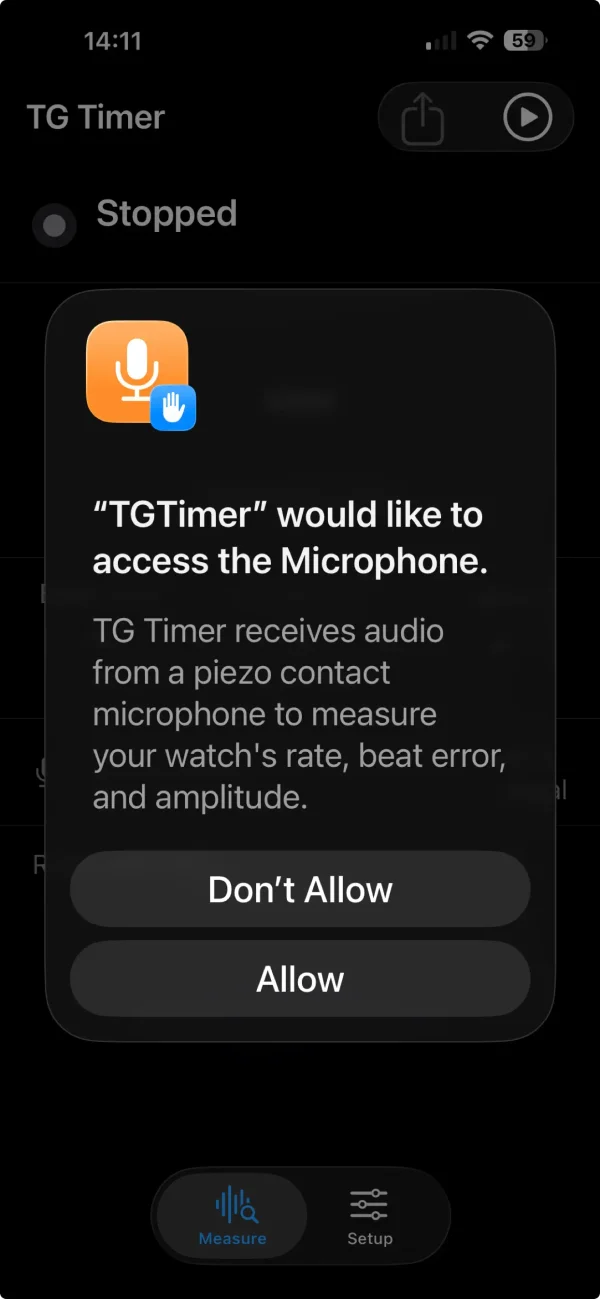


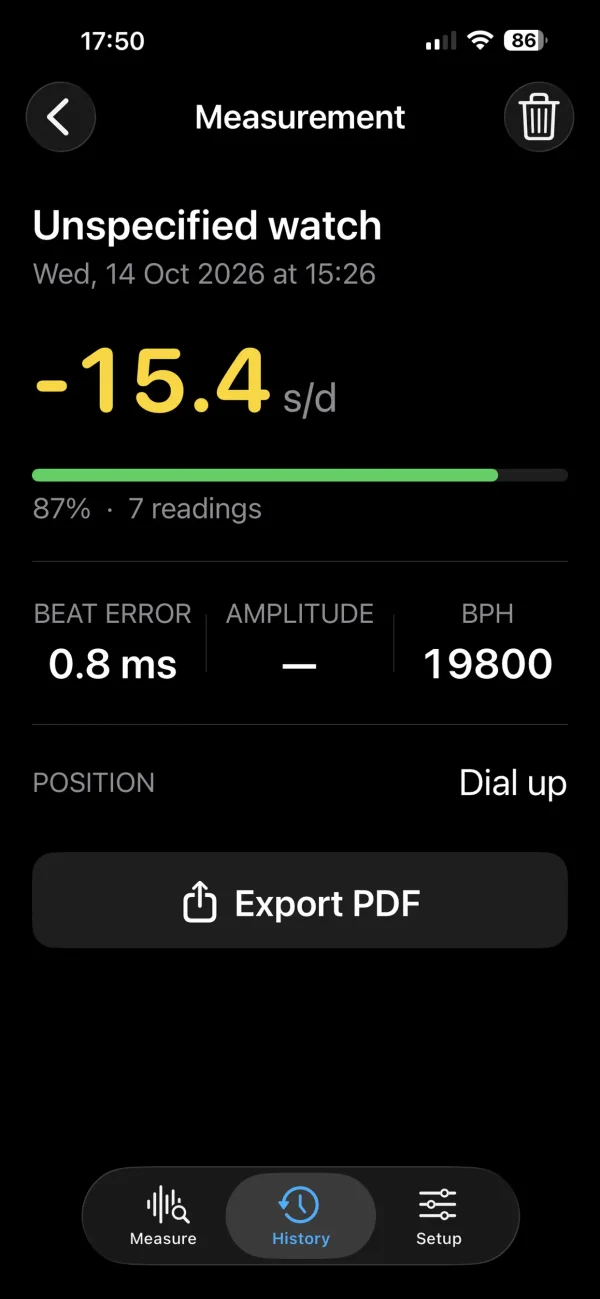
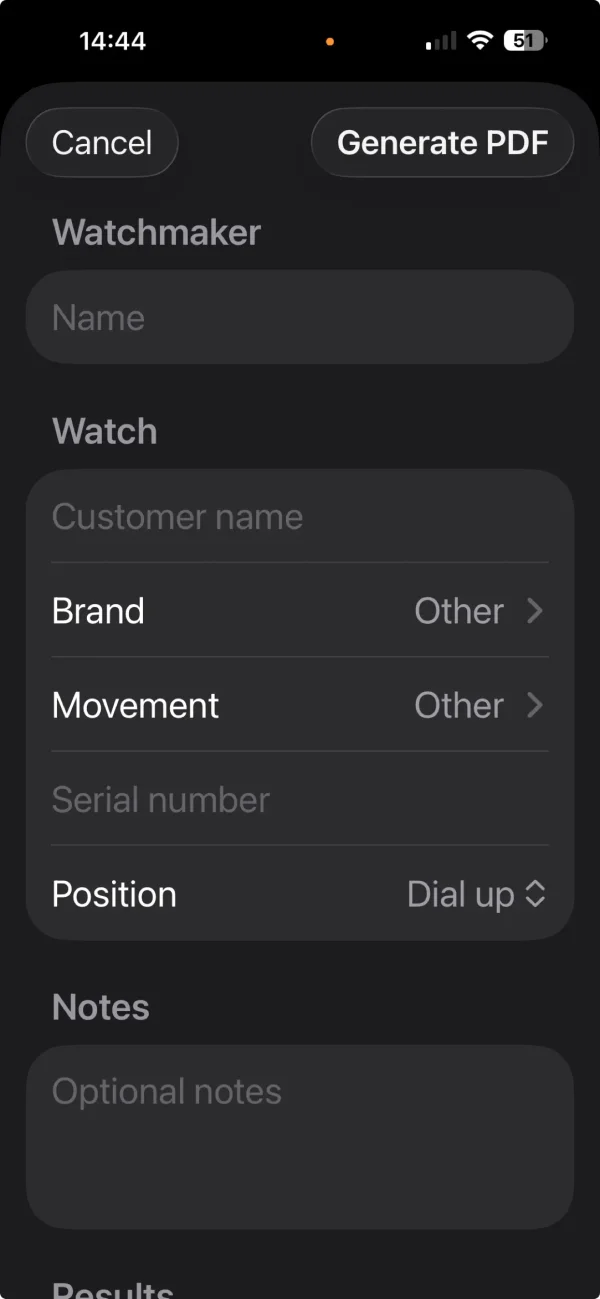
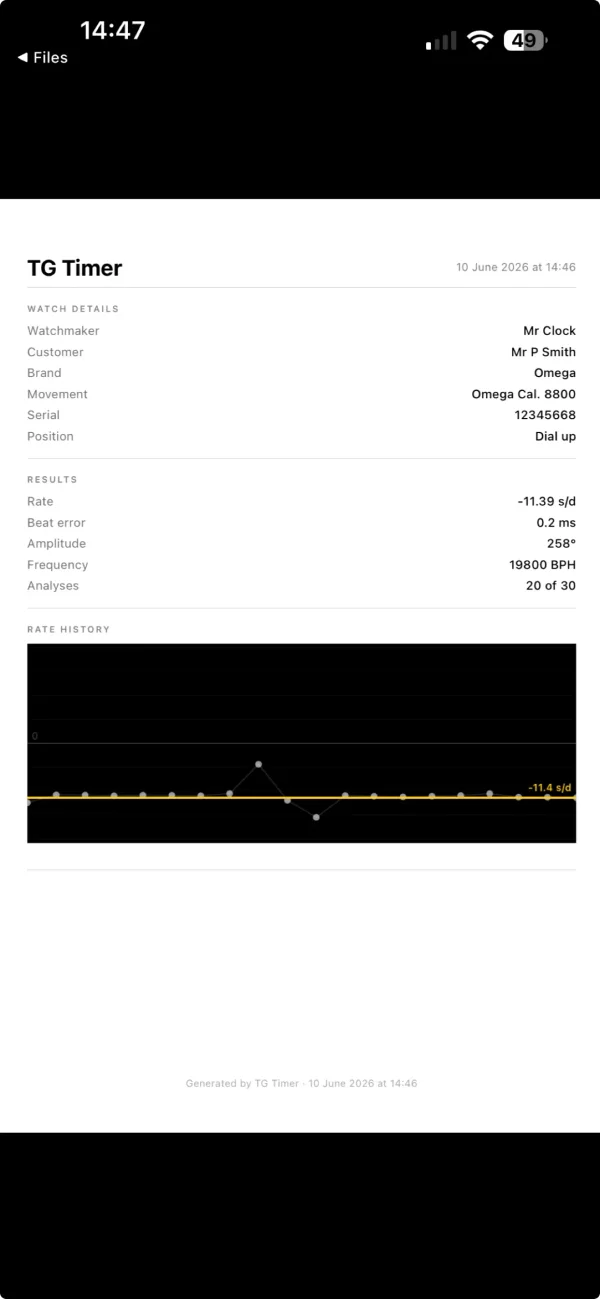
概要
開発元はこのテキストをお使いの言語で提供していません。
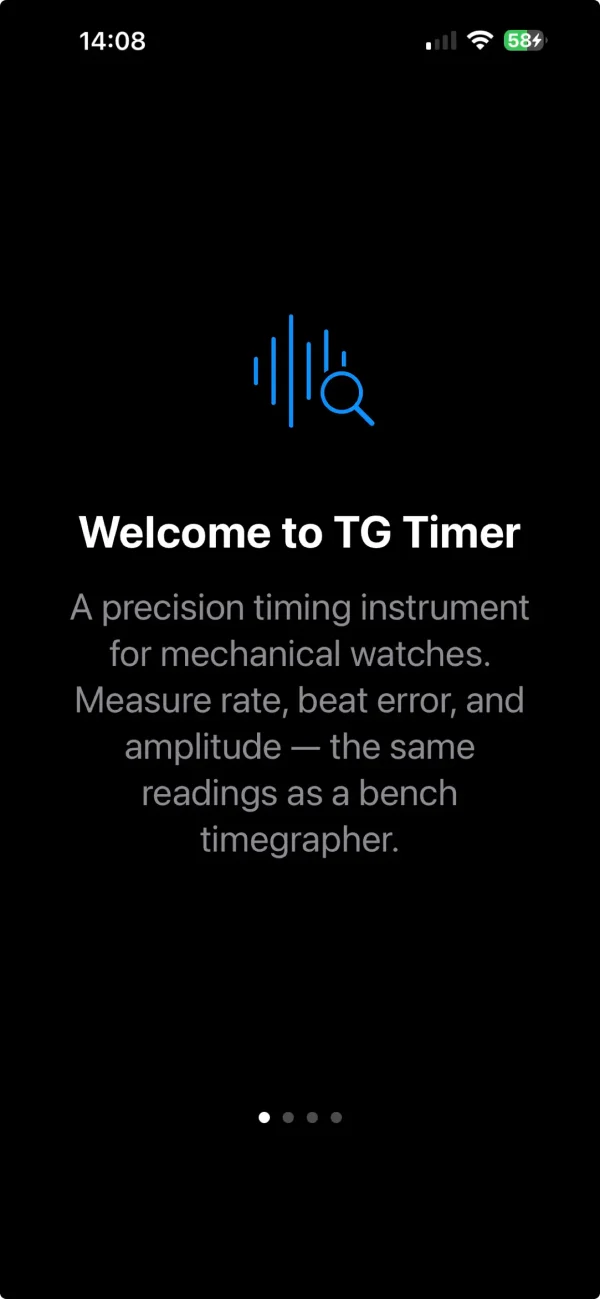
Get bench-timegrapher accuracy for under £10. Now works with the iPhone's built-in mic — just rest the phone on the watch, no accessory needed. Faster, clearer live readings with a live signal trace. TG Timer does the rest.
Designed for watchmakers and enthusiasts who service their own movements, TG Timer measures the rate, beat error, and amplitude of any mechanical watch using autocorrelation analysis of the tick signal — the same technique used by dedicated bench timegraphers costing hundreds of pounds.
What It Measures
• Rate — seconds gained or lost per day
• Beat error — escapement symmetry in milliseconds
• Amplitude — balance wheel arc in degrees
• BPH — movement frequency, auto-detected or manually set
How It Works
Rest your iPhone upright with its bottom edge on the watch crystal (dial up), tap play, and follow the quick on-screen guide. A reading builds on screen within a few seconds and keeps refining live as it listens — a live signal trace shows the individual readings settling onto the answer. Leave it running as long as you like; it never times out, so you can be certain the reading is rock-steady.
Optional Contact Mic
No accessory is needed — but for the strongest signal, especially in a noisy workshop, you can clip on a piezo contact microphone via a USB-C audio adapter. TG Timer detects it automatically. (Search "piezo contact microphone" and "USB-C audio adapter" — typically under £30.)
Movement Presets
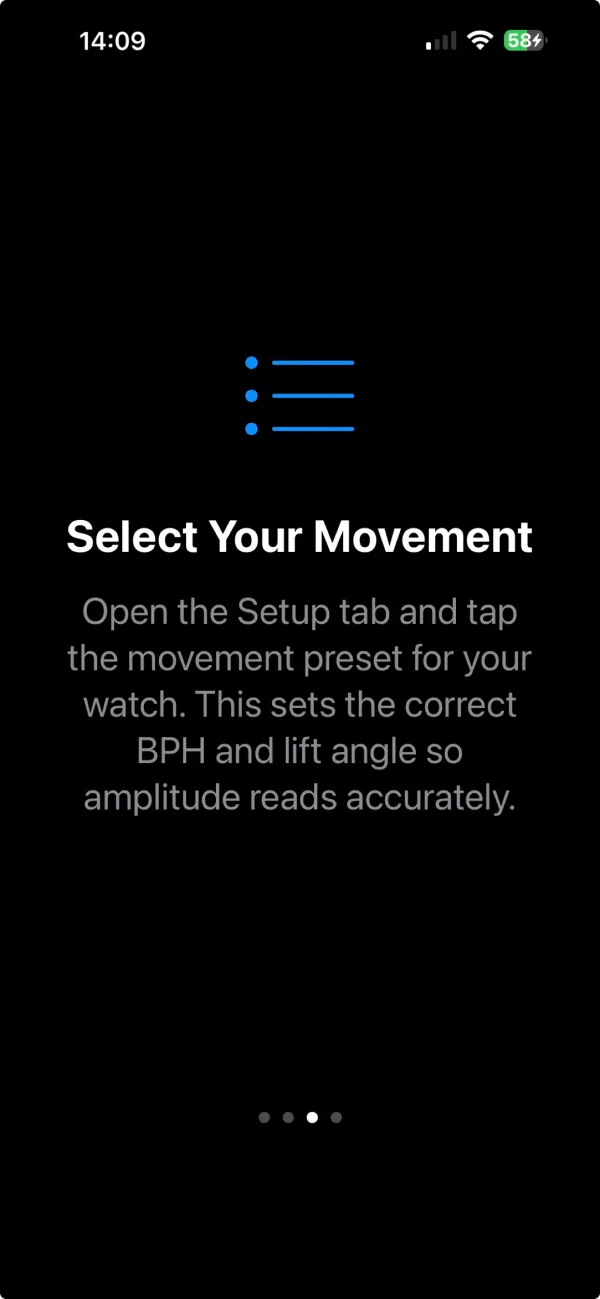
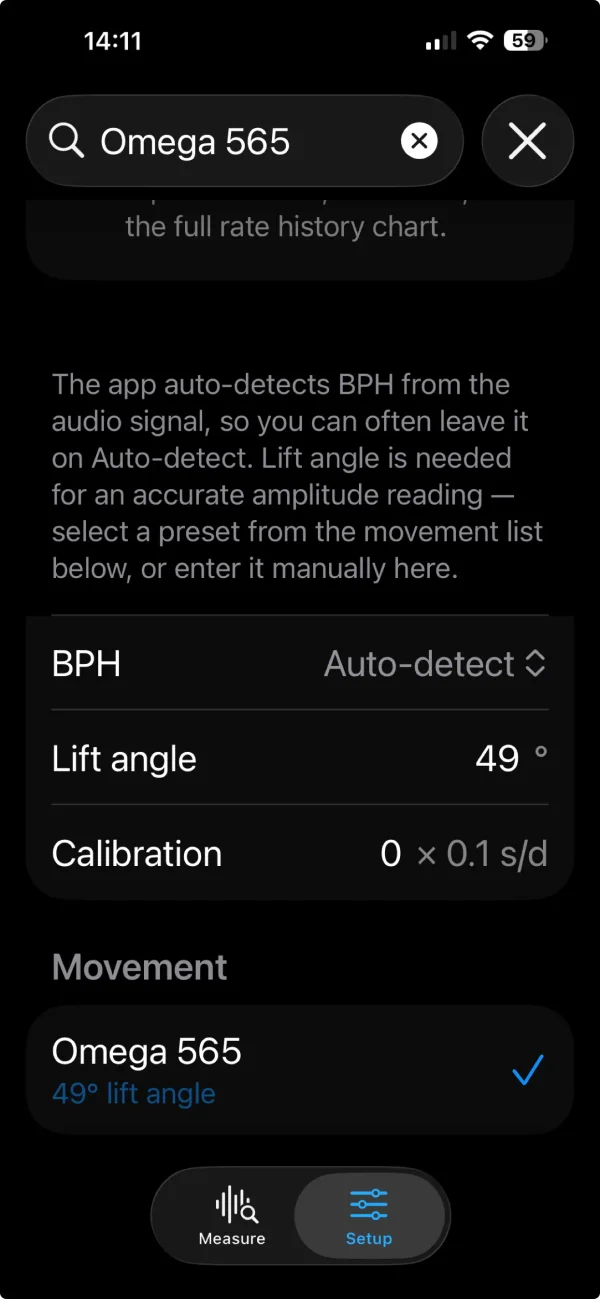
Choose from a built-in library covering ETA, Sellita, Miyota, Seiko, Rolex, Omega, and more. Selecting a preset automatically sets the correct BPH and lift angle for accurate amplitude readings.
PDF Reports
Generate a clean PDF report with watchmaker and customer details, watch brand and movement, position, notes, and the full rate history chart. Share directly from the app.
Designed for the Workshop
• Screen stays on during a measurement run
• Portrait-locked for stable bench use
• Dark interface — easy on the eyes under workshop lighting
• No account, no subscription, no data collected
新機能
バージョン 1.3 · 2026/10/17
This update makes measuring with your iPhone's built-in microphone far more reliable:
• Much more accurate readings from the built-in mic — now on par with a contact mic
• Readings appear and settle noticeably faster
• New: save your measurements to a History tab, each with a results summary and PDF export
• Fixed a crash when switching between the built-in mic and a contact mic
• Smoother PDF report exporting
Thanks for using TG Timer — happy timing!
アプリのプライバシー
このアプリのデータの取り扱いについて、NICHOLAS EDWARD WHITEがApp Storeで申告している内容です。
-
データの収集なし
開発元はこのアプリからデータを収集しません。
プライバシーの取り扱いは、ご利用の機能やお客様の年齢などに応じて異なる場合があります。
情報
- 販売元
- NICHOLAS EDWARD WHITE
- カテゴリ
- ユーティリティ
- バージョン
- 1.3
- 更新日
- 2026/10/17
- リリース
- 2026/6/15
- サイズ
- 2.7 MB
- 必要条件
- iOS 16.0以降
- 対象年齢
- 4+
- 価格
- 無料
- アプリ内課金
- あり
- 言語
- 英語
- 著作権
- © 2026 Nicholas Edward White
こちらもおすすめ
-
 Chronograde: 時計精度歩度測定器・日差・姿勢差
-
 Unruh - 腕時計の精度測定機械式時計の日差・タイムグラファー
-
 Ratewell 歩度計タイムグラファー機械式時計の精度を長期記録
-
 Skew - Watch Accuracyユーティリティ
-
 Anglage:時計タイムグラファー日差・片振り・振り角
-
 Oscillo: 腕時計精度測定器歩度・片振り・振り角
-
 ChronoLog • Watch Accuracyユーティリティ
-
 Clockwork - Watch appユーティリティ
-
 Doctor OLED X画面の焼き付き損傷を検査する
-
 Precision Watch 時計精度機械式時計の歩度を測定