- 対象年齢4+
- カテゴリビジネス
- 開発元kazmos GmbH
- 言語英語
- サイズ53.9 MB
App Storeの公式ページにリンクしています
Download.orgはtimberNet Mobileのファイルを一切ホストしていません。ボタンを押すと、kazmos GmbHが公開しているApp Storeのアプリページが開きます。ページの最終確認:2026/11/26。
スクリーンショット
概要
開発元はこのテキストをお使いの言語で提供していません。
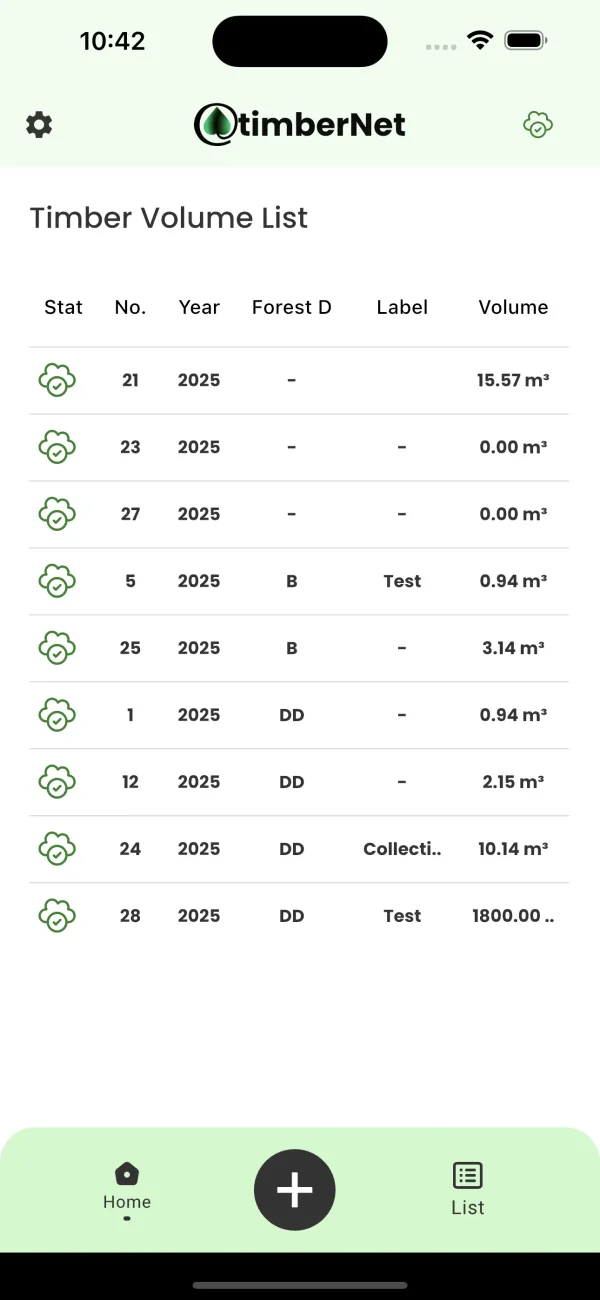
With timberNet Mobile, you can measure timber directly on site. No constant internet connection is required for measurement and management, map data can be preloaded if desired. As soon as a network is available, synchronization can be performed. This securely stores the measurement data on our servers and makes it available for other applications. Above all, direct integration with timberNet SSF enables efficient preparation in the office and fast, error-free data transfer back to the office.
The metadata displayed, such as customers, forest owners, tree species, grade or quality, forest locations, districts, etc., can be conveniently managed online or directly in timberNet SSF and transferred to timberNet Mobile. Only display the options that are directly relevant to you. In the app, input modes such as quick entries, the optional reuse of the last data, or configurable default values make your work easier.
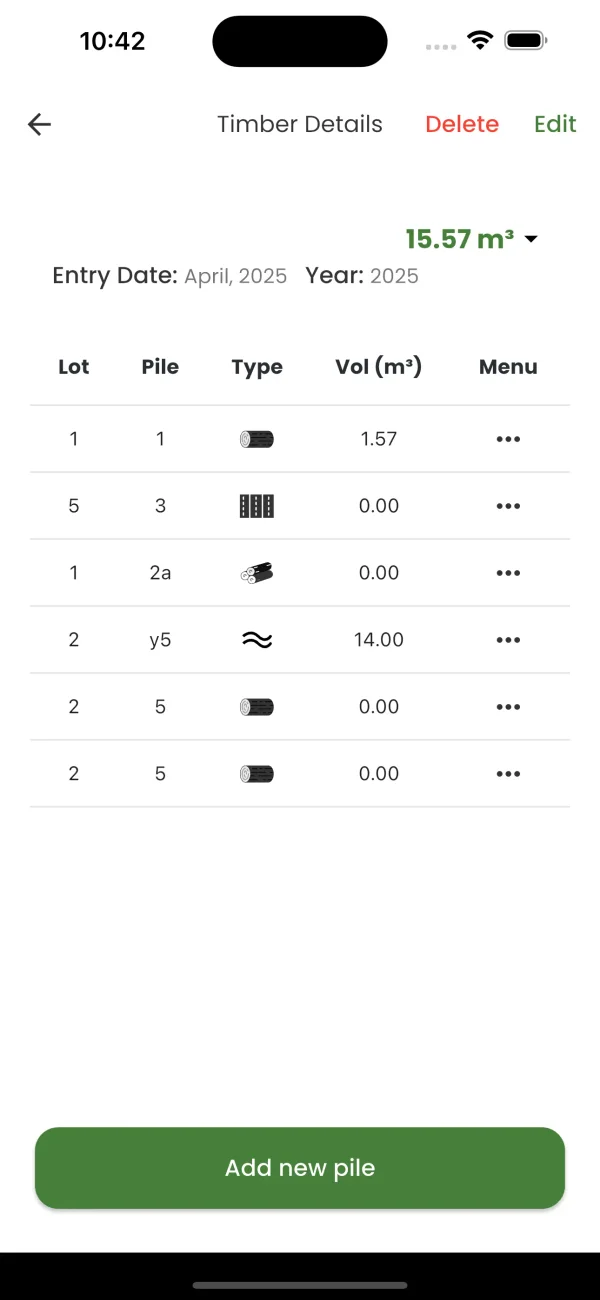
Wood lists and stacks can be managed directly in the app, geo-referenced, and provided with images. A truckload management system allows you to keep track of the actual quantity still available on site.
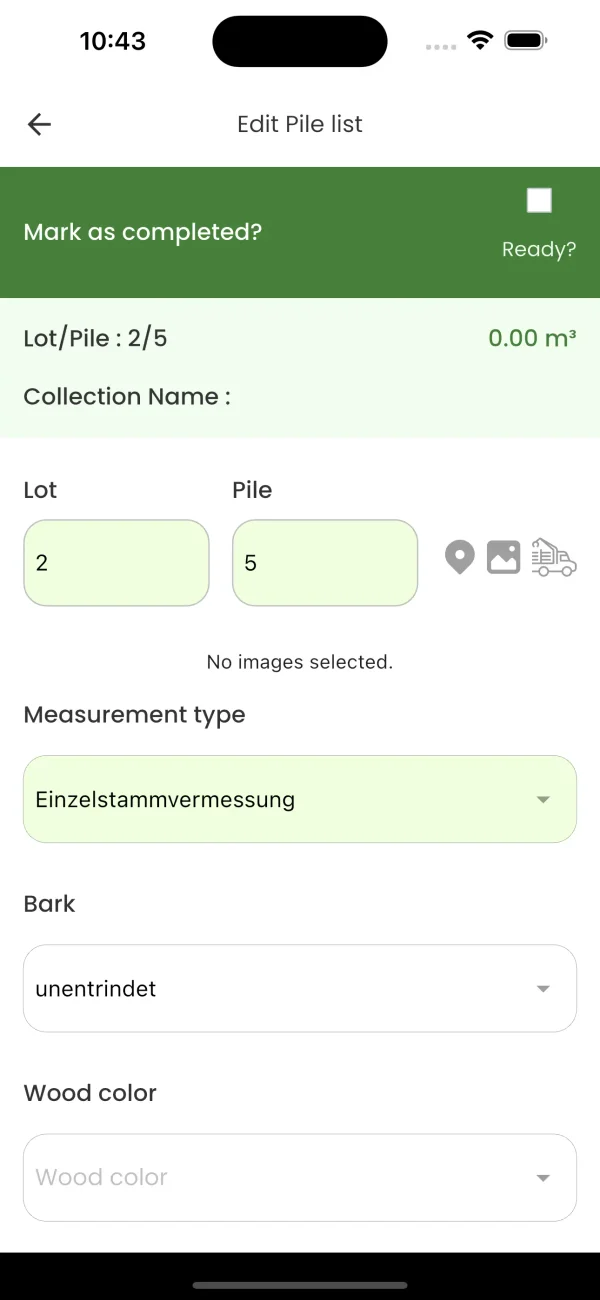
Various measurement methods are available: individual tree measurement, center thickness sampling, section measurement, and estimated quantities. In the future, optical methods will also be available for faster data collection. Typical attributes such as tree species, wood types, quality, bark deductions, and calamities can be recorded, as well as clamp log properties and conversion factor management for optional recording of cubic meter measurements.
Which fields are considered mandatory can be easily configured in timberNet Mobile. Default values for sorting, reduction types, bark deductions, and conversion factors can be easily adjusted. The app is also available in two languages: German and English.
Our Terms of Use: Unsere Nutzungsbedingungen: https://www.apple.com/legal/internet-services/itunes/dev/stdeula/
新機能
バージョン 1.6.5 · 2026/11/24
- Numbers: in German, decimal numbers are shown and entered with a decimal comma, e.g. “12,50 m³”, in labels, lists and input fields. Both the comma and the point key can be used for typing. So far decimal numbers always used a point, and a typed comma was turned into a point.
- Estimated measurements: choosing the unit m³f sets the conversion factor to 1, choosing m³s sets it to the default from the settings. A new measurement in m³f starts with factor 1. So far the factor stayed unchanged when switching units, and new measurements in m³f started with the default factor.
- Update: on the first start after an update, the app asks whether to show the changes since the previously installed version. If so, only these changes are shown. So far the changes were only available in the settings, together with all older ones.
- Piles: new field “Additional notes” below the buyer when adding and editing a pile, three lines tall. The notes are synced with the server. So far piles had no notes, and the placeholder “Wood Object” was saved instead, which is cleared on update.
- Edit pile: typing in a text field no longer makes the form move briefly down and up. So far this happened with each typed letter.
- Sync: after a change to a pile, e.g. a new measurement, only the changed piles of the timber list are uploaded, not all of them. Deleted piles are sent as such. This needs the current server version; with older servers, and for imported timber lists, timber lists are still sent completely. So far each change uploaded the complete timber list with all piles, measurements and transports.
- Piles: lot and pile number have to be unique within a timber list. Saving a new, edited or split off pile with a lot and pile number that the timber list already has shows an error. If the server rejects a timber list because of a lot and pile number used twice, the sync error names them. So far duplicates could be saved, which the server now rejects.
- Pile list: new filter by timber list, behind “More”. Timber lists are shown as number/year/district, newest first. So far piles couldn’t be filtered by timber list. The filters behind “More” are now ordered quality, length, diameter, multi quality, damages, volume, remaining volume, timber list.
- Pile list: if a filter change shows more piles, the list no longer scrolls down. So far it scrolled to the first additional pile, and the filters moved out of view.
アプリのプライバシー
このアプリのデータの取り扱いについて、kazmos GmbHがApp Storeで申告している内容です。
-
ユーザーに関連付けられたデータ
収集され、ユーザーの識別情報に関連付けられる場合があります。
- 連絡先情報
-
ユーザーに関連付けられないデータ
収集される場合がありますが、ユーザーの識別情報には関連付けられません。
- 位置情報
- ユーザーコンテンツ
- 診断
プライバシーの取り扱いは、ご利用の機能やお客様の年齢などに応じて異なる場合があります。
情報
- 販売元
- kazmos GmbH
- カテゴリ
- ビジネス
- バージョン
- 1.6.5
- 更新日
- 2026/11/24
- リリース
- 2026/2/4
- サイズ
- 53.9 MB
- 必要条件
- iOS 15.6以降
- 対象年齢
- 4+
- 価格
- 無料
- アプリ内課金
- あり
- 言語
- 英語
- 著作権
- © 2026 kazmos GmbH