- 対象年齢4+
- カテゴリユーティリティ
- 開発元Alexey Kruhlik
- 言語英語
- サイズ674.0 KB
App Storeの公式ページにリンクしています
Download.orgはTime Visのファイルを一切ホストしていません。ボタンを押すと、Alexey Kruhlikが公開しているApp Storeのアプリページが開きます。ページの最終確認:2026/11/14。
スクリーンショット


概要
開発元はこのテキストをお使いの言語で提供していません。
See time at a glance.
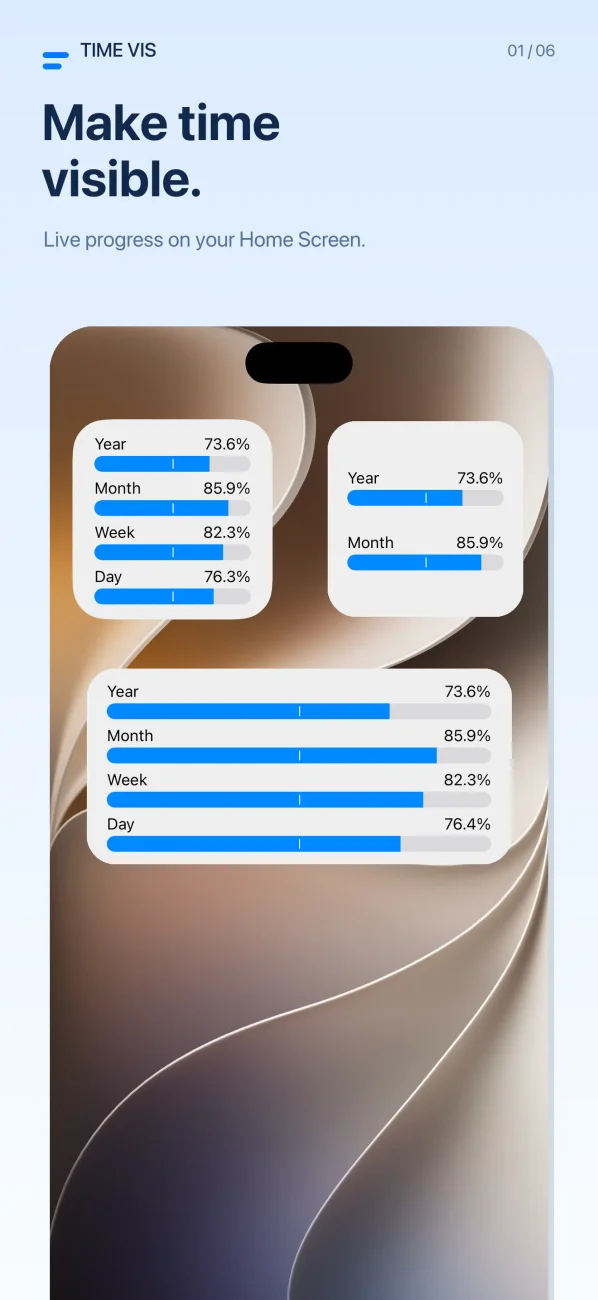
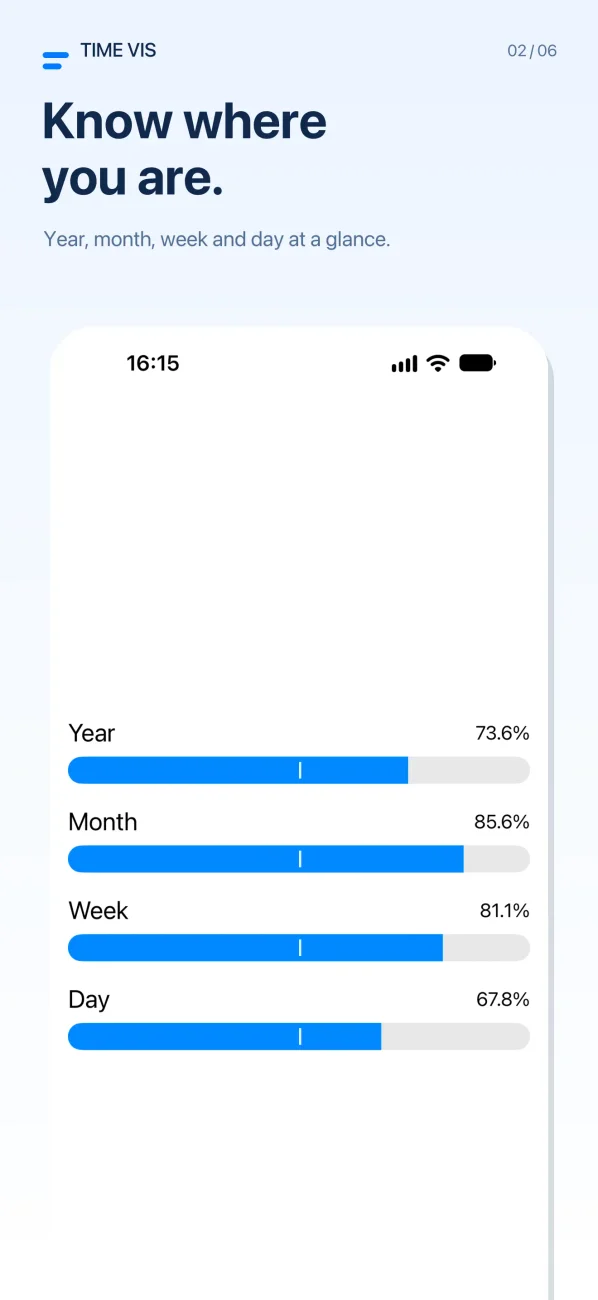
Time Vis shows how much of the current day, week, month, and year has passed through clean progress bars and percentages. It’s a simple way to pause and see where you are in time.
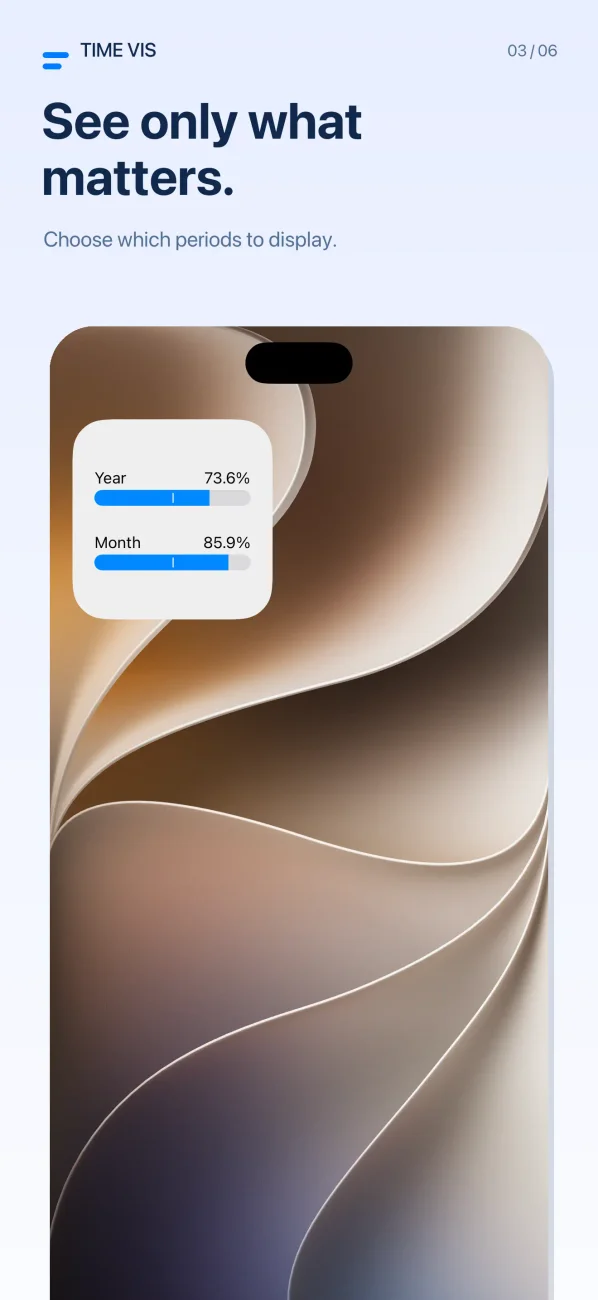
Keep that view close with widgets for your Home Screen and Lock Screen. Choose which periods appear in your Home Screen widget, and display labels and percentages or keep it minimal with bars alone. Pick a small or medium Home Screen widget, or a compact Lock Screen widget.
Open Time Vis whenever you want a clear view of the bigger picture.
新機能
バージョン 1.1 · 2026/9/27
Small stability improvements
アプリのプライバシー
このアプリのデータの取り扱いについて、Alexey KruhlikがApp Storeで申告している内容です。
-
ユーザーに関連付けられないデータ
収集される場合がありますが、ユーザーの識別情報には関連付けられません。
- ID
- 使用状況データ
プライバシーの取り扱いは、ご利用の機能やお客様の年齢などに応じて異なる場合があります。
情報
- 販売元
- Alexey Kruhlik
- カテゴリ
- ユーティリティ
- バージョン
- 1.1
- 更新日
- 2026/9/27
- リリース
- 2025/1/7
- サイズ
- 674.0 KB
- 必要条件
- iOS 17.6以降
- 対象年齢
- 4+
- 価格
- 無料
- 言語
- 英語
- 著作権
- © 2026 Alexey Kruhlik
こちらもおすすめ
-
 Bookmark Manager - Linkmarkユーティリティ
-
 My Year Progressユーティリティ
-
 AiNotes Recorderユーティリティ
-
 InsightsScanユーティリティ
-
 QR Code Scanner by NFC.coolScan and create Barcodes
-
 Life in Weeks - 人生進捗ウィジェットホーム画面ウィジェットで人生の進捗を確認
-
 YABA: Yet Another Bookmark Appユーティリティ
-
 Math keyboard - CalcuboardCalculator custom keyboard
-
 写真クリーナー:重複を削除スワイプで整理、ピンボケや大きな動画も
-
 ノート・メモ帳:音声メモ&ToDoリスト文字起こし・やることリスト・メモ・タスク管理