- 対象年齢4+
- カテゴリ仕事効率化
- 開発元Lukas Petr
- 言語英語
- サイズ70.0 MB
App Storeの公式ページにリンクしています
Download.orgはTimelines Time Trackingのファイルを一切ホストしていません。ボタンを押すと、Lukas Petrが公開しているApp Storeのアプリページが開きます。ページの最終確認:2026/11/23。
スクリーンショット

概要
開発元はこのテキストをお使いの言語で提供していません。
Timelines is an easy-to-use yet powerful time tracking app that helps you understand how you spend your day, improve your productivity, and build better habits. Track work, personal activities, health routines, and daily habits in one place, then visualize your time with an interactive timeline and charts to uncover patterns and make the most out of your time.
I personally wasn't happy with the way I was spending my time, so I decided to build a tool to help myself and others figure out a way to become more efficient. Timelines has been enabling me and other users to understand where our time is actually going, helping us improve our routines, build better habits, increase productivity, and achieve more in our personal and professional lives. I sincerely believe it can do the same for you.
– Lukas Petr, founder of Timelines
Timelines has been featured by Apple (New Apps We Love, App of the Day), and reviewed on 9To5Mac, MacStories, Tech Crunch, The Verge, Wired, and more.
▶ WHAT CAN YOU TRACK?
Timelines can help you track and understand how you spend time across all areas of your life:
- Work tasks and projects
- Personal activities and daily routines
- Habits and self-improvement goals
- Workouts, sleep, and health data
- Study sessions and learning
- Hobbies, side projects, and free time
- Family and social activities
- Anything you can imagine
▶ QUICK TIME TRACKING
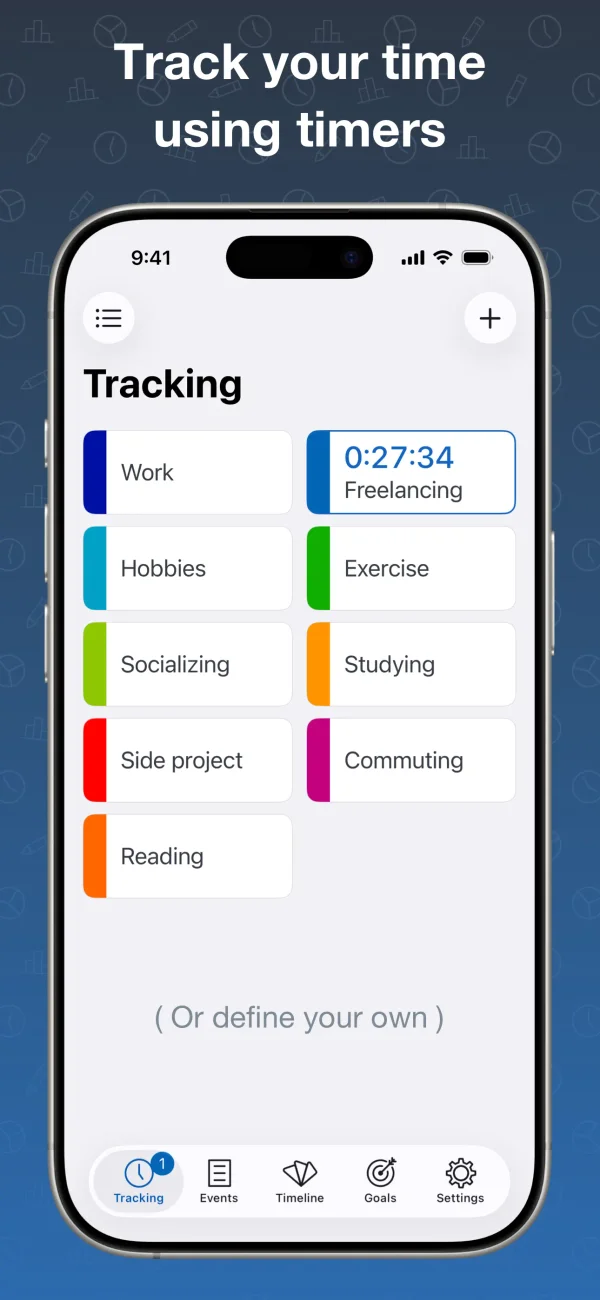
- track time spent on work, habits, health, or any activity you want
- control tracking with just 1 tap
- grid mode of timers
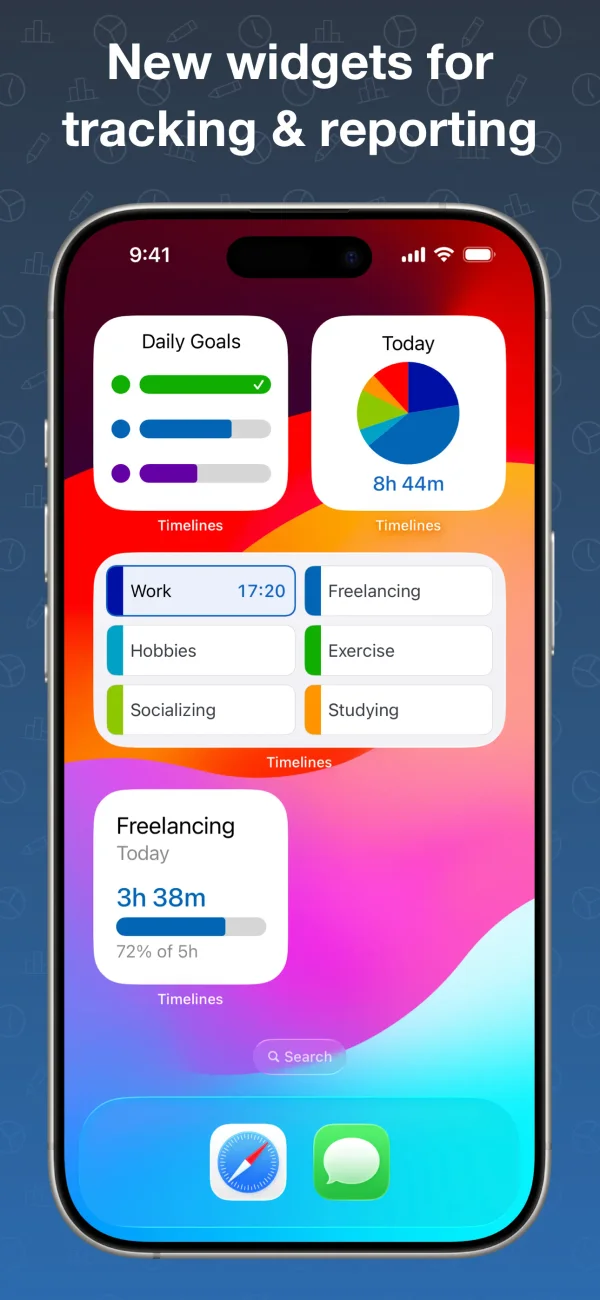
- track from Home Screen with powerful widgets
- see your current activity on Lock Screen as a Live Activity
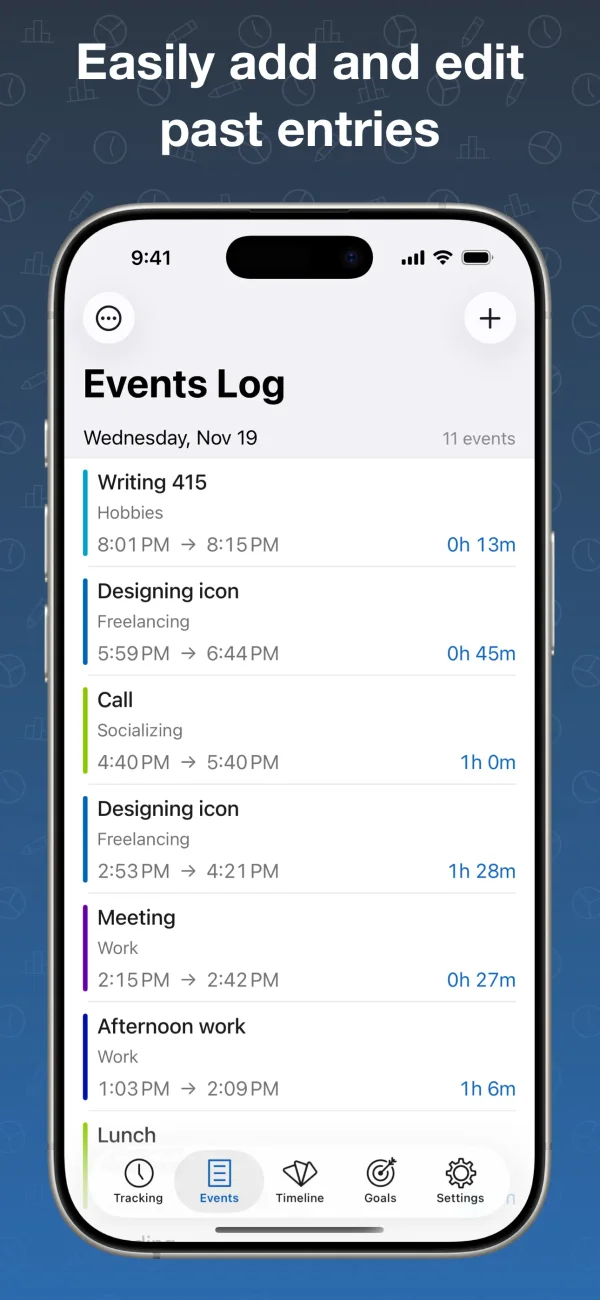
- easily edit and add past events
▶ POWERFUL VISUALIZATIONS
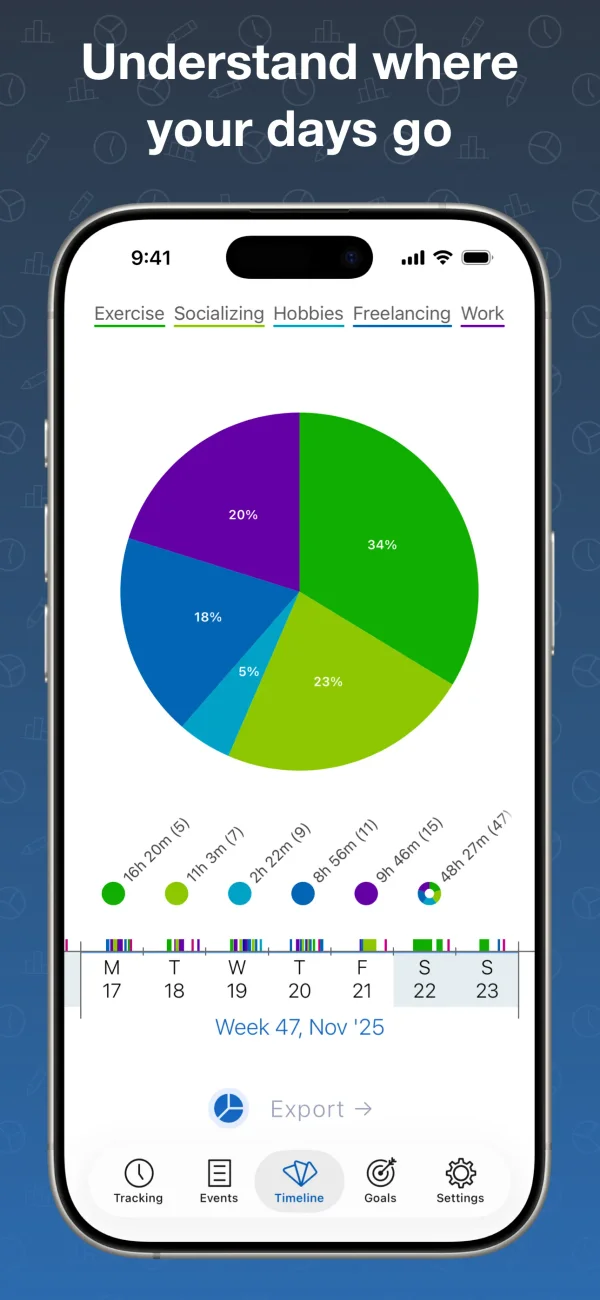
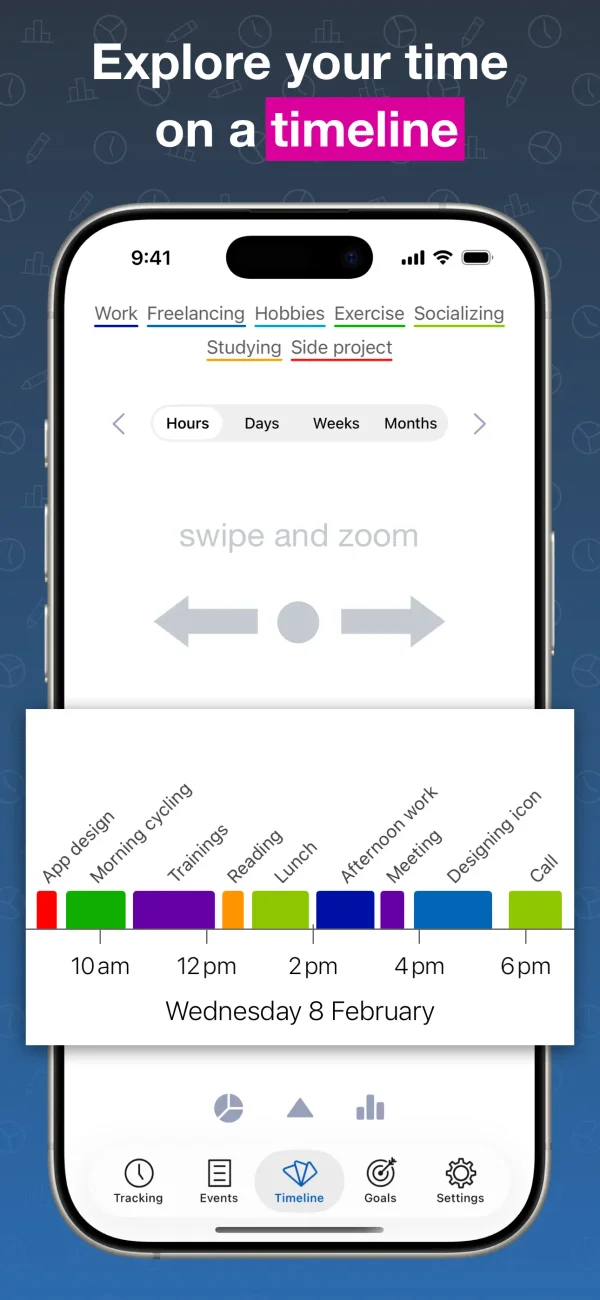
- see how you spend your time on an interactive timeline
- playful statistics mode with pie chart
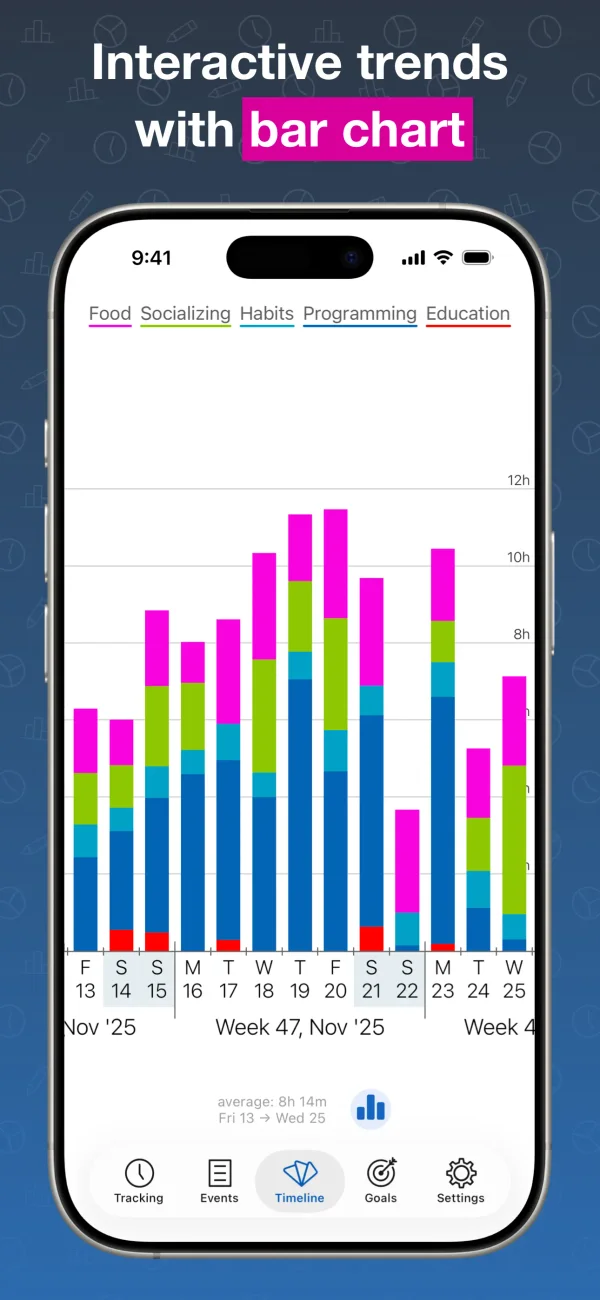
- see trends over time using bar chart
- subcategories - breakdown of your events
- quickly filter categories
▶ SYNC BETWEEN DEVICES
- have an always up-to-date backup of your data with Timelines Cloud
- sync between your iPhone, iPad, and Apple Watch, in real-time
- sign in using your email address or your Apple ID
▶ TIME-BASED GOALS
- define daily, weekly, and monthly time-based goals
- see your progress and stay on track
- periodic reports with rich notifications
- get rewarded for reaching a goal with confetti
▶ AUTOMATIONS
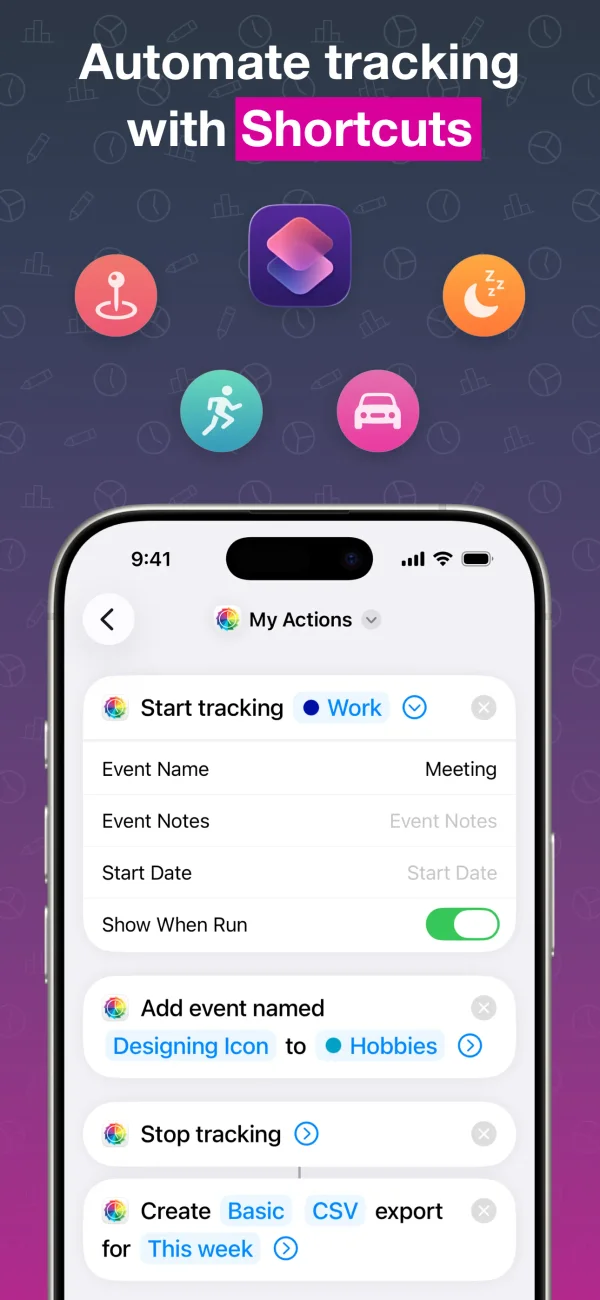
- build workflows with Siri Shortcuts
- use Siri to start and stop timers
- import workouts, sleep, and meditation from Apple Health
▶ AND MORE
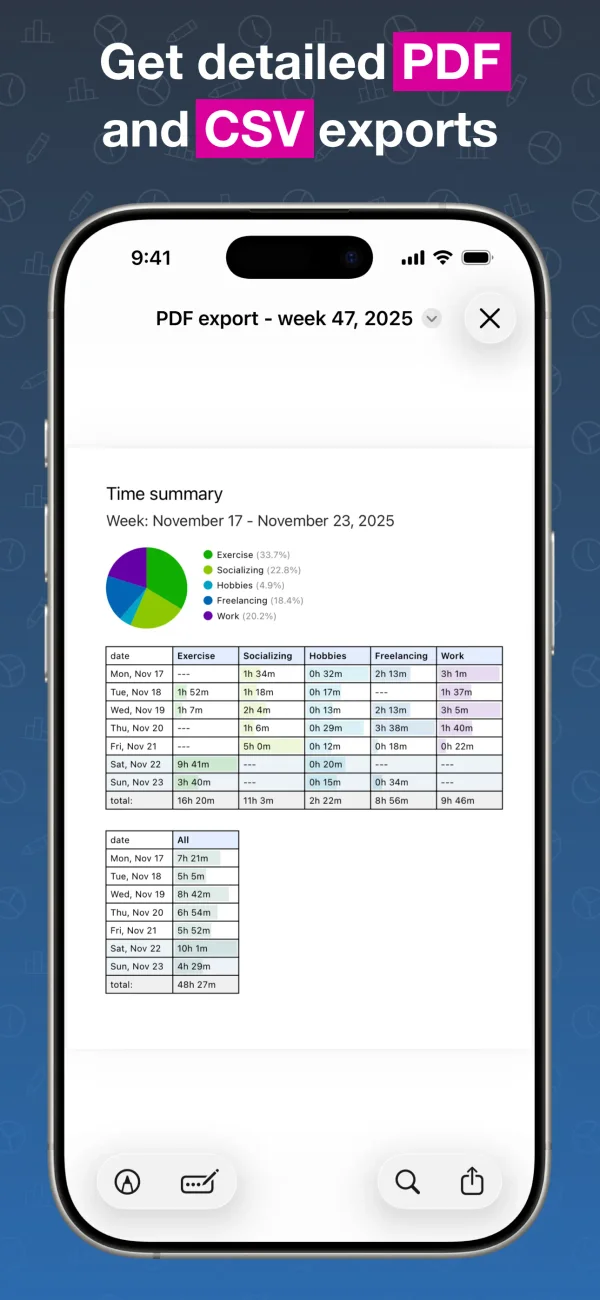
- detailed PDF and CSV exports
- timely and customizable reminders
- archive unused categories
- lots of possible customizations
▶ APPLE WATCH APP
- watch face complication for quick access
- haptic feedback on start and stop of timers
- set event names using dictation or choose from recent
- adjust start and end times using the digital crown
- see active timer’s duration and category on watch face
- real-time sync with iPhone and iPad using Timelines Cloud
- see list of past past entries and edit them easily
- daily, weekly, monthly, or yearly statistics
▶ WHAT IS FREE?
- track up to 3 categories
- basic exporting
- pie chart
- see events on a timeline
- events log
- reminders
▶ TIMELINES PRO
- sync between devices
- unlimited categories
- bar chart
- goals
- detailed exports
- import from Apple Health
- subcategories
- support development
Timelines has been in active development for over 9 years now. Lots of effort, attention and care went into every detail of the app.
Start taking control of your time today. In just a few days, you'll begin to understand your habits, improve your productivity, and make better decisions about how you spend your time.
I love working on Timelines, and a big part of my vision is to listen closely to users and incorporate their feedback. If you have any questions or suggestions, please reach out to me at
lukas@timelines.app.
– Lukas Petr, founder of Timelines
* Privacy policy: https://timelines.app/privacy/
* Terms of Use: https://timelines.app/terms/
新機能
バージョン 4.4.1 · 2026/10/14
• Timelines is now optimized for iPhone Duo! Enjoy it both folded and unfolded.
• Added new setup guides to help you get started with automatic tracking, widgets, and shortcuts.
• Fixed the default duration for automatically deleting short events.
• Various other small bugfixes and improvements.
アプリのプライバシー
このアプリのデータの取り扱いについて、Lukas PetrがApp Storeで申告している内容です。
-
ユーザーに関連付けられないデータ
収集される場合がありますが、ユーザーの識別情報には関連付けられません。
- 購入
- ID
- 使用状況データ
- 診断
プライバシーの取り扱いは、ご利用の機能やお客様の年齢などに応じて異なる場合があります。
情報
- 販売元
- Lukas Petr
- カテゴリ
- 仕事効率化
- バージョン
- 4.4.1
- 更新日
- 2026/10/14
- リリース
- 2016/8/12
- サイズ
- 70.0 MB
- 必要条件
- iOS 16.0以降
- 対象年齢
- 4+
- 価格
- 無料
- アプリ内課金
- あり
- 言語
- 英語
- 著作権
- © 2026 Glimsoft
こちらもおすすめ
-
 ATracker - デイリータスクトラッキング時間管理・毎日の習慣・目標・ルーチン
-
 Timery: Time Tracker仕事効率化
-
 aTimeLogger Pro デイリータスクトラッキング時間管理 & 行動履歴/行動分析,毎日の習慣, 目標
-
 Habit Tracker - HabitKitStreaks & Accountability
-
 Tyme | Time Tracking仕事効率化
-
 Weel Planner: ADHD Calendar仕事効率化
-
 TimeFinder: ADHD 一日のスケジュールタイムスケジュール ルーティン 時間管理
-
 Clockify Time Tracker仕事効率化
-
 Things 3To-Do リスト
-
 Flipd: focus & study timer仕事効率化