
- 対象年齢4+
- カテゴリスポーツ
- 開発元Umang Desai
- 言語英語
- サイズ27.1 MB
App Storeの公式ページにリンクしています
Download.orgはTouchline Studioのファイルを一切ホストしていません。ボタンを押すと、Umang Desaiが公開しているApp Storeのアプリページが開きます。ページの最終確認:2026/11/14。
スクリーンショット
概要
開発元はこのテキストをお使いの言語で提供していません。
Touchline Studio is the complete training companion for soccer coaches who want to spend less time planning and more time coaching.
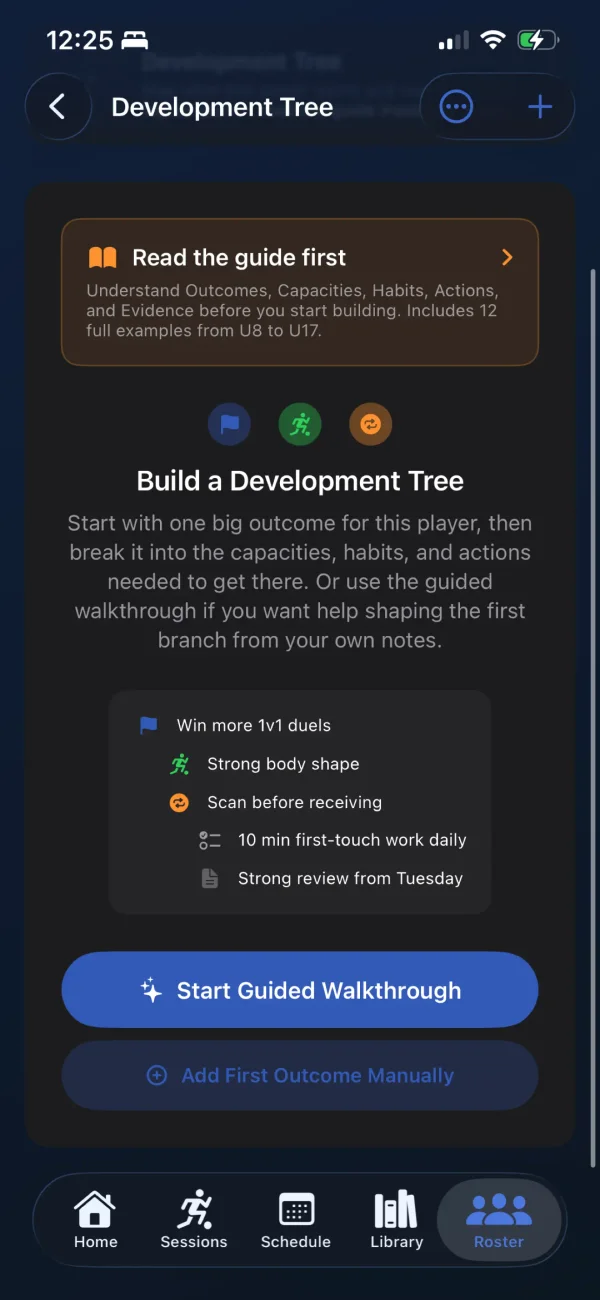
PLAYER DEVELOPMENT TREE
Map what each player needs to achieve over the season with a structured tree. Outcomes break into Capacities, Habits, Actions, and Evidence. Track progress with status updates, timestamped notes, and session links. Progress rings and status breakdowns roll up automatically so you can see where every player stands at a glance.
AI-GUIDED WALKTHROUGHS
Create sessions, drills, and development trees through a conversational flow. The AI walks you through coaching intent, focus, logistics, and structure, then drafts the full plan for you to review, edit, and refine. Regenerate individual drills or ask AI to rewrite specific activities.
BUILT-IN COACHING GUIDE
A comprehensive reference explaining every development node type with coaching questions, real soccer examples, and 10 full holistic tree samples covering U8 through U17 age groups. Contextual hints in the editor change based on the selected node type.
PLAN YOUR ENTIRE SEASON
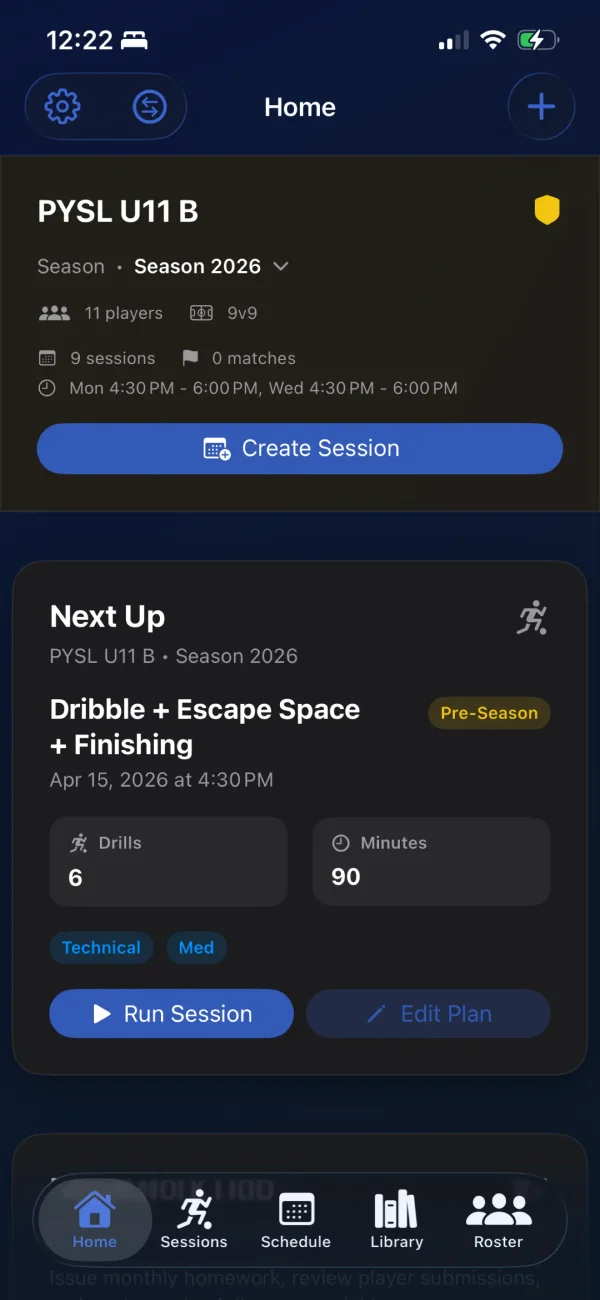
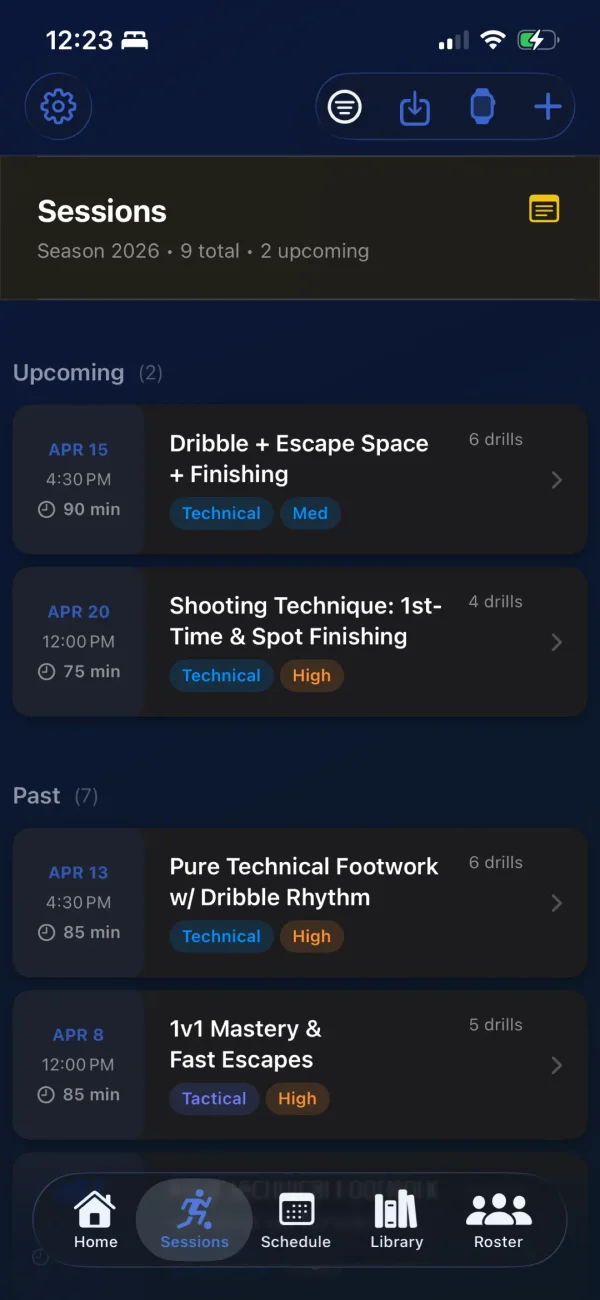
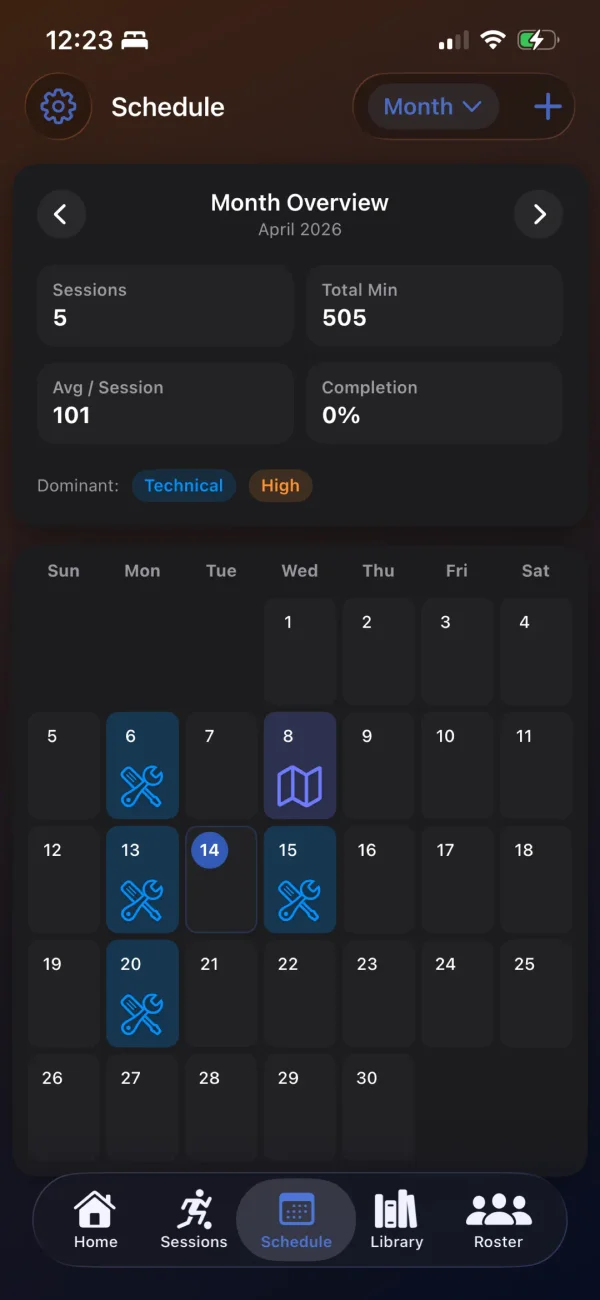
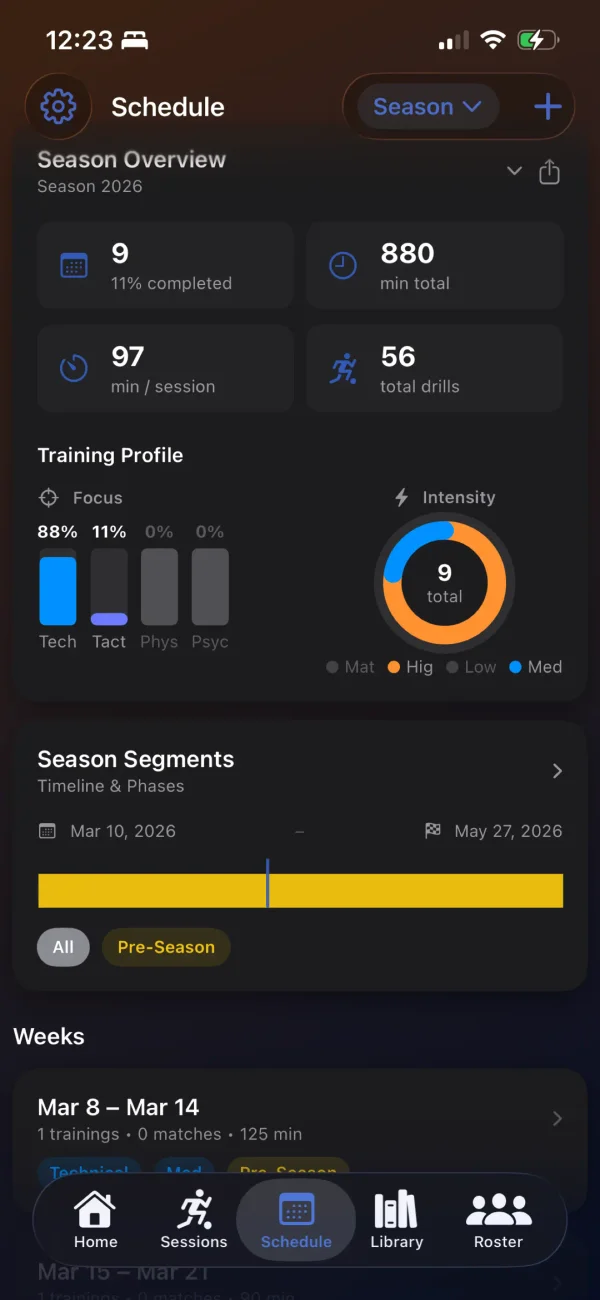
Create teams, define seasons, and set default game formats and weekly practice schedules. New sessions start from your next scheduled practice slot. See your entire schedule at a glance and track focus areas and training intensity across your program.
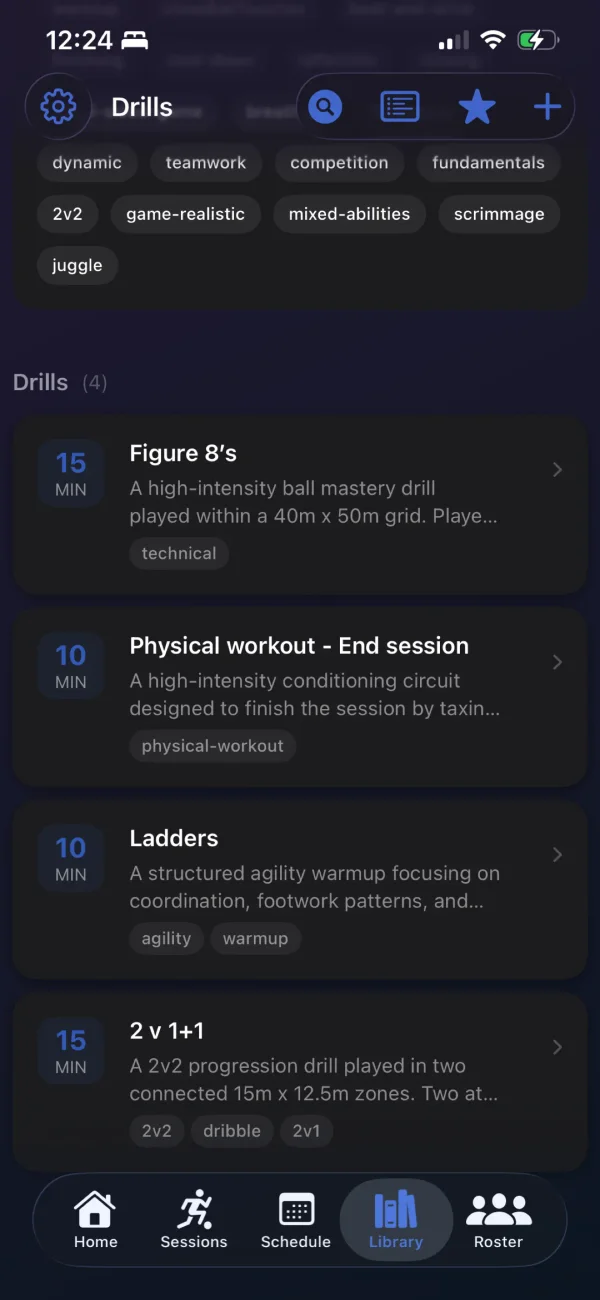
BUILD A REUSABLE DRILL LIBRARY
Save drills to your personal library with tags, descriptions, equipment lists, and player counts. Search by keyword or filter by tag. Draw animated diagrams on the coach board with player markers, cones, ball, and movement arrows on multiple field styles including grass, whiteboard, chalkboard, and blueprint.
LIVE SESSION TOOLS
Run training sessions with a clear drill timeline. Use the built-in stopwatch to time drills, sprints, or any activity. Record splits with a single tap and tag players as they finish. Capture per-player notes during activities. Player timing history is automatically tracked across their profile.
VOICE AND TEXT NOTES
Take notes on individual players during practice using text or voice dictation. Notes are automatically linked to the session and player, building a complete development record over time. Record general session notes that aren't tied to any specific player.
PLAYER EVALUATIONS
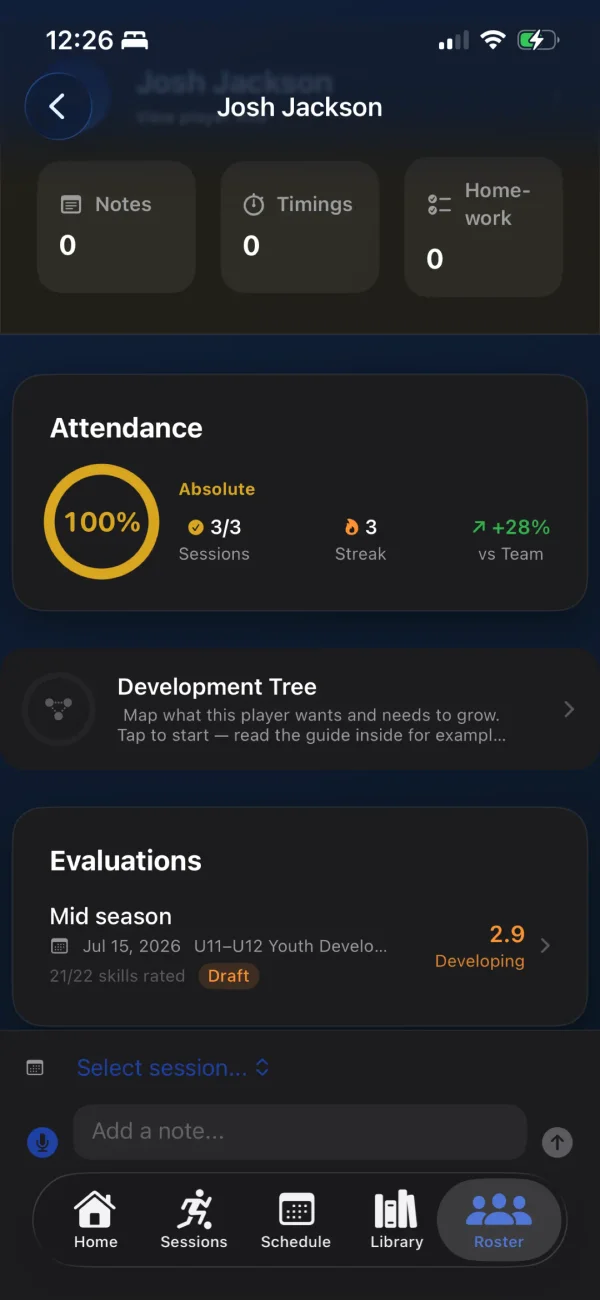
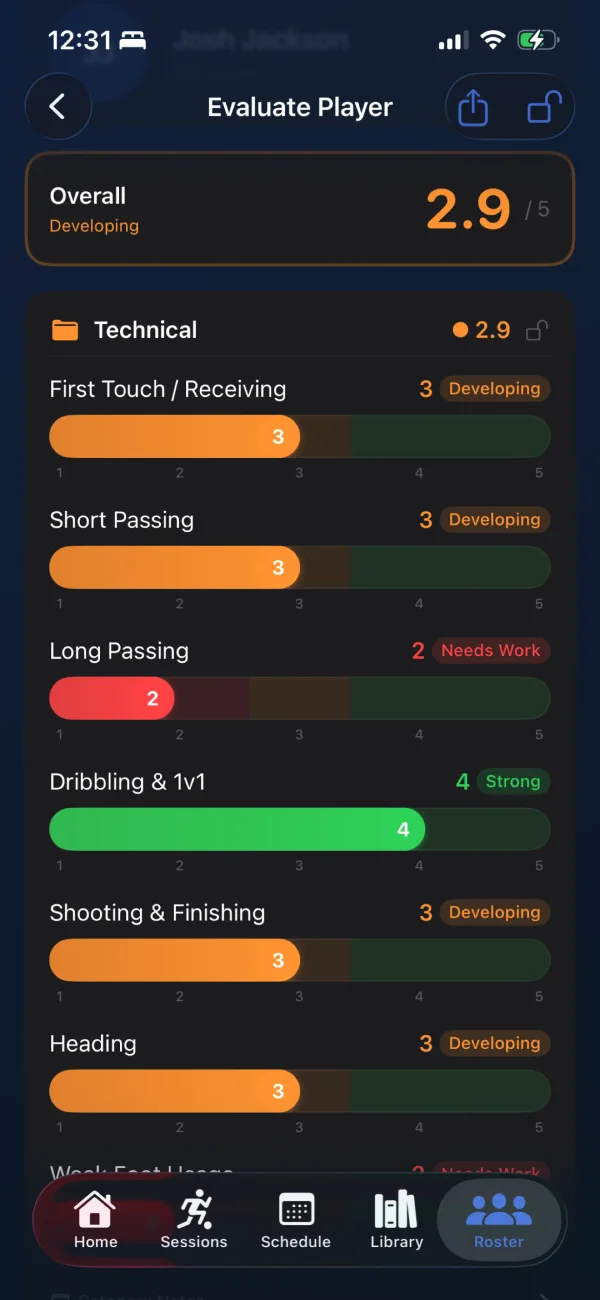
Rate players using built-in starter templates or build custom ones from a unified skill catalog. Tap a category to grab all its skills or expand to cherry-pick individually. Compare performance over time with snapshots, track trends, and export reports to share with staff or parents.
COACH JOURNAL
Capture coaching reflections in a team journal or a general journal that isn't tied to any specific team. Write dated entries, or build multi-page notebooks that mix text, checklists, voice notes, sketches, and coach boards on the same page. Quick access from the Home tab for both team-specific and general coaching notes.
ROSTER MANAGEMENT
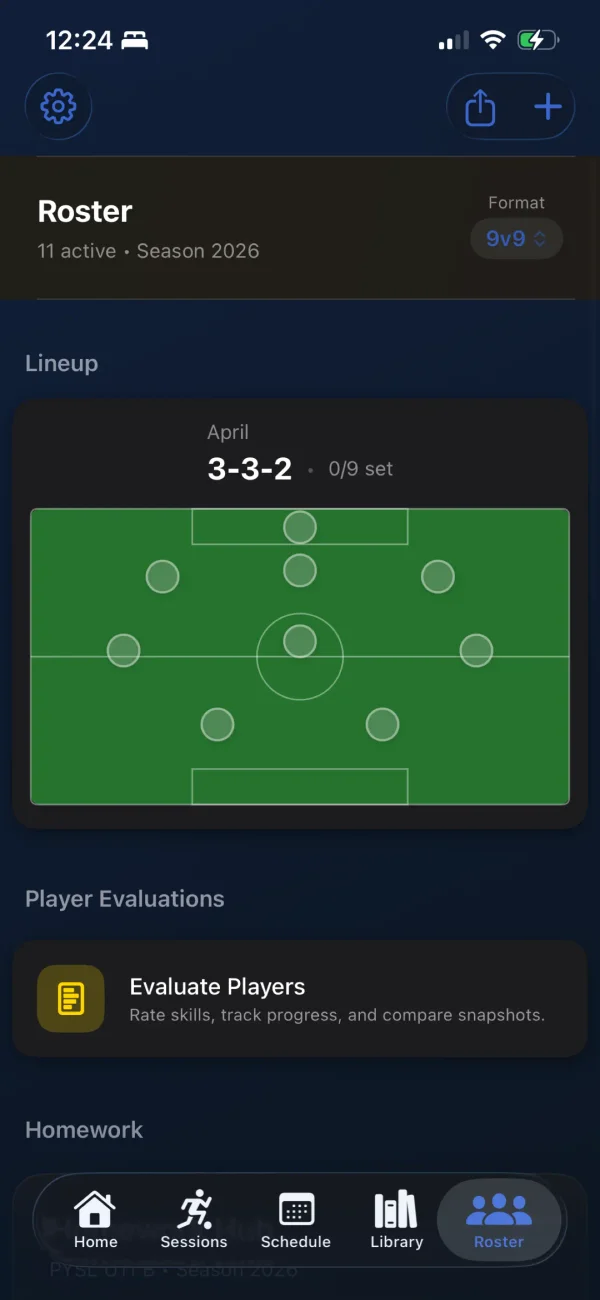
Import your roster from CSV or Excel files with a review step to catch errors. Track players across seasons, manage jersey numbers, and keep detailed player profiles with notes, evaluations, development trees, and timing history.
MATCH SCHEDULING
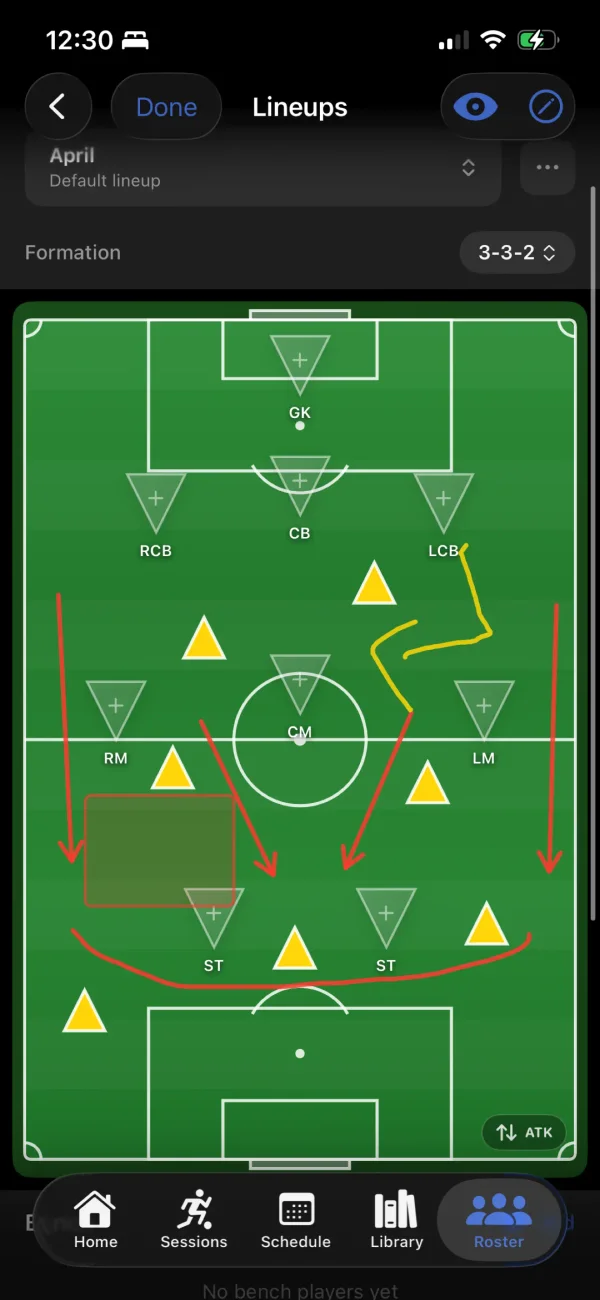
Schedule matches alongside your training sessions. Set lineups from formation templates. Keep your entire season organized in one place with opponents, kickoff times, and live match event tracking.
SYNC ACROSS DEVICES
Your data syncs privately through iCloud, so you can plan on your Mac and run sessions from your iPhone or iPad on the pitch.
DESIGNED FOR COACHES
No clutter, no social features, no distractions. Just the tools you need to develop players and run effective sessions. Whether you're coaching youth soccer or adult leagues, Touchline Studio adapts to your workflow.
Download now and take your coaching to the next level.
新機能
バージョン 6.6.0 · 2026/10/17
What's New in 6.6.0
AI Coach Reports:
- Reports are saved with the evaluation, so you can reopen, edit, and re-export them anytime
- Review and edit every section before exporting the PDF
- Compare against a previous evaluation to show progress, with the change on every skill
- Evaluation PDFs add skill bars, a colour legend, and change since the last evaluation
- Set your league or flight and a development focus in Team settings to tailor reports
- Note a player's club experience, such as their first year, when generating a report
Smarter Report Focus:
- Reports lead with soccer skills, with ball skills first for youth players
- Attitude and effort are recognised in their own section, not listed as headline strengths
- Skills already at the top score are no longer suggested as a next focus
- Top-scored ball skills are shown as "Keep consistent" instead
Feature Tour:
- Discover teams, training, player development, match tactics, coach notebooks, and AI help through a redesigned seven-slide tour
- Each slide has its own visual composition, with clear navigation hints and support for larger text
- Explore at your own pace with Back, Next, and Skip, then replay the tour anytime from Settings
Release Notes Display:
- Release notes without section headings now appear correctly in the in-app panel
アプリのプライバシー
このアプリのデータの取り扱いについて、Umang DesaiがApp Storeで申告している内容です。
-
データの収集なし
開発元はこのアプリからデータを収集しません。
プライバシーの取り扱いは、ご利用の機能やお客様の年齢などに応じて異なる場合があります。
情報
- 販売元
- Umang Desai
- カテゴリ
- スポーツ
- バージョン
- 6.6.0
- 更新日
- 2026/10/17
- リリース
- 2026/1/21
- サイズ
- 27.1 MB
- 必要条件
- iOS 26.2以降
- 対象年齢
- 4+
- 価格
- 無料
- 言語
- 英語
- 著作権
- © 2026 Umang Desai