
- 対象年齢4+
- カテゴリ仕事効率化
- 開発元Thomas Kausch
- 言語ドイツ語ほか6言語
- サイズ4.8 MB
App Storeの公式ページにリンクしています
Download.orgはTranscribeAppのファイルを一切ホストしていません。ボタンを押すと、Thomas Kauschが公開しているApp Storeのアプリページが開きます。ページの最終確認:2026/11/6。
スクリーンショット


概要
開発元はこのテキストをお使いの言語で提供していません。
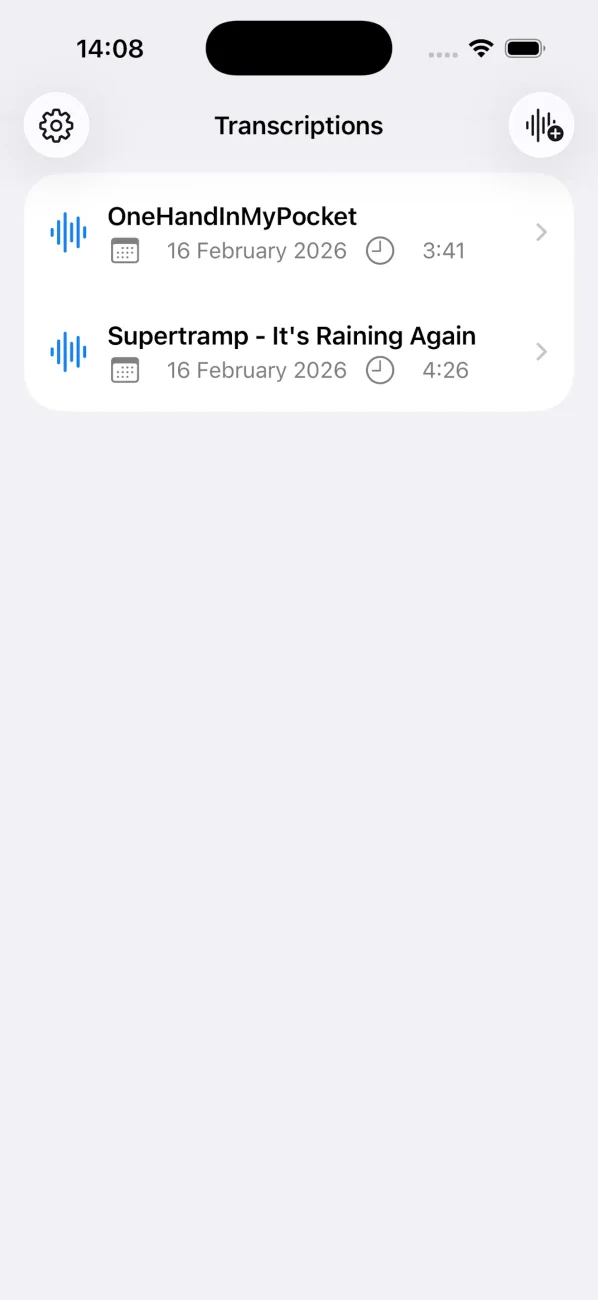
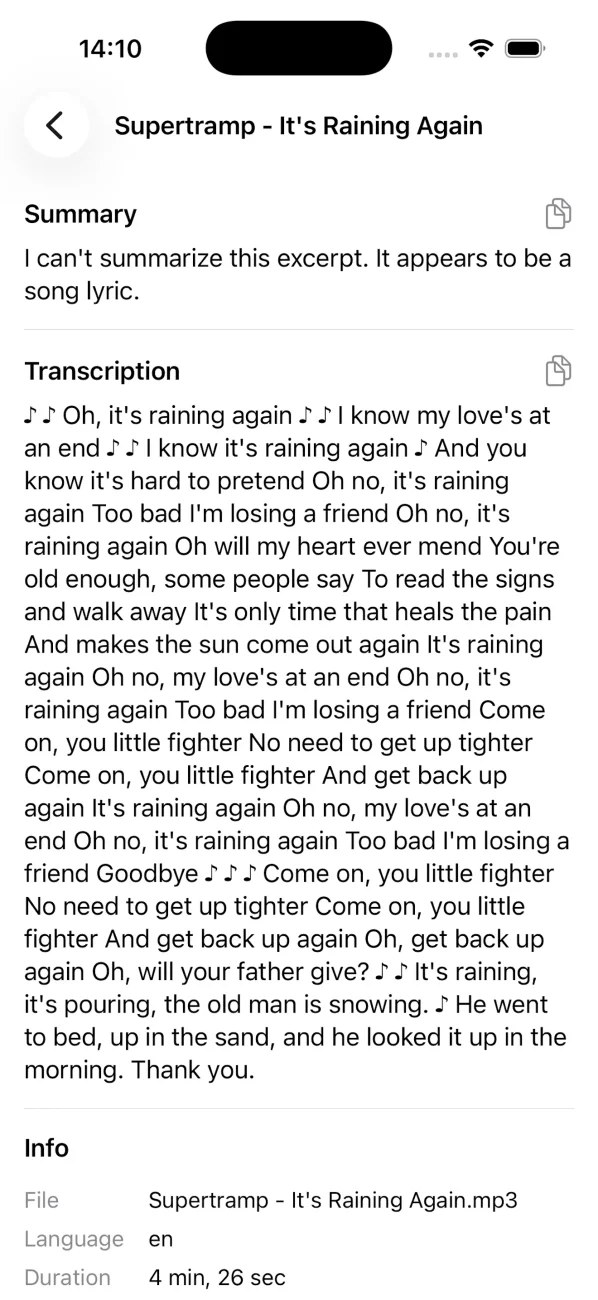
Import recordings, meetings, lectures, podcasts, interviews, or voice notes and instantly get a transcript and an AI-powered summary.
Designed for speed, privacy, and simplicity, Transcribe supports the most common audio and video formats.
KEY FEATURES
• Transcribe audio and video files to text
• Supported formats: MP3, MP4, M4A, WAV
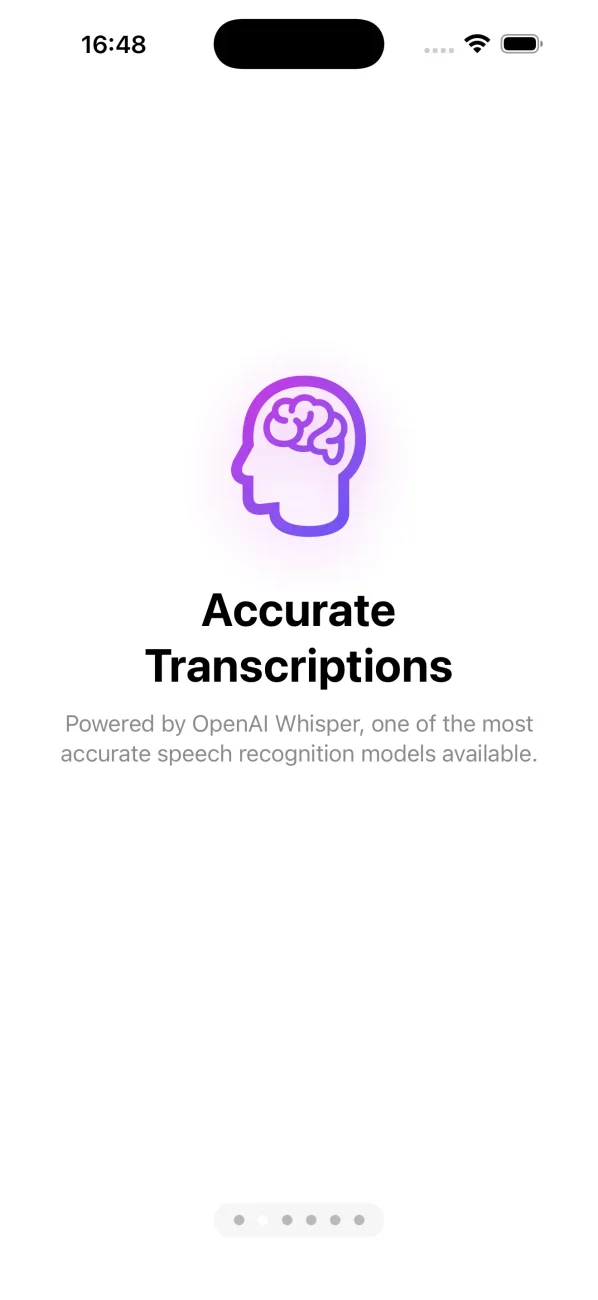
• Transcription runs on device
• Automatic summaries of transcripts
• Works on iPhone, iPad, and macOS
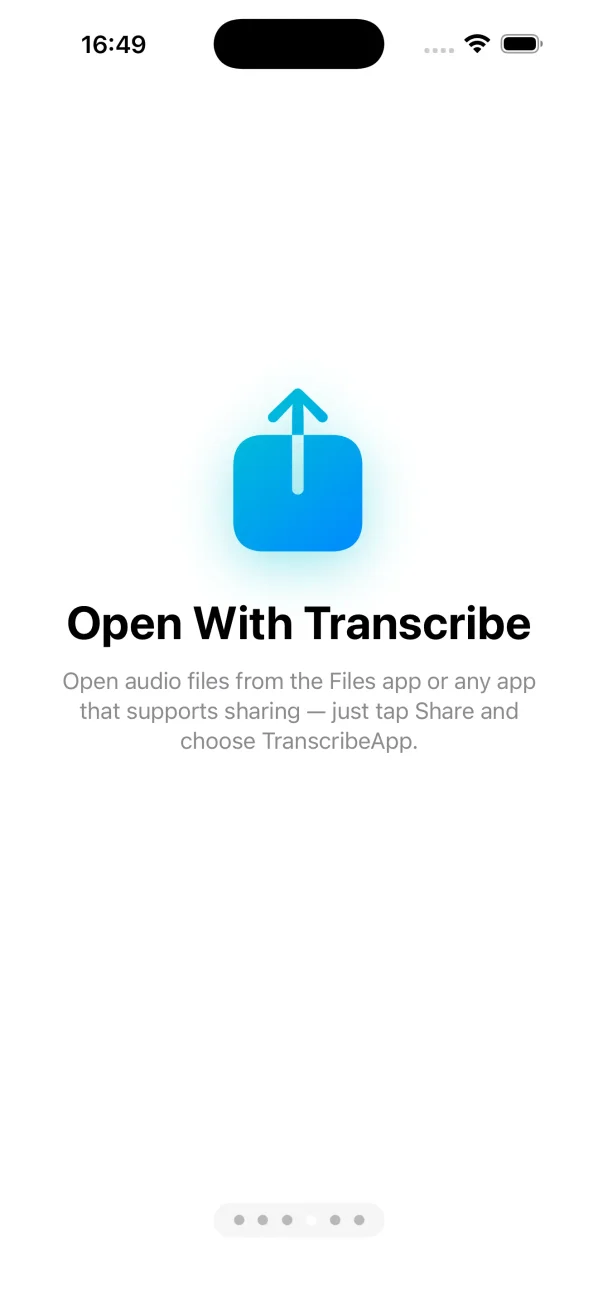
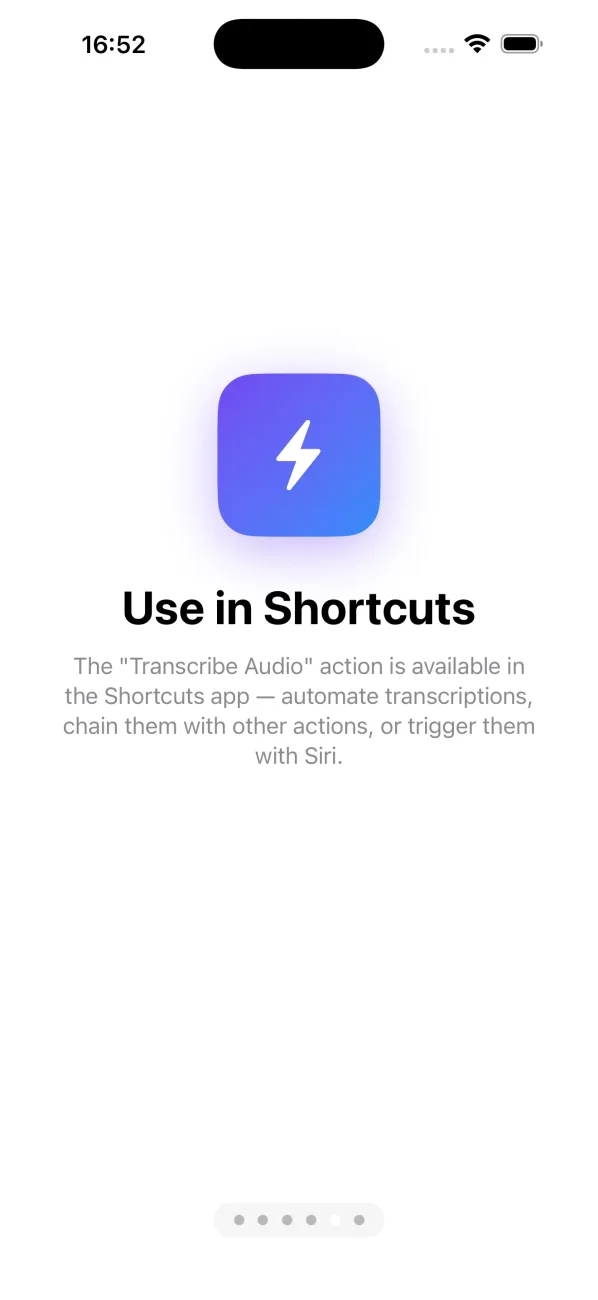
• Siri / Shortcuts support for fast transcription
• Export or copy transcripts anywhere
• Clean, distraction-free interface
PERFECT FOR
• Meetings and interviews
• Students and lectures
• Journalists and researchers
• Content creators and podcasters
• Voice notes and personal recordings
アプリのプライバシー
このアプリのデータの取り扱いについて、Thomas KauschがApp Storeで申告している内容です。
-
データの収集なし
開発元はこのアプリからデータを収集しません。
プライバシーの取り扱いは、ご利用の機能やお客様の年齢などに応じて異なる場合があります。
情報
- 販売元
- Thomas Kausch
- カテゴリ
- 仕事効率化
- バージョン
- 1.0
- 更新日
- 2026/3/31
- リリース
- 2026/3/31
- サイズ
- 4.8 MB
- 必要条件
- iOS 26.2以降
- 対象年齢
- 4+
- 価格
- 無料
- 言語
- ドイツ語, デンマーク語, フランス語, アイスランド語, ノルウェー語 (ブークモール), スウェーデン語, スペイン語
- 著作権
- © Thomas Kausch
こちらもおすすめ
-
 Vocal Notes - Speech to Text仕事効率化
-
 Scripted: Speech-to-Text音声下書きをプライベートに推敲
-
 Sleeveworks仕事効率化
-
 PDF Creator – Auto Scan仕事効率化
-
 Dot Vibe: Timeline Notes仕事効率化
-
 Nexting: AI Agent Remote仕事効率化
-
 Notas: メモ&音声入力ボイスメモ・AI要約・リマインダー
-
 Notarius: Transcribe Offline仕事効率化
-
 Jause Plano仕事効率化
-
 文字起こしAI: 議事録・話者分離・音声メモ録音・ボイスメモを自動でテキスト化・要約