- 対象年齢4+
- カテゴリ仕事効率化
- 開発元Warren Hansen
- 言語英語
- サイズ42.6 MB
App Storeの公式ページにリンクしています
Download.orgはTrash Timeのファイルを一切ホストしていません。ボタンを押すと、Warren Hansenが公開しているApp Storeのアプリページが開きます。ページの最終確認:2026/11/22。
スクリーンショット
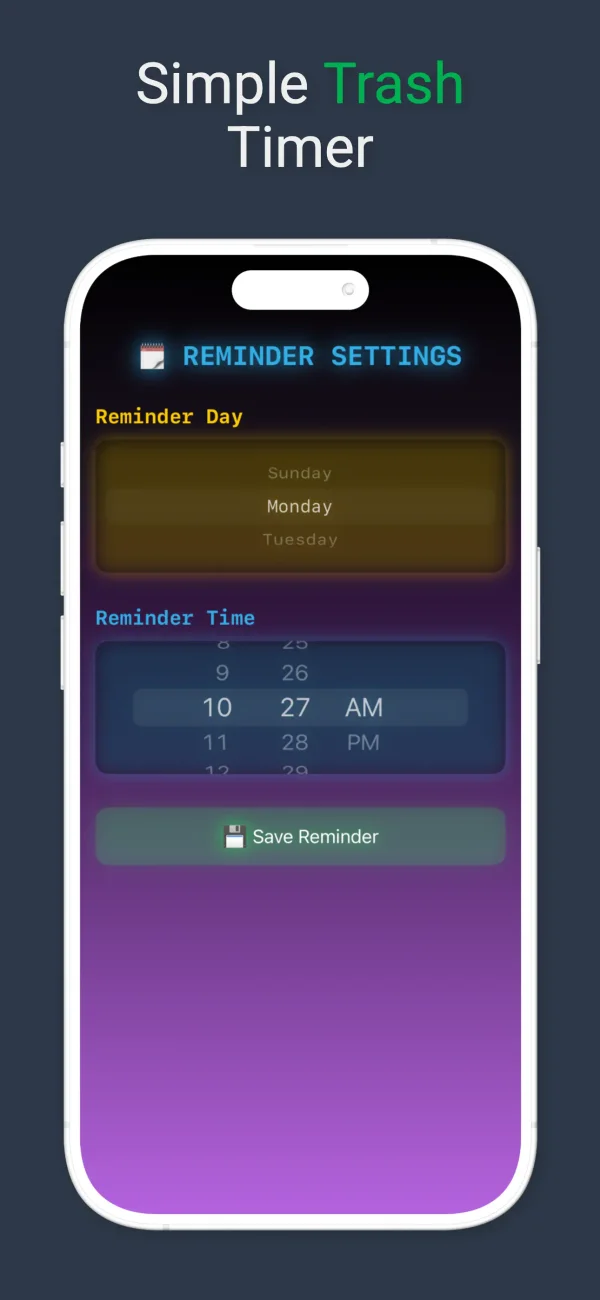
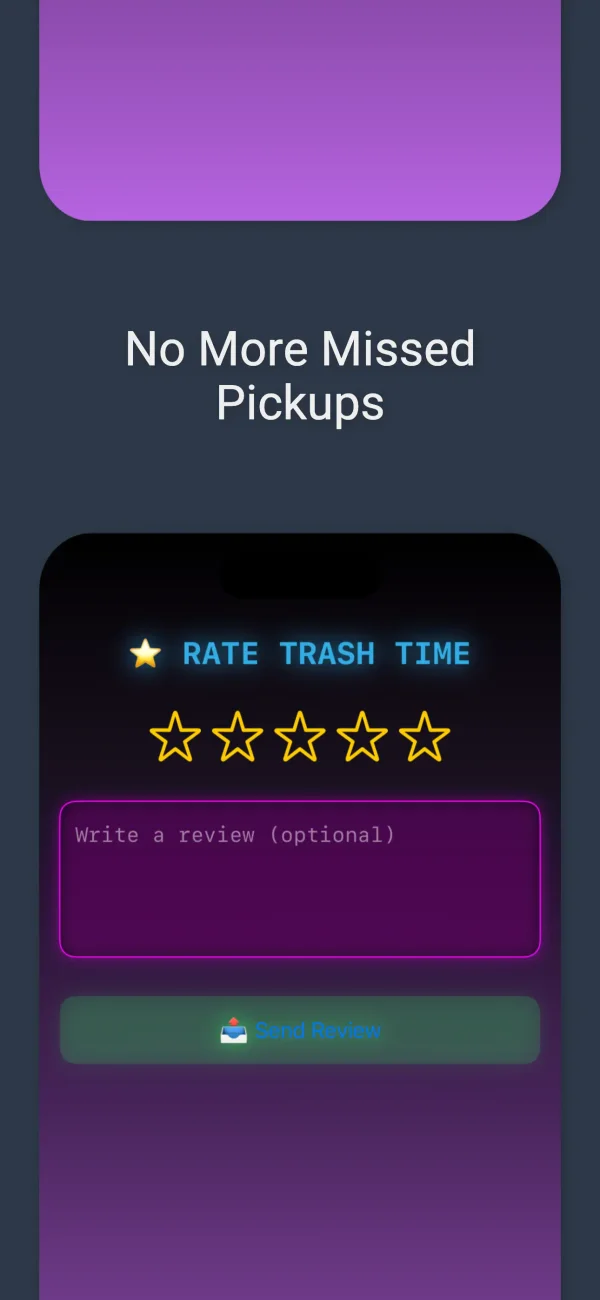
概要
開発元はこのテキストをお使いの言語で提供していません。
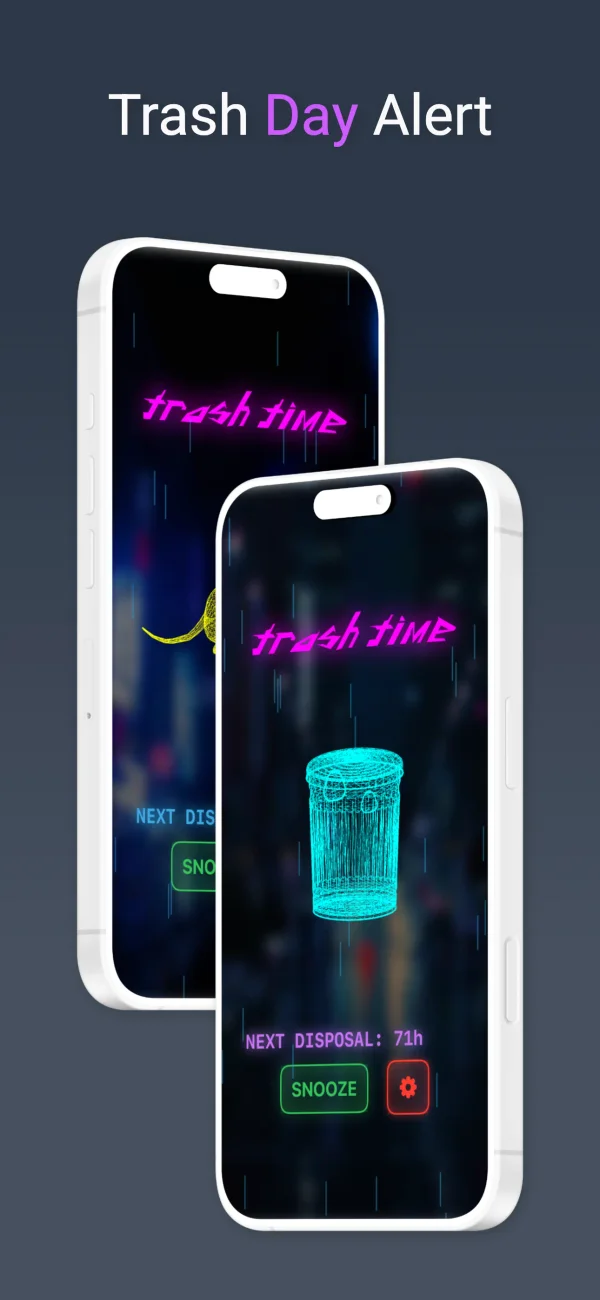
Never miss trash day again. Trash Time is a weekly garbage and recycling reminder with a neon cyberpunk look: a glowing countdown shows when pickup is, and a notification tells you when to roll the bin to the curb.
HOW IT WORKS
• Set your pickup day and time once. Trash Time reminds you every week.
• The home screen counts down to the next pickup, for example 2D 10H 40M, with the day and time right below it. In the last hour, it turns red.
• Running late? Snooze adds 15 minutes in the hour before pickup or right after the reminder goes off, and reminds you again when the snooze ends.
• Use your reminder for whatever your city collects: trash, recycling, yard waste, or bulk pickup.
HARD TO MISS
• Each reminder puts a badge on the app icon until you open Trash Time.
• Settings > Notifications checks how iOS will show your reminder and walks you through making the banner stay on screen until you swipe it away.
MADE TO LOOK AT
• Rotating 3D wireframe models: a garbage can, a mouse, a dumpster, and a garbage truck
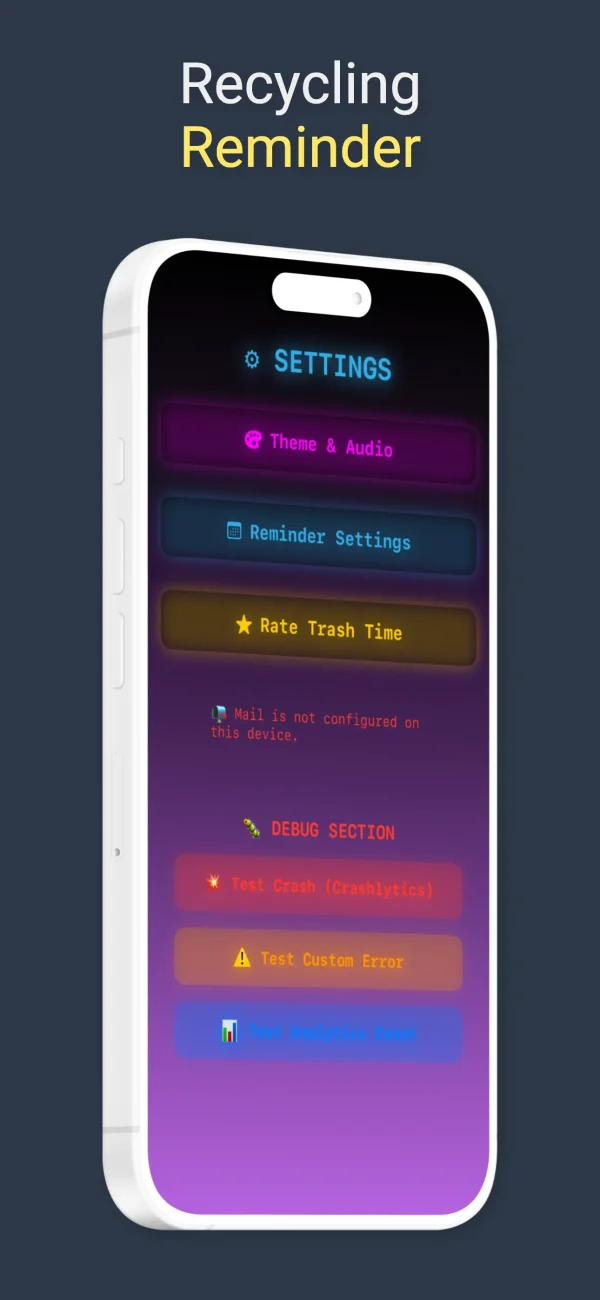
• Four themes: Neon Tokyo, Dark Grid, Synthwave, and Blade Runner
• Optional rain, a cyberpunk soundtrack, and four notification sounds
• Works with VoiceOver and Reduce Motion
SMALL AND SIMPLE
No account, no sign-up, and no ads. One screen tells you what you need to know, and Settings shows your reminder, theme, and sound at a glance.
Made by indie developer Warren Hansen. Have an idea? Send it through the suggestion box in the app.
新機能
バージョン 1.4 · 2026/11/21
- A redesigned home screen puts the countdown front and center, with the pickup day and time right below it.
- Snooze now works when you need it: in the hour before pickup and the hour after the reminder goes off. Each tap adds 15 minutes, and you get a reminder when the snooze ends.
- New in Settings: Notifications shows whether your reminder will stay on screen and walks you through making it hard to miss, step by step.
- Reminders now put a badge on the app icon until you open Trash Time.
- A cleaner Settings screen shows your reminder, theme, and sound at a glance.
- Your weekly reminder now starts as soon as you allow notifications.
- The garbage can no longer zooms in from the corner when the home screen opens.
- Smoother changes between the 3D models, support for Reduce Motion, and a much smaller download.
アプリのプライバシー
このアプリのデータの取り扱いについて、Warren HansenがApp Storeで申告している内容です。
-
データの収集なし
開発元はこのアプリからデータを収集しません。
プライバシーの取り扱いは、ご利用の機能やお客様の年齢などに応じて異なる場合があります。
情報
- 販売元
- Warren Hansen
- カテゴリ
- 仕事効率化
- バージョン
- 1.4
- 更新日
- 2026/11/21
- リリース
- 2025/9/1
- サイズ
- 42.6 MB
- 必要条件
- iOS 18.5以降
- 対象年齢
- 4+
- 価格
- 無料
- 言語
- 英語
- 著作権
- ©copyright2025